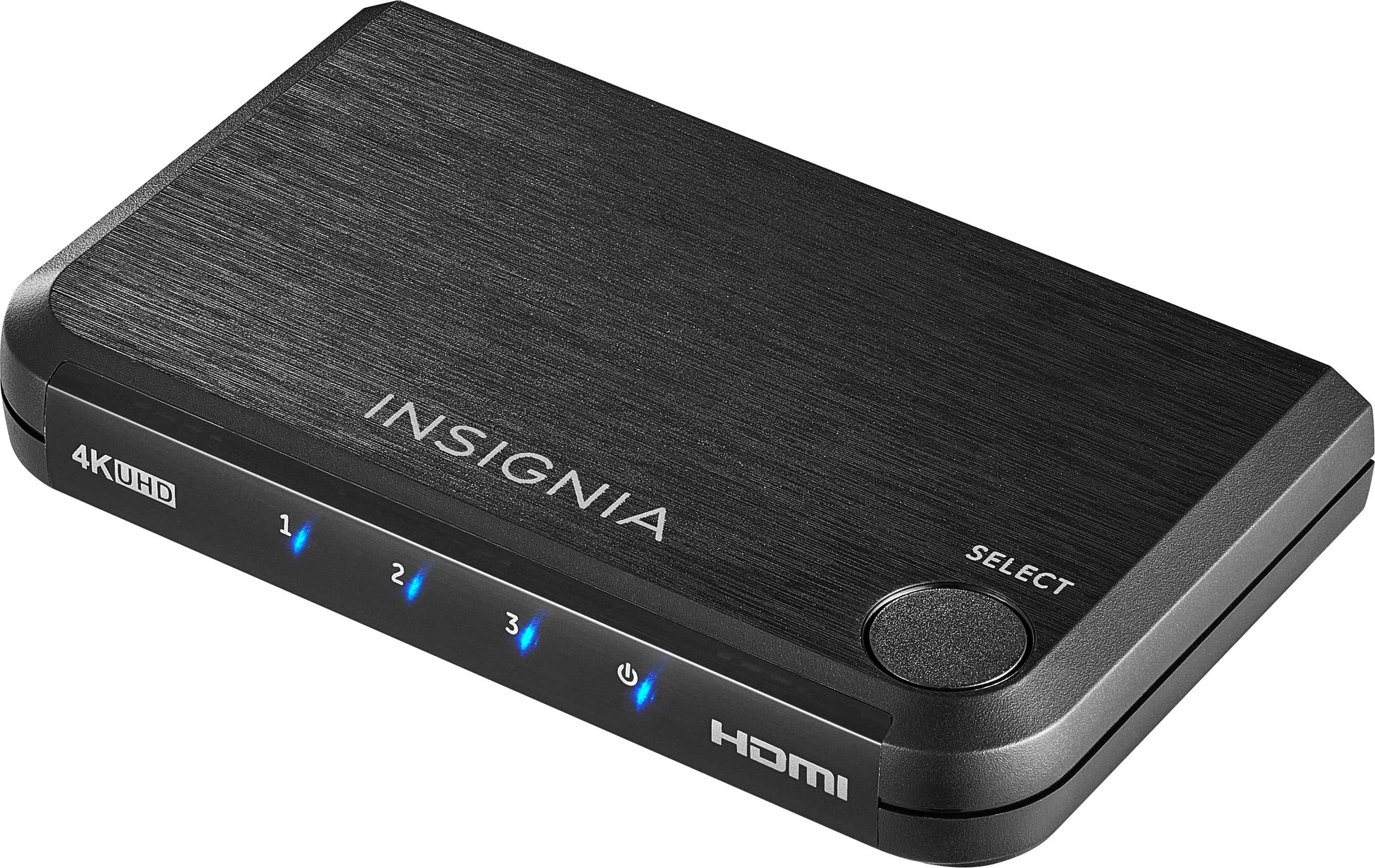
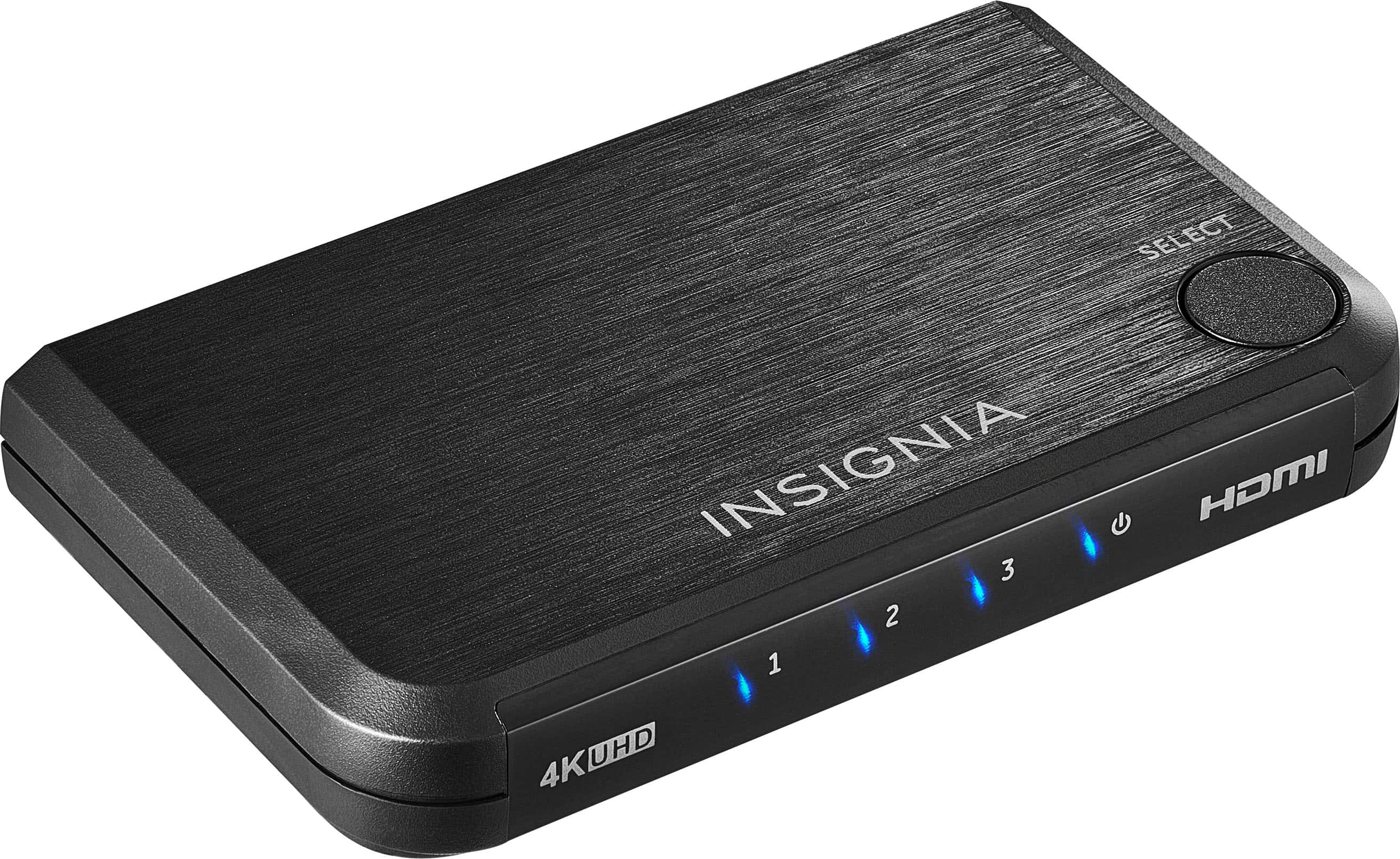
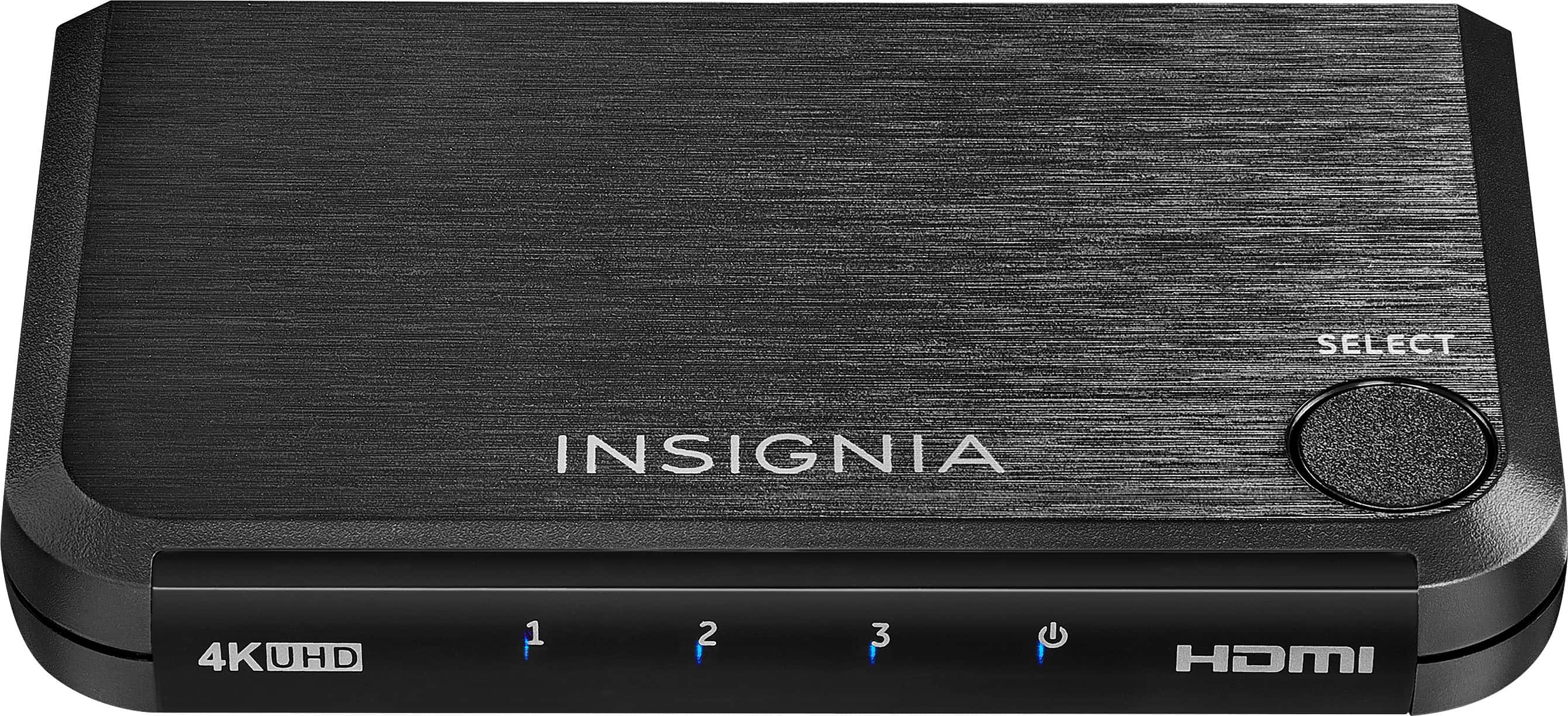
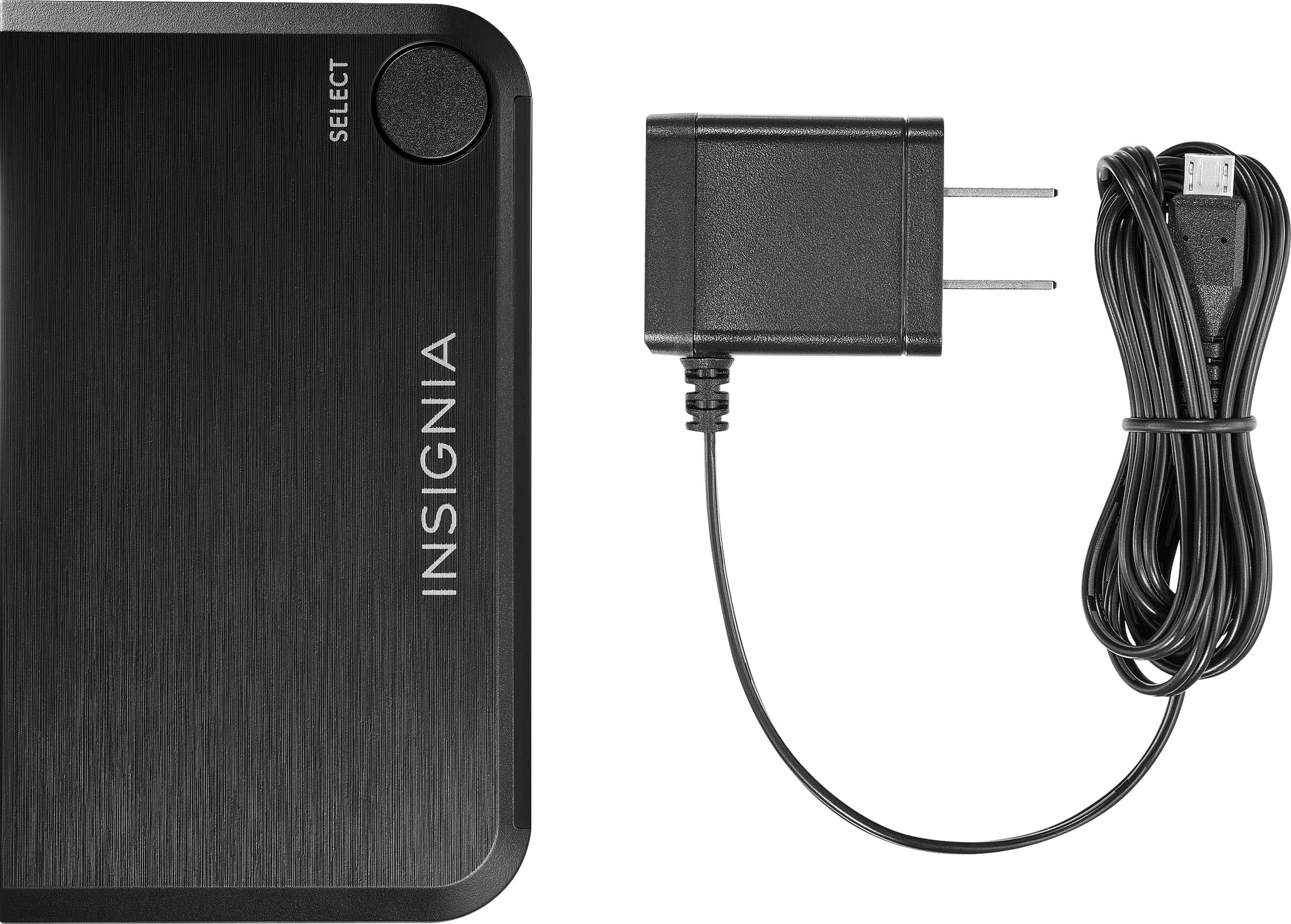
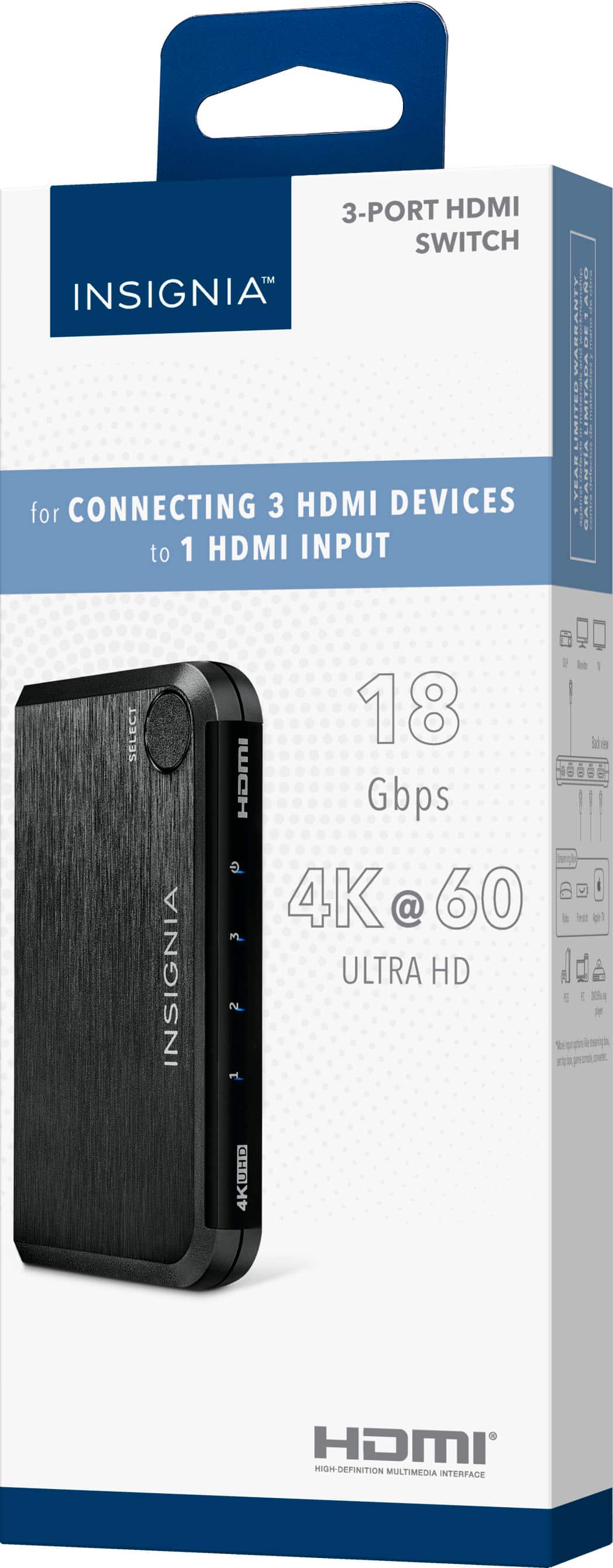
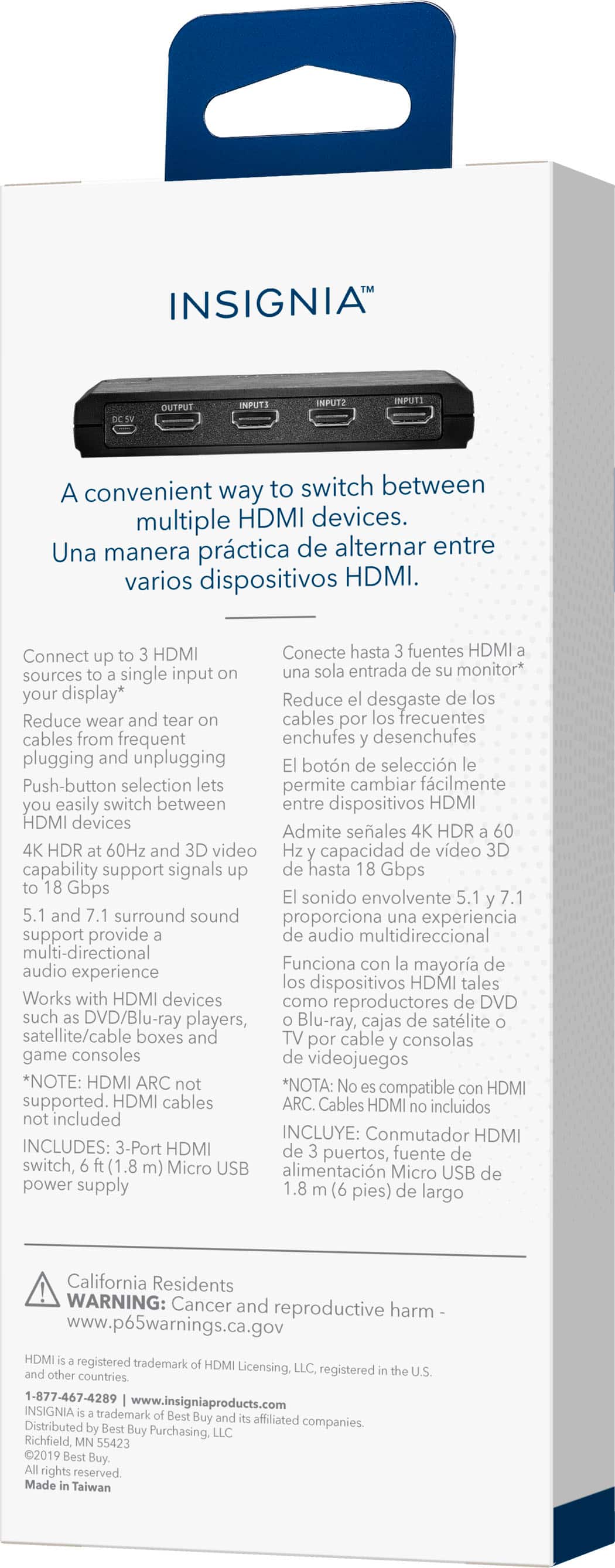
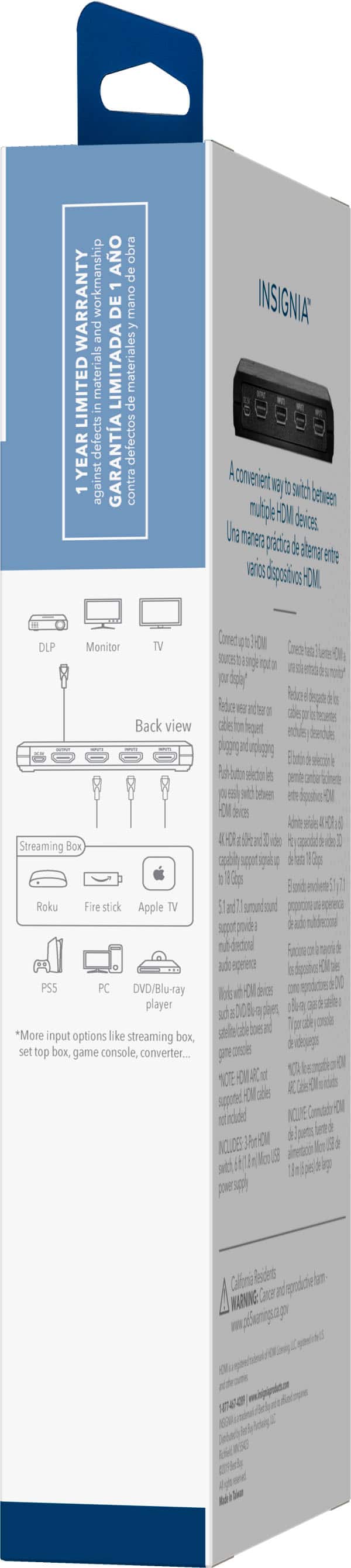
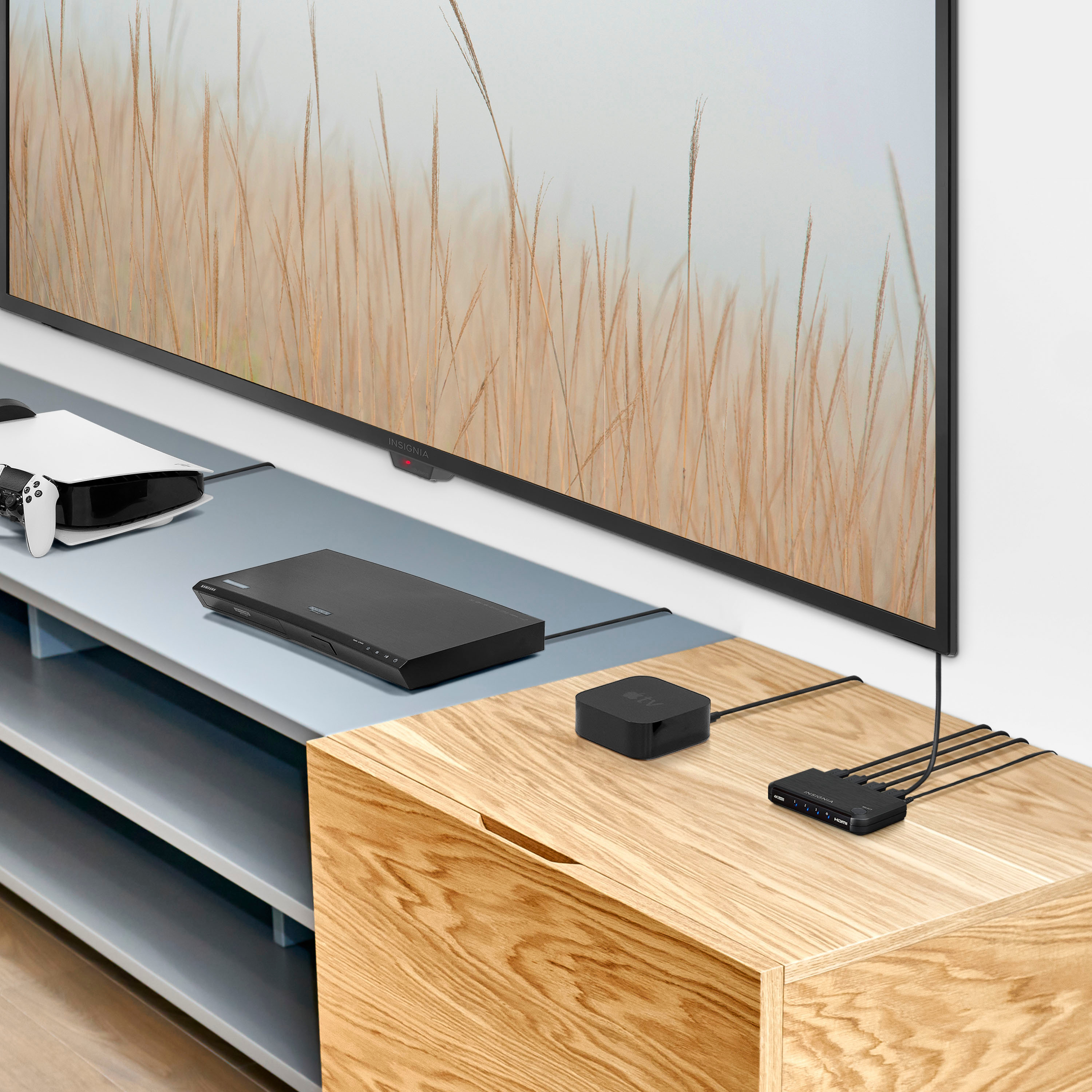
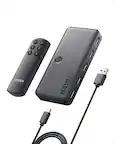
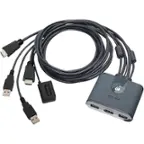
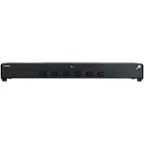
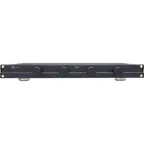
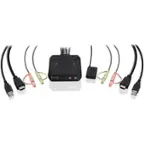
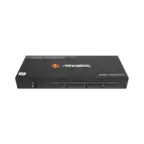
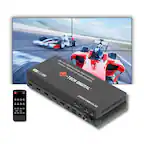
A:AnswerI have only one HDMI input on my TV originally had 2 but taking Fire stick off and on broke it. Now I have Fire stick and Fios Tv on inputs 1 and 2 and the third is in case my boys want to play The Nintendo Switch. Then the output HDMI cable from the switcher is plugged into input of Tv and it works great. Don't bother with the cheap stuff on Amazon cause they do not work even though they claim it works you will just be wasting time returning everything. The box is small but it works great so i would give a strong Yes that it should work with your apple Tv.
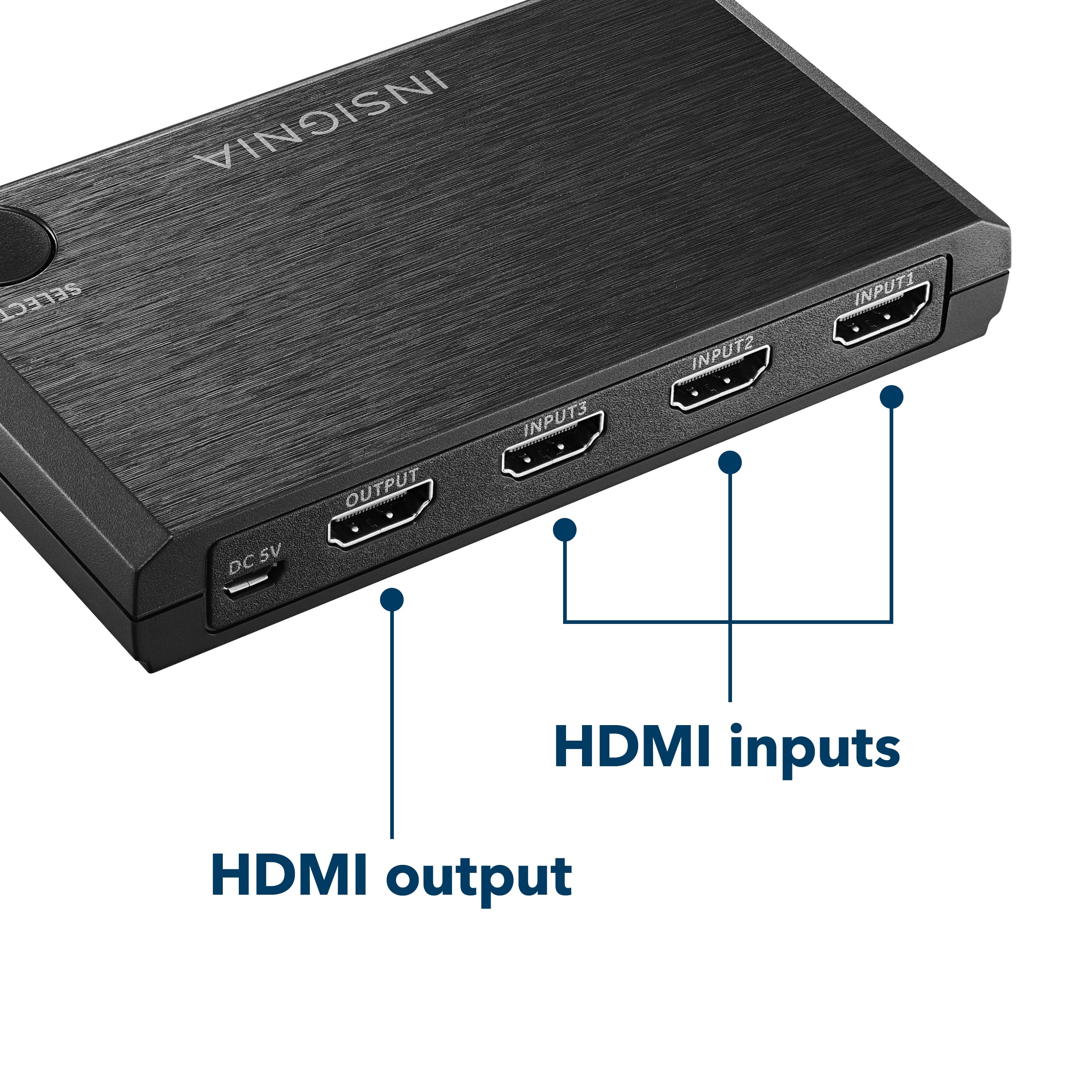
A:AnswerRun the HDMI cable from your box to one of the three inputs of the switcher. Then the HDMI cable out of your Switcher to the TV. I bought a better HDMI cable to use going to TV cause i wanted to make sure it would handle the fire stick reception and it worked as promised. The answer is yes.
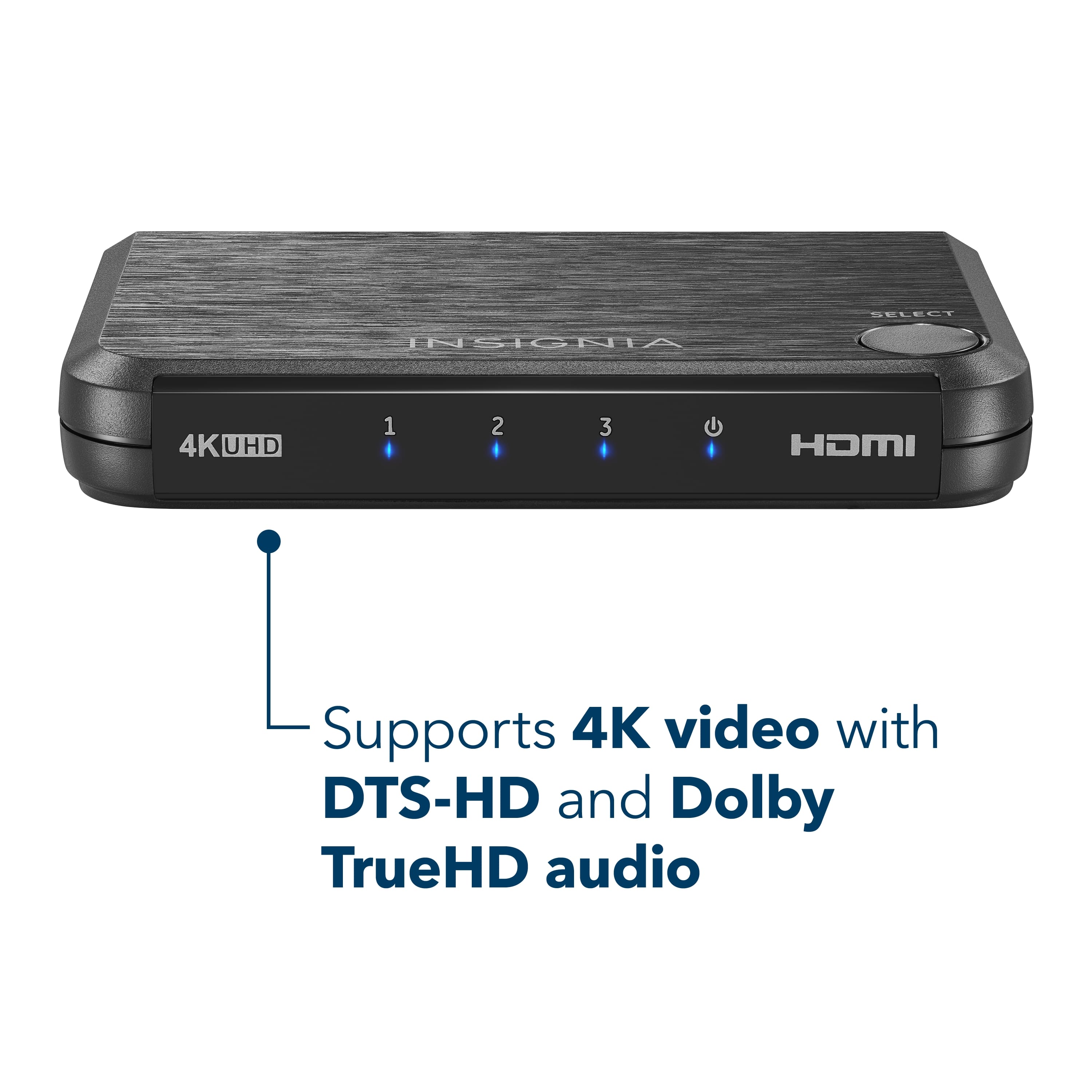
A:AnswerYou can only hook up one Monitor/TV to this Switch and you can connect 3 gaming consoles to this device. You can only use one Input at a time.
The HDMI Splitter Model RF-G1603 distributes one HDMI source (Gaming Console) to two HDMI displays simultaneously (TV and Monitor).
A:AnswerGet an edid emulator dongle. This will present a constant edid of a predetermined value when the output it switched to another HDMI port allowing the plugged in device to maintain sync while its port is not active. This seems to cause problems with particular video cards in windows and linux. The symptoms of this would be a blank screen upon switching the monitor back to the pc from another port. You would plug the edid emulator between your pc and the hdmi switch. These dongles are typically resolution specific. For example I purchased 1080p dongles to connect a gaming pc and a linux based dvr through a hdmi switch to my 1080p tv. I believe there are 4k60 dongles for less than $20.