A:AnswerHello Anonymous! I spent a great amount of time trying to find an answer for your question. I entered several search terms on GOOGLE and YouTube for this topic--among them => "Is 4:4:4 Chroma Subsampling compatible with 1080p HDTV sets" and "4:4:4 Chroma Subsampling." I really believe that the entry entitled "Chroma Subsampling 4:4:4 vs 4:2:2 vs 4:2:0" which is located on the website RTINGS.com gave a lot of insight into this topic and I ask that you check it out--after entering the search term "Chroma Subsampling 4:4:4 vs 4:2:2 vs 4:2:0" into the GOOGLE search bar. It indicates verbatim and in part that "color subsampling is a method of compression that greatly reduces file size and bandwidth requirements with practically no quality loss. Unless you are going to use your TV as a primary PC monitor where lots of text is going to be read, there shouldn't be a need to worry about it." This aforementioned entry also shows which types of viewing that subsampling has the most impact on and the degree of that impact in categories such as PC use, movies, video games, sports, and TV shows. I "did" notice that the only types of televisions which were mentioned in this entry (to the best of my knowledge) were 4K television sets.I am sorry that I did not have a better answer for you Anonymous; however, you might want to phone Insignia tech support at 1-877-467-4289 between the hours of 8:00 A.M. and 9:00 P.M. Central time seven days a week and ask them for an answer or someone at Best Buy's home theater department who is knowledgeable about this matter.
A:AnswerHello Best Buy customer Jadieliz and thank you for asking this question as an answer may help other Best Buy customers as well as yourself! If you go Online and enter Best Buy's website, you will see that you will most often have one of three (3) purchase "options" available and they are as follows: (1) "Usually" orders that are over $35.00 I believe can be shipped to your home for free or (2) you can arrange to pick the item up at the store within about an hour if the item or items you want are in stock or (3) you can have the item shipped to store for pick up when it arrives to its in-store destination or your choosing if the store you want to pick the item or items up at does not have the item in stock. There "are" occasions (i.e., like with "clearance" items) where in-store pick and/or shipping-to-home is not an option.
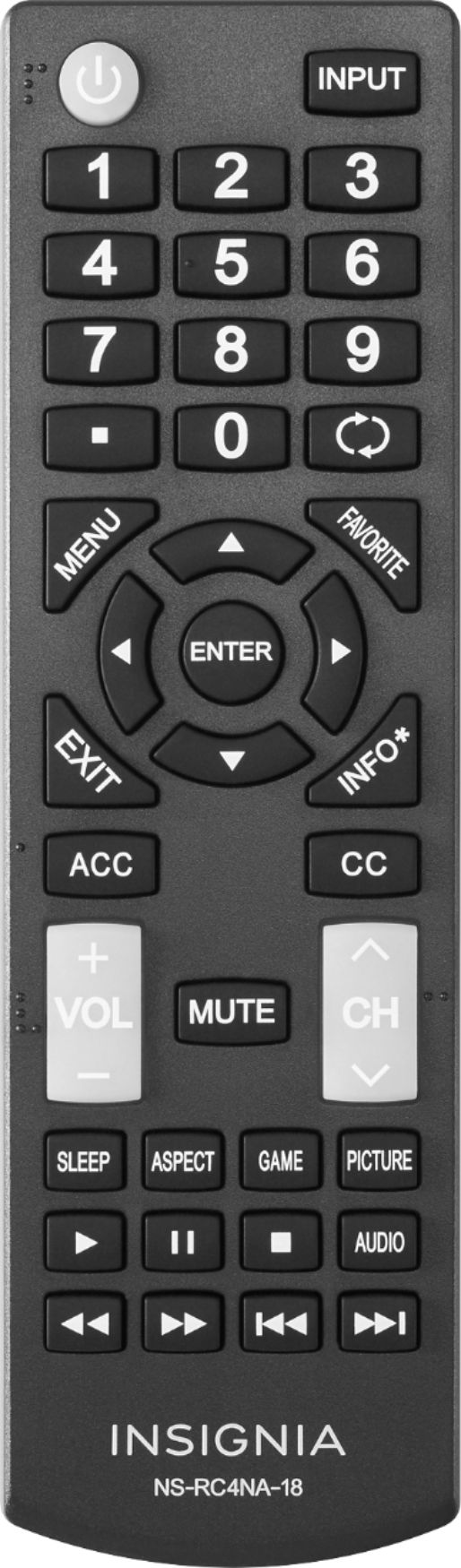
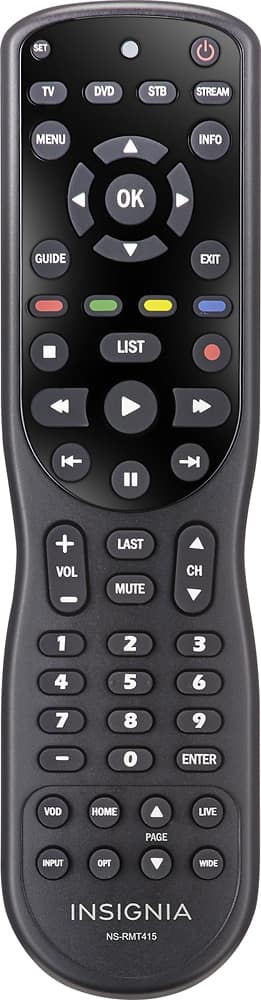
A:AnswerI just tried to accomplish what you are trying to do (i.e., "choose the channel menu in order to set aspect ratio to auto") and I was using my 4-device Insignia brand universal remote NS-RMT415 which would operate in a similar fashion to this TV's factory remote which you are using and I could "not" secure access to the "CHANNEL" section either. In my case, it took me a second to figure out that it could be because at that moment I was using my laptop with this TV as a monitor and my input setting on the TV was set to HDMI1. Once I set the input source to "TV" I was able to secure access to the "CHANNELS" settings. If this does not help you, please call Insignia tech support at 1-877-467-4289 between the hours of 8:00 A.M. and 9:00 P.M. Central time seven (7) day per week. They may tell you to replace your remote control's battery or perhaps something is blocking the remote's signal sensor located at the base of the chassis of the TV or, perhaps, if your TV is still under warranty Insignia may opt to send you a new remote. The above Insignia universal remote model # NS-RMT415 is pretty great as it is capable of controlling a lot of different types of electronics and brands.
A:AnswerHello Best Buy customer Gammy and thank you for asking this question as an answer will give other Best Buy customers thinking about purchasing this great TV set important insights--but not "really" in some cases! All I use is an indoor HDTV over-the-air antenna to view broadcast programs. I do not have cable TV. I "do" have my laptop connected to this TV; however, which I sometimes use as my laptop's monitor. I cannot address the performance of this 43" Insignia TV model # NS-43D420NA18 when it comes to cable TV program broadcasts or streaming; however. As I "surf" through the many over-the-air TV channels which I am able to receive, I will see on the top/right of my screen (among other things) designates such as 480i, 720i, or 1080i. There's no doubt that the 1080i broadcasts are "super" clear and the imagery fills the screen completely. Almost (i.e., across-the-board!), the same is true for the TV broadcasts labeled as 720i--although on "rare" occasions portions of the screen on top and bottom and/or left and right columns are blacked out. With the TV broadcast programs labeled as 480i, so very many times, these are "CLASSIC" (i.e., older) TV broadcast programs and they "can" appear somewhat blurry and not fill the entire screen. I find it best to have this TV set to factory "default" and set the "PICTURE SIZE" to "WIDE" all of the time. I find that this gives me the best and most consistent level of full screen coverage--without distorting visual content that noticeably and without cutting off parts of actors' bodies or parts of scenery in the programs--like if the picture size selected was placed on the CINEMA setting. What sounds like a "negative" indictment of this TV's performance (described above) is not actually as is it is "SOURCE" of the broadcasts which is the determining factor. Again, even those TV broadcasts which are assigned the 480i label "can" appear nearly as good as those with the 720i designate and completely fill the screen. In summation, a lot has changed in broadcast technology since the 50s, 60s, 70s, etc. and one needs to consider this fact when assessing the performance of this TV. Overall, the vast majority of what I view on this TV is a clear and colorful viewing experience--more than I could expect or ask for!
A:AnswerIt was on sale again on this past Monday for one day only, but I would think that it will go on sale to $199.99 again before Christmas. I was able to purchase one this week for my MIL's birthday. We'll find out next week how great it is.
A:AnswerNo, it isn't a smart tv. You can buy a, not sure what it's called but their advertised frequently and you can make it a smart tv. Somewhere between 40.00 and 50.00 bucks, hook it up then u can watch anything a smart tv does including Netflix.
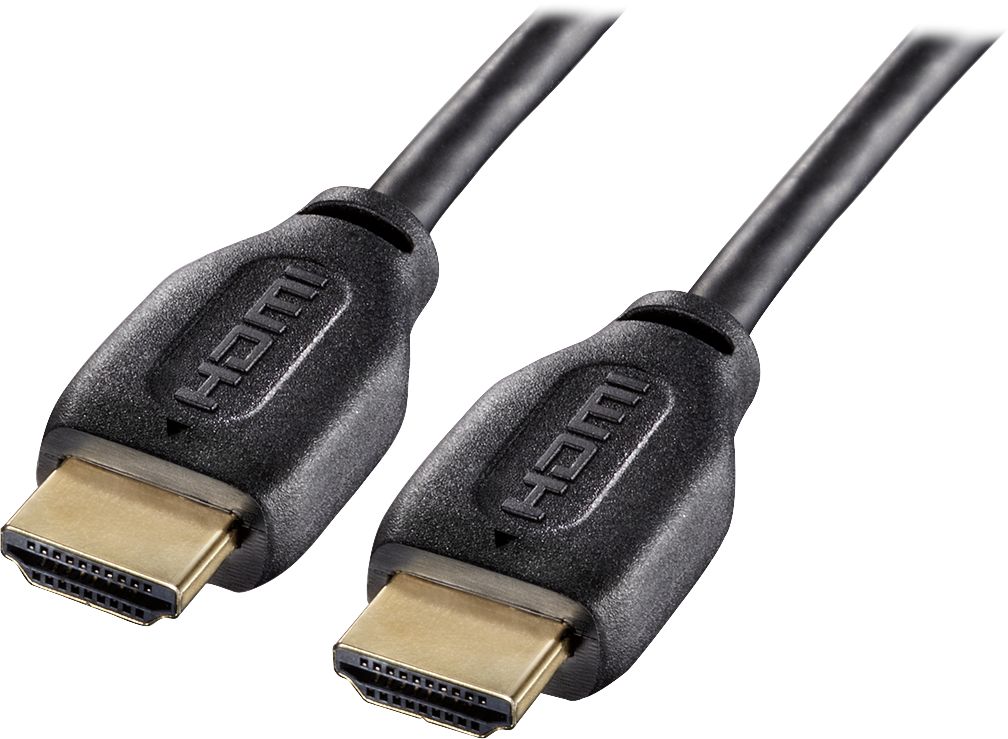
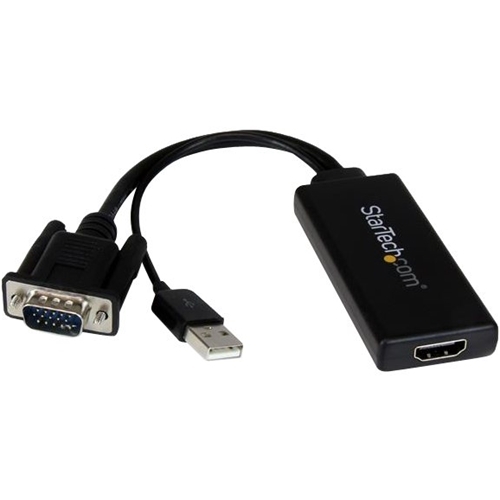
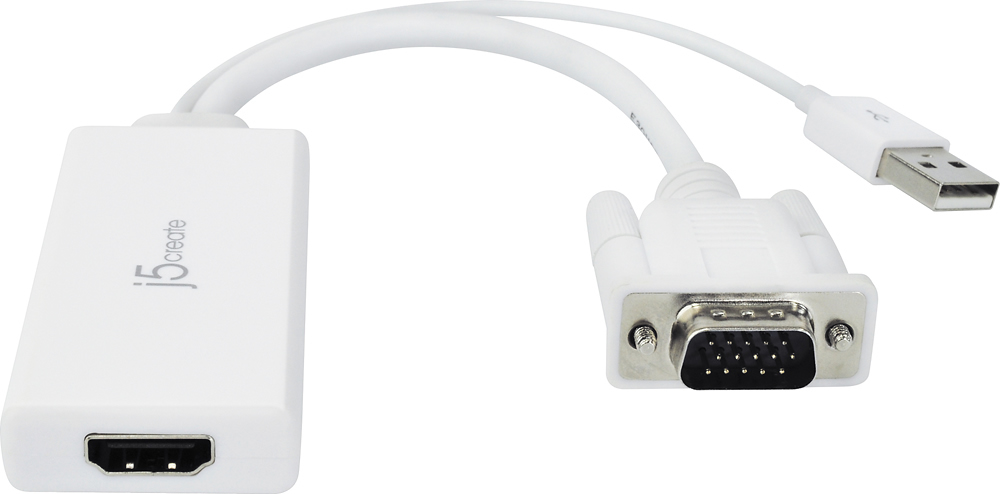
A:AnswerHello Best Buy customer Joe and thank you for asking this question as I am sure that there are a lot of people out there who own "desktop" towers which have VGA female ports and/or do not have an HDMI female port available on their computer. I did a little research for you and other Best Buy customers and I conducted a GOOGLE and Bing.com search for the phrase => "VGA Male HDMI Female Adapter." It would be up to you and others to inquire about the functionality of "any" product fitting this description; however, I have seen this type of adapter for sale on the Internet and they are not that expensive. I have provided a photo attachment of this type of adapter below for you and other Best Buy customers' review. I am not endorsing any one brand! I am just attempting to demonstrate what this type of adapter "may" look like. I have "also" provided two (2) product "recommendations" which I found on the Best Buy website. You "may" also want to consider incorporating a VGA male to HDMI male adapter into the connection process. Again, I cannot attest to the functionality of these items as I don't know 100% if they will be right for your specific application; however, you can ask an appropriate representative of Best Buy sales and I am confident that they will be able to assist you or you can call the manufacturers of the products directly. I've also included an image of a DYNEX brand HDMI cable which I found on the Best Buy website. Even though six (6) months has passed since your question has been posted on this website Best Buy customer Joe, I am sure that your coming forward with your concerns will help a lot of other Best Buy customers as well.