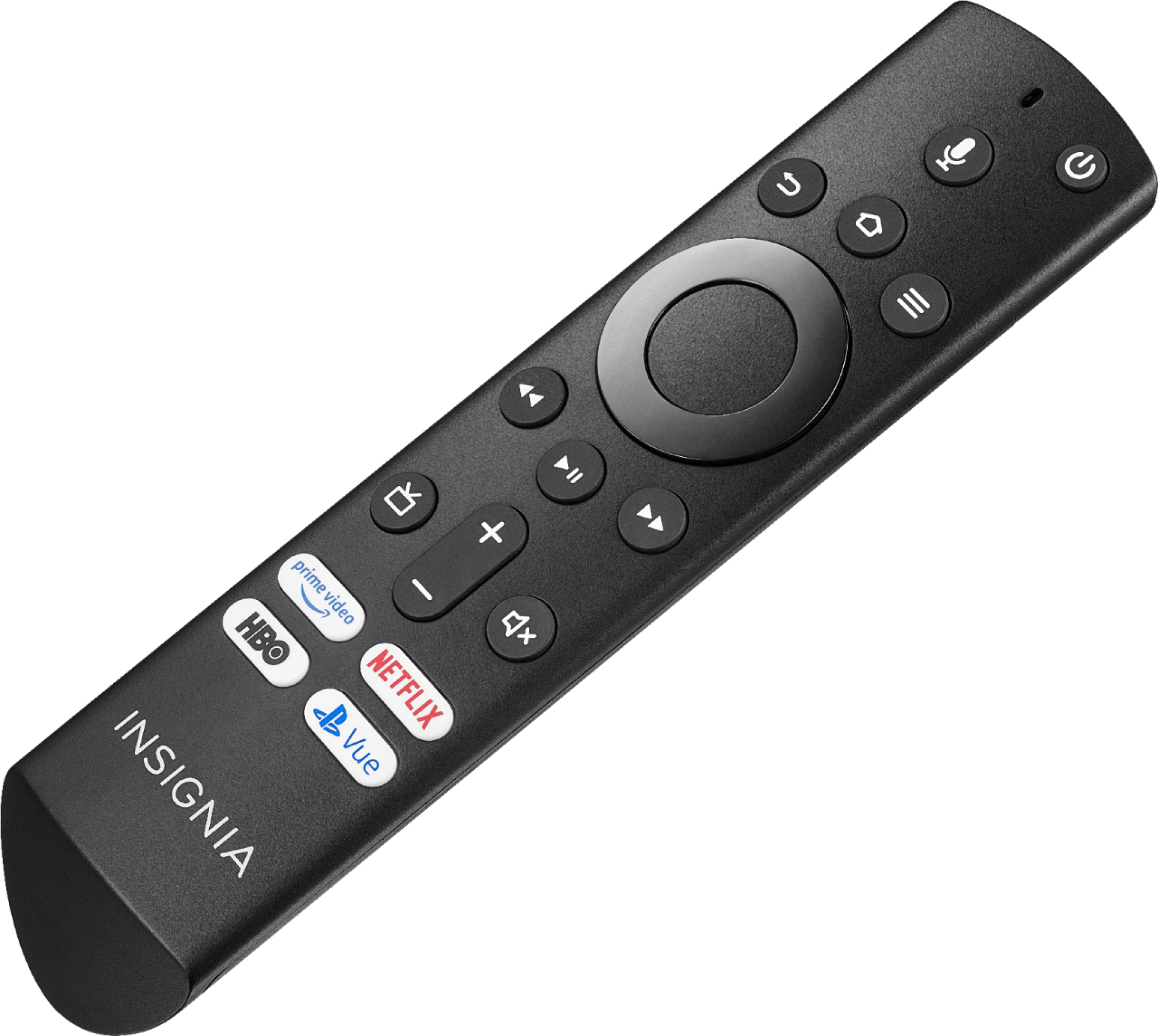
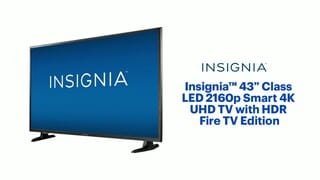
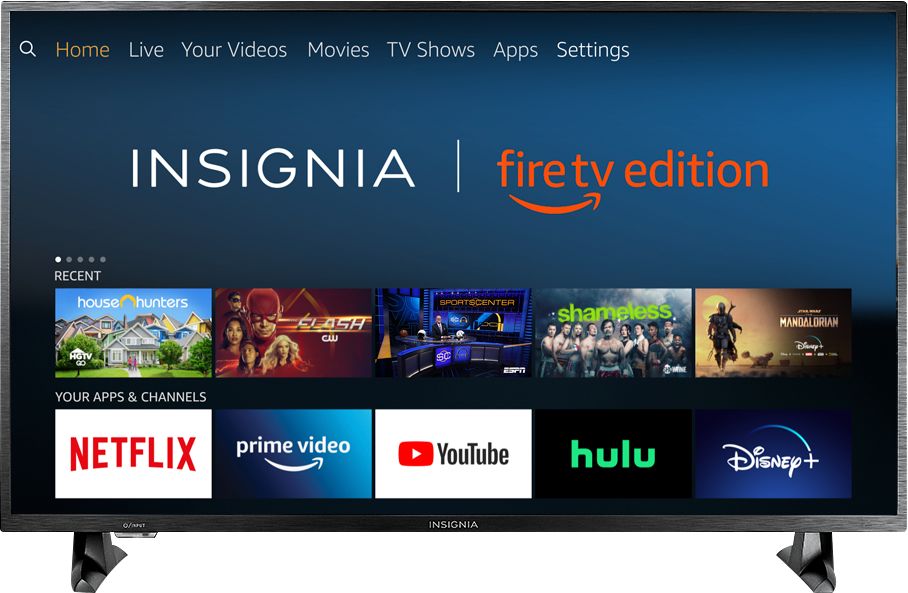
A:AnswerAs long as you can still get to the Fire TV home page, you can install the Fire TV remote on your smart phone and it will work the same as the original remote. CAUTION: If you ever perform a full factory reset on your Fire TV, it will require an original remote to be able to access Fire TV. Without that, you won't be able to get back in.
A:AnswerI previously reviewed the "open box" version of this set that I purchased a few weeks back. If you find that review it will answer all your questions. Short version is that if you need to do a first time setup, you will need an original Insignia (or Toshiba) Fire TV Remote. Once you do the initial setup you can use the Fire TV remote app on your phone to control all the Fire TV features but if you ever lose or damage your remote or need to do a factory reset, you will need the original remote again. Most of what I saved by purchasing "open box", without a remote, was spent on buying an Insignia remote. There was simply no alternative. I also spoke to a Geek Squad tech about this and he candidly told me that this is the one smart TV that is absolutely useless without the original remote. Good Luck!
A:AnswerI would recommend purchasing one of those devices as you dont have access to all the apps just with the TV. As a matter of fact there are very few apps that you can download for it.
A:AnswerConnect a 4K enabled device to the TV.
Long press the Home button and select Info, this will display the resolution of the video that's playing.
A:AnswerYou could try to use a Wi-Fi extender to improve the signal strength.
If the issue persists, for personalized assistance please visit insigniaproducts.com/email-us
A:AnswerMost likely limited by internet connection speed. If you don’t have the bandwidth it won’t buffer enough to keep the 4K stream. Try hard wiring straight to your access point, as your WiFi may be the limiting factor as well.
A:AnswerI bought mine the same way. Ultimately I was fortunate to find a used Insignia Fire TV remote on Ebay. You might try there. Otherwise you can buy one on Amazon for around $30. If you can get to the Fire TV homepage, you might try installing the Fire TV remote app, which should work for most things. If you can't get to the home page then you will need an original Insignia (or Toshiba) Fire TV remote.
A:AnswerTry this, to Factory Reset the Remote, press and hold at the same time the DPAD-left, Back (↩) and Menu (≡) buttons for at least 12 seconds. To pair the remote again, press the Home button for up to a minute.
If the issue persists, please visit insigniaproducts.com/email-us for personalized assistance.
A:AnswerI'm sorry to hear that you are experiencing an audio problem, to further research this issue please visit insigniaproducts.com/email-us and one of our representatives will be assisting you.
A:AnswerHi David- I thought of that but I’m currently connected to WiFi, if I reset to default and it doesn’t resolve the issue, I wouldn’t be able to access the networking page in order to get back into my WiFi.