A:Answer Hi There!
Please see the Installation guide below:
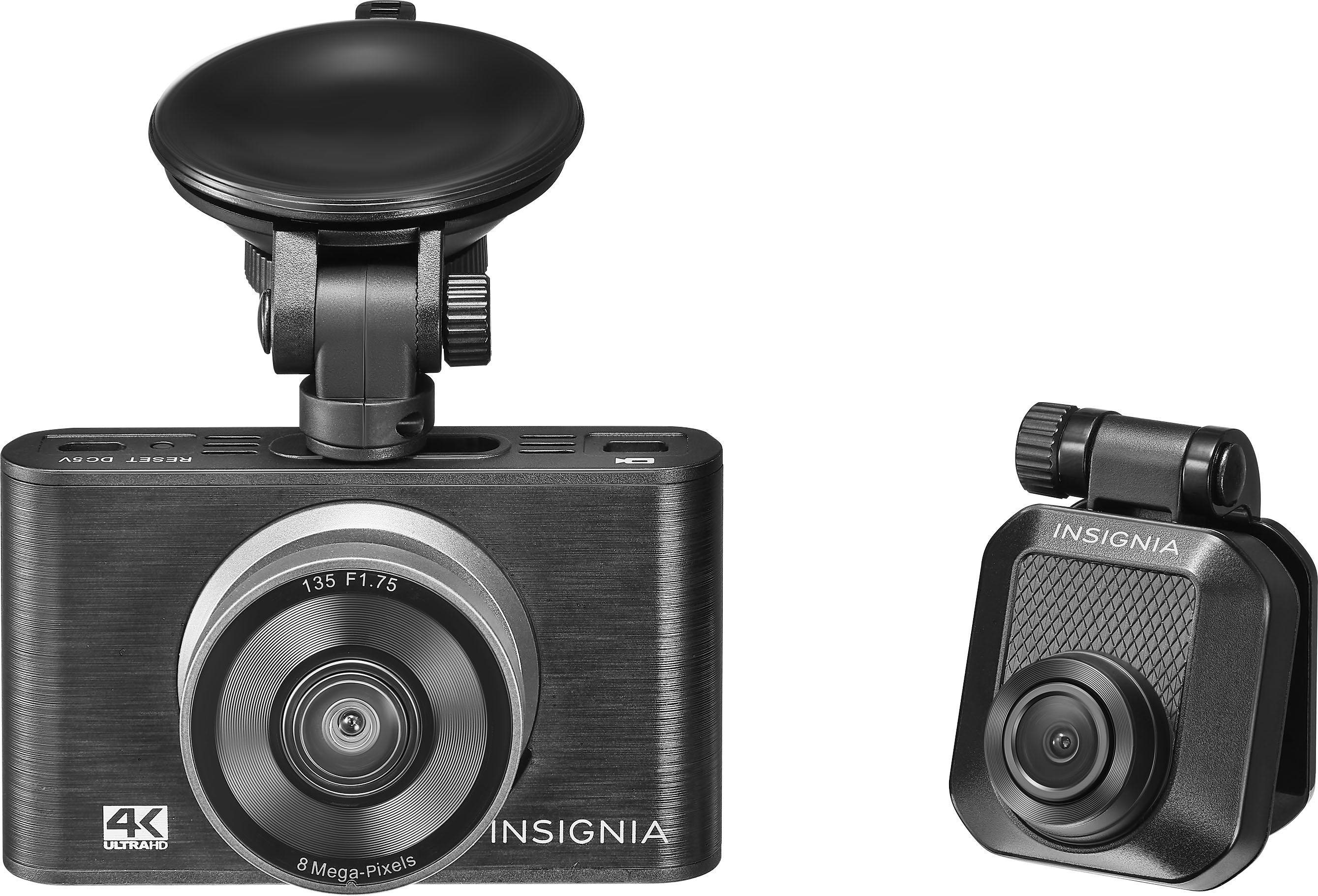
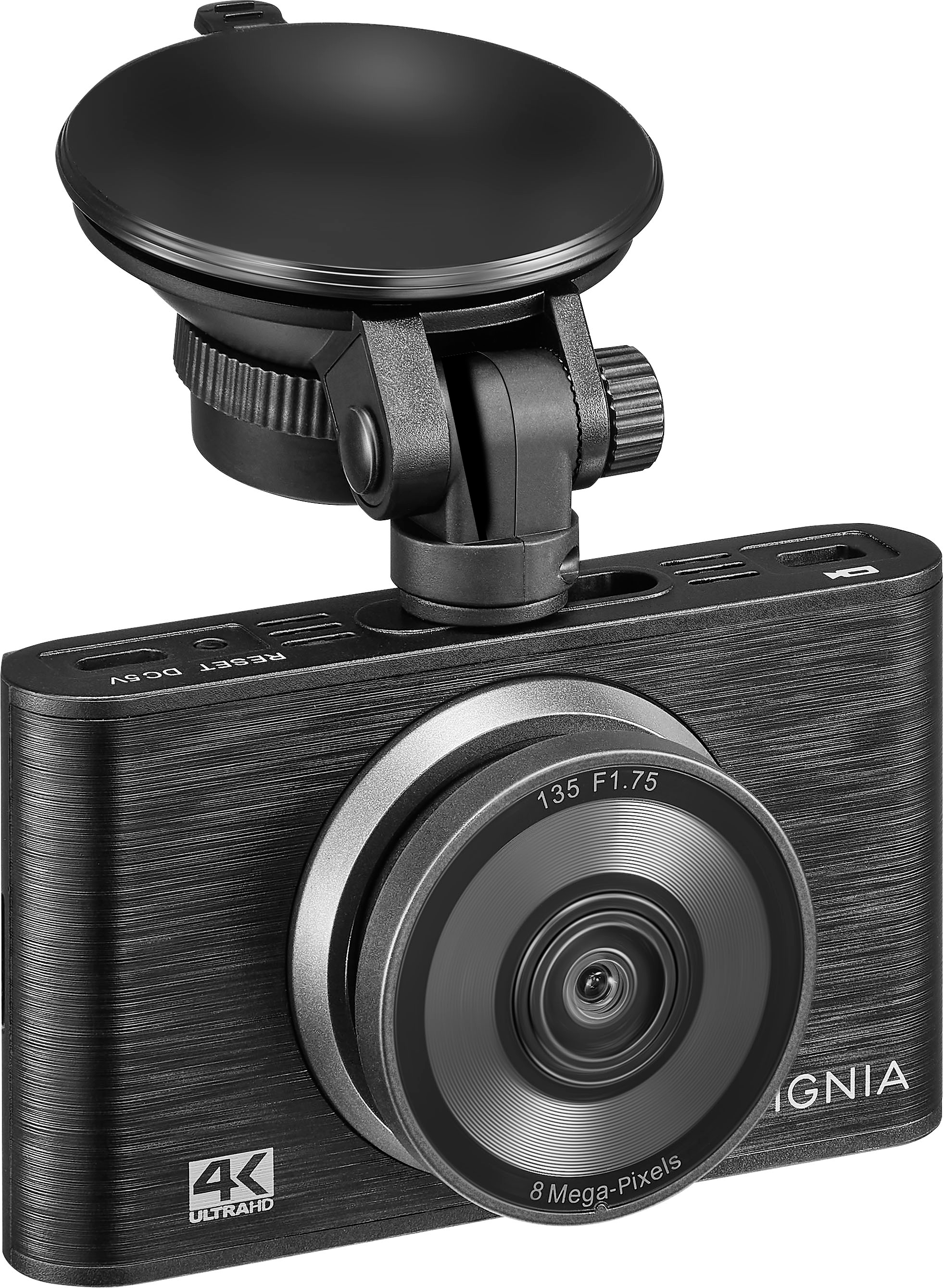
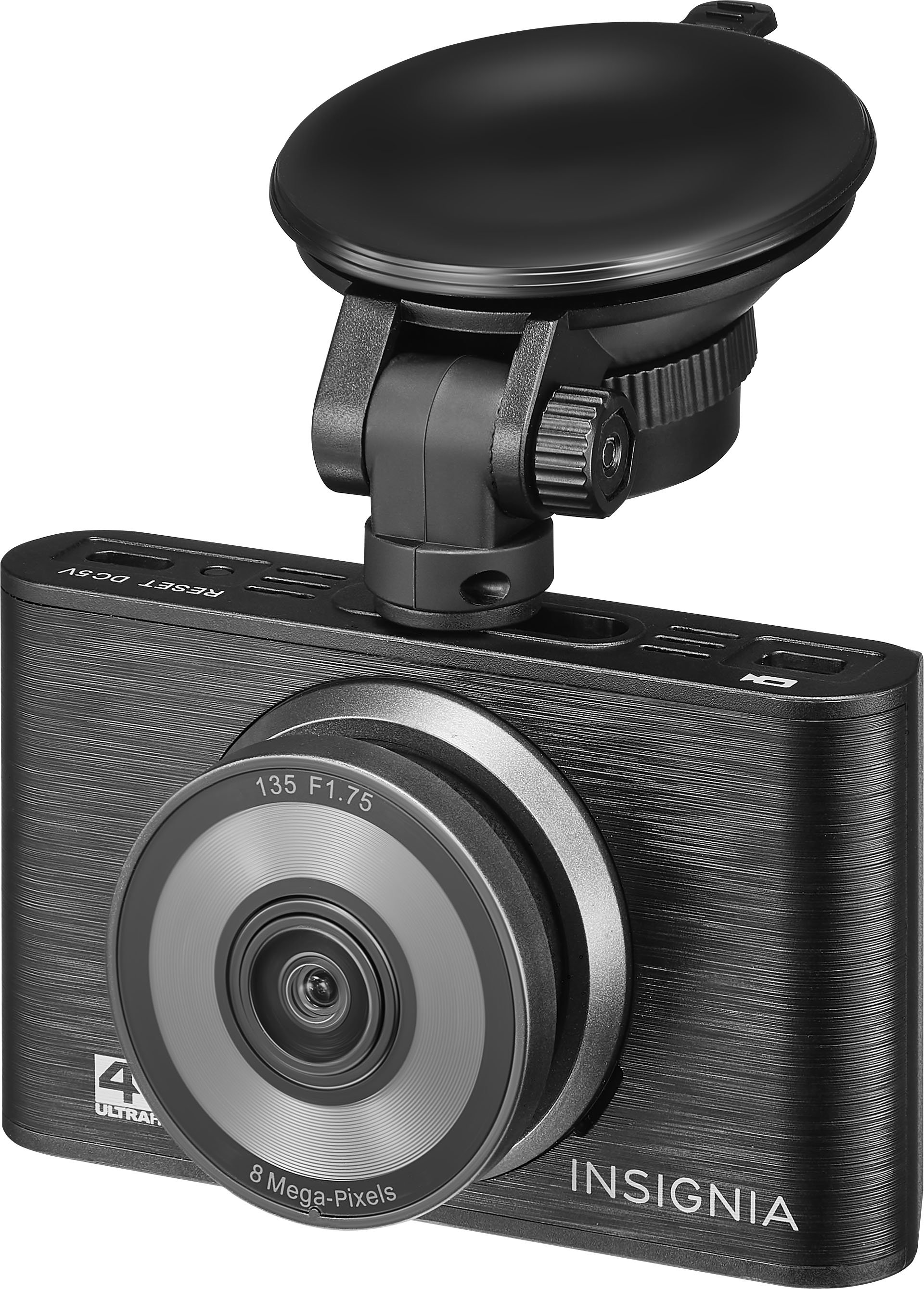
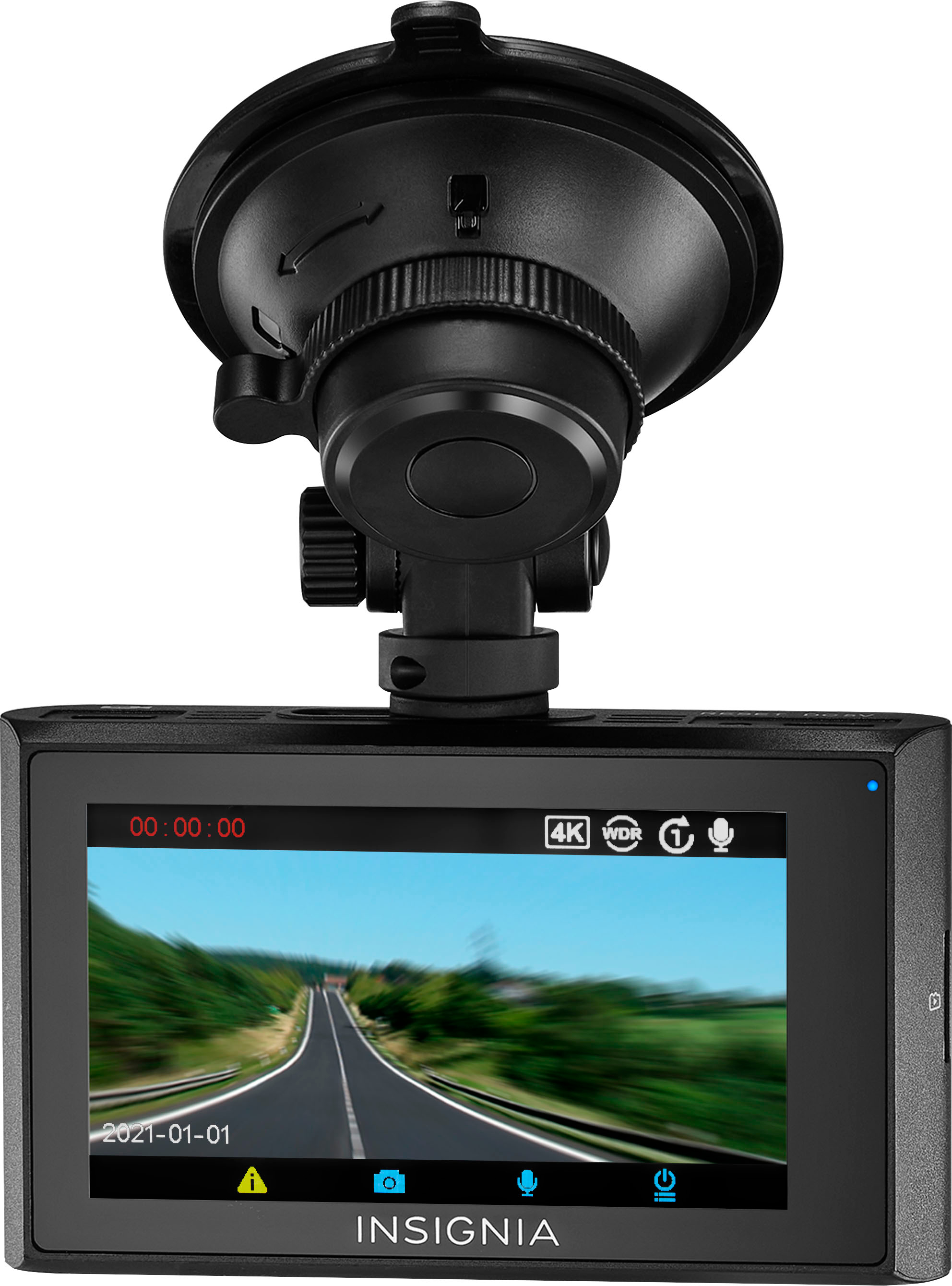
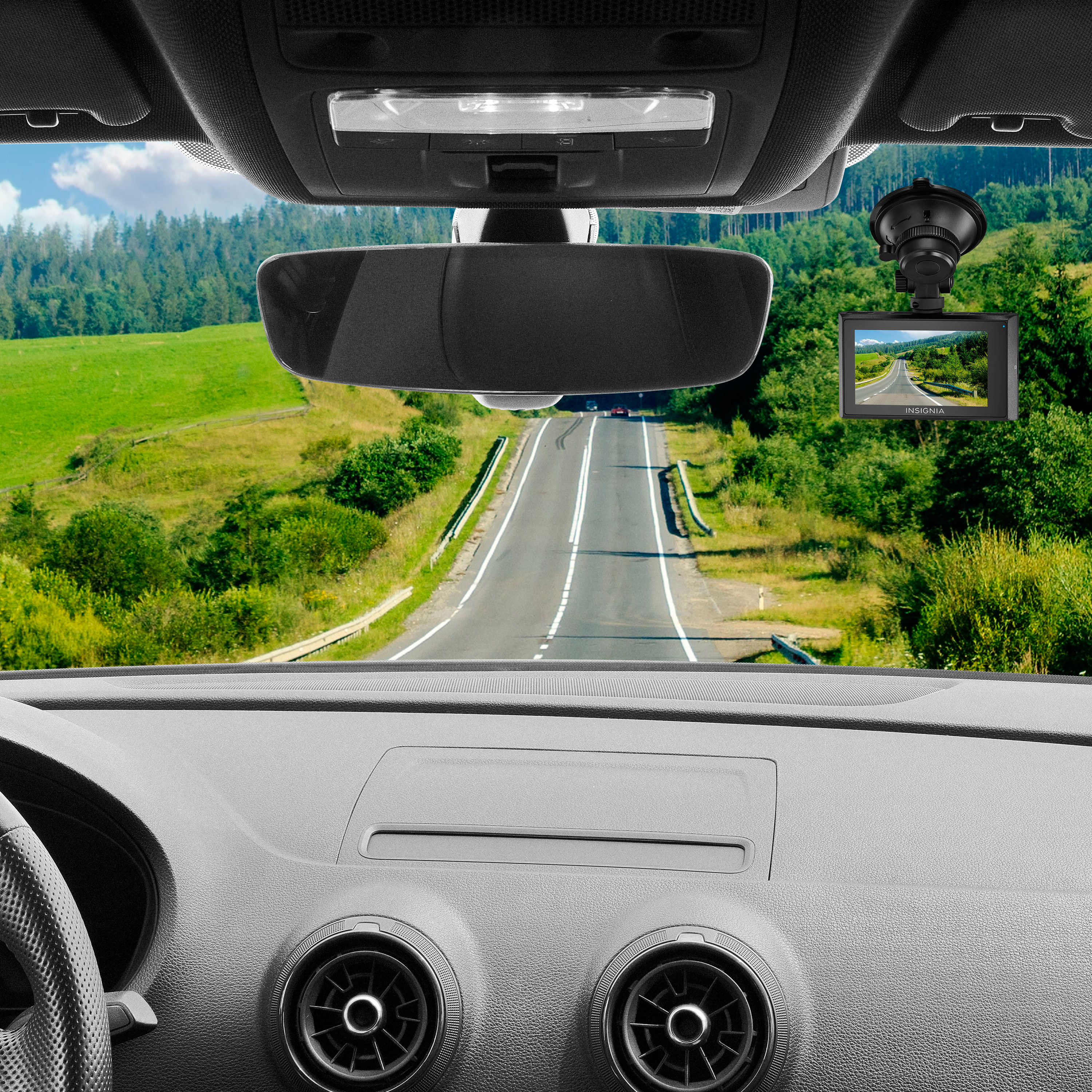
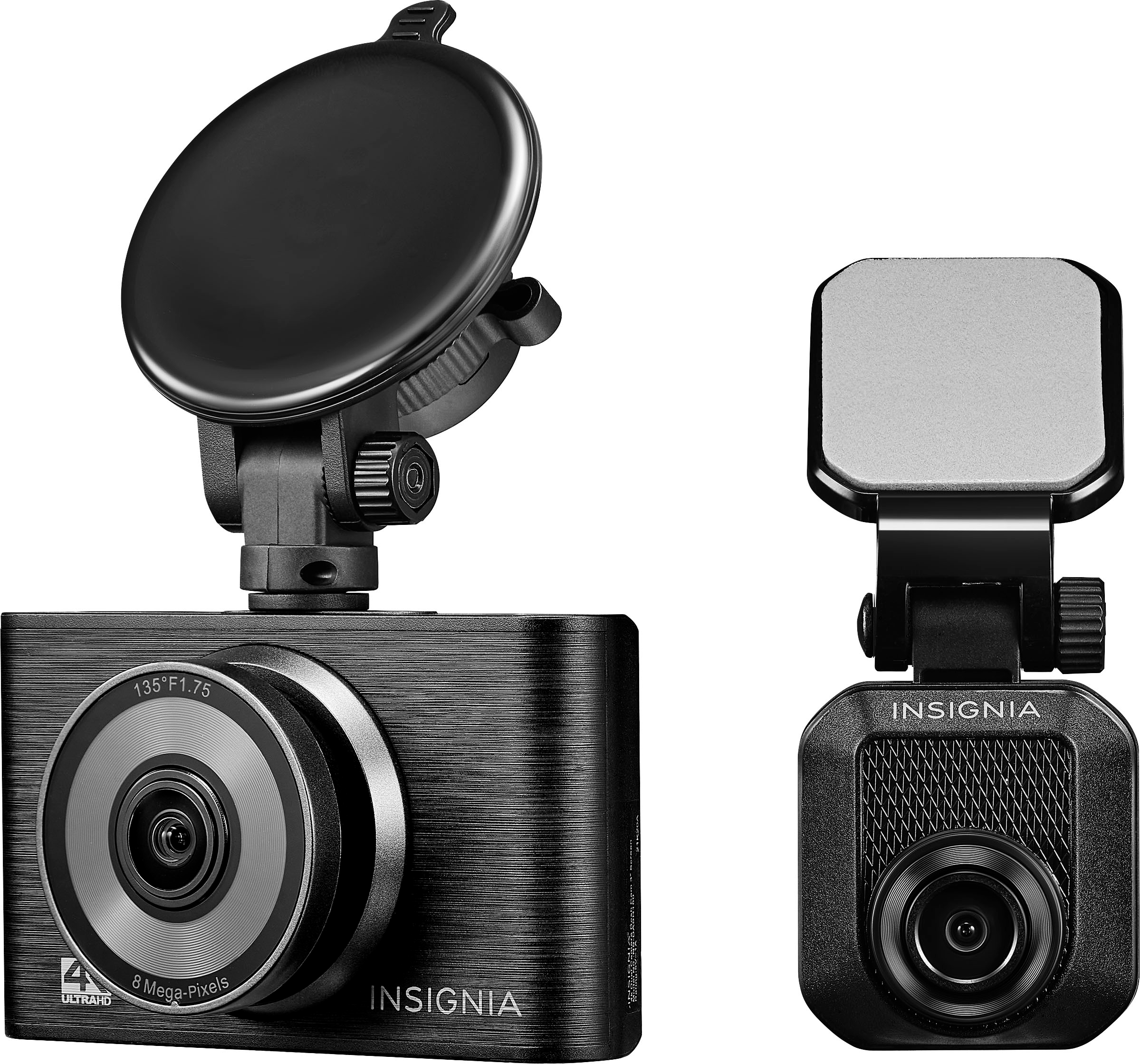
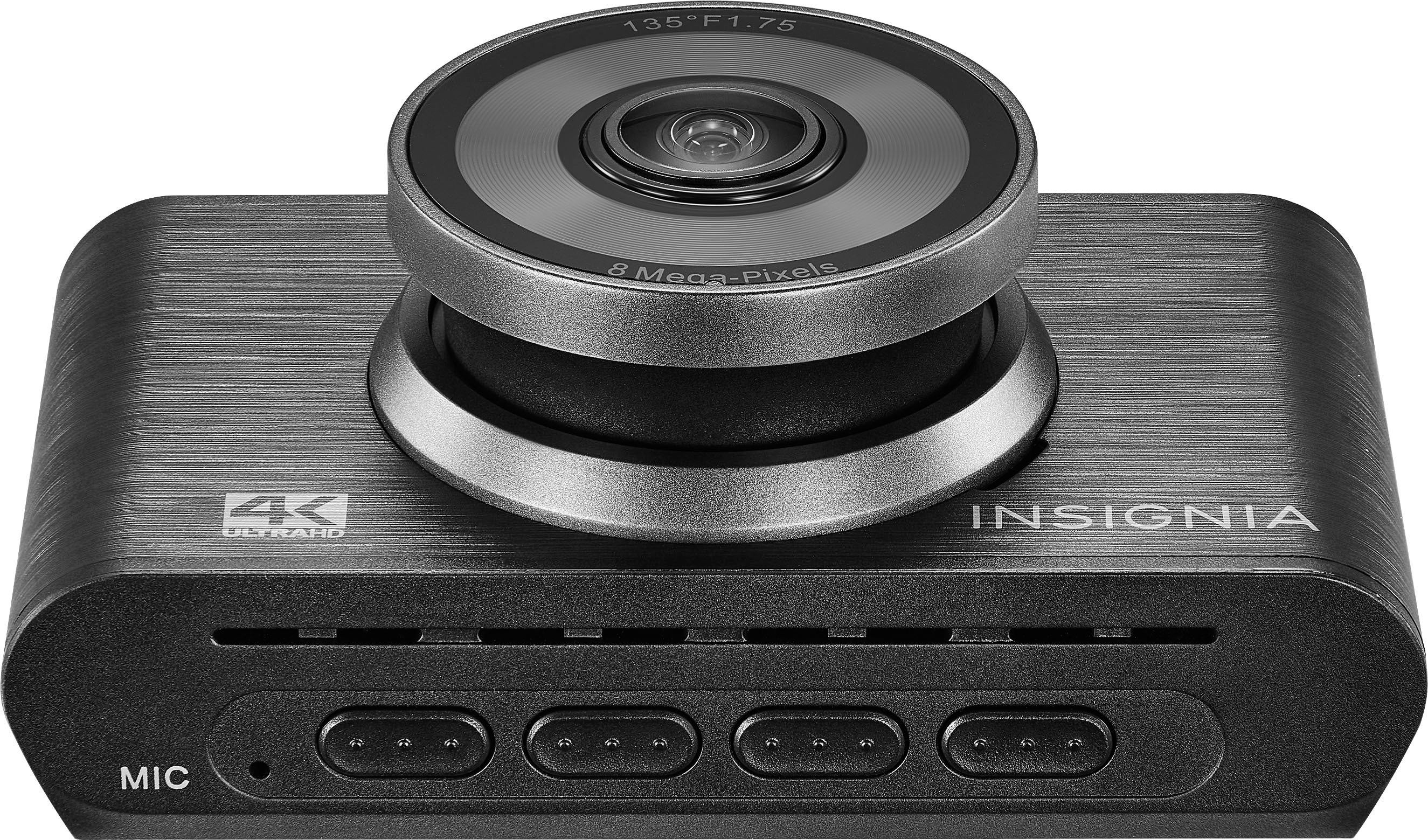
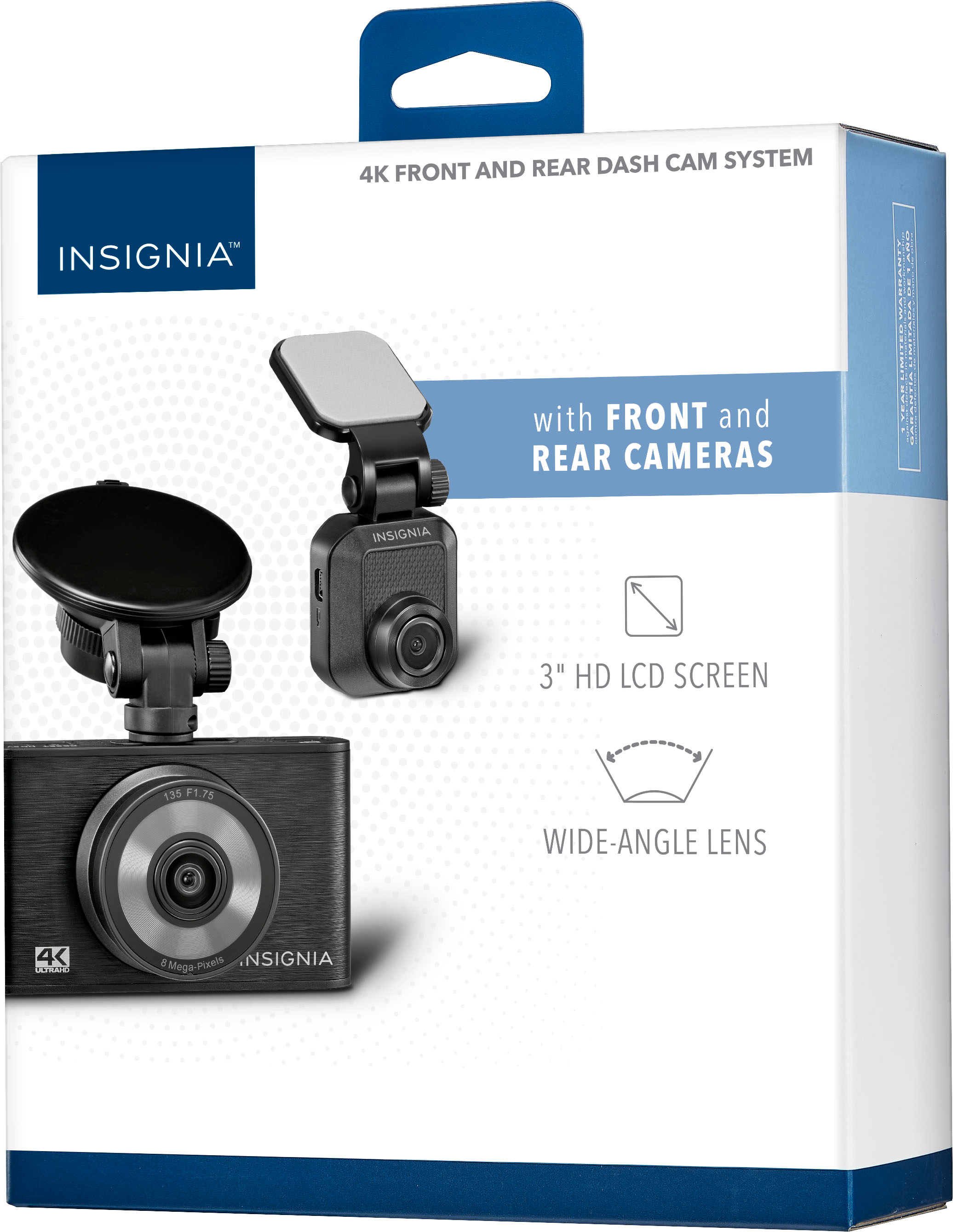
INSTALLING THE FRONT DASH CAM
Note: Use a 16 GB - 256 GB Class 10 or higher MicroSD
card. A higher capacity card will allow for more
captured clips.
1. Insert a microSD memory card label side
facing windshield.
2. Clean and thoroughly dry the windshield area
where you want to mount your dash cam.
3. Insert and slide the mounting bracket on the
suction cup into the mounting slot on the top
of your dash cam.
4. Peel the protective film from the mounting
bracket, the dash cam lens and the LCD screen.
5. Position the suction cup on the windshield,
then move the mounting bracket switch
clockwise until you hear a click.
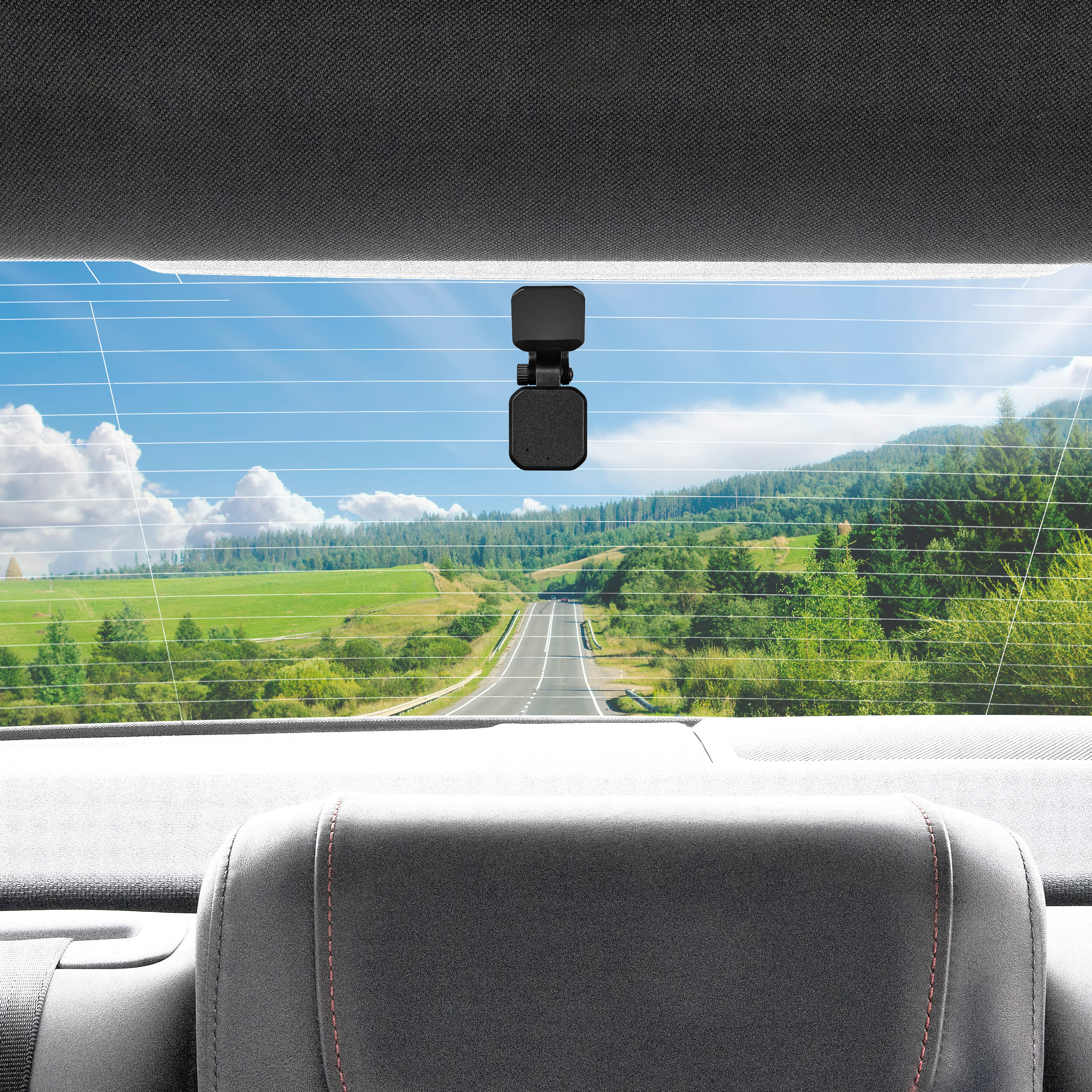
INSTALLING THE REAR DASH CAM
1. Clean and thoroughly dry the windshield area
where you want to mount your rear camera.
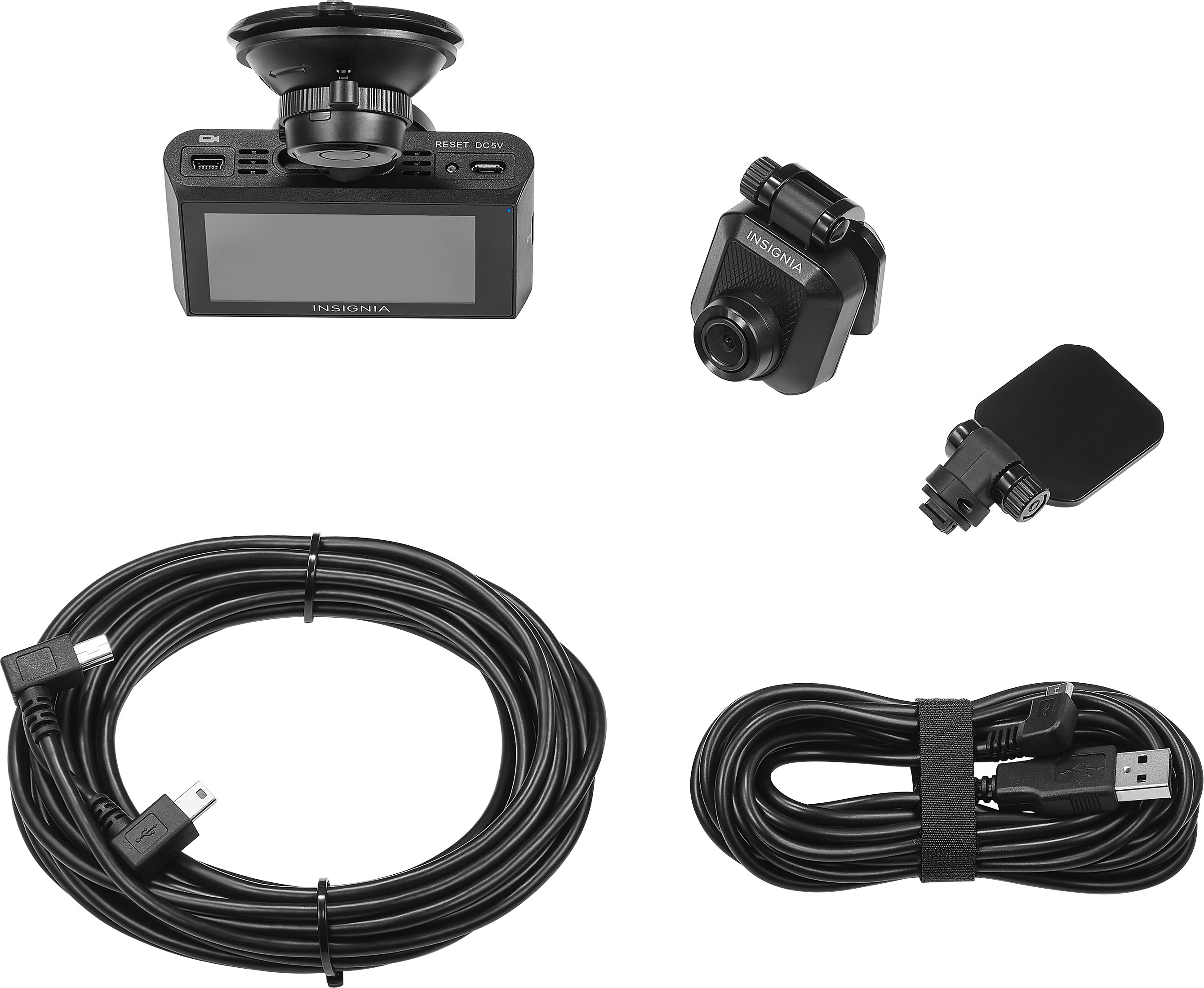
2. Connect the Mini USB cable to the Mini USB
port on the front camera.
3. Connect the Mini USB cable to the rear camera.
4. Peel the protective film from the rear mounting
bracket.
5. Position the bracket on the center and inside of the
rear windshield, then firmly press the bracket to
the windshield.
6. Position the rear camera so that it faces out of the
ear window.
7. Organize and tuck away the cable to make sure
that the cable doesn't obstruct the driver's view.
Insignia Support
Alvin
www.insigniaproducts.com/support