Black Friday is hereShop new DoorbustersShop now

Skip to content
Gift Ideas
26 Cypress St
Williston, VT 05495
Opens at 9 am
Find Another Store
Main Content

Questions & Answers

Your price for this item is $67.99
Clearance
The comparable value price is $449.99
Page Showing 41-60 of 179 questions
  • QuestionWhat are the dimensions of the screen (not including the black border)? Also what is the width of the black borders?

    Asked by Hallie.

    • Answer The Insignia™ - 65" Class F30 Series LED 4K UHD Smart Fire TV has a screen size of 65 inches diagonally. The dimensions of the screen without the black border are approximately 56.7 inches (width) x 31.9 inches (height). The width of the black borders (bezels) around the screen is typically around 0.5 inches on each side. If you have further questions or inquiries, please do not hesitate to ask!

      Answered by InsigniaCustomerSupport

  • QuestionI'm not sure if I miss it, how much does TV weigh or approximate weight?

    Asked by Courage.

    • Answer I don’t know the specific weight, however it was pretty easy for me and another person to carry inside my house and set it up.

      Answered by Selwyn

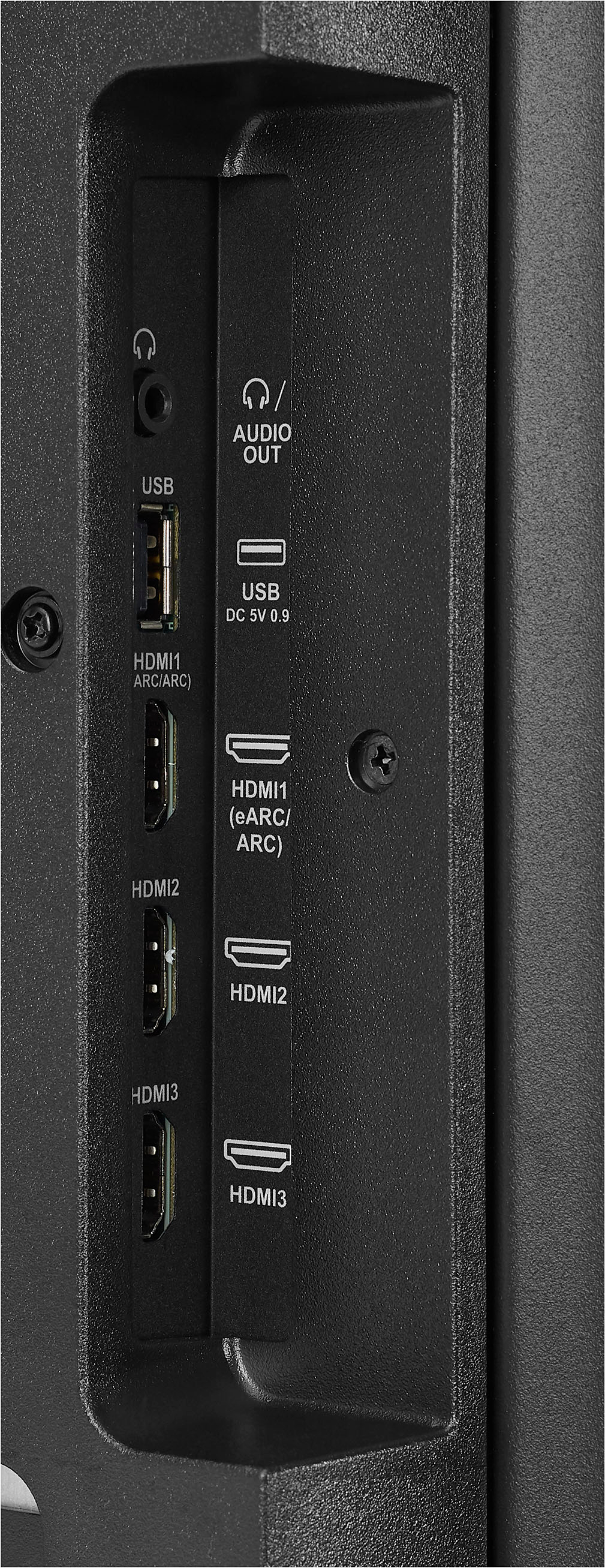
  • QuestionEven though it says eARC on an hdmi input it doesn’t have eARC only ARC?

    Asked by Phil.

    • Answer It seems there might be some confusion regarding the HDMI input labeling on your Insignia™ 65" Class F30 Series LED 4K UHD Smart Fire TV. According to the product details, this model supports ARC (Audio Return Channel) but not eARC (Enhanced Audio Return Channel). ARC allows audio to be sent from the TV to a soundbar or AV receiver using an HDMI cable, but eARC offers higher bandwidth and supports more advanced audio formats like Dolby Atmos. If your TV is labeled with eARC but only supports ARC, it might be a labeling error. If you need eARC for better audio quality, you might want to consider a different model or check with Best Buy for clarification.
      Answered by InsigniaCustomerSupport

  • QuestionJust purchased Insignia NS-65F301NA23 TV. Can NOT get it to connect to Xfinity remote. Just displays one channel and neither remote changes channel. How do you get the Xfinity remote to control this tv? Or the Insignia remote to control Xfinity?

    Asked by Jimmy.

    • Answer Thank you for reaching out regarding your new Insignia NS-65F301NA23 TV. I understand how frustrating it can be when your remotes aren't working as expected. Let's try to resolve this issue. For pairing you Xfinity Remote to control your Insignia TV, you might need to contact Xfinity Support for further guidance. Using Your Insignia Remote to Control Xfinity To control your Xfinity box using your Insignia remote, follow these steps: 1. Ensure your TV is connected to the internet and the latest firmware is installed. 2. Go to Settings on your Insignia TV. 3. Navigate to "Equipment Control" and select "Manage Equipment". 4. Select "TV" and follow the on-screen instructions to set up your Insignia remote to control your Xfinity box. If you continue to experience issues, please don't hesitate to reach out for further assistance. We're here to help!

      Answered by InsigniaCustomerSupport

  • QuestionDoes this tv works without the fire stick? can it conect to wifi and download netflix?

    Asked by AaPio.

    • Answer Yes, it has fire in tv so no more stick! Does easily connect to wifi

      Answered by RobinG

  • Questionwhat is the difference between the F30 AND the F50 65 in INsignia

    Asked by red.

    • Answer Please use the comparison option to compare the features between the F30 and the F50. -Ed | Insignia Support | https://www.bestbuy.com/site/brands/best-buy-brands/pcmcat1596746025285.c?id=pcmcat1596746025285

      Answered by InsigniaCustomerSupport

  • QuestionWhen the TV is new, is there a plastic protector on the screen that has to be removed?

    Asked by PeteS.

    • Answer I don't see any way to get a hold of any plastic screen on my new 65 inch F30. There was plastic around the edge of the screen on the frame but I don't see any on the screen itself.

      Answered by Anonymous

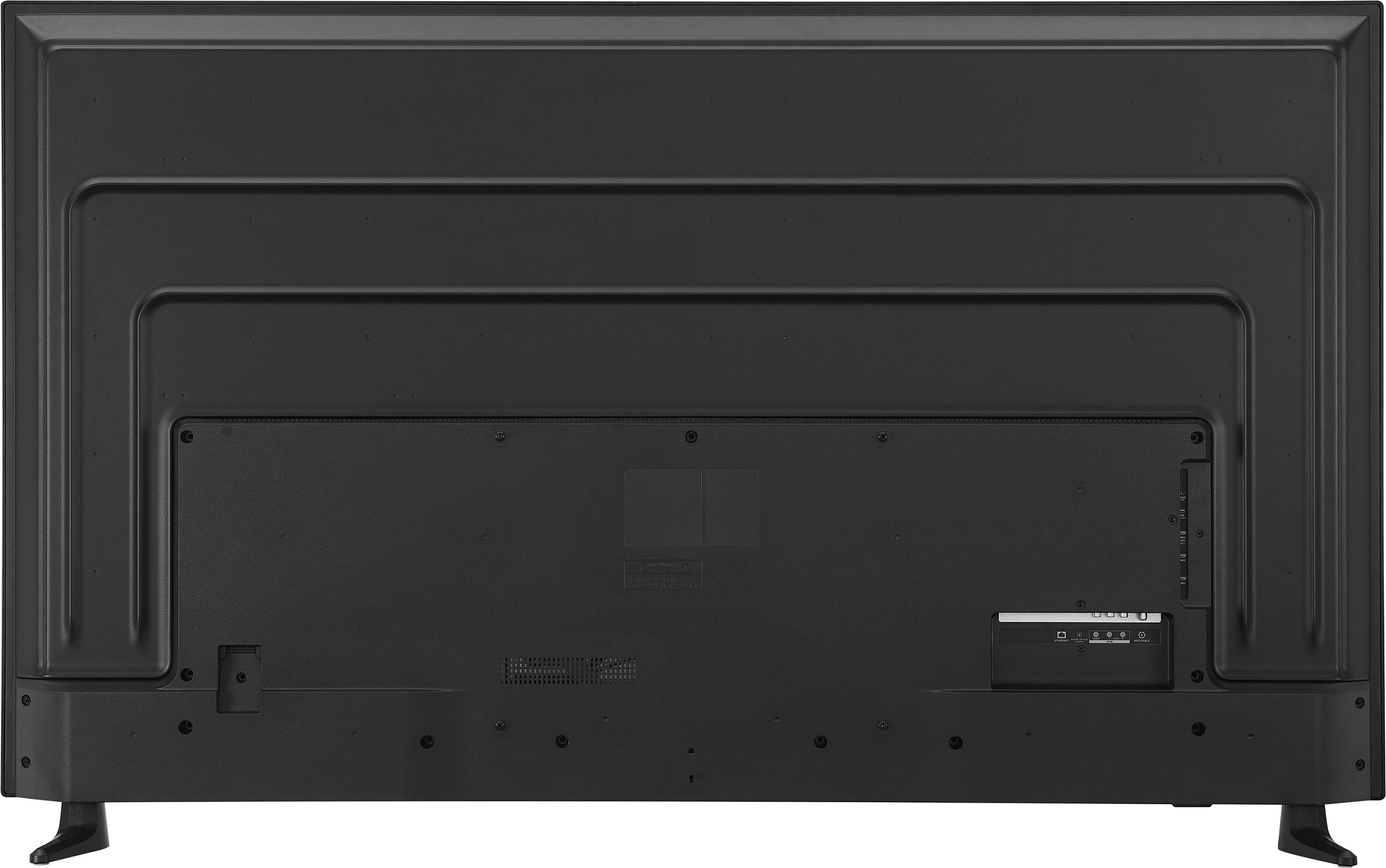
  • QuestionWill this fit on a 47” table. I have a 60” on it now.

    Asked by Anonymous.

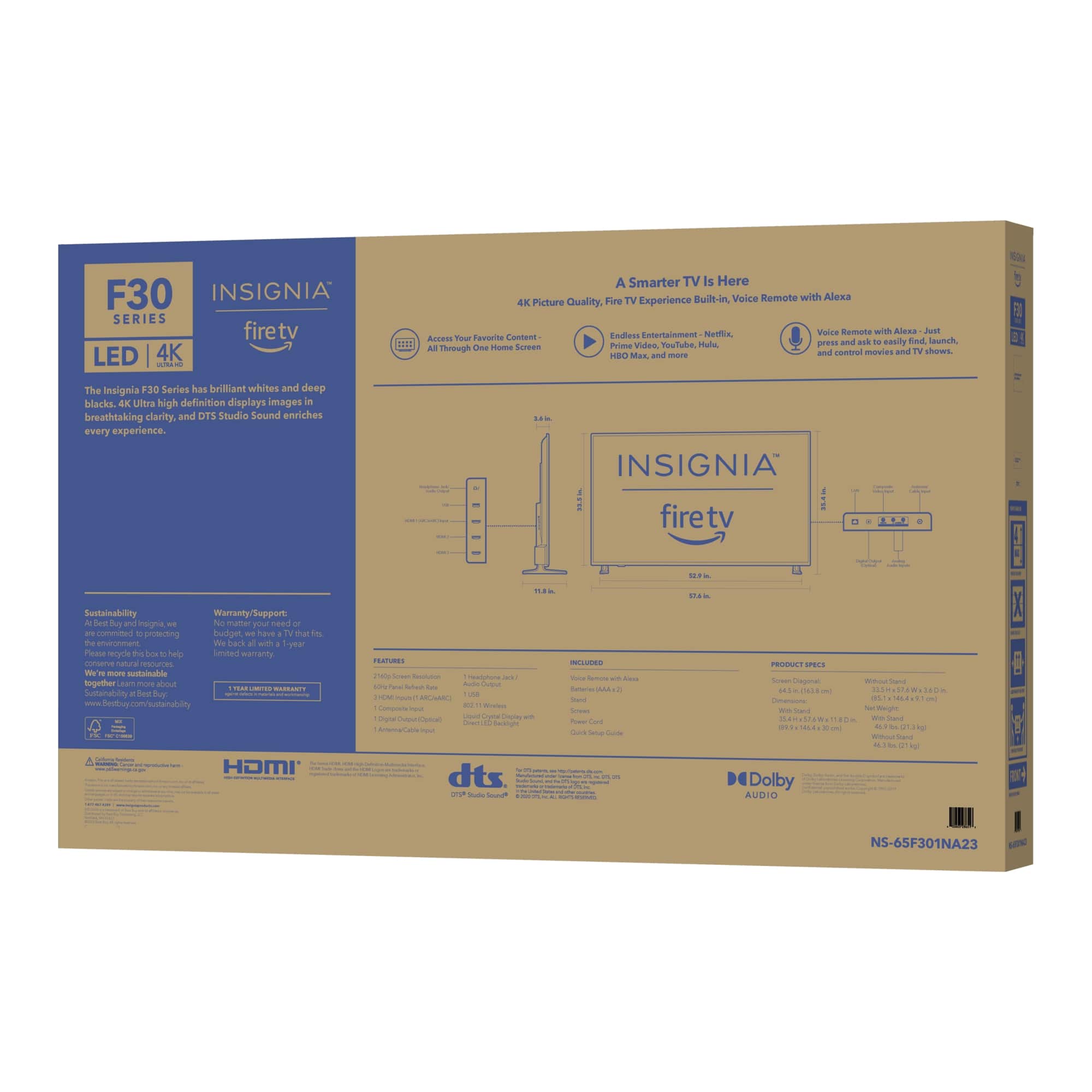
    • Answer Hello! Thank you for reaching out. I wanted to let you know that this item will not fit on your 47" table, as the distance between the legs is 56.1". I hope this information is helpful to you.- Carl | Insignia Support

      Answered by InsigniaCustomerSupport

  • QuestionCan i lay this down in truck to get it home?

    Asked by Dee.

    • Answer Yes

      Answered by TomR

  • QuestionIs Xfinity service compatible !

    Asked by Julia.

    • Answer Thank you for your inquiry! Yes, the Insignia™ 65" Class F30 Series LED 4K UHD Smart Fire TV is compatible with Xfinity service. You can connect your Xfinity cable box to the TV using an HDMI cable, allowing you to access all your Xfinity channels and services. Keith | Insignia Support https://www.bestbuy.com/site/insignia-65-class-f30-series-led-4k-uhd-smart-fire-tv/6492966.p?skuId=6492966

      Answered by InsigniaCustomerSupport

  • QuestionThe only info about power use on Best Buy's website is it's not rated as Energy Star, and a guess about average power use and cost. How many watts does this TV consume?

    Asked by ShouldBeInTheSpecs.

    • Answer IT DOESN'T CONSUME MUCH POWER.

      Answered by LOLA

  • QuestionHow many inches between tv legs

    Asked by Anonymous.

    • Answer Just over 56".

      Answered by dickndeb

  • QuestionWhat size screw is needed for wall mounting this particular tv?

    Asked by JosephD.

    • Answer For wall mounting the Insignia 65" Class F30 Series LED 4K UHD Smart Fire TV, you will need M6 screws. The length of the screws can vary depending on the thickness of your wall mount bracket, but typically, screws that are 12-16mm in length should work well. Make sure to check the instructions that come with your wall mount for any specific requirements. If you have any other questions or need further assistance, feel free to ask!

      Answered by InsigniaCustomerSupport

  • QuestionIs it wifi 6?

    Asked by Jo.

    • Answer Thank you for your inquiry! The Insignia™ 65" Class F30 Series LED 4K UHD Smart Fire TV does not support Wi-Fi 6. It supports Wi-Fi 5 (802.11ac), which still provides a reliable and fast connection for streaming and other online activities. Keith | Insignia Support https://www.bestbuy.com/site/insignia-65-class-f30-series-led-4k-uhd-smart-fire-tv/6492966.p?skuId=6492966

      Answered by InsigniaCustomerSupport

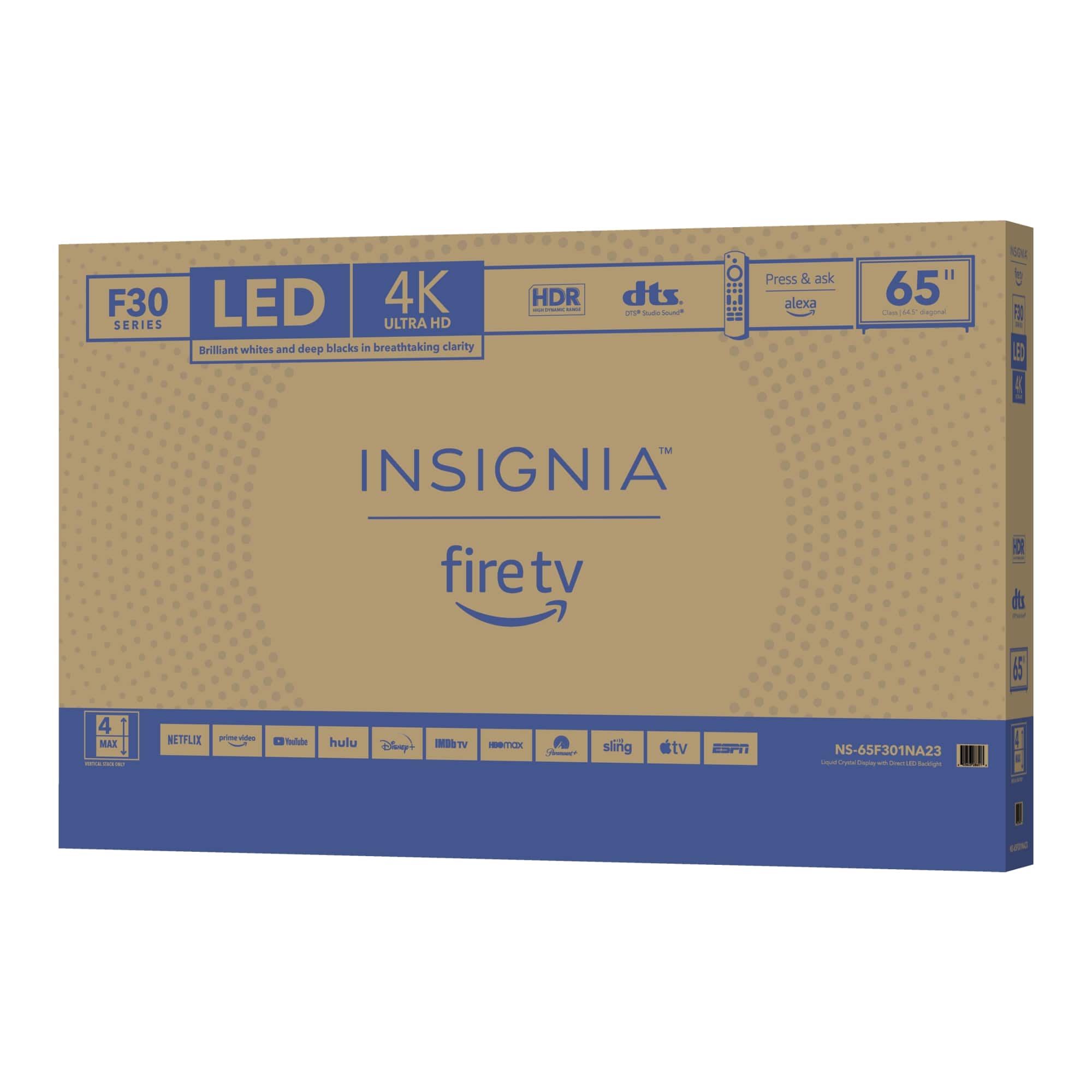
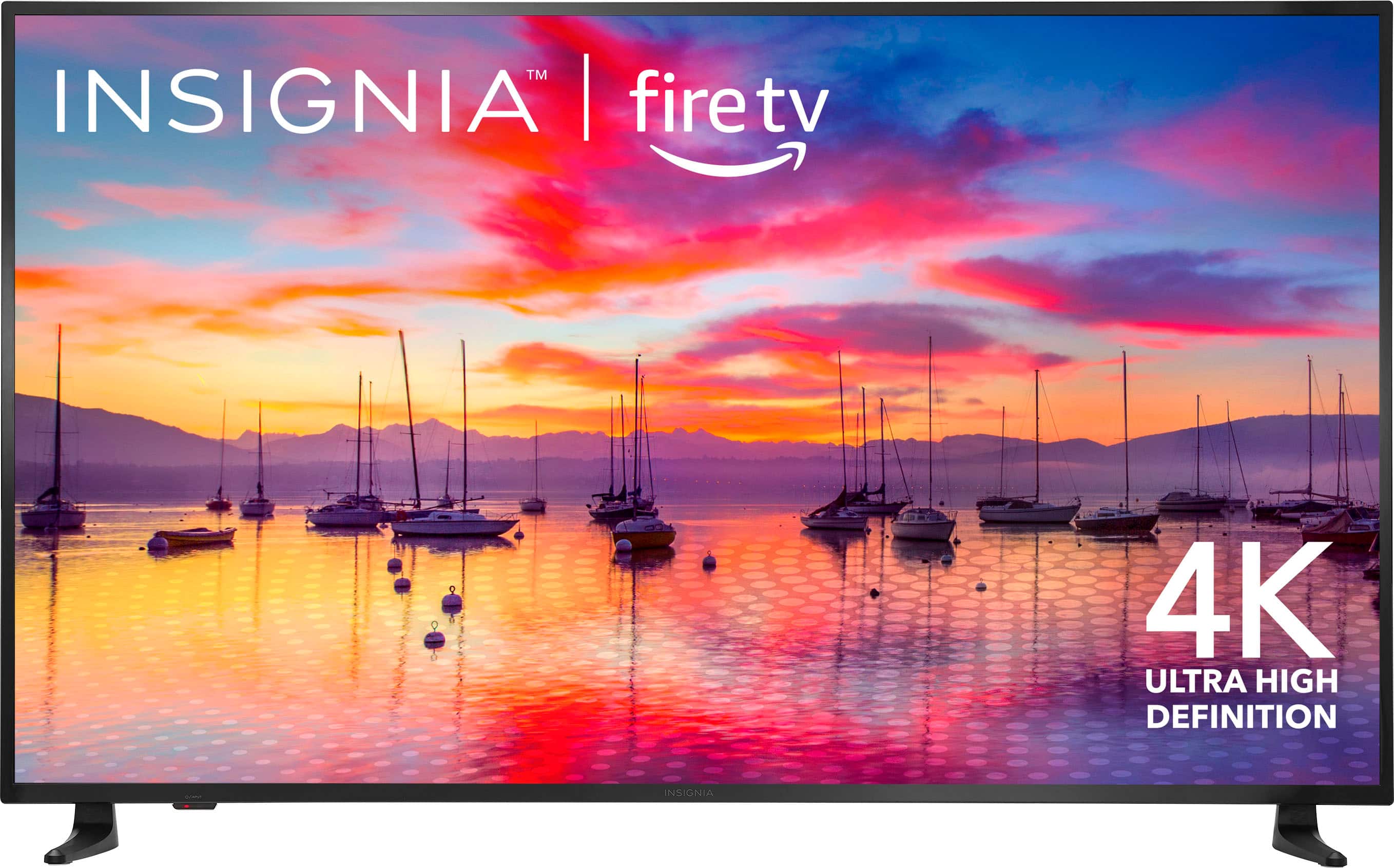
  • QuestionWill the TV fit nicely on my TV stand, which is 55.1 inches wide? I'm confused because the pictures of the 65-inch TV here show two different stand width measurements: 56.1 inches in one picture and 52.9 inches on the back of the box. Thanks!

    Asked by treesilike.

    • Answer I measured mine. I would not go less than 57. The feet are closer to 56.1 in.

      Answered by dickndeb

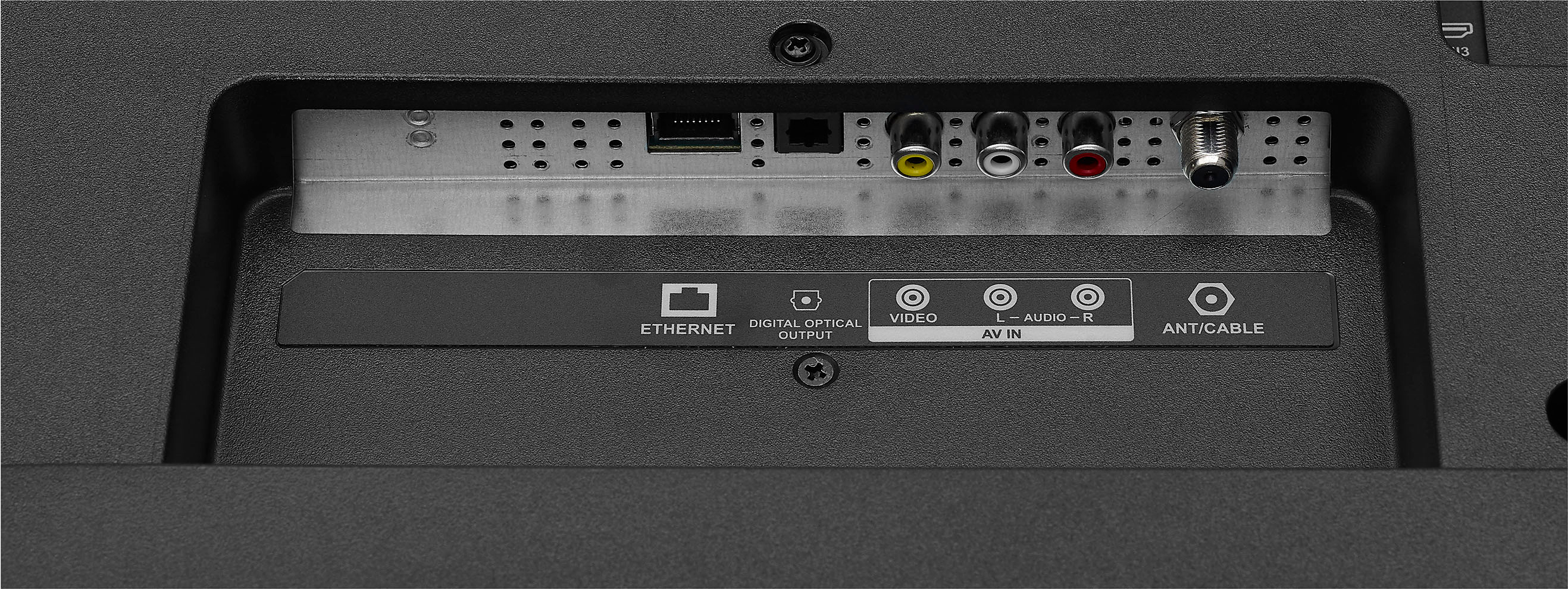
  • Questionwill this wor5k with antenna reception

    Asked by Anonymous.

    • Answer Yes. That's the only thing I use.

      Answered by dickndeb

  • QuestionCan I use roku with insignia 65

    Asked by Buddy.

    • Answer Yes just plug into HDMI

      Answered by KylaP

  • Questionwhat is echo show? insigma tv

    Asked by mick.

    • Answer The Amazon Echo Show is a smart display device that combines the features of a smart speaker with a touchscreen display. It allows you to use voice commands via Alexa to control smart home devices, watch videos, make video calls, view photos, and more. The Echo Show comes in various sizes, including the Echo Show 5, Echo Show 8, Echo Show 10, and Echo Show 15, each offering different screen sizes and features. As for the Insignia™ 65" Class F30 Series LED 4K UHD Smart Fire TV, it is a smart TV that integrates Amazon's Fire TV platform. This means you can access a wide range of streaming services like Netflix, Prime Video, Disney+, and more directly from the TV. It also features Alexa voice control, allowing you to search for content, control playback, and manage smart home devices using voice commands. If you have any questions or need further assistance, please don't hesitate to reach out. Thank you for choosing Insignia! | Insignia Support | https://www.bestbuy.com/site/brands/best-buy-brands/pcmcat1596746025285.c?id=pcmcat1596746025285

      Answered by InsigniaCustomerSupport

  • QuestionMy 65in qled insignia picture went black overnight, I have sound, just no picture?

    Asked by Gary.

    • Answer I am so sorry that has happened to you sir. I've had mine for right at a month now and no problems out of it yet. Maybe something happened at the warehouse where the TV was made. Take it back see if they will let you exchange I'm sure they will..

      Answered by CynthiaW

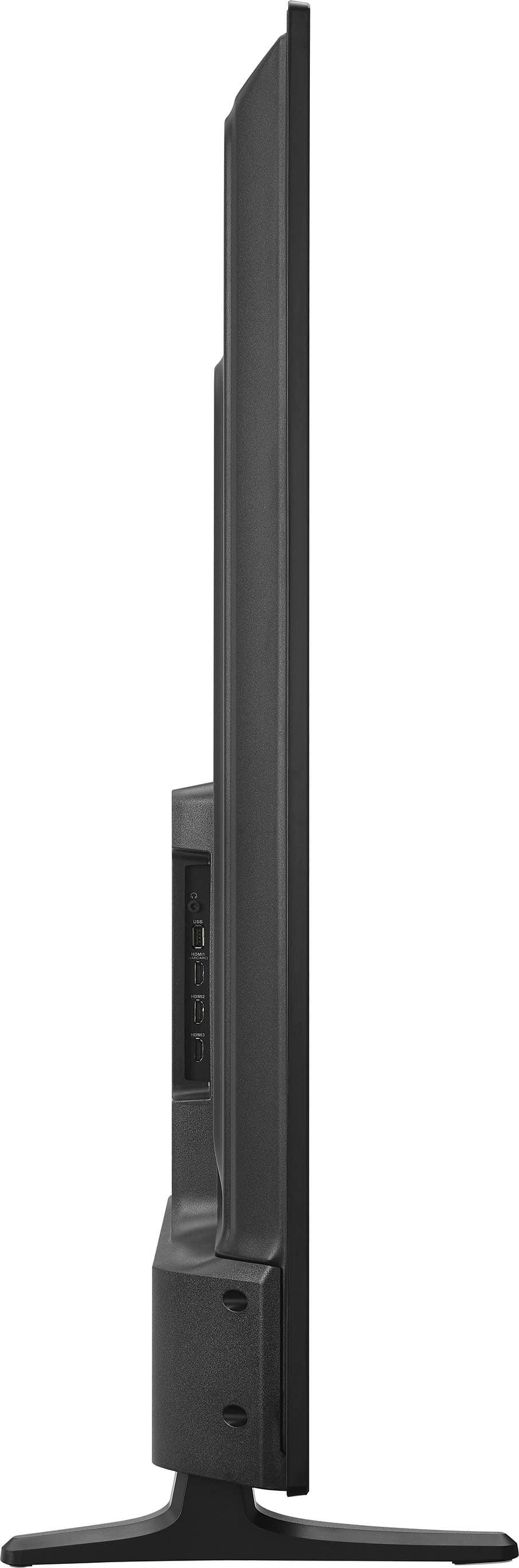
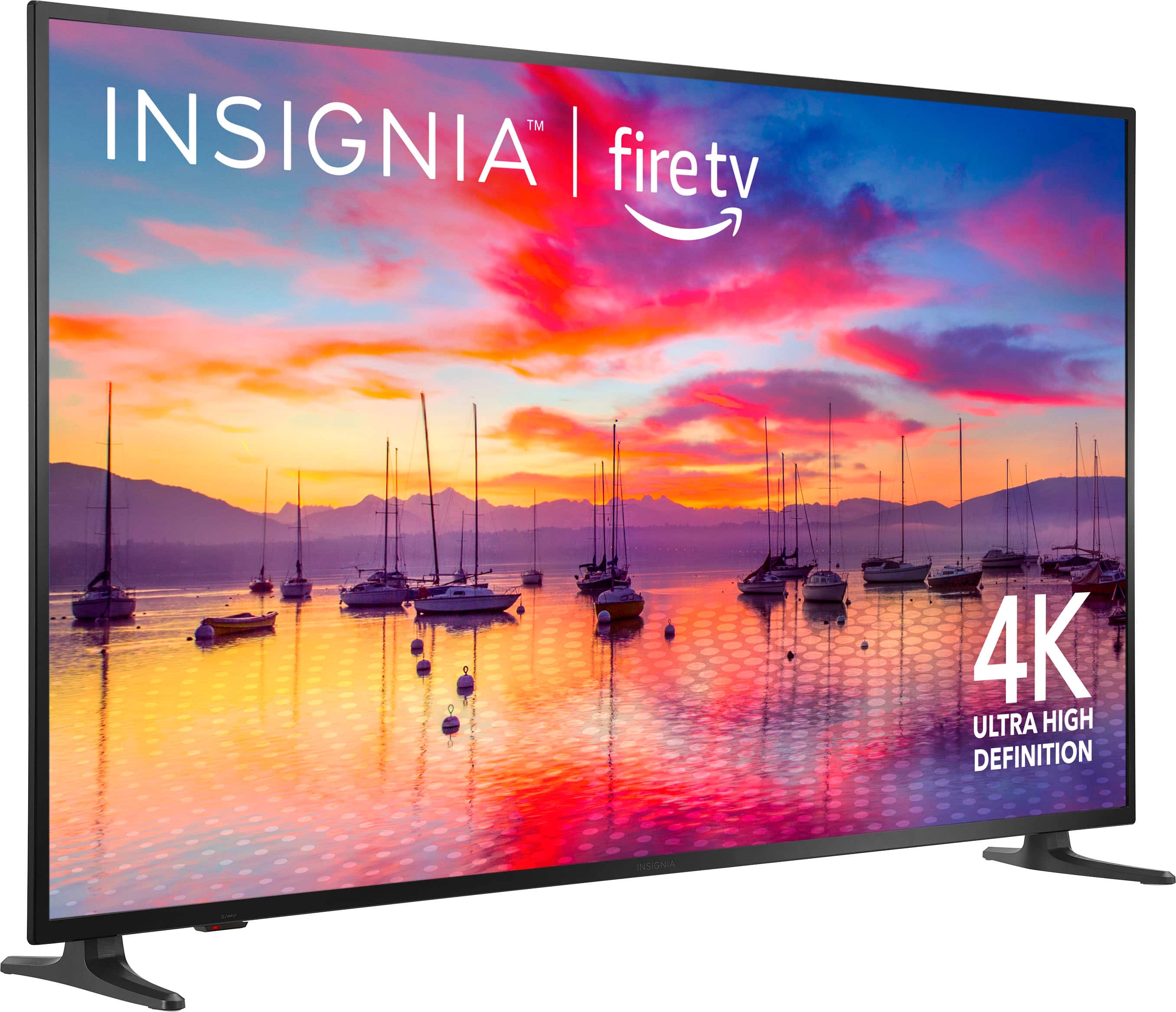
  • QuestionAre the legs suppose to be different? One curves and the other one is straight.

    Asked by Tiff.

    • Answer Supposed to be identical. V shaped with the 2 points mounted facing the outter edge of the TV

      Answered by Jeff