

Ultimate Upgrade SaleEnds Sunday. Limited quantities. No rainchecks.Shop now

Skip to contentGo to Product Search
Main Content

Questions & Answers

$279.99
Save $170
The comparable value is $449.99
Page Showing 1-20 of 109 questions
  • QuestionWhat is the TV's wattage?

    • Answer The TV has a wattage of 212 watts.
    This question and answer was generated by AI based on customer and product data.

  • QuestionCan I control the TV with my voice?

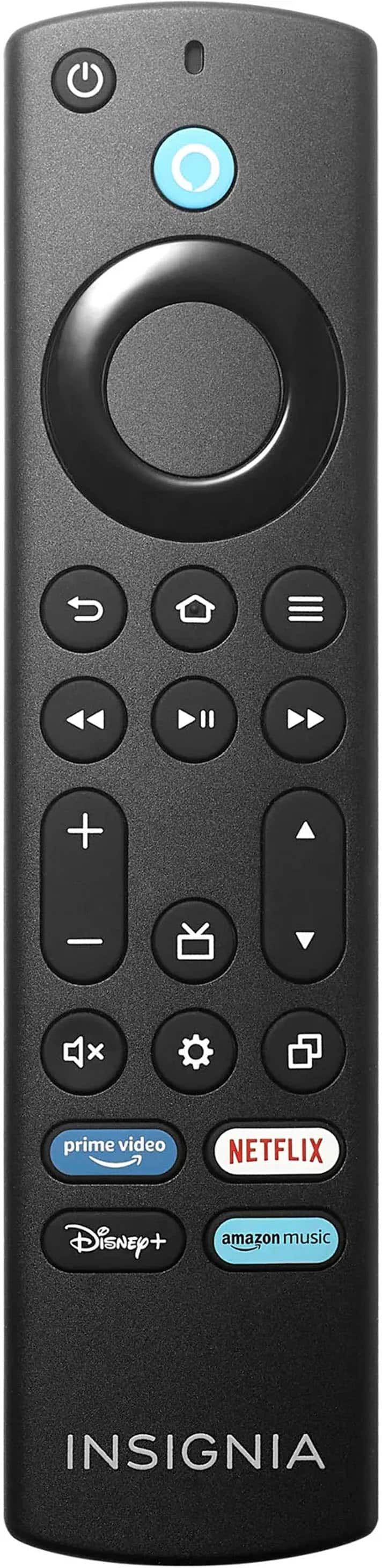
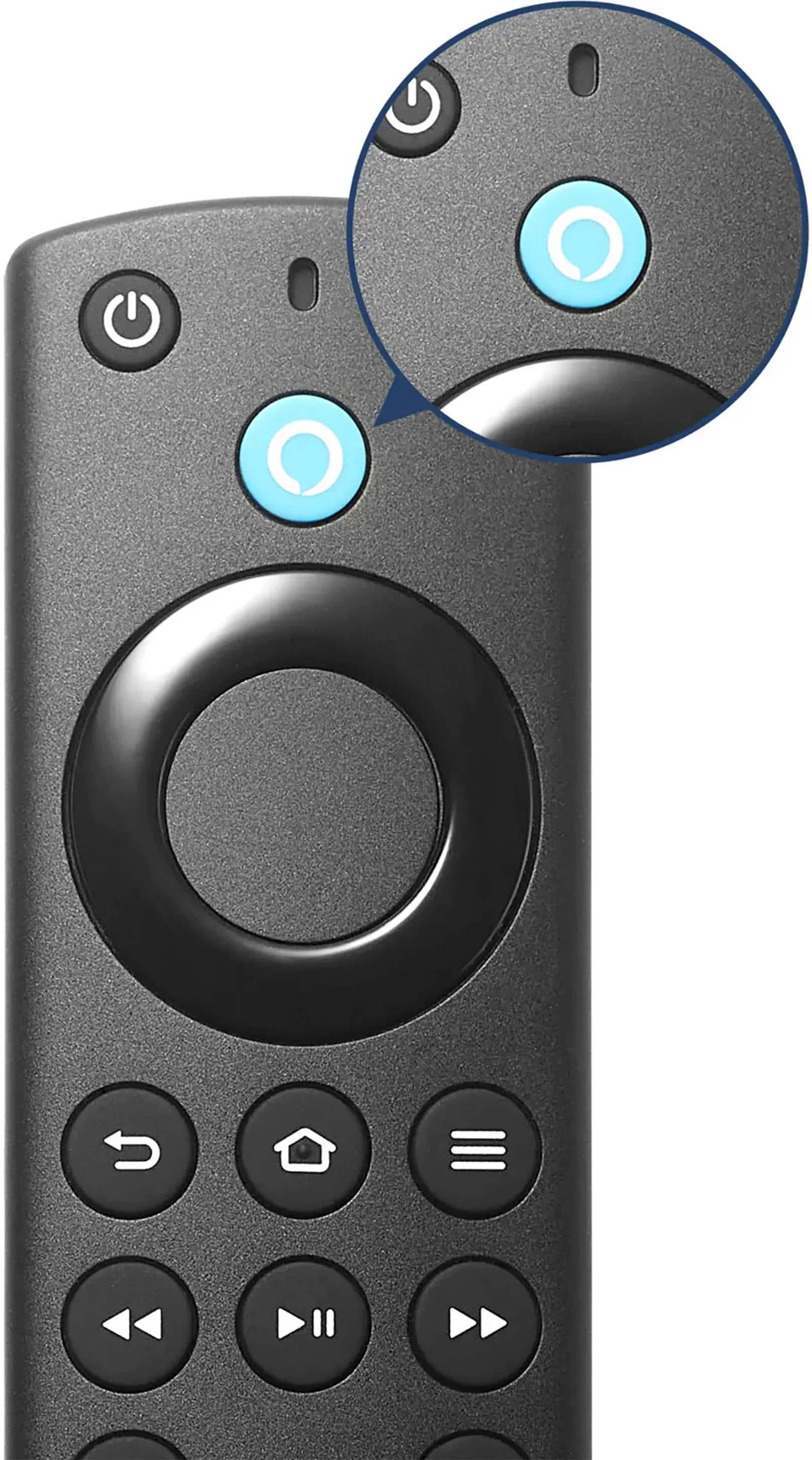
    • Answer You can control the TV with your voice.
    This question and answer was generated by AI based on customer and product data.
  • QuestionWhat is the refresh rate of the TV?

    • Answer The refresh rate of this TV is 60Hz.
    This question and answer was generated by AI based on customer and product data.

  • QuestionDoes the TV have built-in speakers?

    • Answer This TV has built-in speakers.
    This question and answer was generated by AI based on customer and product data.

  • QuestionWhat is the screen size of the TV?

    • Answer The screen size of this TV is 64.5 inches.
    This question and answer was generated by AI based on customer and product data.

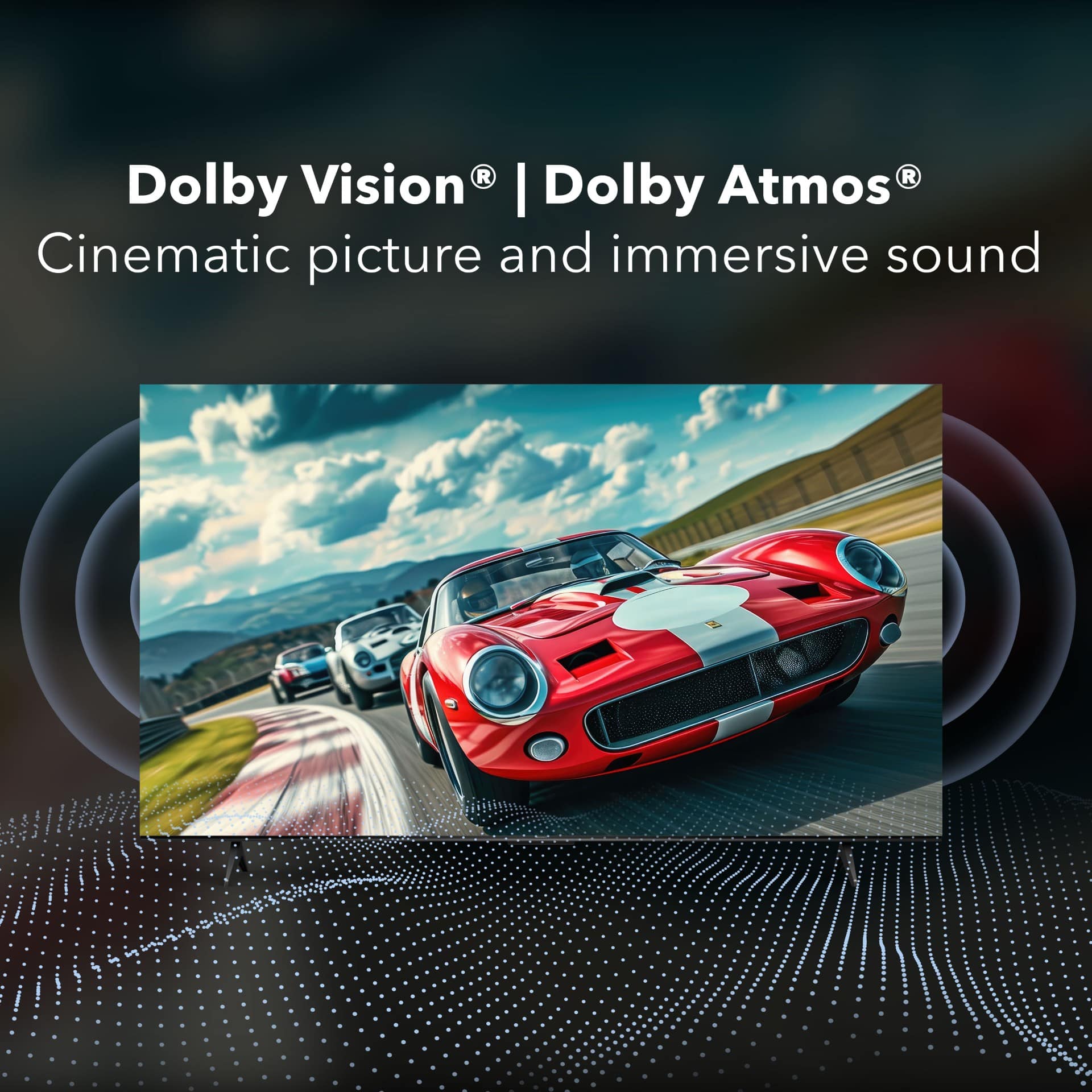
  • QuestionDoes the TV support Dolby Atmos?

    • Answer This TV supports Dolby Atmos surround sound.
    This question and answer was generated by AI based on customer and product data.

  • QuestionHow does the F50 version differ from the F30 Version of this TV?

    Asked by Sandy.

    • Answer The Insignia™ F50 Series and F30 Series TVs have several key differences: 1. Display Technology: - The F50 Series features Quantum Dot technology, which enhances color accuracy and brightness, providing a more vibrant and lifelike picture. 2. HDR Support: - The F50 Series supports Dolby Vision HDR, which offers better contrast and color accuracy for HDR content. - The F30 Series supports HDR10, which is still good but not as advanced as Dolby Vision. 3. Audio: - The F50 Series includes DTS Virtual:X technology for a more immersive audio experience. - The F30 Series has standard audio features without DTS Virtual:X. 4. Design and Build: - The F50 Series generally has a more premium build quality and design compared to the F30 Series. Both series offer 4K UHD resolution and come with Fire TV built-in, providing access to a wide range of streaming services and apps. If you have any more questions or need further details, feel free to ask!

      Answered by InsigniaCustomerSupport

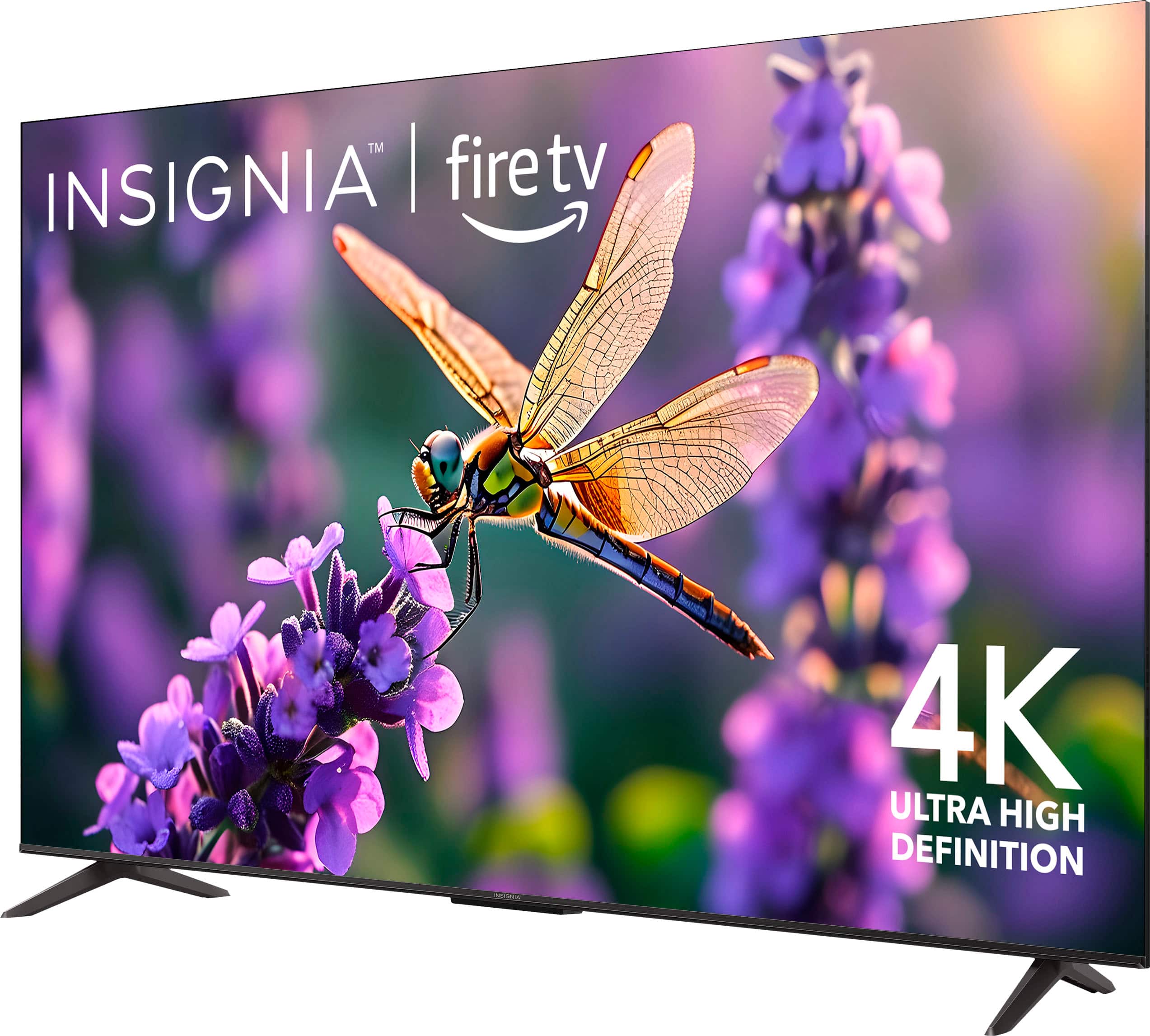
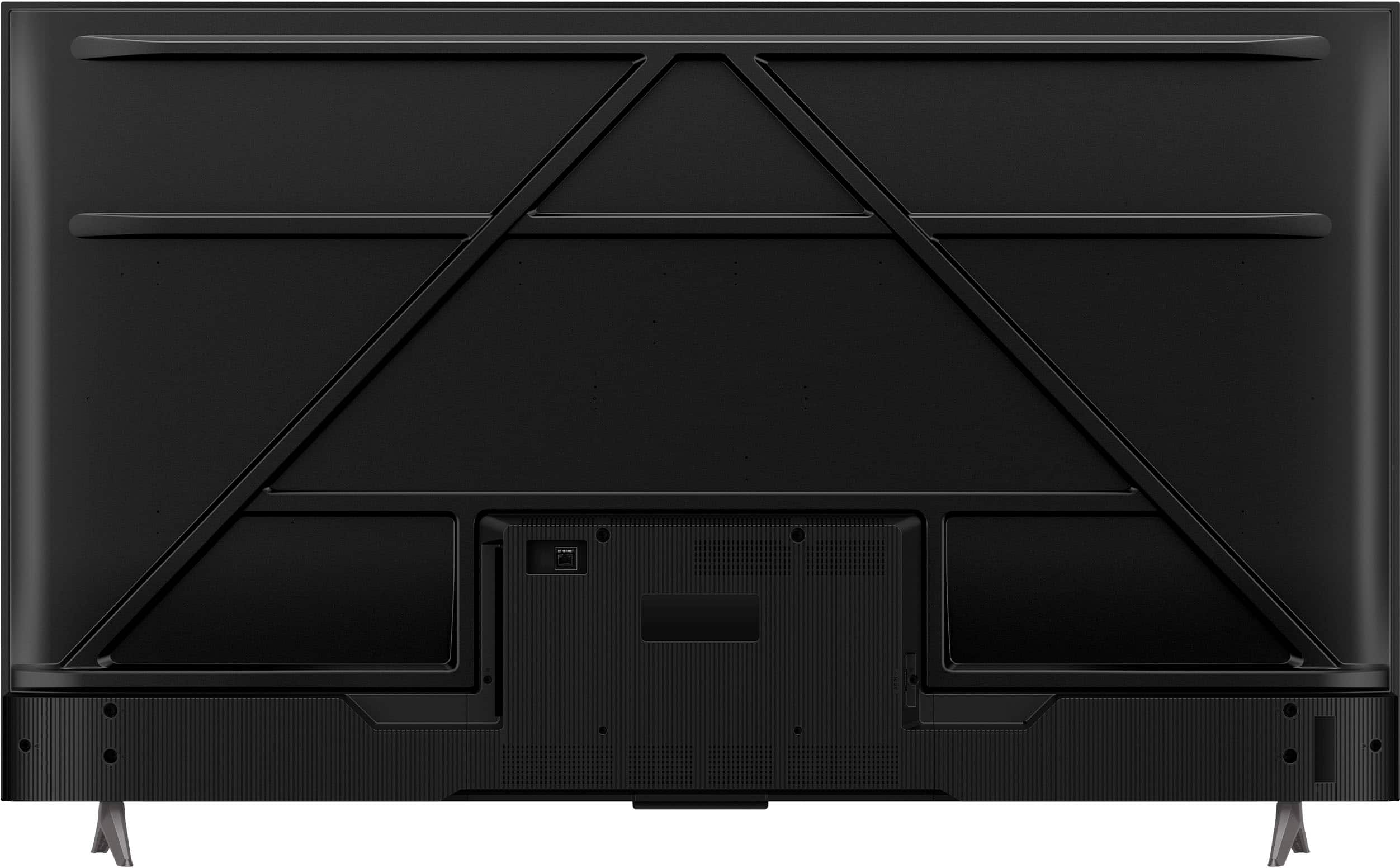
  • QuestionHOW FAR APART ARE THE LEGS FOR THIS 65” I(nsignia TV?

    Asked by TMAN.

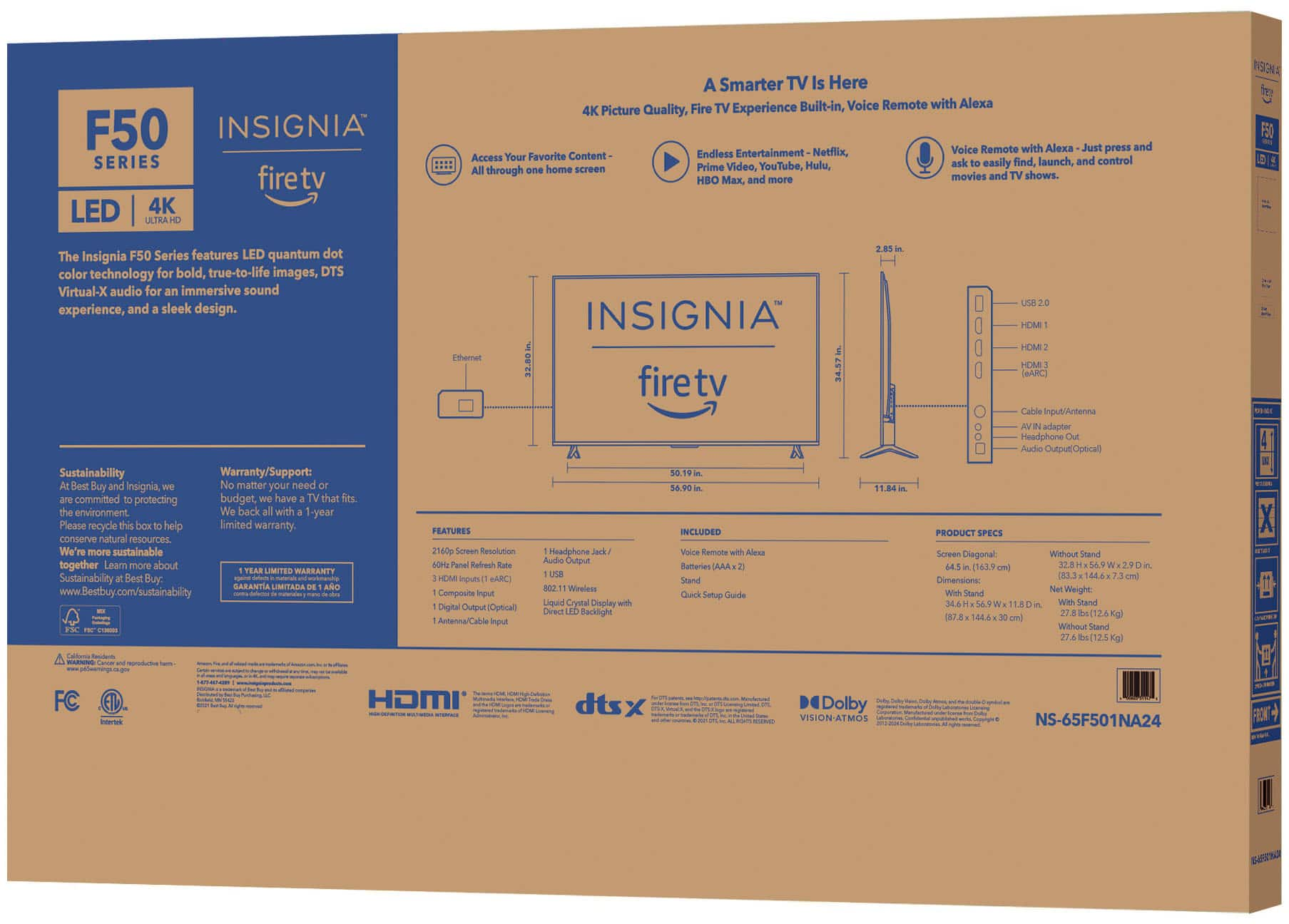
    • Answer Thank you for your inquiry! The legs of the Insignia™ 65" Class F50 Series LED 4K UHD Smart Fire TV are approximately 50.2 inches apart. This measurement is taken from the outer edges of the legs. Keith | Insignia Support

      Answered by InsigniaCustomerSupport

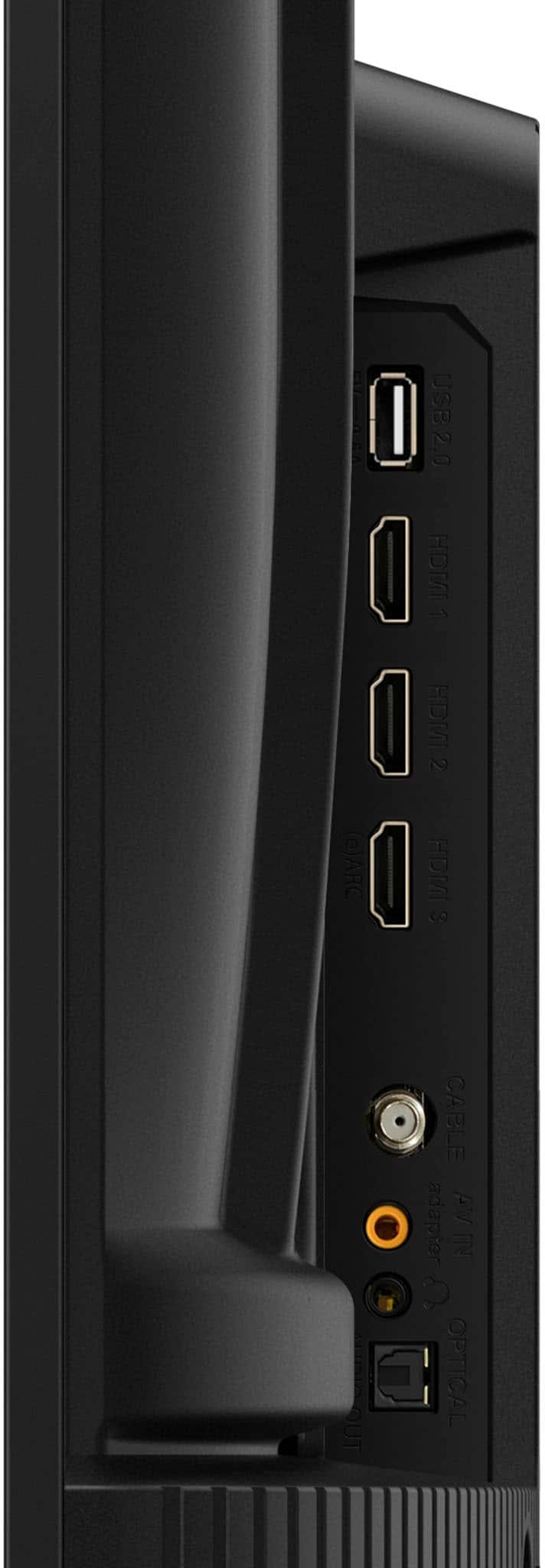
  • QuestionIs this tv antenna capable.

    Asked by grangran.

    • Answer Thank you for your inquiry! The Insignia™ 65" Class F50 Series LED 4K UHD Smart Fire TV comes with a built-in tuner, which allows you to connect an antenna directly to the TV to receive over-the-air broadcasts. This means you can watch local channels without needing a separate set-top box or streaming device. Keith | Insignia Support

      Answered by InsigniaCustomerSupport

  • QuestionDoes this TV have av audio video hook up?

    Asked by RobertL.

    • Answer Thank you for your inquiry! Yes, the Insignia™ 65" Class F50 Series LED 4K UHD Smart Fire TV does have AV (audio/video) hookups. You can connect devices using the AV input, which is useful for older equipment that doesn't support HDMI. Keith | Insignia Support

      Answered by InsigniaCustomerSupport

  • QuestionWht are the speakers so bad you have to turn it up to 100 to hear

    Asked by JeffD.

    • Answer Thank you for your inquiry! I'm sorry to hear you're having trouble with the speakers on your Insignia™ - 65" Class F50 Series LED 4K UHD Smart Fire TV. This model is designed to provide a good audio experience, but sometimes the built-in speakers may not meet everyone's expectations, especially in larger rooms or noisy environments. Here are a few things you can try to improve the sound quality: Check the TV's audio settings to ensure they are optimized by adjusting options like bass, treble, and balance. Consider connecting external speakers or a soundbar to enhance the audio experience, as this can make a significant difference in sound quality and volume. Ensure the TV is placed in a location where the sound can travel freely, avoiding enclosed spaces or walls that might muffle the sound. If these steps don't help, it might be worth reaching out to Insignia customer support for further assistance or considering an external audio solution. Keith | Insignia Support

      Answered by InsigniaCustomerSupport

  • QuestionCan this TV be used as a "dumb" TV? Can I not use internet with this TV and have HDMI and Antenna work with it?

    Asked by James.

    • Answer Thank you for your inquiry! Yes, the Insignia™ 65" Class F50 Series LED 4K UHD Smart Fire TV can be used without an internet connection. You can use it as a TV by simply connecting devices via HDMI or using an antenna for over-the-air channels. Keith | Insignia Support

      Answered by InsigniaCustomerSupport

  • QuestionWhat type of audio out connections does this TV have?

    Asked by RonC.

    • Answer There is an optical audio connection and a headphone connection for line level analogue. Both are internally adjustable with the volume control of the remote. There is also an ear protection setting by default, this is easily defeated by adjusting the volume, if the unit operates for prolonged periods without input it will come back on by default.

      Answered by PaulH

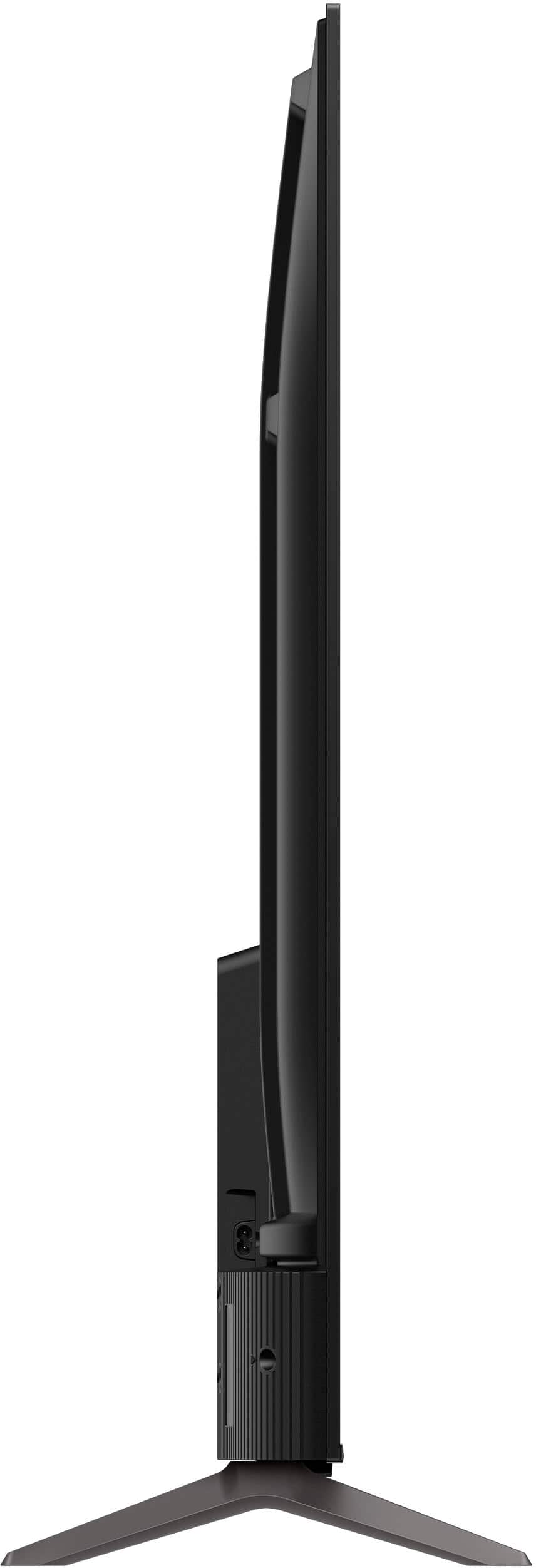
  • QuestionIs this tv wall mountable?

    Asked by Al.

    • Answer Yes I mounted mine

      Answered by Onyx

  • QuestionIs there a camera on this tv?

    Asked by StacybM.

    • Answer No

      Answered by Stuart

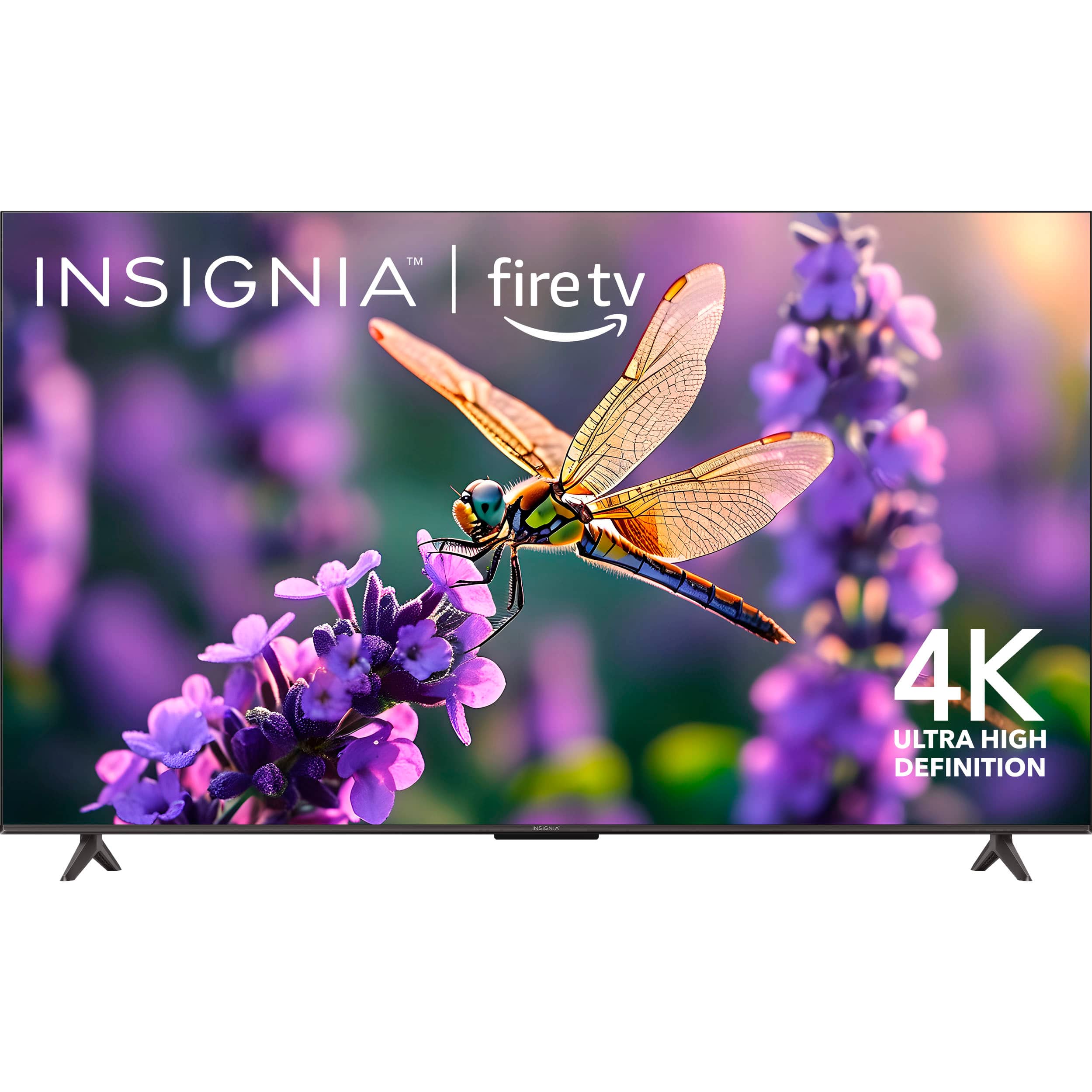
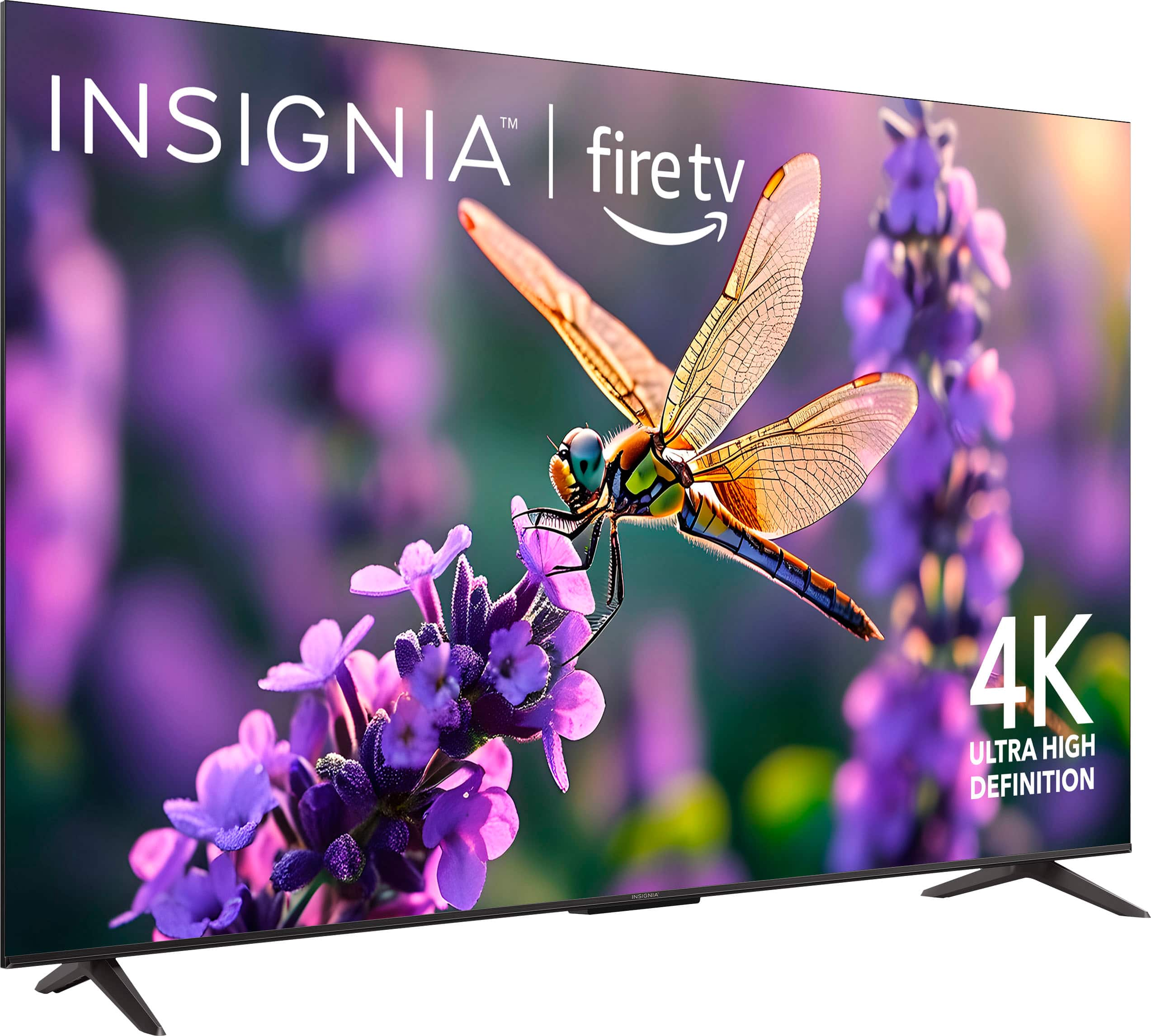
  • QuestionIs there a frame around the tv or does the screen go to the edge.

    Asked by Cdsindy.

    • Answer Thank you for your inquiry! The Insignia™ 65" Class F50 Series LED 4K UHD Smart Fire TV features a slim but visible bezel around the screen. While the design is modern and the bezels are relatively narrow, the display does not extend fully to the edges, meaning it is not a frameless or edge-to-edge TV. This frame is most noticeable when the TV is turned off or displaying darker content. The bezel helps define the screen area and provides a subtle border, which is typical for TVs in this price and feature range. Keith | Insignia Support

      Answered by InsigniaCustomerSupport

  • QuestionWill this tv work with directly with a coax cable without having to use a cable box?

    Asked by Kristi.

    • Answer Thank you for your inquiry! Yes, the Insignia™ 65" Class F50 Series LED 4K UHD Smart Fire TV can work directly with a coax cable without needing a cable box. Keith | Insignia Support

      Answered by InsigniaCustomerSupport

  • QuestionIs this tv compatible with miracast?

    Asked by Anonymous.

    • Answer Hi! Thank you for reaching out. Our Insignia Fire TVs have built-in display mirroring and AirPlay features, allowing you to cast from your Android or Apple devices. I hope this information is helpful, and if you have any further questions, please feel free to ask! - Carl | Insignia Support

      Answered by InsigniaCustomerSupport

  • QuestionWhat size screws fit in the back for wall mounting brackets?

    Asked by freddy.

    • Answer 1/4 inch screws fit

      Answered by JugonduoH

  • QuestionDies this TV have NextGen TV tuner (ATSC 3.0)? And why isn’t this feature included as part of your standard feature list?

    Asked by Rocket88.

    • Answer The Insignia™ - 65" Class F50 Series LED 4K UHD Smart Fire TV does not include a NextGen TV tuner (ATSC 3.0) as part of its features. The tuner installed on this model Tv are ATSC, NTSC and Clear QAM. If you have any other questions or need further assistance, feel free to ask! -Ed | Insignia Support | https://www.bestbuy.com/site/brands/best-buy-brands/pcmcat1596746025285.c?id=pcmcat1596746025285

      Answered by InsigniaCustomerSupport










