

Black Friday is hereShop new DoorbustersShop now

Main Content

Questions & Answers

Your price for this item is $277.99
Clearance
The comparable value price is $369.99
Page Showing 1-20 of 73 questions
  • QuestionDoes this TV include parental control settings?

    • Answer Yes, you can manage your children's viewing by blocking content based on program ratings or entire channels. You can also access whatever you want with a simple PIN.
    This question and answer was generated by AI based on customer and product data.

  • QuestionWhat is the resolution of this Insignia TV?

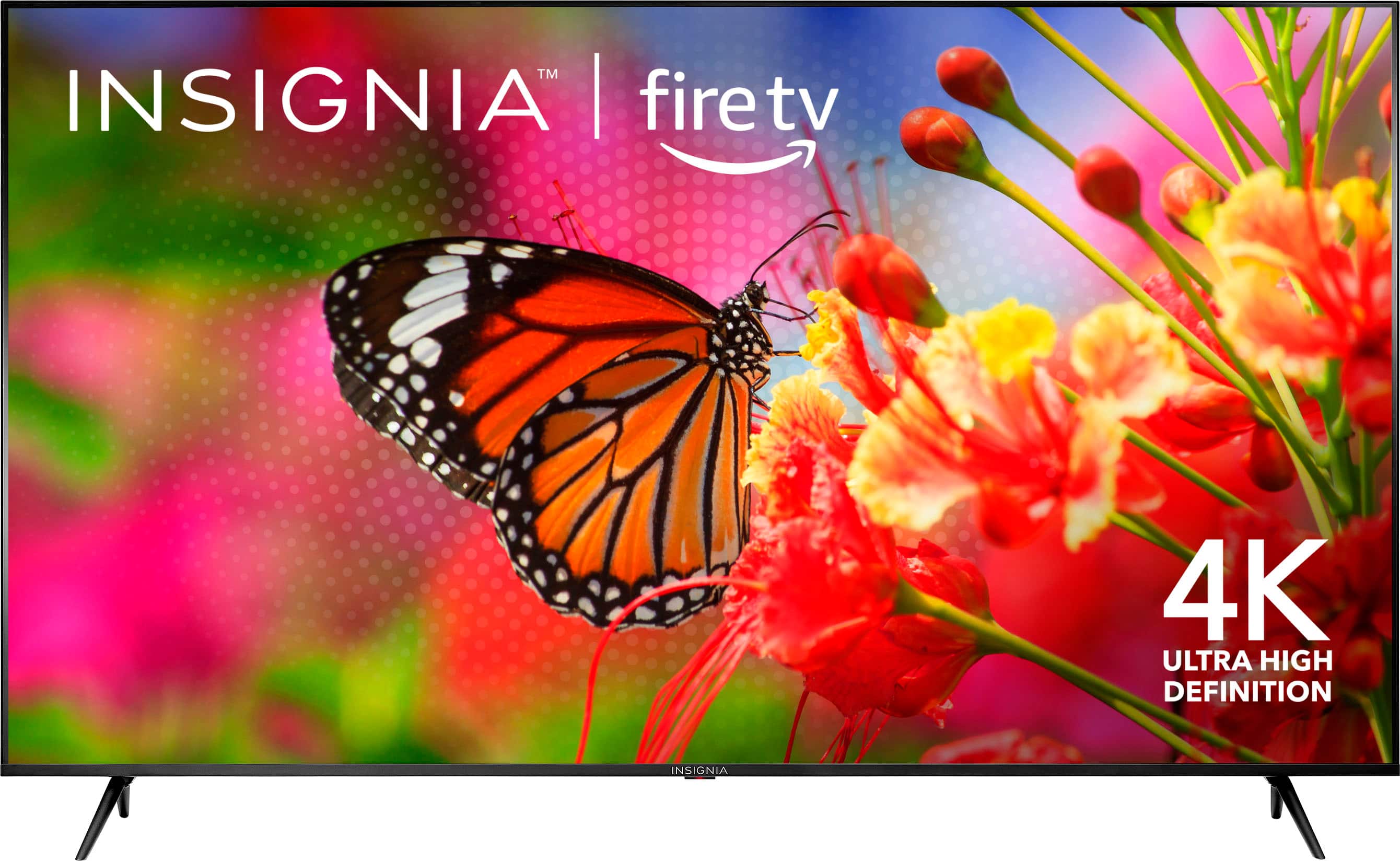
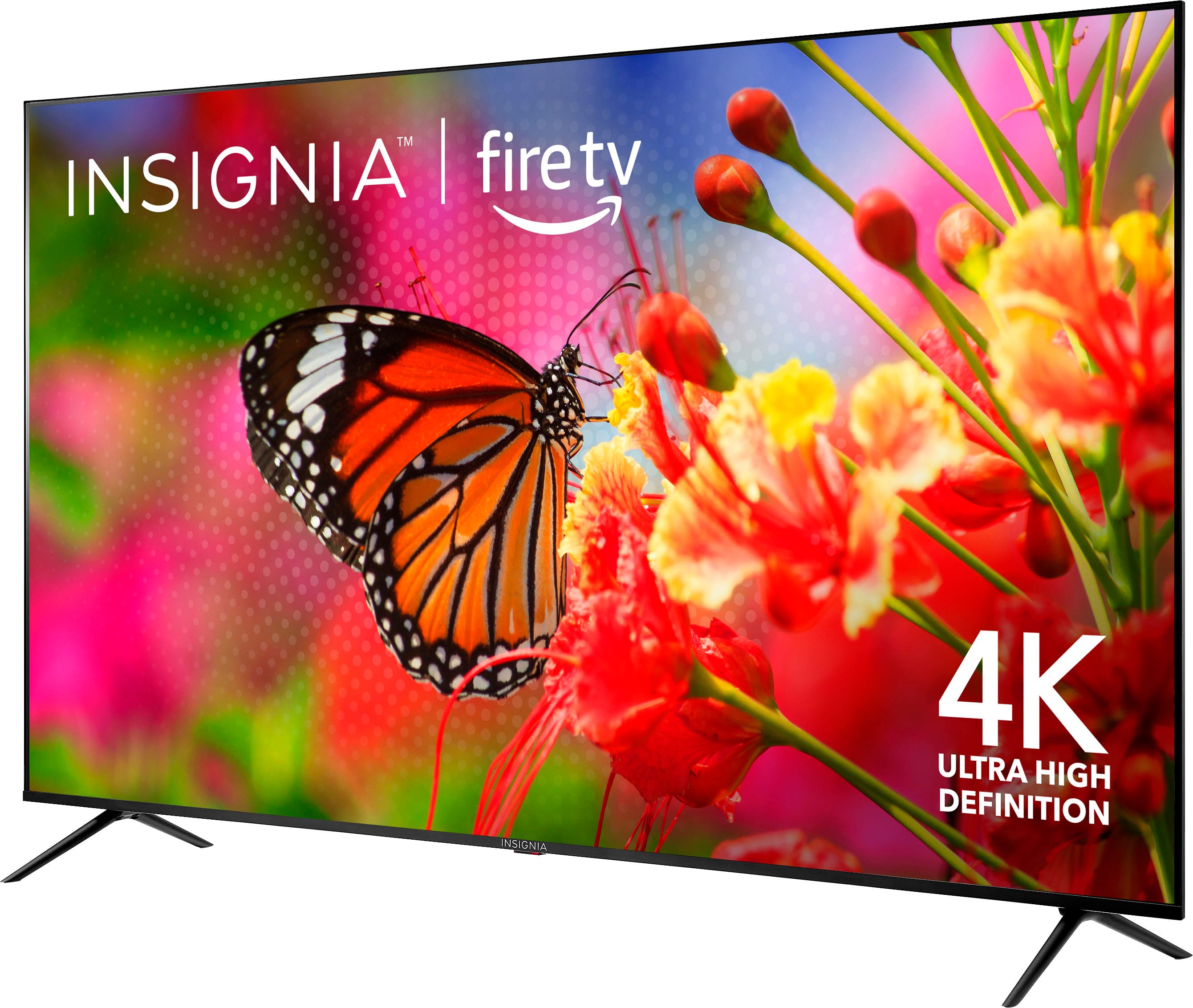
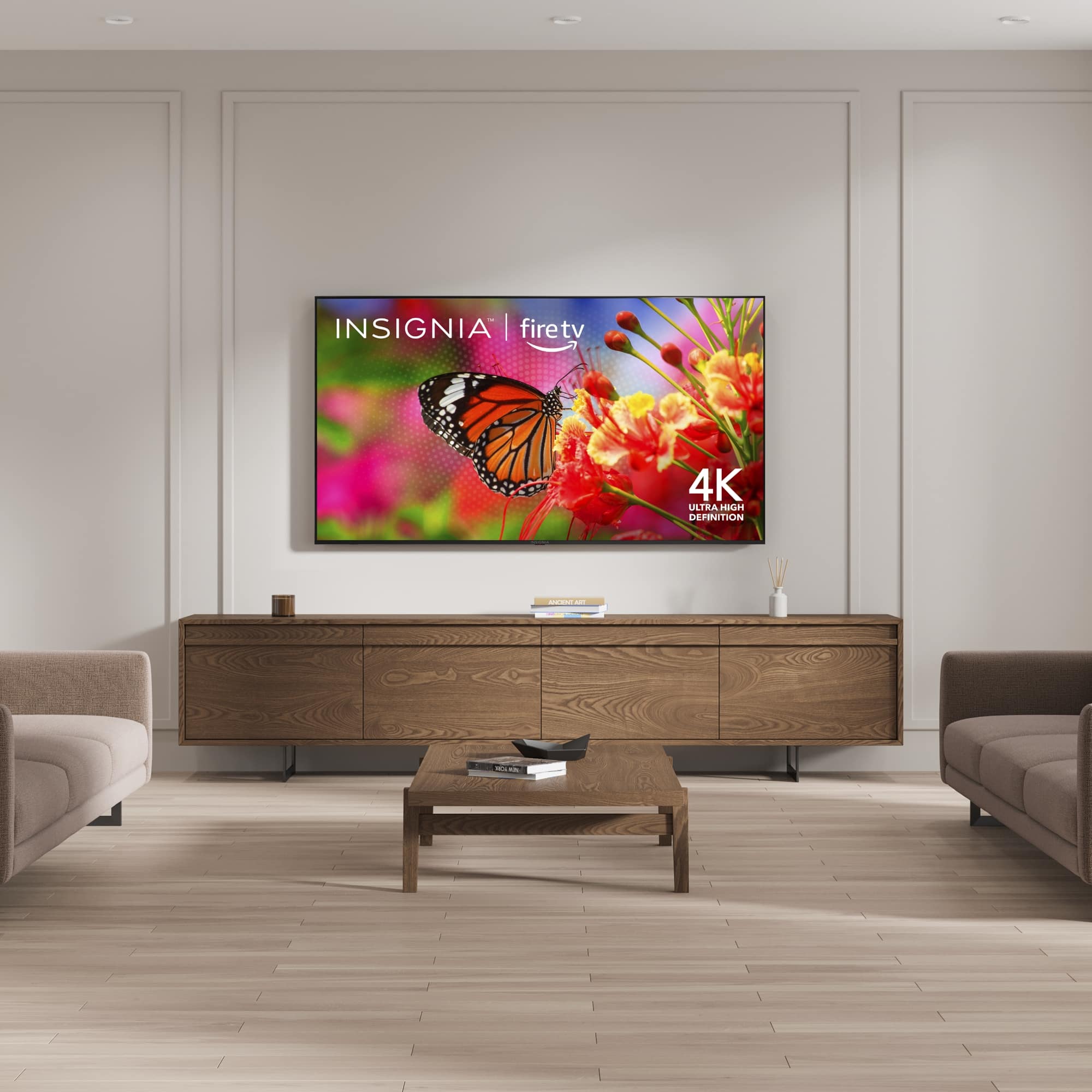
    • Answer This Insignia TV has a 4K Ultra HD resolution (2160p).
    This question and answer was generated by AI based on customer and product data.

  • QuestionWhat is the screen size of this TV?

    • Answer The screen size of this TV is 69.5 inches.
    This question and answer was generated by AI based on customer and product data.

  • QuestionDoes this TV have built-in speakers?

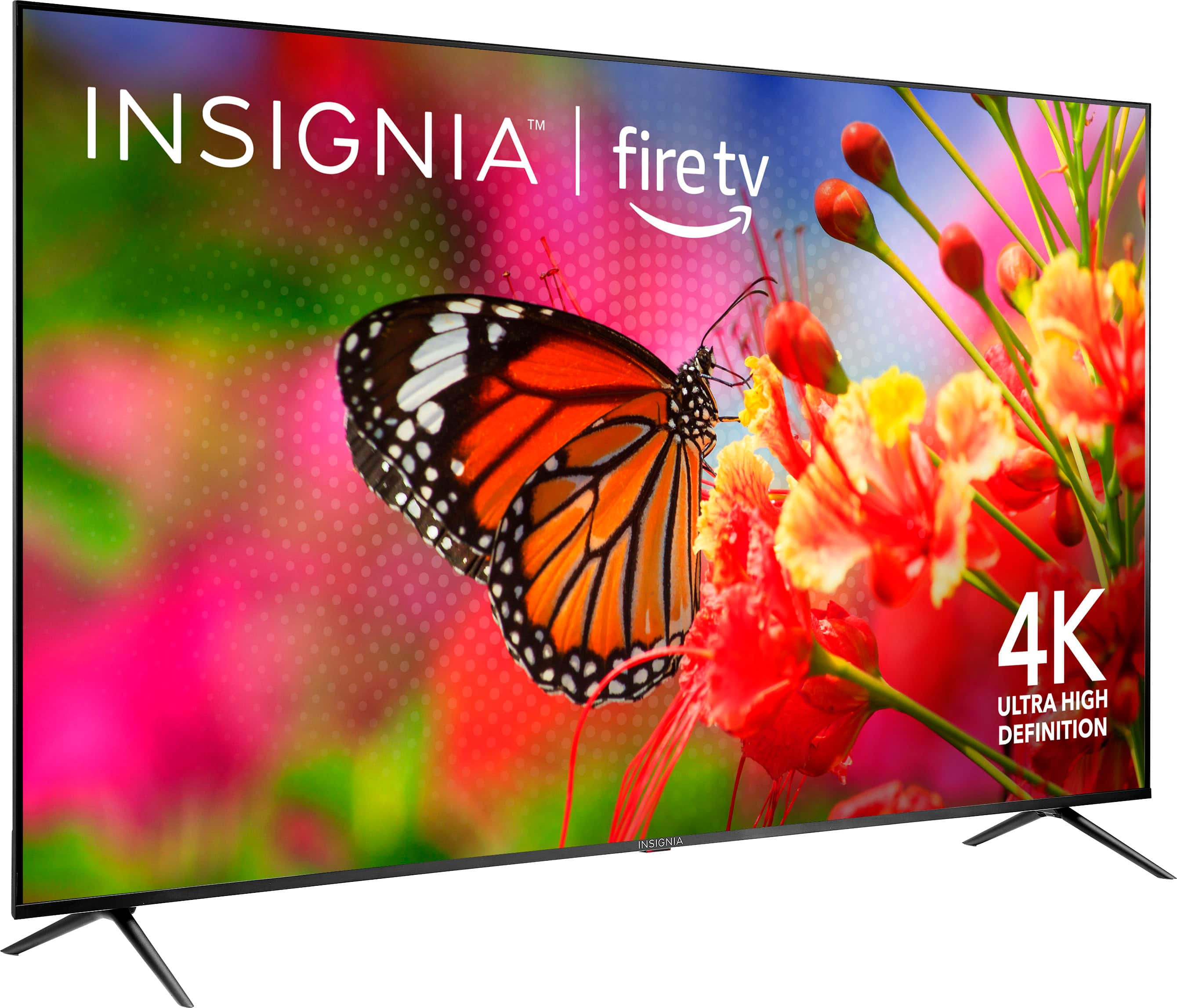
    • Answer Yes, this TV has built-in downward firing speakers.
    This question and answer was generated by AI based on customer and product data.

  • QuestionWhat type of display does this TV use?

    • Answer This TV has an LED-backlit LCD screen.
    This question and answer was generated by AI based on customer and product data.

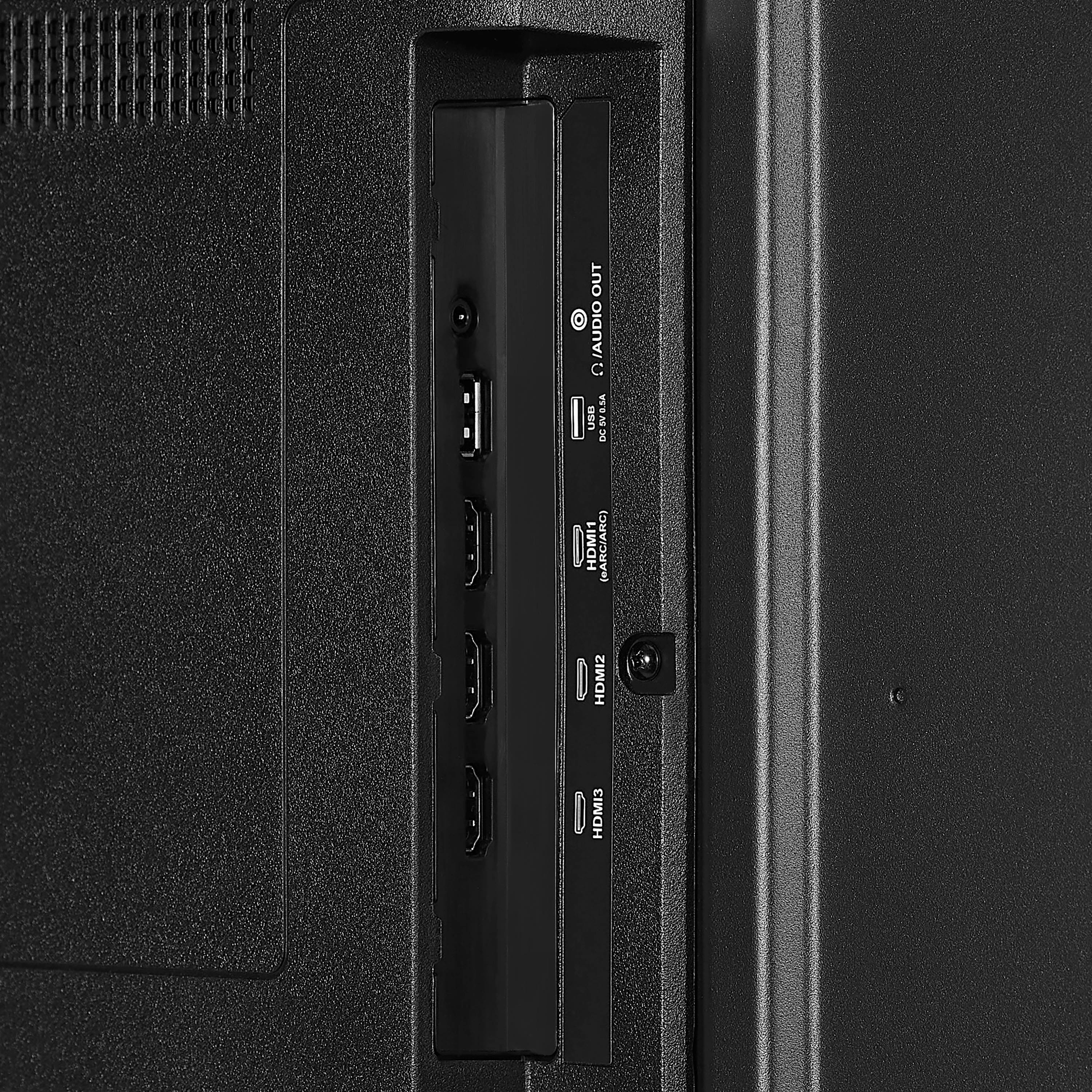
  • QuestionHow many HDMI ports does this TV have?

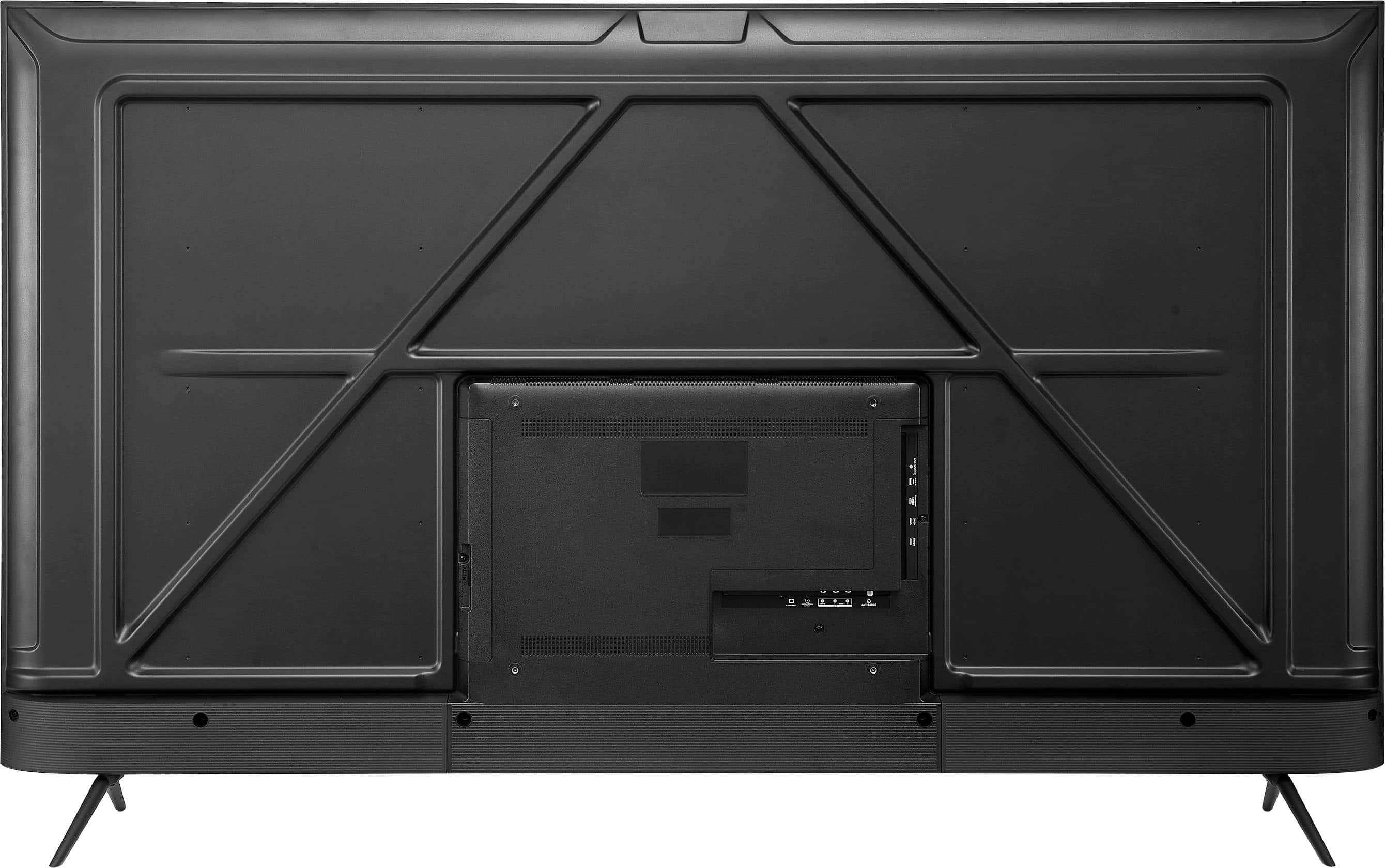
    • Answer This TV has 3 HDMI ports.
    This question and answer was generated by AI based on customer and product data.

  • QuestionCan I connect this Insignia TV to my home theater system?

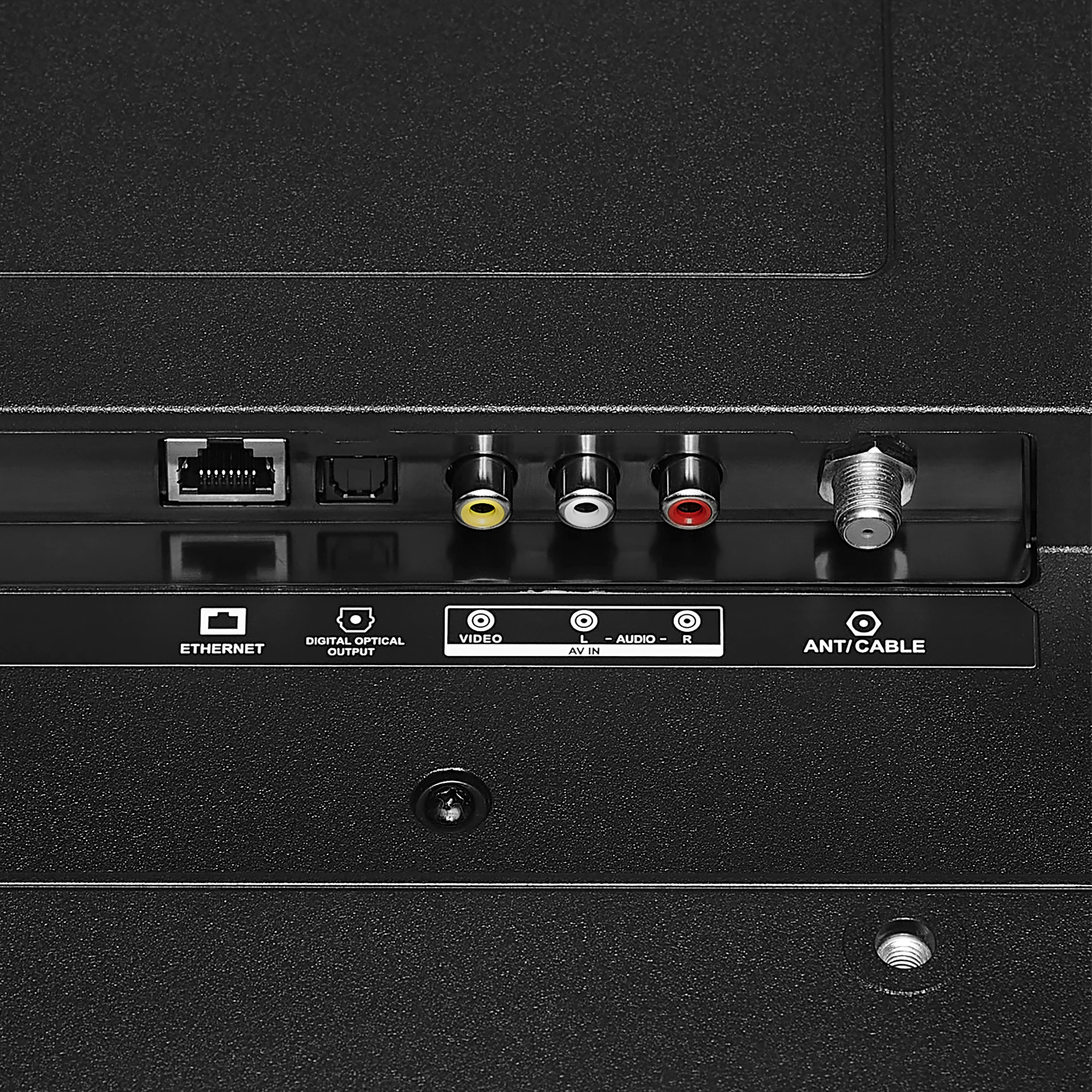
    • Answer Yes, you can connect your home theater components such as a Blu-ray player, game console, speakers, cable/antenna and more. TV connections include 3 HDMI ports, composite (AV) jacks, digital optical output, USB port, headphone jack, coaxial jack, ethernet port and Wi-Fi technology.
    This question and answer was generated by AI based on customer and product data.

  • QuestionWhat's the difference between F50 series and F30 series?

    Asked by Val.

    • Answer Hello! The main differences between the Insignia F50 and F30 series are in display technology, build quality, brightness and contrast, color gamut, and ports. The F50 series uses Quantum Dot technology (QLED), providing a wider color range and better color accuracy, while the F30 series uses standard LED technology. The F50 series features a stronger build with metal legs, higher peak brightness, better contrast, and supports a wider color gamut, making HDR content more vivid. It also typically comes with more HDMI ports compared to the F30. Both series use Amazon’s Fire TV smart operating system and support Alexa voice assistant. Jeth | Insignia Support. https://www.bestbuy.com/site/insignia-70-class-f50-series-led-4k-uhd-smart-fire-tv/6580446.p?skuId=6580446

      Answered by InsigniaCustomerSupport

  • QuestionIs this TV compactable with a web browser?

    Asked by Anonymous.

    • Answer The Insignia Fire TV 70-inch F50 series is primarily designed to work with the Fire TV operating system, which provides access to various streaming services and apps. While it does not come with a built-in web browser, you can download a web browser app like Amazon Silk or Firefox from the Amazon Appstore on the TV. Once installed, you can use it to browse the web. -Ed | Insignia Support | https://www.bestbuy.com/site/brands/best-buy-brands/pcmcat1596746025285.c?id=pcmcat1596746025285

      Answered by InsigniaCustomerSupport

  • QuestionI would like to get this tv, but my tv stand is only 48" wide. Can you suggest a universal mount with legs that can bolt onto this tv and be less than about 45" wide. Also please suggest a very good compatible sound bar. Thanks, Brian

    Asked by BrianS.

    • Answer For your Insignia™ 70" Class F50 Series LED 4K UHD Smart Fire TV, here are some suggestions for a universal mount with legs and a compatible soundbar: Universal Mount with Legs To fit your 48" wide TV stand, you can consider the PERLESMITH Universal TV Stand. This stand is adjustable and can fit most TVs from 37" to 70", with a width that can be adjusted to fit within your 45" requirement. It provides a stable base and is easy to install. Compatible Soundbar For a soundbar that complements your TV, here are a few excellent options: 1. Sonos Beam (Gen 2): This compact soundbar offers great sound quality, supports Dolby Atmos, and integrates well with smart home systems. It's perfect for enhancing your TV's audio without taking up too much space. 2. Samsung HW-Q60T: This soundbar provides a good balance of price and performance, featuring DTS Virtual:X for a surround sound experience and a dedicated subwoofer for deep bass. 3. Vizio M-Series M512a-H6: Known for its excellent value, this soundbar includes Dolby Atmos and DTS:X support, along with a wireless subwoofer and rear satellite speakers for a full surround sound setup. 4. Bose Smart Soundbar 300: This soundbar offers clear dialogue and rich bass, with built-in voice assistants like Alexa and Google Assistant for added convenience. These options should significantly enhance your viewing experience with the Insignia™ 70" Class F50 Series TV. If you have any other questions or need further assistance, feel free to ask!

      Answered by InsigniaCustomerSupport

  • QuestionI need to make sure that this will fit on my TV stand. Consequently, I need the dimensions from the outside of one leg to the outside of the other leg.

    Asked by AJDaily4.

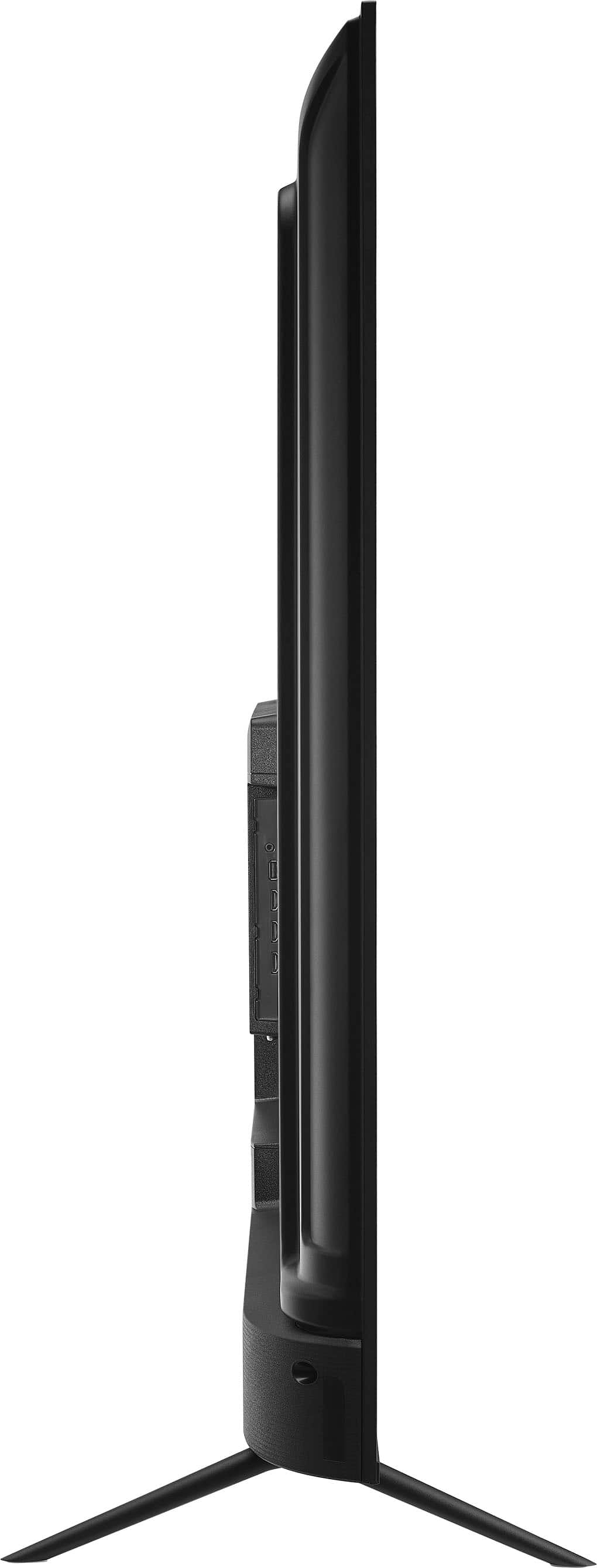
    • Answer The Insignia™ 70" Class F50 Series LED 4K UHD Smart Fire TV has a stand width of 55 inches from the outside of one leg to the outside of the other. This should help you determine if it will fit on your TV stand. If you need any more details or assistance, feel free to ask! -Ed | Insignia Support | https://www.bestbuy.com/site/brands/best-buy-brands/pcmcat1596746025285.c?id=pcmcat1596746025285

      Answered by InsigniaCustomerSupport

  • QuestionWhat's the weight of the 70" one?

    Asked by SANIBA.

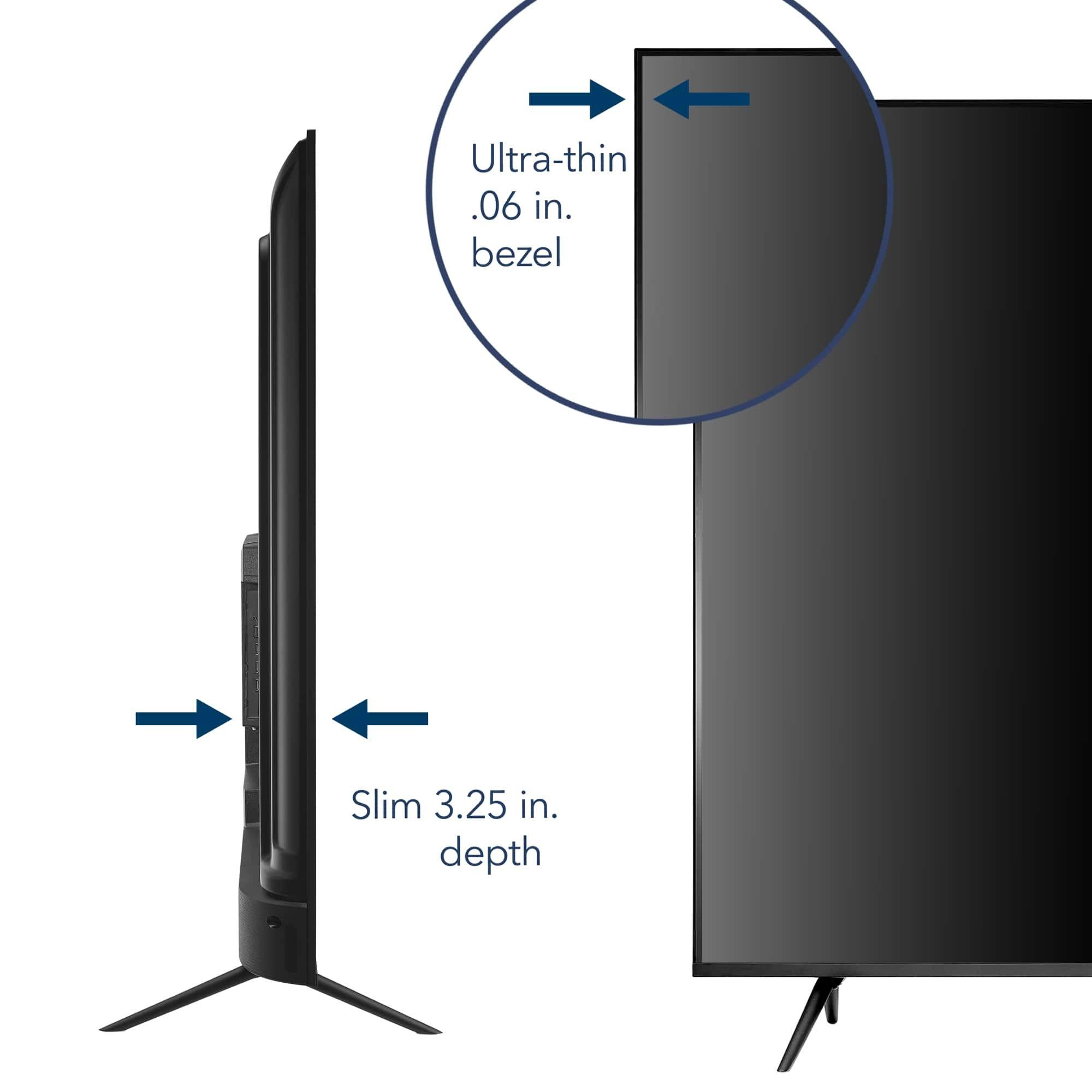
    • Answer Thank you for your inquiry! The weight of the Insignia™ 70" Class F50 Series LED 4K UHD Smart Fire TV is 35.65 pounds without the stand and 36.6 pounds with the stand. Keith | Insignia Support https://www.bestbuy.com/site/insignia-70-class-f50-series-led-4k-uhd-smart-fire-tv/6580446.p?skuId=6580446

      Answered by InsigniaCustomerSupport

  • QuestionWhat are my wireless 'casting' options to cast my laptop to this TV? My laptop is running Ubuntu Linux.

    Asked by alan.

    • Answer You have several options for wirelessly casting your Ubuntu Linux laptop to your Insignia™ 70" Class F50 Series LED 4K UHD Smart Fire TV: 1. Miracast: Since your TV supports Miracast, you can use the `gstreamer` and `miraclecast` packages on Ubuntu to cast your screen. This method requires both your laptop and TV to be on the same Wi-Fi network. 2. HDMI: While not wireless, using an HDMI cable is a straightforward way to connect your laptop to your TV for casting. This ensures a stable connection and high-quality video and audio. If these steps did not work, feel free to contact our customer support for further assistance.

      Answered by InsigniaCustomerSupport

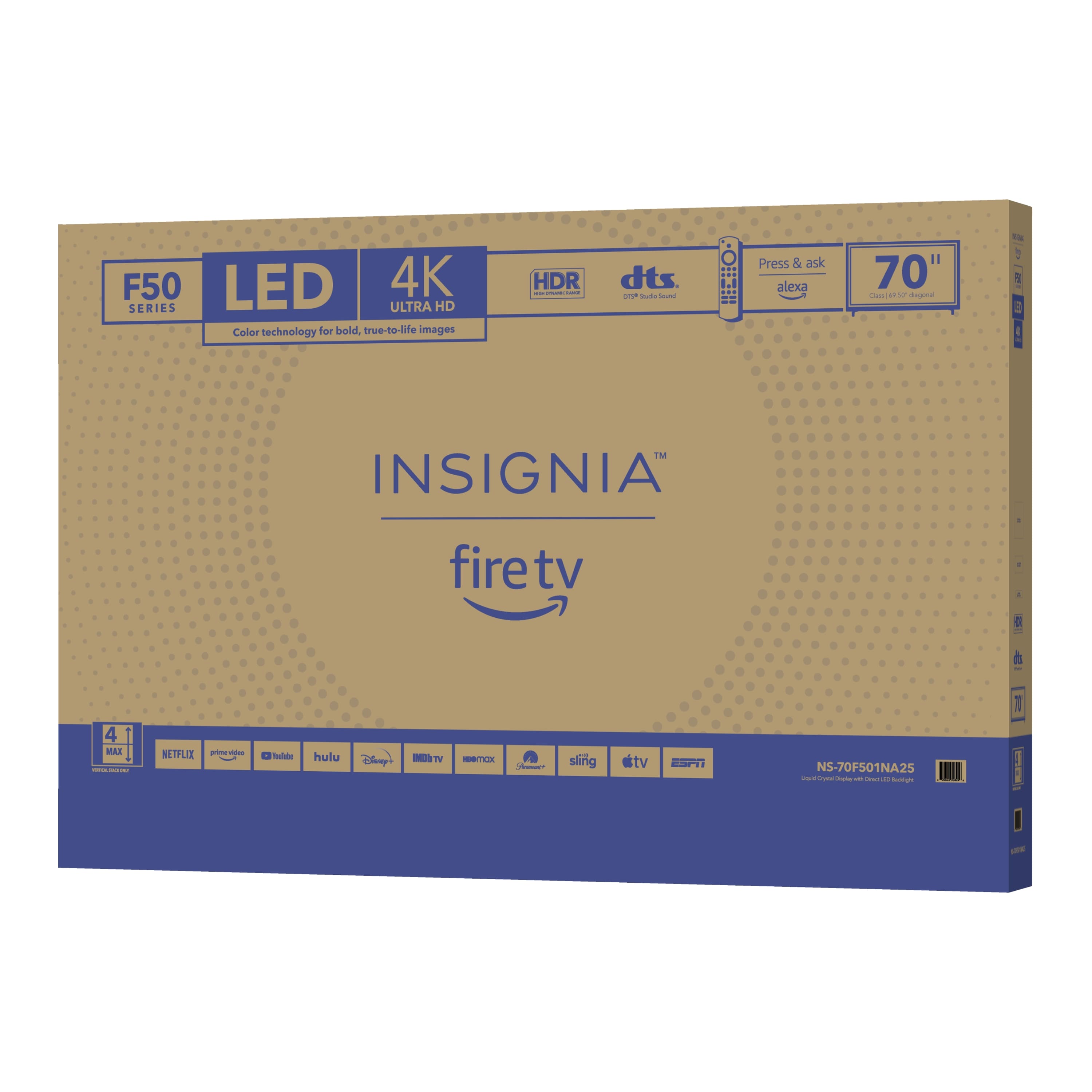
  • QuestionWhat size is the box for traveling?

    Asked by Hey.

    • Answer The box for the Insignia™ 70" Class F50 Series LED 4K UHD Smart Fire TV measures 68.1 inches in width, 6.5 inches in depth (length), and 40.8 inches in height, with a total weight of 57.32 pounds. This large and relatively heavy packaging is designed to protect the TV during transport. Patricia | Insignia Support

      Answered by InsigniaCustomerSupport

  • QuestionEveryone keeps saying this has HDR, but I’ve searched and have yet to an HDR menu. How do I find this mythical setting?

    Asked by JustBob.

    • Answer Hi JustBob, thanks for reaching out! To change the TV's resolution, press and hold the rewind button and the up button simultaneously until a prompt appears on the screen. From there, you should be able to change the resolution to 2160p. We hope this helps! If you have any further questions, feel free to ask. - Carl | Insignia Support

      Answered by InsigniaCustomerSupport

  • QuestionIs there a way to stop Insignia Class F50 70” TV from turning off 5 min after the screensaver turns on. I see no way under settings,display, screensaver or sleep timer to disable this. It’s very frustrating to not be able to pause without TV turning off.

    Asked by Mel23.

    • Answer Thank you for your inquiry! The Insignia™ 70" Class F50 Series Fire TV turning off about five minutes after the screensaver activates is related to a built-in Power Saver feature that’s part of the TV’s energy efficiency design. Unfortunately, this feature is not fully adjustable or removable through the standard settings menu. Even if you disable the sleep timer and adjust the screensaver settings, the TV may still shut off after a short period of inactivity—such as when content is paused. This behavior is intended to conserve energy, especially in compliance with ENERGY STAR standards. While there’s no official way to disable this feature entirely, some users have found limited success by setting the sleep timer to its maximum duration or keeping a background app or video running to simulate activity. Keith | Insignia Support

      Answered by InsigniaCustomerSupport

  • QuestionDoes the TV come with the screws that go into the back of it for wall mounting?

    Asked by Buffy.

    • Answer No it does not. In my experience, the wall mount kit has all of the screws for different tv's.

      Answered by Jace1968

  • QuestionIf I purchase this for my elderly sister, can she voice request a specific channel or streaming service search like U Tube for a specific performer or show or movie?

    Asked by Bill.

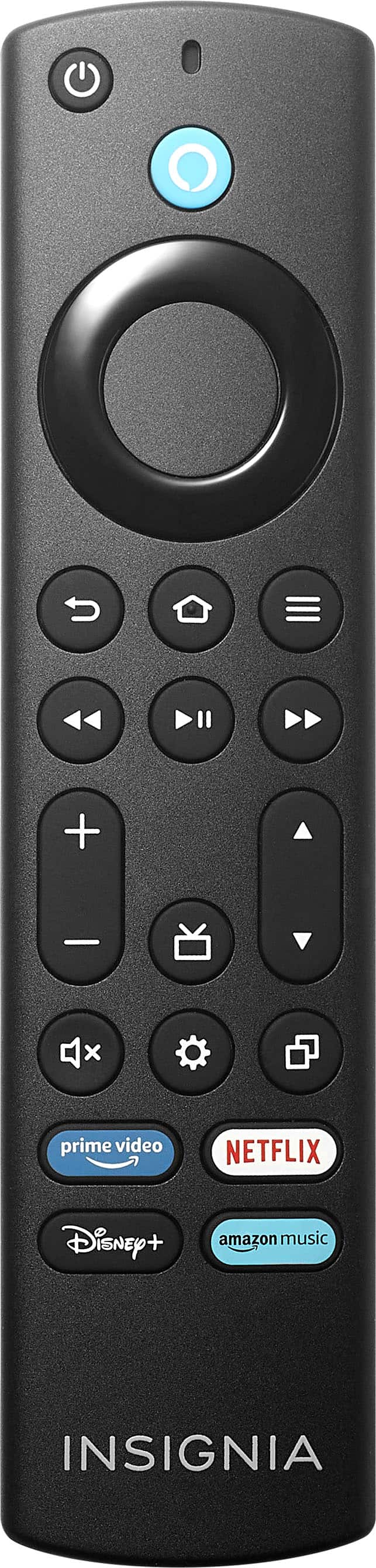
    • Answer Yes, the Insignia™ 70" Class F50 Series LED 4K UHD Smart Fire TV comes with an Alexa Voice Remote, which allows users to make voice requests. Your sister can easily search for specific channels, streaming services, or even specific performers, shows, or movies on YouTube and other platforms by simply speaking into the remote. Patricia | Insignia Support

      Answered by InsigniaCustomerSupport

  • QuestionIS THIS TV QLED

    Asked by KOPA.

    • Answer Yes, the Insignia™ 70" Class F50 Series LED 4K UHD Smart Fire TV (NS-70F501NA25) uses QLED (Quantum Dot LED) technology. This technology enhances color accuracy and brightness, providing a vibrant and true-to-life viewing experience1. If you have any more questions about this TV or anything else, feel free to ask! Jeth | Insignia Support. https://www.bestbuy.com/site/insignia-70-class-f50-series-led-4k-uhd-smart-fire-tv/6580446.p?skuId=6580446

      Answered by InsigniaCustomerSupport

  • QuestionDoes this tv have a sleep timer?

    Asked by Anonymous.

    • Answer Hi there! Yes, the Insignia™ 70" Class F50 Series LED 4K UHD Smart Fire TV does include a sleep timer feature. You can access it through the TV’s settings menu—just navigate to Settings > Display & Sounds > Sleep Timer, and choose how long you want the TV to stay on before it powers down automatically. |Angelica| Insignia Products|

      Answered by InsigniaCustomerSupport