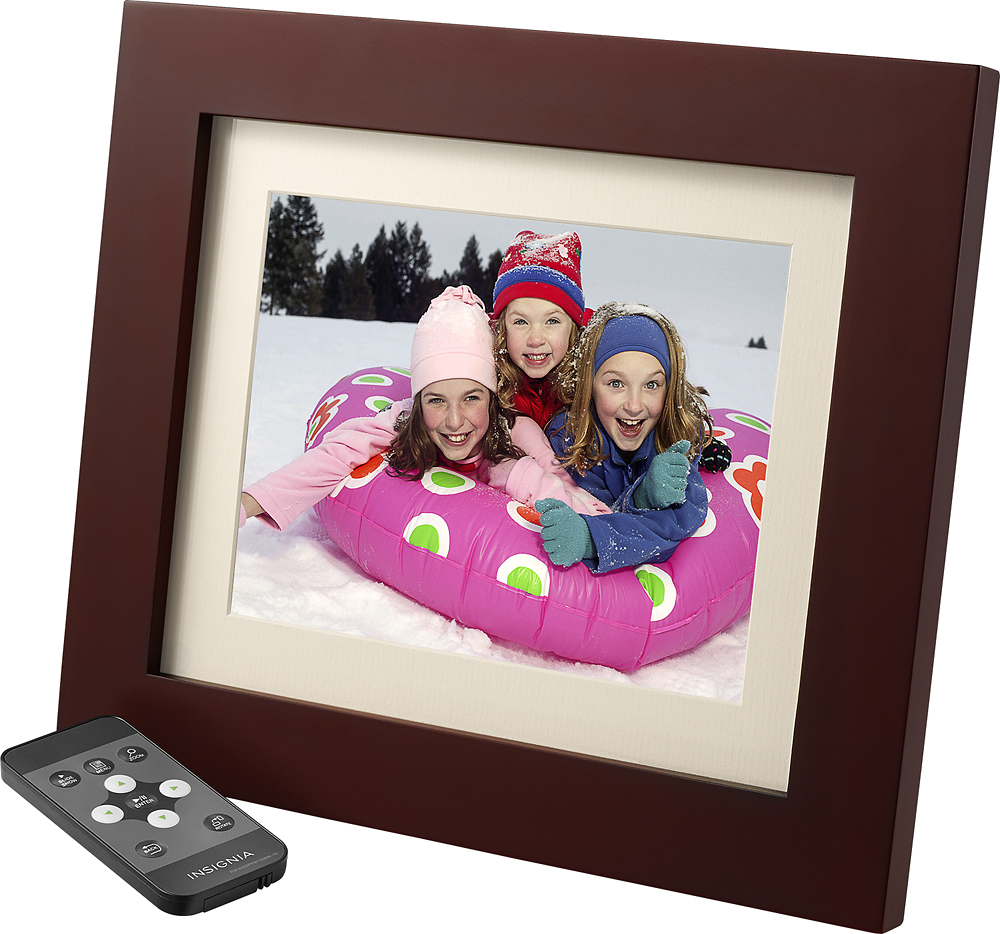
A:AnswerYes, there is an option to play slideshow with Random selection. Also allows to select across folders as well as within folders if you have pictures in different folders.
A:AnswerIt took me a minute too as I also am not extremely techy. You don't need to buy a memory card, you use a memory card from a camera or a flash drive. It does not store pics.
A:AnswerThe frame is showing the pictures in the orientation in which they were created. You will need to change the meta data of each picture to get it to display differently. To do this you will need to use photo editing software. Likely you rotated the pictures in a certain program on your computer and that program is showing them in the last orientation it was saved in, within that program.
A:AnswerI read somewhere that the only way to overcome this is to take the selected picture, and alter/rotate it in Microsoft Paint and save it at as .bmp then back to a jpeg to alter its Metadata file.
A:AnswerThe manual does not list a maximum size. I put 80 photos on a 16GB card and have a ton of space left over. The only consideration for me is how often do I want each picture to cycle through? More photos means I'll see each one less. I would have bought an 8 GB if they'd had one.