A:AnswerHello QAGUY,
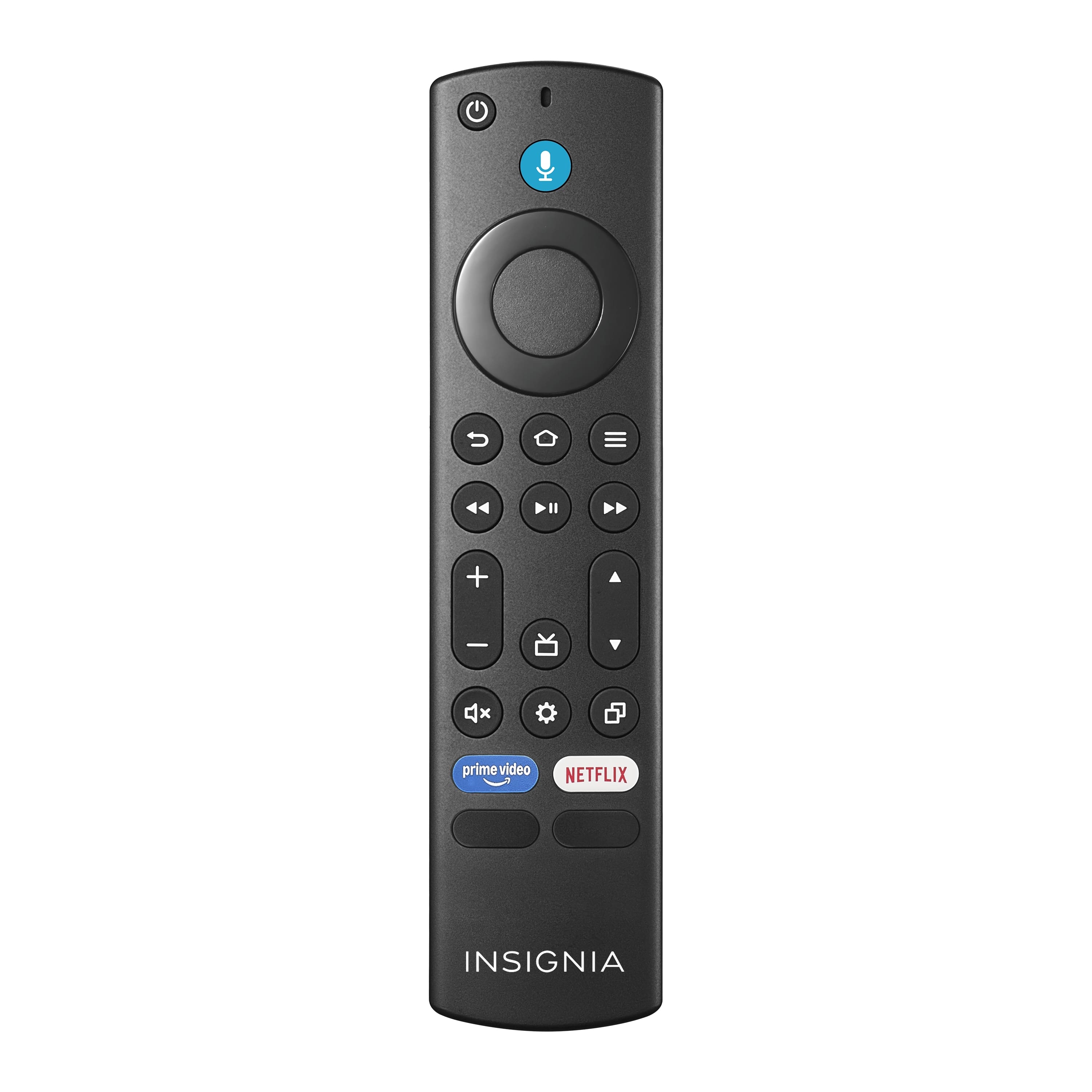
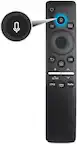
Your remote must be paired to your TV before use, it will have limited functionality until pairing is performed. Please perform the following steps: Turn off and unplug the tv. while TV is unplug, press all together the Menu, Back and Left Side Navigation button for 12 seconds. Remove the battery on the remote. Plug in your tv and tiurn it on using the TV's power button. Once TV displays the Fire logo, put back the battery on the remote. Follow the instructions on the TV screen to pair your remote. For further assistance you can contact our support team at 1 (877) 467-4289 Daily 8am - 9pm CT.
Insignia Support
Molina
www.insigniaproducts.com/support
A:AnswerHi Tim,
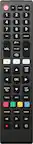
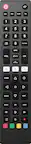
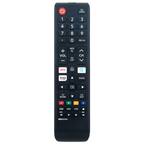
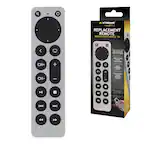
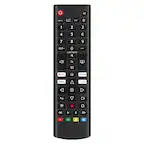
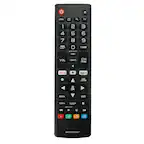
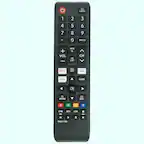
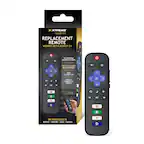
Yes, they sell a replacement remote. If you have any questions or concerns, please use the link below to reach us and also you can contact this phone number 877-467-4289 for further assistance.
Insignia Products
Nikki
https://insigniaproducts.com
A:AnswerHi,
Yes, it will work. If you have any questions or concerns, please use the link below to reach us and also you can contact this phone number 877-467-4289 for further assistance.
Insignia Products
Nikki
https://insigniaproducts.com
A:AnswerI believe this is remote you need. My model # is the same except mine is a 58’. This remote should be the same as the one that came with your TV.
A:AnswerHi wizard,
No, it is not compatible with NS-LCD26. Check the data below:
Toshiba Fire TV Televisions: 32LF221U19 32LF221U21 TF-32A710U21 43LF421U21 43LF421U19 43LF621U19 43LF621U21 43LF711U20 TF-43A810U21 49LF421U19 50LF621U19 50LF621U21 50LF711U20 TF-50A810U19 55LF621U19 55LF621U19 55LF711U20 55LF711U20 65LF711U20Insignia Fire TV Televisions: NS-58DF620NA20 NS-55DF710NA21 NS-55DF710NA19 NS-50DF710NA19 NS-50DF711SE21 NS-50DF710NA21 NS-43DF710NA21 NS-43DF710NA19 NS-39DF510NA19 NS-39DF310NA21 NS-32DF310NA19 NS-24DF310NA19 NS-24DF311SE21 NS-24DF310NA21.
Insignia Products
Lisa
https://insigniaproducts.com
A:AnswerIf factory reset was performed, you need to manually pair the remote by removing the batteries, unplugging the TV from the power source. Press the Back, Menu and Left navigation key for 20 seconds. Then plug the TV back in. Turn the TV on and it will start the pairing process.
Dina | Insignia Support | https://www.insigniaproducts.com/contact-us