A:AnswerHere is the link for the Quick Setup Guide: https://files.bbystatic.com/FW7ec9jmzH27GbpFjqFazg%3D%3D/NS-PAUM50_NS-PAUM50-C_14-0361_QSG_V1_EN_Final_lr.pdf
A:AnswerHere is the link for the Quick Setup Guide: https://files.bbystatic.com/FW7ec9jmzH27GbpFjqFazg%3D%3D/NS-PAUM50_NS-PAUM50-C_14-0361_QSG_V1_EN_Final_lr.pdf
A:AnswerI use it on an HP Envy. Works great for zoom meetings for school. O don't know anything about Elite. I plugs in USB so it should work if it has usb
A:AnswerNot entirely certain, but you heed to be within a few inches of the mic's head to get good results and the neck and base could get in your way. I would think a headset mic would prove to be better for gaming in the long run. Also, this is sensitive to pick up noises from fans in PCs.
A:AnswerThis Mic was the answer for my search. Not expensive at all but effective. Plug & Play and you are on your way for great recordings.
I use it for weekly zoom meetings, and it works every time.
A:AnswerIt should easily run on any later version of Windows system that automatically detects and installs plug in devices. And I believe Windows 7 does. Although you may be missing a lot running such an old version of windows
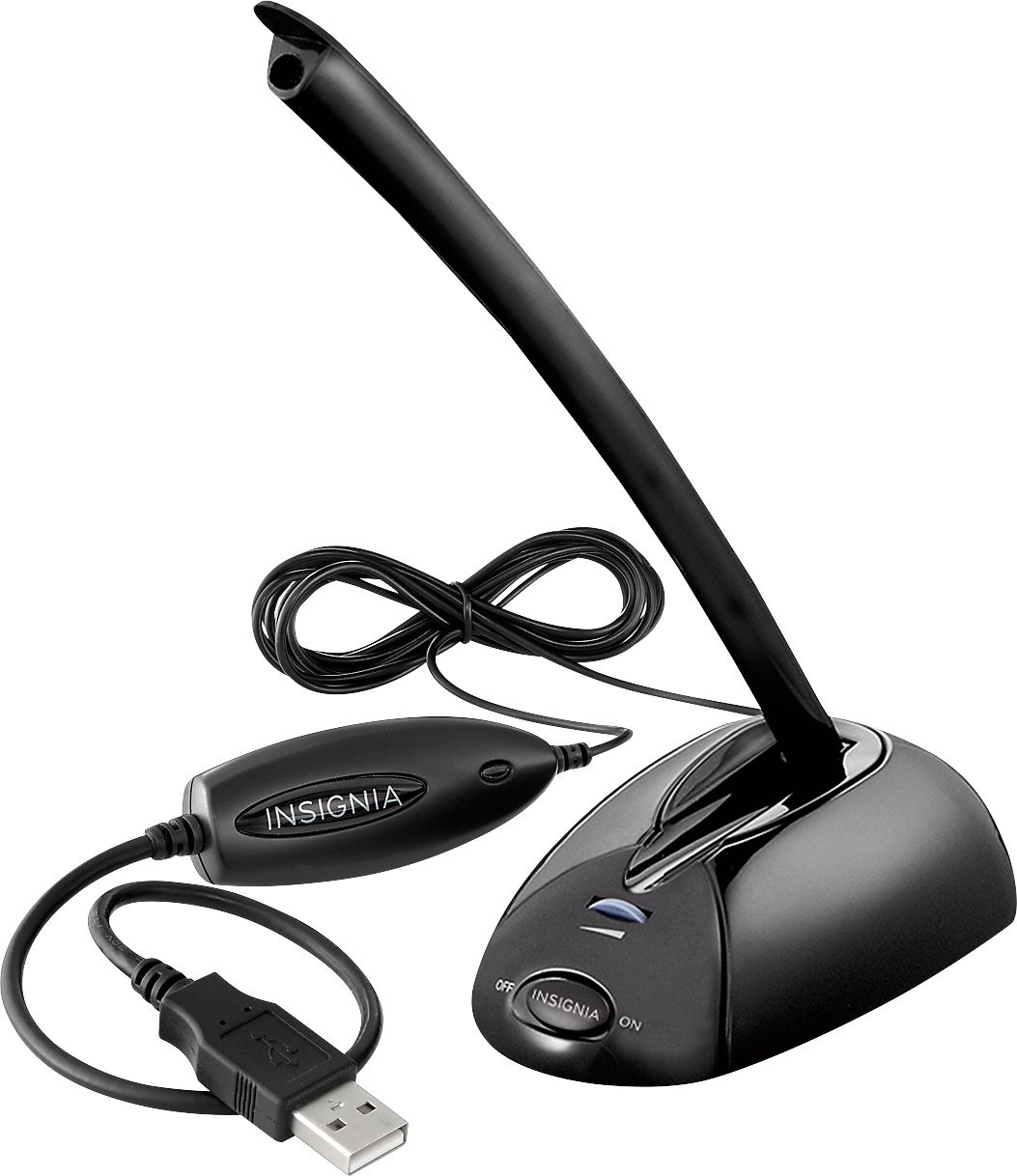
A:AnswerNot so much distance form the computer unless you actually mean how long is the cord. That is in the description. But, if you mean how far from the mic do you need to be when speaking, then between 3 and 5 inches gave me the best results. It will pick up more distant sounds like overly loud PC fans or people speaking across the room.