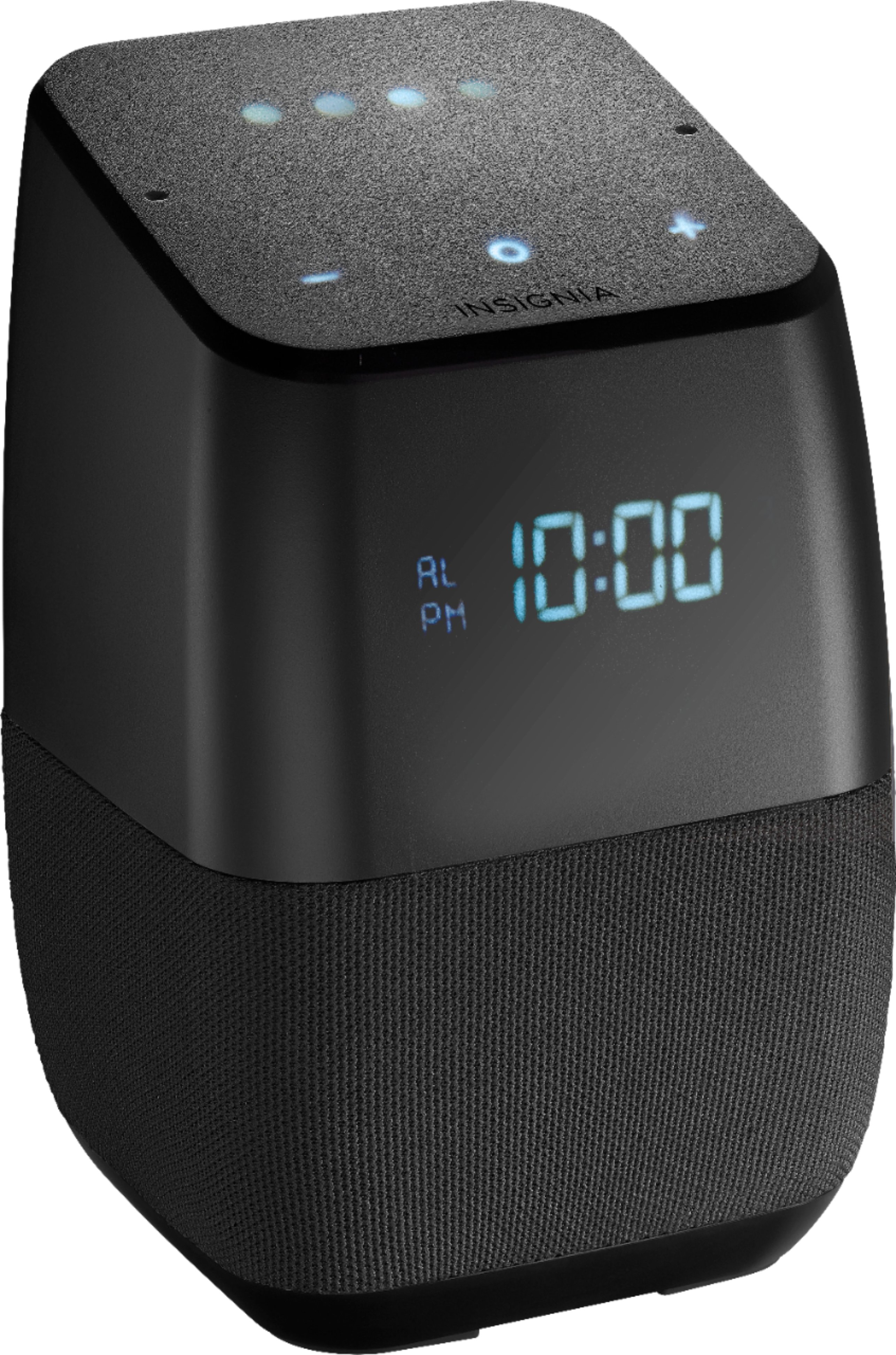
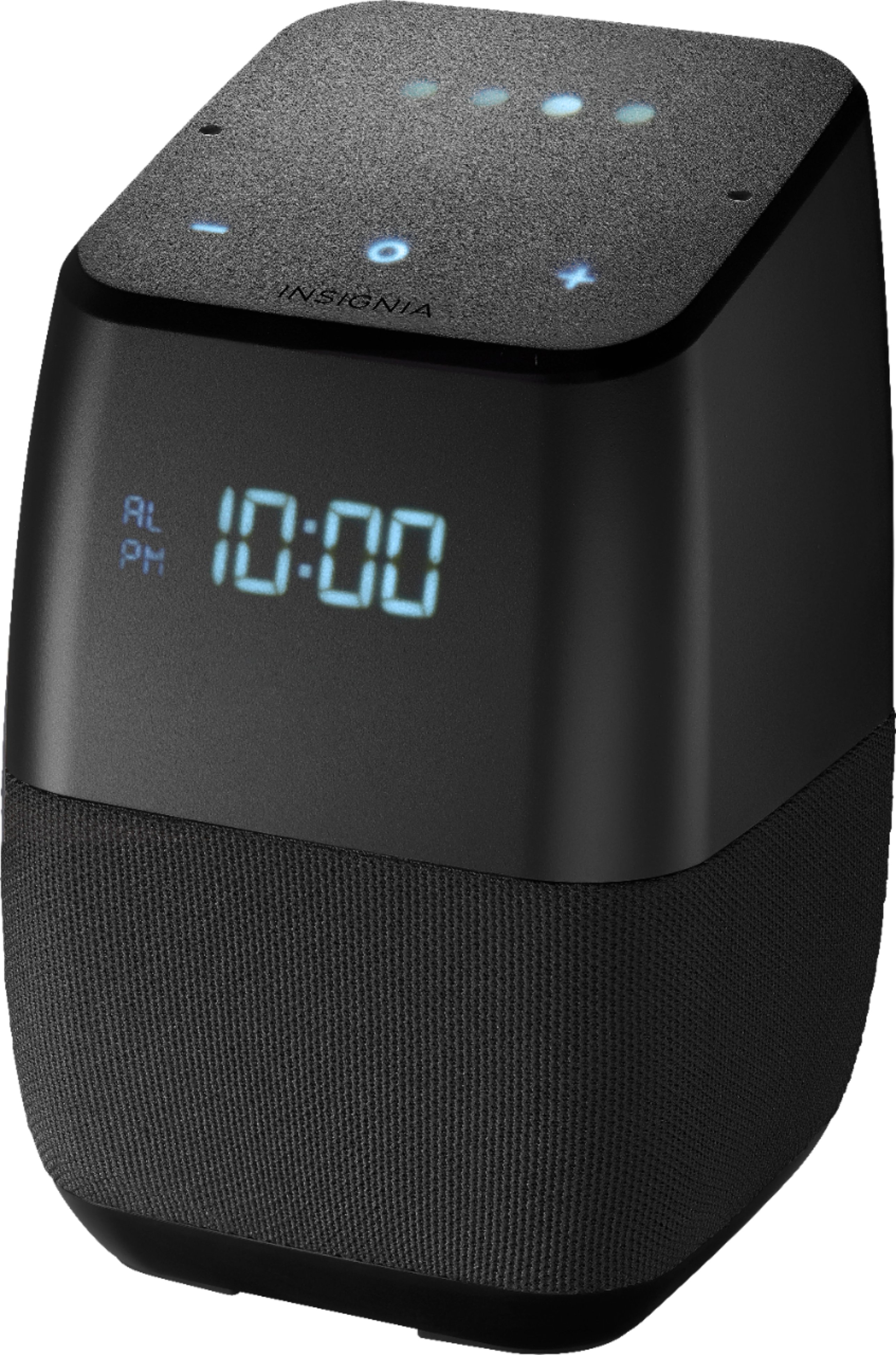
A:AnswerAccording to the manufacturer, the current setting is to display the temperature for 4 seconds after inquiring what the temperature currently is. This is nearly useless, and they have stated that they are looking into lengthening that time. However they have no intention of allowing the temperature to remain there at all times as that portion of the display is used for many different things.
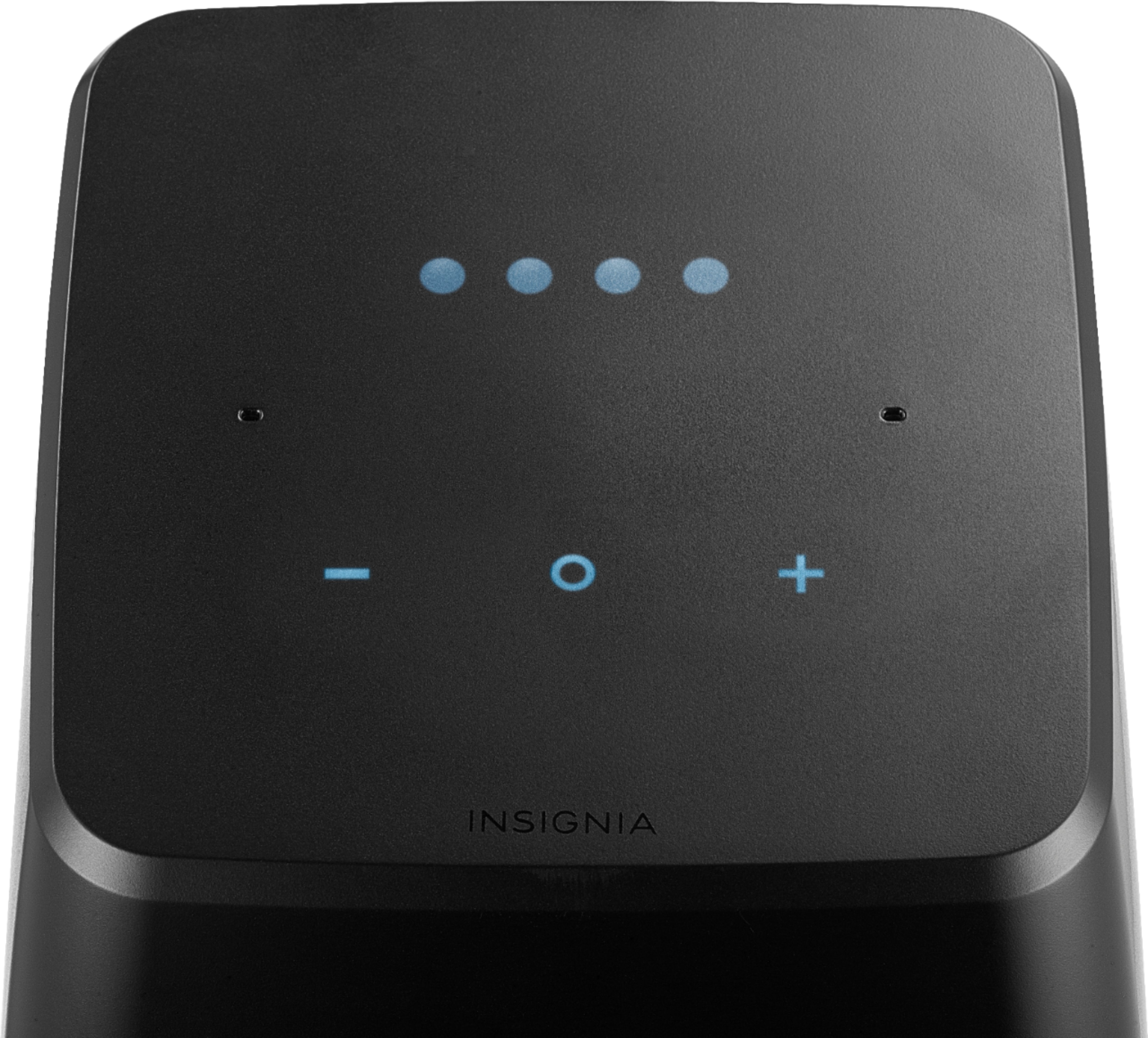
A:AnswerTo dim the display, tap the middle circle and the left minus button at the same time...to brighten the display, tap the middle circle and the plus button on the right
A:AnswerI can't get mine to display the correct time zone. It tells me the right time, but not on the display. Tech support said it's a google issue with no ETA to correct.
A:AnswerIt does, through Google Home, you are able to set an alarm with a voice command such as "Hey Google, set an alarm for 6 a.m. on weekdays." You can also specify certain days, and have multiple different alarms. This is why I purchased this device, and thanks to it's smart home control, I can use it to turn on and off the lights in my room as I have a z wave switch connected to my samsung smartthings hub. You snooze the device by waving your hand above it.
A:AnswerI'm not sure about the particular birds sounds, but you can wake up to music/radio/media. It would work of you had bird sounds as a song track. Just ask Google to "set a [music/media/radio] alarm at [time]," and the Assistant will respond by asking what song/radio/etc you'd like it to play. Once you let it know, the alarm is set, and you'll hear the requested song at the set time.
A:AnswerI am having the exact same issue. Bought two of these speakers over the weekend and it's frustrating. I've found a user online with this same issue on another brand speaker (JBL). They circumvented the issue by changing the language setting in the Google Home app to English (Canadian). I will confirm this works, however, it will not let you set a music or radio alarm this way. In addition, your weather will be broadcast in Celcius, but you can fix that by saying "Hey Google, change units to Farenhiet."
I would like to hear an answer from Insignia, though, as to why we're getting the "something went wrong" error when trying to set an alarm. That's kind of the whole point to this product.
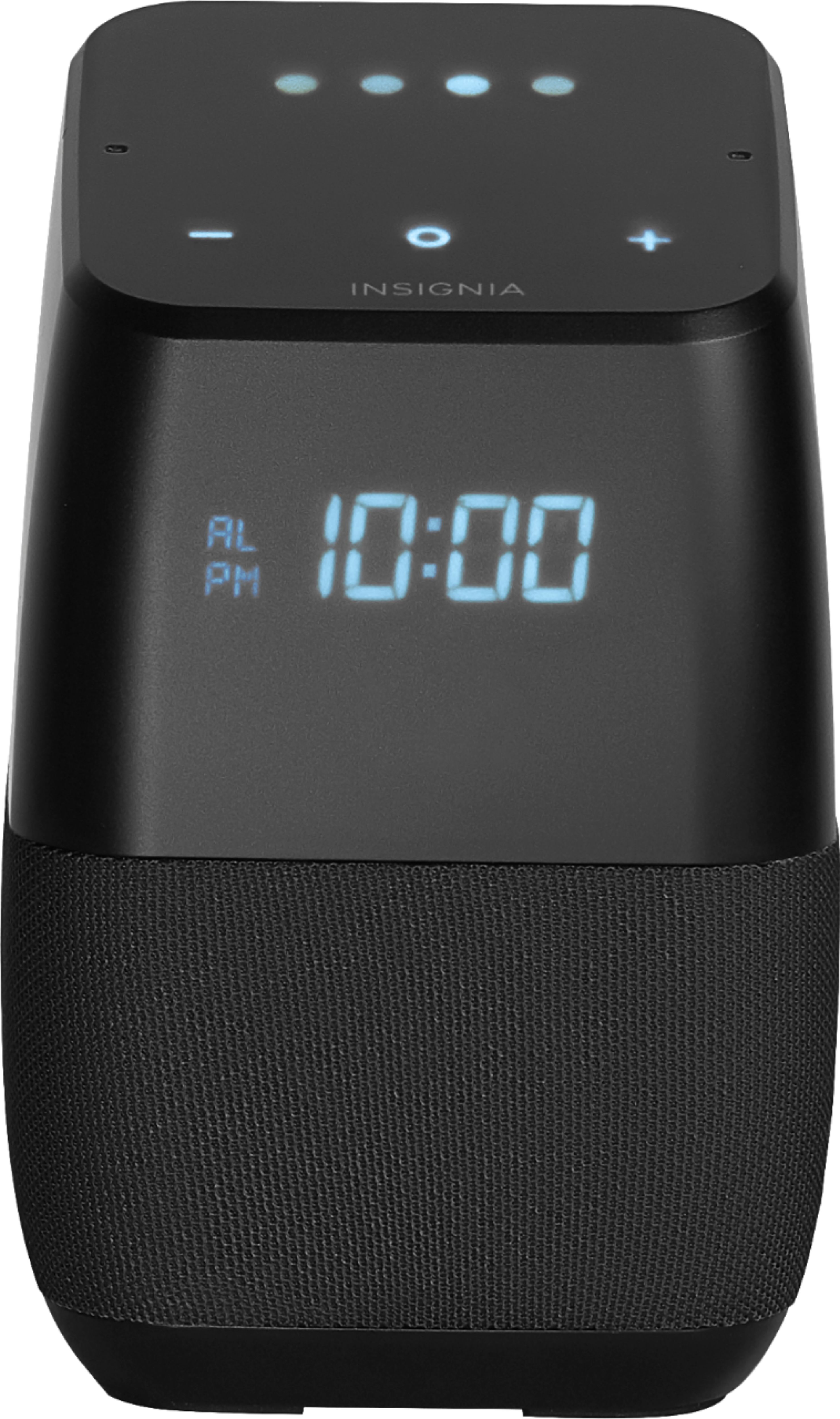
A:AnswerSo I figured out the issue i was having......The "LOAD" display that i was seeing was the device updating its firmware, which of course it does explain to allow it to update before use. Unfortunately my problem was that it was getting stuck in this process and nothing was working properly, which I decided to return and exchange it out and so far no issues have come up just yet. Very excited to finally have everything up and running.
A:AnswerYes, I have a Google Home Mini and multiple official Google Home devices. They all play nice together, including streaming music throughout the house on all speakers at once.
A:AnswerI bought it to use back home in Belgium. The device will complete its setup but then freezes when trying to update. I have contacted support and have not yet received a valid reason or fix. I assume they are blocking (on purpose or not) connections from outside the US. As it can connect to WiFi there is quite honestly no reason why it should not be able to update.
So no, I would not recommend it right now, as mine is just a paperweight. Kind of odd that it clearly mentions in the manual (which I checked prior to purchasing) that it WILL work in other countries. I will update this answer when I get more information from Insignia.
A:AnswerI too have this problem with the power status light flashing for a few days. The speaker appeared to be fully functional, both alarms and command worked. I unplugged the unit, and the light is now solid.
A:AnswerNot at this time. They haven't released an update to support the feature yet. I don't know of any official channels where it has been announced, either.
A:AnswerHi,
We appreciate your interest in our Voice Smart Bluetooth Speaker with Google Assistant built in. In response to you question, yes, we are actually working on an update for many features such as Voice Calling as soon as Google releases them.
Once again, thank you for supporting Insignia Products.
Arely R. -Insignia Support
A:AnswerTap the circular light on top of the device once. This turns OFF the alarm. Waving your hand over the top of the device will Snooze the alarm and it will go off again in 5 minutes.
A:AnswerHello,
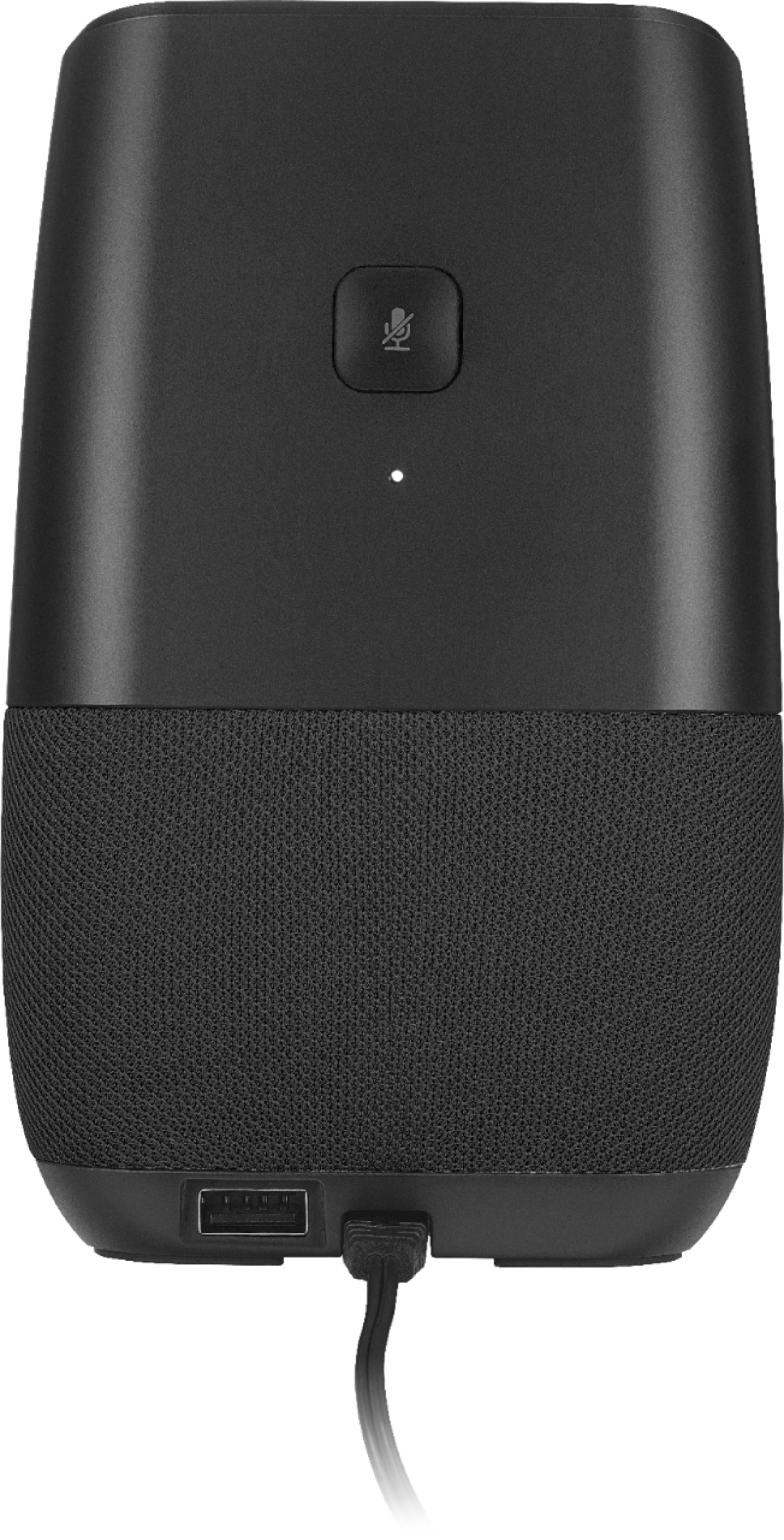
Thank you very much for sharing your experience with the Bluetooth speaker. In order to reset the time zone, you must factory default reset (FDR).For doing this, you would need to hold the microphone mute button for 12 seconds. Make sure your phone is set to the correct time and local city. If using and iphone, set your device to automatic. If using an Android, make sure your phone is set to the correct time and select a major city nearest you. However, we are continuously uploading new updates. Please know that there is an upcoming update release that will help to improve this issue.
We are here to help you, you can always contact us at https://www.insigniaproducts.com/contact-us
Karina R - Insignia Support
A:AnswerI also purchased 3. Only 1 works with the new firmware. Can't get the other two to update. Called both Google home support and best buy support. Best buy support told me this device didn't have firmware. They were completely incompetent. Google told me to call best buy.