A:AnswerAccording to this post on BB's forums (see link) by Mariah-BBY, this is caused by an unreliable connection to power or a power surge.
http://www.forums.bestbuy.com/t5/Home-Audio-Video/Flashing-power-LED-Voice-Smart-Bluetooth-Speaker-Alarm-Clock/td-p/1220555
Other posts here from support seem to say the blinking is a network issue.
That said, I have this problem as well. My solution is to cycle power by pulling the plug. Works. The speaker was working as expected at the time I noticed the blinking, so that seems to rule out the network issue as a cause in my case.
A:AnswerAny update for Google Home type products are usually done through the Google home app. Open that app, top right should be a devices button, click it and find the speaker. The 3 vertical dots should bring up the menu/options for that device. In that should be a firmware update is it is available.
A:AnswerHi there,
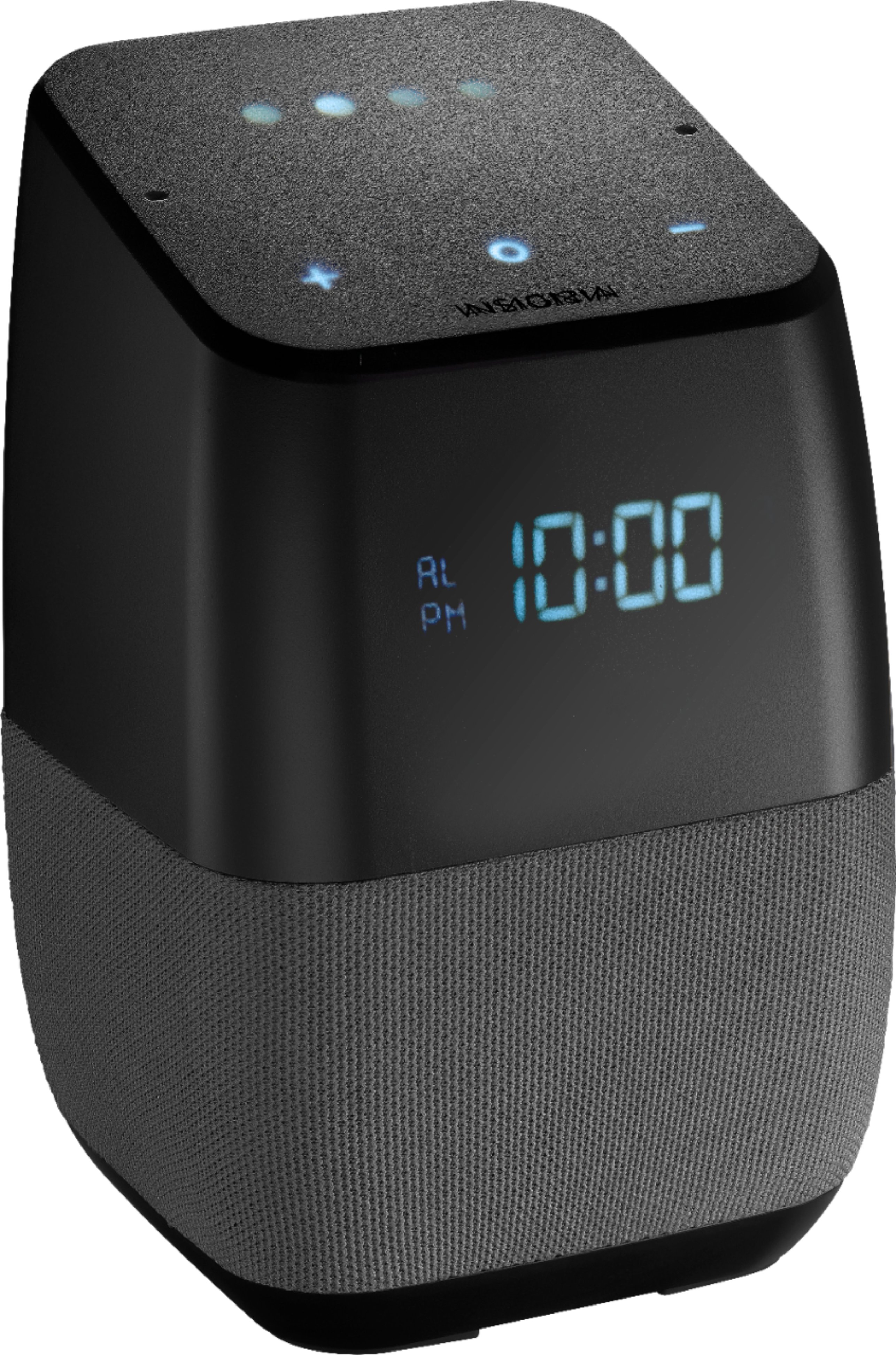
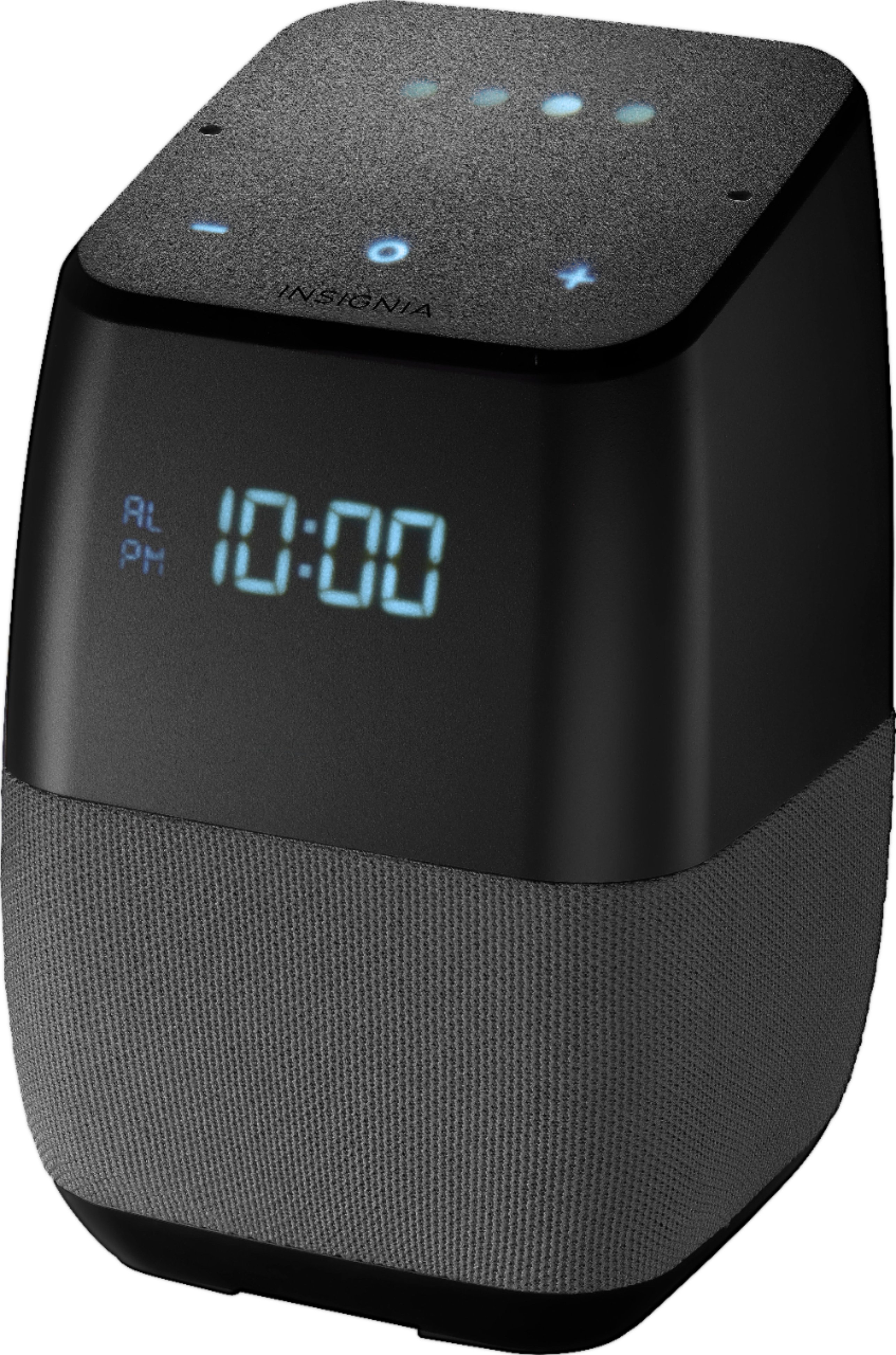
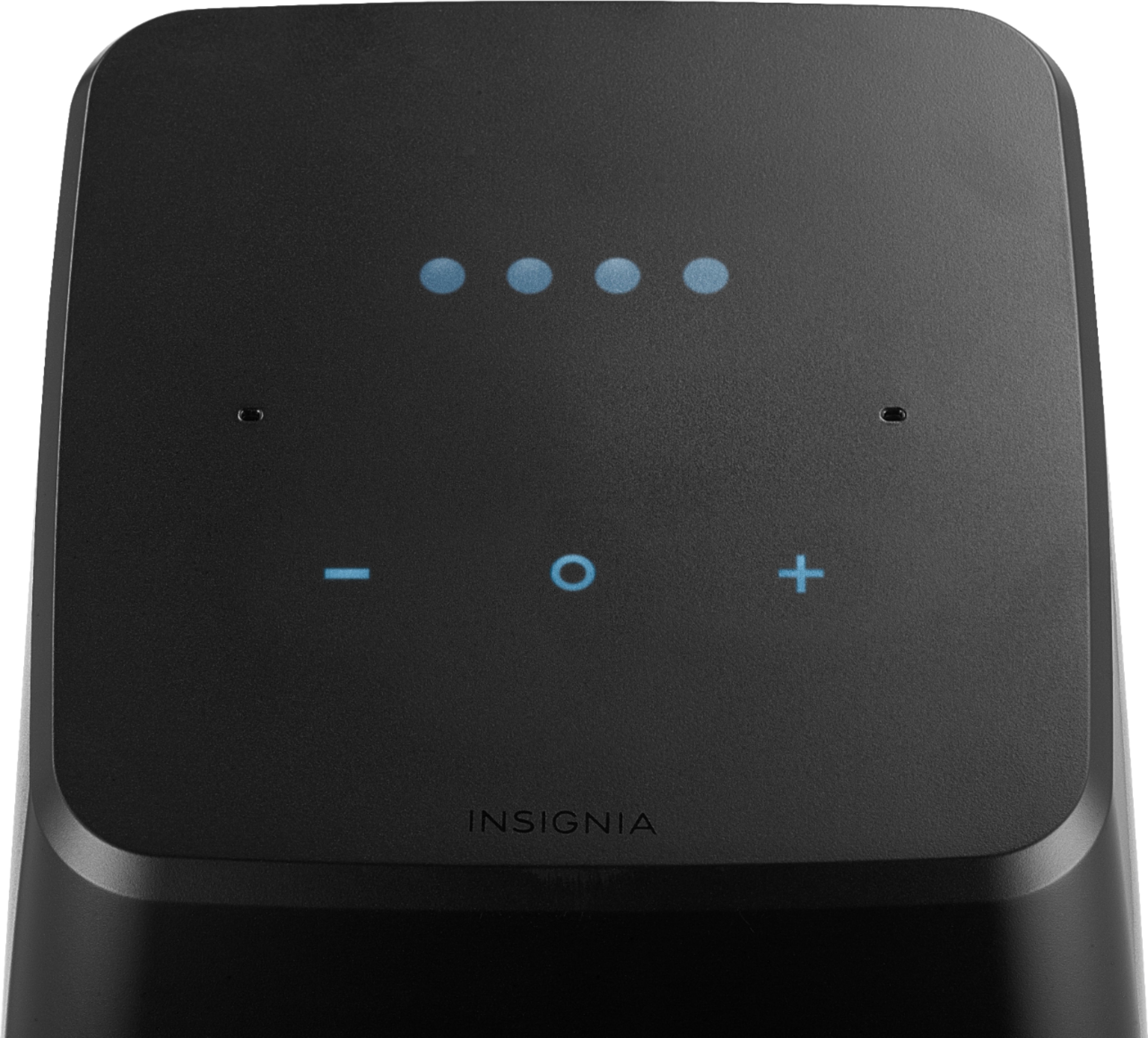
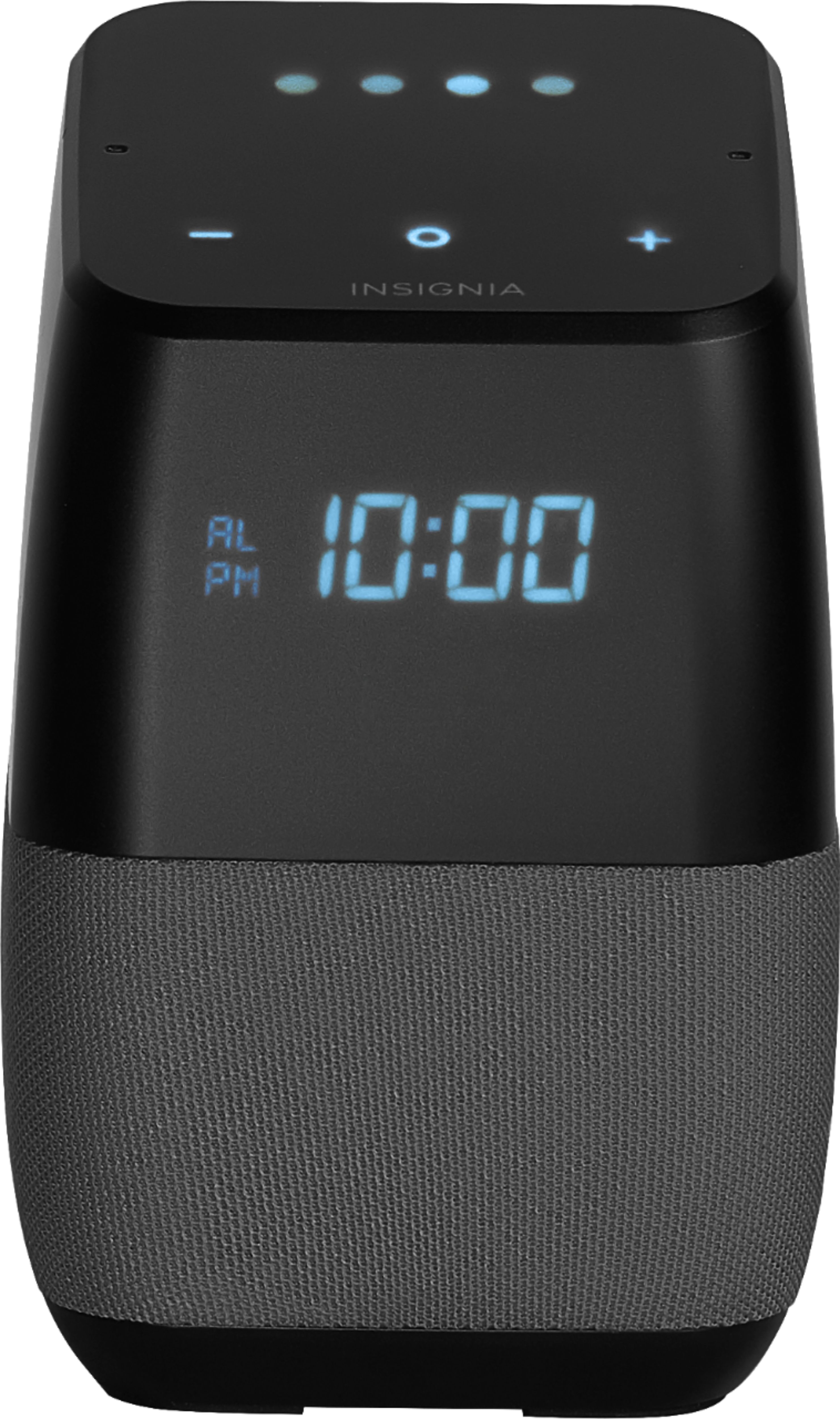
Thank you very much for review!. I would like to inform you that the top LED lights will come on only during Google Voice Assistant activity, if this does not happen, your unit may be not working properly. However if the clock display is not coming on, please tell Google " Ok google, turn screen on".
Alex C. - Insignia Support.
A:AnswerI bought one speaker a few weeks ago and it was in retail mode, and I just purchased another one and ITS in retail mode. I think they just aren't working after best buy stopped supporting them.
A:AnswerI have the same problem with the badly executed proximity feature. Annoying pops always interfere with music playing and even when nothing is playing. tried holding 3 button for even 20 seconds does nothing. No Poff like the manual said.
A:AnswerHello,
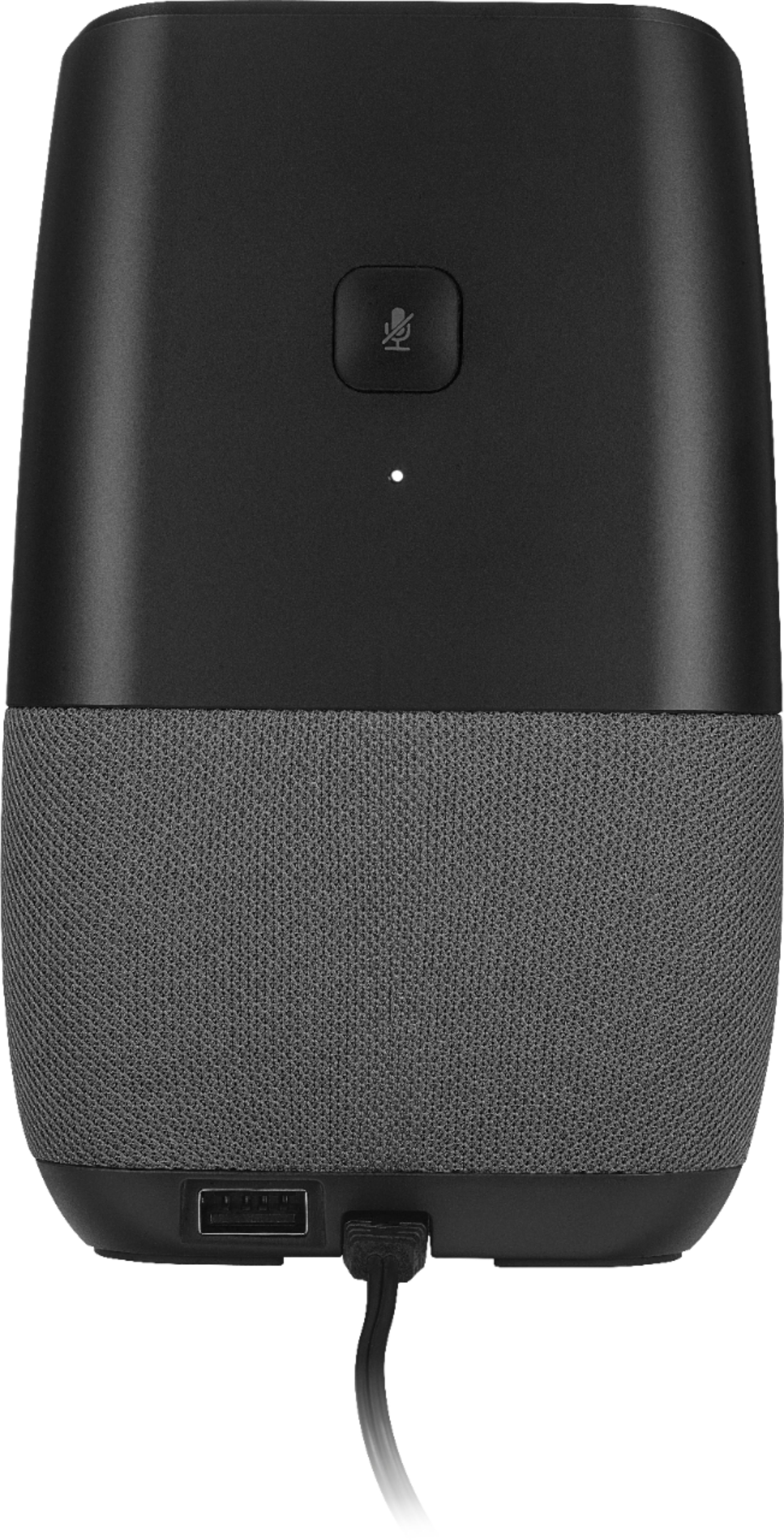
For you to setup the timezone on the Smart Bluetooth Speaker first you would need to check the smart device you are using for doing the setup is set into the right timezone and that it has the correct time. After that, you have to perform a factory reset to the speaker. For making this you would have to press for 12 seconds the microphone button and perform the setup for the speaker once again.
Karina R. - Insignia Support
A:AnswerYou could do a reset... That might do it! Hold the square button down in the back of the unit for about 20 to 30 seconds until you see the word "set" on the front of the unit. I believe it makes a sound when that happens. Then go thru the setup process again. That might force it to pick up the new firmware update. Hope that helps.
A:AnswerI don't have issues when playing music using a streaming service, HOWEVER the Bluetooth radio on this speaker is HORRIBLE! Worst range I've seen in any BT product. Easily obstructed. And when I first turned the unit on, it would skip constantly no matter what I did. I had to factory reset the device TWICE by holding the microphone on/off button down until the Google dots stop flashing red before I could get Bluetooth to at least work half decent.
A:AnswerIf you wanted to turn down the music alarm volume, unfortunately the answer is NO. Music alarms default to 40% volume no matter what. It is annoying as heck when it is next to your ear. Google is aware of it but has no fix yet.
A:AnswerI have the same problem with disconnecting. I own 2 of these devices. The second one, which is further away from the router, never disconnects nor do any other WiFi electronics I own. It is frustrating to unplug and plug it back in almost every day. Some days more than one time. It occurs mostly overnight when we are not streaming online. Good thing I didn't buy it for the alarm clock. I would oversleep all the time. I am returning it as I am sure the problem is the device.
A:AnswerI did. When it set up it loaded then it said set so i did and now it only says load and does nothing else i can't get it to factory reset ether.