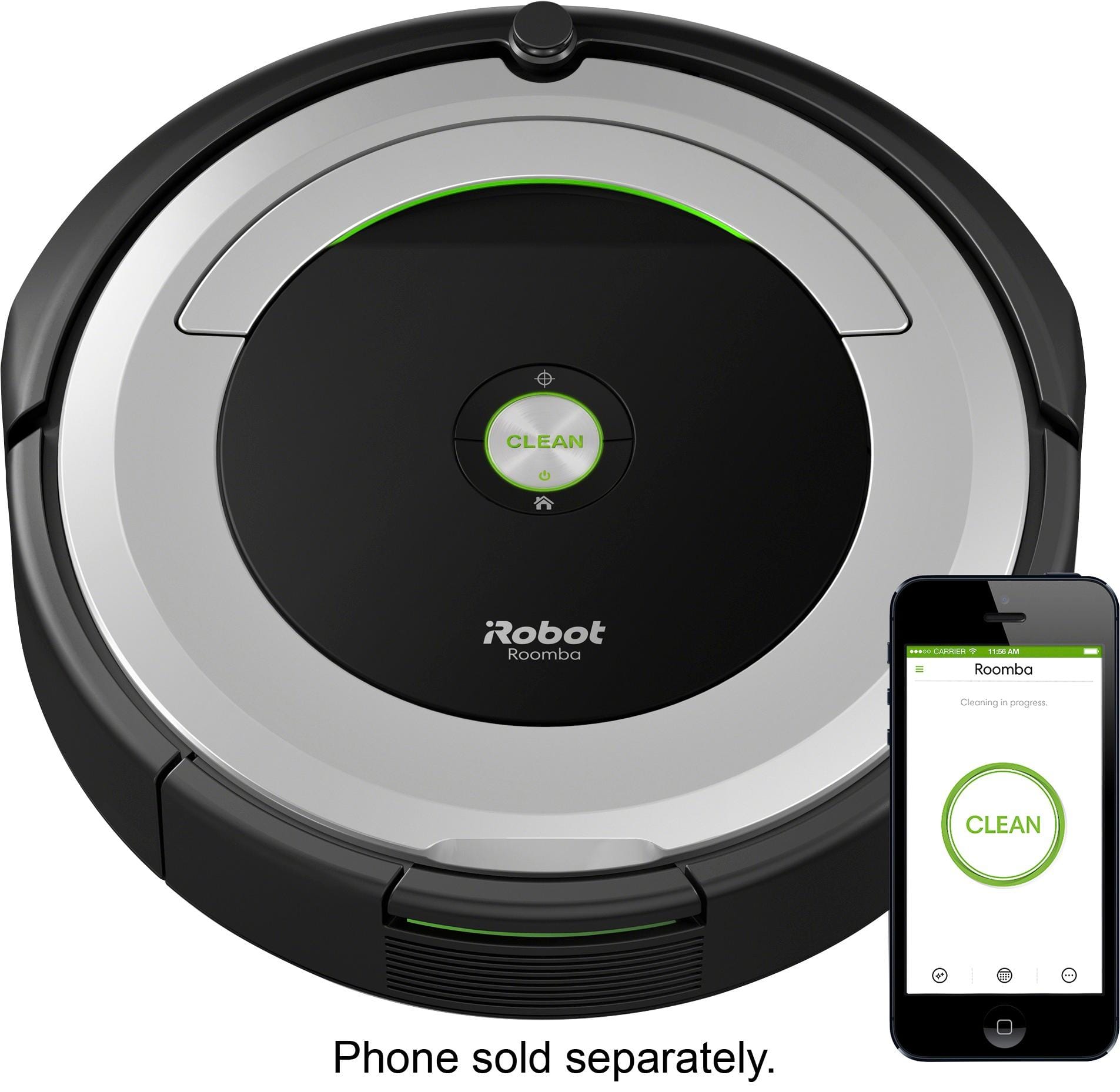
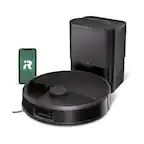
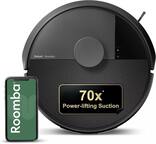
A:AnswerYes. You just press the button on top to start your Roomba. This one did not have "spot clean", so I don't like it as much as my previous Roomba (which was an older model that Best Buy no longer carried).
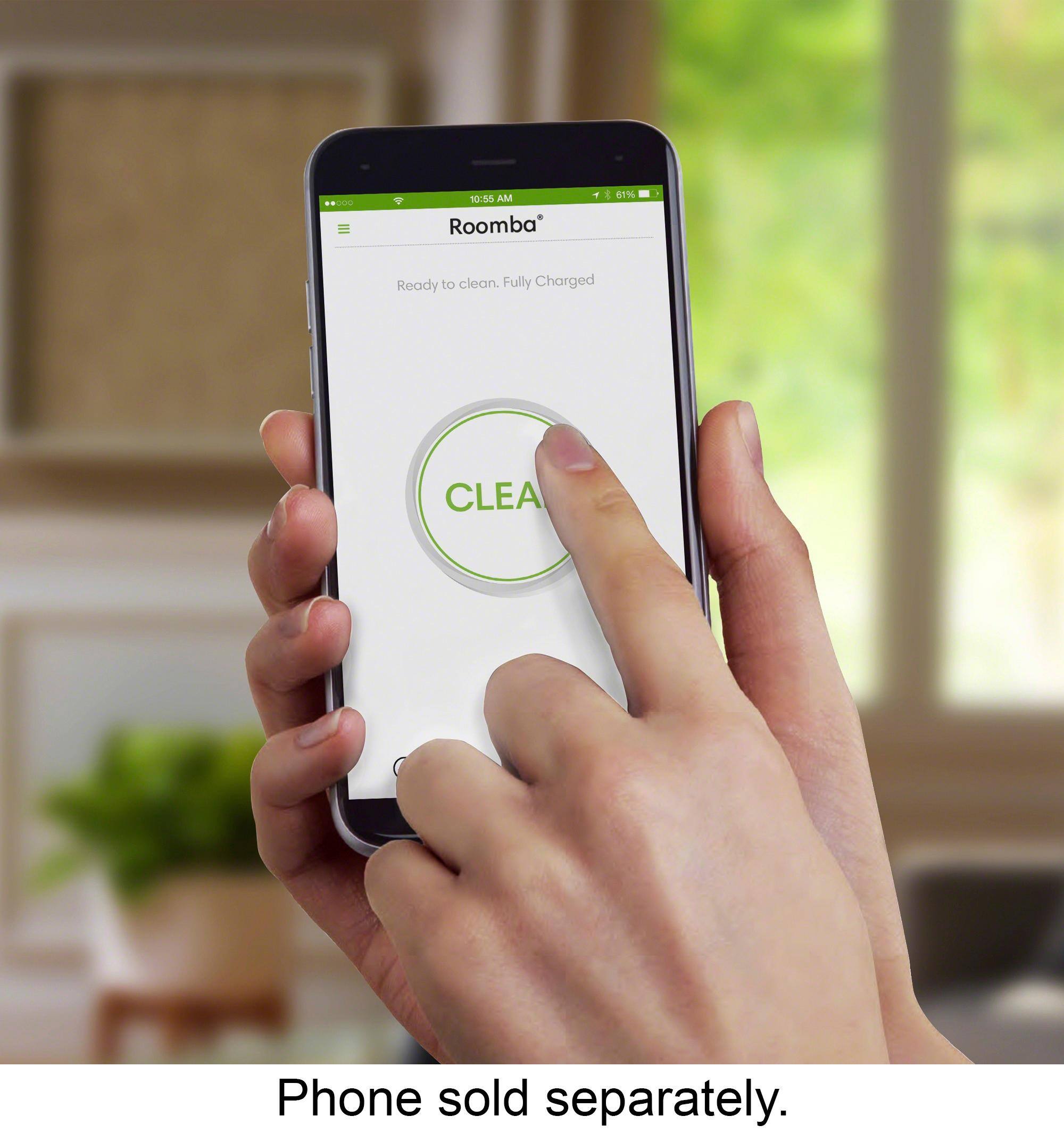
A:AnswerYes, but you will have no communication with it in regard to setting up schedules, turning it on and off remotely, or with some units, sensing furniture....This unit will just run until the battery dies or you manually stop it.
A:AnswerYes, you can add another device within the app. It lets you name your Roomba (mine is named Vinnie, previous Roomba was Vickie). The Bluetooth option is overrated as it tends to get "stuck on cliff" a lot. There is NO spot clean option, so I am pretty disappointed with Vinnie.
A:AnswerI think the virtual wall accessory comes with the 690. This helps you keep it away from certain areas or doorways. It works well I’d recommend it
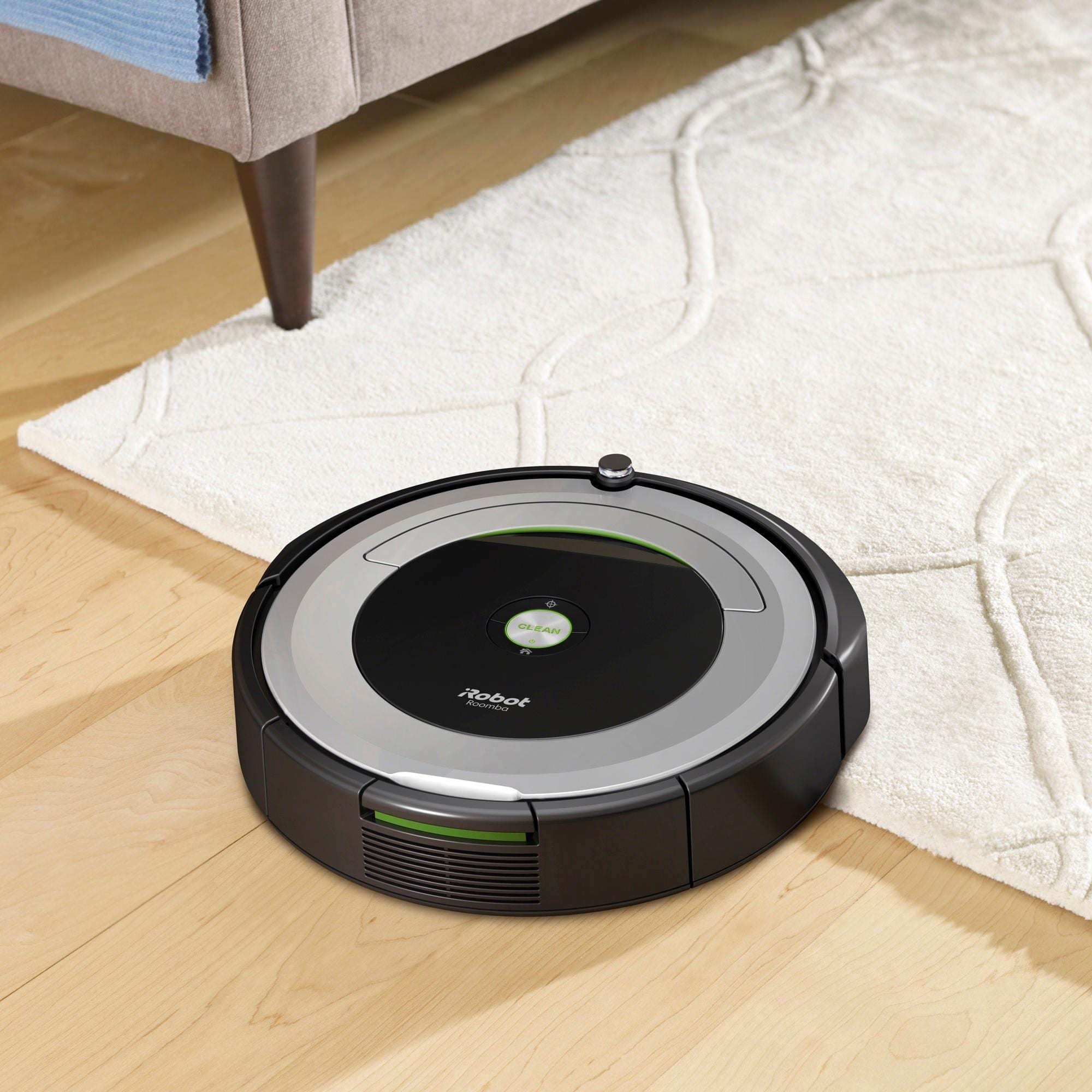
A:AnswerOur dog does the same. It has not been an issue with us. The bristles are made of nylon - so I do not think that small amount of water should harm the unit
A:Answerlook in the settings in the app and make sure its picked up the new network if that doesn't do it reinstall the app and follow the install procedure
A:AnswerYes, Roomba 690 can be used without the iRobot HOME App, but the App allows you to use your iOS or Android smart device to help you have the best possible experience with Roomba 690.
A:AnswerI asked them and they said if they sold replacement parts for everything thing they sale their store would have to be WAY bigger. It did make sense why they wouldn’t want to do that. I ordered parts off amazon, they weren’t very expensive, look just like the original parts, and I received them within days.