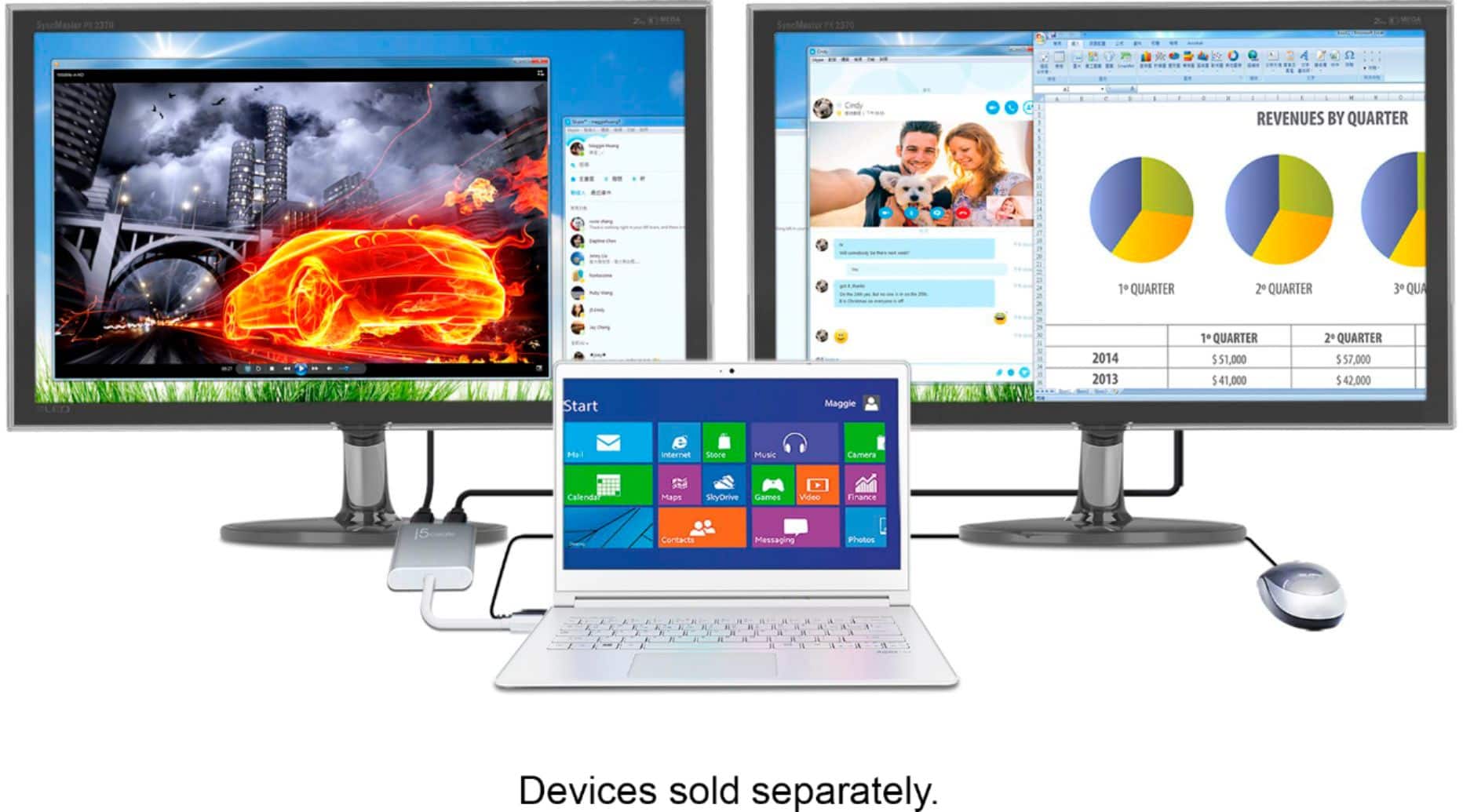
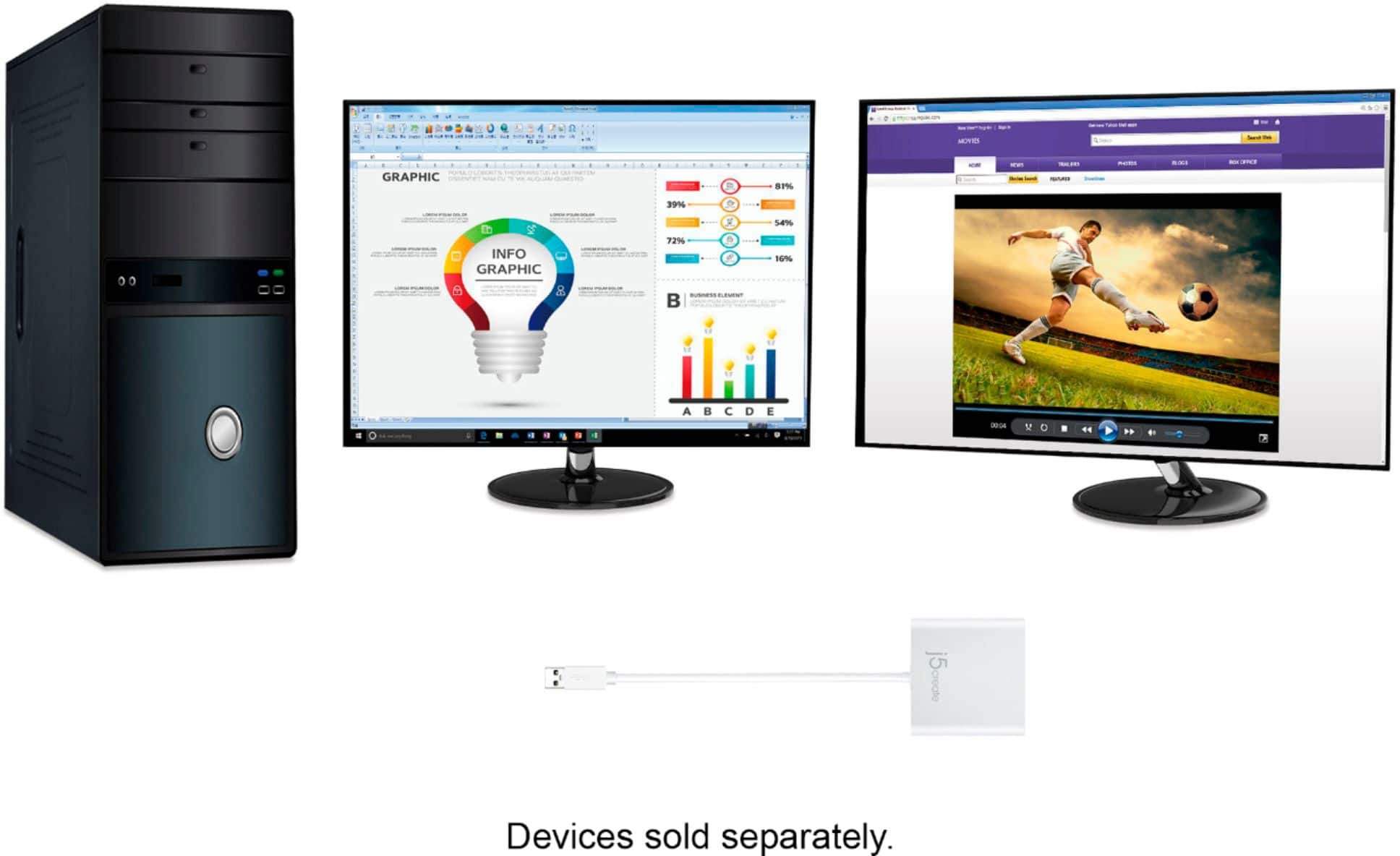
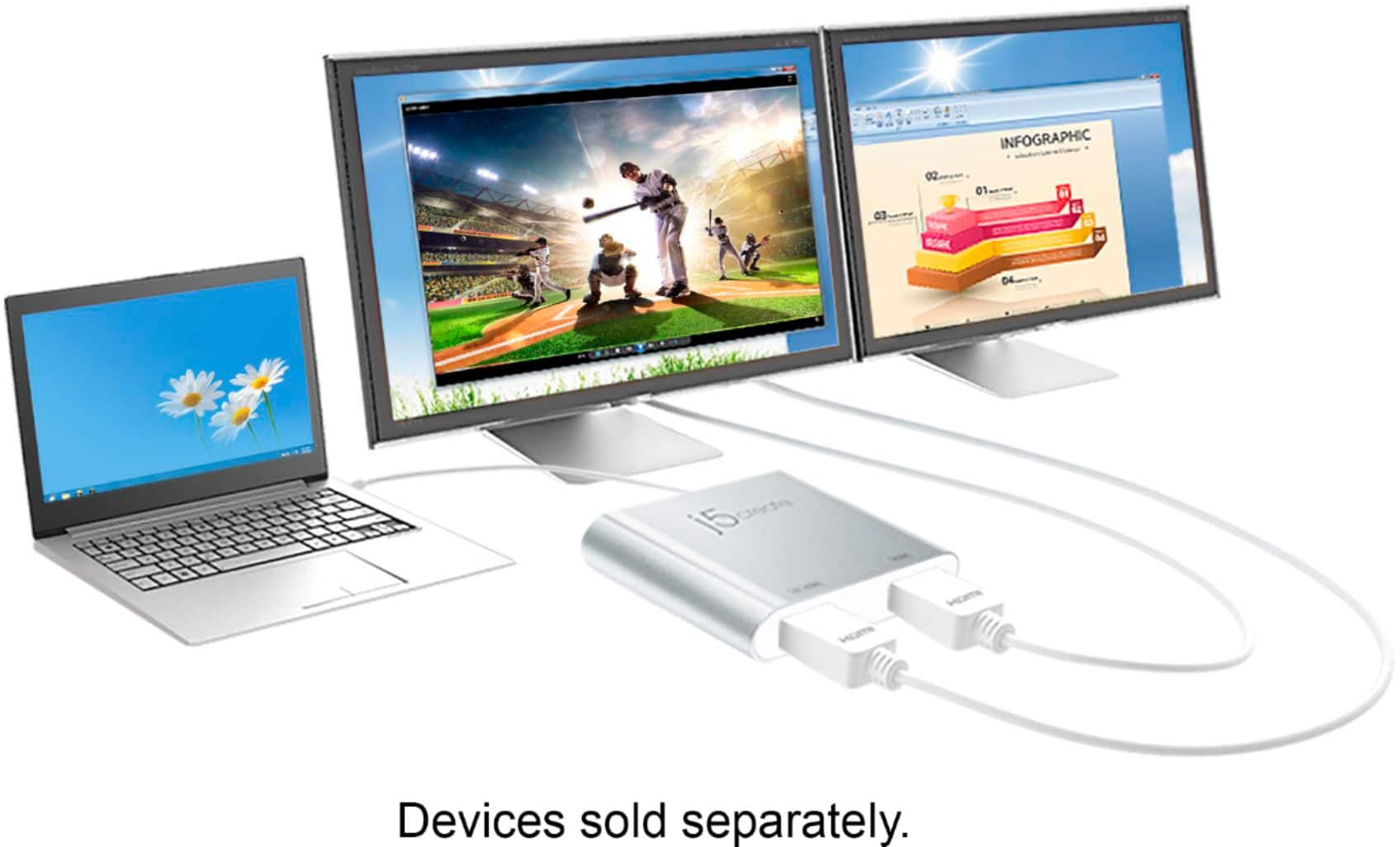
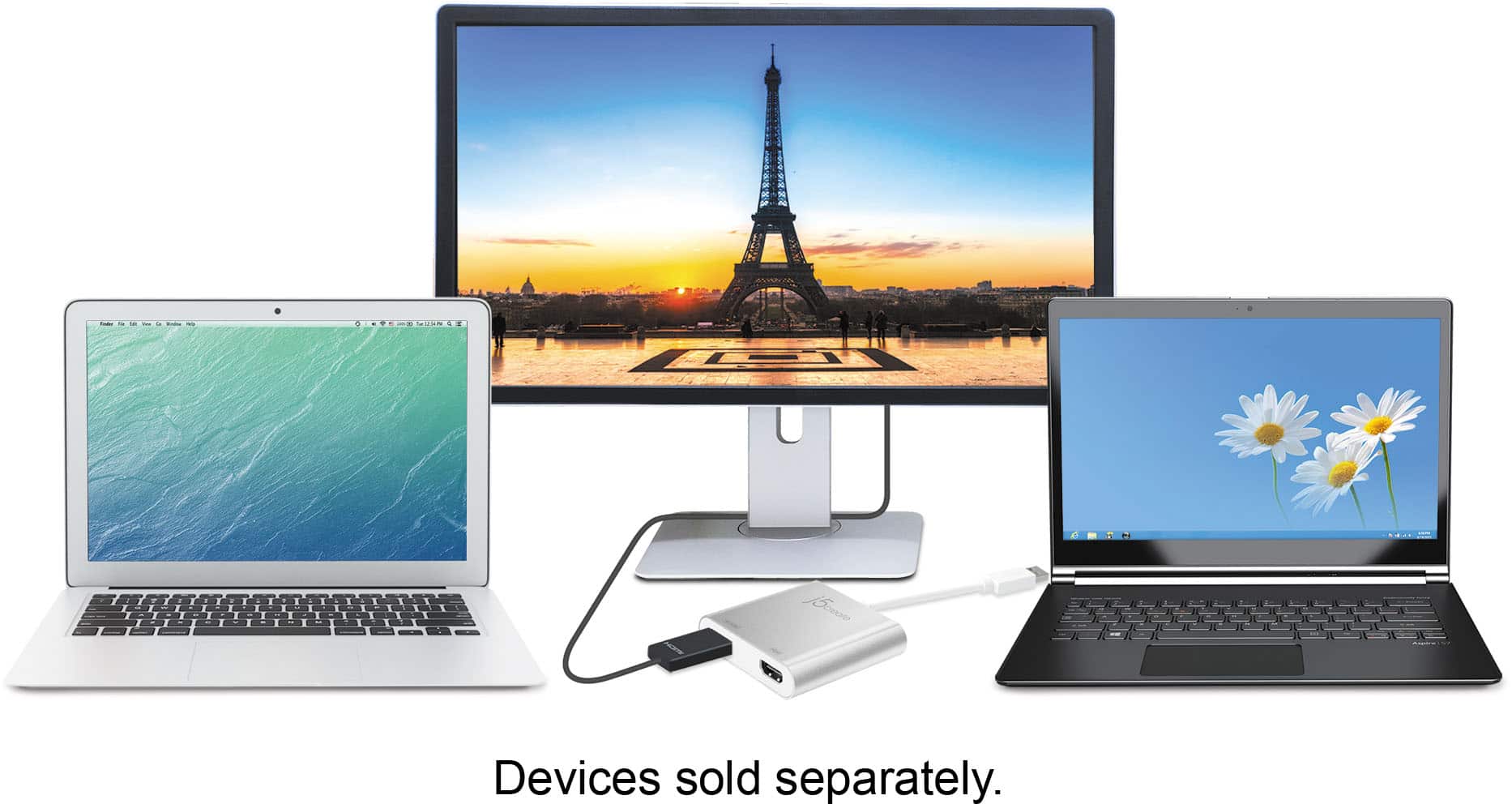
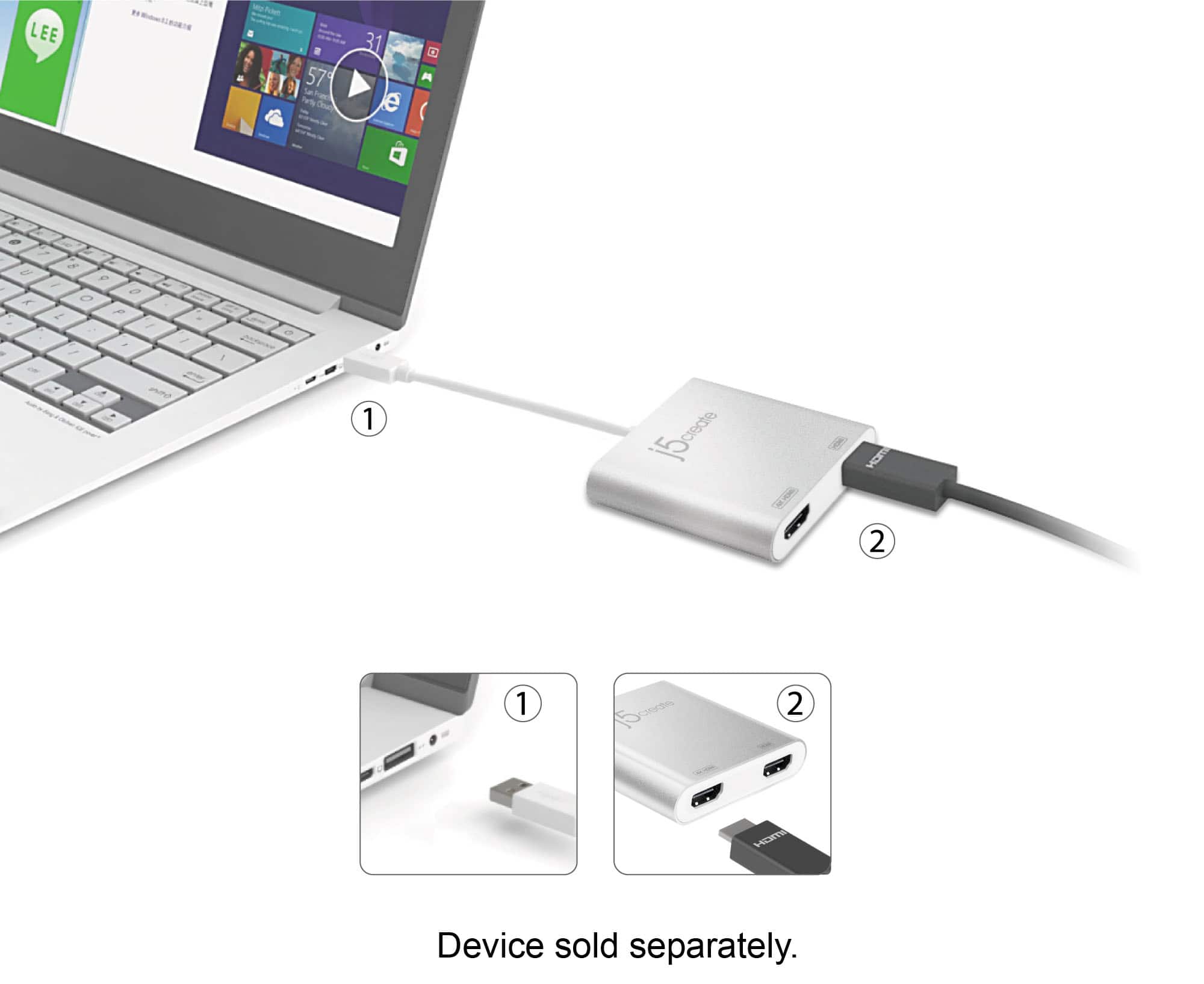
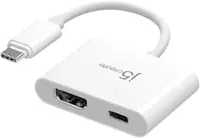
A:Answer You will need to access your Display Settings panel, to make setting changes to each display. From the Display Settings, you will be able to change the Scaling, Resolution, Orientation, Multiple display mode of each of the displays. After making any setting changes to the Display Settings, the settings will be automatically applied, however you will need to select "Keep Changes" for settings to be maintained. ** Feel free to contact j5create Technical Support if you require further assistance. Their information can be found on our website under the "Support" tab. Thank you.