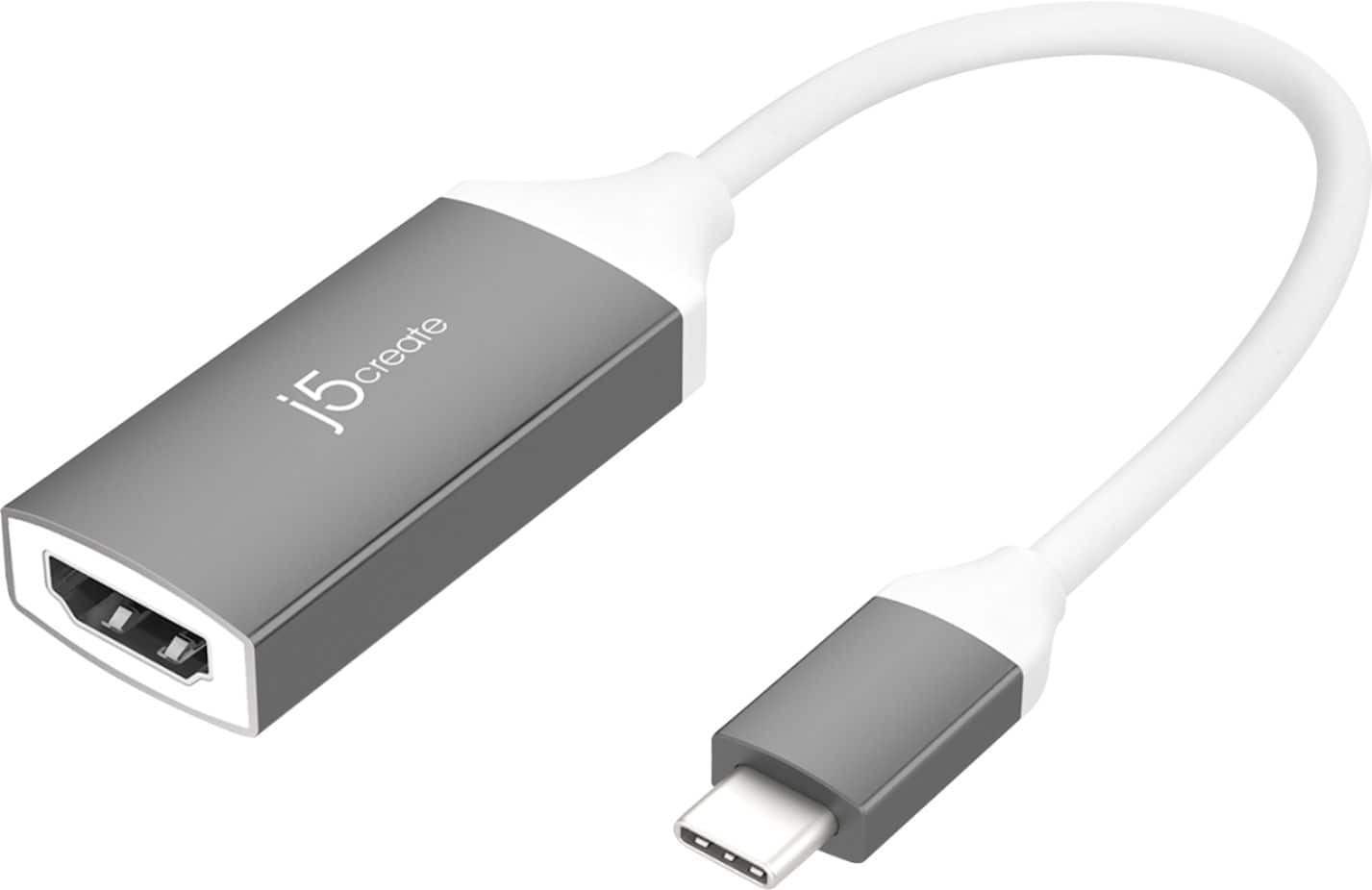
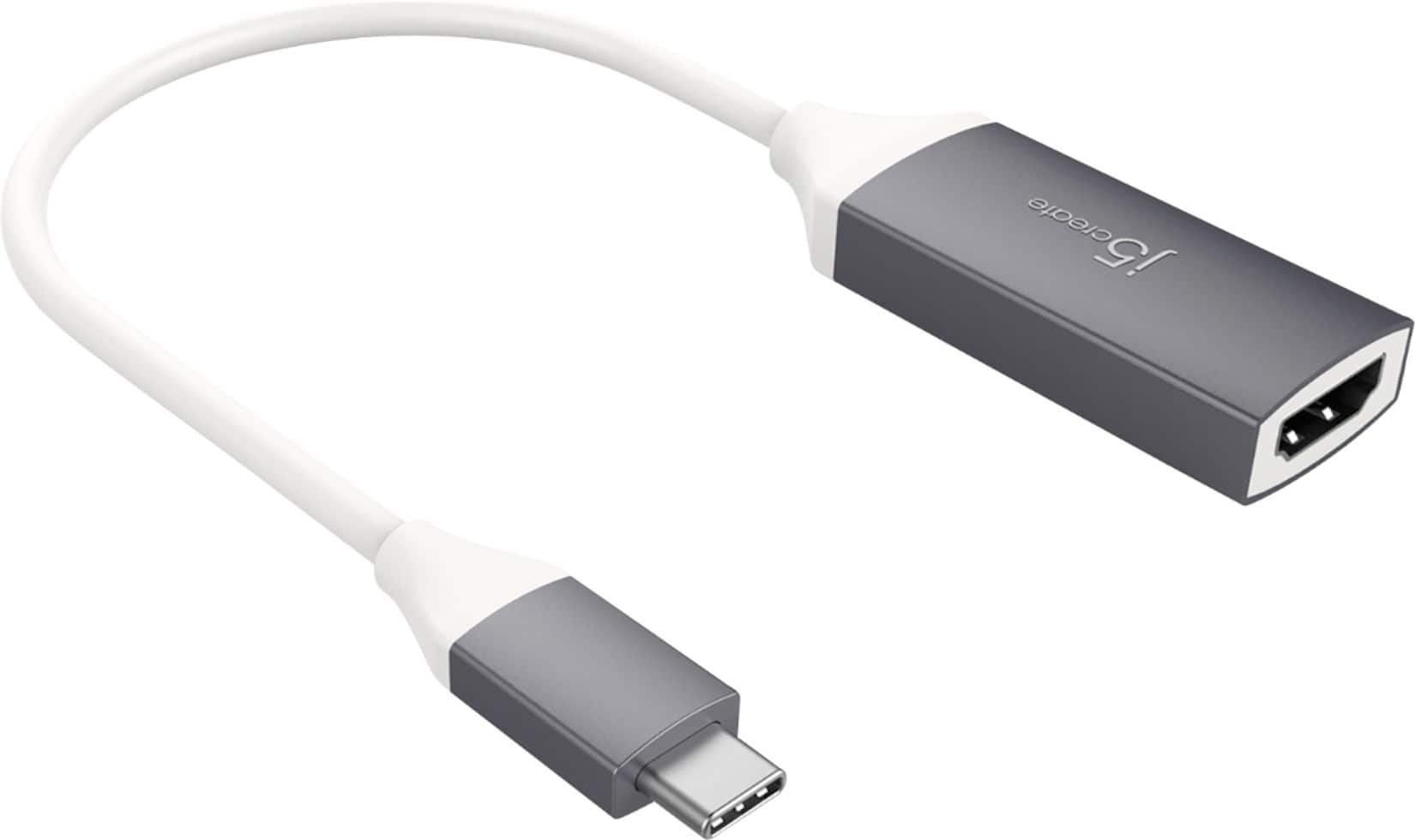
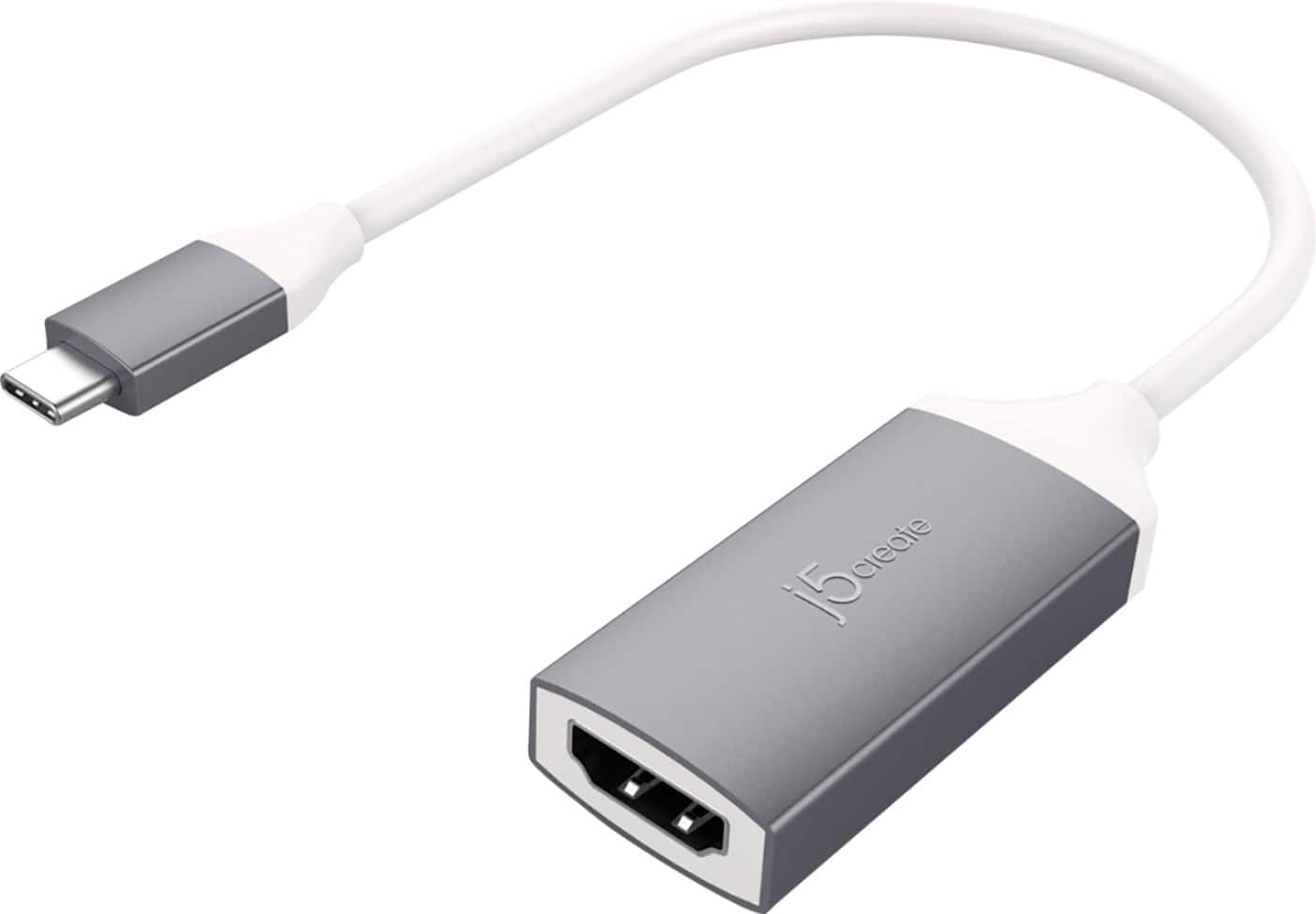
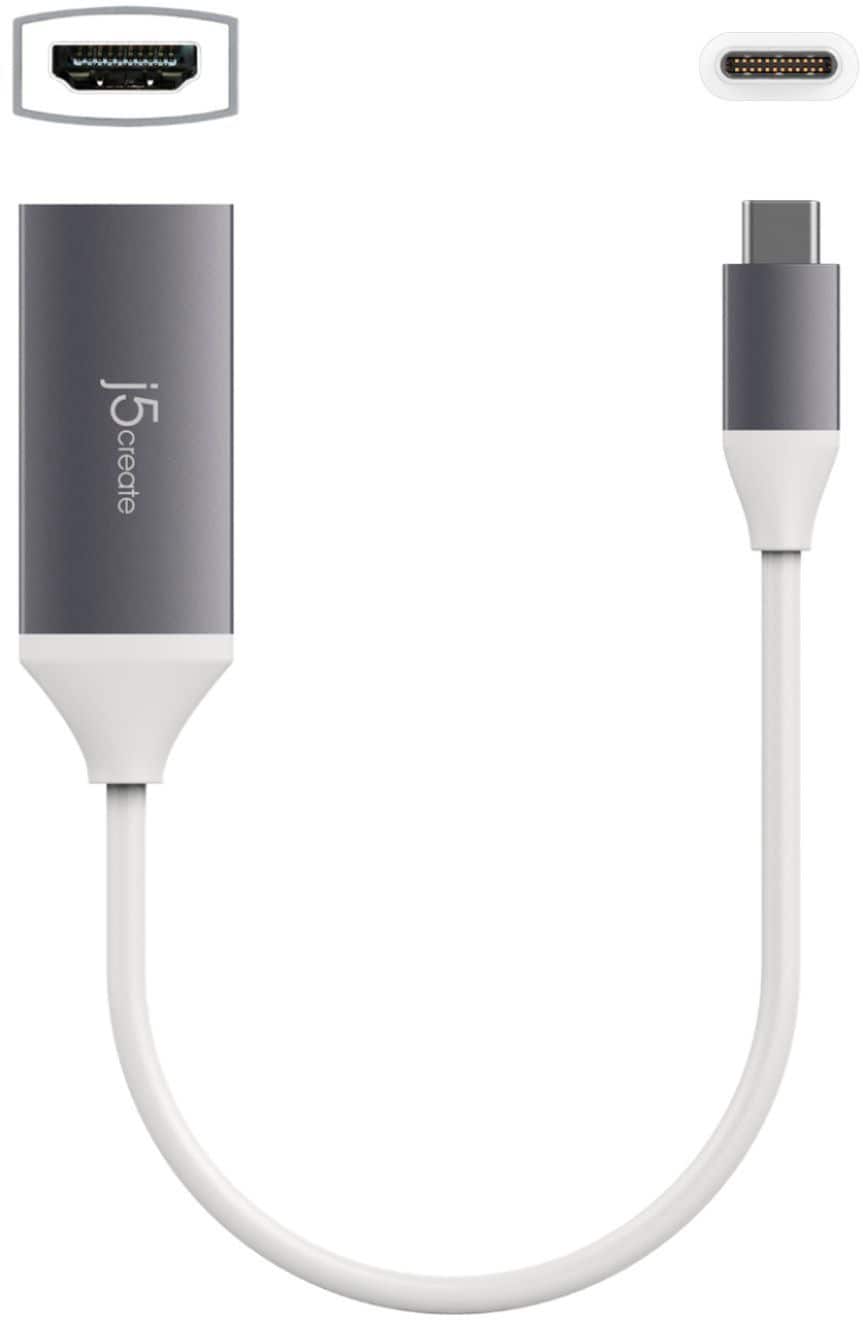
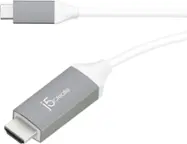
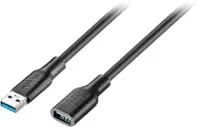
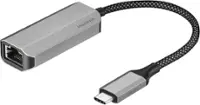
A:AnswerThe USB Type-C Gen 1 does not support "DisplayPort Alt Mode" for video out via HDMI. You would need an HDMI Adapter that requires a driver installation such as the JUA354.
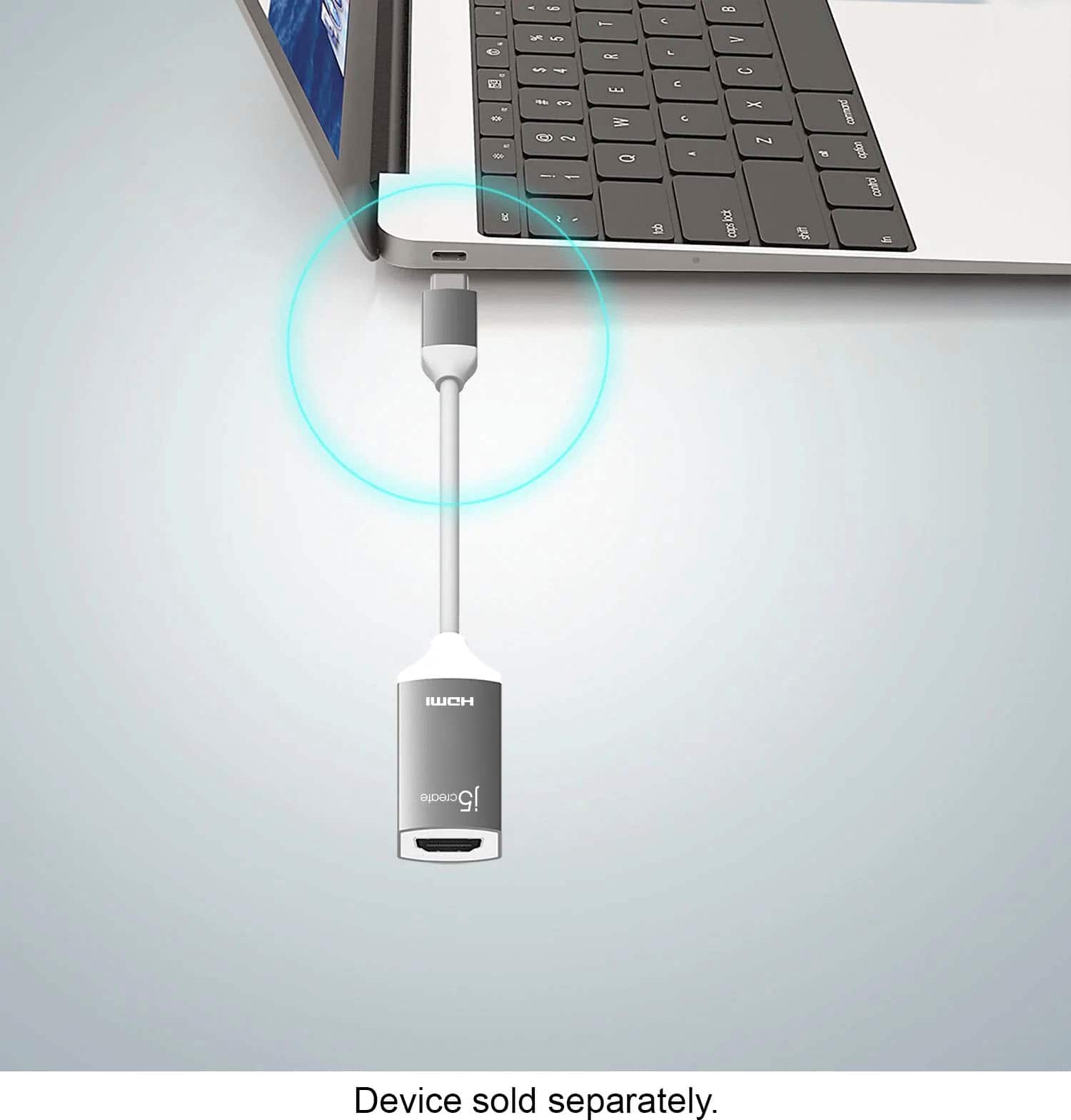
A:AnswerDepending on your phones model#, it must support DisplayPort over USB type-C. Supports video out when connecting via HDMI Adapter. Please refer to the manufacturer of your hardware for more information on your device. Thank you.
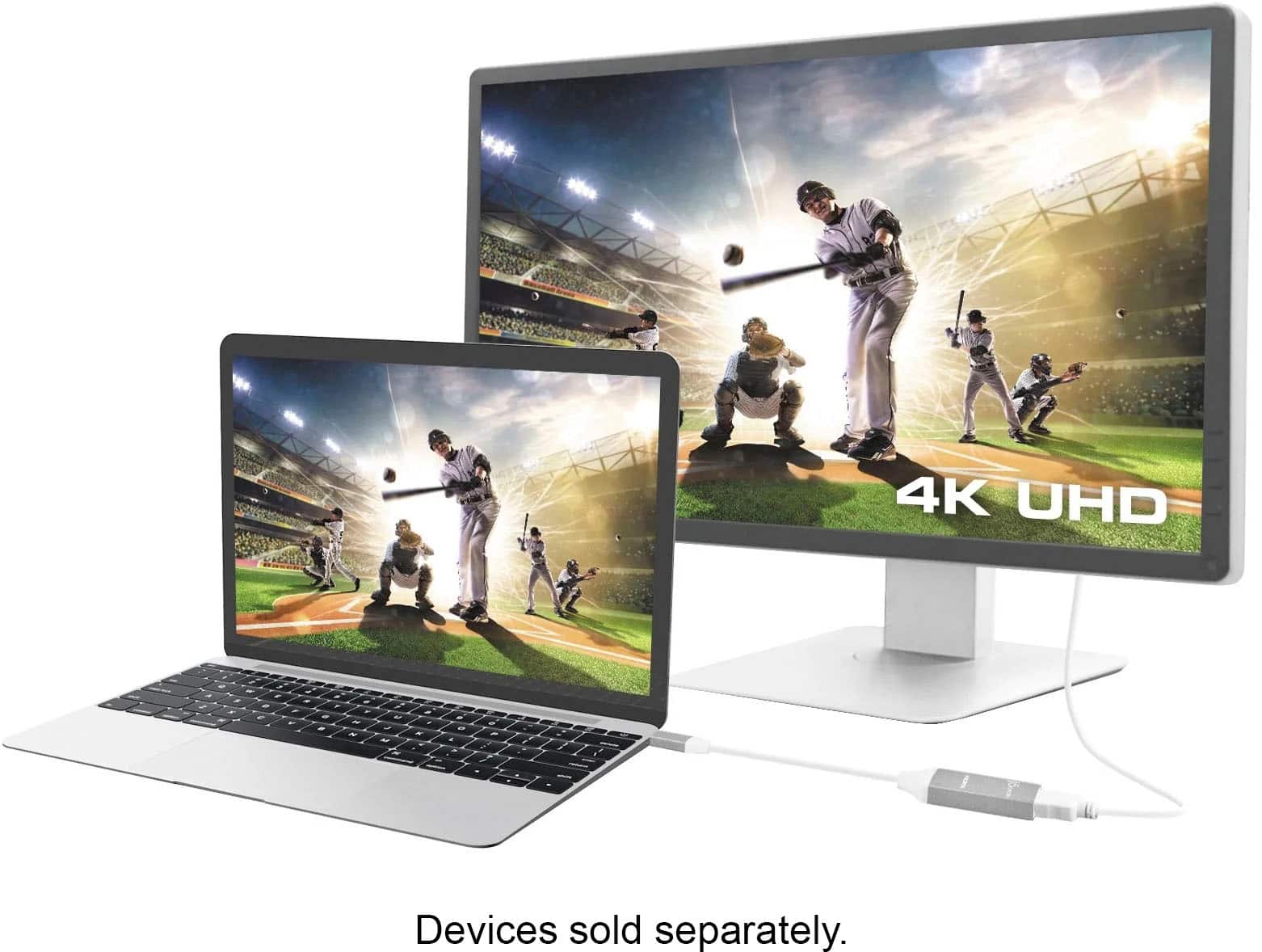
A:AnswerYes, it will work in any resolution 4k and lower. I use my MacBook that doesn't have 4k resolution with 4k monitor and it works great.
Should work correctly in your case as well.
A:AnswerWe recommend connecting our Video Adapter directly to a computer that supports "DisplayPort Mode" for video out. We cannot guarantee compatibility towards a docking station.
A:AnswerNo, the LG Stylo6 must support DisplayPort Mode for video out to a external display. The JUA165C is another option that can be used for your Phone.
A:AnswerUnfortunately, the model number does not come up on the LG website. Please contact LG support to verify if your phone has "DisplayPort Alt. mode" for video output. If no DP support, you may go with JUA165C and download the j5 Display Adapter through the App store on your phone. Thank you, j5create.
A:AnswerUnfortunately not, the JCA153G requires a feature called "DisplayPort Alt. Mode" which will need to be part of the Galaxy Tab A SM-T590 to output video display. The JUA165C will be perfect with devices that don't support "DisplayPort. Alt. Mode). You may come across "HDCP' which is a copyright protection if you are going to stream with Netflix, Hulu, etc.
A:AnswerNo, the JCA153G will only output video signal to a monitor, TV, or projector. If you are attempting to use a laptop as an external monitor, that will not work unfortunately.
A:AnswerNo, due to the particular phone lacking the required feature of video output via USB-C, this will not work for you. Instead, the JUA165C will, simply download the required app on your phone and you're all set.
A:AnswerUnfortunately because the Samsung A50 does not support DP alt-mode (video output capability via USB-C) the JCA153G will not work for you. Instead we recommend the JUA165C, simply download the required app on your phone and you're all set.