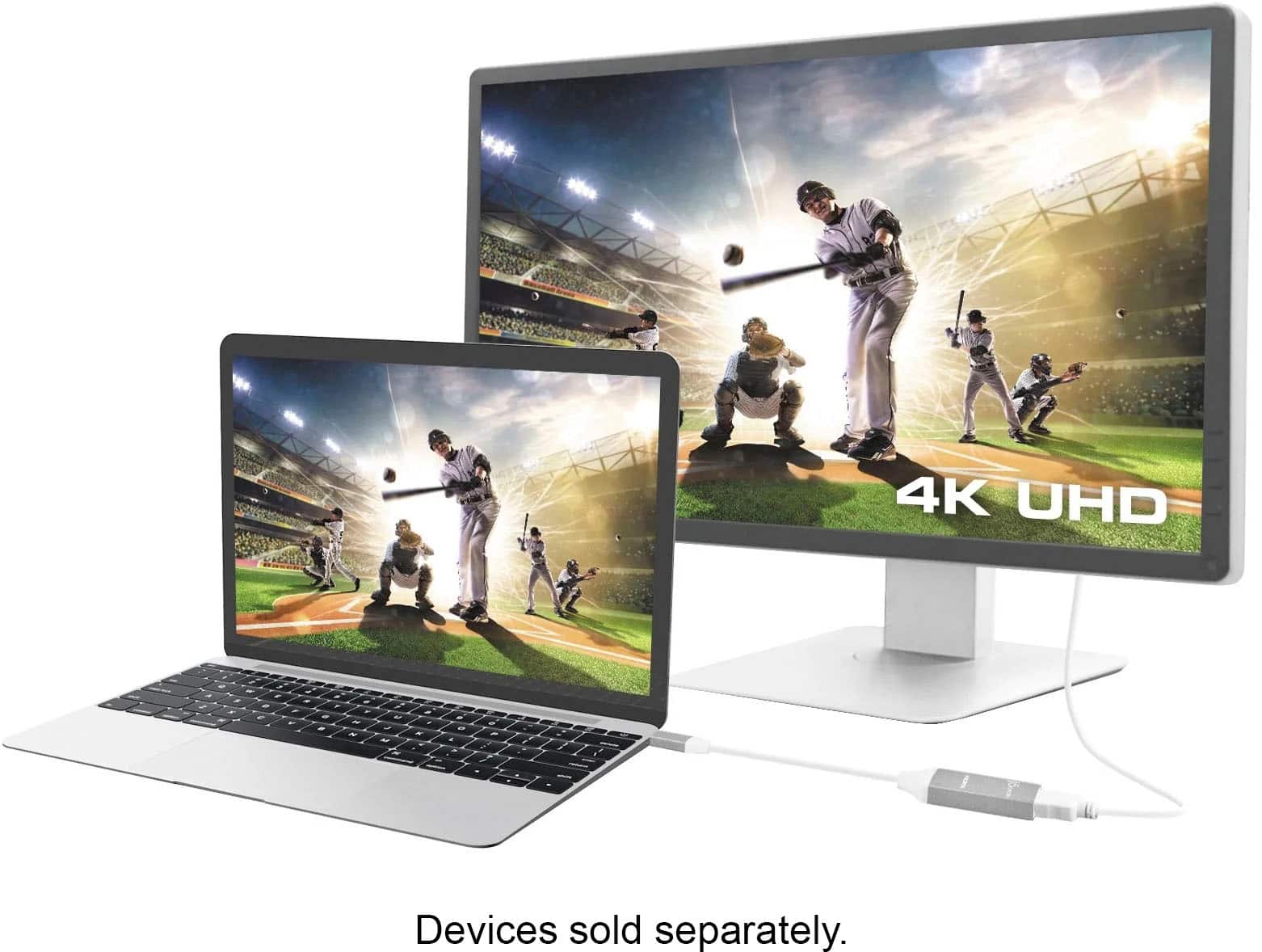
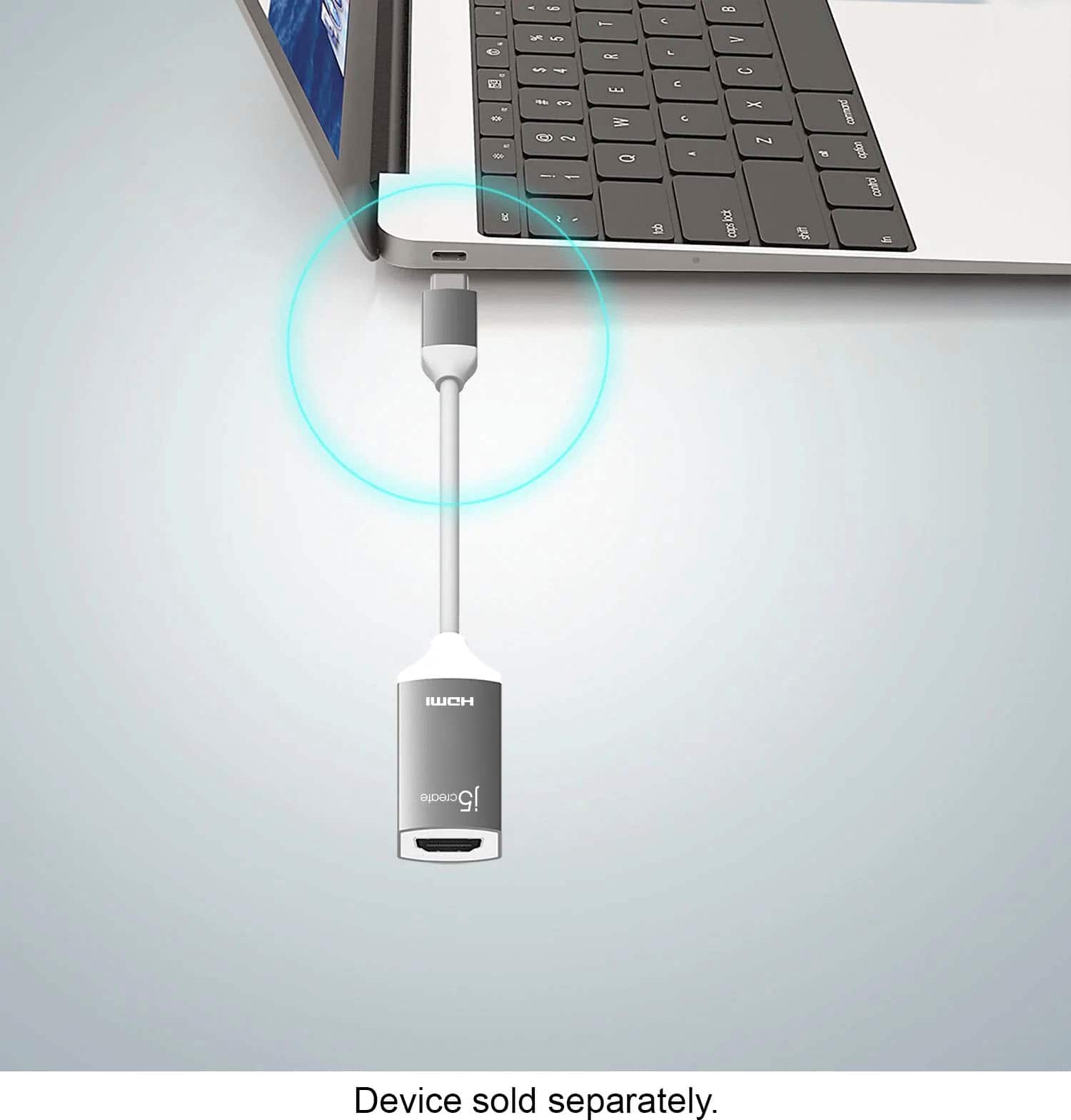
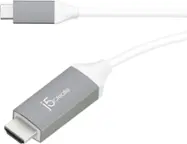
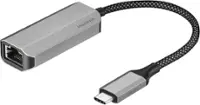
A:AnswerNo, the JCA153G is intended to connect to a computer, tablet, or phone supporting video output via USB-C and output video signal to a TV. If you are wishing to capture media, you would need to use a capture card such as the JVA02, JVA06.
A:AnswerIf you are looking to connect the JCA153G to your phone via USB-C and an HDMI cable to a TV - yes, this will work. If you are looking to connect the USB-C end to the camera and an HDMI cable to a TV, no that will not work.
A:AnswerUnfortunately, the Samsung Galaxy A11 does not support video output via USB-C and therefore the JCA153G will not work for you. The JUA165C will work for you.
A:AnswerNo, it is intended for outputting video signal to a TV, monitor, or projector from a computer, tablet, phone. For streaming, the JVA06 will work for that setup.
A:AnswerIf you are wishing to connect an HDMI cable to your camera via the JCA153G and insert the USB-C male end into your Mac - that will not work. The JCA153G is intended to send a signal out to a TV, monitor, or projector from your computer. For streaming, we recommend the JVA02 or the JVA06.
A:AnswerThe JCA153G is intended to connect to a computer, phone, or tablet supporting video output through USB-C; if you are looking to use the JCA153G as a medium to connect a Fire Stick to a TV, no, that will not work.
A:AnswerIn order for this device to work it requires that your computer supports a feature called DisplayPort Alternate Mode over USB Type-C. This feature allows your computer to output a display over the USB Type-C port on your computer. If your computer does not support this feature then unfortunately this device will not work.
A:AnswerThe JCA153G requires video output via USB-C capability on the device being used; apparently the USB-C port on the Facebook Portal is for simple data-transfer and therefore this adapter will not work for you. We may be able to recommend a different device that will work, but in order to narrow down the operating system of the Portal you have because specs do not specify which version of Android it uses, we recommend contacting support on the casing and an agent will glad to assist.
A:AnswerThe JCA153G is intended to send a video signal out to a monitor connecting via USB-C to a computer. Because the JCA153G is a PnP adapter, it requires that the computer you are using support thunderbolt 3; if it does not, it will not output a video signal. In order to determine whether or not it supports such feature and better understand the set up, we recommend contacting support on the casing and a rep will be happy to help.
A:AnswerBecause the JCA153G requires that the phone, computer, tablet support a feature called DP alt-mode/Thunderbolt 3 and it does not appear that the Microsoft Surface Laptop Go does, it will not. We do have other adapters available that will work for proving you another display and if interested, we would value the chance to discuss them with you. Our support information can be found on the casing and a rep will be happy to help.
A:AnswerIn order to provide a more accurate answer, we would like to gather more detailed information such as specs for the computer you are using; we recommend contacting support on the packaging and a representative will be glad to help.
A:AnswerThe JCA153g requires the device being used to have a native Type-C port that supports display out. Unfortunately it is not compatible with iPhones at this time.
A:AnswerIf your laptop supports a feature called DisplayPort Alternative Mode over USB Type-C then this device will work with your computer. This feature allows your computer to output a display through the USB Type-C port.
A:AnswerI use this in the back of my iMac desktop. I believe it will work with your iPad, but I’m not completely sure. It’s like a thicker lightning cable. There is a lightning symbol next to this port on my computer, but it’s not like the phone charger. It’s definitely thicker.