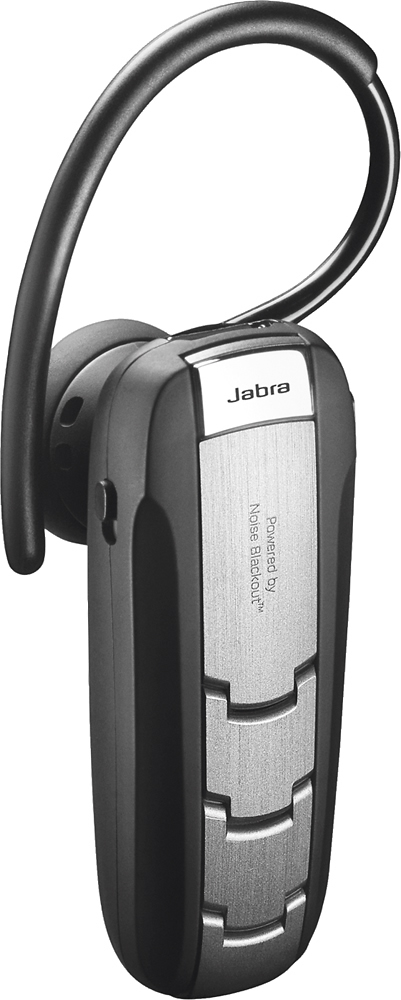
A:AnswerIf you are hard of hearing this ear piece is not the one for you. Nothing wrong with my hearing and have all but shoved it up through my ear trying to hear.
A:AnswerHello JB,
Yes. You will need to press the answer end button (hold 1 second with a beep heard) to answer the incoming call and hold the active call. Another press to switch between the 2 active call and a tap to end one.
Hope this helps!
A:AnswerHello Glo
Yes you can mute from the Jabra Extreme2. I have listed the instructions below, they can also be found in the quick start guide that came in the box and on our website.
To mute - press both volume up and down at the same time. A low beep alert plays during a muted call.
To un-mute - tap either of the volume buttons.
Thank you for your question.
A:AnswerHello Paul - The Jabra Extreme2+ is not designed to be used with hearing aids. Depending on what kind of hearing aid you use, it may not fit comfortably since the Extreme2+ is an in-ear headset. We do have some styles which sit the headset on top of the ear, like the Jabra Supreme and Jabra Style (now called the Jabra Talk 30). Feel free to reach out to our support team if you have any other questions: https://www.jabra.com/ServiceMenu/contact/ContactJabraSupport/ContactJabraSupportConsumer
A:AnswerPress and hold the button on the Bluetooth for about 2 seconds. You'll hear a tone that sounds like bludoop and then you just say the name of your contact that you're calling.
A:AnswerIt does alert for calls, messages and alerts, unless you are playing music. Then mine will lower the volume of the music for a second or two to alert me. If its a call, then it cuts the music and rings.