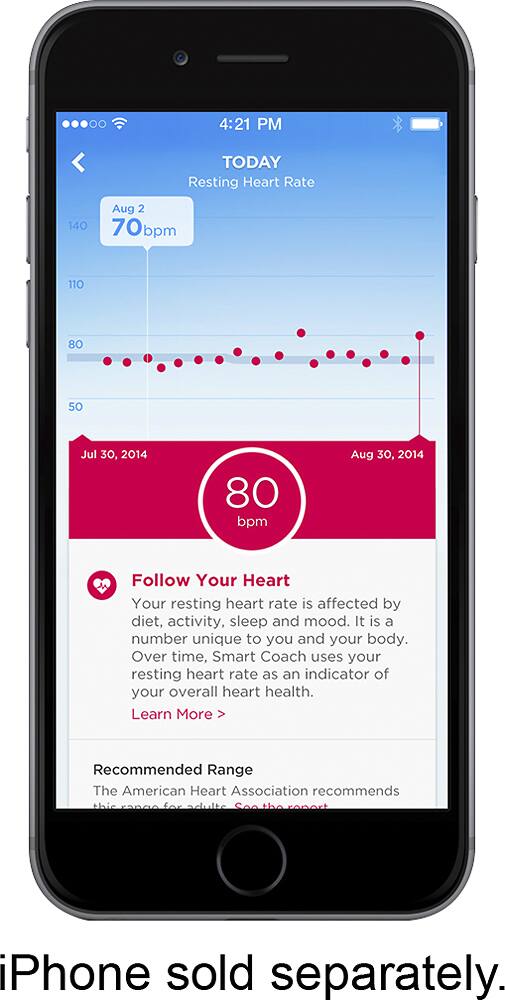
A:AnswerYou no longer need to physically plug the device in to the Phone to sync. Syncing is performed automatically via Bluetooth when you go into the App.
A:AnswerNo you don't have to be by your phone. Just make sure your Bluetooth on your phone is on and when you get back and the tracker will sync with your phone.
A:AnswerYes- I have a pretty small wrist and it could be adjusted much smaller than what I have it. The wristband itself is very awkward to do and undo and in my opinion not very user friendly at all.
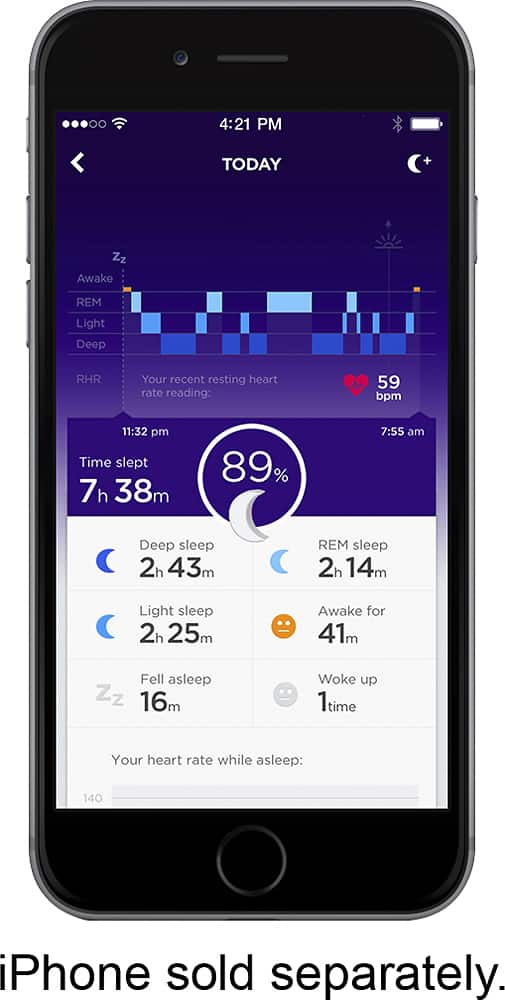
A:AnswerYes. You can track manually of when you go to sleep it actually senses the time you stopped moving and it tracks the sleep. The cool part is that it tracks if you had light sleep, or if you moved in your sleep.
A:AnswerWhat do you use to charge your iPad Air, it should have a power brick that you plug in the wall and connect your charging cable using USB. Remove you iPad power cable and charge UP using that.