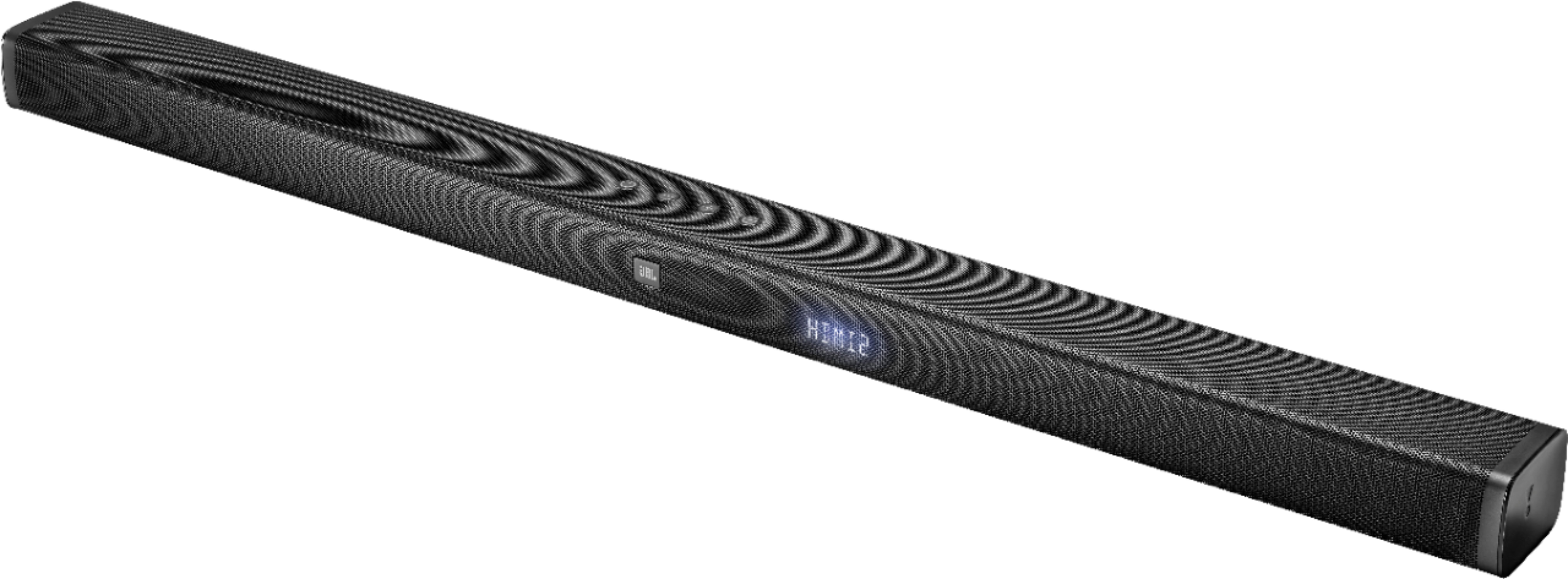
A:AnswerThere is a minimal warranty from Best Buy, which may be 30-90 days, Mfg. Warranty if registered with JBL is one year. Best Buy offers a Geek Squad warranty:
2-Year Standard Geek Squad Protection
$69.99
Your price for this item is $69.99
That's about $2.92/mo.
4-Year Standard Geek Squad Protection
$84.99
Your price for this item is $84.99
That's about $1.77/mo.
A:AnswerMy samsung came with an external HDMI box (samsung one connect) to plug everything into I believe it was 6 or 8 ports. Not sure if yours is the same set up but if so I would run everything through that to the TV.. even though the JBL gives you 3 additional HDMI ports. If you dpnt have samsung one connect see if it's an option for your TV.
A:AnswerUnfortunately, our JBL Bar 3.1 can't be connected wirelessly with other speakers since this is a stand-alone system. If you have more questions, please reach out to our Customer Support. https://www.jbl.com/support-contact.html
A:AnswerI did see an Error as well. I was messing around with my Nvidia Shield and accidently changed the audio from AUTO to atmos. I could have selected Dolby Digital as well to resolve it.
A:AnswerWe appreciate your review. Thanks for reaching out about your JBL Bar 3.1. We'd like to know more information about your set up. Please contact us through this link: http://bit.ly/2mKB7hl
A:AnswerThe best thing to try is a factory reset (in the manual). Then unplug the Sub for a few seconds and then plug it back in. That worked for me. It paired right up.
A:AnswerA 3.1 soundbar has 3 channels (right, left, and center) and 1 subwoofer. As a soundbar, all channels are contained within. You could add speskers but with difficulty. You would have to have access to the schmatics and do some wiring. Check out this link for more detail.https://www.quora.com/How-can-I-connect-additional-speakers-to-my-soundbar. You my be better off buying a 5.1 system (like JBL 5.1) which has the rear speakers included. Hope this helps.
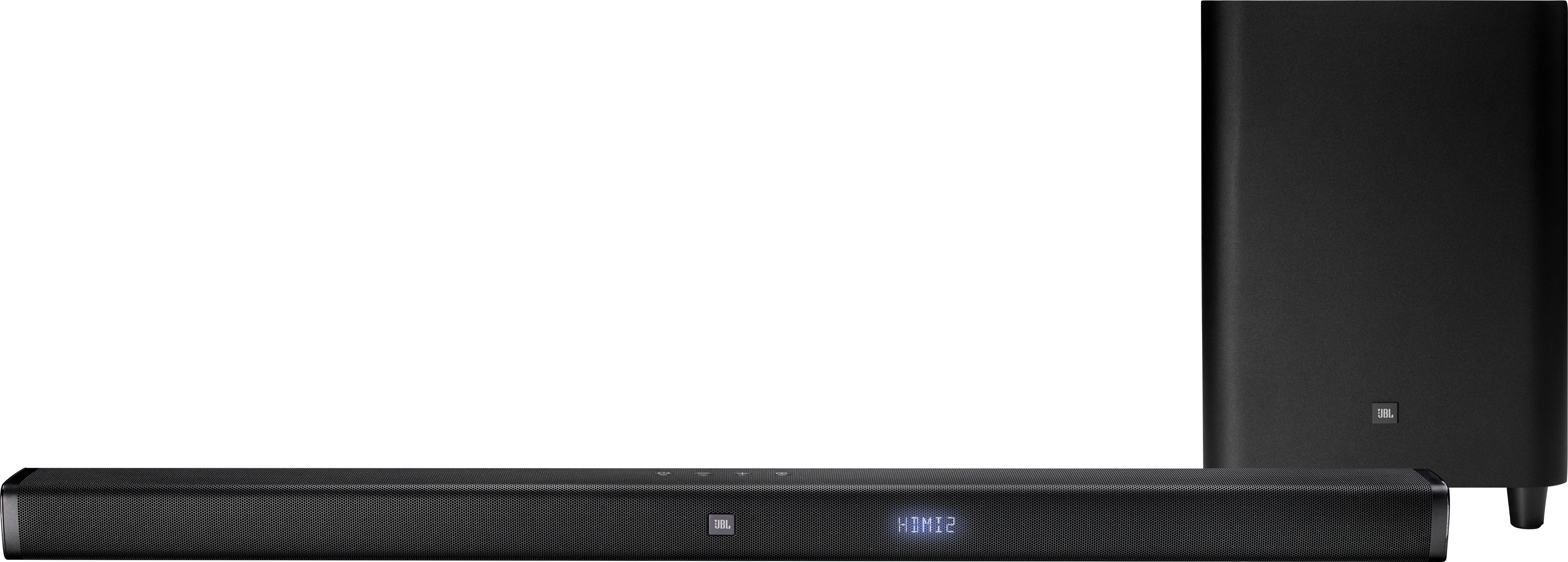
A:AnswerIf you have not paired from the device to sound bar Bluetooth and are un able to I would return it for another. But you have to make sure that the sound bar is on BT for Bluetooth by pressing the source button on top right of control or the far right button on sound bar. If using remote or button on sound bar you mare need to press this button a few times until it changes to the correct source (BT).
Note: to power on or to change source by remote control it may take pressing the button a few times for it to work. Mine takes me pressing power button a few times just to turn on or change the source (different audio connection). Once on BT for Bluetooth you can search on the device for sound bar (JBL bar 3.1. Should connect if not return it. My opinion.