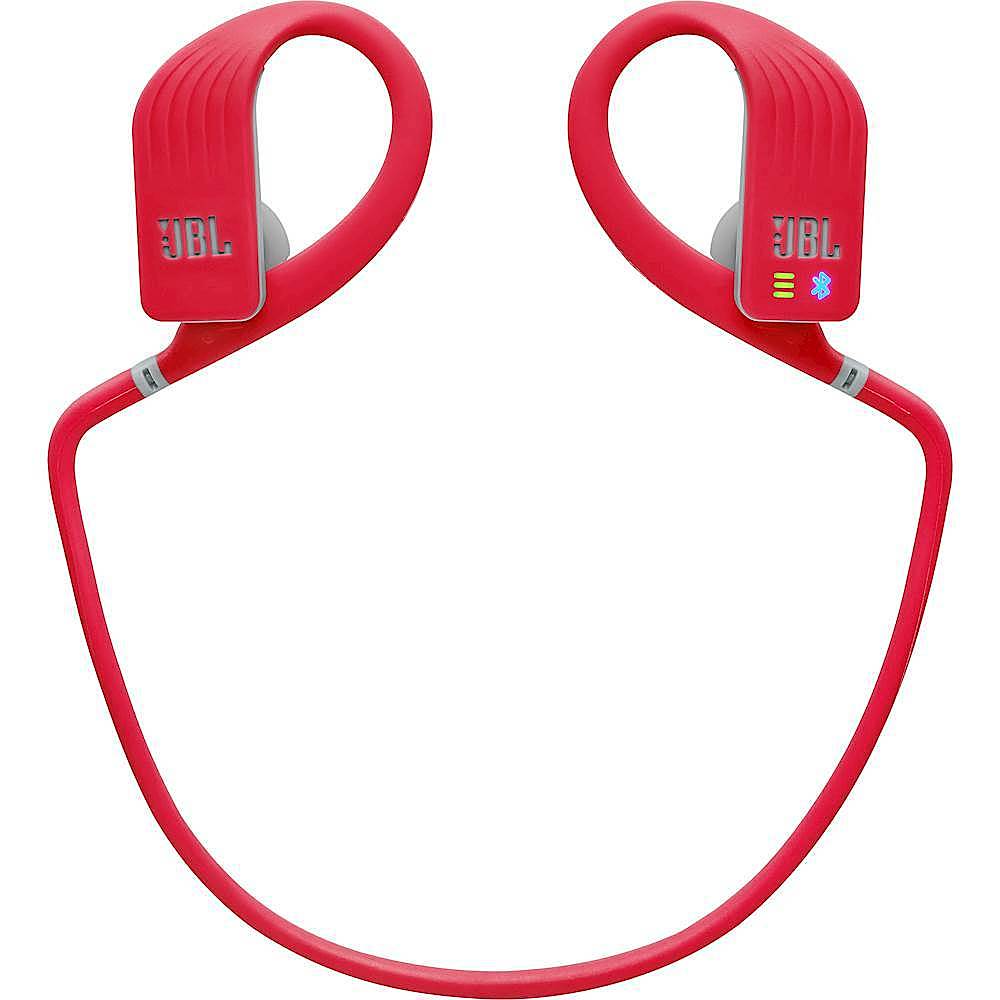
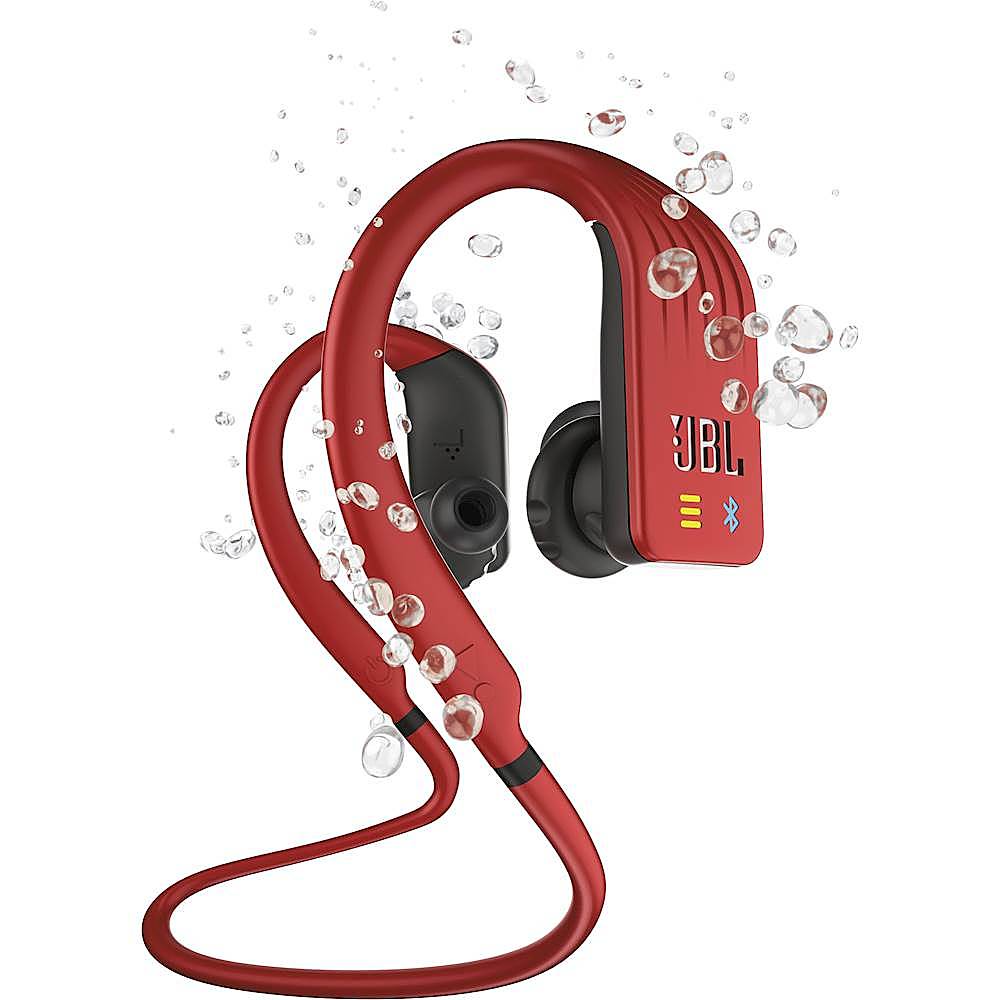
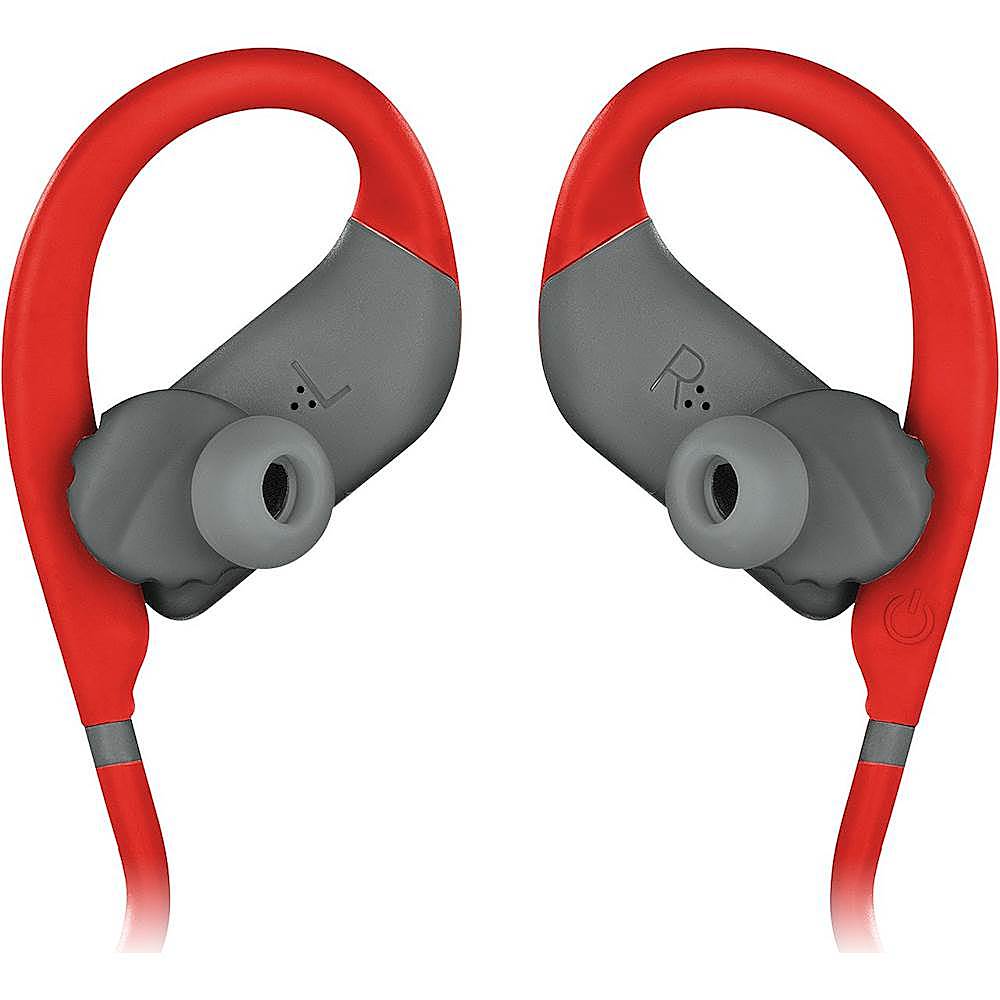
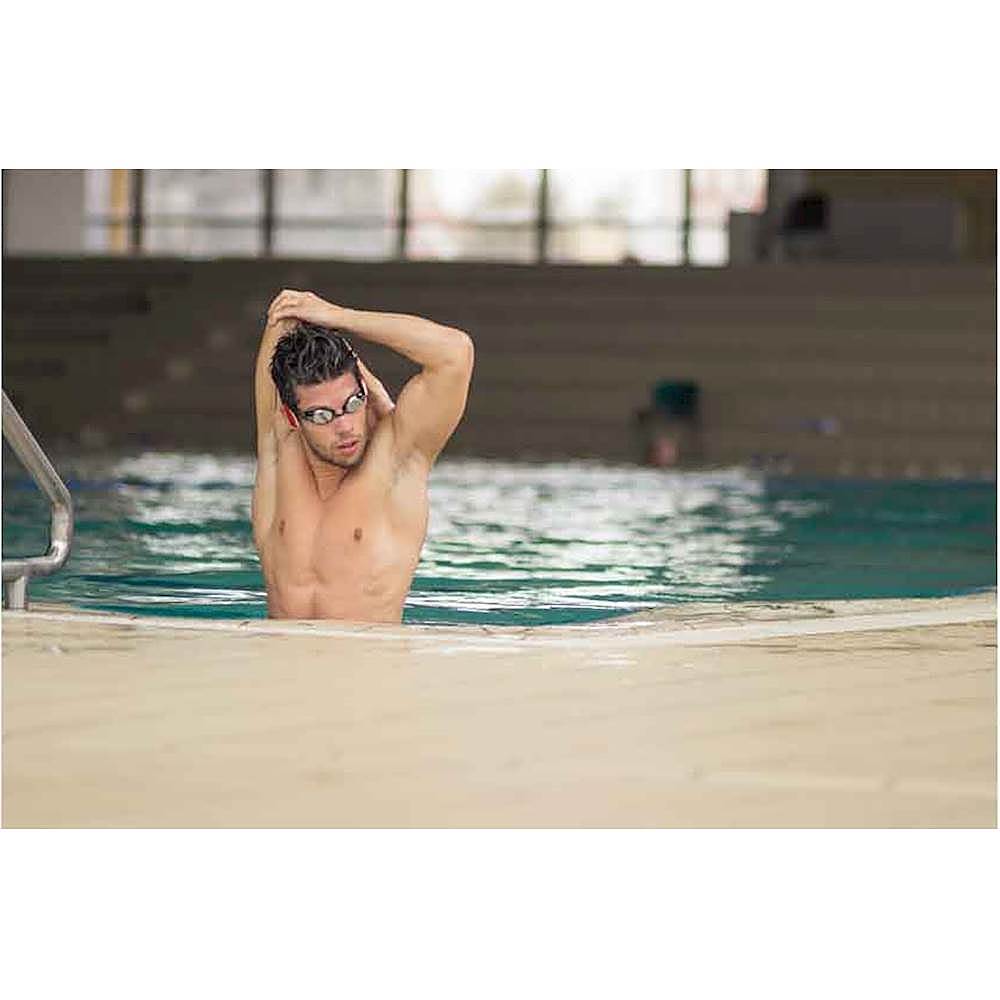
A:AnswerI suggest you should still turn the bluetooth connection off once you are in the water. Sometimes getting wet and water in your ear area is inevitable.
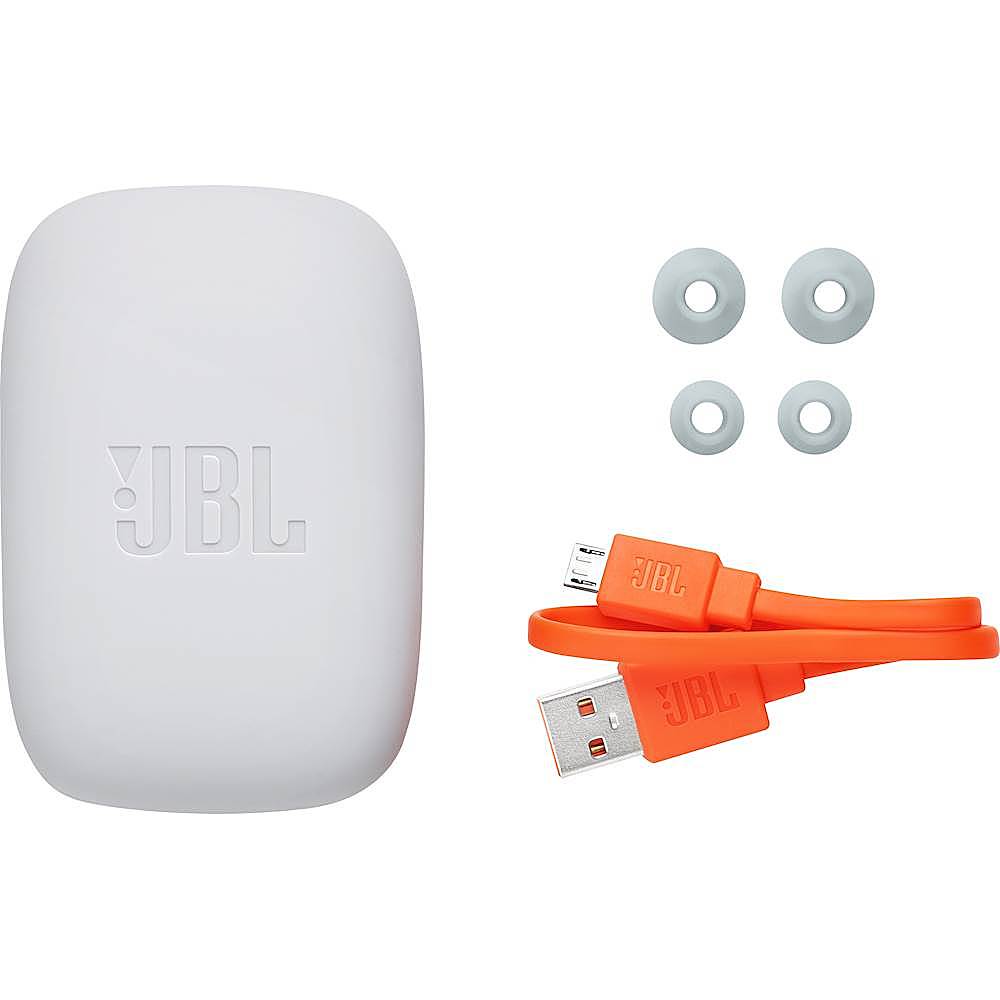
A:AnswerIn order to inquire for the availability of the ear tips, please contact us at: (800) 336-4525
Mon - Fri: 9:00 a.m. - 11:00 p.m. (ET)
Sat - Sun: 9:00 a.m. - 5:00 p.m. (ET)
A:AnswerBluetooth can't travel through water. You'll be unable to use your smartwatch to pair the JBL Endurance Dive while swimming. This model features an MP3 player, which allows you to listen to music underwater without using Bluetooth. Furthermore, it also has a function lock, which prevents water from activating functions inadvertently. For more information, check out our Quick Start Guide here: http://bit.ly/2vf7WXj
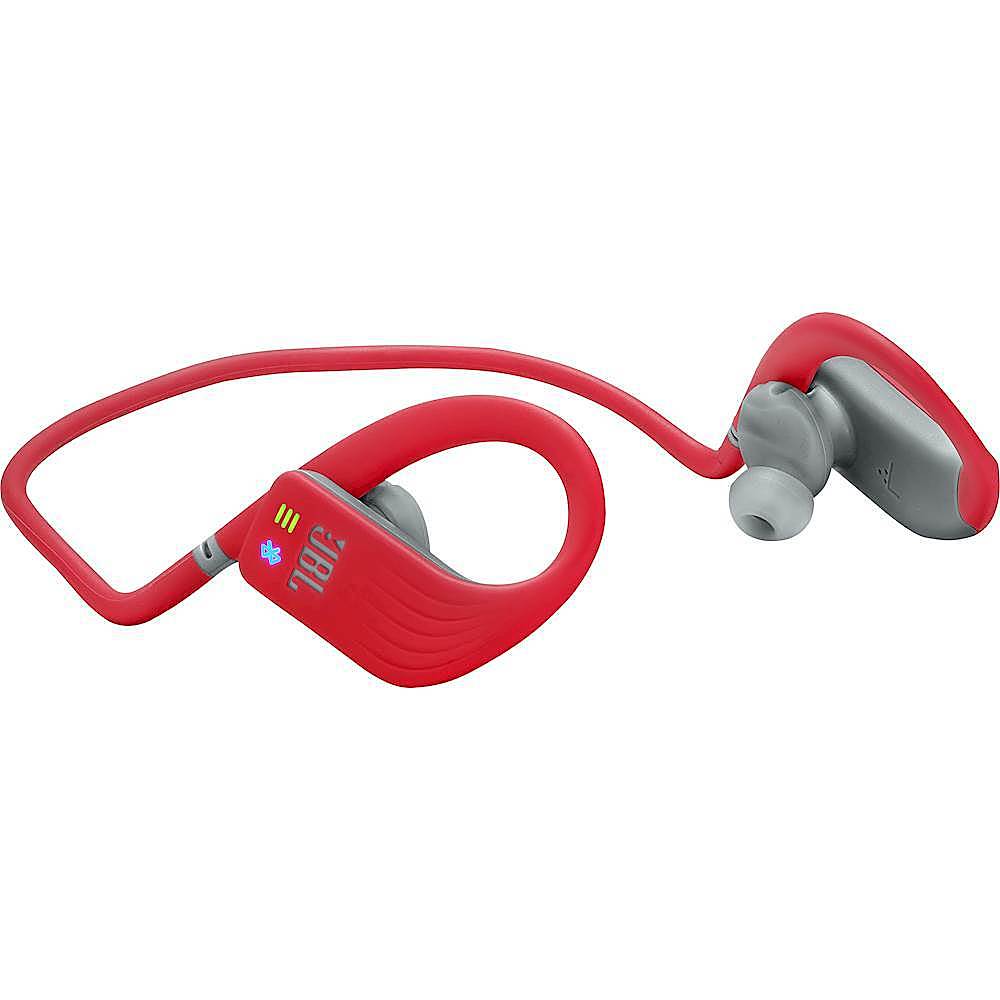
A:AnswerYes, these are built specifically to use for lap swimming. Just hook it up to your computer using a USB cable and click and drag your preferred music files (e.g. mp3 files) into the player. Note for swimming you will definitely want to have these in "local play" mode - just playing the locally stored mp3s - because this is probably the only way that you will have reliable music while doing your laps. Bluetooth signals travel only 36 feet and probably even less through water.
A:AnswerTo add music to the JBL Endurance DIVE, plug it into a computer using the included micro USB cord and click and drag additional mp3 files as desired.
A:AnswerHi there, our JBL Endurance Dive's red BT indicator would disappear indicating that it's fully charged. It will also flash red if the battery is low, letting you know that it's time to charge it. If you need more help, please submit a case request and so we can assist you: www.jbl.com/support-contact.html
A:AnswerHi, please make sure that the headphones are fit in your ears before diving in the water. if that doesn't help, please submit a case request and so we can assist you: www.jbl.com/support-contact.html
A:AnswerThanks for reaching out, we would like to work with you directly. Please submit a case request at https://www.jbl.com/support-contact.html and the Customer Service Team will be more than happy to assist you.
A:AnswerWe would like to work with you directly to help you with your issue. Please submit a case request at https://www.jbl.com/support-contact.html and the Customer Service Team will be more than happy to assist you.
A:AnswerMine just stopped working after about 4 uses. But if yours are still working. If they go off when you go underwater, than you need to lock them by pressing once than releasing and pressing again for 5 seconds on the right side while you are listening to music you have loaded (internal storage). If you are listening to music via Bluetooth and you submerge / get them wet they will turn off. I would get a refund.