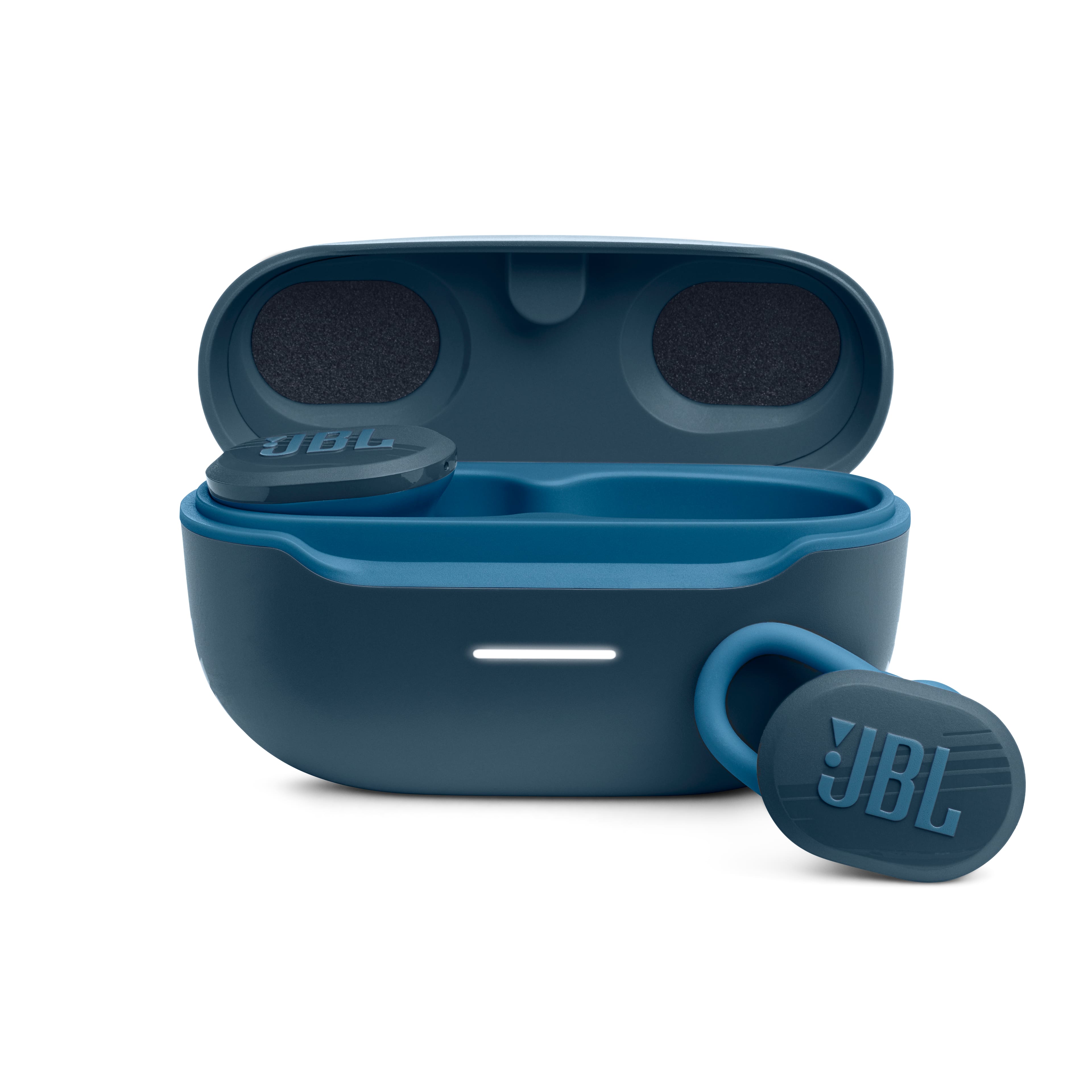
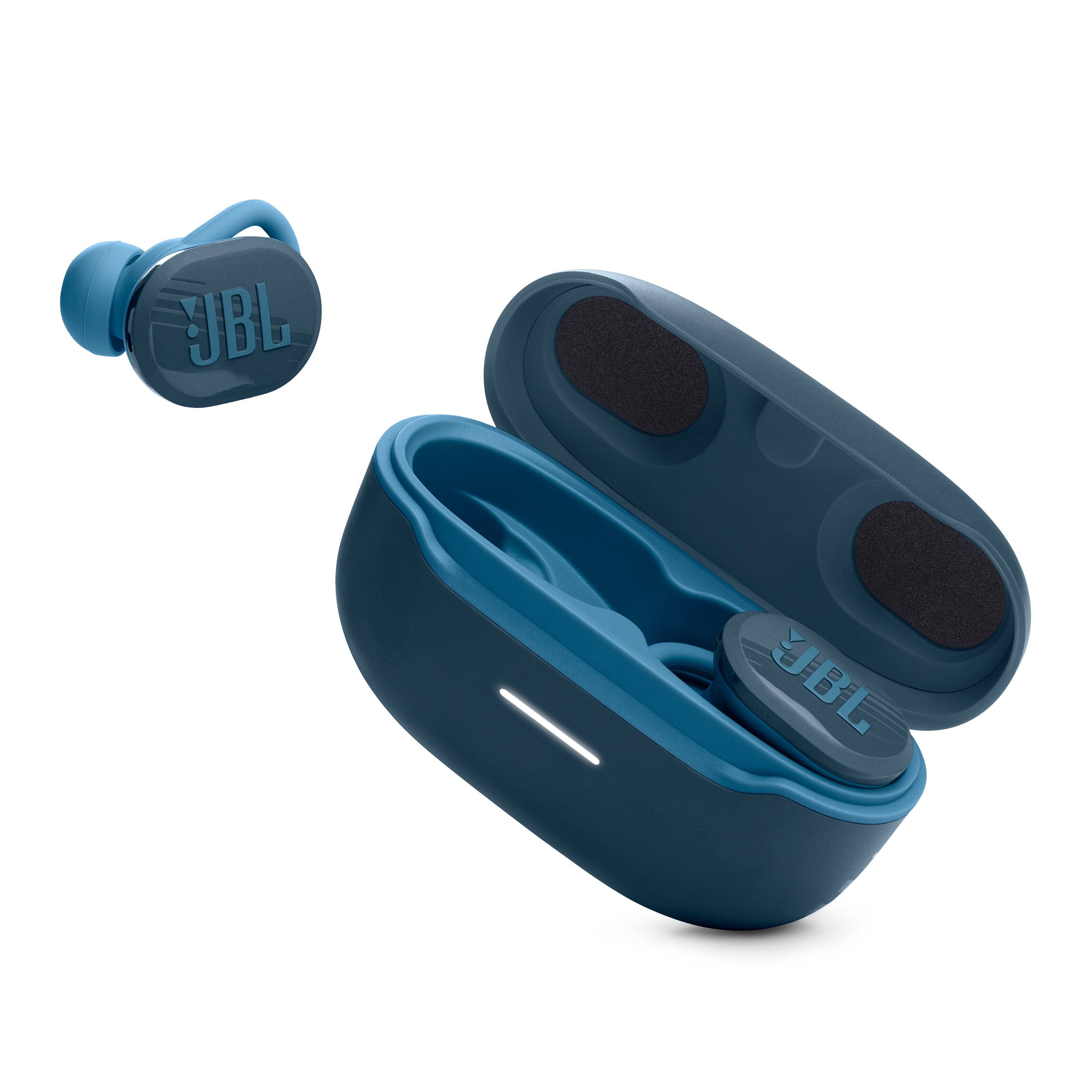
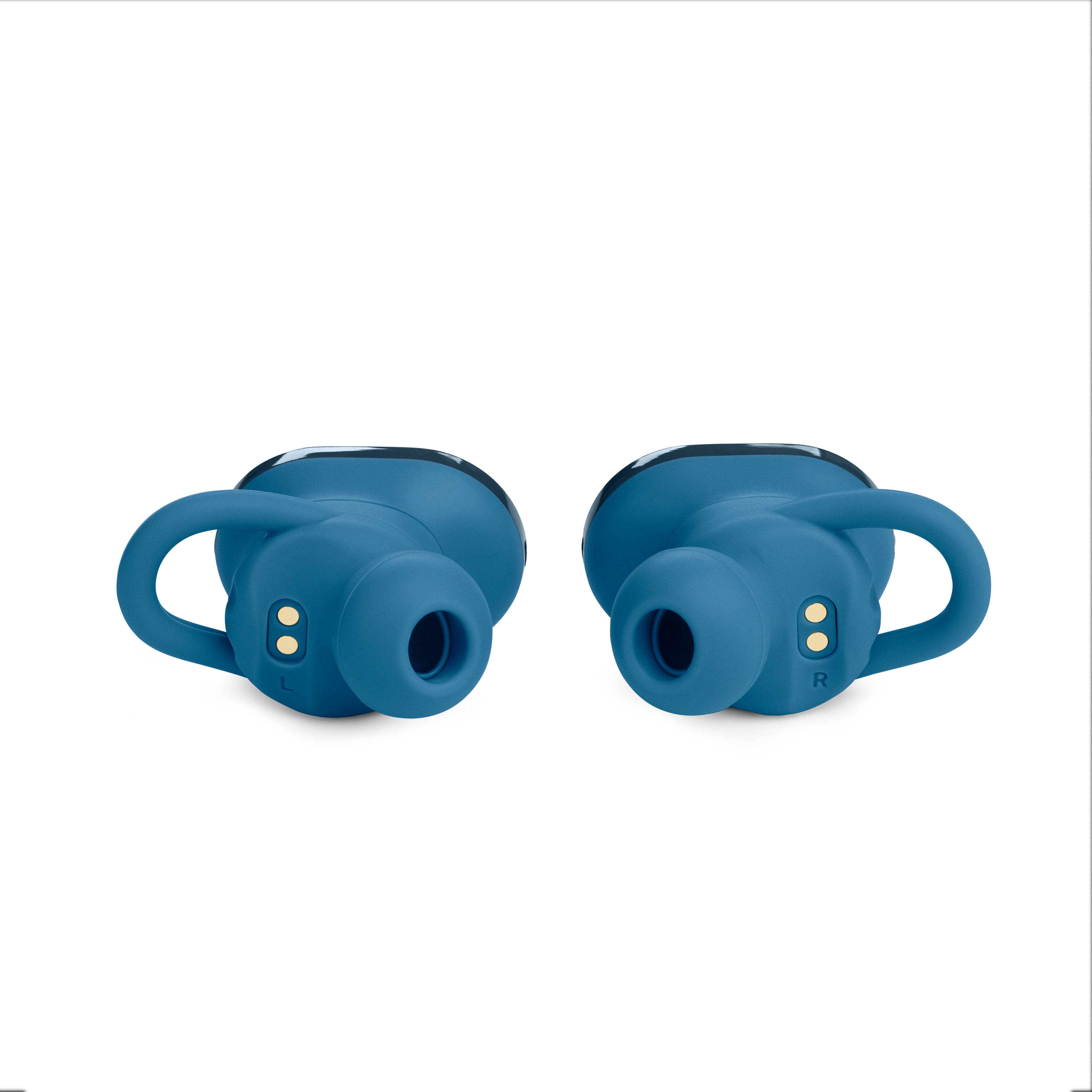
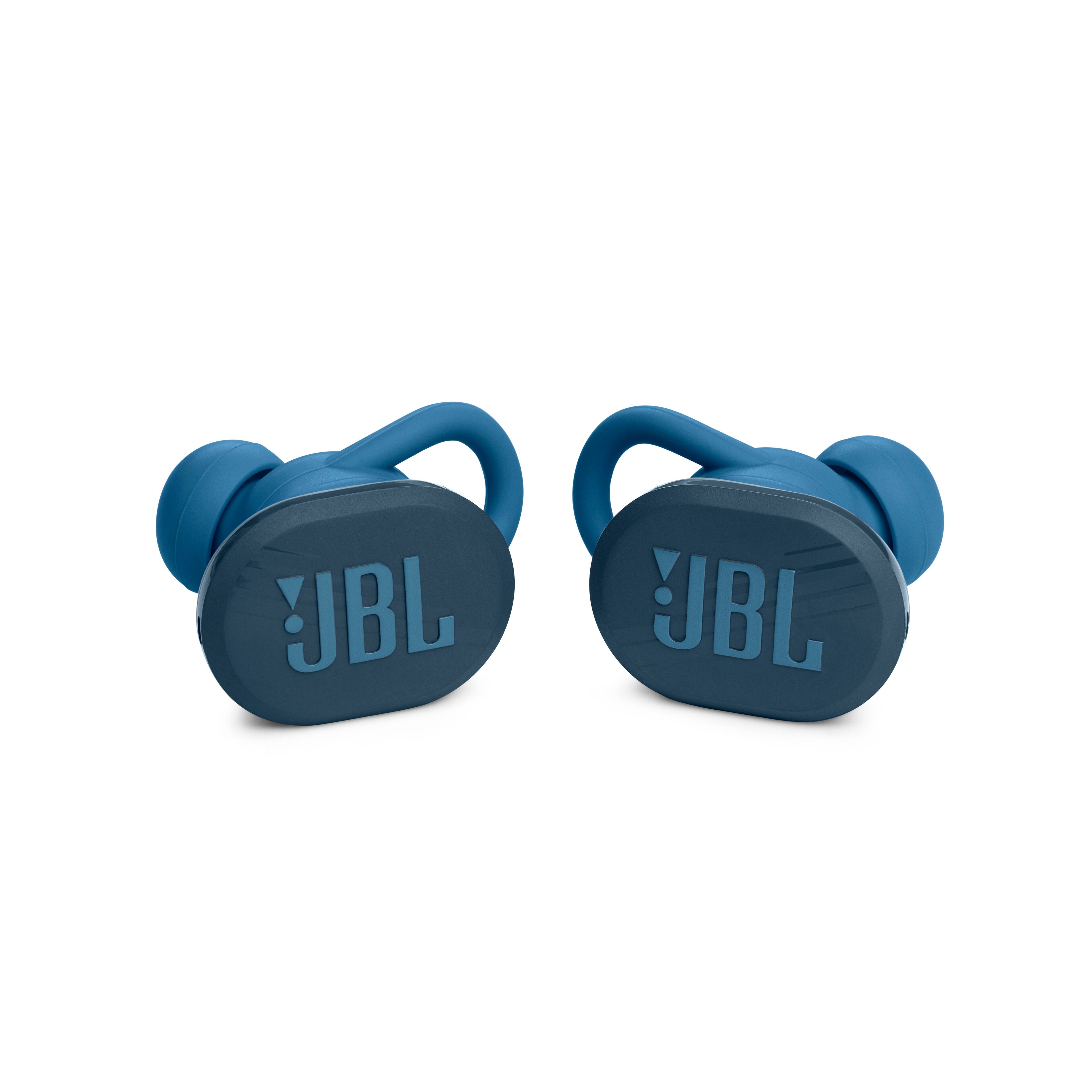
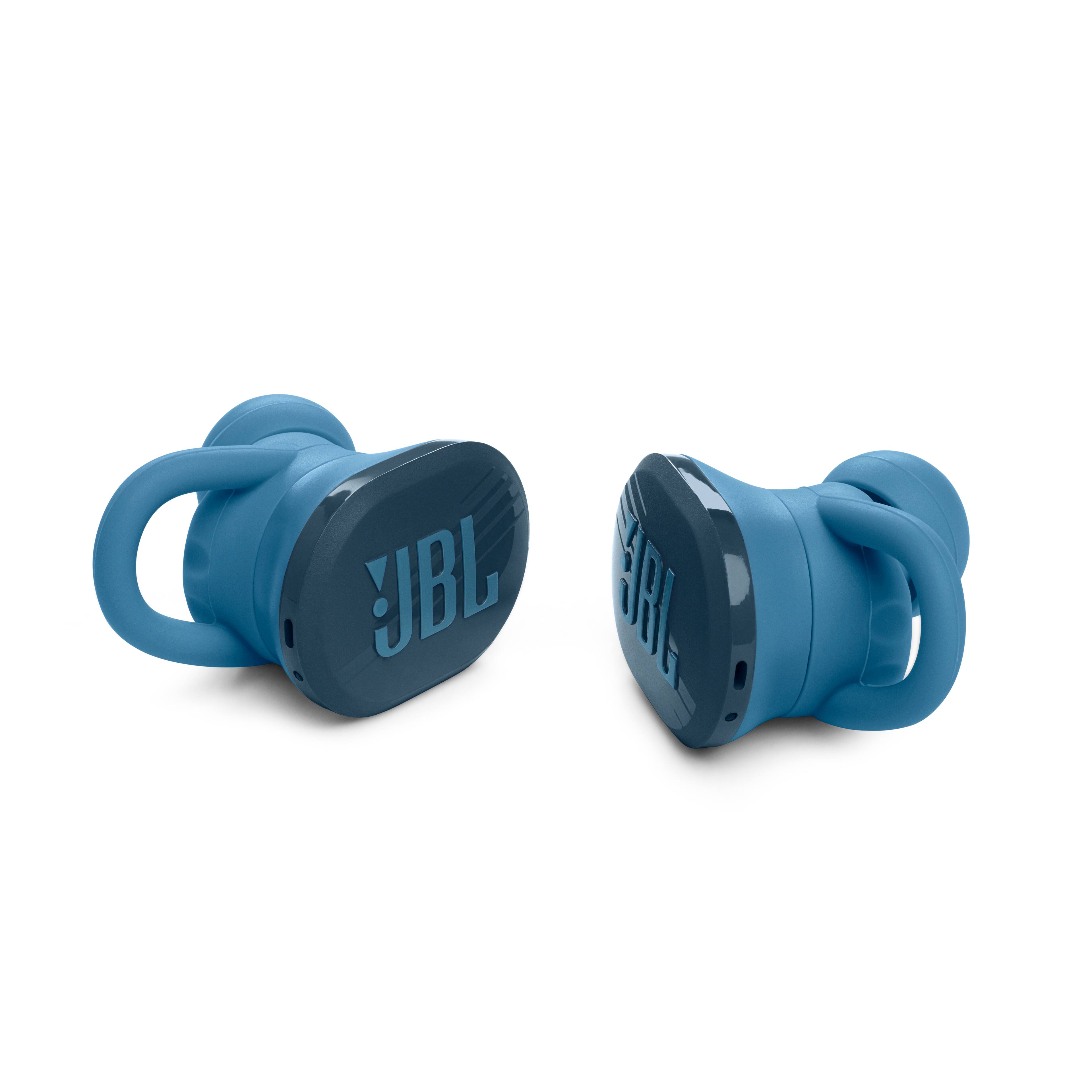
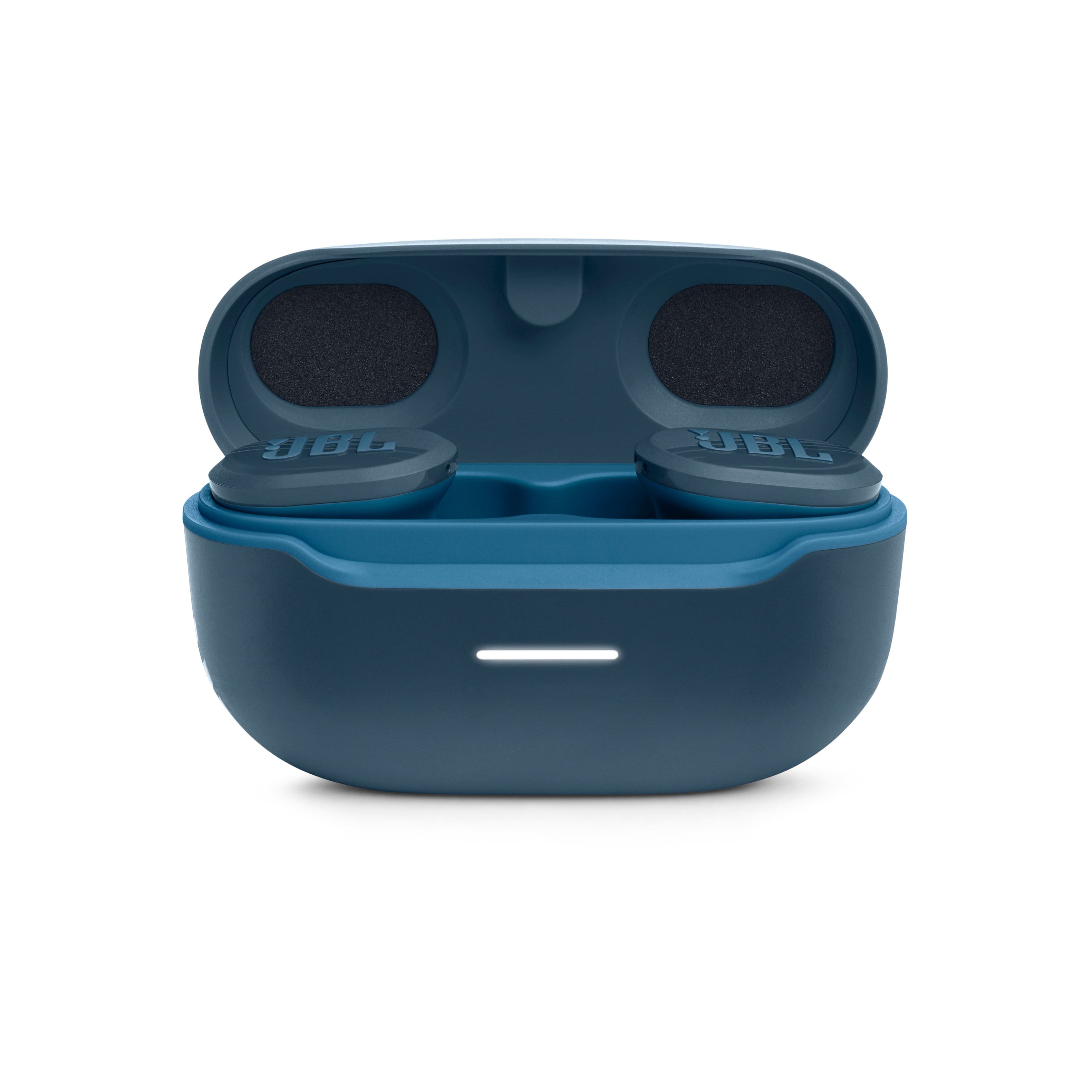
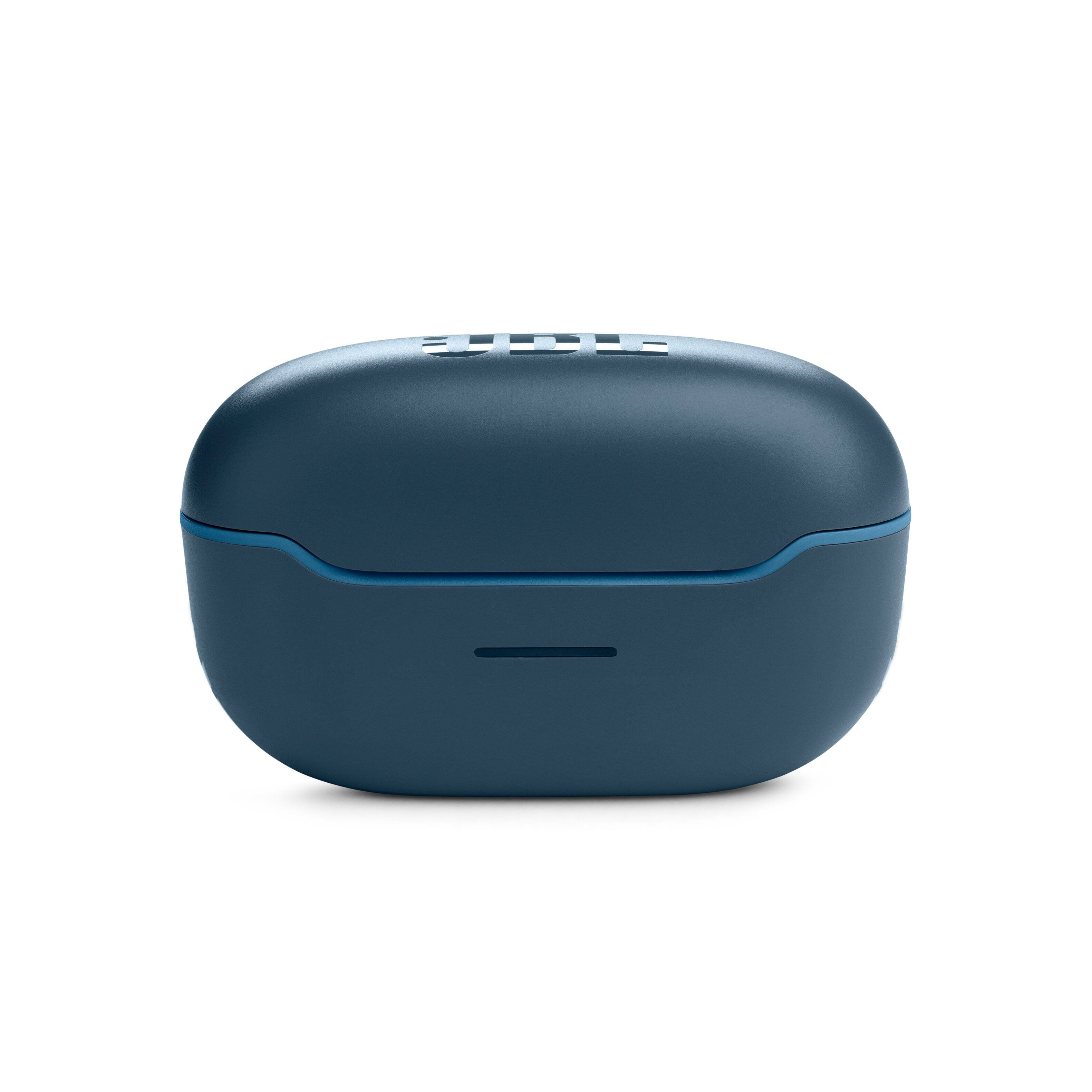
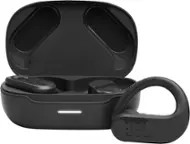
A:AnswerThanks for your question. Our JBL Endurance Race is rated IP67 waterproof and dustproof. However, it can't be used while swimming because Bluetooth cannot travel through water. We suggest the JBL Endurance Dive for swimming activities as it has an MP3 Function where you can copy music files into it.
A:AnswerOur JBL Endurance Race TWS has an IP67 rating which protects the product from submersion in 1 meter of water for up to 30 minutes. Although it is waterproof, the touch pads of the earbuds are sensitive, and the water from the shower may cause unintended controls.
A:AnswerOur JBL Endurance Race is recommended to be used for streaming audio with mobile phones, tablets, and laptops. Using it with your TV may cause audio-video delays since these headphones don't have APTX HD Low Latency features. We recommend our line of soundbars, which would work perfectly with your TV.
A:AnswerThank you for your inquiry. Yes, you can use the JBL Endurance Race earbuds to make phone calls.
The earbuds have built-in microphones that allow you to take calls and use voice assistants. When you receive a call, the earbuds will automatically pause your music and connect to the call.
A:AnswerThanks for your inquiry. Our JBL Endurance Race does not feature active noise cancellation. If you are interested in JBL earbuds with active noise cancellation feature, for further assistance with product recommendations, please contact our customer support at (877) 871-6755 / Mon - Fri: 9:00 am - 11:00 pm (ET) Sat-Sun: 9:00 am - 5:00 pm (ET).
A:AnswerThanks for your inquiry. Our JBL Endurance Race TWS cannot be paired with two different devices at the same time. It only supports one Bluetooth connection at a time. However, you can switch between different devices by manually disconnecting and reconnecting the earbuds. To do this, make sure your earbuds are paired with both devices that you want to use. To switch from one device to another, disconnect the earbuds from the first device by turning off the Bluetooth on that device. Once disconnected, you can connect the earbuds to the second device by turning on the Bluetooth and selecting the earbuds from the Bluetooth settings to establish the connection.