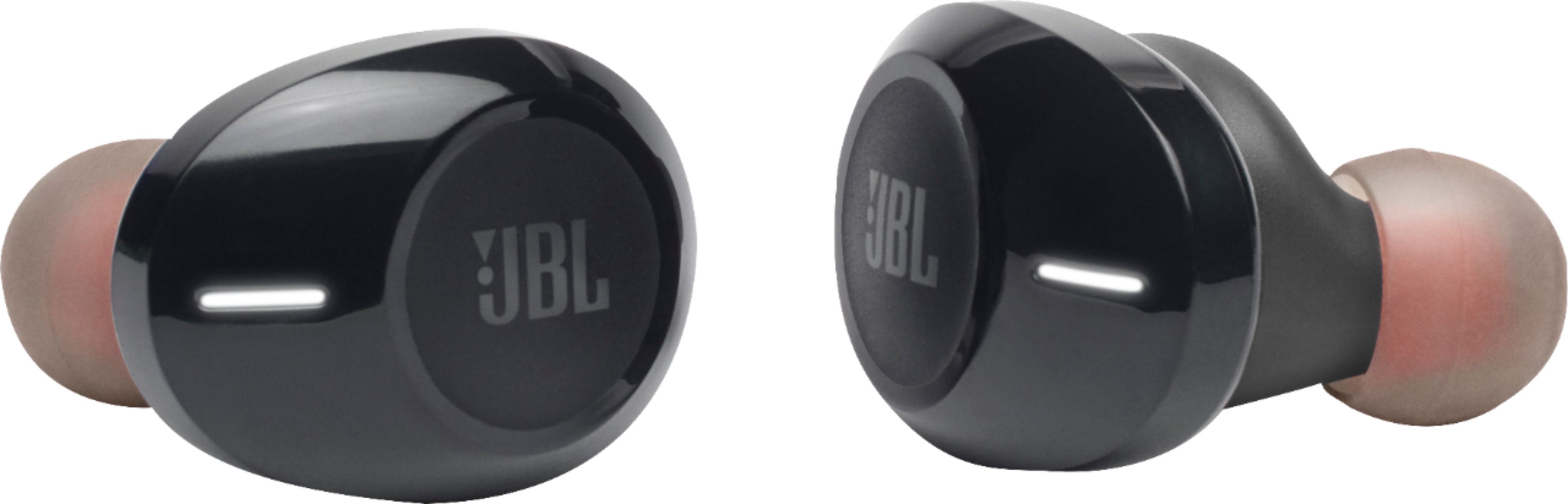
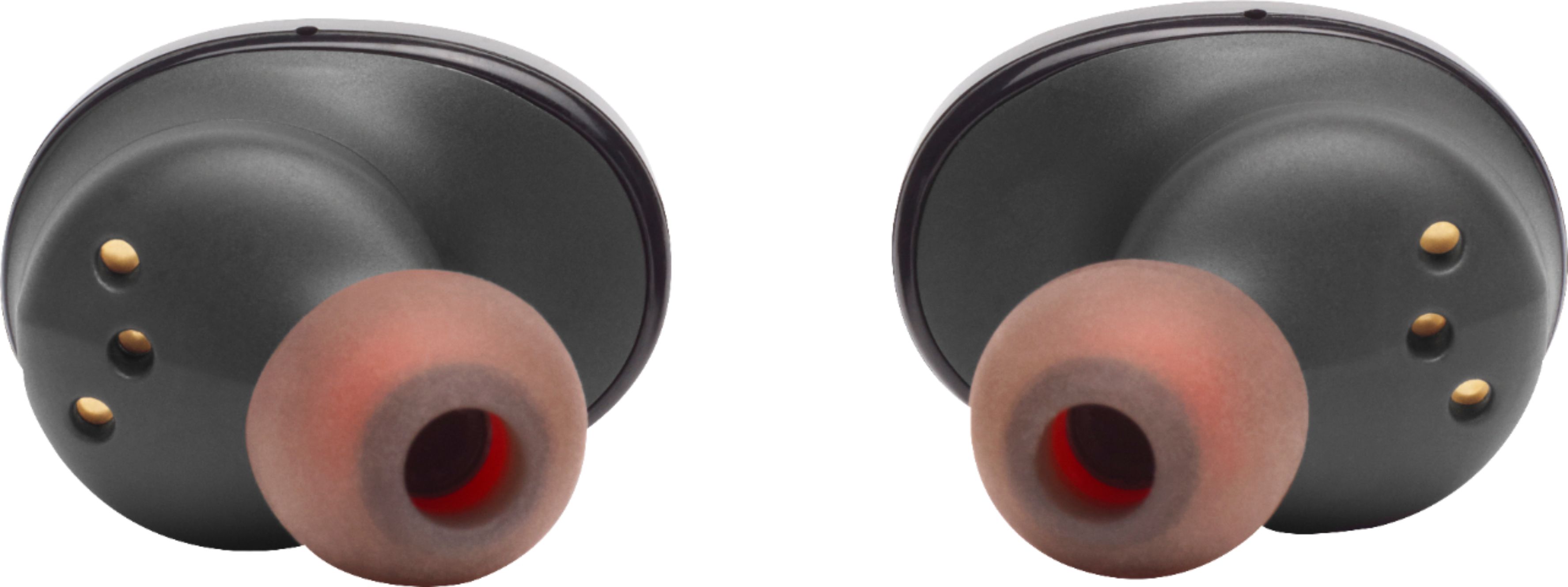
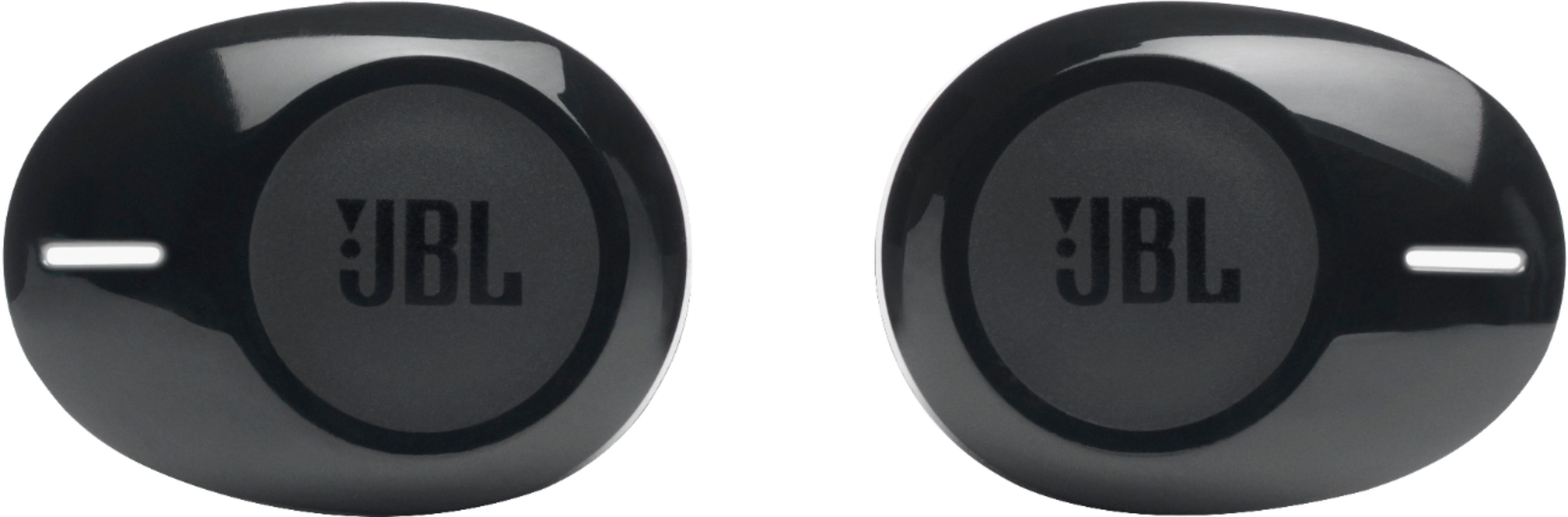
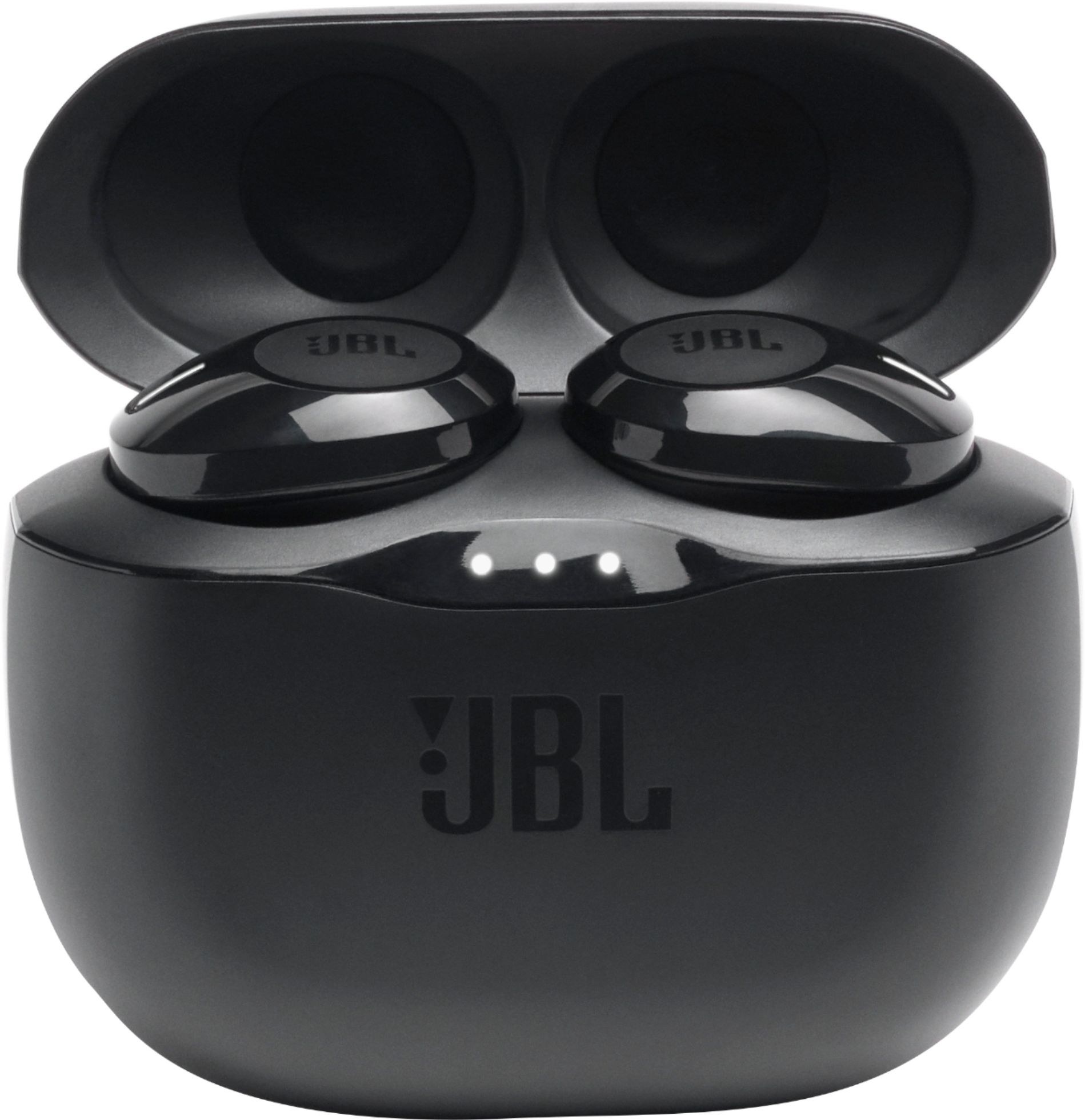
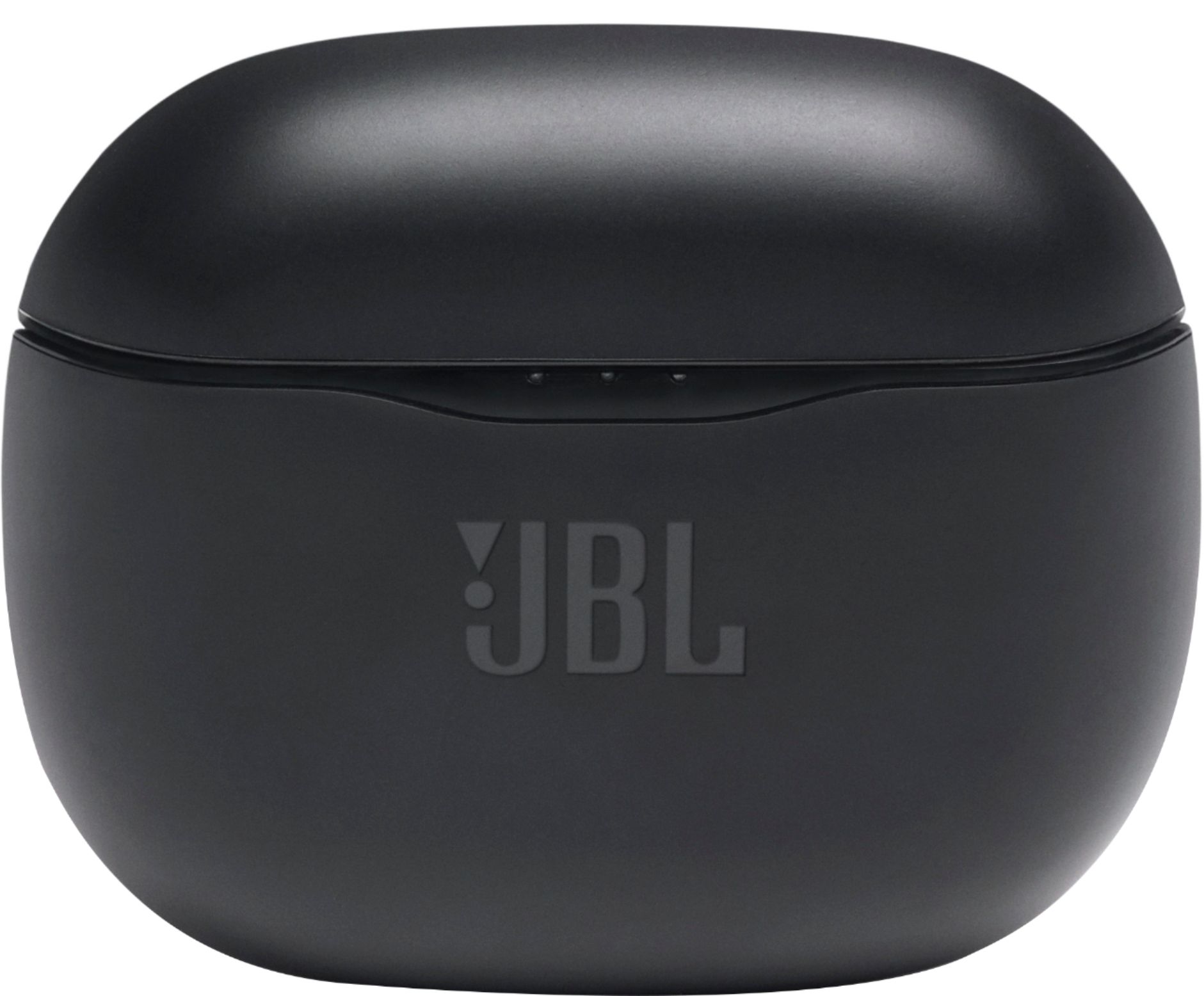
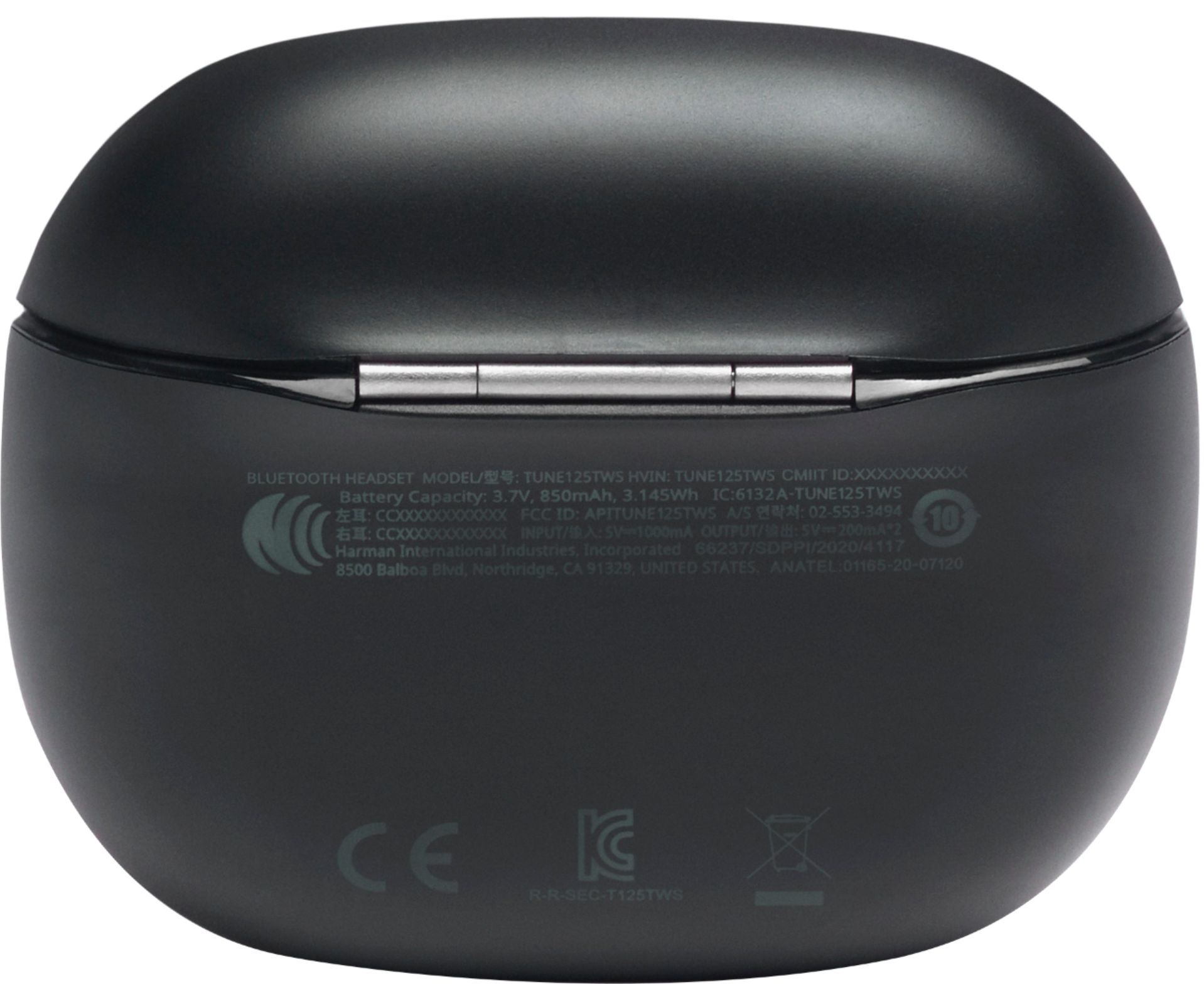
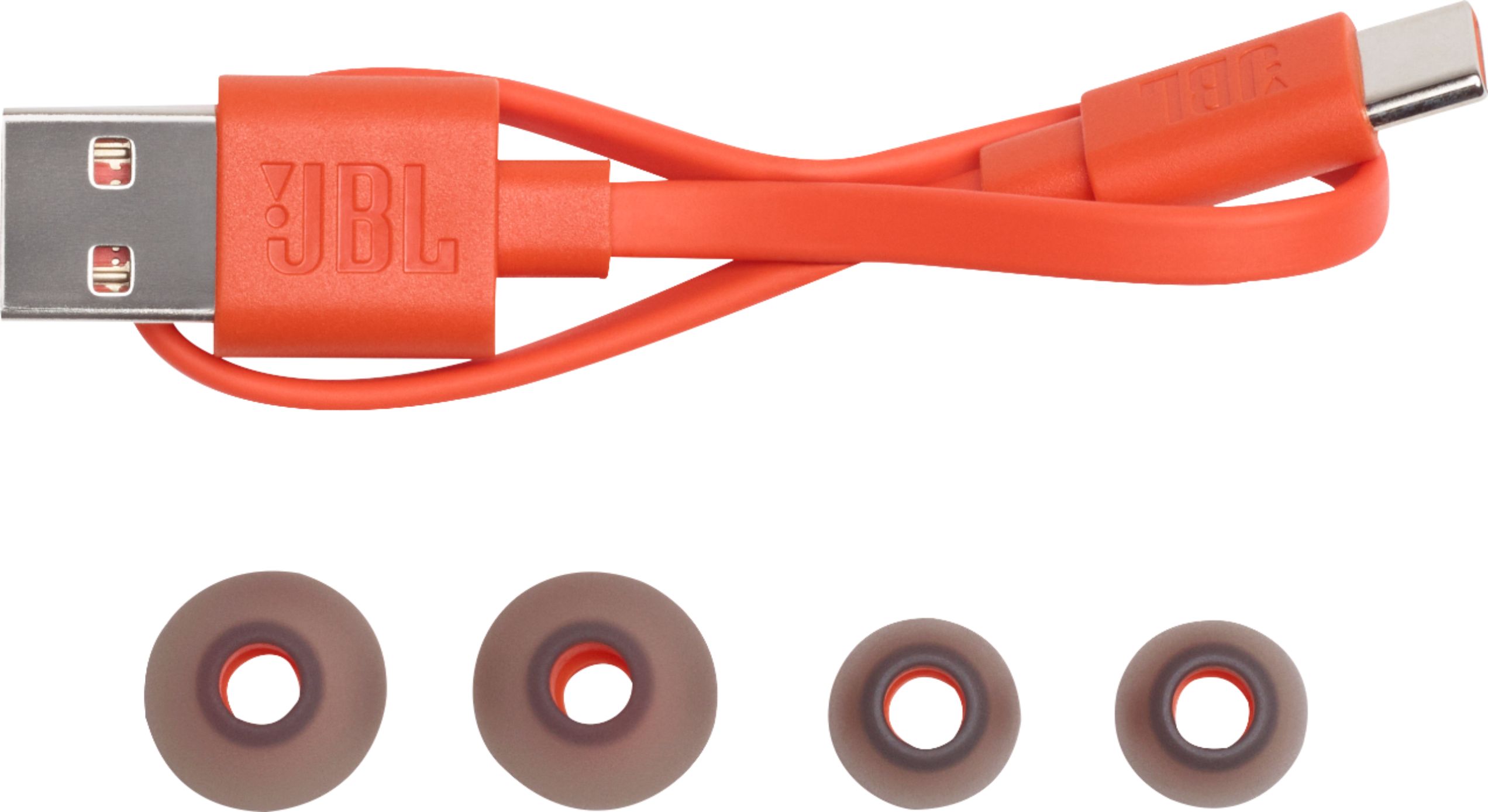
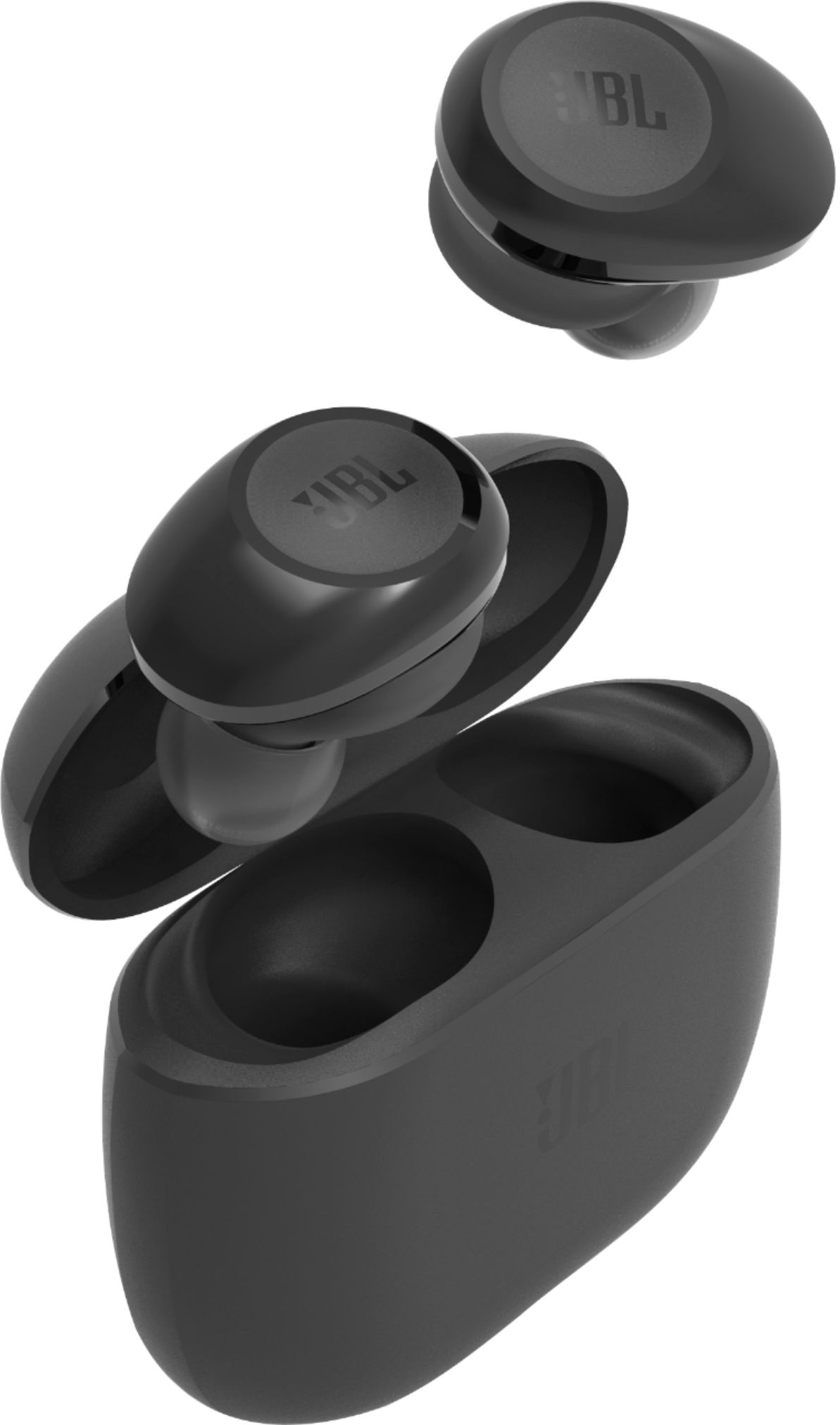
A:AnswerHi, the JBL TUNE 125TWS are not optimized to be used with TVs, or AV receivers, if paired successfully you might experience some latency, pairing will depend on the capacity of your TV to be paired up to Bluetooth devices.
A:AnswerIn the guide, look for the manual pairing controls. I had success by holding one of the earbuds button for 5 seconds ( while the other is inside of the case ) , after the 5 seconds you'll see a white light - its turned off now. Hold the button for another 5 seconds until you see white AND blue flash, you should then see the earbuds on your computer's Bluetooth list to select and pair the one that says "Audio". This one labeled "Audio" doesn't ask for a pin. If you didn't get the earbud into this pairing mode where the blue AND white light are flashing, the "Audio" device option won't show up.
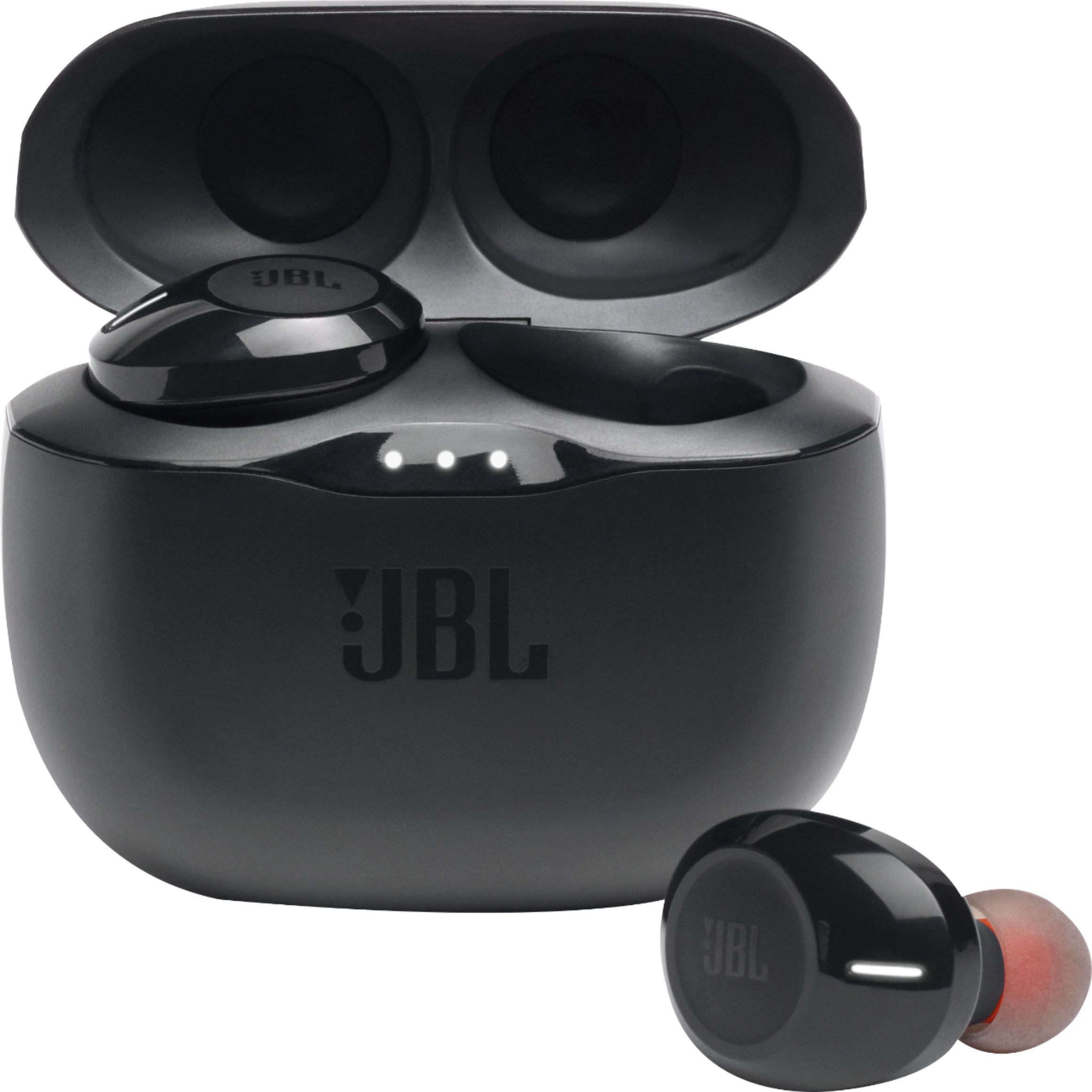
A:AnswerThank you for bringing this to our attention. You can review our 'How to avoid Bluetooth interference/interruptions' guide found in this link. https://bit.ly/2LXMoHJ
A:AnswerI had the same issue. What I did I went settings, Bluetooth & other devices scrolled Dow to “Related settings” clicked on “ More Bluetooth options “ once a little window opens under the tab “options” make sure the box where it says “ Allow Bluetooth devices to find this PC” is checked. It worked for me I hope it works for you.