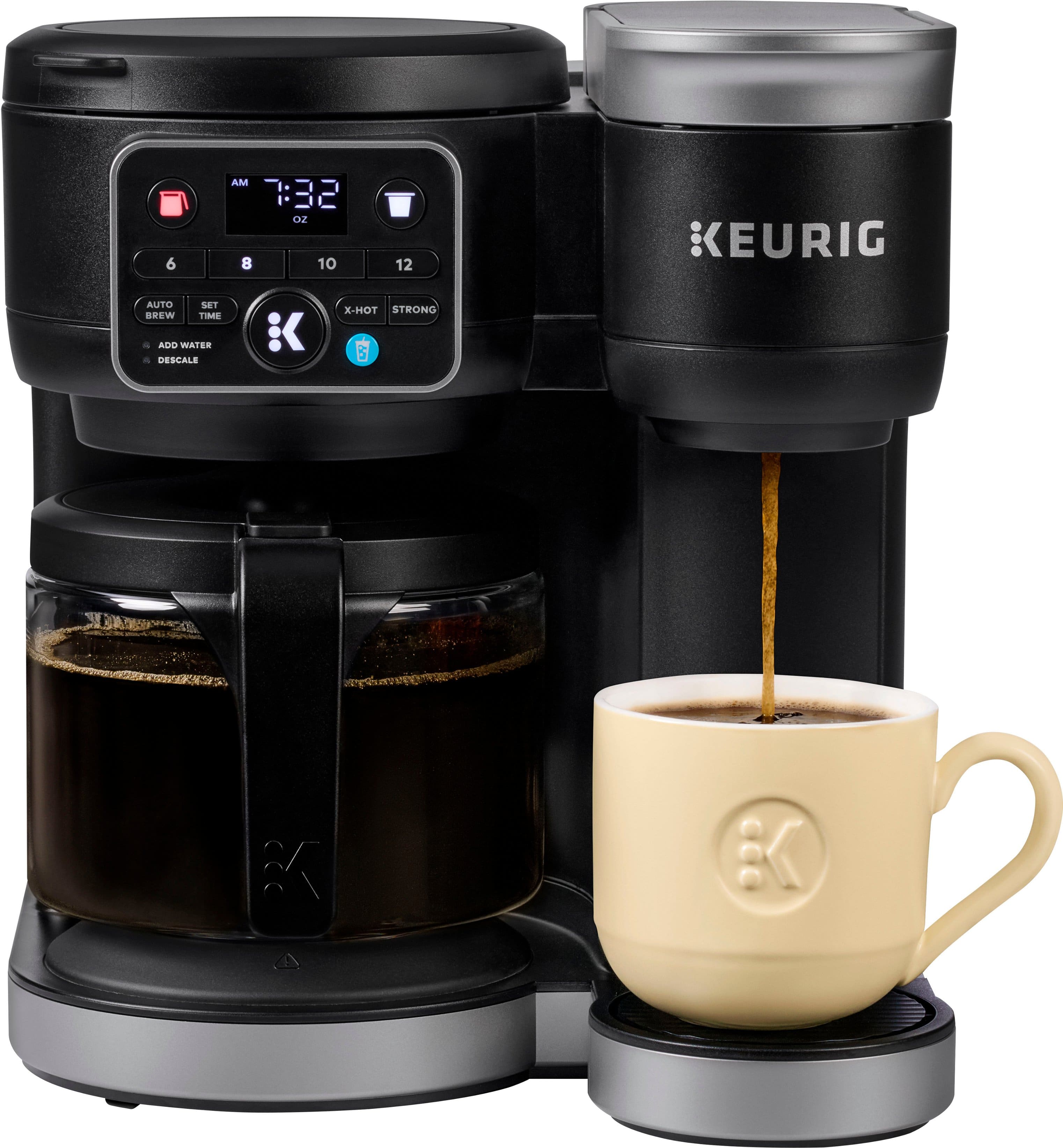
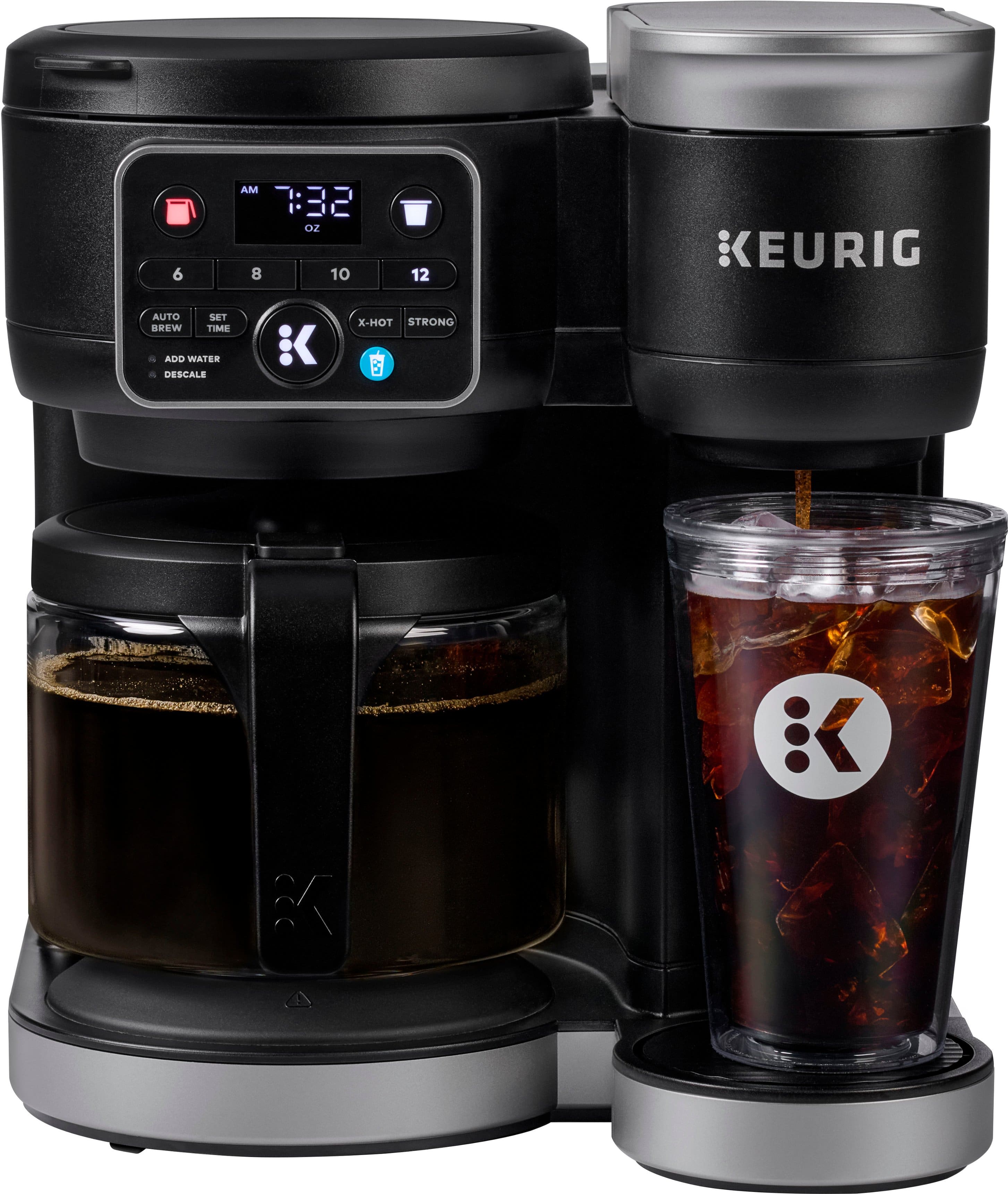
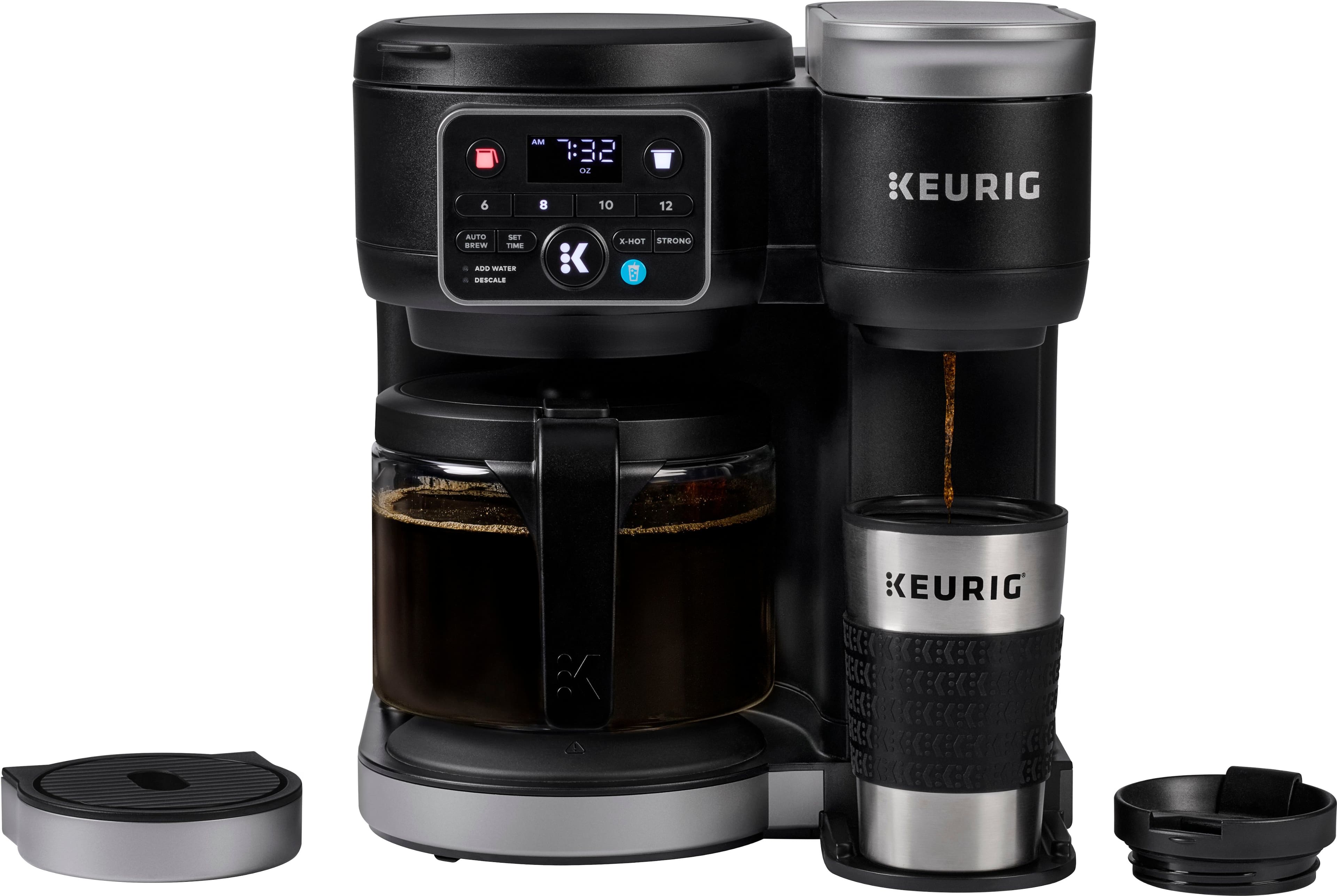
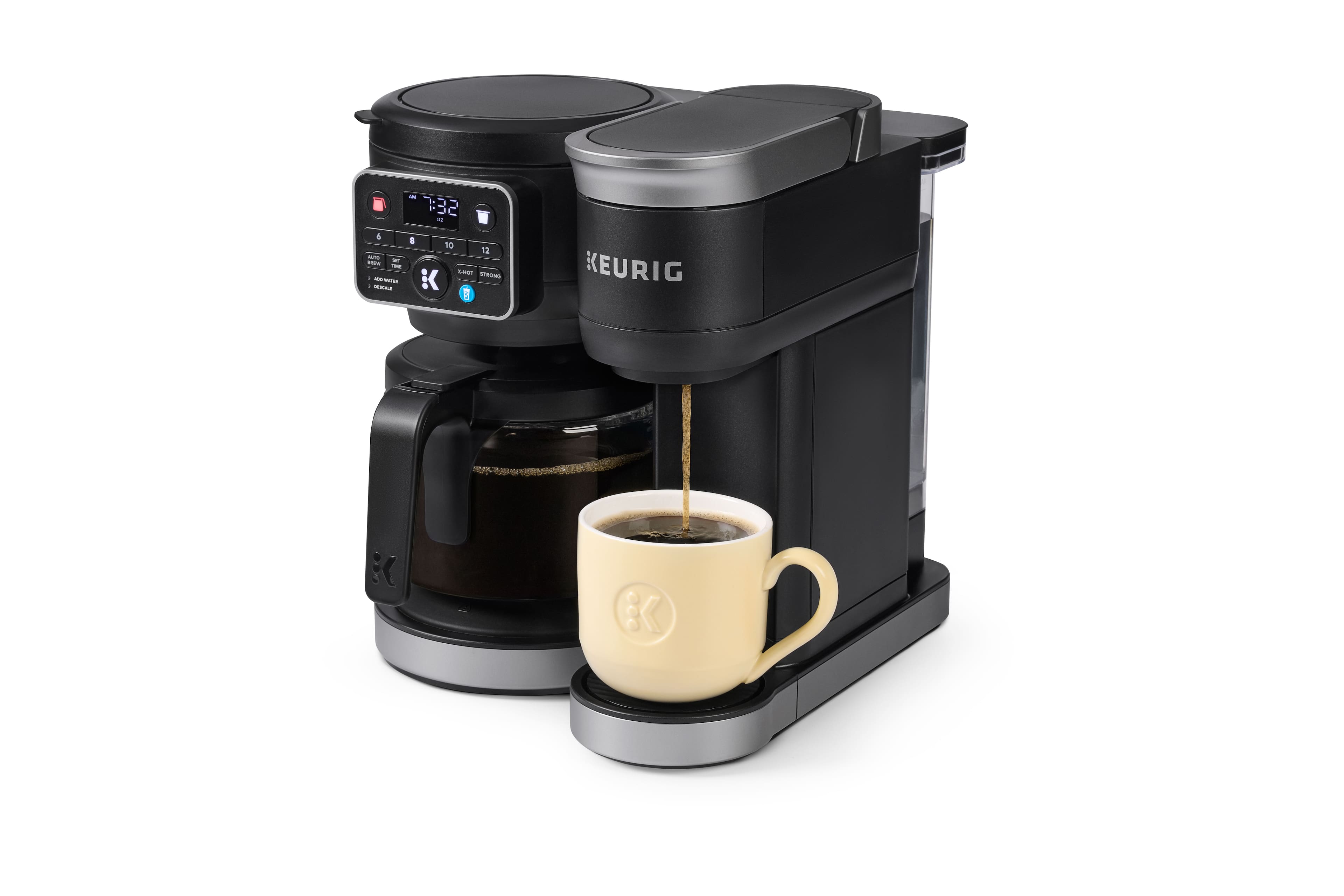
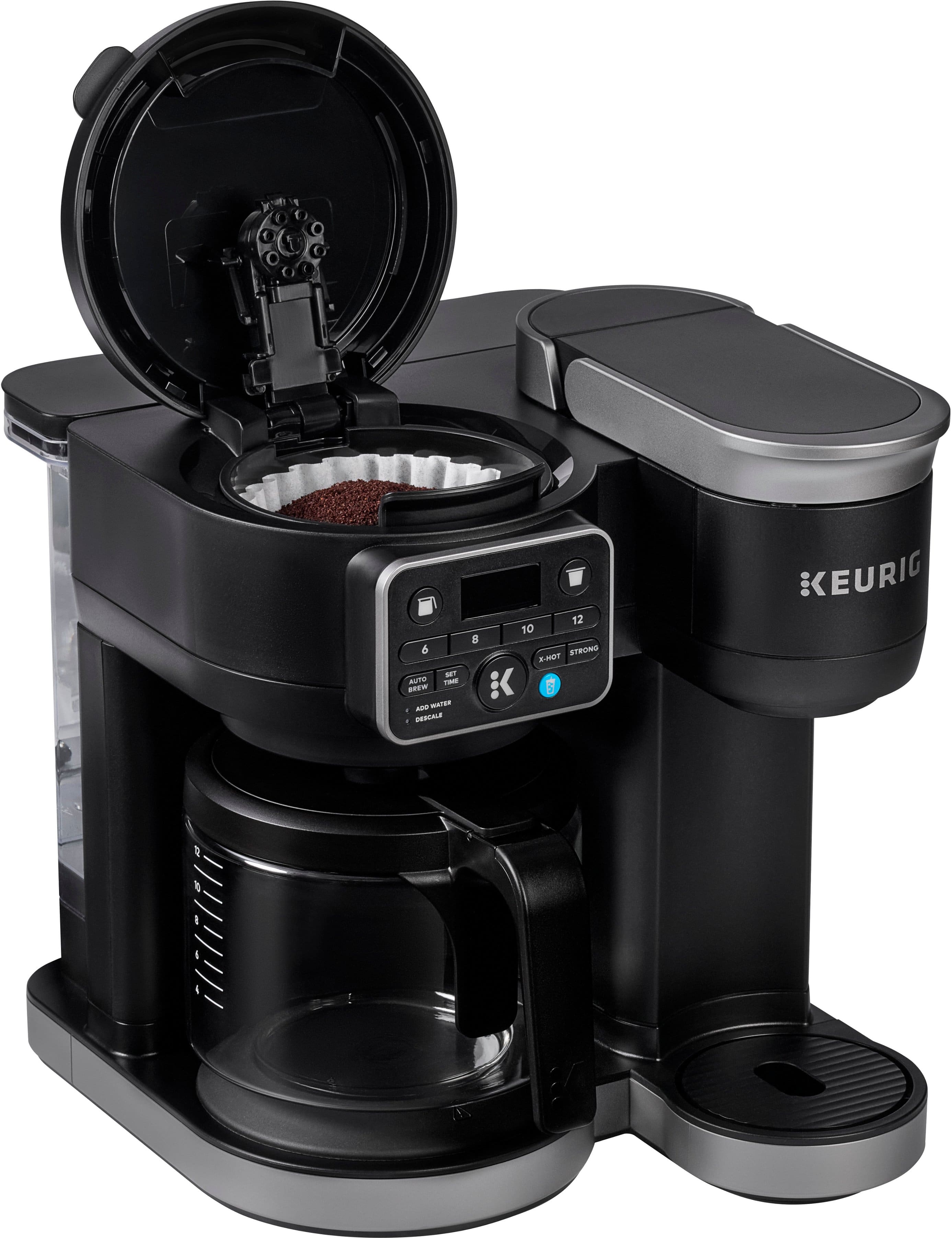
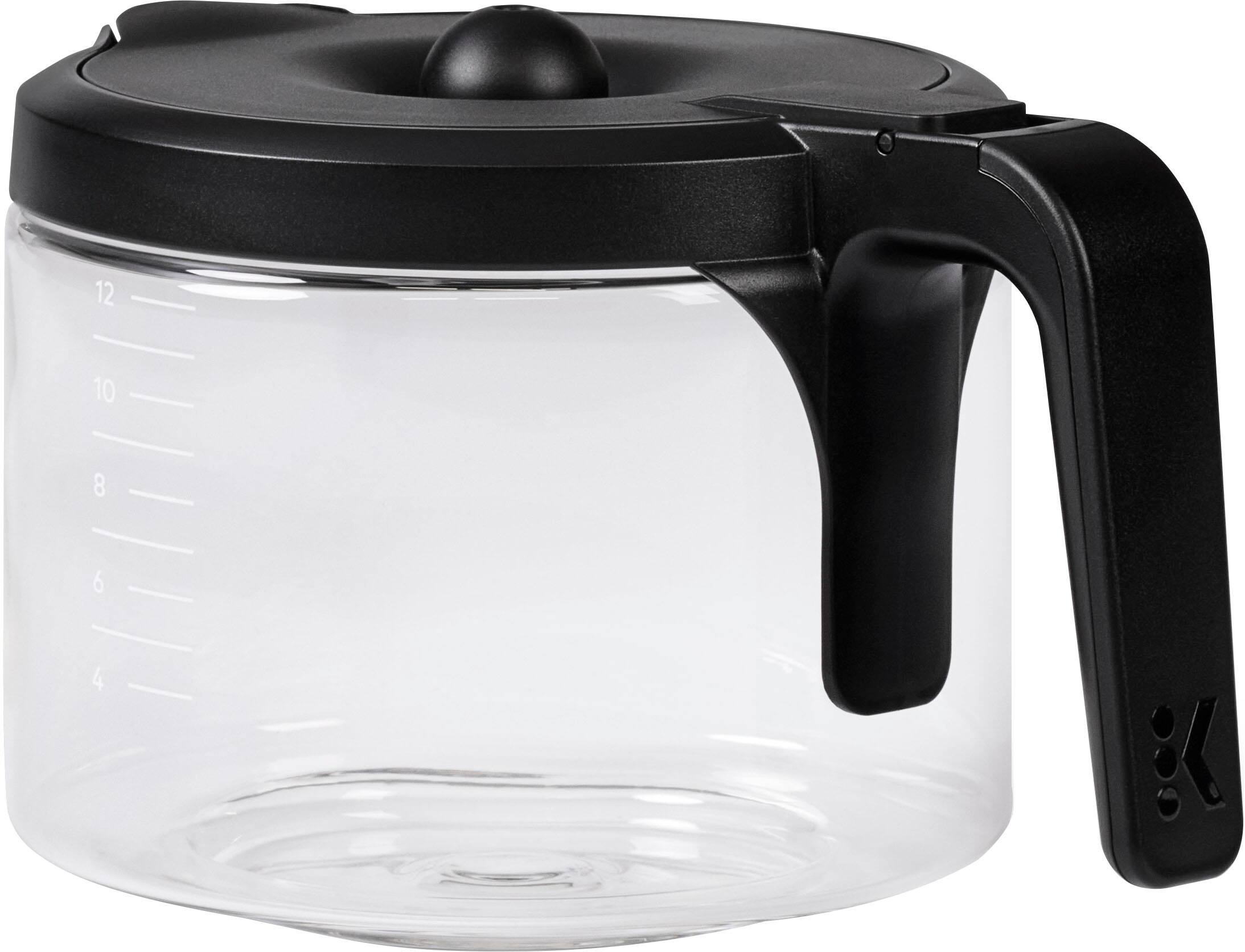
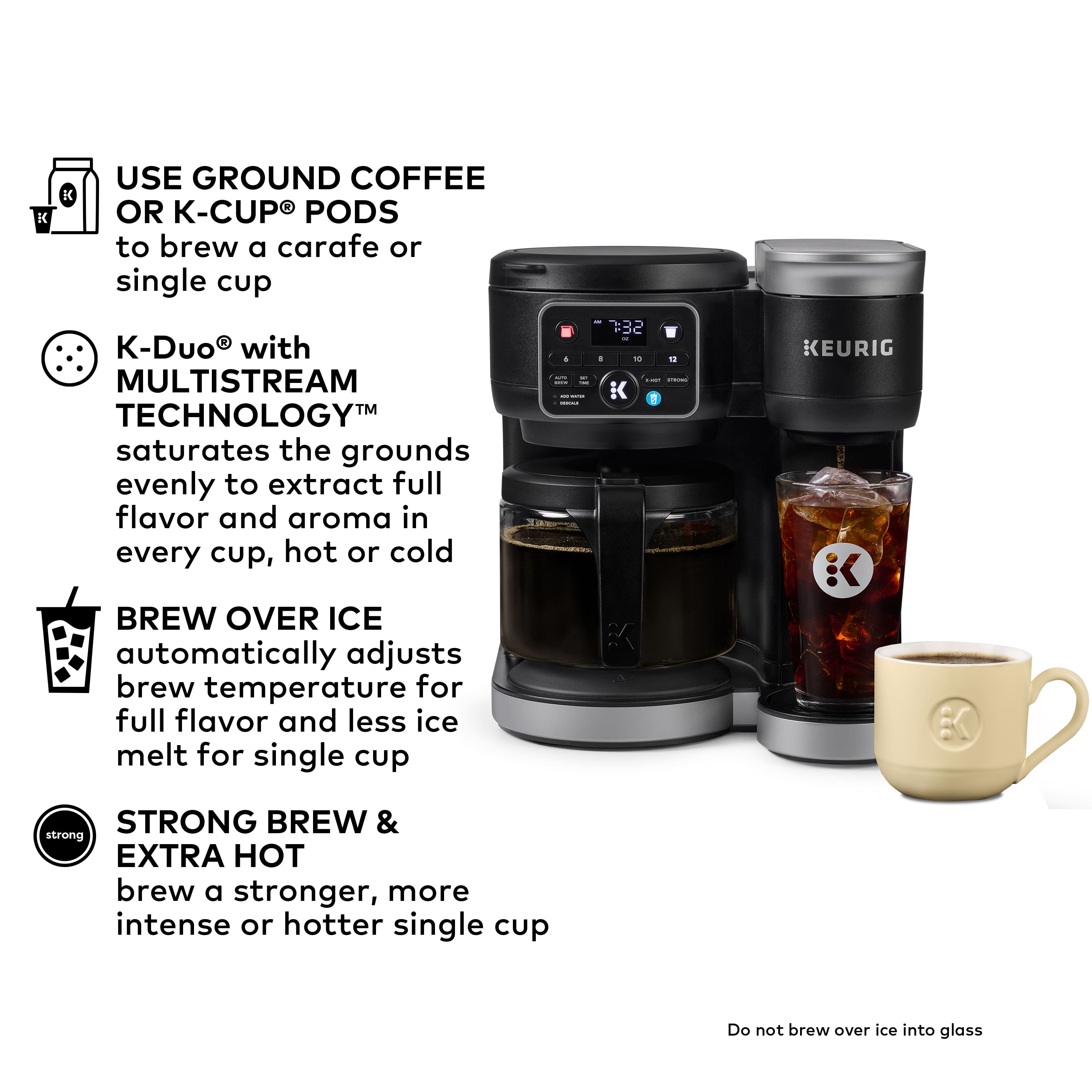
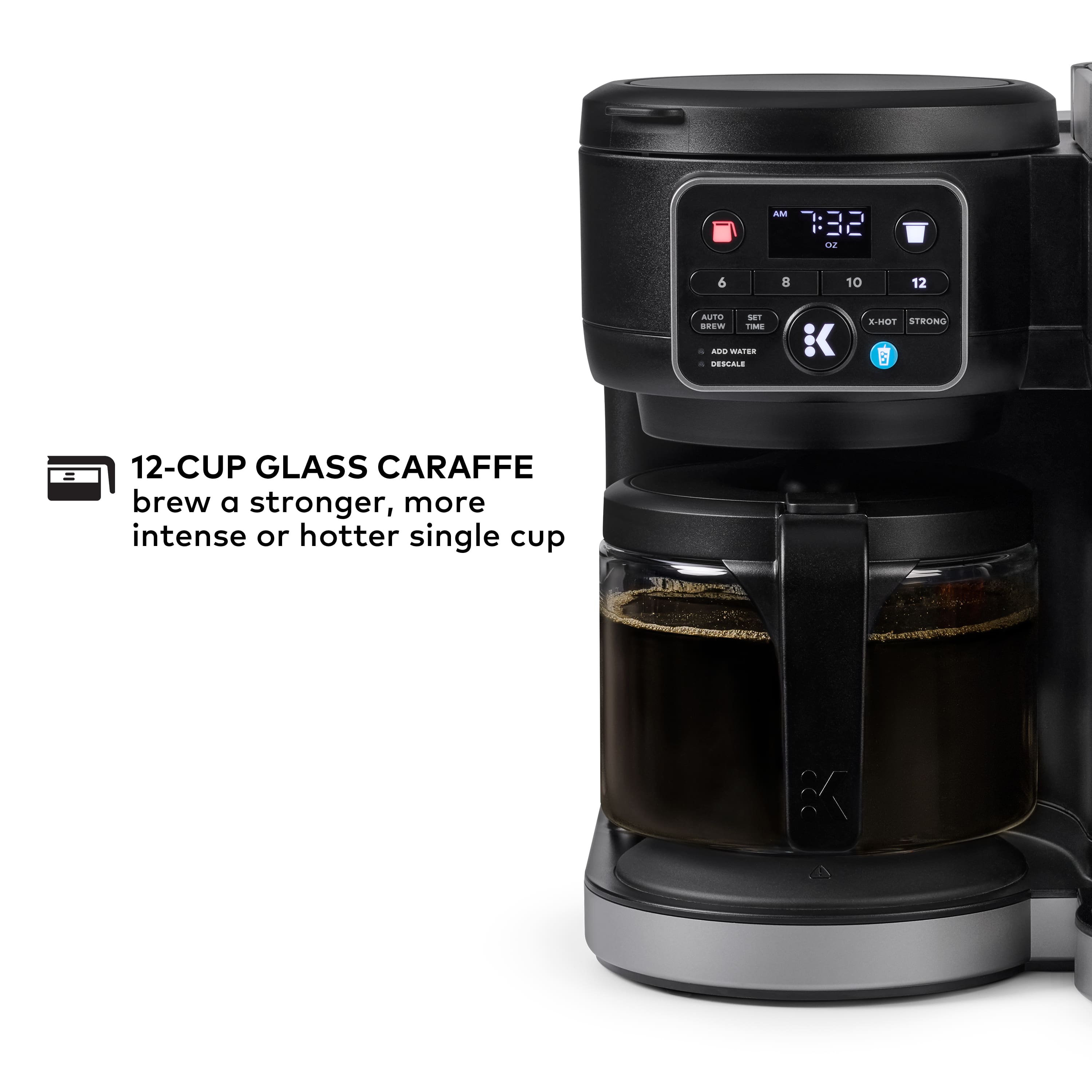
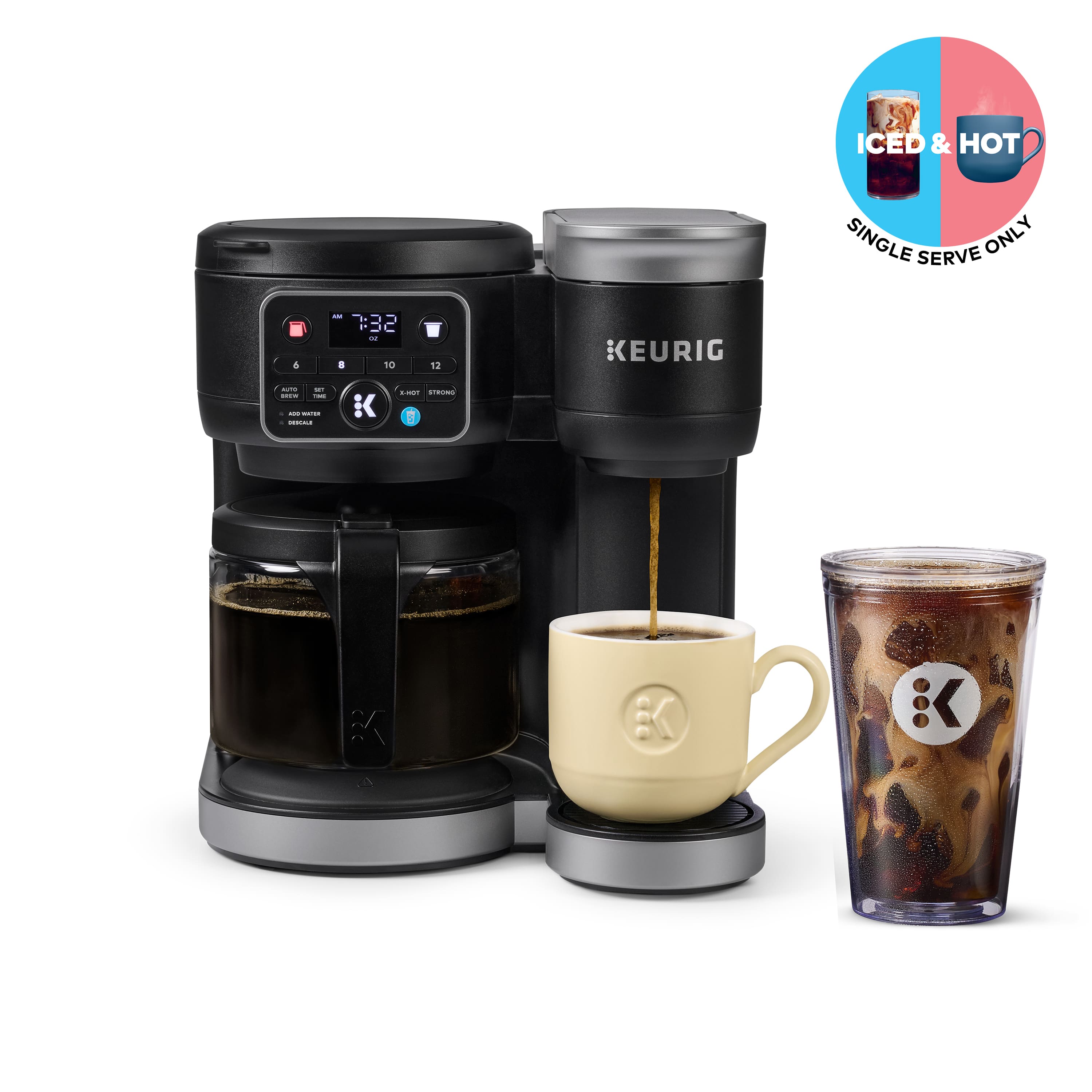
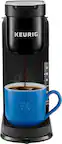
A:AnswerThe Keurig website offers replacement carafes for all of their current models. Glass carafes sell for about $20 (+ tax and shipping), but you must make sure you select the carafe for your specific model - they are not all interchangeable .
A:AnswerNo, the heating plate turns on after carafe brewing completes and automatically shuts off after 2 hours - this interval isn't adjustable. You can toggle the heating plate on and off by pressing and holding the carafe icon button for 3 to 5 seconds.
A:AnswerWhen the carafe icon button is lit red, the warming plate is on and will remain on for two hours, even when using the single-serve (K-cup) brewer.
A:AnswerThank you for your question. To re-enable Auto Brew on your K-Duo coffee maker, simply follow these steps:
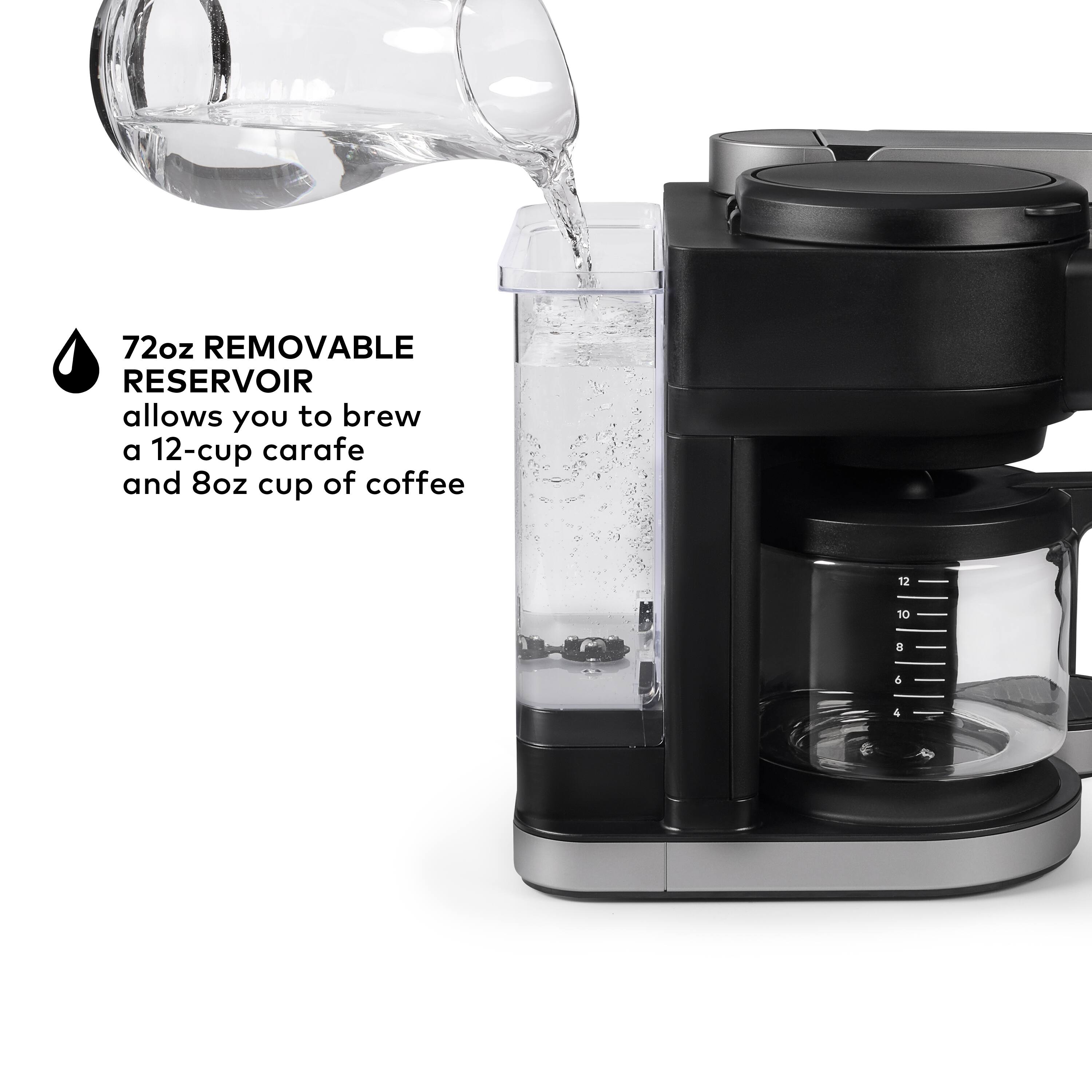
1. Fill the water reservoir to the MAX FILL line and load the paper filter and coffee grounds.
2. Press the AUTO BREW button.
3. Use the SET TIME button to set the time for Auto Brew to begin.
4. Press the blinking BREW button to confirm the hour and minute.
5. Choose your brew size, then press the blinking BREW button to confirm the size.
6. The Auto Brew setup is complete, and the clock icon will appear on the screen, indicating Auto Brew is on.
We hope this information helps!
A:AnswerThank you for your question. Our warranty for Keurig brewers is for one year from the date of purchase. That said, we encourage consumers who are experiencing a problem, regardless of when it was purchased, to contact our Consumer Care Team. Our representatives will be happy to help them resolve it: 866-901-2739.
A:AnswerAccording to the website, FoodDrinkTalk Pro, Keurig's decision to no longer include water filtering kits with new coffee makers is based on, "Design Simplicity", "Cost Savings". and "Convenience". You can purchase the Keurig Short Handle Water Filter Starter Kit for about $14, which should be available at the store where you originally bought the coffee maker or directly from Keurig's website.