A:AnswerI don't know for certain, I bought it because I didn't need to have a dedicated receiver, it uses the optical cable or HDMI cable directly from the TV, but I assume if your receiver has an optical cable output it would work just fine
A:AnswerI encountered the same problem with the volume control. I believe this soundbar(Klipsch) is defective. And the warranty is useless as you have to send the entire unit back for warranty work (at your shipping expense).Unfortunatly if you have had it over 30 days you can't return it for a refund.
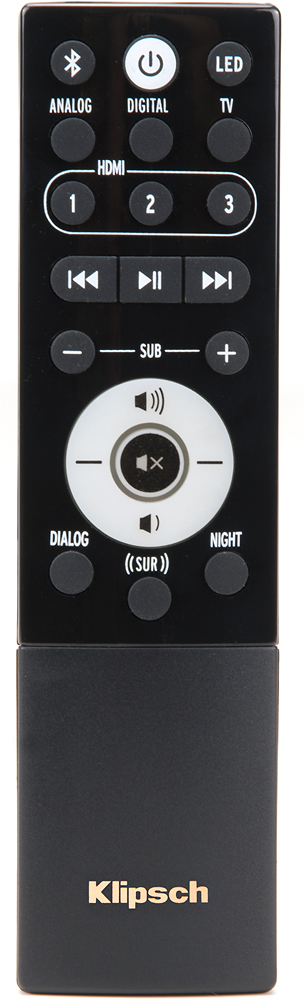
A:AnswerSounds like the problem is the remote. You may want to consider a universal remote which I find much more dependable and works across multiple devices seamlessly.
A:AnswerI was the one that asked the question, today I called Klipsch and was told it is designed that way but you can disable the function that turns it off to wear it stays on all the time, which he said won't hurt it it's meant to be on all the time. You un plug and it plug it back in and hold both the button with the square and arrow and the volume up button at the same time for 5 seconds, analog should flash then hit volume up twice, the 1st time will show digital, 2nd time will show hdmi 2 and then after a second you can put everything where you want it and it'll stay on all the time unless you turn it off and if you turn it off it'll reset but it won't turn off if you turn your tv off and everything will stay set.
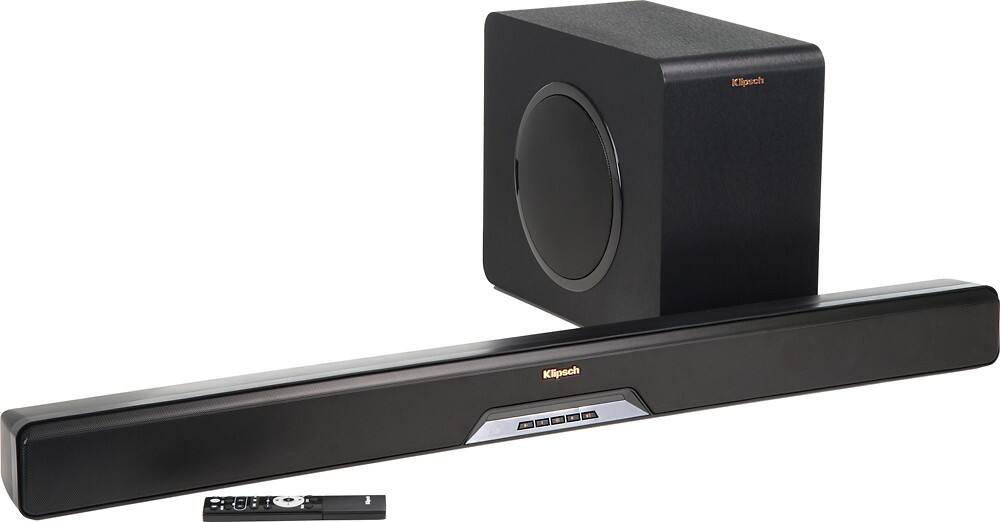
A:AnswerIf you want to pair additional speakers, consider the Klipsch RSB-8 or RSB-14. Both have Klipsch Stream and allow you to easily pair other Klipsch Stream wireless speakers in other parts of your home.
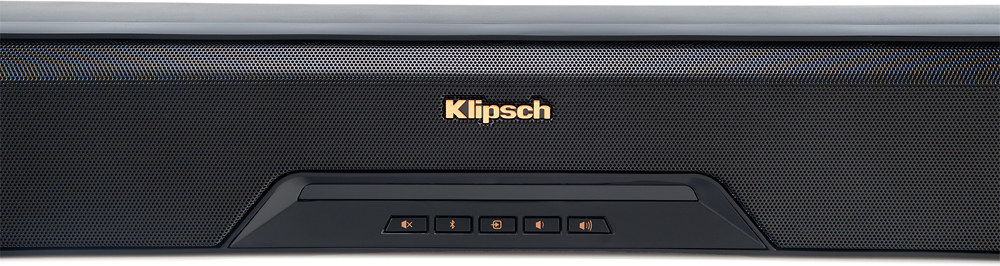
A:AnswerHow do you have this connected? I have my connected via HDMI with CEC on with out any issues. and if the TosLink (Optical cable) is connected (never tested this) it should turn on by it self when it see's the light. If it is connected via 3.5mm cable or RCA (red and white) it might turn off by itself if it doesn't recieve any audio single from it from a periord of time. I'm pretty much guessing at this point because I haven't ran in to this issue and I don't see anything about this issue in the manual that comes with the sound bar. If you TV has ARC (Audio Return Channel) I would highly suggest using that because you don't really need the klipsch remote to control the volume of the sound bar and it turns on and off depending if your TV is on or off. If you do chose to use ARC make sure you turn on CEC because it is off by default. To turn that on hold down the middle button (source button I think) and the volume down button on the soundbar it self for 3 seconds till the HDMI 1, 2 and 3 flash 2 times. If it Flashes 3 times you turned CEC off.
A:AnswerOnce you set it, it should stay on. If it turns off after turning off the sound bar try updating the firmware. There is a firmware update for these sound bars for that reason.
A:AnswerNo we can't hook up any more additional speakers. So we can either use the soundbar to receive input via Bluetooth, aux(3.5mm), optical audio or hdmi both audio and 4k pass through.
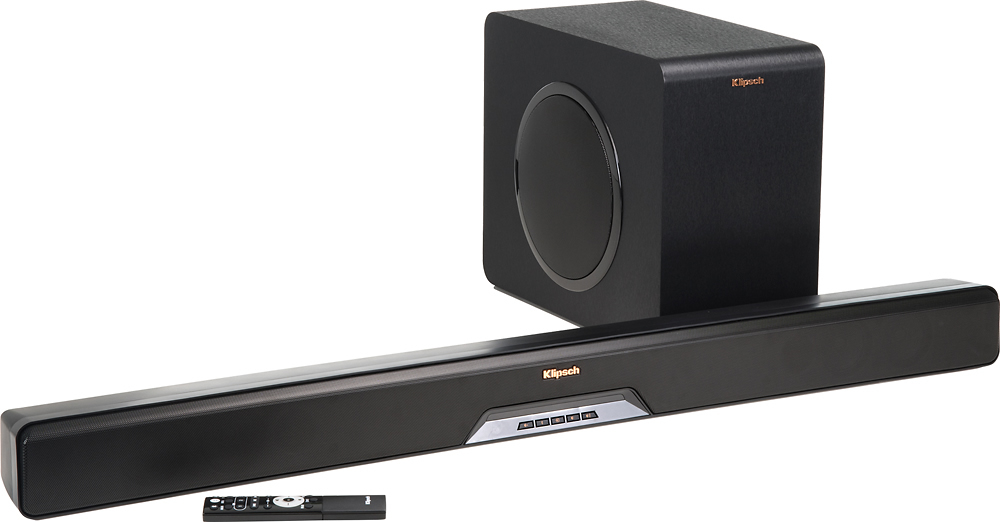
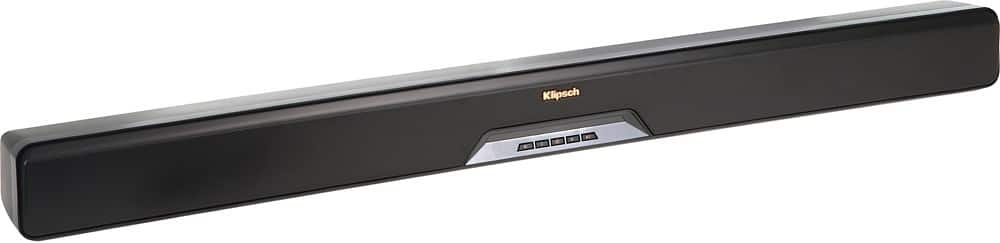
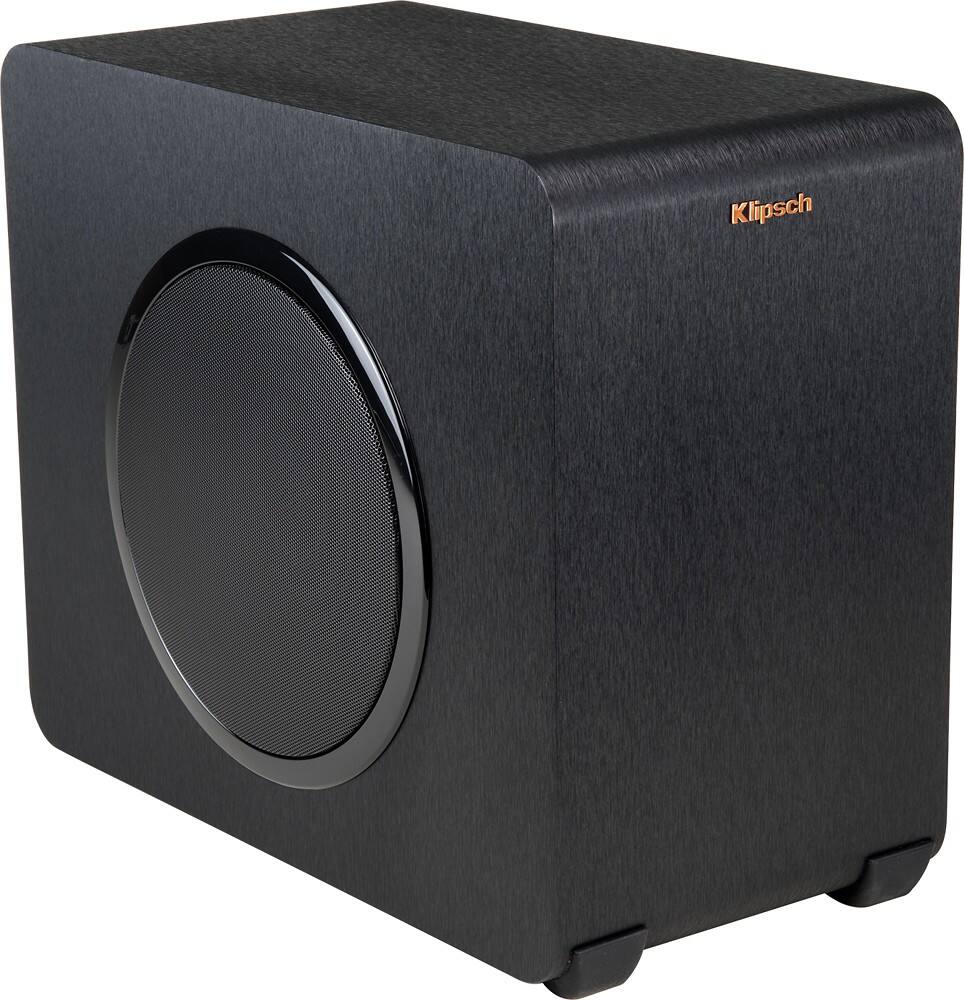
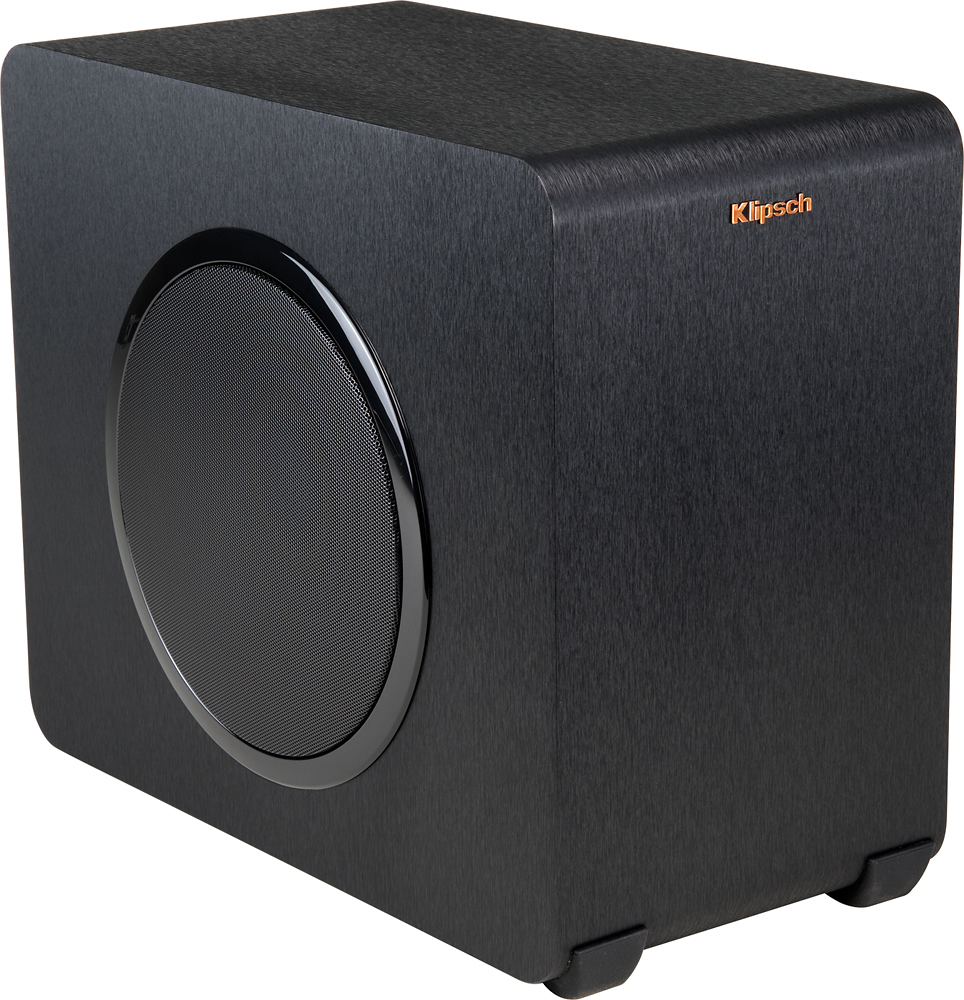
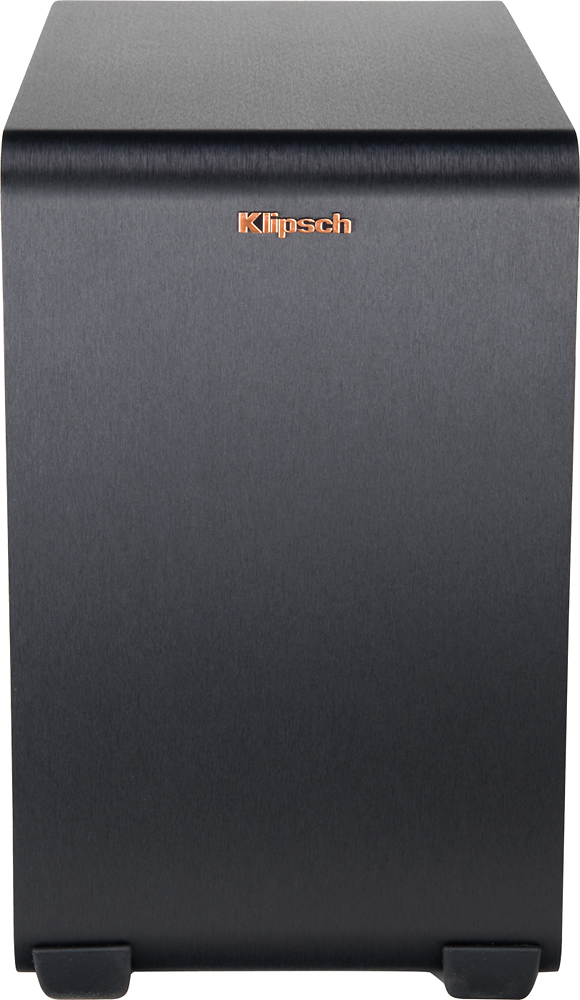
Audio quality is top-notched. No need to hit the theaters. It gives you such a feeling and a satisfying experience. The 6 drivers along with built in virtual surround provides such a aesthetical sense of surround you can ever imagine. And the 8" wireless subwoofer provides u such a deep bass.
.