A:Answerno hub needed. there is a nest connect that plugs in the wall. this houses the communication with your lock to your cell phone app for any notifications.
A:AnswerYou do not need a smart home device to use this lock. It has its own standalone app that will work with the lock. It connects to your phone via Bluetooth. You can then send additional keys to other people, and also set it up to have people have access at specific times and days.
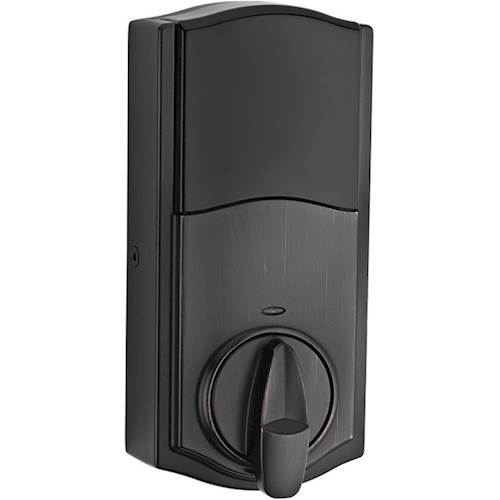
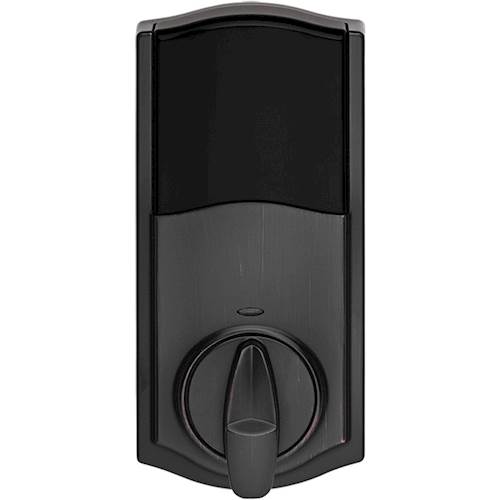
A:AnswerNo keys. It fits over the deadbolt knob that you already have, and turns it open or closed. You don't have to remove the lock that is already on your door, and you can keep the same keys.
A:AnswerNo.... this is NOT a WiFi lock. You will need a Zigbee hub AND a security service to make this work. Time Warner Intelligent Home is one service that uses this lock. There are others.
A:AnswerIn short: no, you don't have to use your existing keys. The lock comes with two keys and the deadbolt is pre-keyed for those keys.
For others who might be curious, though, you can use an included tool to pretty easily re-key the lock to work with your existing housekey (note: this works with existing kwikset keys; I had Schlage deadbolt/keys and the schlage key form factor did not fit into the kwikset key slot, so I could not rekey the kwikset to use with my existing house keys.
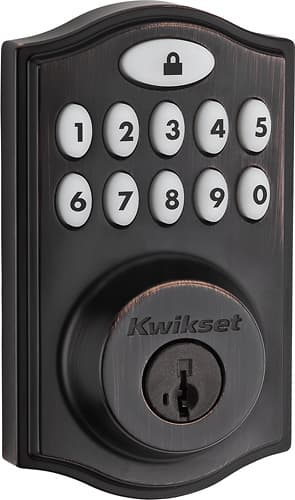
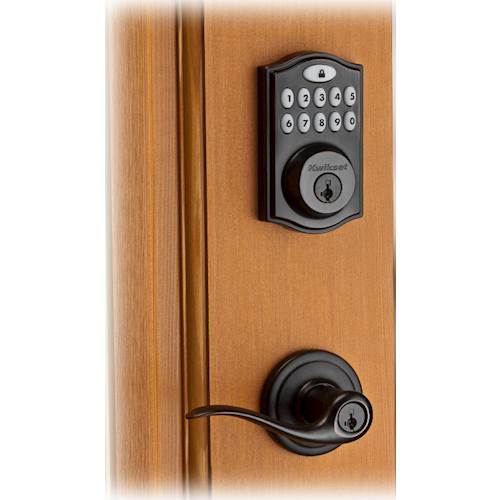
A:AnswerNo, this does not replace the door knob. It is designed for a separate deadbolt and door knob/door handle scenario. Only the dead bolt parts are included with this. It does not include a knob or handle.