A:AnswerThere is a feature in PCmover called Image and Drive Assistant. You would need to physically remove the old machine's main OS Hard Drive and plug it on the new machine. Assuming the hard drive is still working, we can migrate.
Please join us thru chat for further assistance.
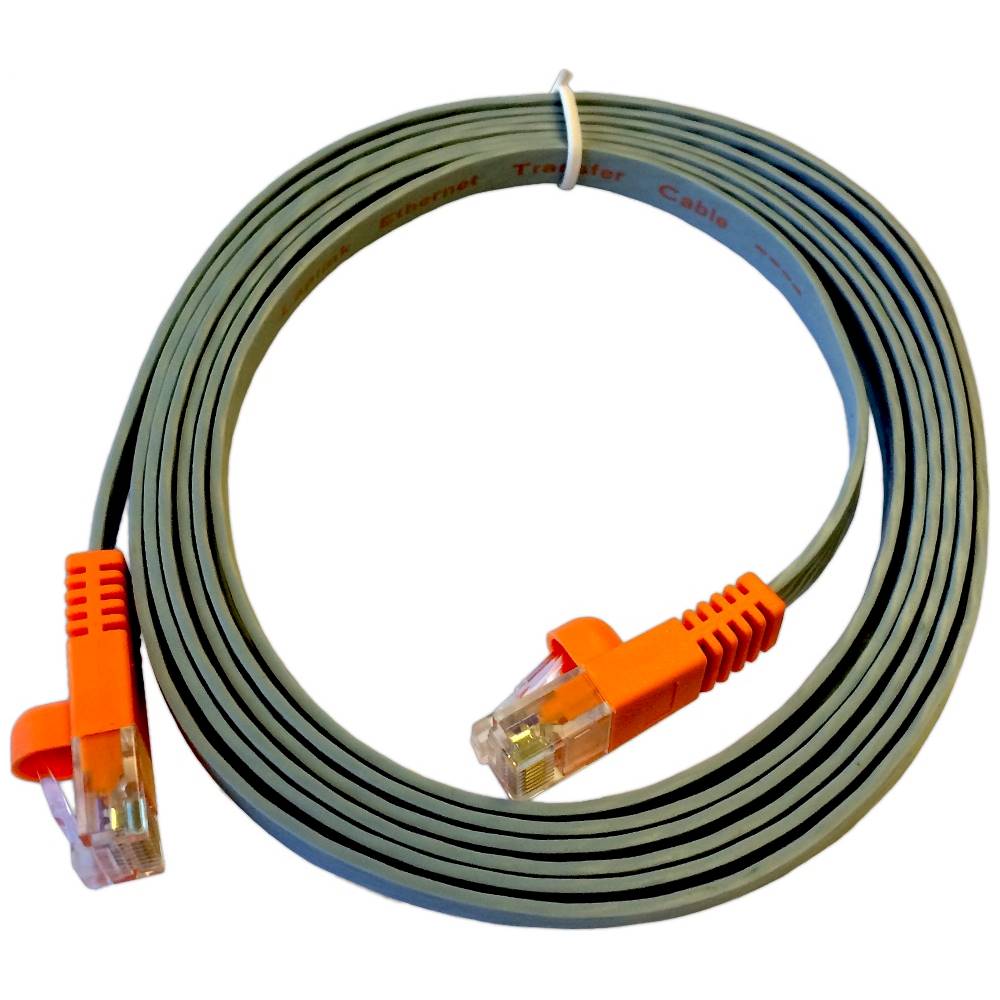
A:AnswerNo. It is an ethernet "crossover" cable that allows two computers to talk to each other over the ethernet without a switch or router. Normal ethernet cables are made to plug into a switch or router.
A:AnswerAccording to their website Yes. Only to the original PCs Old to New. Not Old to more PCs. But you can reverse your move from New to Old PC. You can use available Ethernet to manually COPY over your data or maybe some software but not MS Office 2010, which was the main reason I bought this utility. Hope this helps. Oh check out their website 1st before you buy. It'll answer most of your questions. Browse the whole website to answer your questions before you buy. Tech help was helpful though.
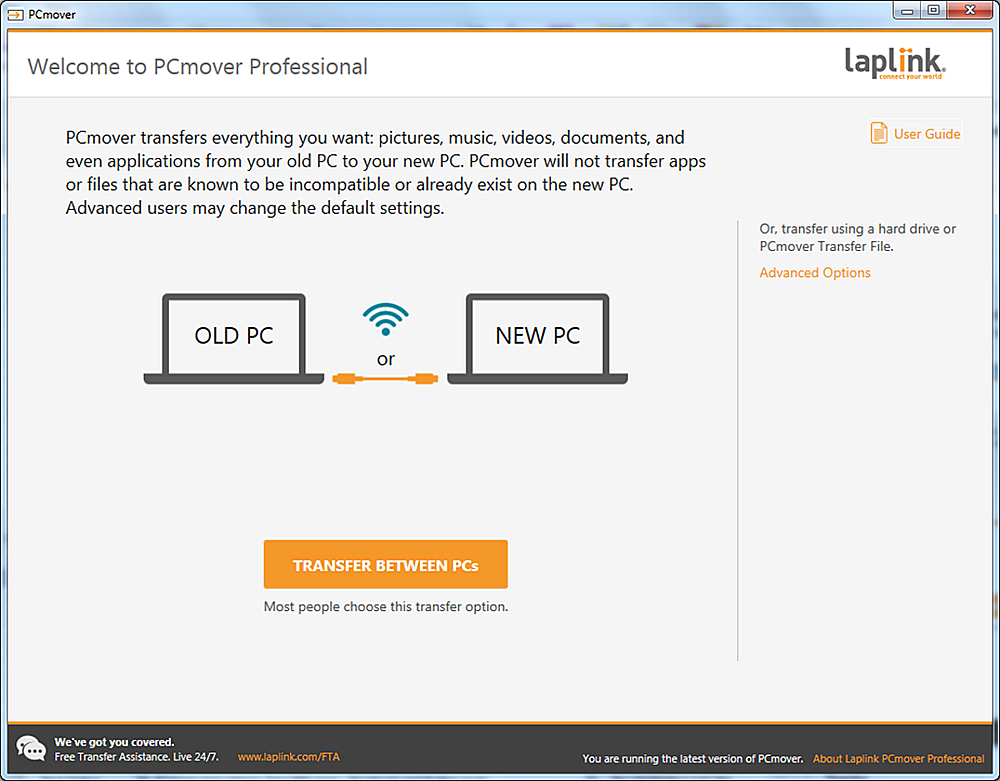
A:AnswerYou don't download the CD. You install the program from the CD. PCmover will start to run and give you a welcome screen once it has been installed.
If you are downloading the software from Laplink's software because you bought a digital download, then it works just like any other program you download from a website.