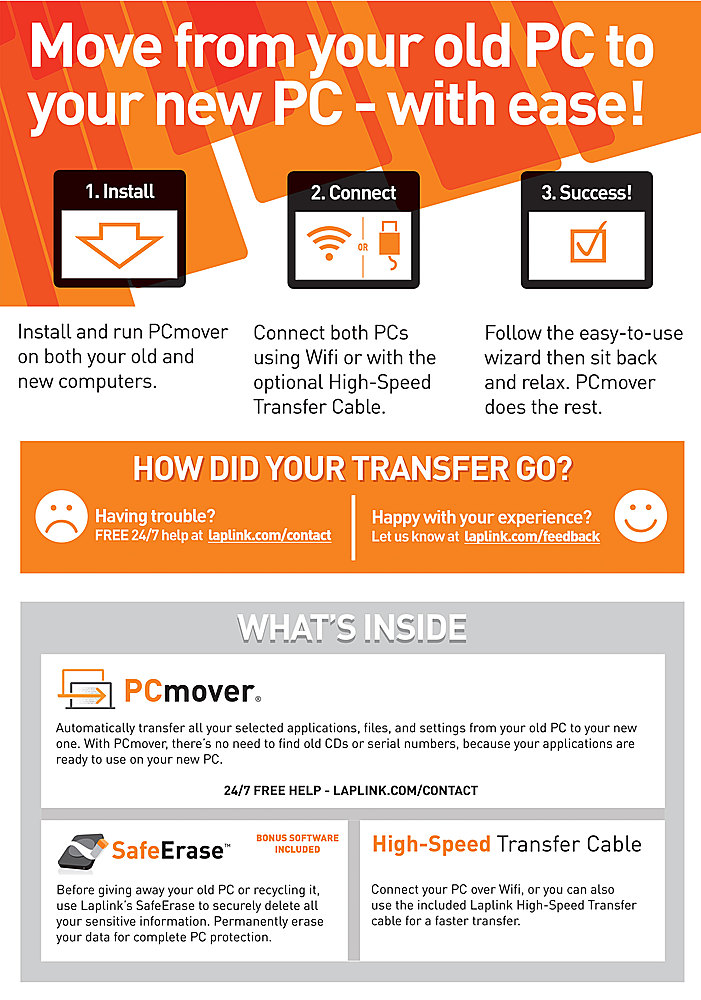
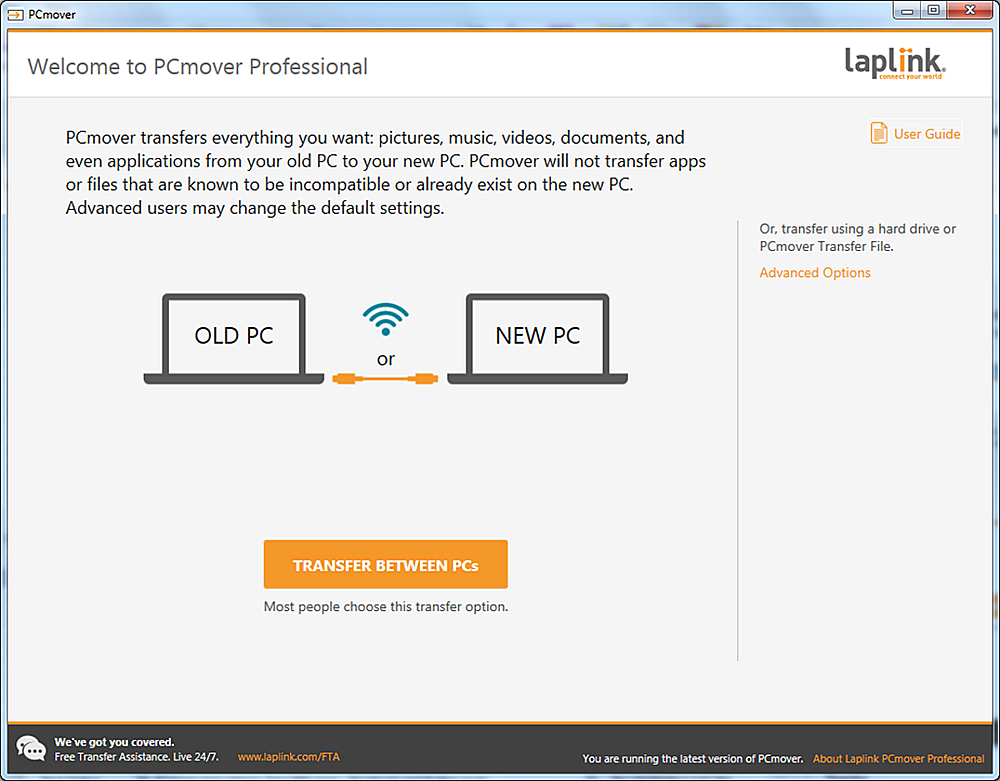
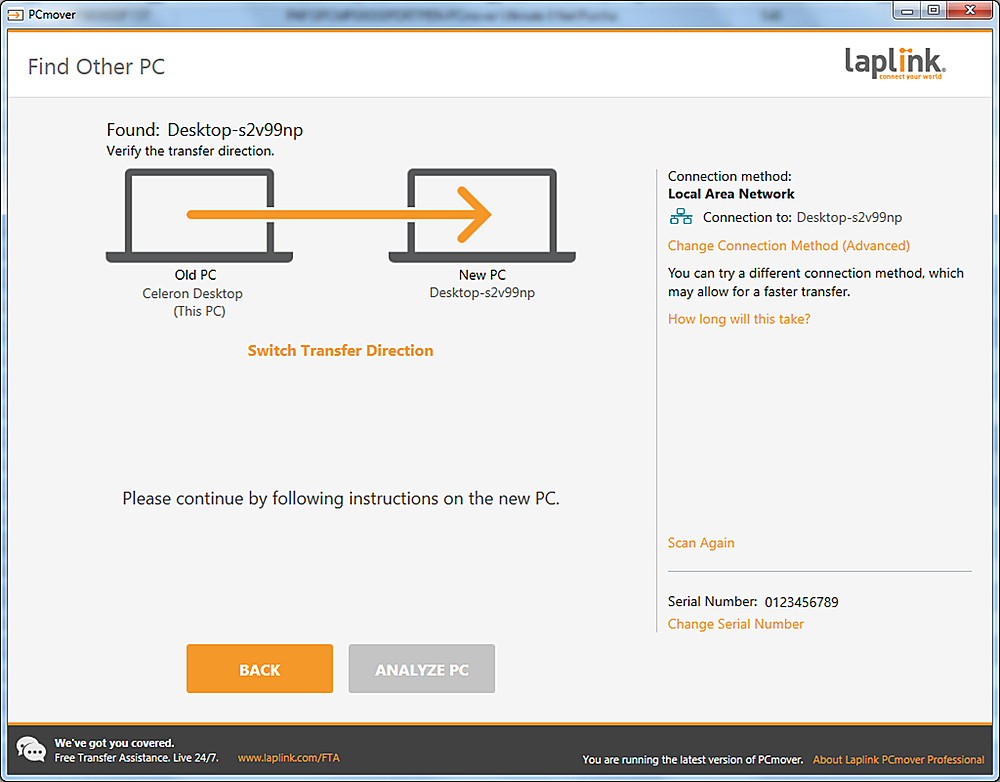
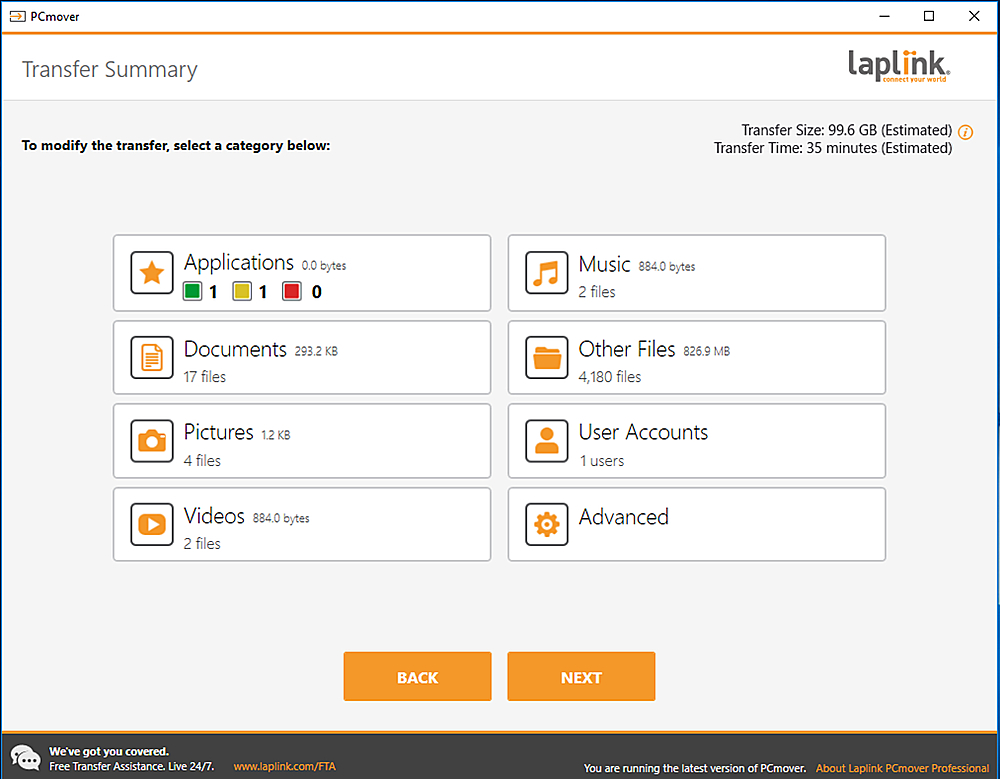
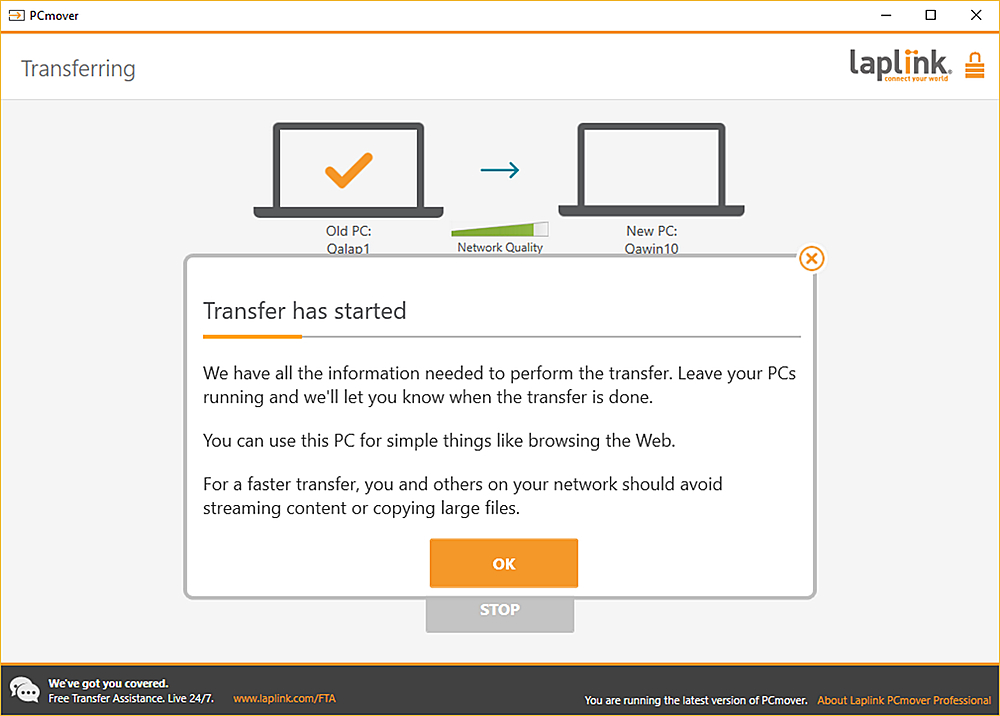
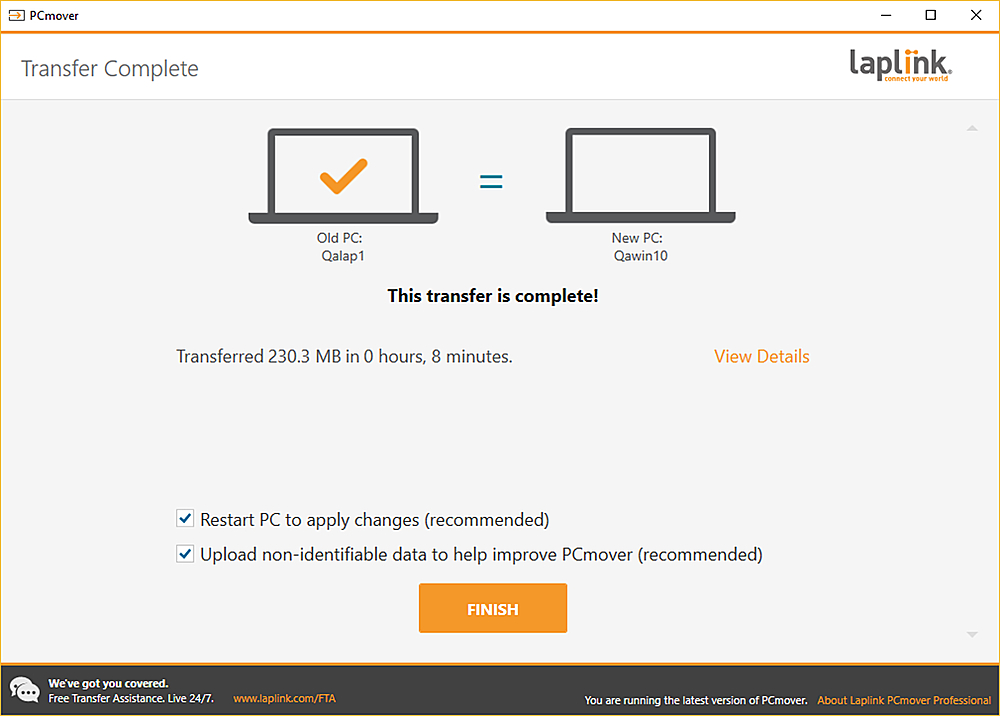
A:Answer Yes and no. It depends on what is causing the slowness. If you feel it is a program, then install the program on the new computer before transferring. Then you can use PCmover to transfer other folders, files, and settings.
You need to look and the specs of your current computer. You need at least 8 gigs of RAM/memory. More is better if your motherboard can accept more. Sometimes your antivirus/security programs such as Norton and McAfee will cause a computer to be slow. Make sure you are running only one antivirus/security program. Installing a solid state hard drive will speed up an old and slow computer tremendously. Turning off programs that startup automatically when your computer starts up and runs in the background that you don't need to start automatically will help. Browsers such as Edge and Chrome will stay running in the background when you close them. This can eat up resources. Look for a setting in your browser for this and disable it.