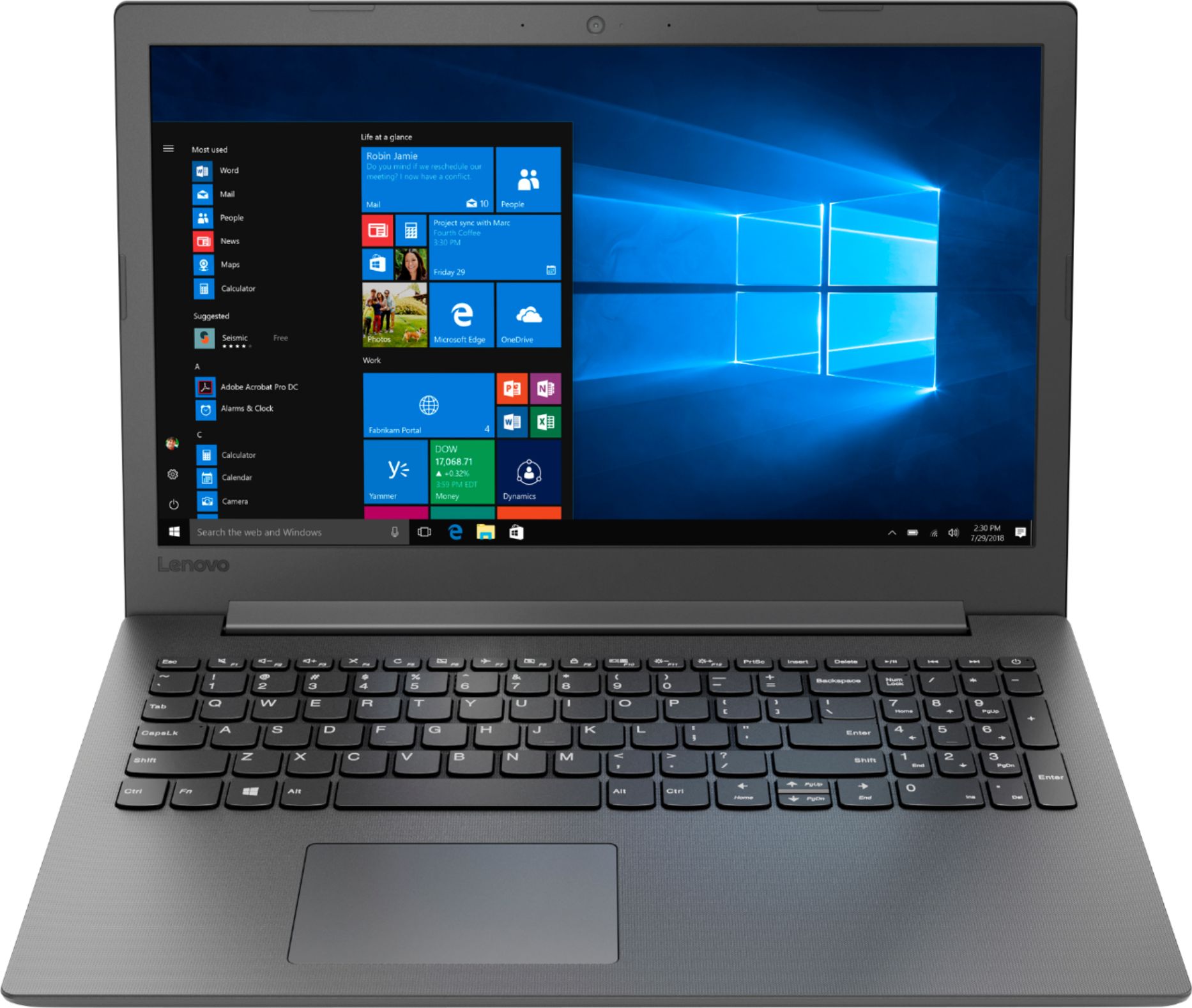
A:AnswerIt really will depend on the requirements of the software your child will need for his school work and the requirements of the specific games your child wants to play. We recommend you check with the both the specific software you child will need for school work and the specific game's software publisher's web sites for their compatibility with Windows 10 Home 64-bit operating system and the minimum/recommended hardware requirements (Is a Graphics card required, the processor speed and the minimum required system RAM and the minimum available hard drive space) to run their program, then compare those requirements to this system's configuration.
A:Answerhttps://support.lenovo.com/us/en/solutions/HT507154 Videos that show how to open the laptop. I used a guitar pick to seperate the back cover once I removed the screws. The one screw in the middle not below the air vents is the screw that holds the DVD and must be removed first. Be careful because the little plastic snaps break easily. I broke two but the 13 screws more than supports the laptop back. Put a solid state drive and max out the memory and the laptop is blazing fast. Sell the hard drive and memory pulled to break even. Voids warranty but at $200 bucks just buy another one.
A:AnswerThis has been answered previously. The Maximum memory is 8GB, however you could void the warranty by DIY.
It's recommended to have a qualified service tech install the 8Gbm stick replacing the 4GB for you.
A:AnswerThat really depends on the requirements and compatibility of the specific program you will be using. We recommend you check with the specific software publisher's web site for their compatibility with Windows 10 Home 64-bit operating system and the minimum/recommended hardware requirements (Is a Graphics card required, the processor speed and the minimum required system RAM and the minimum available hard drive space) to run their program, then compare those requirements to this system's configuration.
A:AnswerYes , this laptop can do light video editing just enough to fulfill your basic video editing needs but if you need a better interface while editing then the Lenovo Ideapad 330s would be the laptop for you .
A:AnswerThat will depend on the specific game's requirements and compatibility. We recommend you check with the game's software publisher's web site for their compatibility with Windows 10 Home 64-bit operating system and the minimum/recommended hardware requirements (Is a Graphics card required, the processor speed and the minimum required system RAM and the minimum available hard drive space) to run their program, then compare those requirements to this system's configuration.
A:AnswerNo. This model ships with a 2CELL 30WH, Lithium Polymer battery, with a battery life of up to 4 hours, depending on the work that the device is performing. You can maximize battery life by limiting background programs that run on the device and, to maximize battery life, try changing your power management setting to a more conservative one. You can do this in the control panel, in the power management category on your system. Select a more conservative power management setting to extend battery life.
A:AnswerThat will depend on the compatibility of the PS4 device with Windows 10 and the specific capture device you will be using. We recommend you check with PS4 and the capture device manufacturer's web site for their compatibility with Windows 10 Home 64-bit operating system and the minimum/recommended hardware requirements (Is a Graphics card required, the processor speed and the minimum required system RAM and the minimum available hard drive space) to run their hardware, then compare those requirements to this system's configuration.
A:AnswerThat will depend on the requirements and compatibility of the specific software. We recommend you check with the specific software publisher's web sites for their compatibility with Windows 10 Home 64-bit operating system and the minimum/recommended hardware requirements (Is a Graphics card required, the processor speed and the minimum required system RAM and the minimum available hard drive space) to run their program, then compare those requirements to this system's configuration.
A:AnswerWe recommend you check directly with Microsoft for information about whether the current version of Windows 10 Home 64-bit can be down graded to Windows 7.
A:AnswerThat really will depend on the requirements and compatibility of the specific games. We recommend you check with the game's software publisher's web sites for their compatibility with Windows 10 Home 64-bit operating system and the minimum/recommended hardware requirements (Is a Graphics card required, the processor speed and the minimum required system RAM and the minimum available hard drive space) to run their program, then compare those requirements to this system's configuration.
A:AnswerThis configuration uses DDR4-1688MHz RAM. This model is not user upgradable. A certified technician must do all of the work, so as to not void the warranty. There is one memory slot within this device. The maximum RAM is can support is 8GB, so your certified technician can replace the existing 4GB stick of RAM for an 8GB RAM stick.