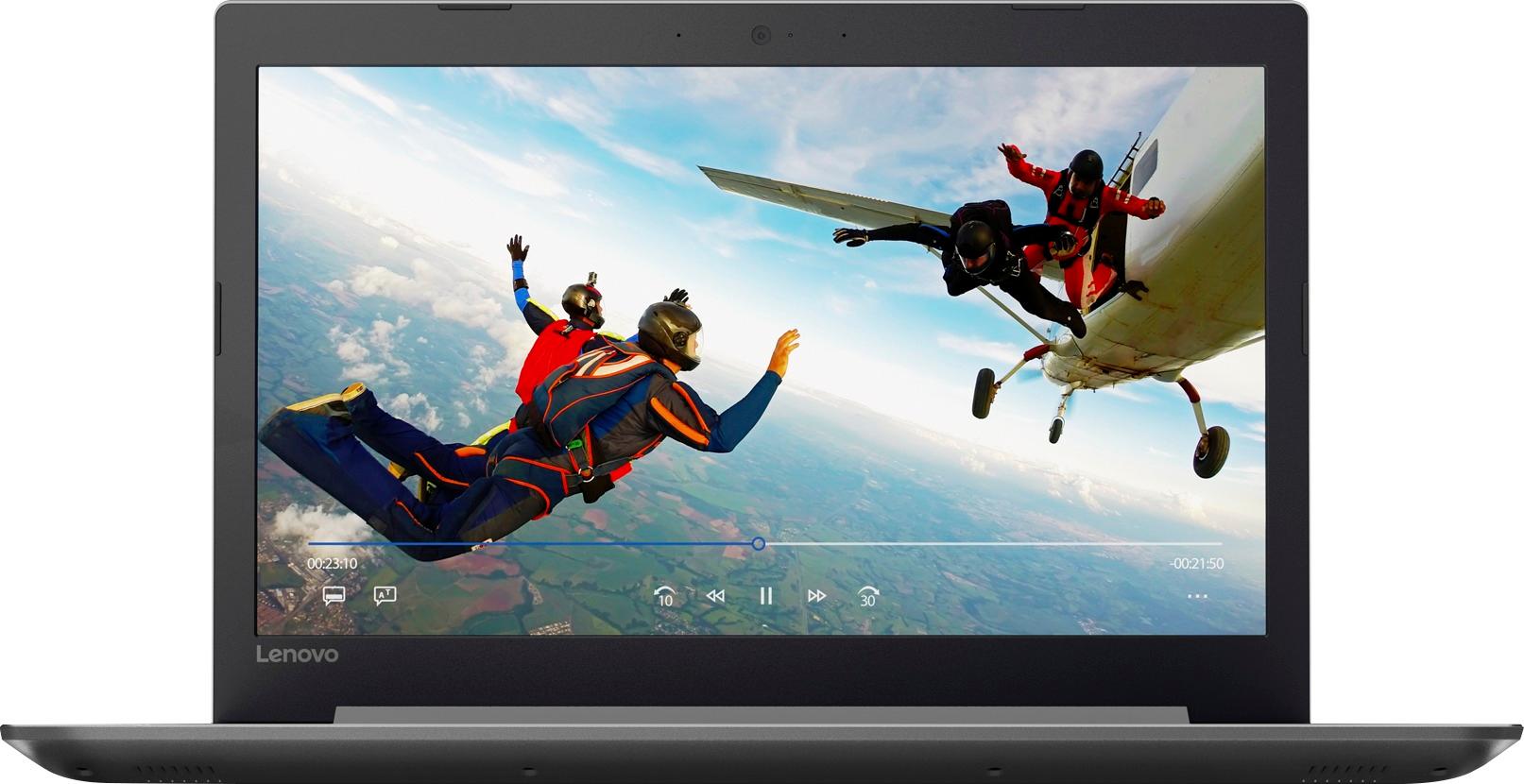
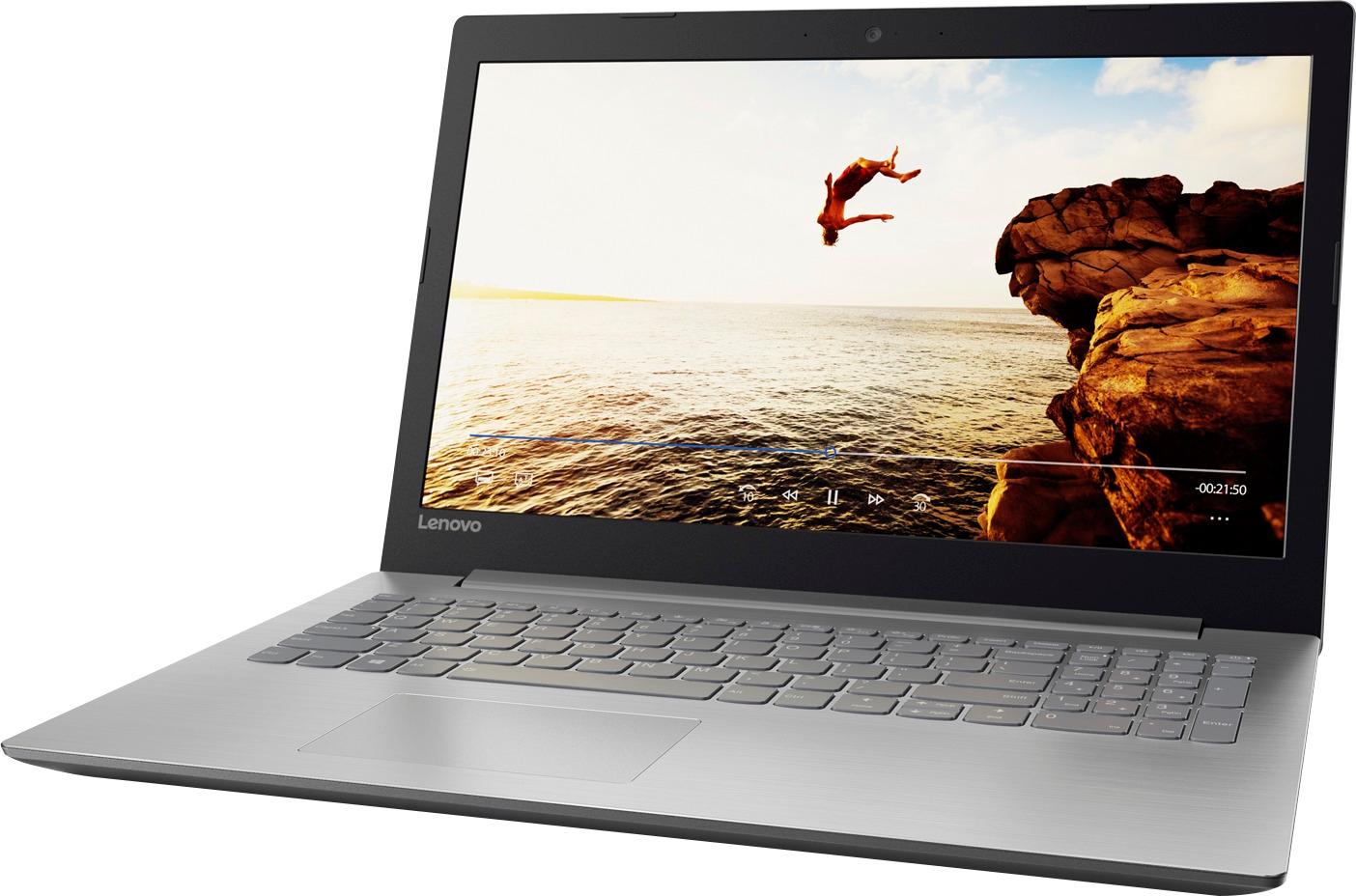
A:AnswerThat will depend on the requirements of the specific Auto CAD software you will be using. We recommend you check with the specific CAD software publisher web site for their compatibility with Windows 10 Home 64-bit operating system and the minimum/recommended hardware requirements (Is a Graphics card required, the processor speed and the minimum required system RAM and the minimum available hard drive space) to run their program, then compare those requirements to this system's configuration.
A:AnswerI would definitely take it back. I have not tried watching Netflix on it. Sometimes my games on Facebook lag, but, I always blame it on my internet. Don't know if that's the reason, but, most of the times my games play fine.
A:AnswerThe terms 32-bit and 64-bit refer to the way a computer's processor (also called a CPU), handles information. The 64-bit version of Windows handles large amounts of random access memory (RAM) more effectively than a 32-bit system.
A:AnswerThat will depend on the programs that the student will need to use. This is a good mid-level computer that will be good for Microsoft Office type work and browsing the internet. If this is the type of work that the student will be doing, the Lenovo IdeaPad 110-15 would be a good choice.
A:AnswerI swapped out the hard drive with an ssd as it seemed to bottleneck there. Not sure about Pro Tools, but I am using it for location recording with Cakewalk Sonar, and doing the editing later on a more powerful desktop. Ram can only be upgraded to 12g, not 16 as advertised due to one stick being soldered to the motherboard. Good luck.
A:AnswerNo, there is no slot for a GPU within this configuration. This model is not user upgradable. A certified technician must do all of the work, so as to not void the warranty.