A:AnswerThe Lenovo Chromebook 3 14 uses Google Docs for office type programs. Google Docs is completely compatible with Microsoft Office Programs and this is a free service through the Google Server. If you must have the actual Microsoft Office Programs, you can purchase Microsoft Office 365 for this Chromebook at the Google Play Store.
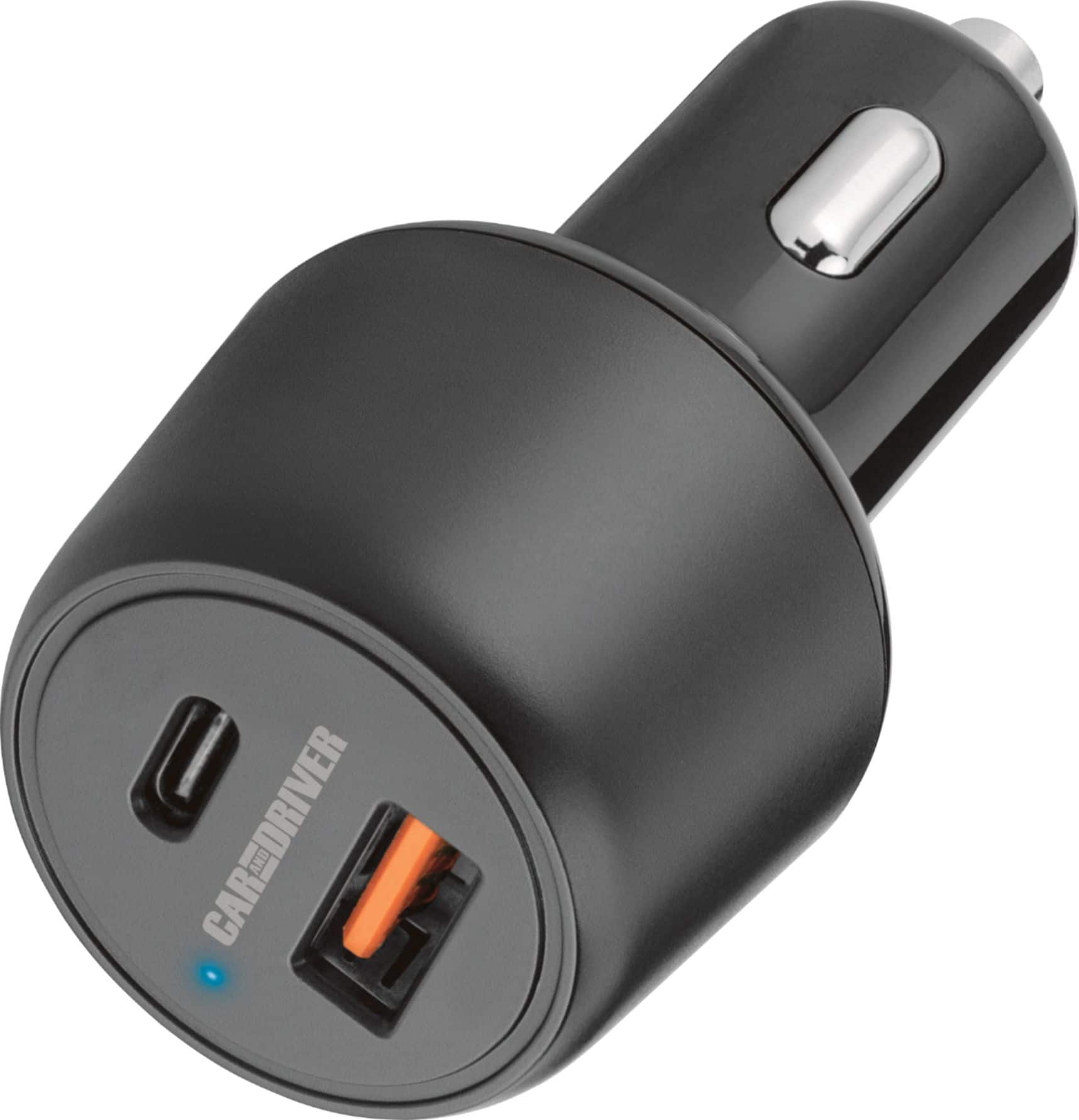
A:AnswerYou don't need to buy an inverter and use the AC power adapter to charge this. Simply use a USB-PD car charger. The one I link as recommended will charge the laptop but not as fast as it possibly can. You could look elsewhere for one that outputs at least 45 watts out of the USB-C port.
A:Answeranswering my own question now that I have received it:
i'm shocked, it will charge with a power bank outputting as little as 18W (probably as 12V/1.5 A). I see
48%, 1:58 until full
i have a power bank that outputs up to 30W (20V/1.5A, 15V/2A, 12V/2.5A). I see
43%, 1:06 until full
the included 45W charger is 20V/2.25A, 15V/3A (no 12V). with it, and two other usb-c chargers that have the same 20V and 15V amperage, I see
45%, 0:46 until full
i have a usb-c dongle which says it draws 15W. with the 30W power bank, I get
46%, 2:24 until full
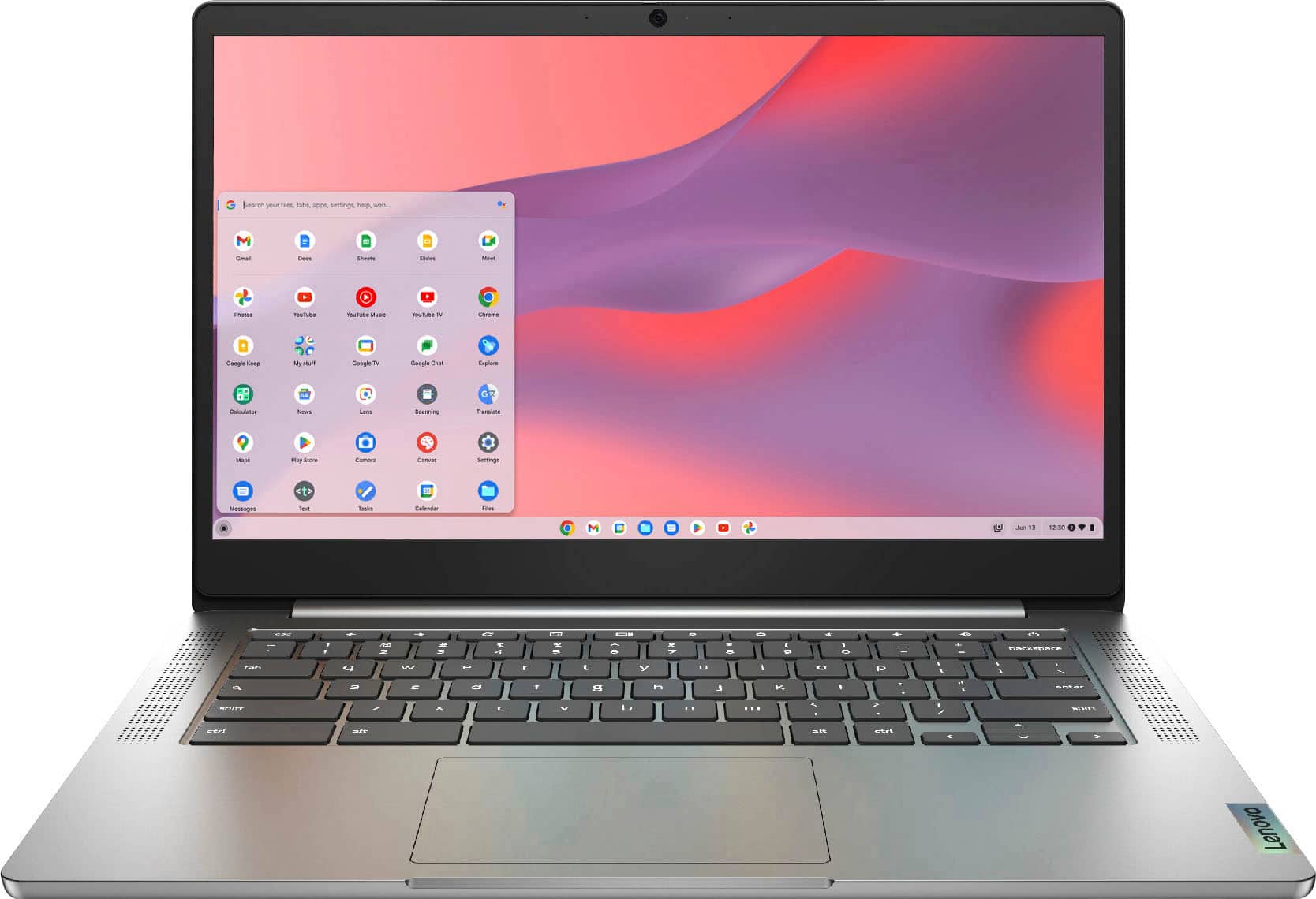
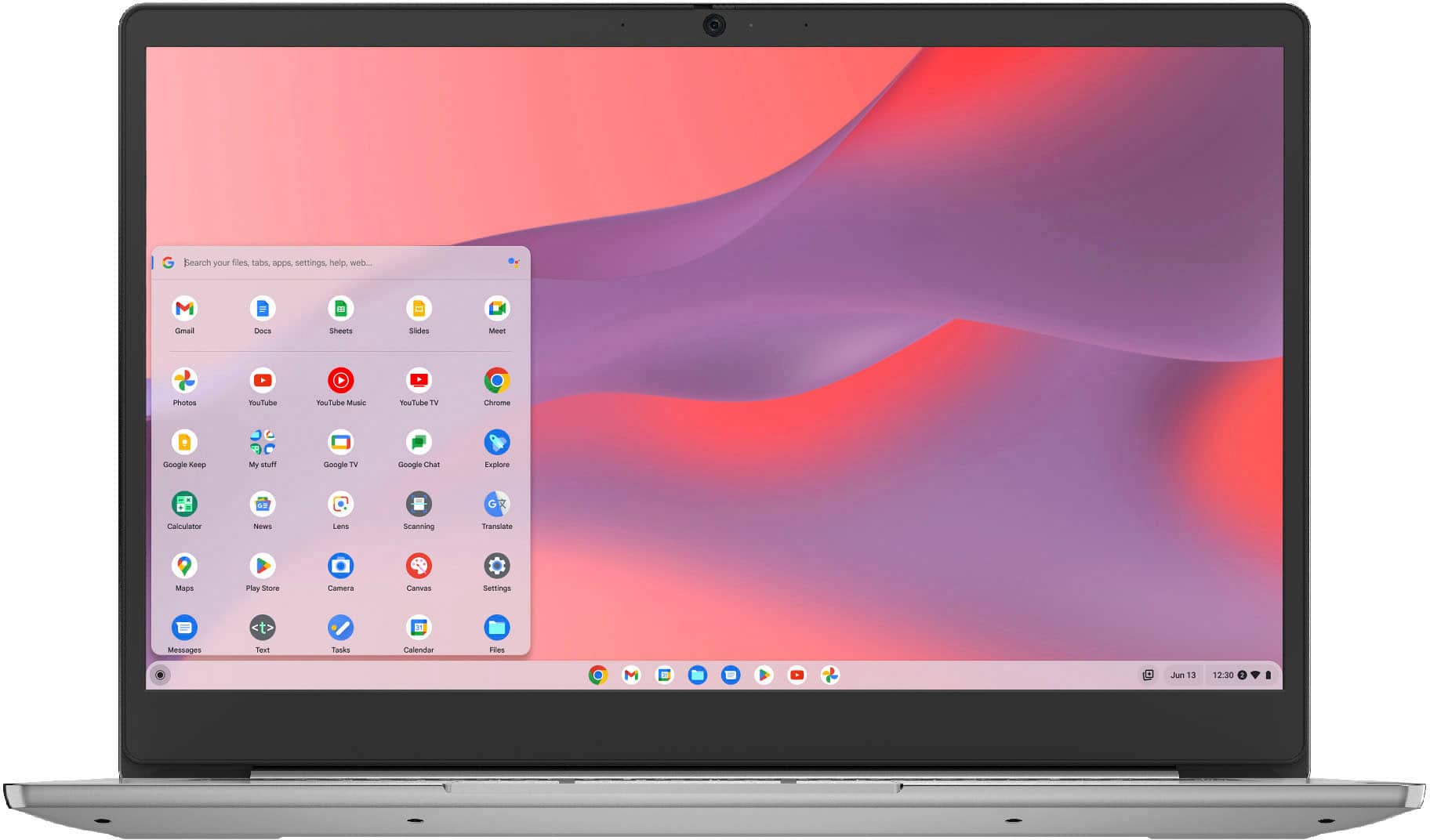
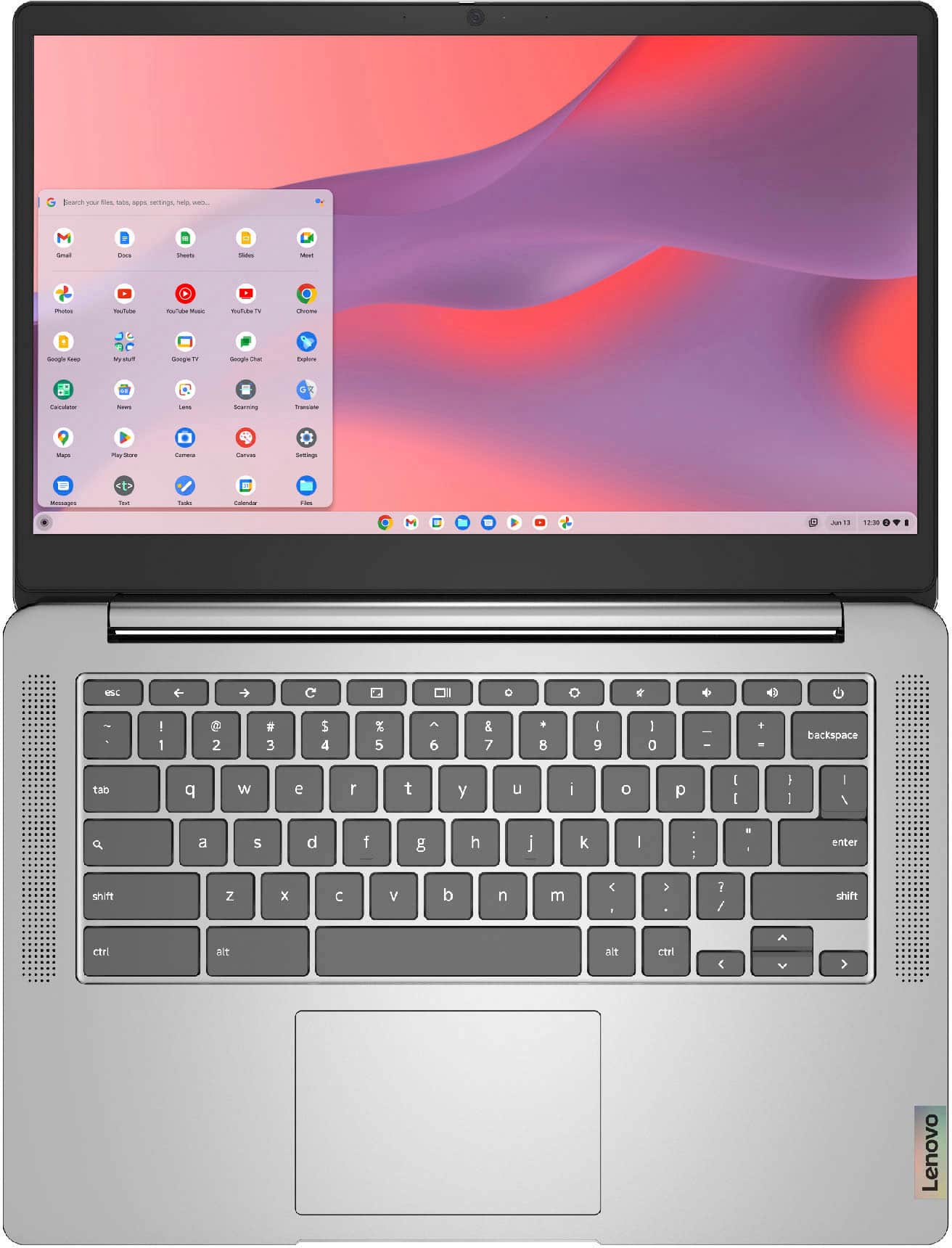
A:AnswerThe Lenovo Chromebook 3 14 model number 82KN0001US, ships with a 14 inch (screen size measured diagonally) IPS - FHD (1920x1080) 10-point Multi-touch screen, with a brightness level of 300 nits, has an Anti-glare coating and viewing angles of: ( H / V ) - 178 degrees / 178 degrees.
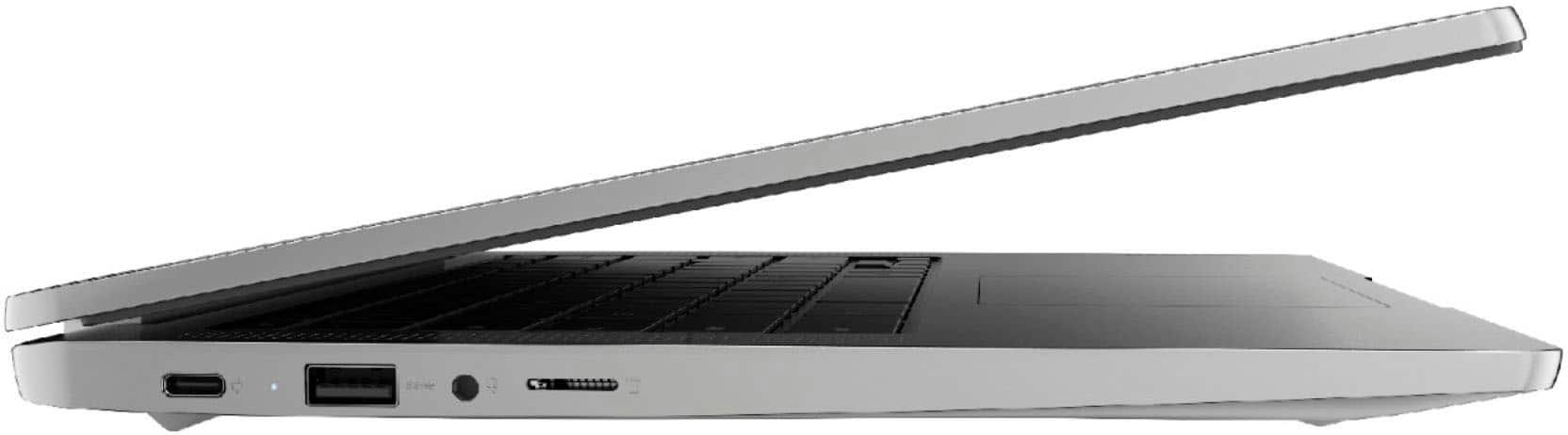
A:AnswerThe Lenovo Chromebook 3 14 model number 82KN0001US, ships with a MicroSD Card Slot built in. You can use any capacity MicroSD Card that is compatible with the Chrome Operating System.
A:AnswerThat really will depend on the requirements and compatibility of the games you want to run. The Lenovo Chromebook 3 14 ships with the Chrome Operating System and is compatible with Google Play Store APPs. We recommend you check with the specific game's software publisher's web site for their compatibility with Chrome operating system and the minimum/recommended hardware requirements (Is a Graphics card required, the processor speed and the minimum required system RAM and the minimum available hard drive space) to run their program, then compare those requirements to this system's configuration.
A:AnswerYes, so long as the wireless mouse is compatible with the Chrome Operating System. We recommend you check with the wireless mouse manufacturer for the compatibility of your specific wireless mouse compatibility.
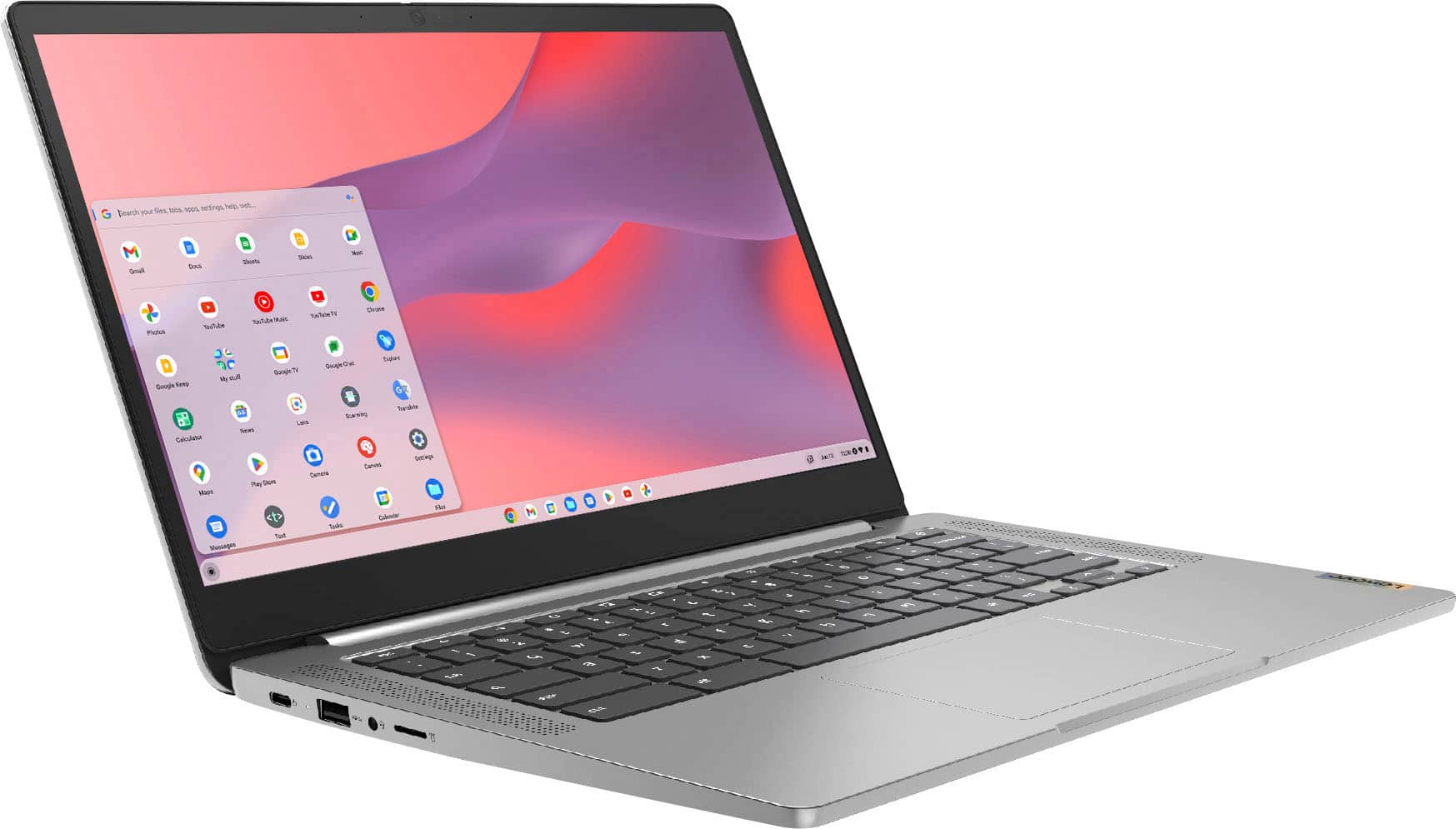
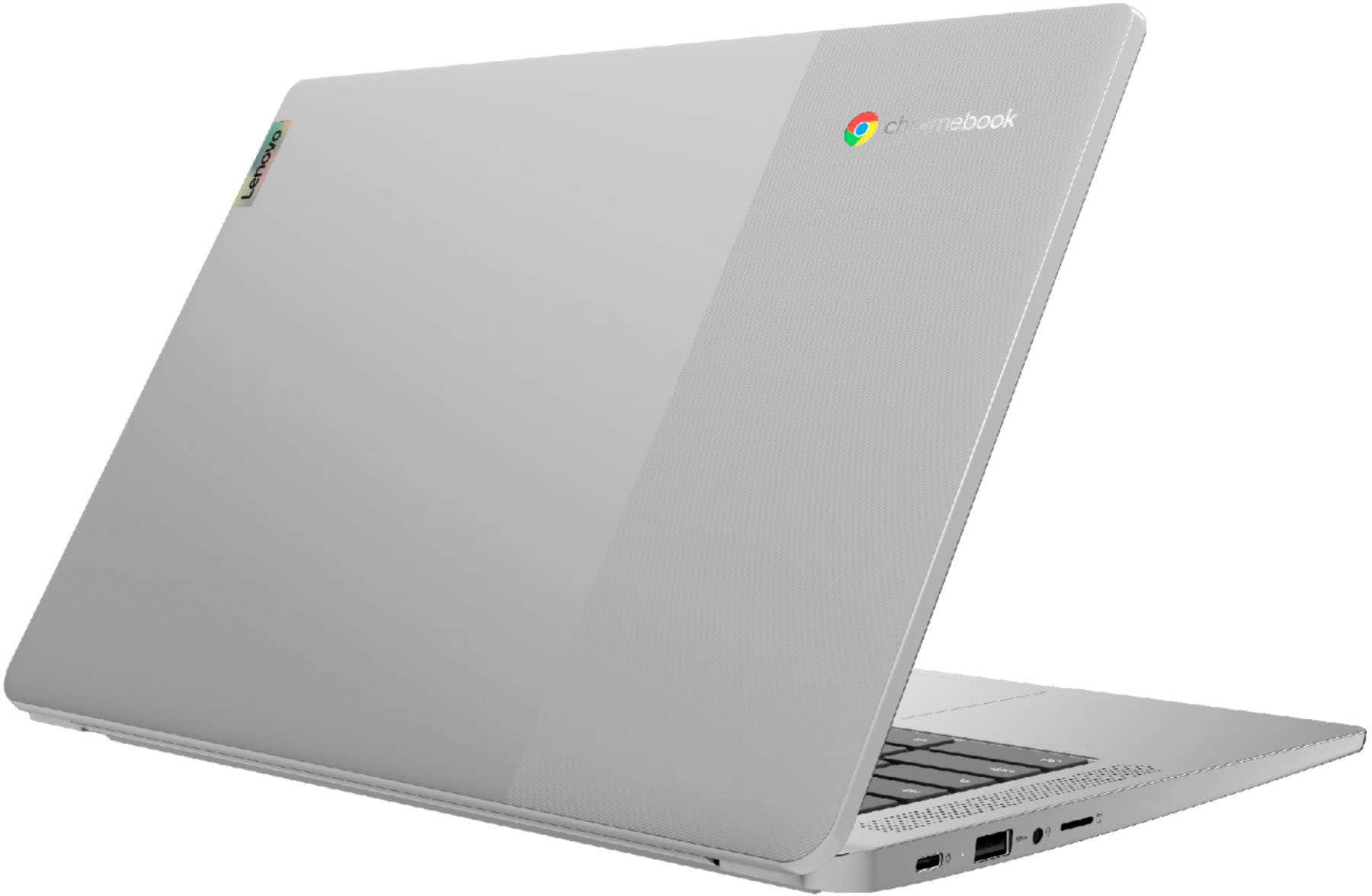
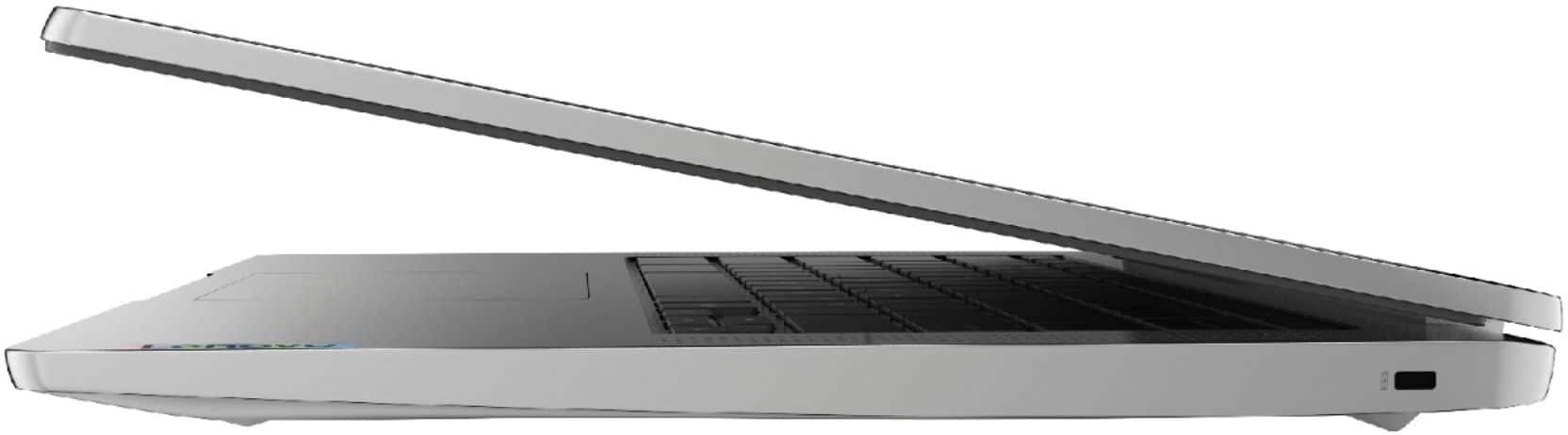
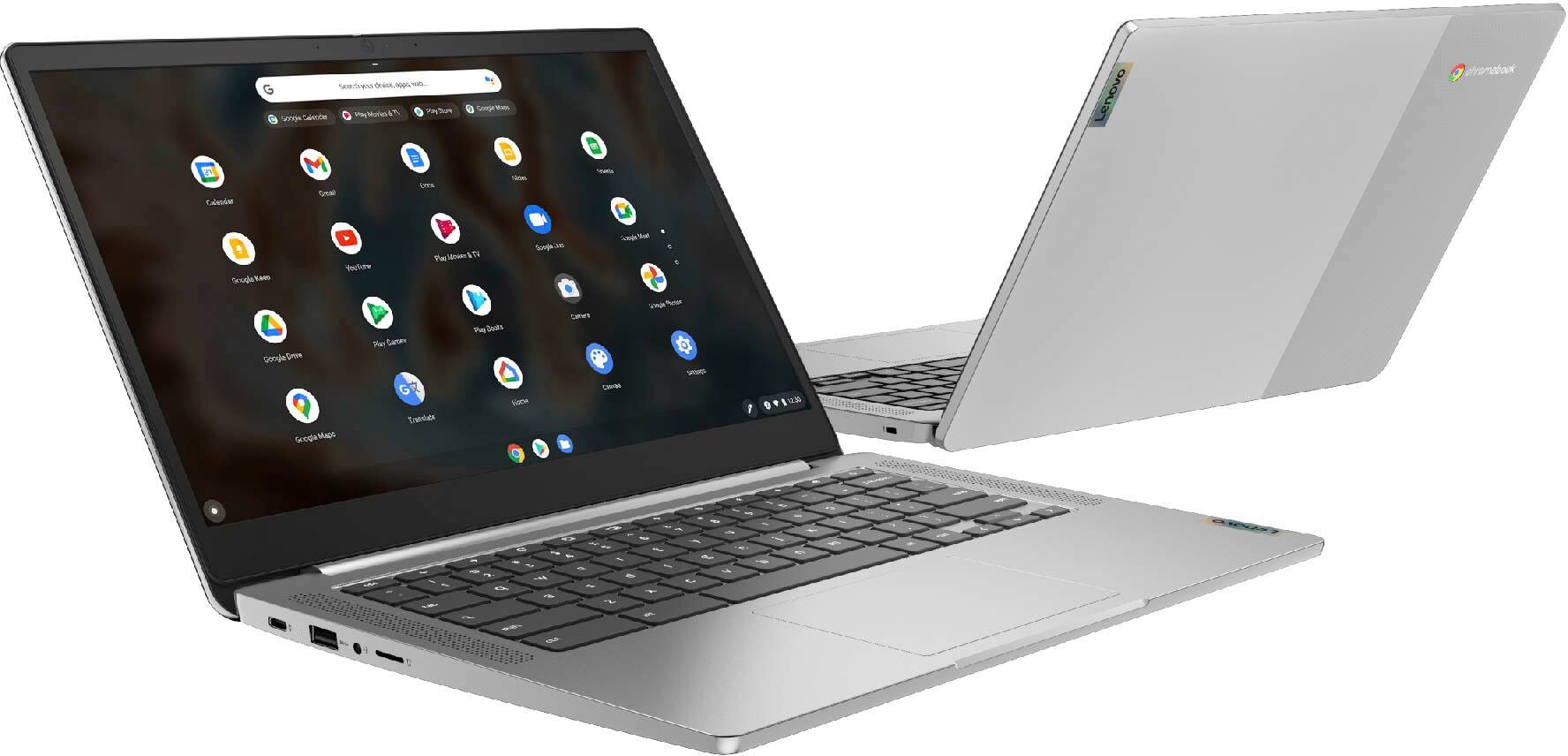
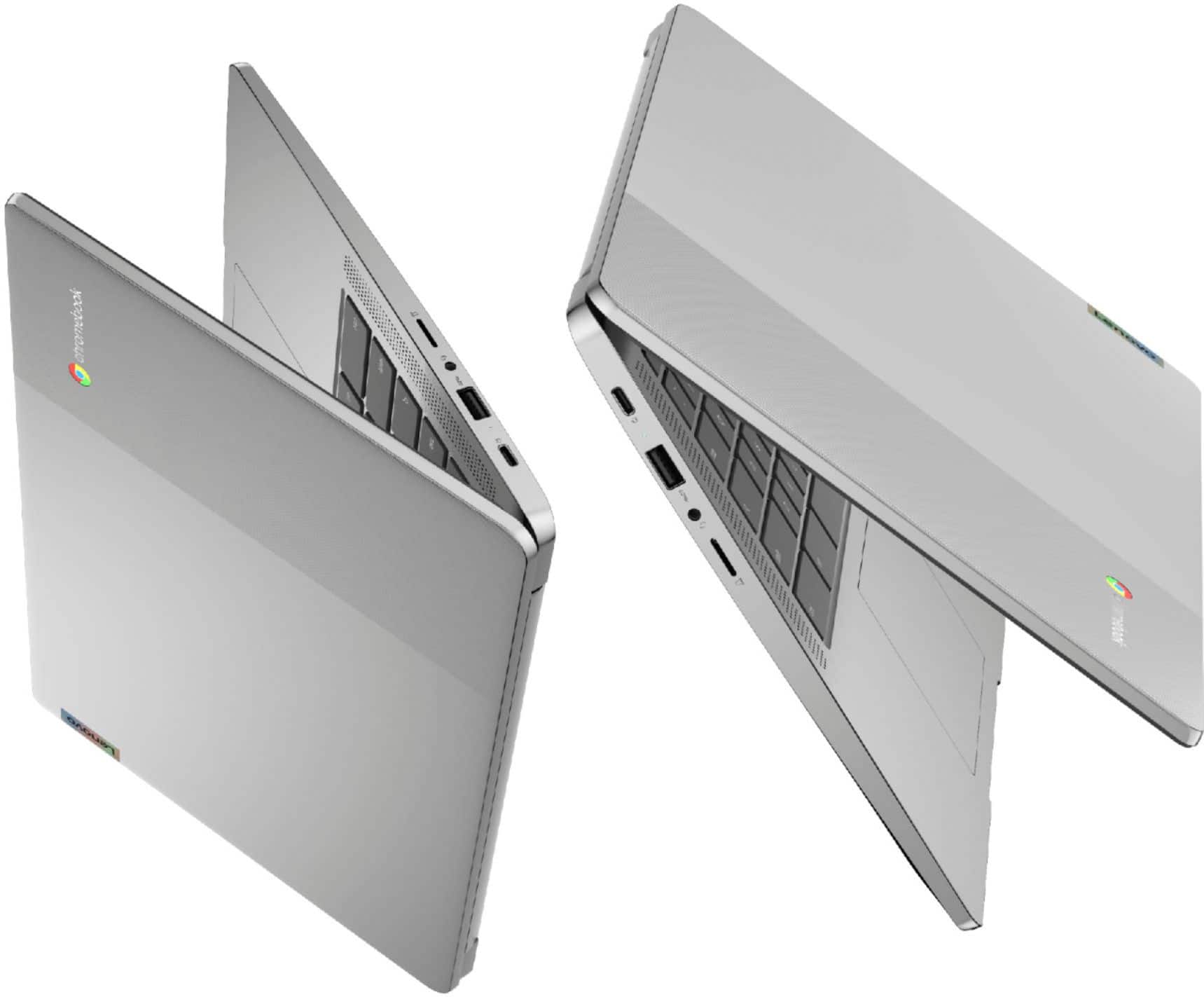
A:AnswerThe Lenovo Chromebook 3 14 model number 82KN0001US, ships with these ports: 1x microSD card slot, 1x USB-C 2.0 (support data transfer, Power Delivery 2.0 and DisplayPort 1.1a), 1x Headphone / microphone combo jack (3.5mm), 1x USB 2.0.
A:AnswerNo. This lenovo Chromebook 3 14, model number 82KN0001US, ships with 1x USB-C 2.0 (support data transfer, Power Delivery 2.0, and DisplayPort 1.1a) port with video out to an external monitor and supports up to 2 independent displays (native display and 1 external monitor via USB-C). USB-C supports up to 1920x1080@60Hz. You can connect an HDMI monitor to this Lenovo Chromebook 3 14 by using a USB-c to HDMI adapter, like this one: https://www.bestbuy.com/site/insignia-usb-c-to-hdmi-adapter-black/6473497.p?skuId=6473497
A:AnswerThere is no internal DVD player, and I was not able to get VLC to work with my external USB DVD player, but the device connects, so it may be possible.
A:AnswerYes, it is playable. It will take a few minutes to load into the game completely, but once youre in it, you can play the game with little to no lag on medium graphics settings. I also found that you can teleport faster than on a PS4
console. I have this game on this device so I can confirm this is true.
A:AnswerNo, but 4GB is a lot for a Chromebook for web browsing and android games. Plus chrome is very efficient with ram management. I honestly couldn't see people using more than 4GB on a Chromebook. There's actually a lot of Chromebooks with 2GB that are useable but I differently recommend 4gb tho.
A:AnswerWhether you can download pictures directly from your cell phone will depend on the requirements and compatibility of your specific cell phone. The Lenovo Chromebook 3 14 ships with the Chrome Operating System and is compatible with Google Play Store APPs. We recommend you check with the manufacturer of your specific cell phone model's web site, for the compatibility and requirements to transfer photos directly to this Chromebook. The Chromebook 3 14 uses Google Docs for office type programs. Google Docs is completely compatible with Microsoft Office Programs and this is a free service through the Google Server. If you must have the actual Microsoft Office Programs, you can purchase Microsoft Office 365 for this Chromebook at the Google Play Store.