Appliances Memorial Day SaleFree delivery. Ends 6/3. Terms apply.Shop now

Skip to contentGo to Product Search
Main Content

Questions & Answers

$589.00
Save $90
The comparable value is $679.00
Page Showing 1-20 of 32 questions
  • QuestionHow long does it take for the Chromebook to boot up?

    • Answer Chromebooks boot up in 10 seconds or less.
    This question and answer was generated by AI based on customer and product data.

  • QuestionIs the keyboard on this laptop backlit?

    • Answer Yes, the keyboard is backlit.
    This question and answer was generated by AI based on customer and product data.

  • QuestionHow much storage does this laptop have?

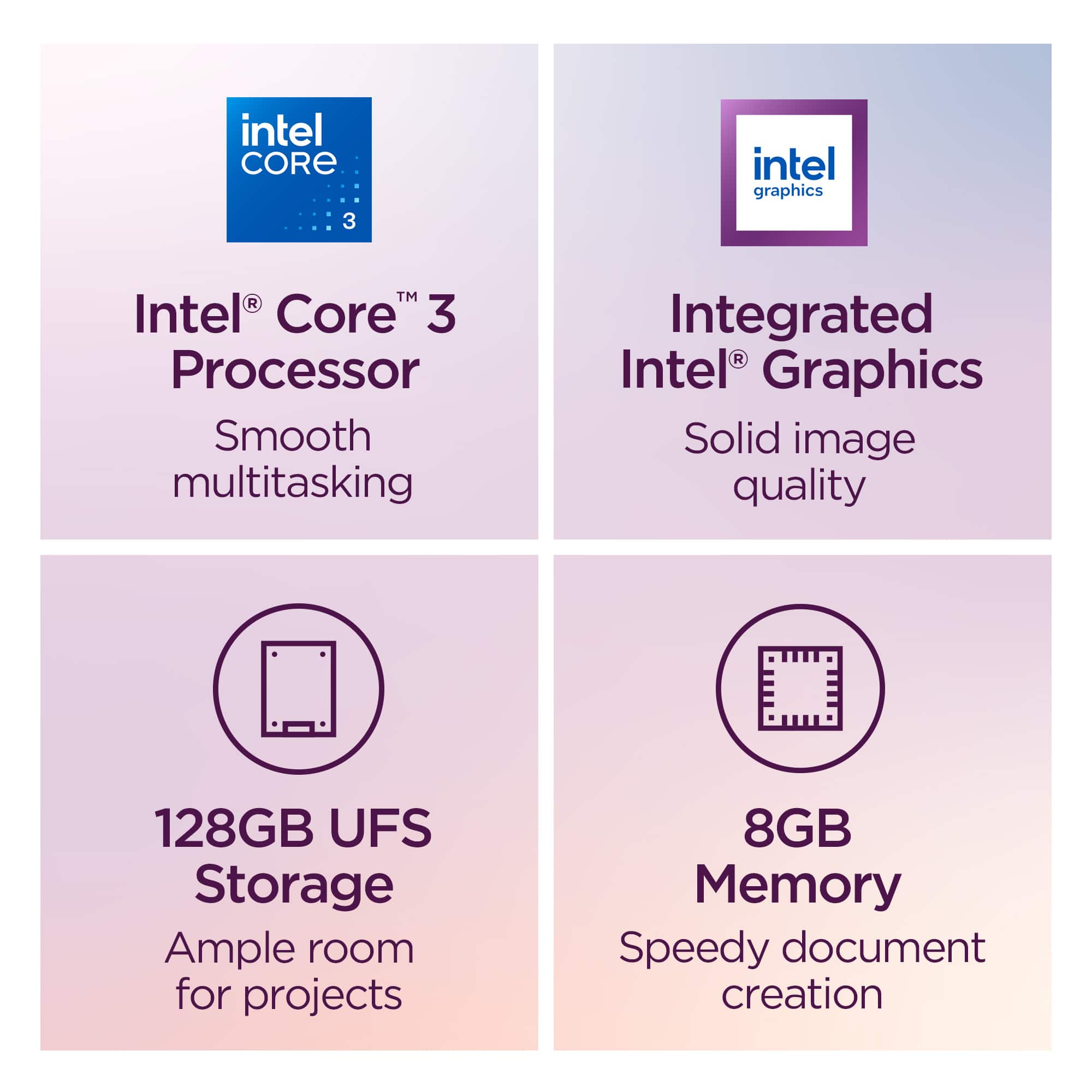
    • Answer This laptop has 128GB of storage.
    This question and answer was generated by AI based on customer and product data.

  • QuestionDoes this Chromebook come with security features?

    • Answer Yes, this Chromebook has built-in protection and the Titan C2 security chip.
    This question and answer was generated by AI based on customer and product data.
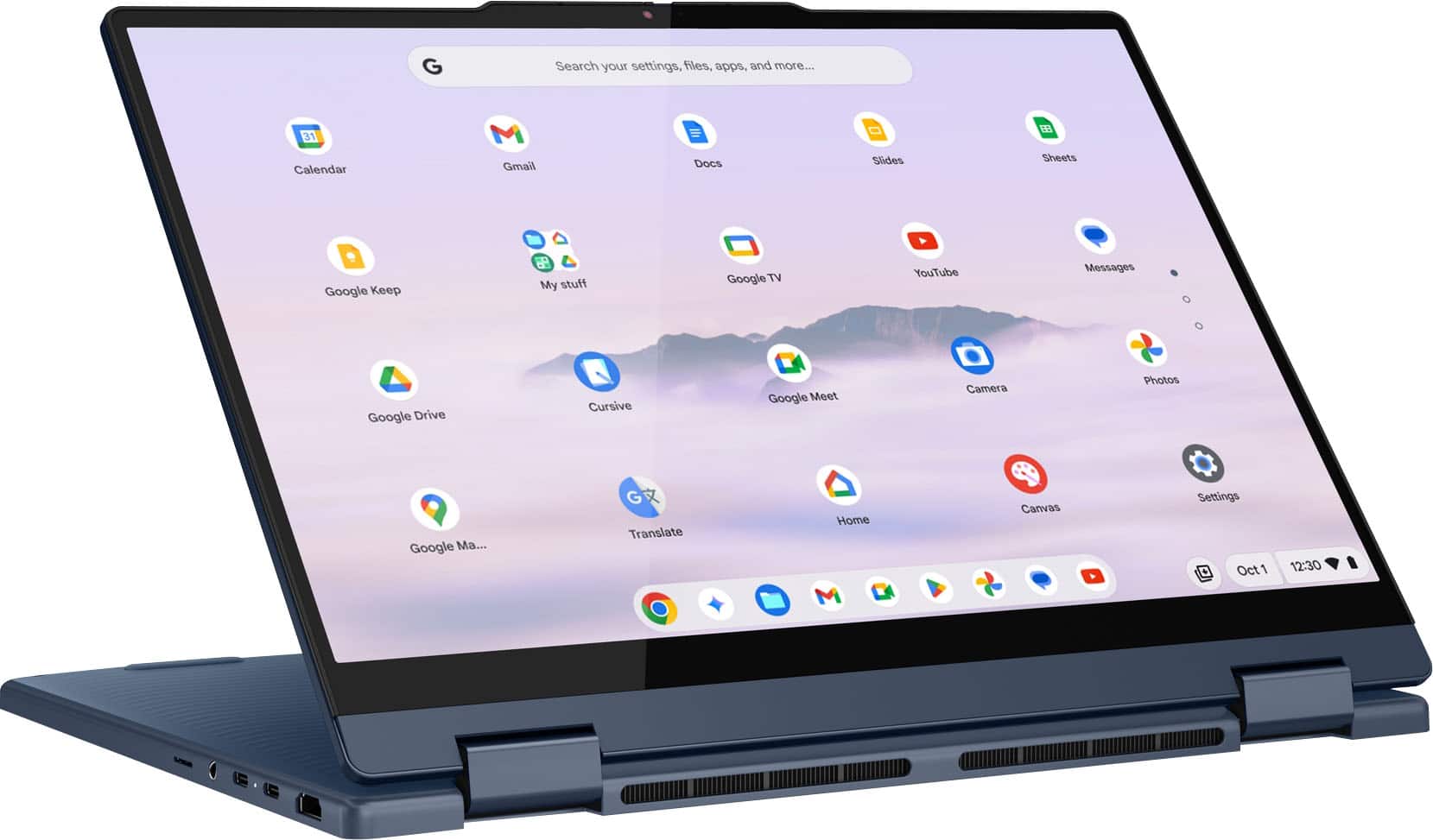
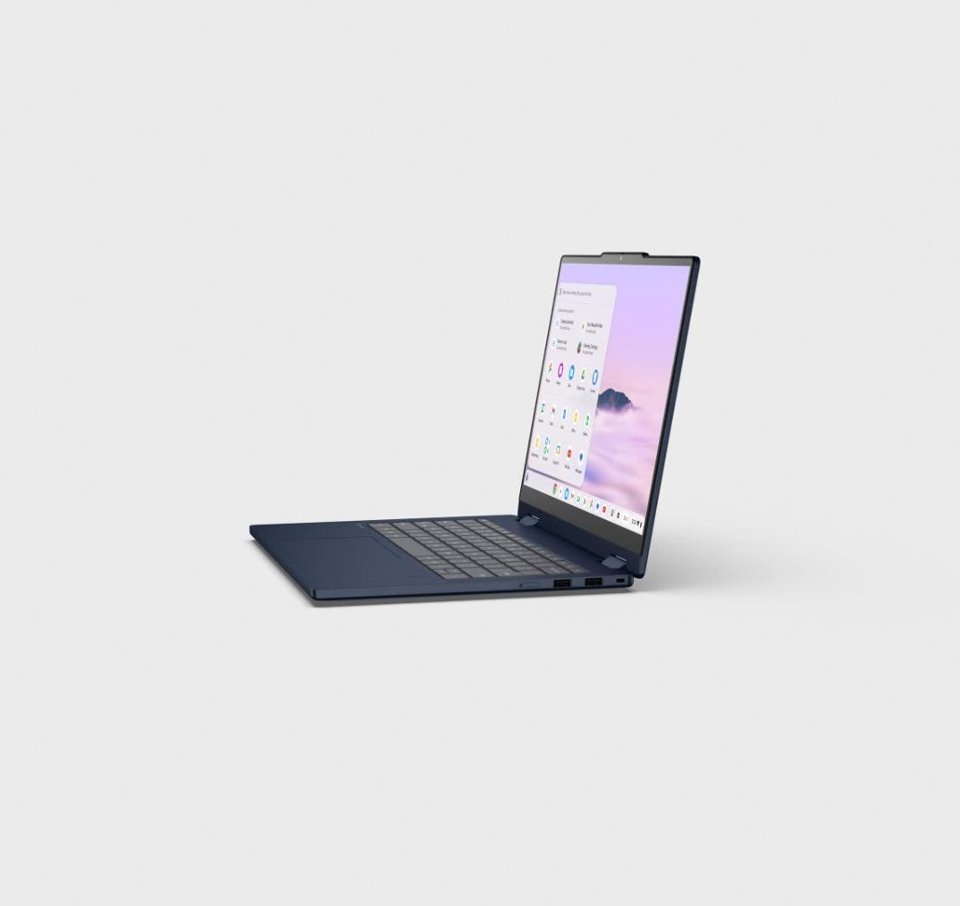
  • QuestionDoes this Chromebook have a touchscreen?

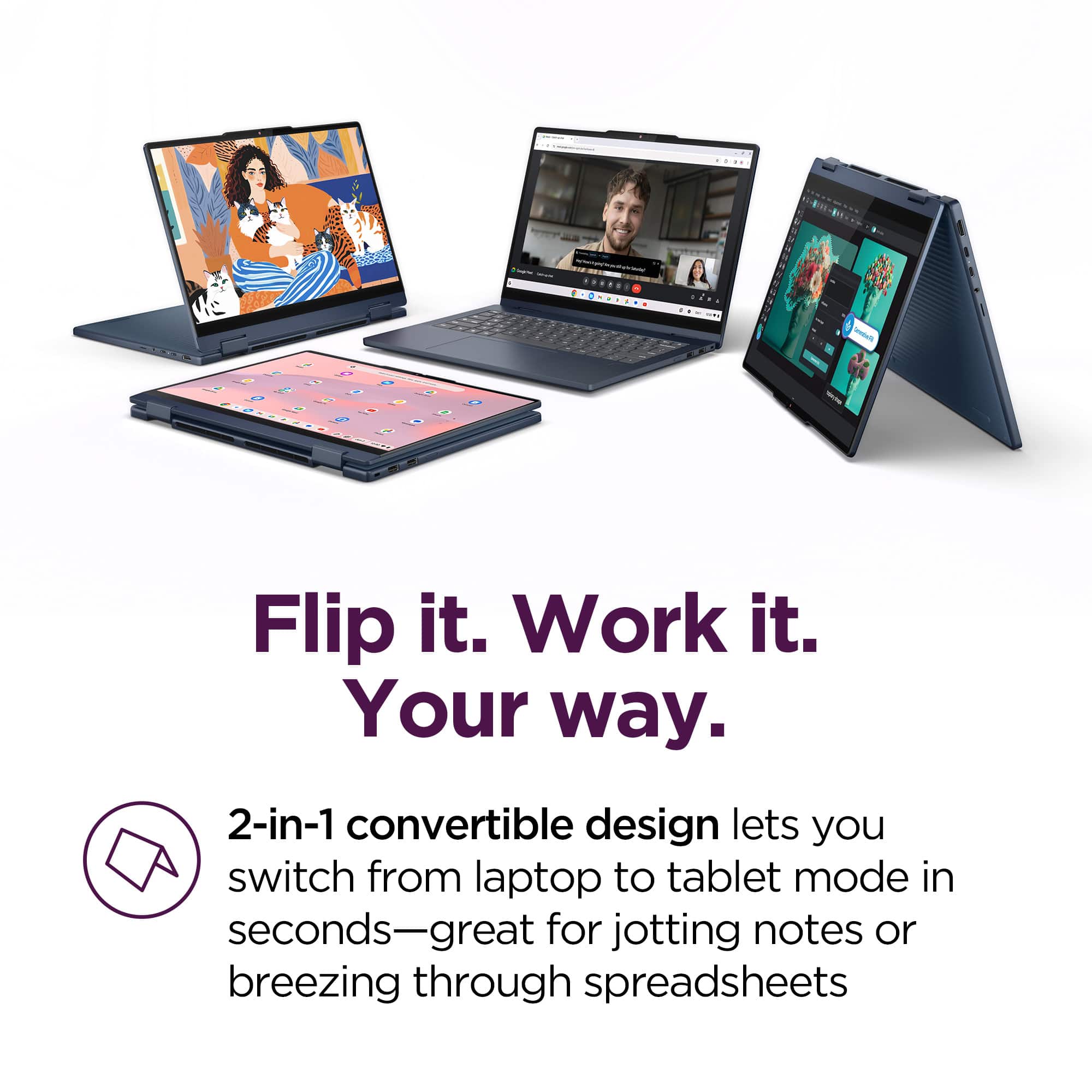
    • Answer Yes, this Chromebook has a responsive touchscreen.
    This question and answer was generated by AI based on customer and product data.

  • QuestionWhat kind of operating system does this Chromebook have?

    • Answer This Chromebook runs ChromeOS+.
    This question and answer was generated by AI based on customer and product data.

  • QuestionDoes this laptop have a built-in webcam?

    • Answer Yes, this laptop has a built-in HD webcam with microphone.
    This question and answer was generated by AI based on customer and product data.

  • QuestionDoes it have a SSD (solid State Drive)

    Asked by JohnT.

    • Answer Hey JohnT, This Chromebook Plus 2-in-1 does not feature an SSD, but rather UFS storage. While the drive in this system may perform somewhat slower than a traditional SSD, it still provides high speed data transfer, write/rewrite speeds while conserving more power. Please feel free to reach out to us with any other questions!

      Answered by Lenovo Product Expert

  • QuestionDoes this Chromebook have a finger print scanner

    Asked by Xavier.

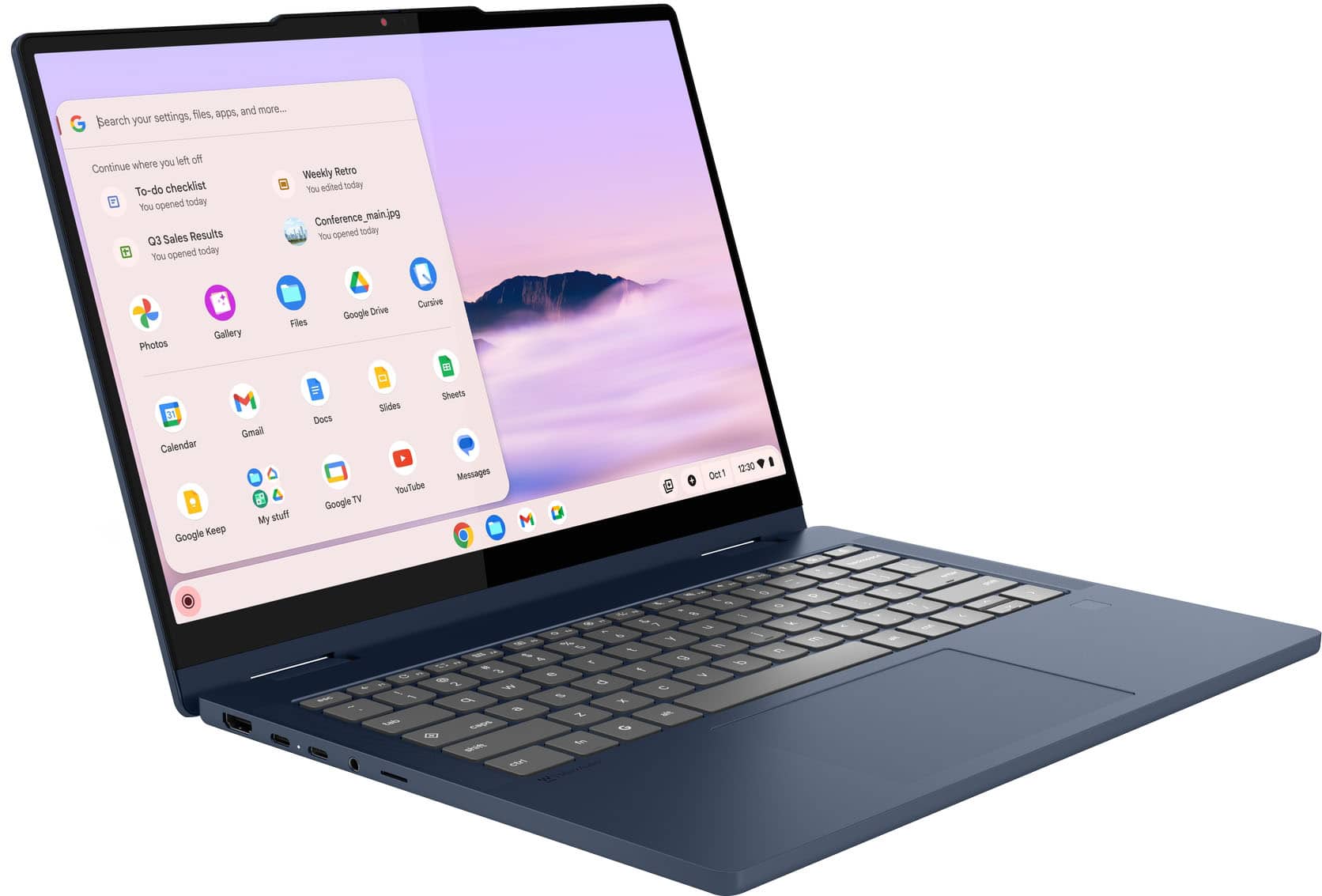
    • Answer Hey Xavier, Yes, the Chromebook Plus 2-in-1 14" does feature a touch style fingerprint reader on the palm rest. Please feel free to reach out to us with any other questions!

      Answered by Lenovo Product Expert

  • QuestionHow long will this chromebook receive chrome updates?

    Asked by BJ.

    • Answer Hey BJ, The Chromebook Plus 2-in-1 (14", 10) is currently scheduled to receive automatic updates until June 2033. Please feel free to reach out to us with any other questions!

      Answered by Lenovo Product Expert

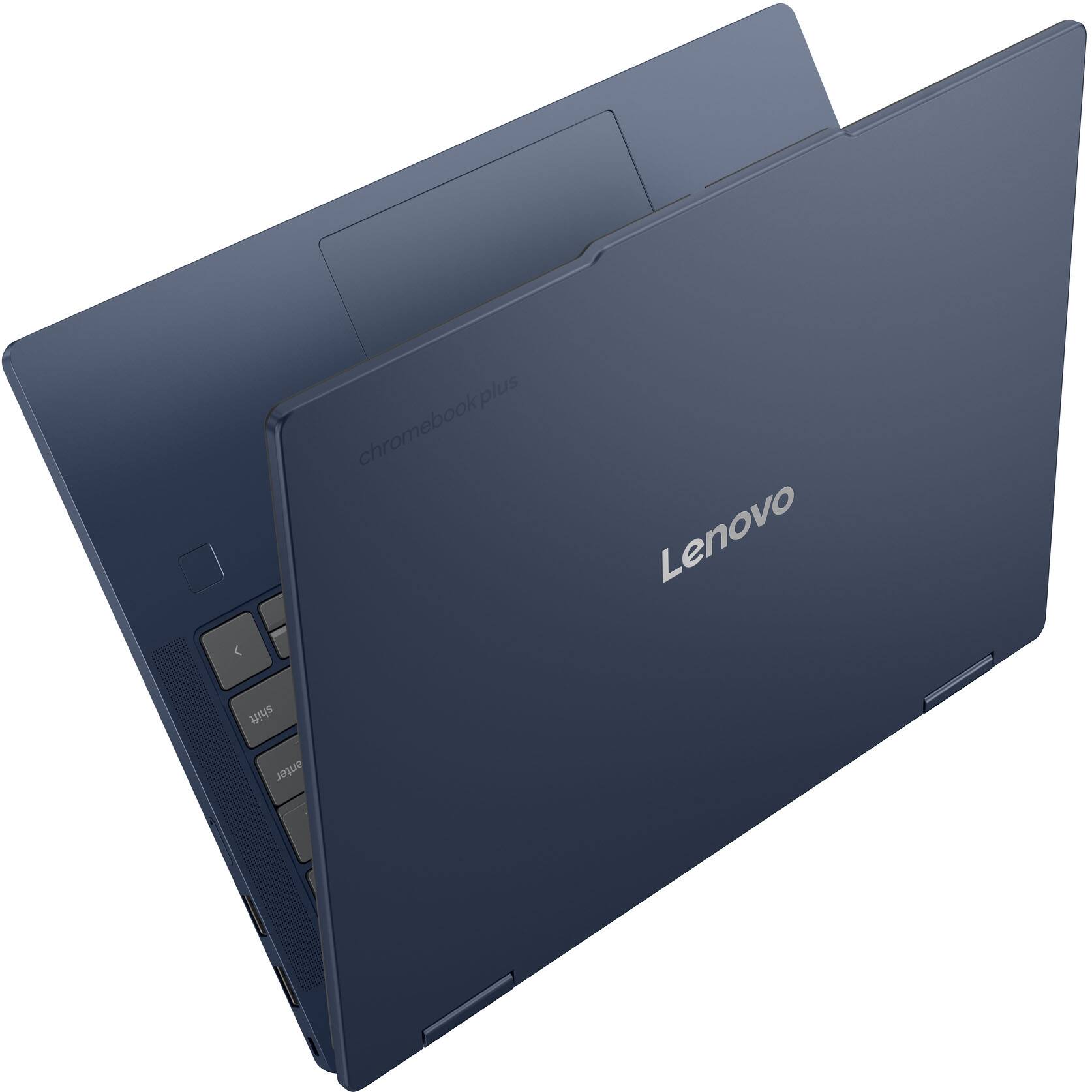
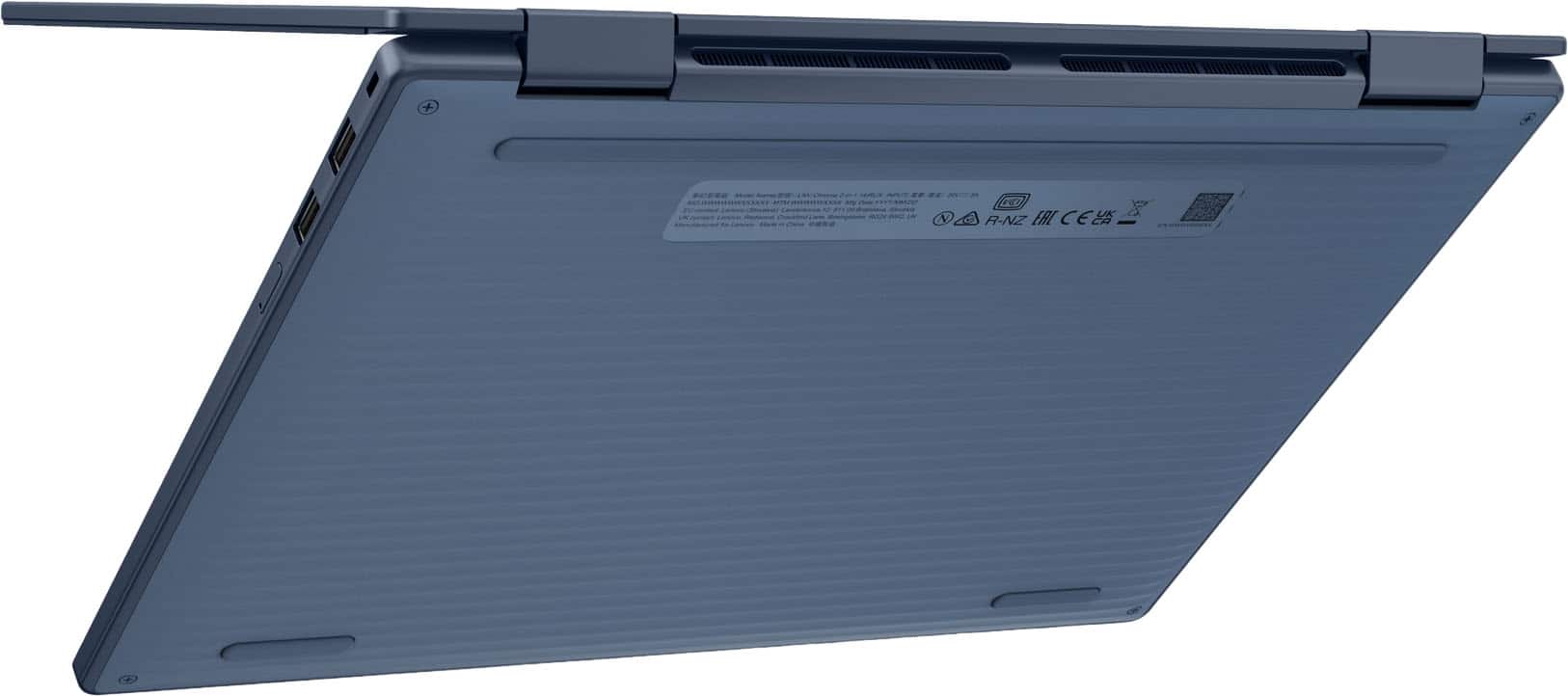
  • QuestionIs this Chromebook made out of good material? Aluminum

    Asked by Hollywood.

    • Answer Yes, a very nice feel to the aluminium build.

      Answered by Mikeyt1818

  • QuestionThe "tab" on the top of the device when in the laptop mode causes the device to be unstable when in the tent mode. Is there a plastic adapter that can be used to stabilize the device when in the tent mode?

    Asked by gem2026t.

    • Answer Hey gem2026t, Thank you for your interest in our products and your inquiry. There currently are no such products offered by Lenovo, but we understand your pain point as you've presented it. We wish for each laptop mode to be enjoyable, so we've noted this, as it may be considered for future design improvements. Please feel free to reach out to us with any other questions!

      Answered by Lenovo Product Expert

  • QuestionCan I play Rome total war and type games on this computer

    Asked by Anonymous.

    • Answer Hey, It's unlikely that you can run Rome: Total War, as the game is not listed as supporting anything other than WindowsOS as its operating system. It's possible that you may be able to stream the game and similar titles using cloud gaming streaming platforms, but upon brief search, this was unclear. Please feel free to reach out to us with any other questions!

      Answered by Lenovo Product Expert

  • Questionfingerprint reader? updates until 2035?

    Asked by mm.

    • Answer Hey mm, yes, the Chromebook Plus 2-in-1 (14", 10) features a fingerprint reader, and it will receive auto updates until June 2033, not 2035, due to the Core 3 N355 processor. Please feel free to reach out to us with any other questions!

      Answered by Lenovo Product Expert

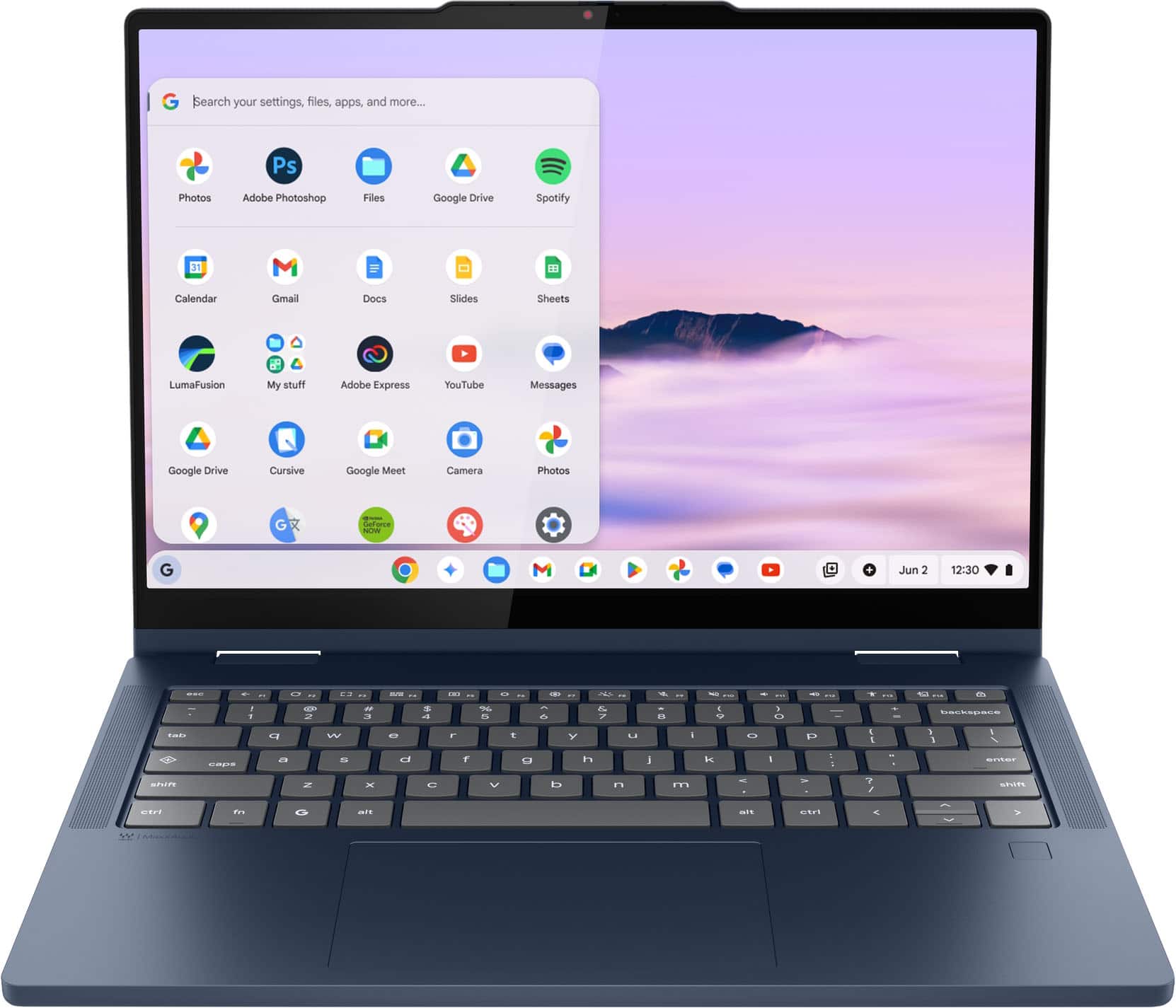
  • QuestionCan you run microsoft office programs with the Google operating system? I noticed the pictures show Google's versions (docs, slides, sheets, etc.) but need Microsoft Office for school requirements...

    Asked by Anonymous.

    • Answer Hey, indeed you can. Currently the highest recommended solution for using Office on Chromebooks is via the web browser (online site in browser or via progressive web app (PWA), or you can download the individual Office apps you're looking for via the Google Play Store onto the Chromebook Plus 2-in-1 14. If you'd like to learn more about this, please visit the following Microsoft Support webpage for details: [https://support.microsoft.com/en-us/office/how-to-access-microsoft-365-on-a-chromebook-32f14a23-2c1a-4579-b973-d4b1d78561ad}. Feel free to reach out to us with any other questions!

      Answered by Lenovo Product Expert

  • QuestionCan I run Microsoft 365 on this?

    Asked by RP.

    • Answer Hey RP, In short, yes. This Chromebook uses G-Suite for office type programs like Docs for word processing, Slides for presentations, Sheets for spreadsheets, and more. Most G-Suite apps are preinstalled on Chromebooks and are compatible with most Microsoft Office program file types. If you currently have a Microsoft Office 365 subscription, you can access that existing account and use the available apps via the Microsoft 365 app on your Chromebook. Should you wish to learn more about using M365 on Chromebooks, please following this web address: (https://support.microsoft.com/en-gb/office/how-to-access-microsoft-office-on-a-chromebook-32f14a23-2c1a-4579-b973-d4b1d78561ad#:~:text=Open%20the%20browser%20on%20your,with%20your%20Microsoft%20365%20subscription.) to view a Microsoft Support webpage with details. Please feel free to reach out to us with any other questions!

      Answered by Lenovo Product Expert

  • QuestionAre you able to download apps such as Libro and Libby? Can I connect it to my current Apple Storage? I have a macbook and iPad - looking to transfer, but would like to utilize some of the same functionality I am accustomed to. Are there apps for podcasts?

    Asked by moomoosubaru.

    • Answer Hi moomoosubaru, thanks for your question. Yes, the Lenovo Chromebook Plus 2 in 1 will support both Libby and Libro. Both services recommend using the latest version of Chrome for the best experience. We also suggest saving both sites as bookmarks for quick and easy access. The Lenovo Chromebook Plus 2-in-1 can also access your existing iCloud account by visiting iCloud.com. From there, you can store and access files and photos, send and receive emails, manage contacts, create and edit notes, and manage your calendar. Regarding podcast apps, the Google Play Store offers multiple options, including Google Podcasts, which allows you to import your existing shows from your current app. Please feel free to reach out if you have any further questions.

      Answered by Lenovo Product Expert

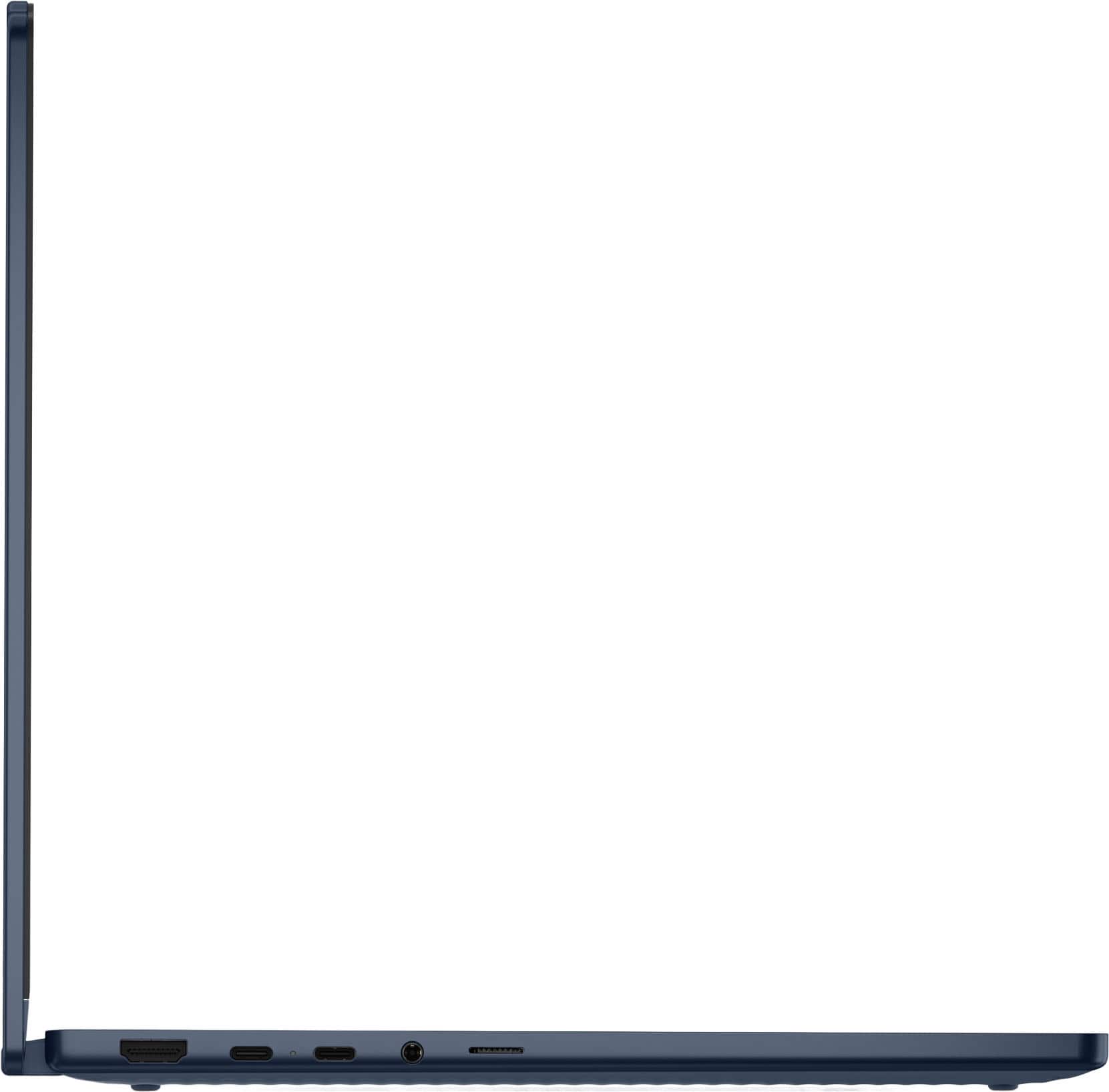
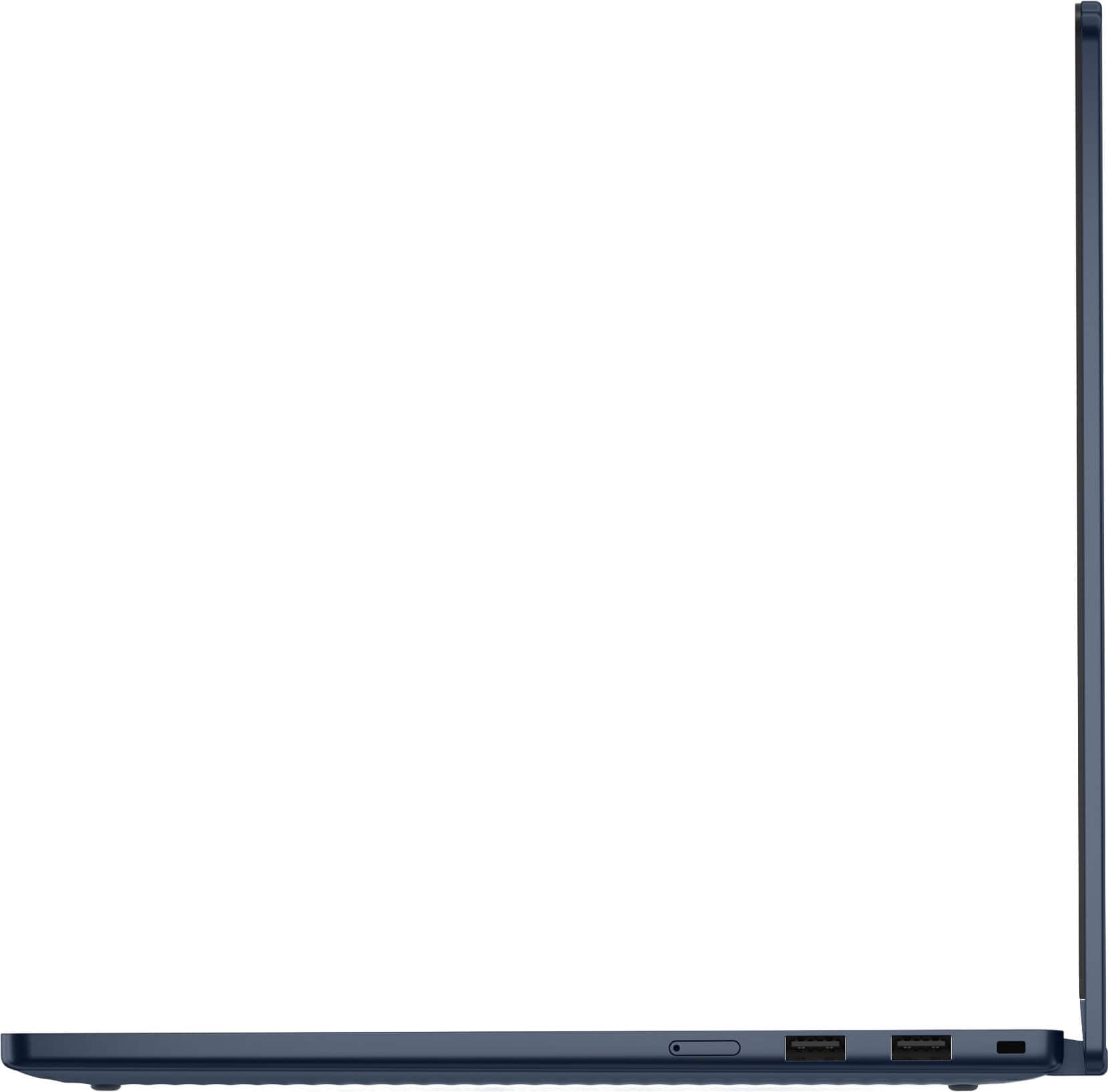
  • QuestionDoes this device support external hubs with multiple USB C ports

    Asked by Vern.

    • Answer Hey Vern, You shouldn't have an issue using a USB-C hub with this Chromebook Plus, with many hubs being 'Works with Chromebook' certified. Please feel free to reach out to us with any other questions!

      Answered by Lenovo Product Expert

  • QuestionCan you add a second monitor

    Asked by Anonymous.

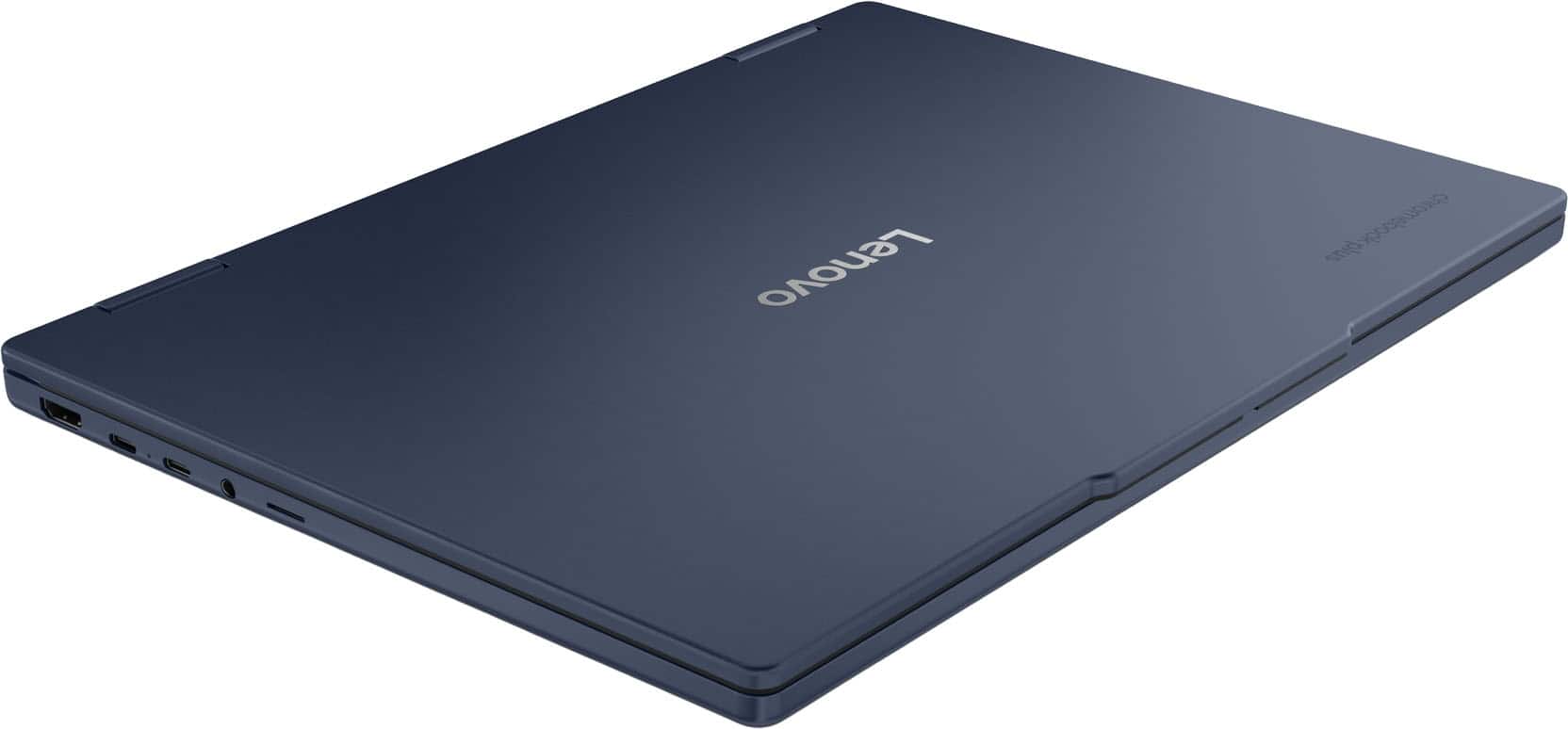
    • Answer Hey, You can connect an external monitor via the laptop's HDMI or USB-C port. Please feel free to reach out to us with any other questions!

      Answered by Lenovo Product Expert

  • QuestionDoes this Chromebook have Windows 11?

    Asked by Manjit.

    • Answer It's a chromebooks so its ChromeOS.

      Answered by GreggO