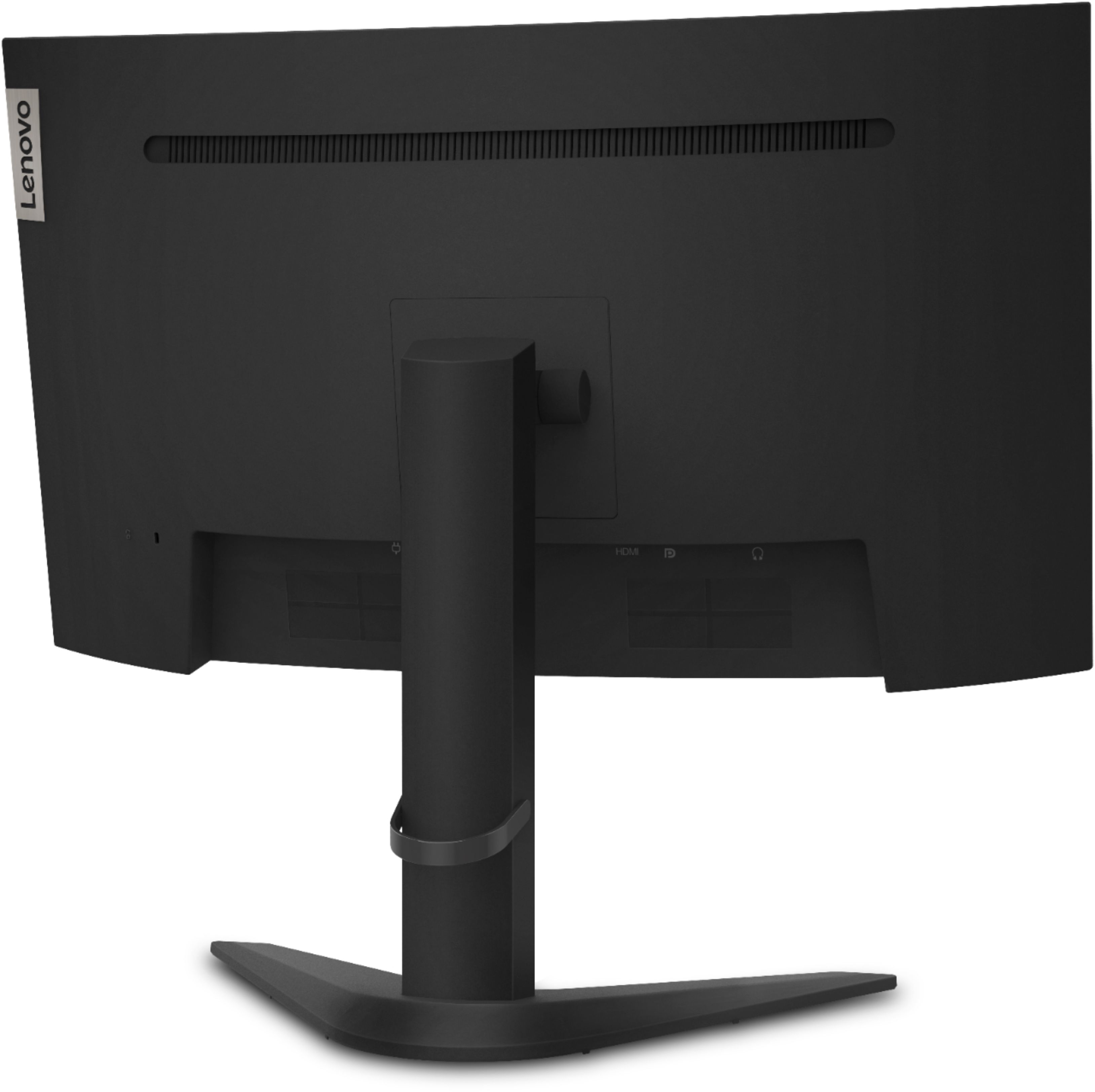
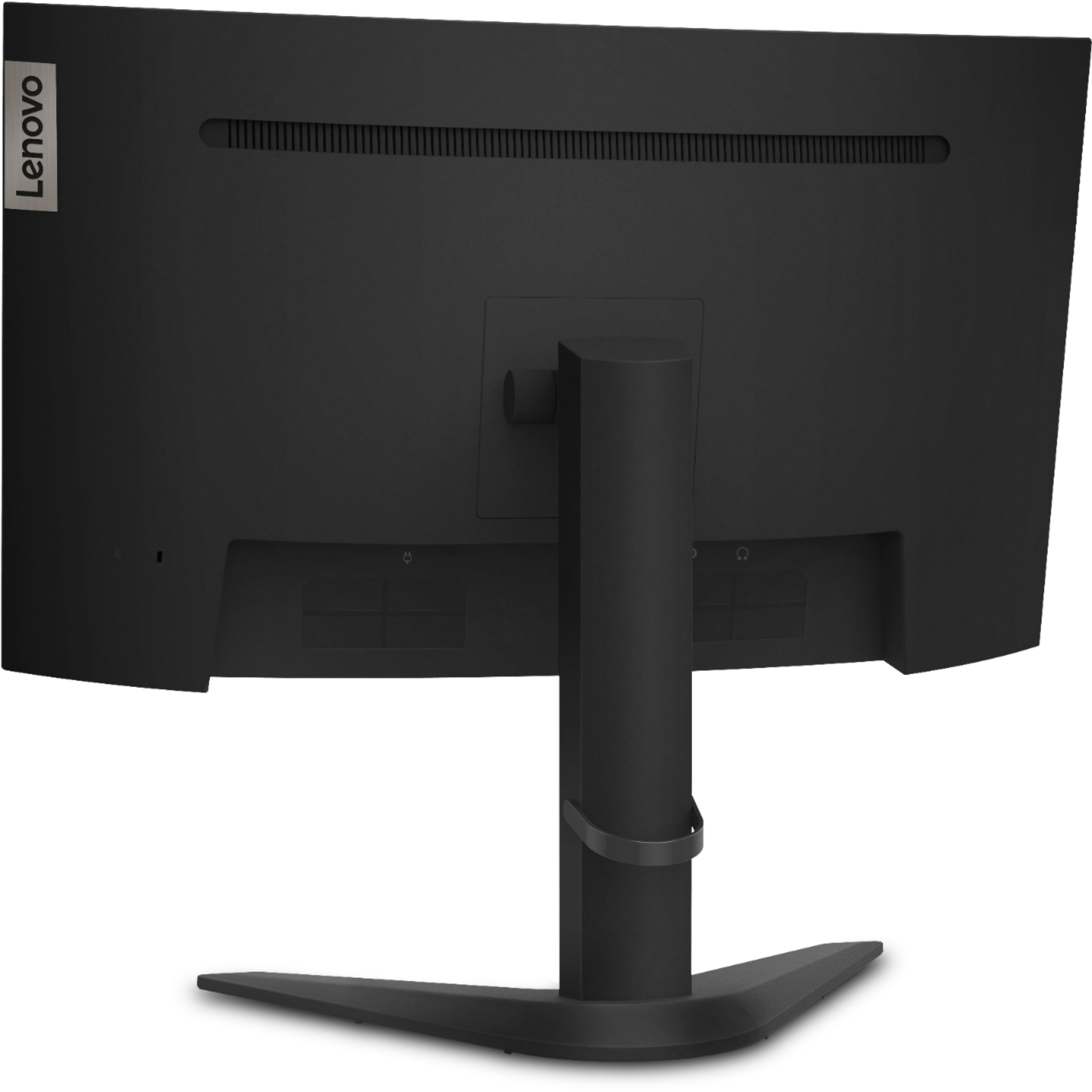

A:Answer What is your graphics card and what cables are you using? If you are using a Nvidia card, you have to have a display cable. If you are using the display cable then you need to go to G sync, you can from right click on the desktop, choose Nvidia Control panel, display, and change resolution. If you are using an AMD card then you can with the AMD software and by using just the HDMI cable which comes with the monitor. If you do not have either of those brands of graphics cards, you will be unable to get past 60 hz.