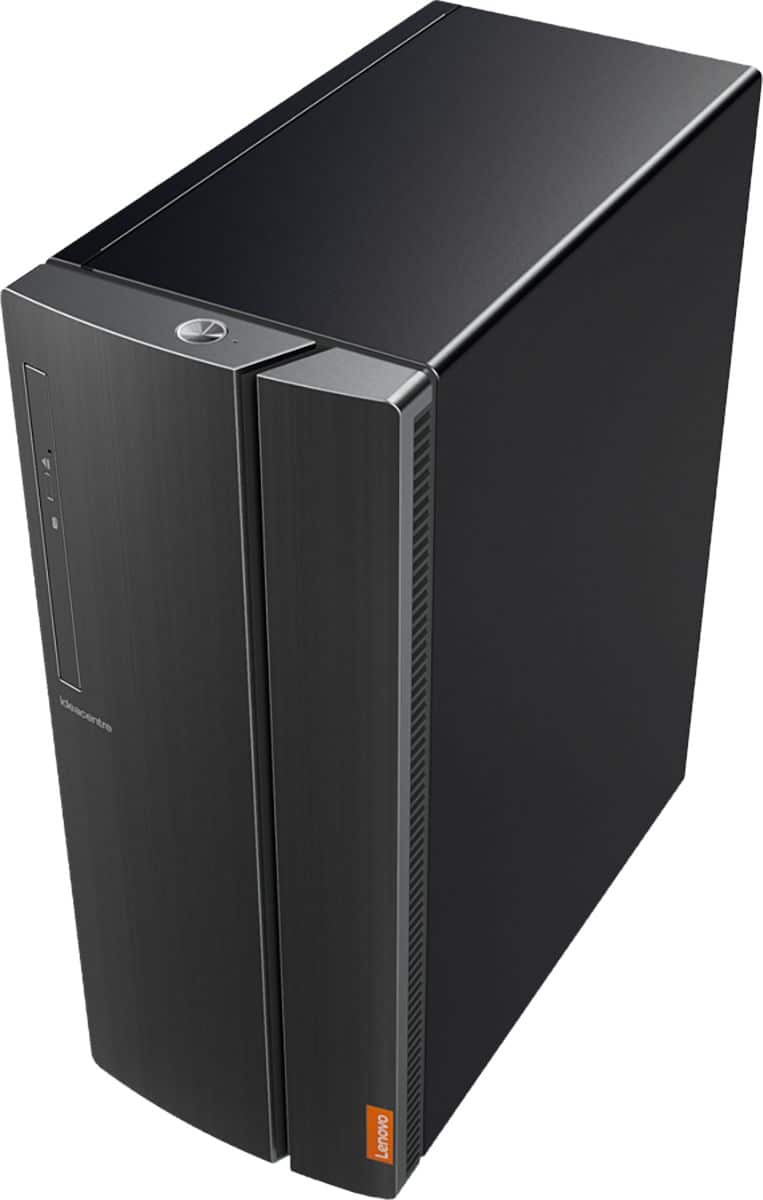
A:AnswerThe Lenovo IdeaCentre 510A Desktop, model number 90HV0005US, has Bluetooth 4.1 capability build in. Here is a link to instructions for turning on the Bluetooth capability within this computer: https://support.microsoft.com/en-us/help/4027630/windows-10-turn-bluetooth-on-or-off. Pair the compatible Bluetooth 4.1 speakers to this computer based on the pairing instructions provided by the speaker manufacturer.
A:AnswerThe Lenovo IdeaCentre 510A Desktop, model number 90HV0005US, ships with an external 180W power supply. Whether a specific GPU will work with this model will depend on the requirements and compatibility of the specific GPU. We recommend you check with the GPU manufacturer for its specific requirements and compatibility.
A:AnswerYou can purchase the Windows 10 Pro upgrade and install it. We recommend you use the "Live Chat" feature on the product web page for this product at BestBuy.com and inquire about the upgrade possibility of having the Best Buy Geek Squad doing the upgrade for you.
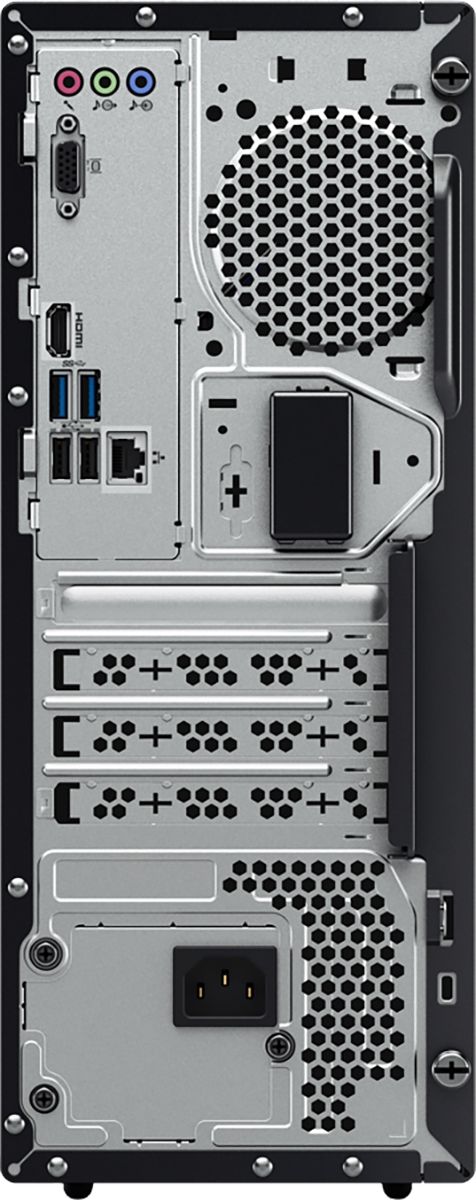
A:AnswerThere is one open PCIe x16 slot within this configuration. The power supply is a 180W external version. Whether you can install a specific GPU within this configuration will depend on the requirements of the specific GPU. We recommend you consult with the manufacturer of the GPU you want to use.
A:AnswerHere is a link to instructions for creating Windows 10 Recovery Media that is bootable from the drive: https://support.microsoft.com/en-us/help/4026852/windows-create-a-recovery-drive. Here is a link to instructions for accessing the BIOS within Windows 10: https://www.laptopmag.com/articles/access-bios-windows-10. As with any software, installing it to this device will depend on the specific software's requirements and compatibility with Windows 10. We recommend you check with the Operating System's publisher's web site for their compatibility with Windows 10 Home 64-bit operating system and the minimum/recommended hardware requirements (Is a Graphics card required, the processor speed and the minimum required system RAM and the minimum available hard drive space) to run their program, then compare those requirements to this system's configuration.
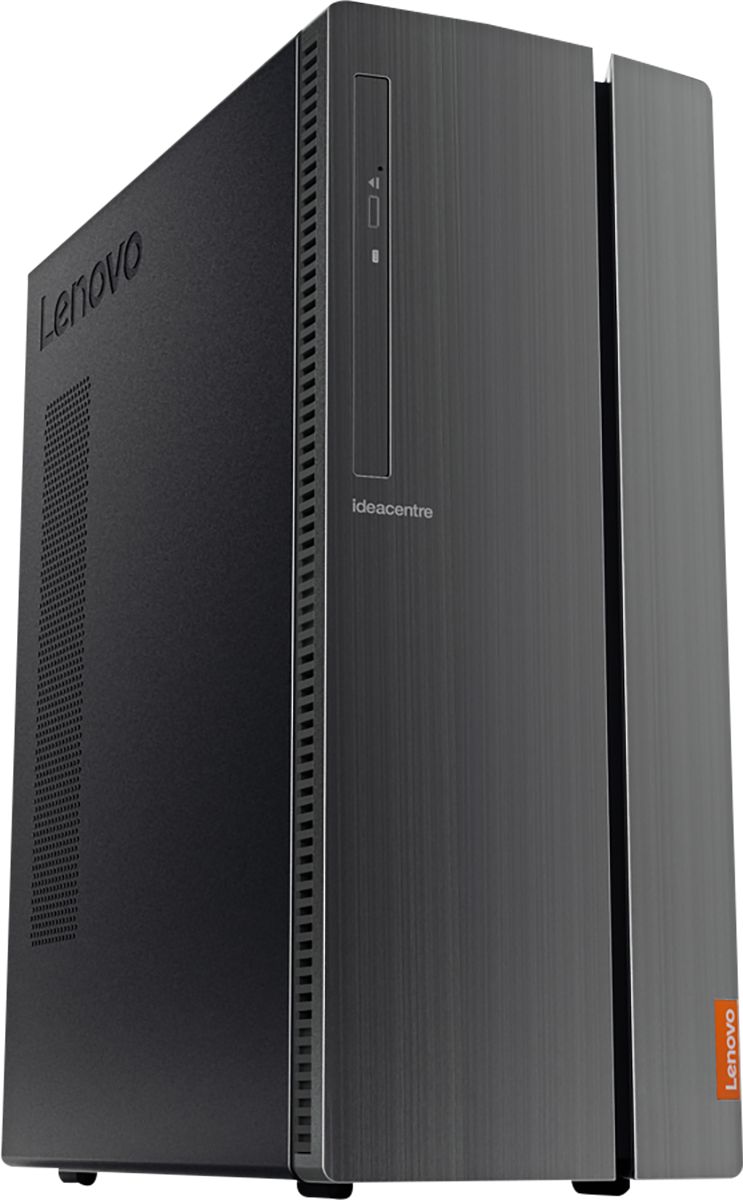
A:AnswerModel number 90HV0005US has one VGA and one HDMI port with video out. Here is a link to instructions for connecting and detecting a second monitor within Windows 10: https://www.windowscentral.com/how-fix-your-second-monitor-not-being-detected-windows-10
A:AnswerThis system is a Windows 10 Home system. We recommend you contact Microsoft about whether this version of Windows 10 is down gradable to Windows 7.