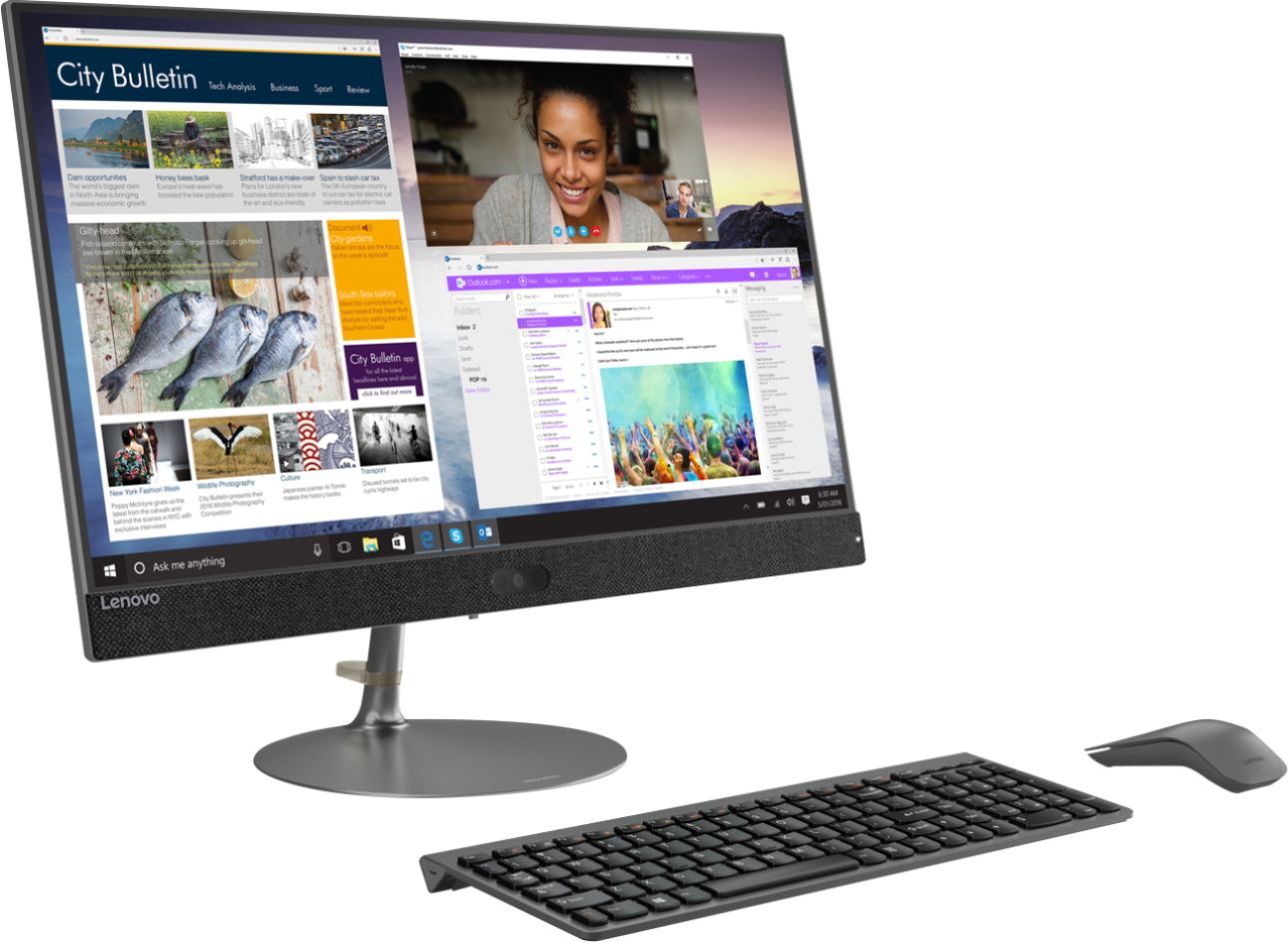
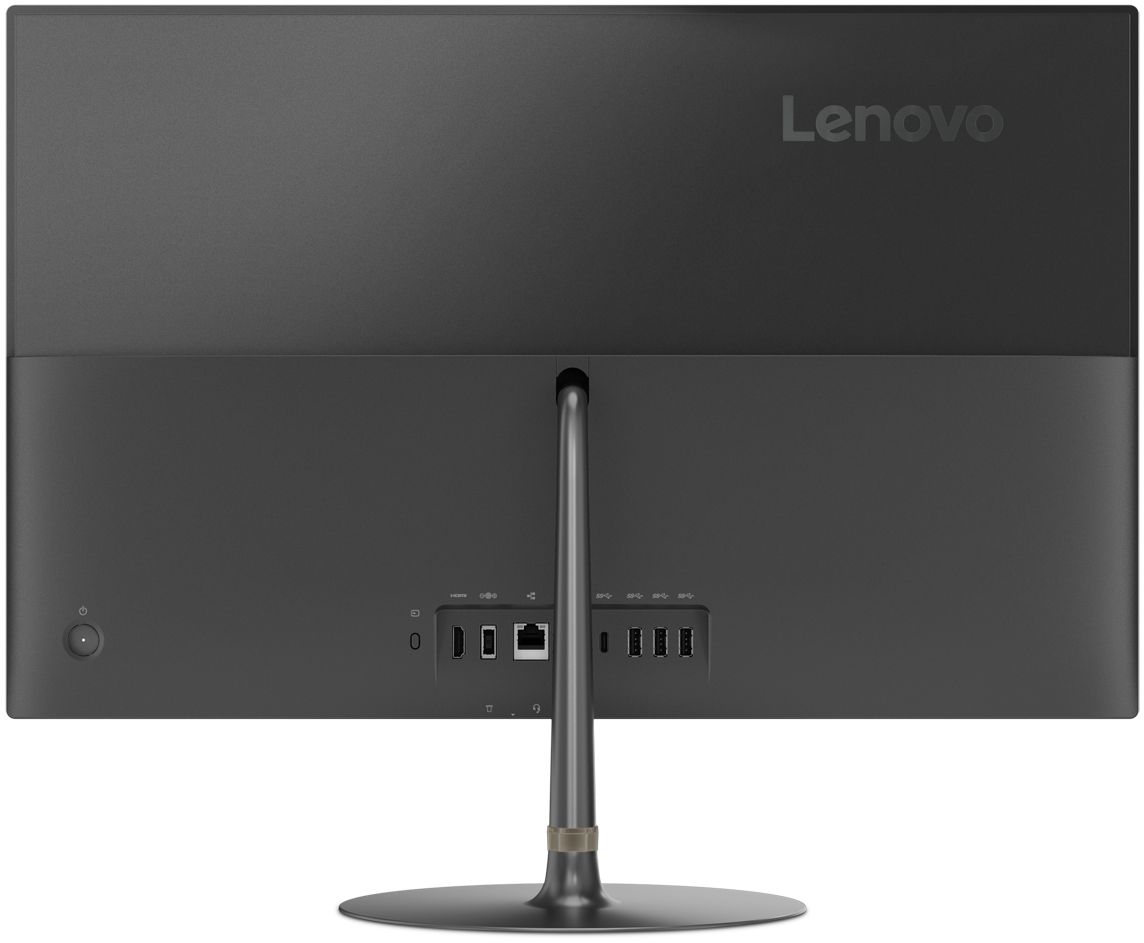
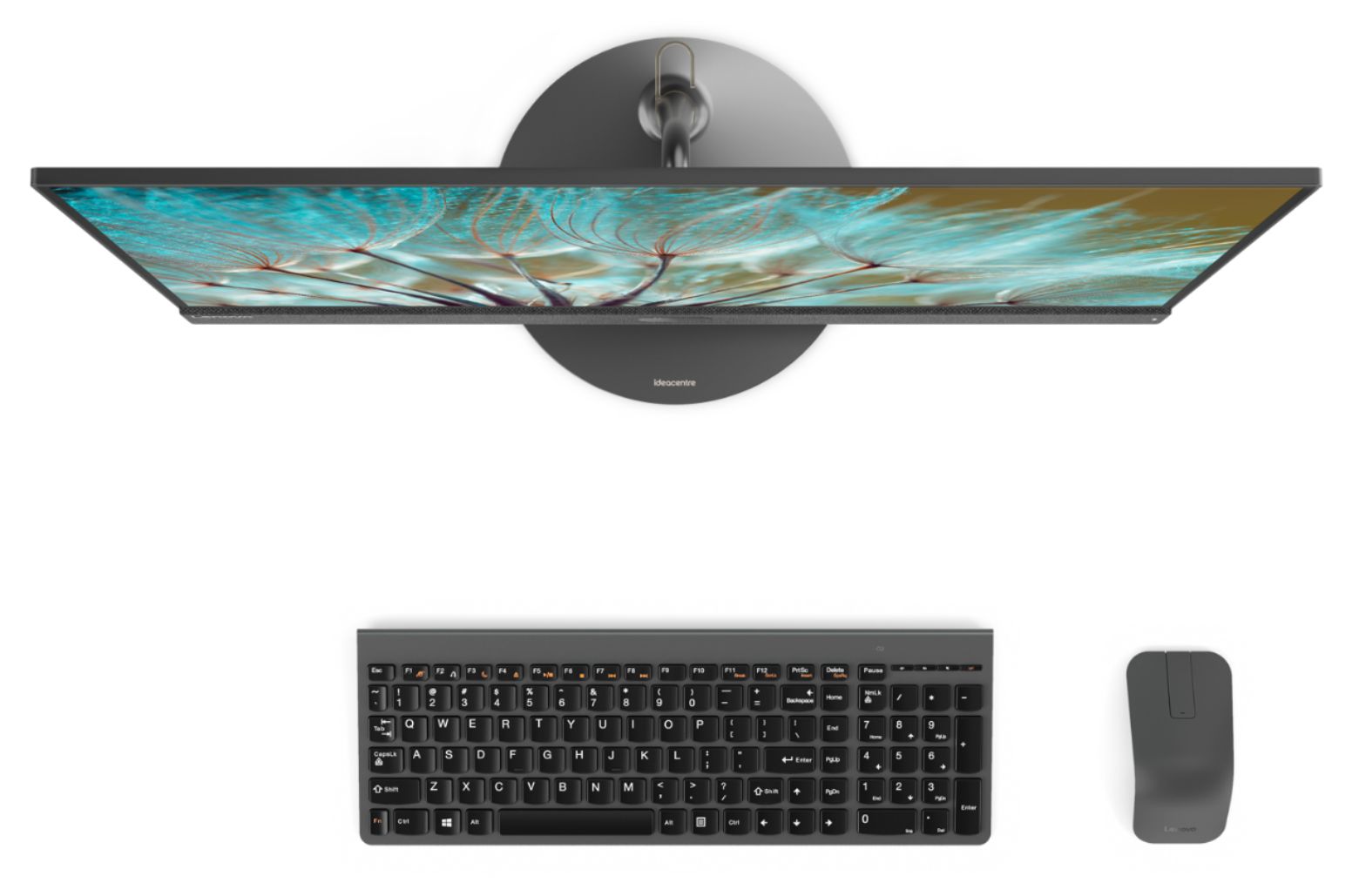
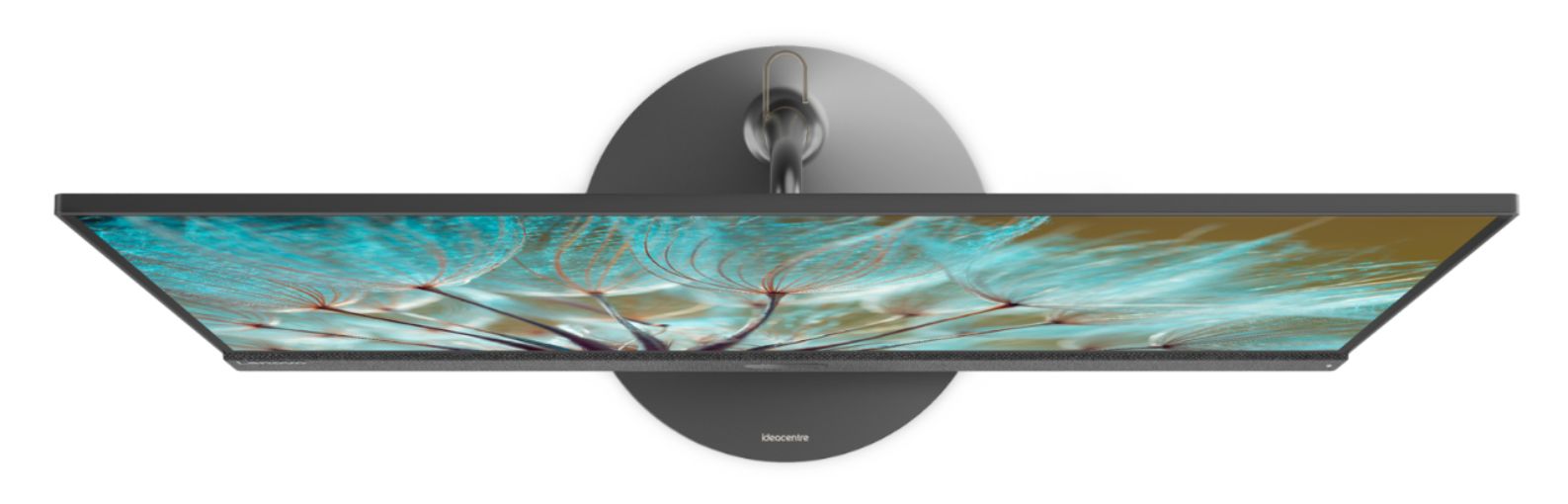
A:AnswerYes. The Lenovo IdeaCentre 730s-24 All-In-One system ships with an HDMI-Out port to connect an external monitor. You can then use the system screen plus the external screen for two total screens.
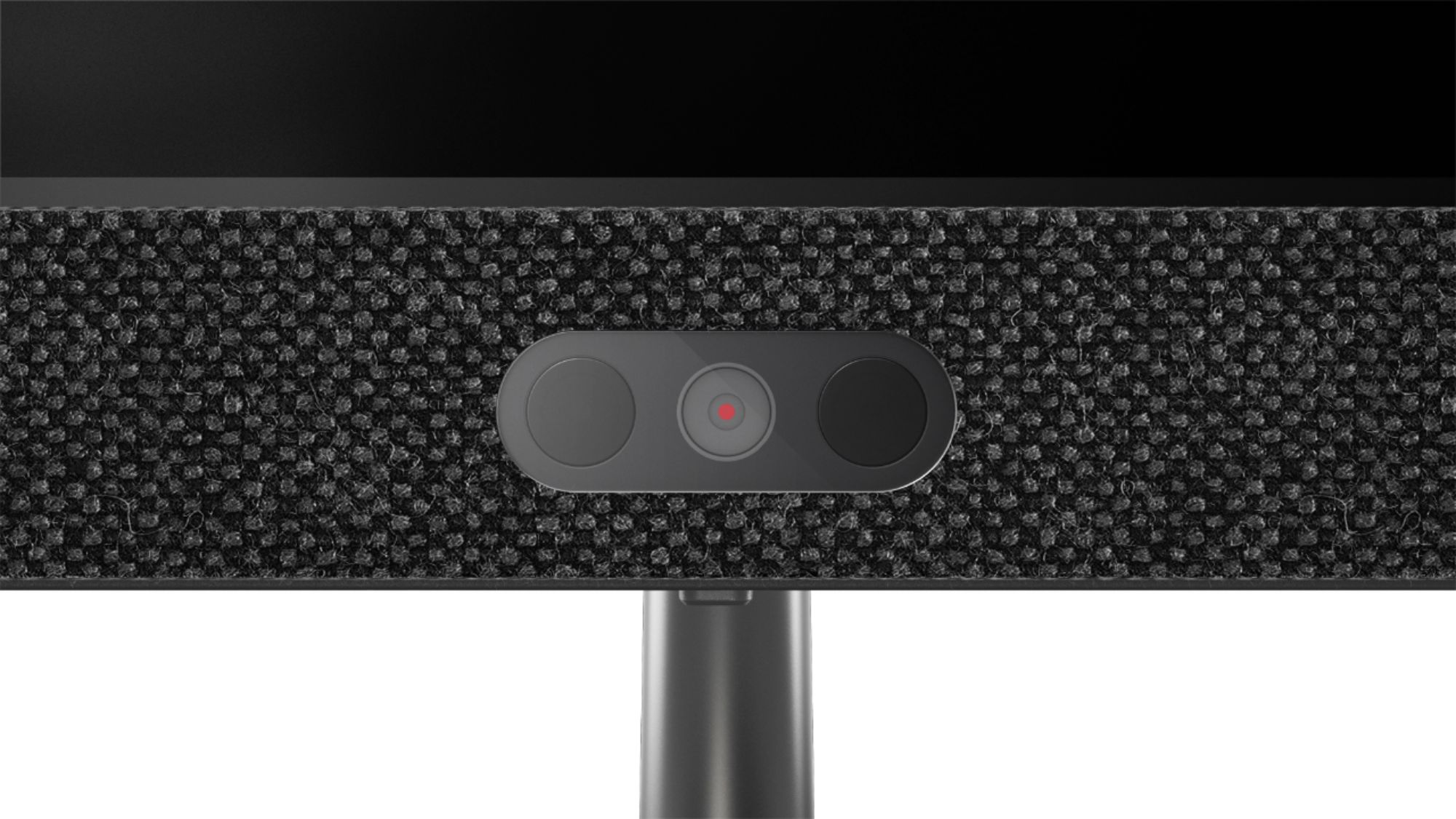
A:AnswerThere is a built in web cam and microphone within this model. We recommend you check with the software publisher's web sites of the software you will need to use, for their compatibility with Windows 10 Home 64-bit operating system and the minimum/recommended hardware requirements (Is a Graphics card required, the processor speed and the minimum required system RAM and the minimum available hard drive space) to run their program, then compare those requirements to this system's configuration.
A:AnswerYes. The Lenovo IdeaCentre 730s-24 All-In-One System, model number F0DY001XUS, ships with a 3 in 1 Smart Card Reader, compatible with SD, SDHC, SDXC smart cards.
A:AnswerYes, this Lenovo IdeaCentre 730s-24 All-In-One system, model number F0DY001XUS ships with the Quad-Core/Eight-Thread Intel Core i7-8550U processor. This processor does have a base speed of 1.8GHz and a Turbo Boost Speed of up to 4.0GHz. This means that this processor will automatically modulate the processor's speed, depending on the workload the computer is experiencing. The user does not have to do anything to change the processing speed, the computer does it automatically. This gives the computer a wide range of software that it can handle, through varying workloads.
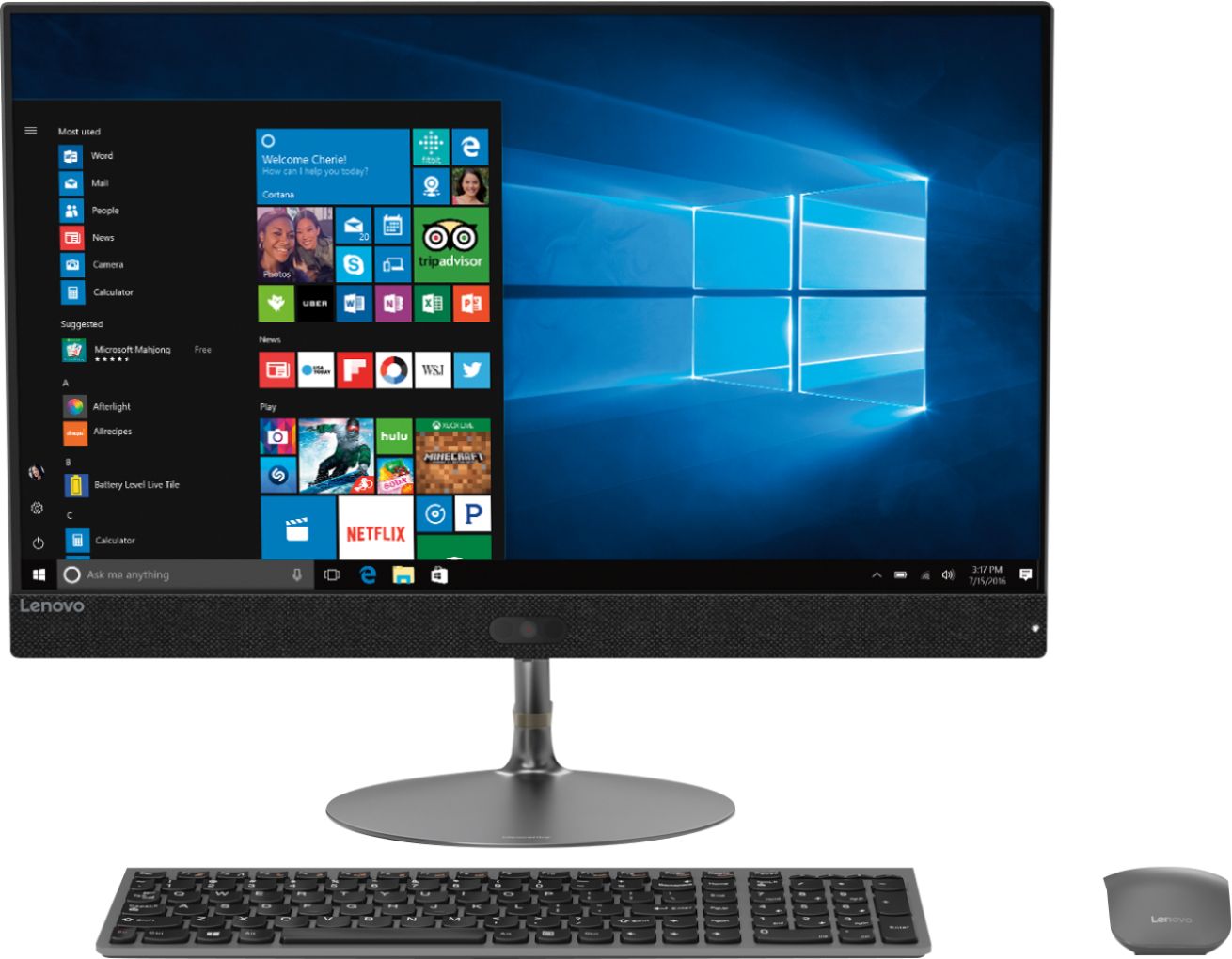
A:AnswerNo. The Lenovo IdeaCentre 730s-24 All-In-One system, model number F0DY001XUS ships with a glossy, IPS LED Panel. This All-In-One computer is not wall mountable. Here is a link to a 27-inch All-In-One 4K, anti-glare screen model: https://www.bestbuy.com/site/lenovo-yoga-a940-27icb-27-touch-screen-all-in-one-intel-core-i7-16gb-memory-1tb-hard-drive-256gb-solid-state-drive-gray/6325579.p?skuId=6325579
A:AnswerThis model is not user upgradable. A certified technician must do all of the work, so as to not void the warranty. We recommend you consult your certified technician for your upgrade options.
A:AnswerThis sounds like normal operation. If you feel the system is not running normally, we recommend you visit a local Best Buy and have the Geek Squad evaluate the system operation.
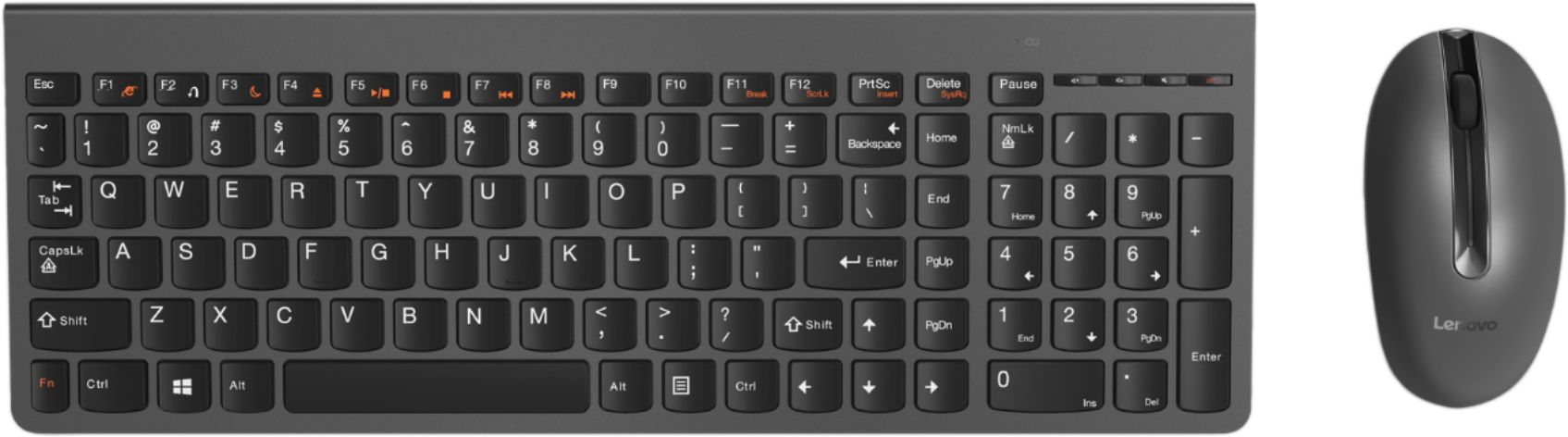
A:AnswerFirst, install the included batteries into both the keyboard and mouse. Second remove the USB 2.4GHz wireless receiver from the battery compartment of the mouse and plug it into a USB port on the computer. Third, turn on the keyboard and mouse (if there are on/off switches visible). The keyboard and mouse should now work. If it doesn't, we recommend you call Lenovo Tech Support at: 877-453-6686.
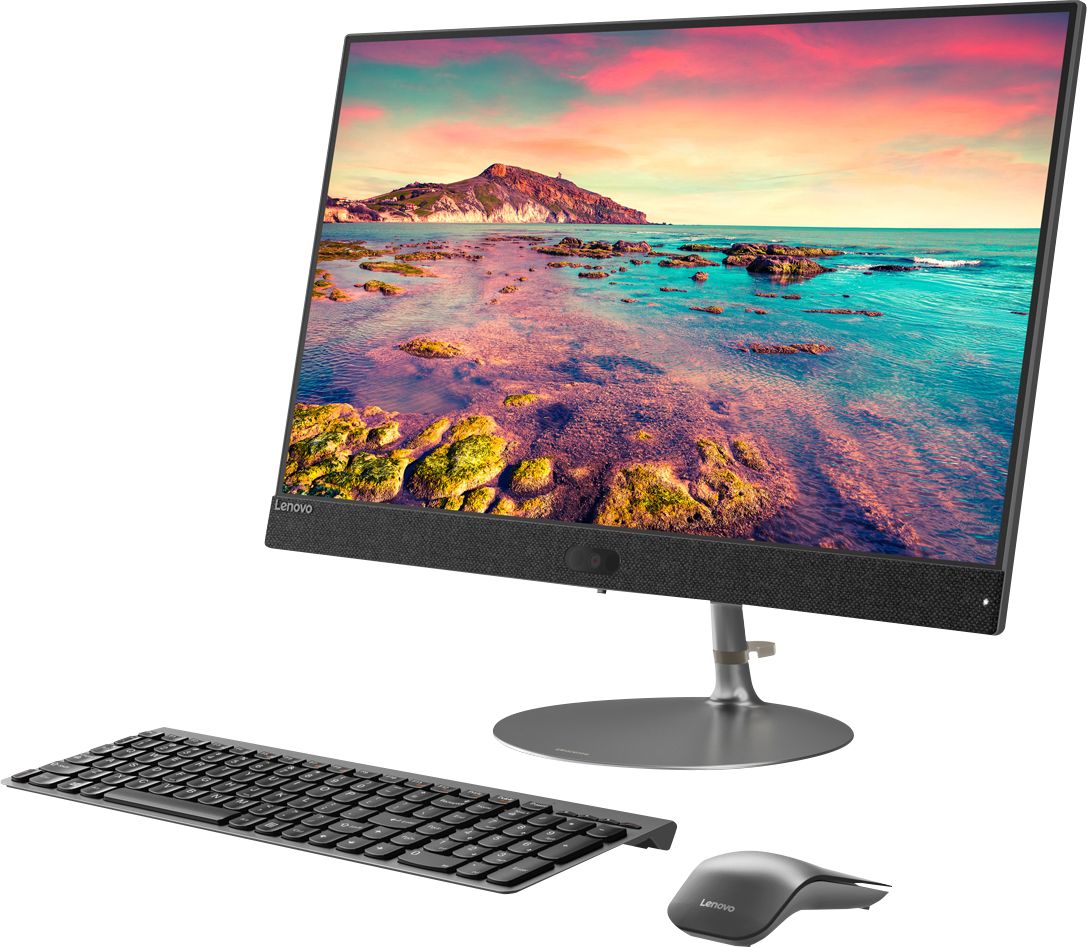
A:AnswerWith an All-In-One computer, there is no "Big Box" that you need to have at your feet or on the desk, in addition to the monitor, keyboard and mouse. With the All-In-One system, all of the components are built into the monitor itself - The "Big Box" is gone. You have monitor (with the computer built in), keyboard and mouse - That's all you need.
A:AnswerThe Lenovo IdeaCentre 730s-24 All-In-One system ships with the Quad-Core/Eight-Thread Intel Core i7-8550U processor, with a base speed of 1.8GHz and a Turbo Boost speed of up to 4.0GHz.