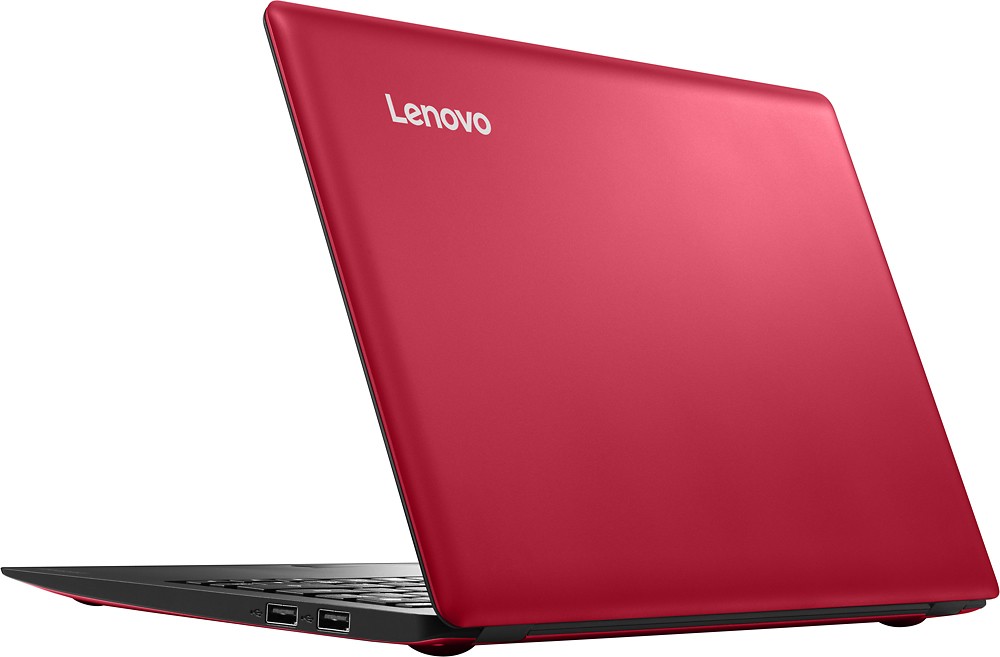
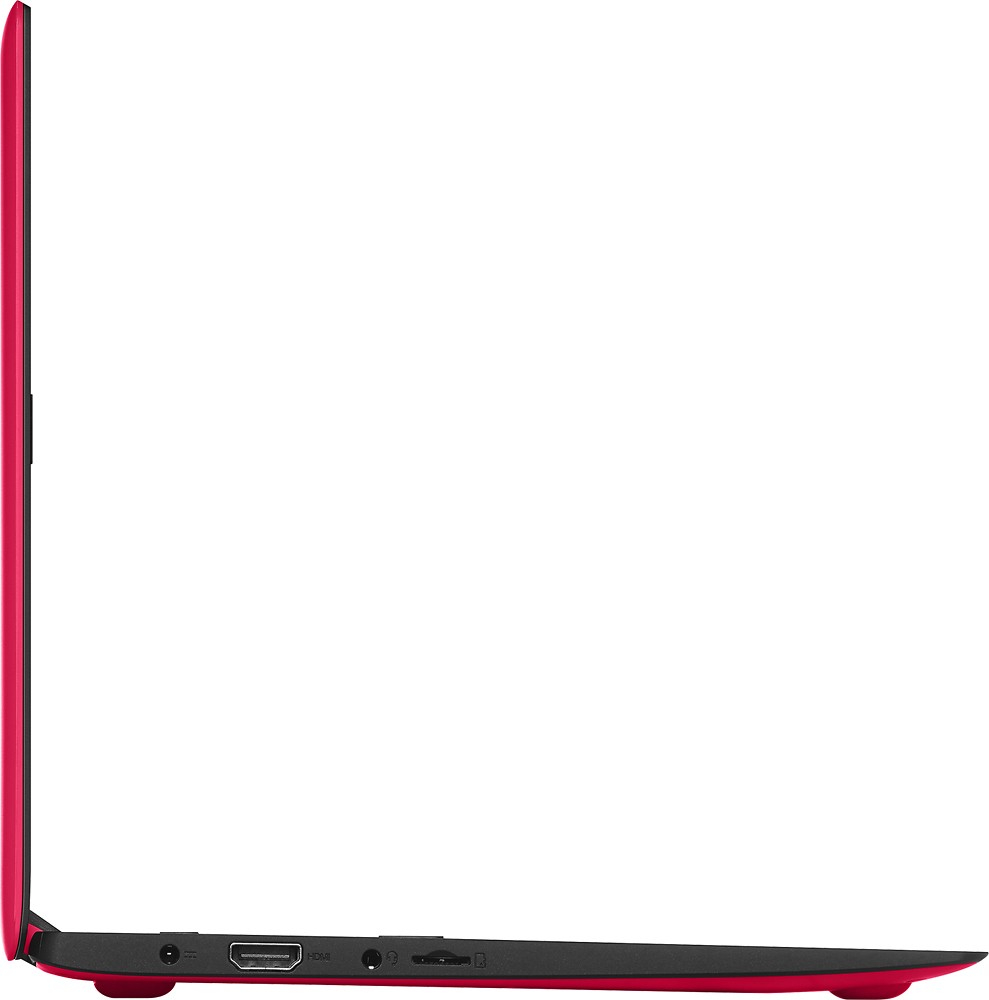
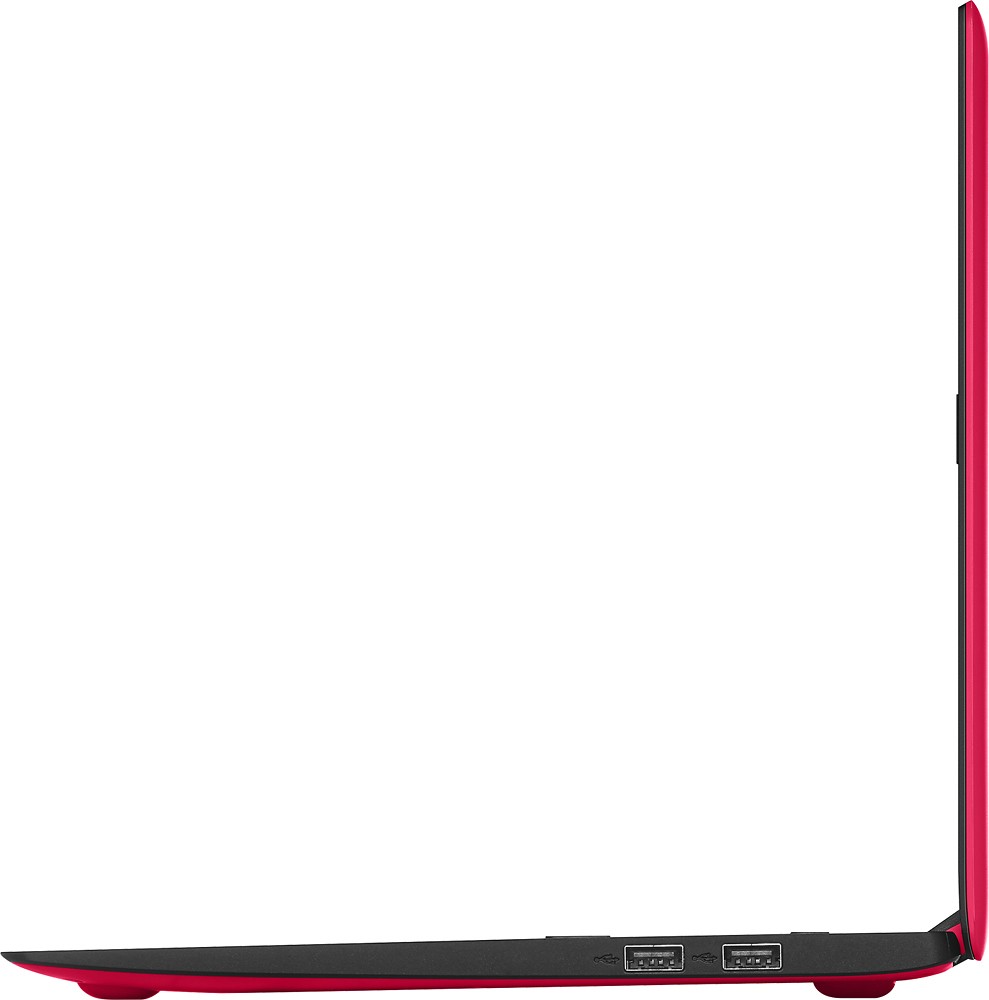
A:Answer Just plug in the flash drive in to the USB port on the system. Give the system time to recognize the drive. A window should pop up telling you a "new device is found, scanning". Once the proper drivers are found within Windows 10, a new pop up will open and say "device now ready". If the pop ups don't show up within 30 seconds, go to My PC look for the new drive double click on the external drive. You should see the files on the drive. Double click on the file you want to open. As log as the picture format you are using is compatible with Windows 10, the file should open. If it doesn't open, you may need to load software to the computer to view the picture. Close all open files. In My PC right click on the external drive. A window will open. Click on eject. You can now remove the drive.