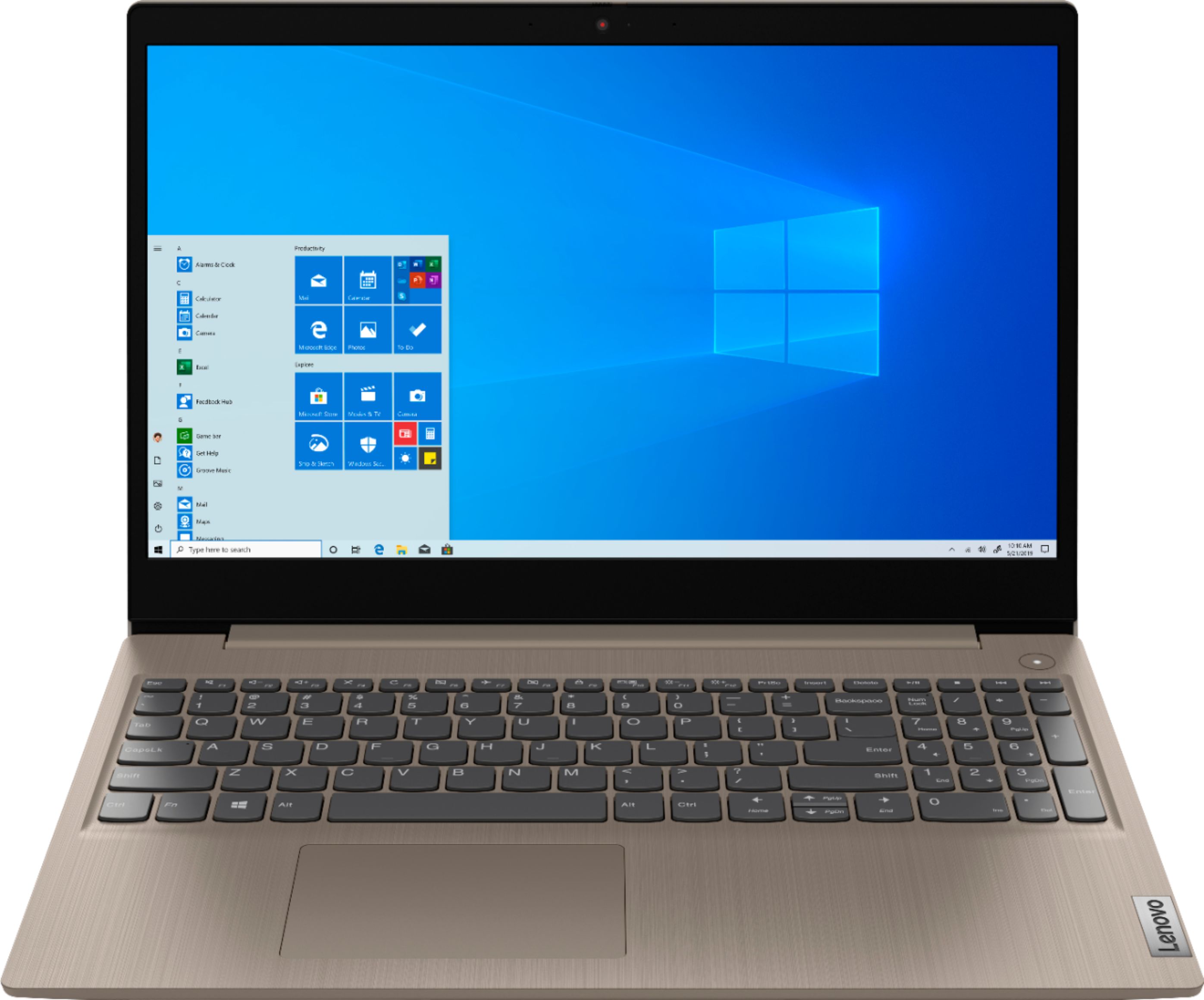
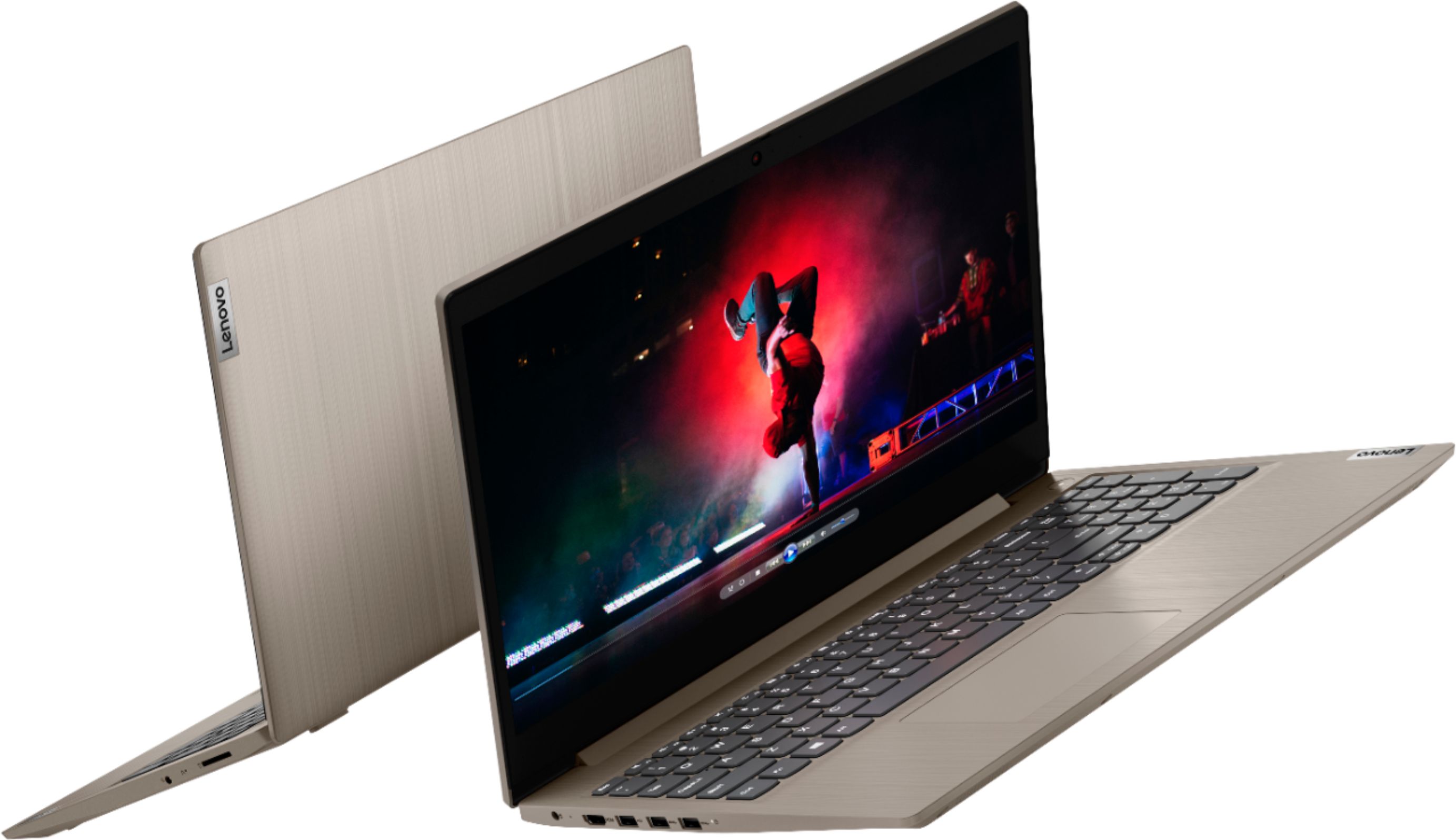
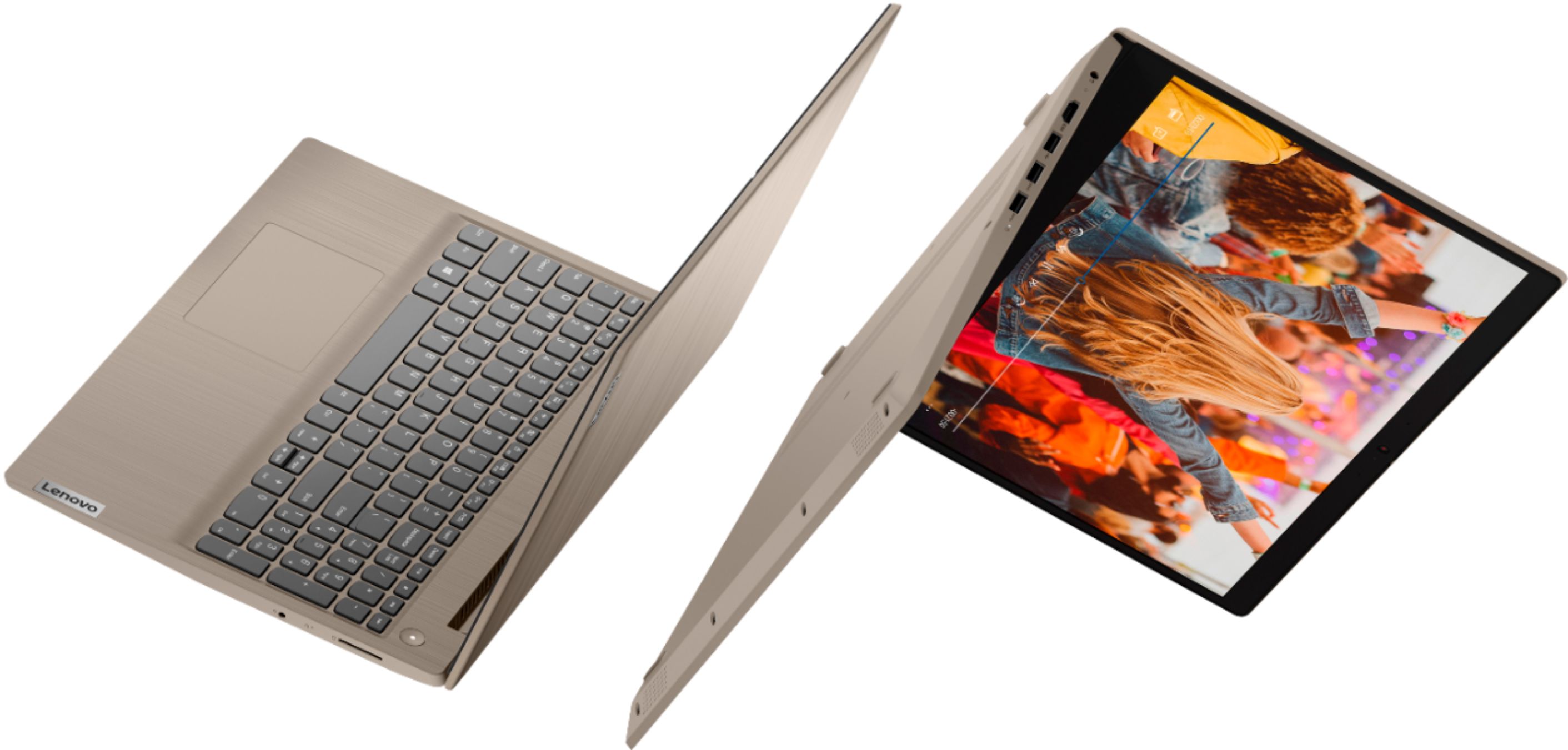
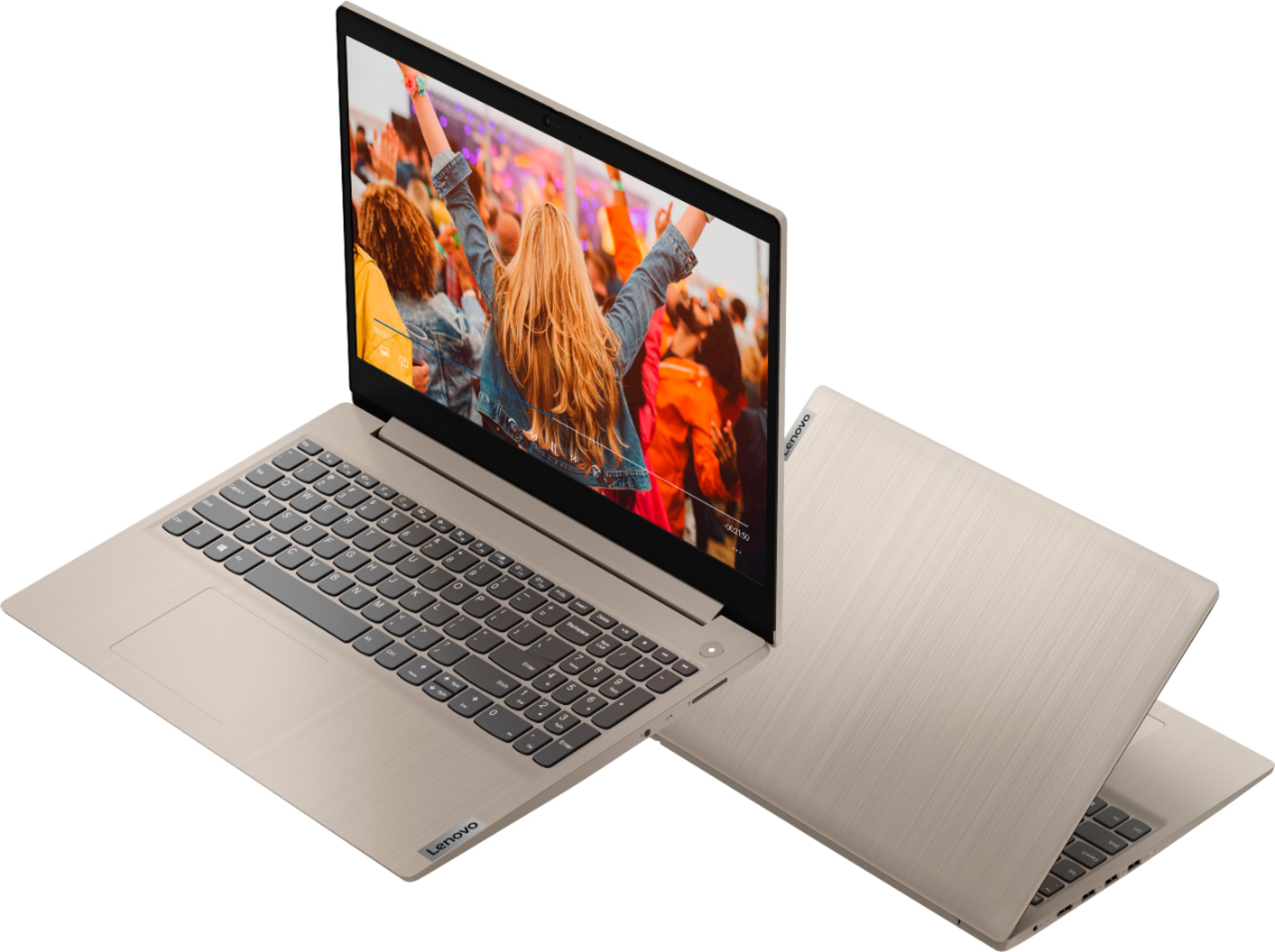
A:AnswerThe Lenovo IdeaPad 3 15 Laptop, model number 81WE00KVUS, ships with Windows 10 S-Mode 64-bit Operating System. Windows 10 S-Mode provides added security by only allowing APPs available ( and therefore certified by Microsoft) at the Microsoft Store. If you don't need the added security or you need to install APPs not available at the Microsoft Store, you can switch to standard Windows 10 Home 64-bit Operating System, at no additional cost. Here is a link to instructions for switching from Windows 10 S-Mode to Windows 10 Home: https://support.microsoft.com/en-us/help/4456067/windows-10-switch-out-of-s-mode
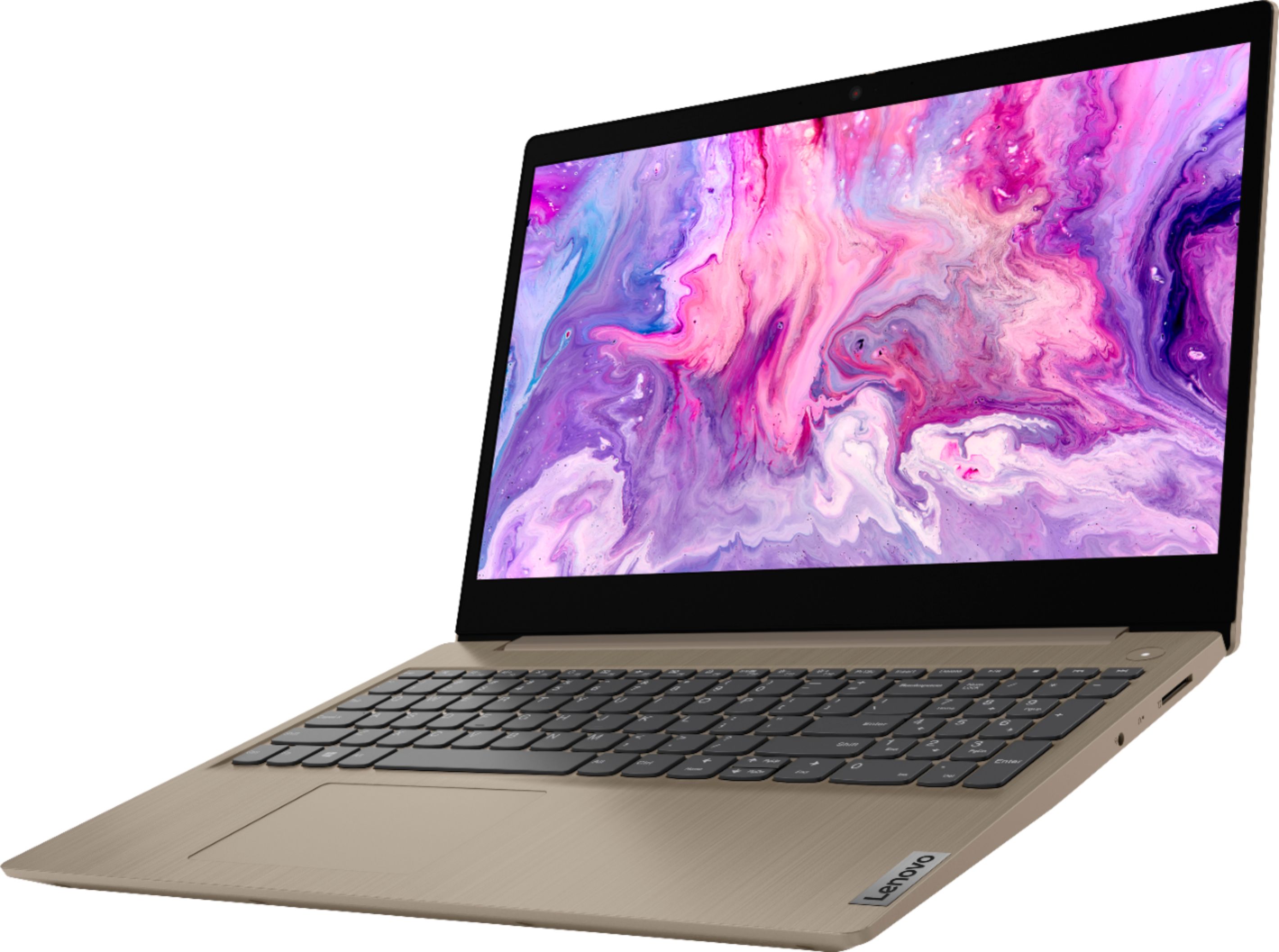
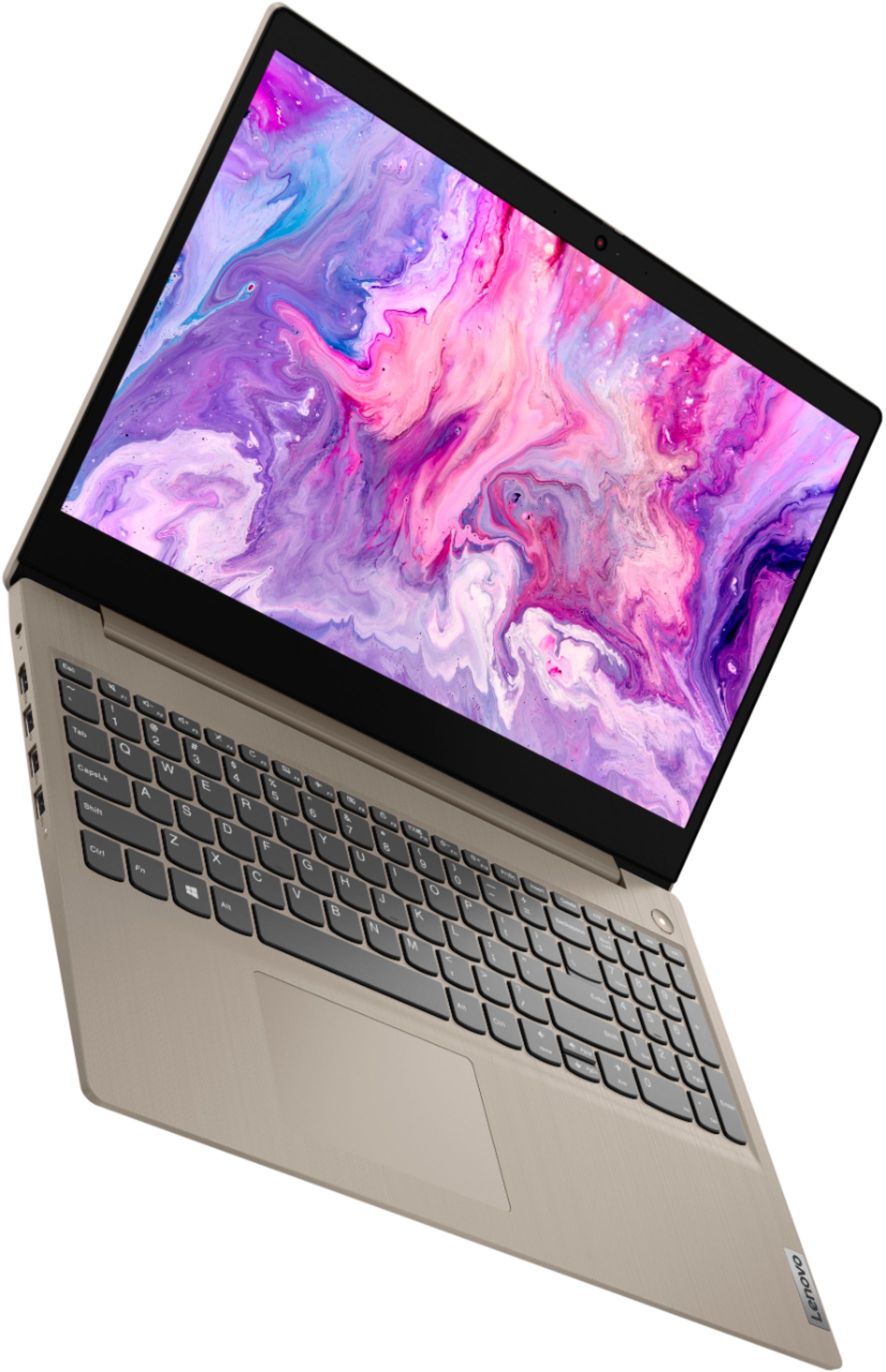
A:AnswerThe Lenovo IdeaPad 3 15 Laptop, model number 81WE00KVUS, ships with a Matte, TN LCD w/LED Backlight (Anti-glare) screen, with a resolution of 1366 X 768 (HD) and a brightness level of 250 nits.
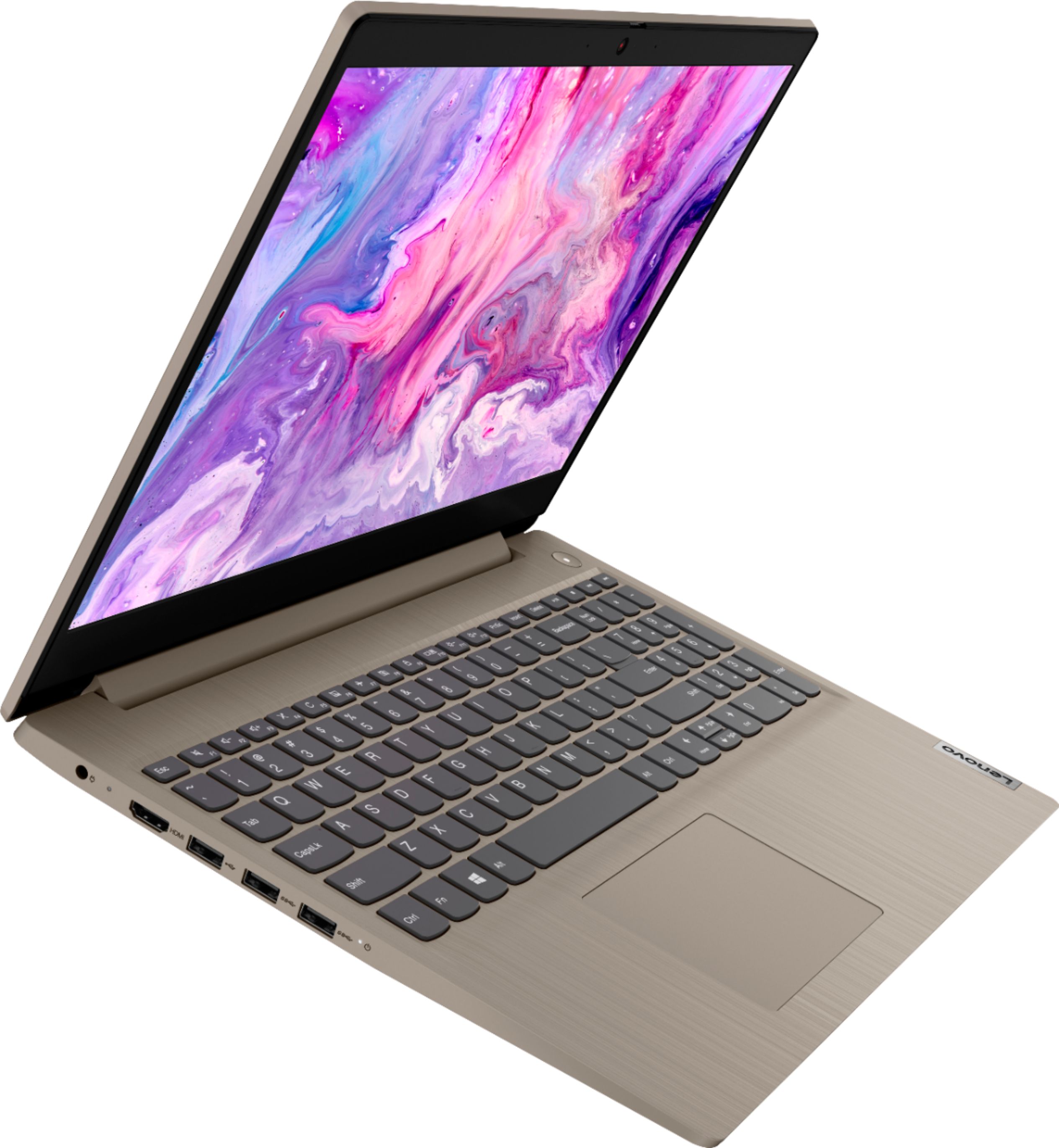
A:AnswerThe Lenovo IdeaPad 3 15 Laptop, model number 81WE00KVUS, does not have a built in CD/DVD drive built in. You can use an external, USB-based, Windows 10 compatible, CD/DVD drive with this laptop.
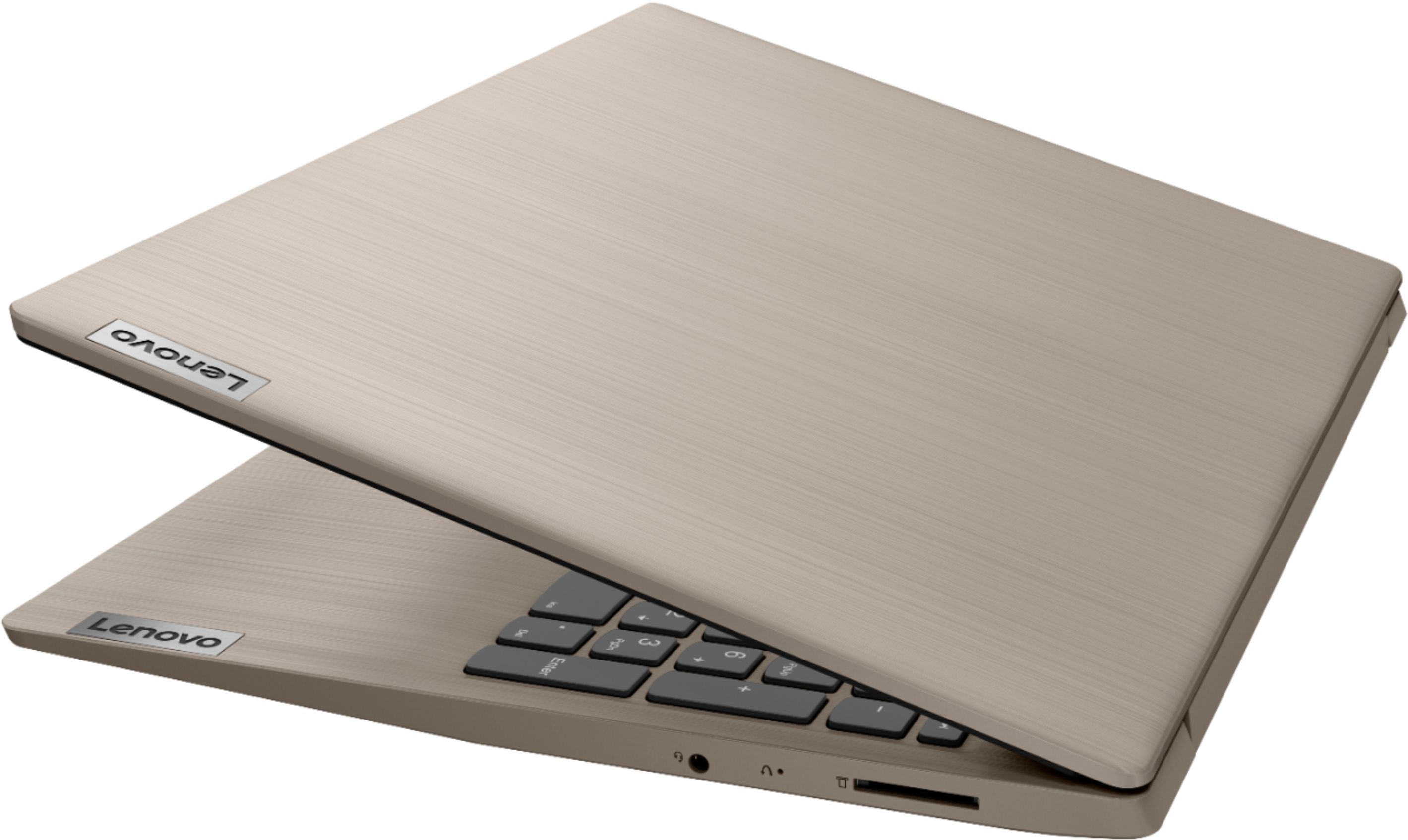
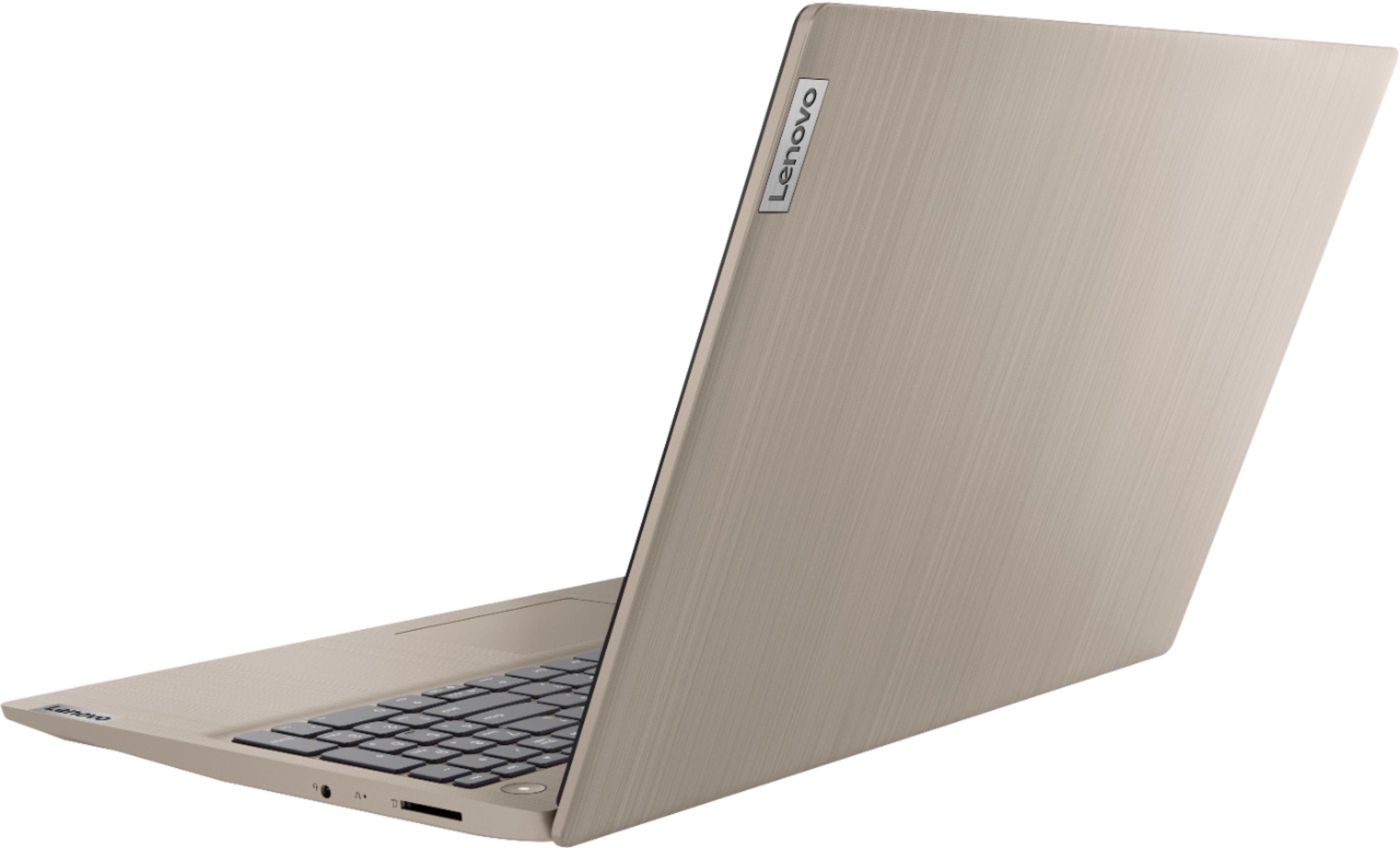
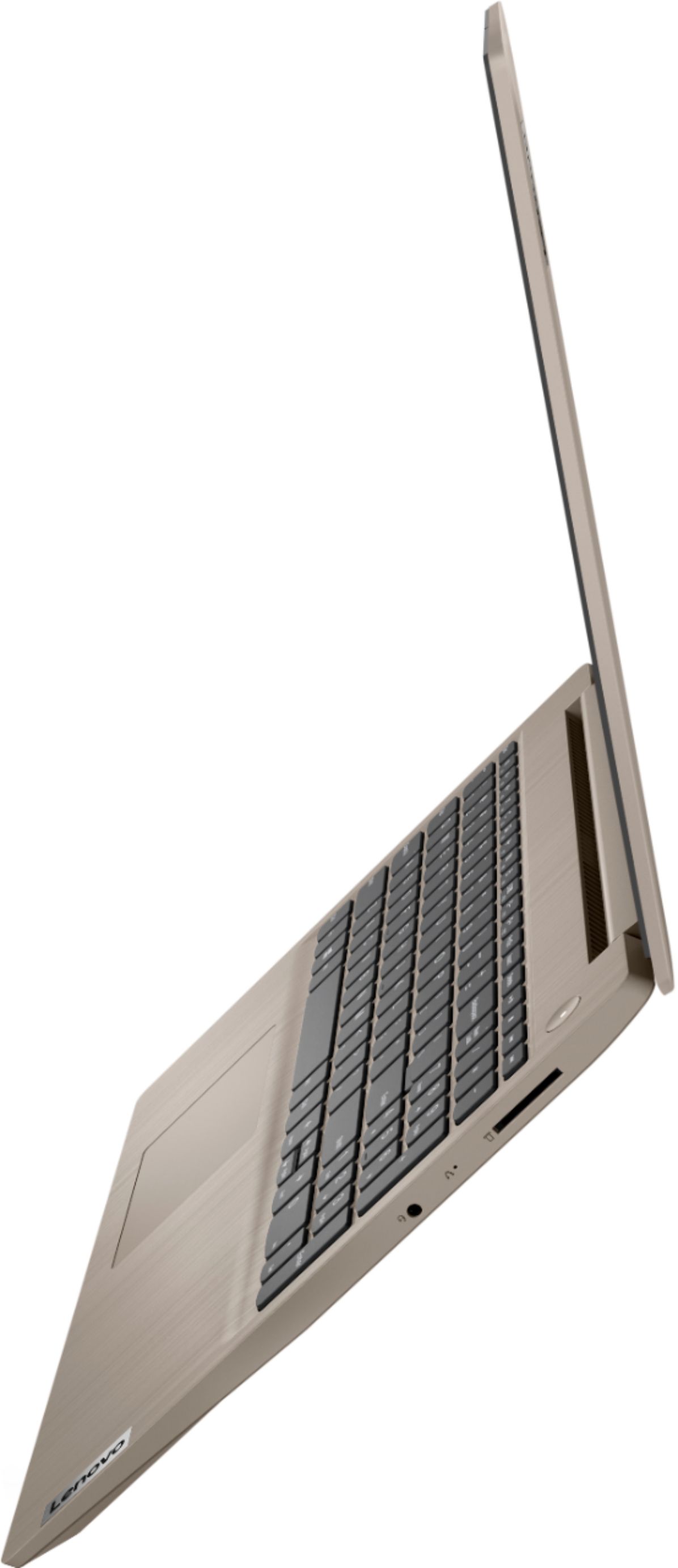
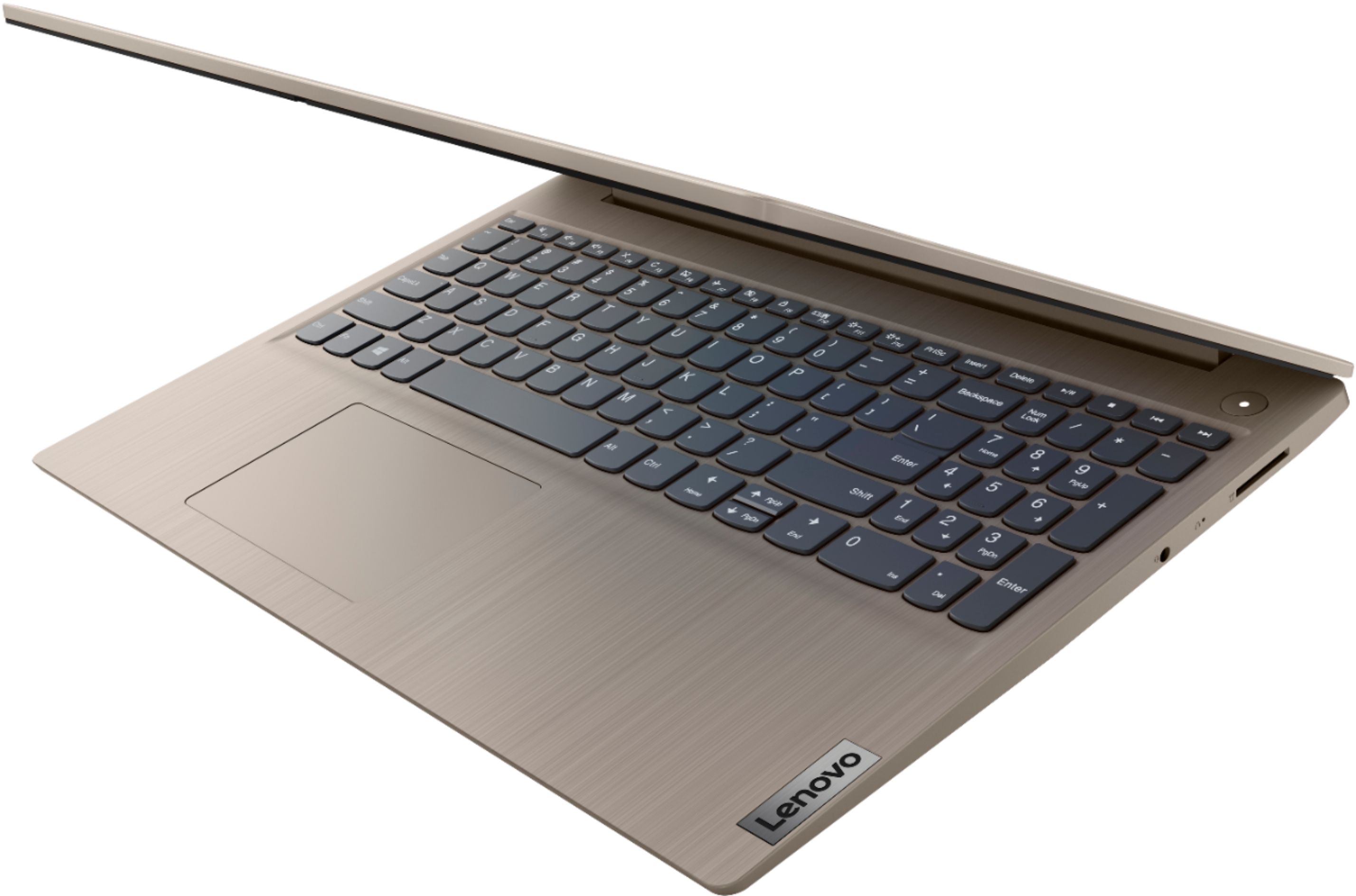
A:AnswerWhile the Lenovo IdeaPad 3 15 Laptop, does not have a built in ethernet port, you can connect this laptop to an ethernet cable via a USB to ethernet adapter.
A:AnswerI could not find this model# on several memory upgrade web sites, therefore I contacted Tech Support at MemoryStock.com. The Support Person told me that Lenovo 3 15 Laptop Model# 81WE00KVUS is actually “Ideapad 3 15IIL05”. He sent me the link below for RAM upgrade for this laptop:
Memory Upgrade for Lenovo IdeaPad 3 15IIL05 Laptop
https://www.memorystock.com/memory/LenovoIdeaPad315IIL05.html
I asked the Tech Support Person, “Are you positive this will work in my laptop?” He said “Yes”, and if it does not work, the DIMM could be returned. Therefore, I ordered the 16 GB DIMM which would give my laptop 20 GBs Total RAM including the soldered 4 GBs DIMM plus the 16 GBs DIMM I ordered. I ordered it and it works perfectly. My laptop now has 20 GBs of RAM!
A:AnswerYes! This computer can! I am going to be using google classroom and all the other things like docs, slides, and drive! I am also going to be using Canvas as well and i pretty sure this computer can handle that, you should switch out of S mode to access chrome and things like that easier!
A:AnswerHi Bill, The IdeaPad 3 15" model# 81WE00KVUS is the latest iteration of the IdeaPad 3 15" laptop. It features an Intel i3 10th gen processer. If you would like more information we recommend checking out our product page at https://www.lenovo.com/us/en/laptops/ideapad/ideapad-300-series/IdeaPad-3i-15ITL5/p/88IPS301421
A:AnswerThat will depend on the compatibility of your specific printer. The Lenovo IdeaPad 3 15 laptop, model number 81WE00KVUS ships with the Windows 10 S-Mode Operating System. Windows 10 S-Mode provides added security by only allowing APPs available ( and therefore certified by Microsoft) at the Microsoft Store. If you don't need the added security or you need to install APPs not available at the Microsoft Store, you can switch to standard Windows 10 Home 64-bit Operating System, at no additional cost. We recommend you contact your printer manufacturer for the compatibility of your specific printer model with Windows 10 S-Mode. It may be necessary to switch to Windows 10 Home to install the necessary drivers for your printer model. Here is a link to instructions for switching from Windows 10 S-Mode to Windows 10 Home: https://support.microsoft.com/en-us/help/4456067/windows-10-switch-out-of-s-mode
A:AnswerNo. The Lenovo IdeaPad 3 15 Laptop, model number 81WE00KVUS, does not have a built in CD/DVD drive built in, but you can use an external, USB-based, Windows 10 compatible, CD/DVD drive with this laptop.
A:AnswerThis model ships with This model ships with Windows 10 S-Mode Operating System. Windows 10 S-Mode provides added security by only allowing APPs available (and therefore certified by Microsoft) at the Microsoft Store. If you do not need the added security or you need to install APPs not available at the Microsoft Store, you can switch to standard Windows 10 Home 64-bit Operating System, at no additional cost. Once switched out of S-MODE you can install the Windows compatible version of I-Tunes.
A:AnswerI purchased an external CD/DVD player that connects via USB drive. For back-up, I have an external hard drive, which also connects via USB. Both work perfectly. External hard drive costs vary according to the amount of data you want available. I do not remember how much mine cost, but it has kept me through several years.
A:AnswerThe Lenovo 3 15 Laptop, model number 81WE00KVUS, is not user upgradable. A certified technician must do all of the work, so as to not void the warranty. This model ships with 4GB RAM soldered to the motherboard and another 4GB RAM in the one RAM memory slot within this configuration. Your certified technician can replace the 4GB RAM in the RAM memory slot with a 8GB stick for s system RAM total of 12GB. We recommend you consult with your certified technician about your RAM upgrade options.