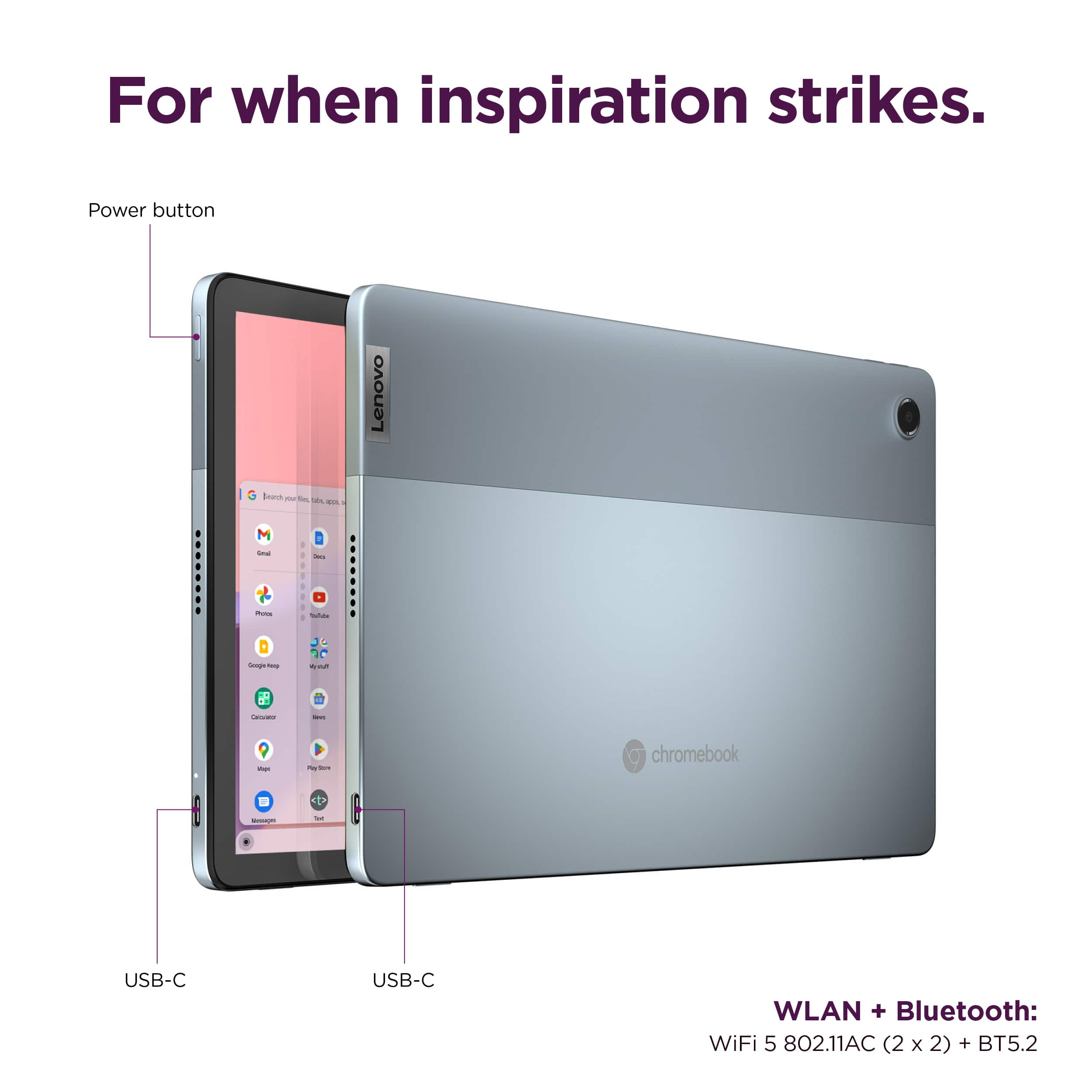
A:AnswerYes. Your best bet is to use a wireless mouse that supports Bluetooth without requiring a USB receiver/dongle. If you use one that requires a USB receiver, then you would need to attach a USB-C hub to this device in order for it to work.
A:AnswerOne of the features with Chromebooks is the ability to effortlessly cast your computer screen to your TV. Screen casting or mirroring is built-in to the Chrome browser which Chromebooks are primarily centered around. Here is a link to more information: https://www.dignited.com/92509/how-to-screen-mirror-chromebook-to-your-smart-tv/#:~:text=One%20of%20the%20cool%20features,Chromebooks%20are%20primarily%20centered%20around. If you have questions about your Lenovo IdeaPad Duet 3 Chromebook, we recommend you contact Lenovo Tech Support for Chromebooks for additional information at: 800-426-7378.
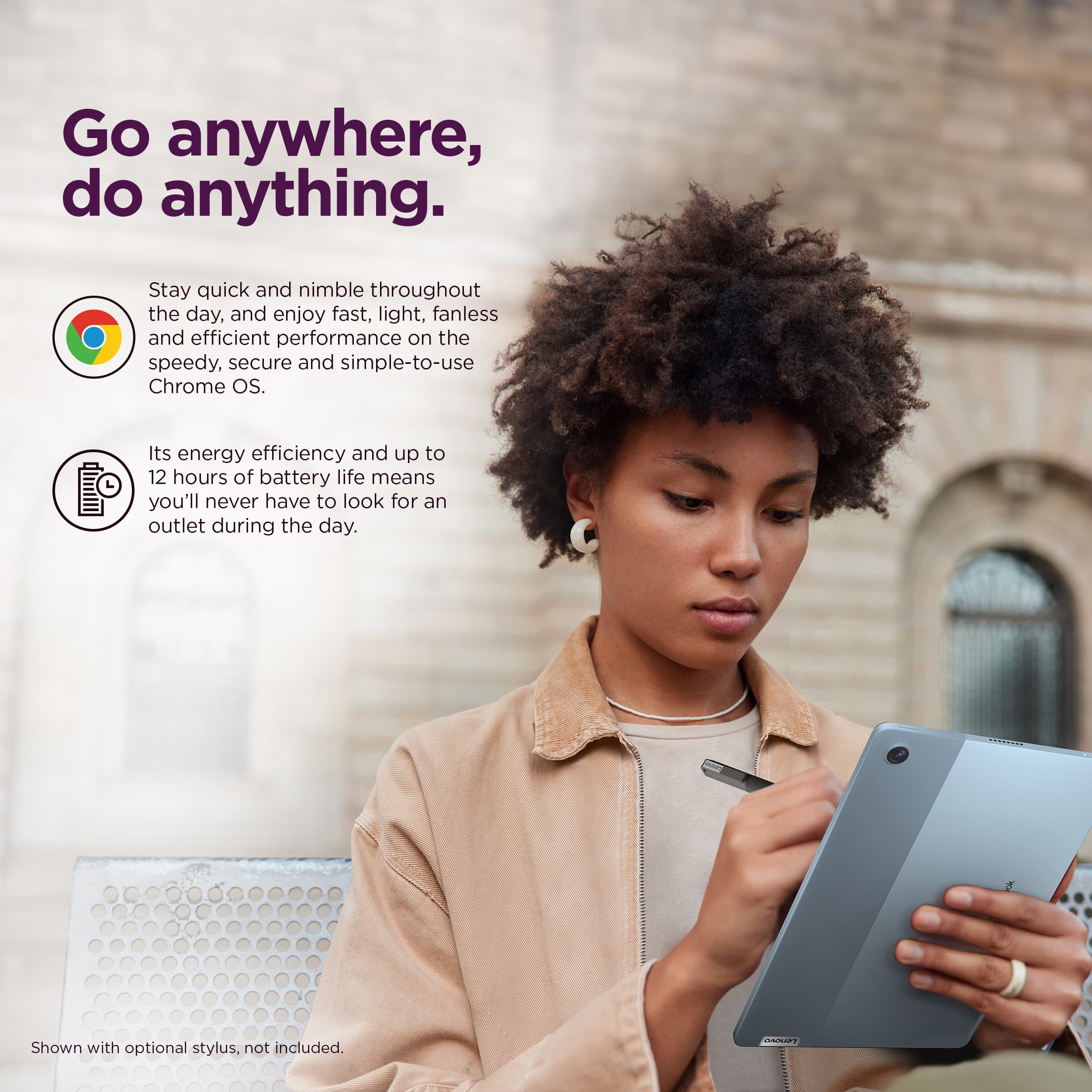
A:AnswerOnly USI 2 pens work with this Chromebook. They're not currently widely available and I have not seen them for individual sale on Lenovo's site. The only one I've seen is bundled with Lenovo's 8GB configuration of this Chromebook.
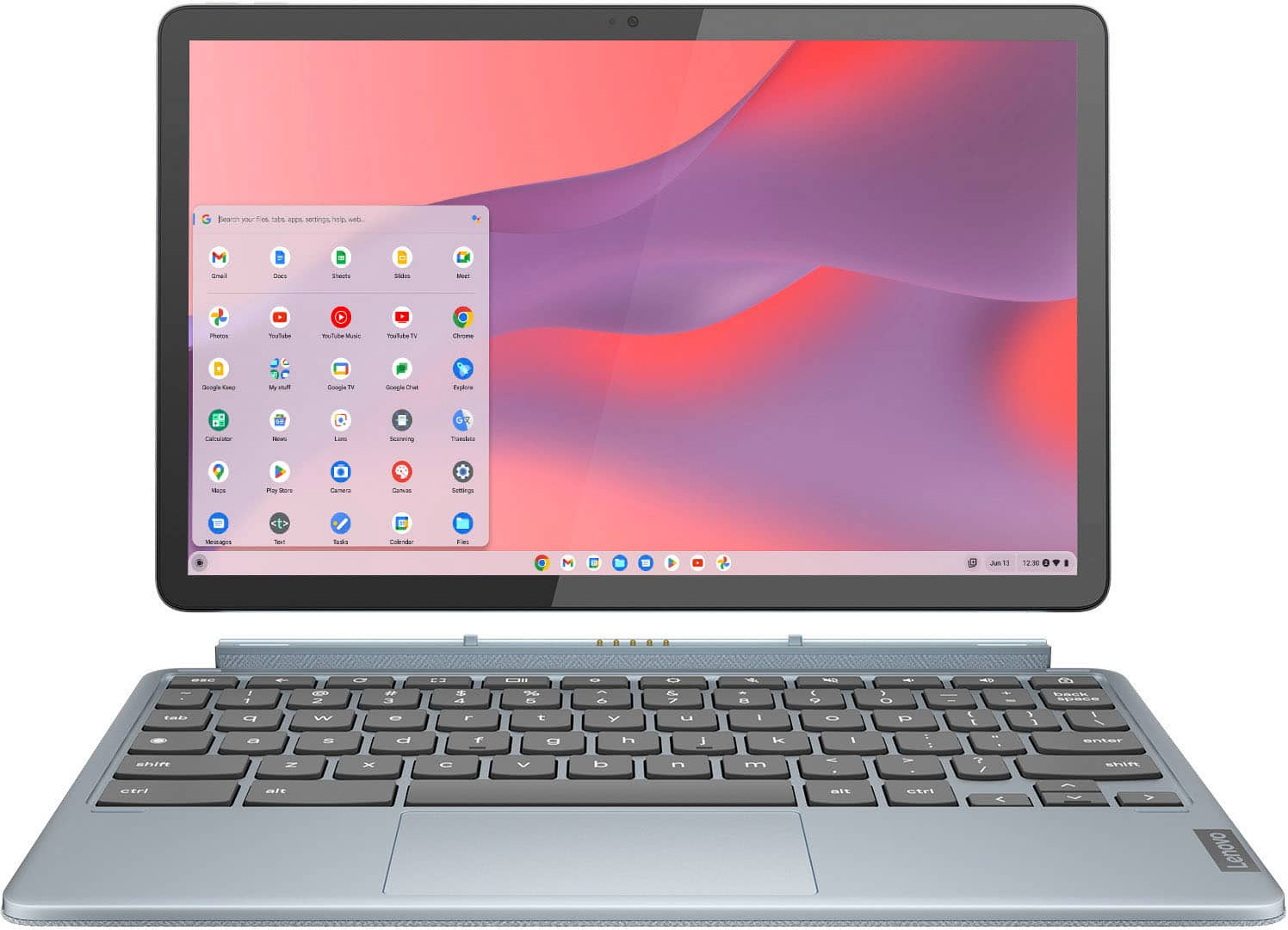
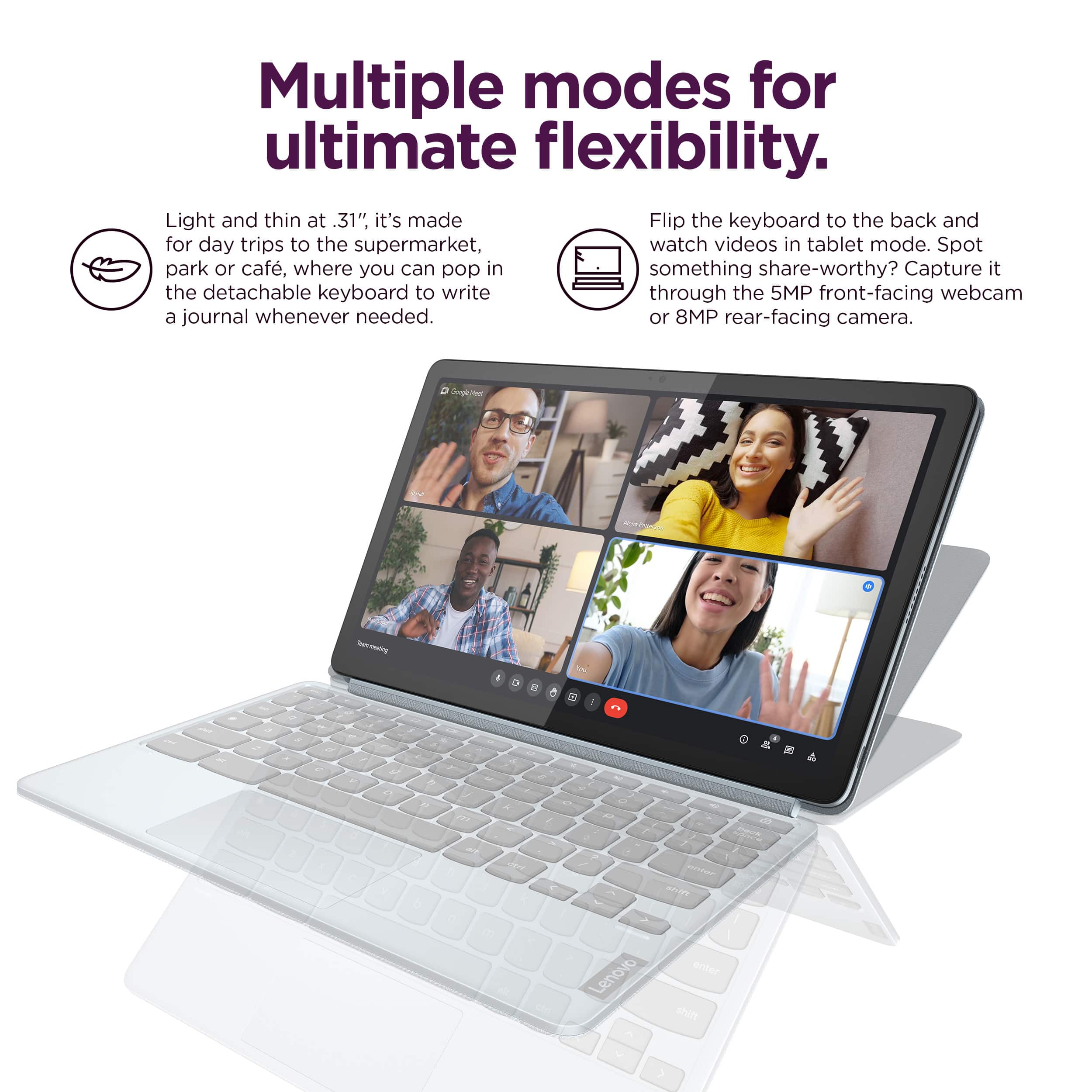
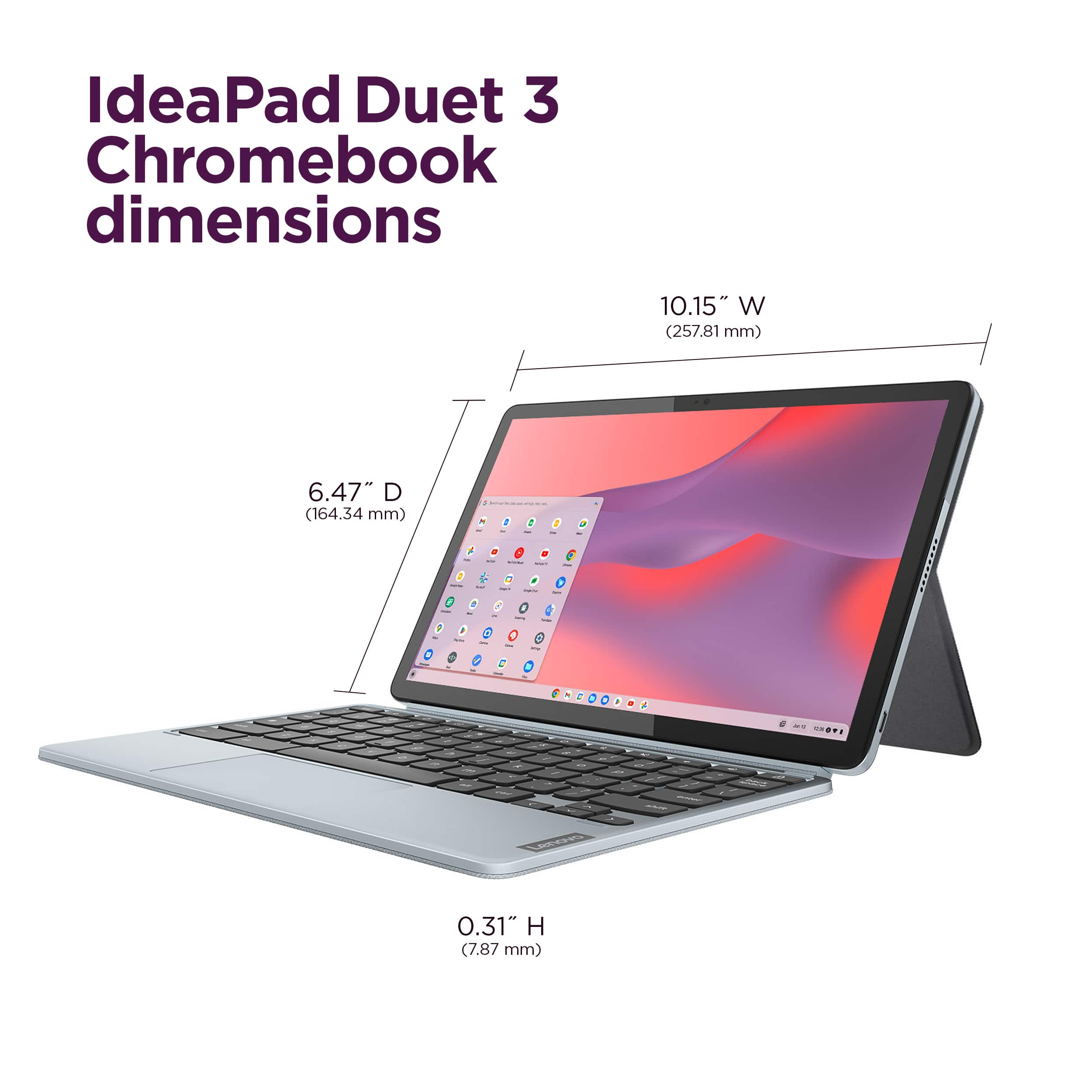
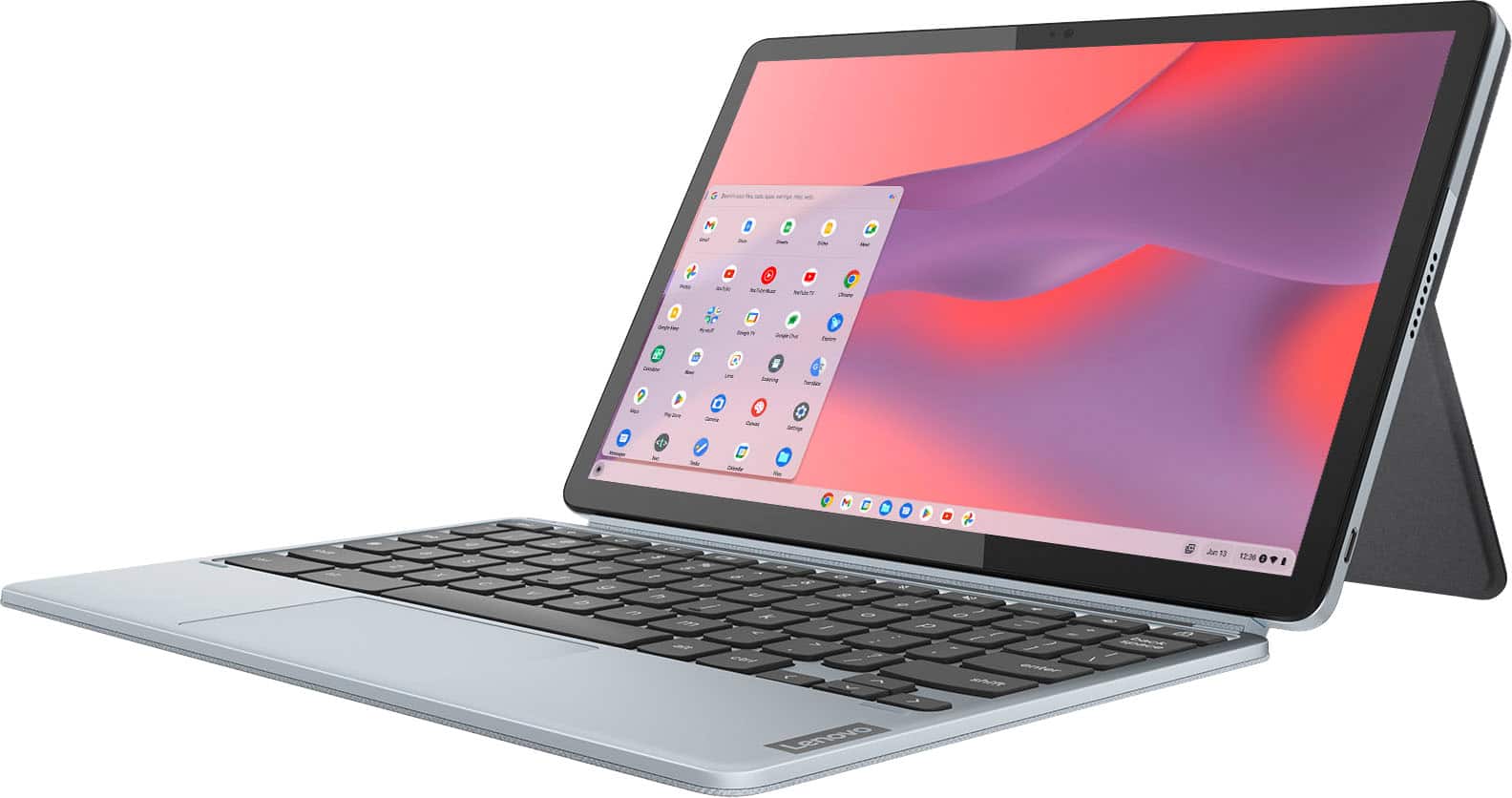
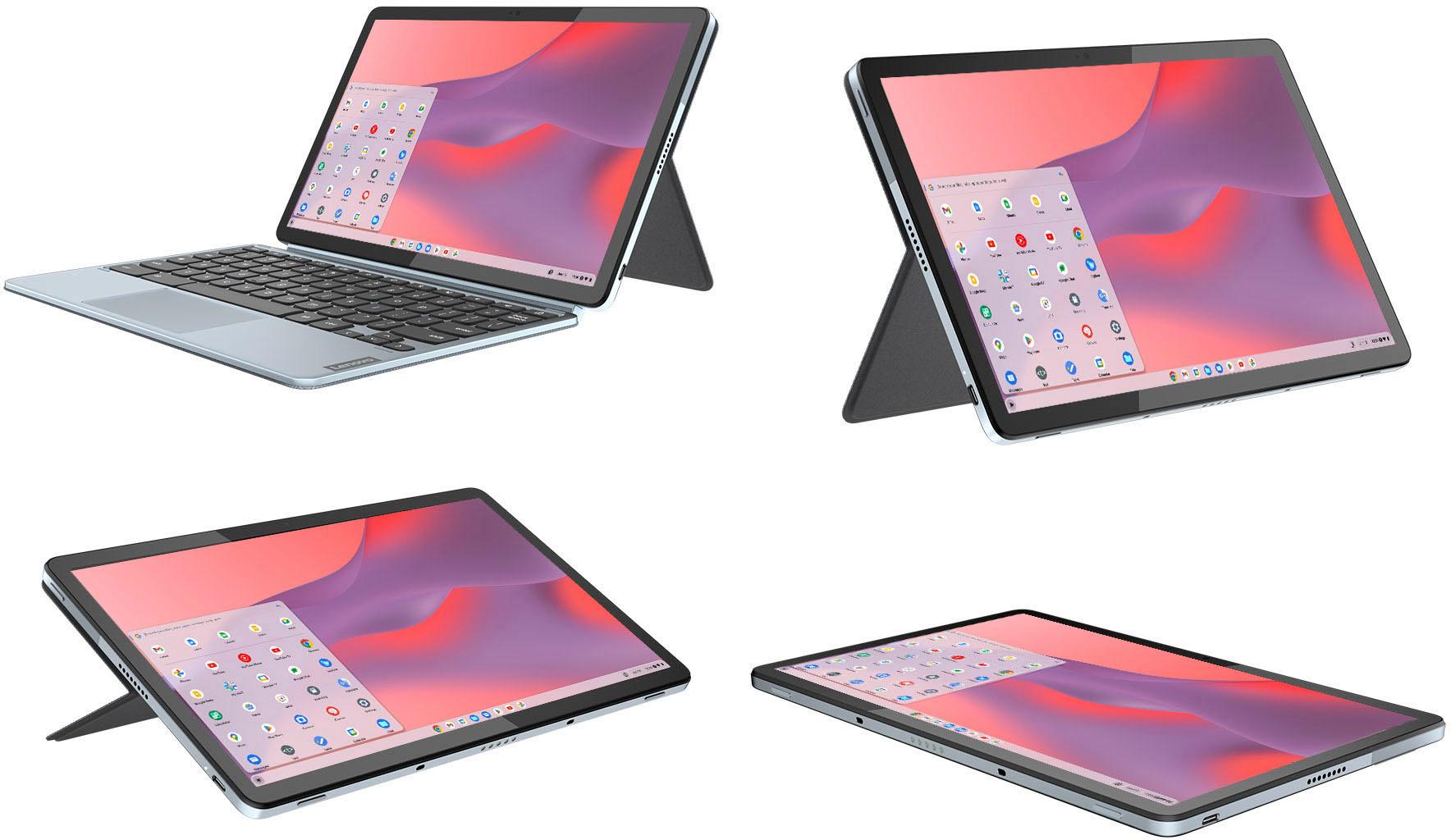
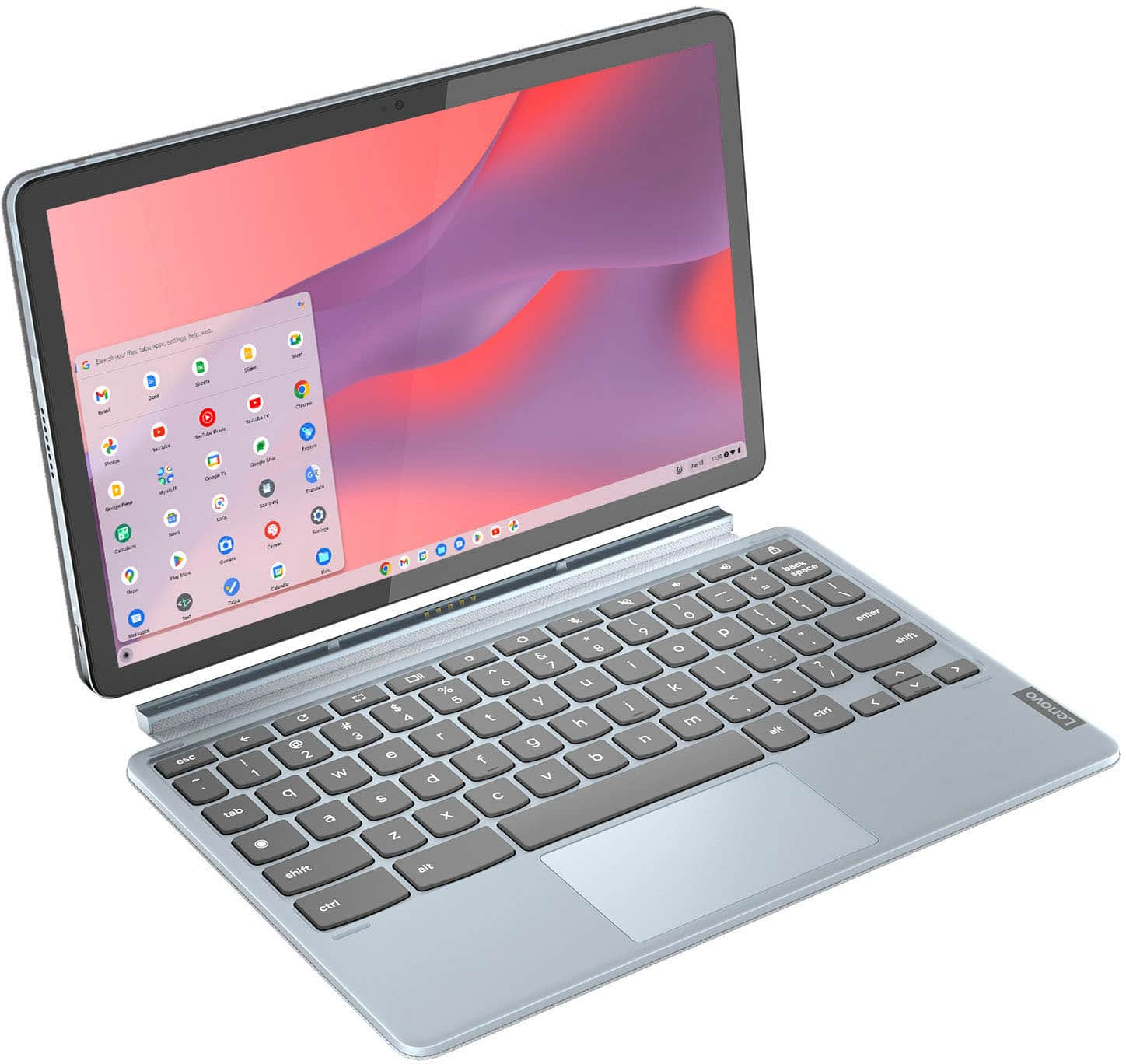
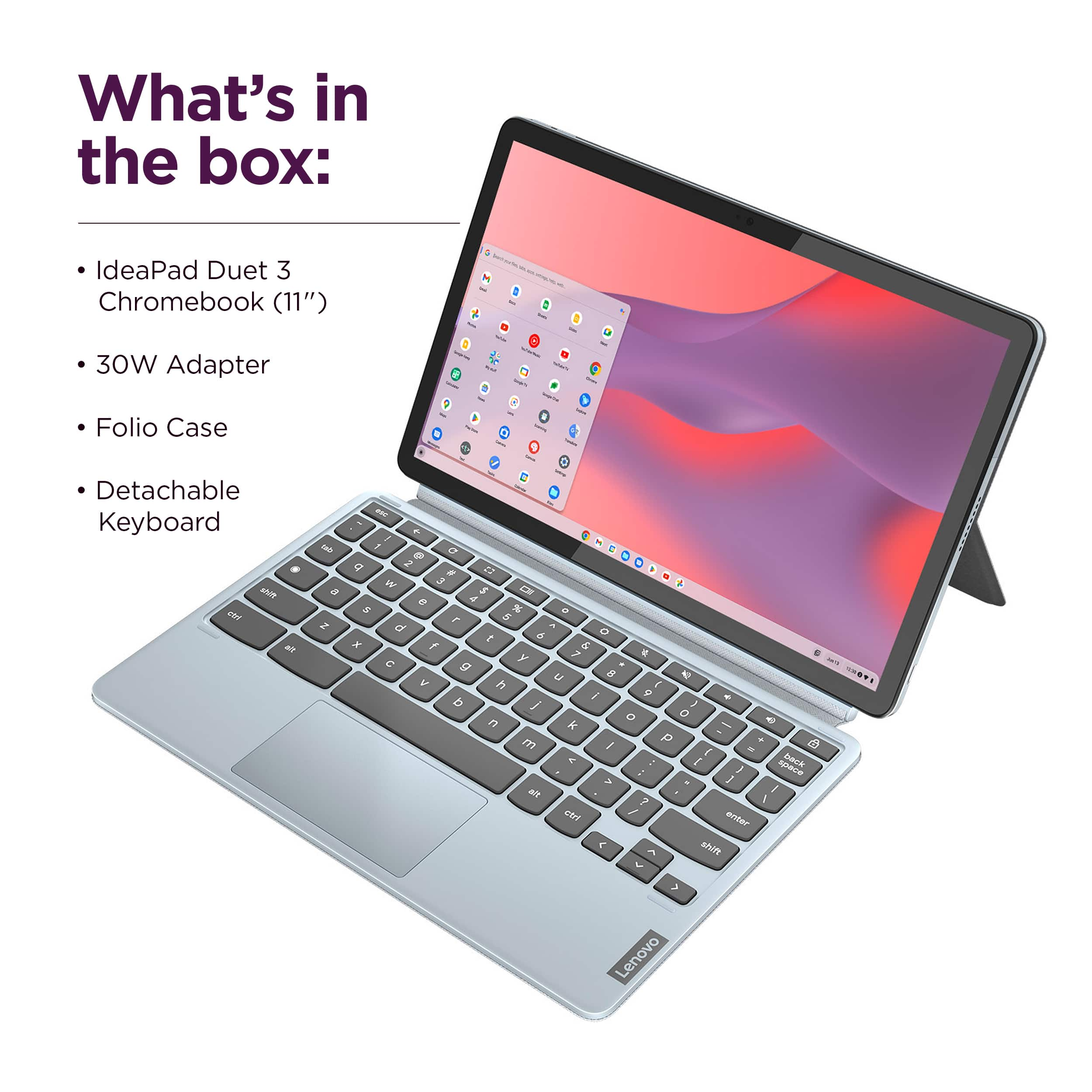
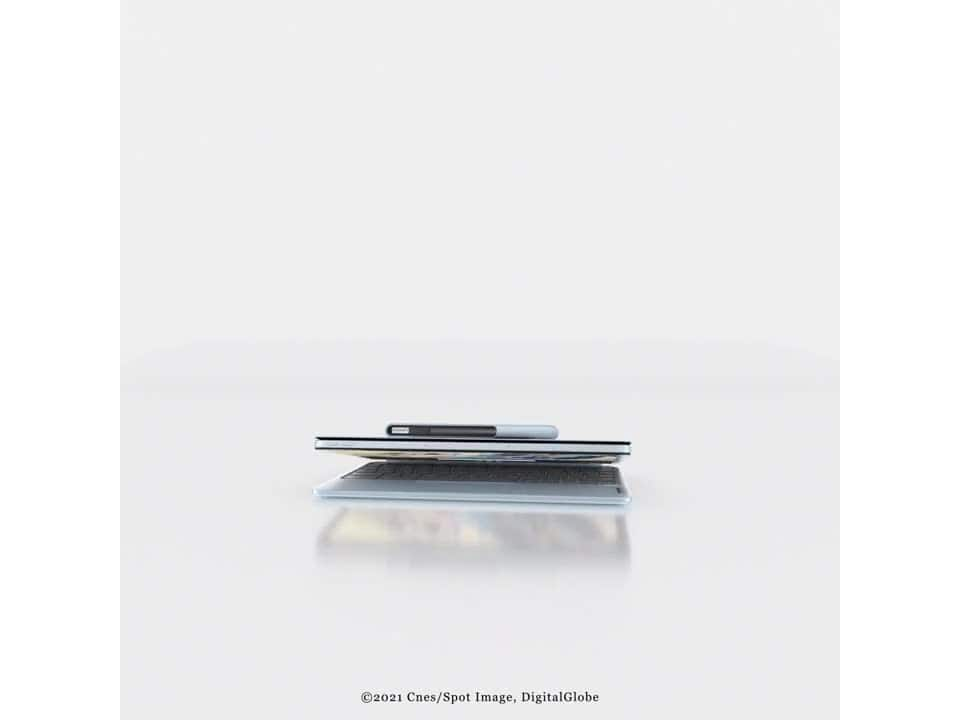
A:AnswerThis Lenovo IdeaPad Duet 3 Chromebook, model number 82T6000EUS, ships with the tablet with integrated kickstand and folio keyboard. The weight of each piece: Tablet: around 516.5 g (1.14 lbs),
Folio keyboard: around 429.3 g (0.95 lbs): Total: around 945.8 g (2.09 lbs).
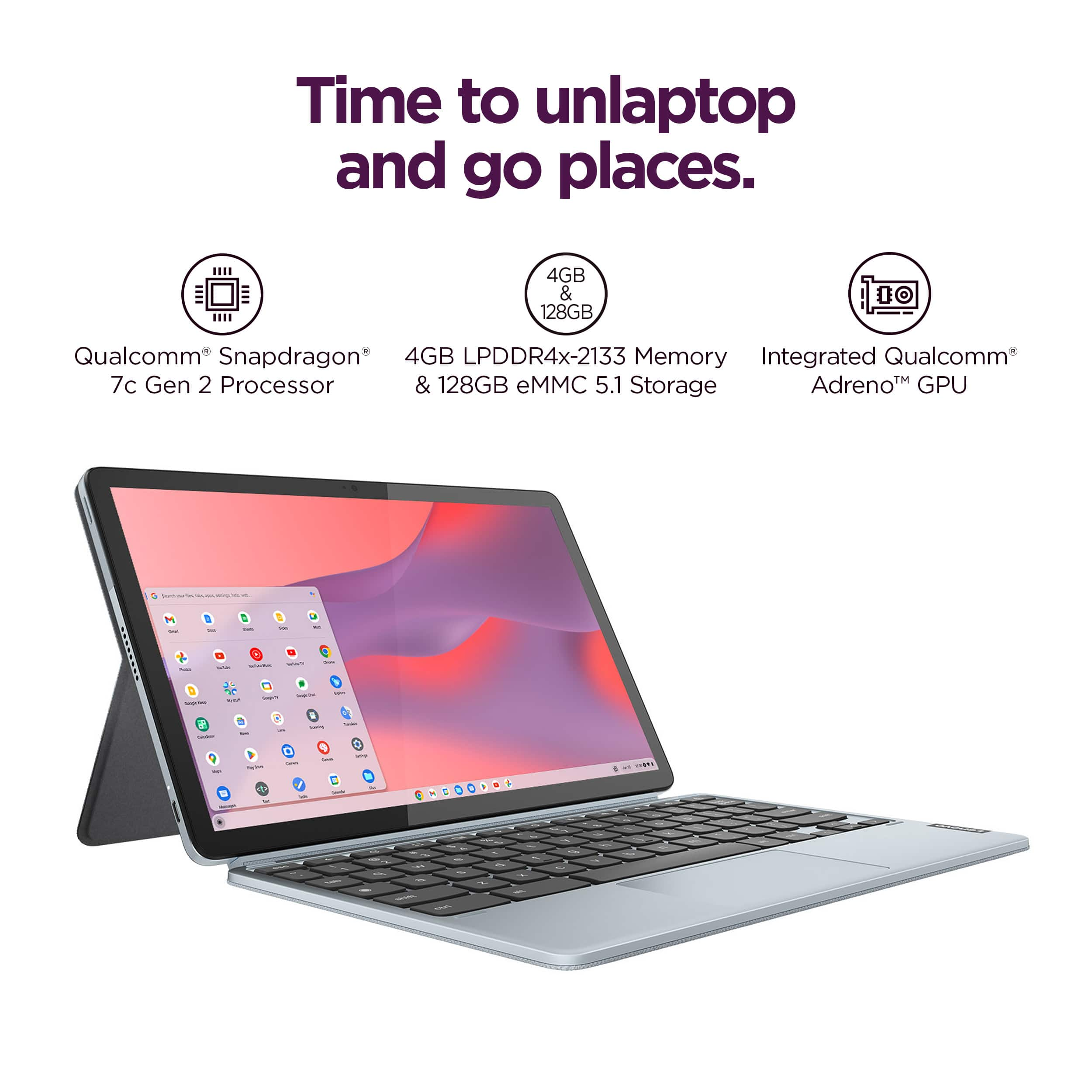
A:AnswerThis Lenovo IdeaPad Duet 3 Chromebook, model number 82T6000EUS, ships with 4GB Soldered LPDDR4x-2133MHz RAM Memory soldered to systemboard, no slots, dual-channel and is not upgradeable.
A:AnswerThis does not support a desktop version of office. But you can access 365 via chrome and install the app for it. Everything will be running off your 365 account on the cloud to include files and Office web apps.
A:AnswerThe volume isn't that loud, but be sure that both the machine volume control (buttons in the upper right keyboard) and also the Chrome browser controls are turned up fully, like in YouTube. I do agree with you that the builtin speakers could be a lot better. Best bet would be WiFi/Bluetooth headphones or earphones.
A:AnswerNo. This is a chromebook and fairly low-end.
You can use the cloud version of Office and Onedrive so it'd work as a backup, but I wouldn't want to do it full time?