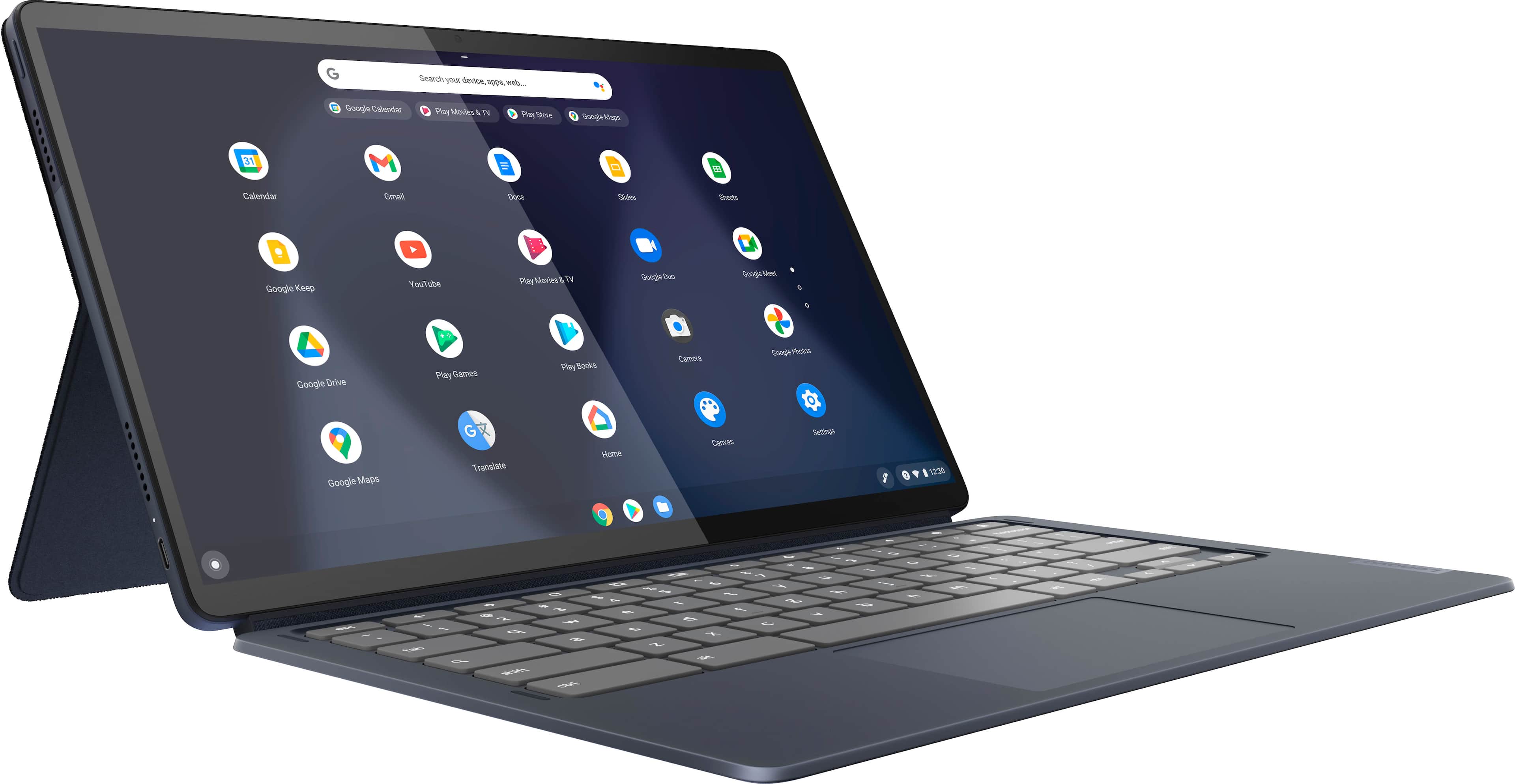
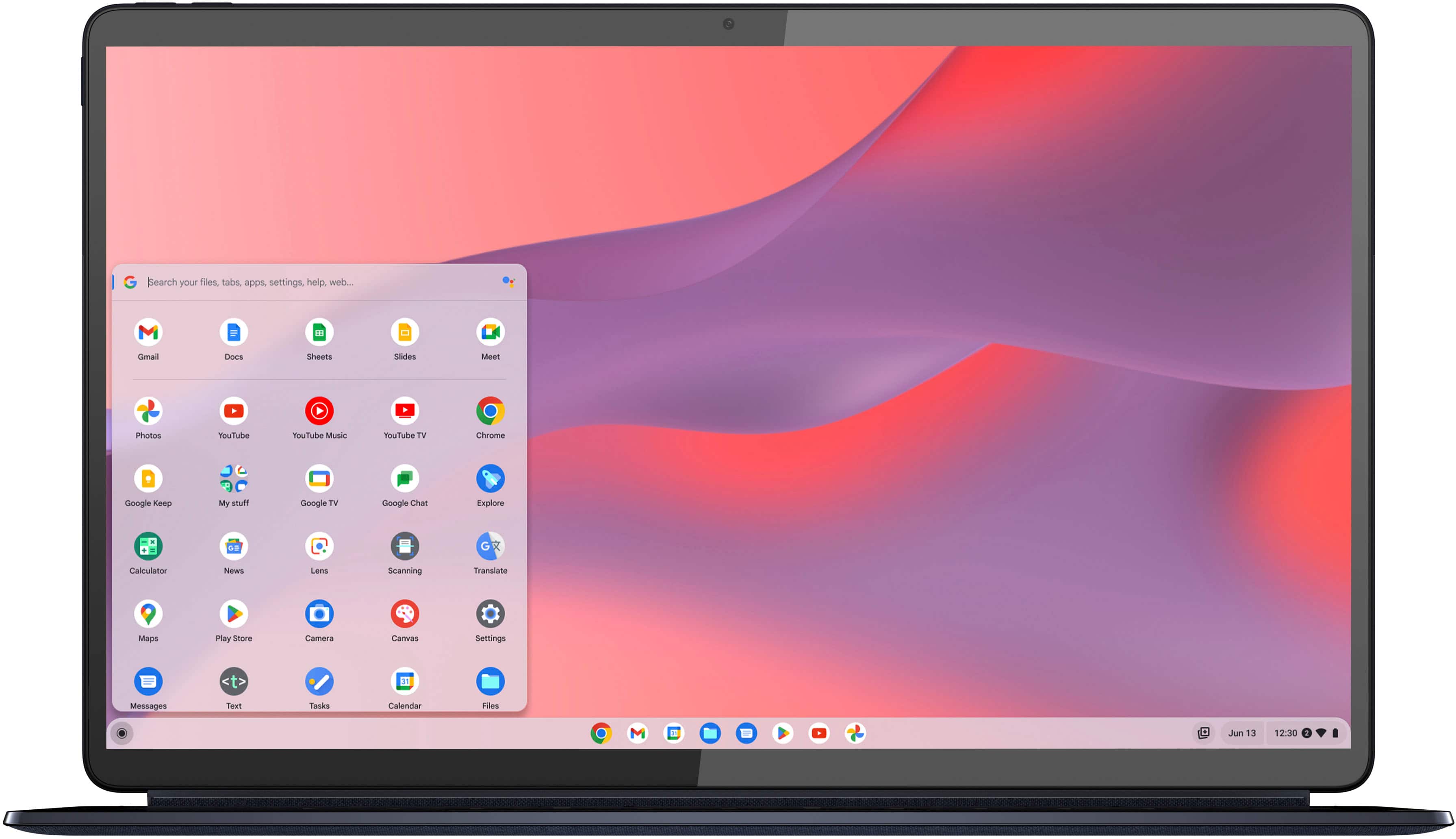
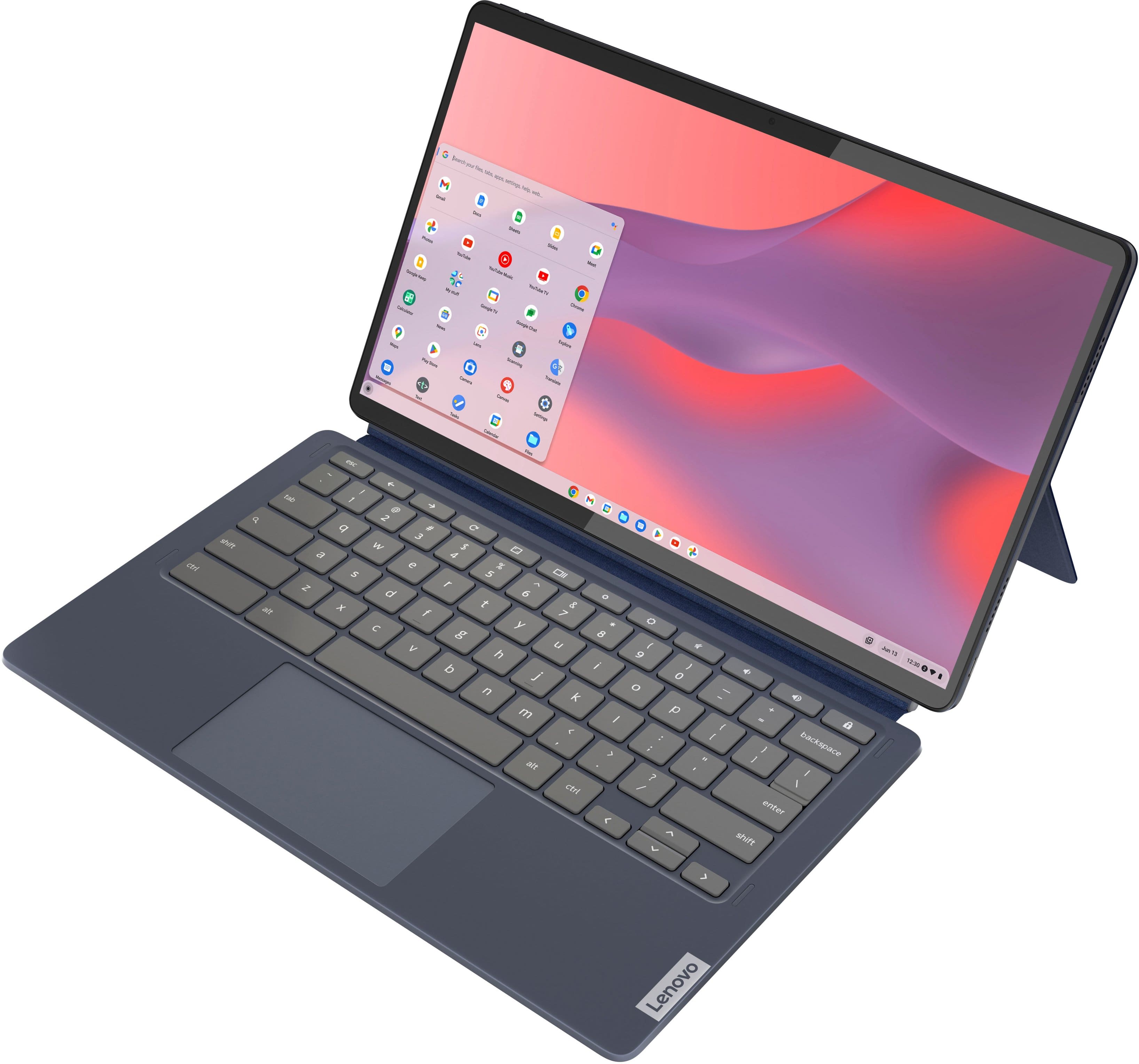
A:AnswerYes, it has a setting to switch the display to 0, 90, 180, and 270 degrees. ChromeOS opens in portrait (180), as do some of the Play Store apps. However, many apps do not open in that mode. Most of the Google apps do open. Some apps can be accessed via ChromeOS, like Libby, and they seem to display well. Libby looks good in that mode. Some apps, like Words with Friends 2, will not even load on this Chromebook in either setting. There may be a keyboard shortcut that would facilitate flipping the display setting. Each app has to be designed by the author to make the information readable; so usefullness is hit or miss. [Corrected reply][
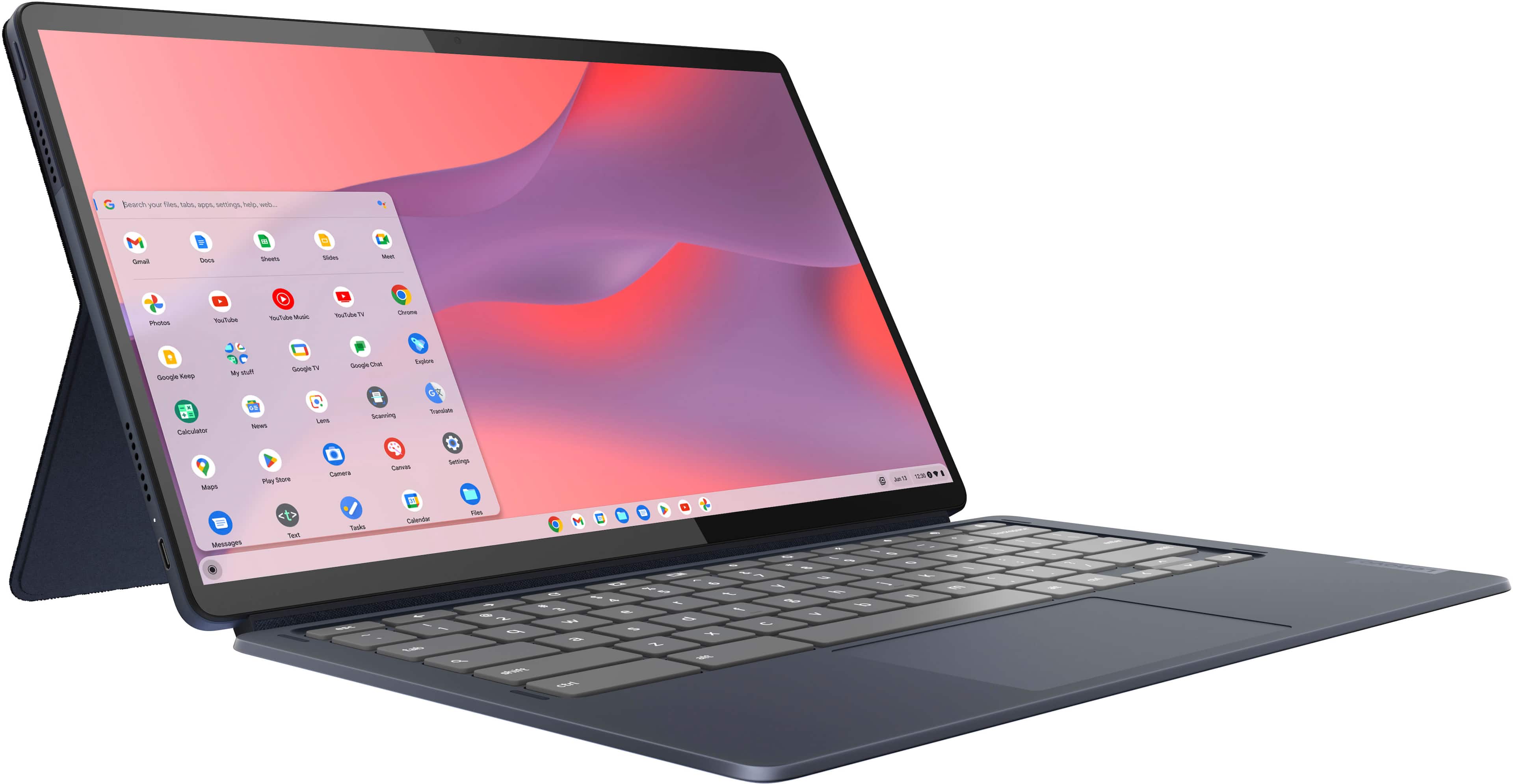
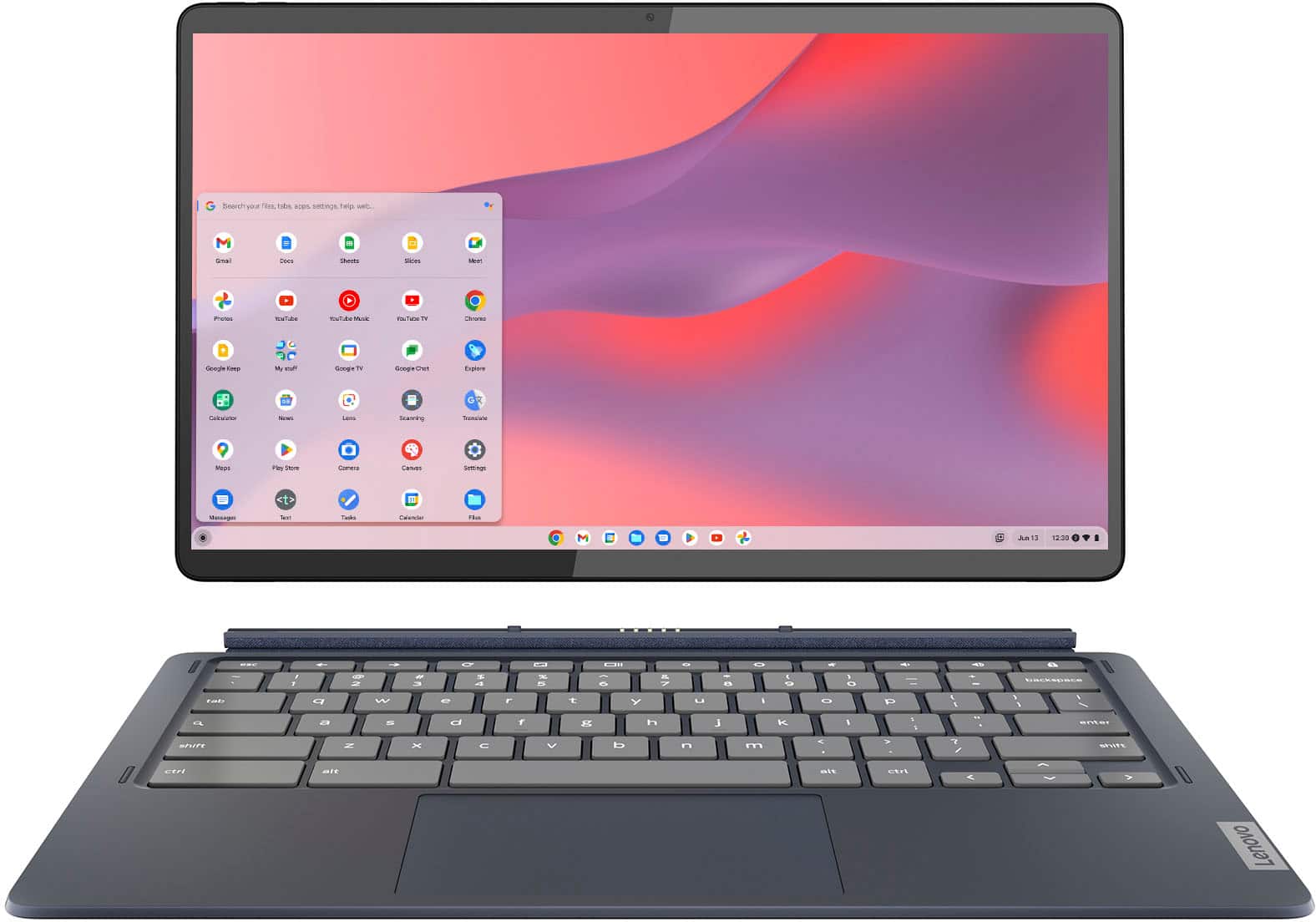
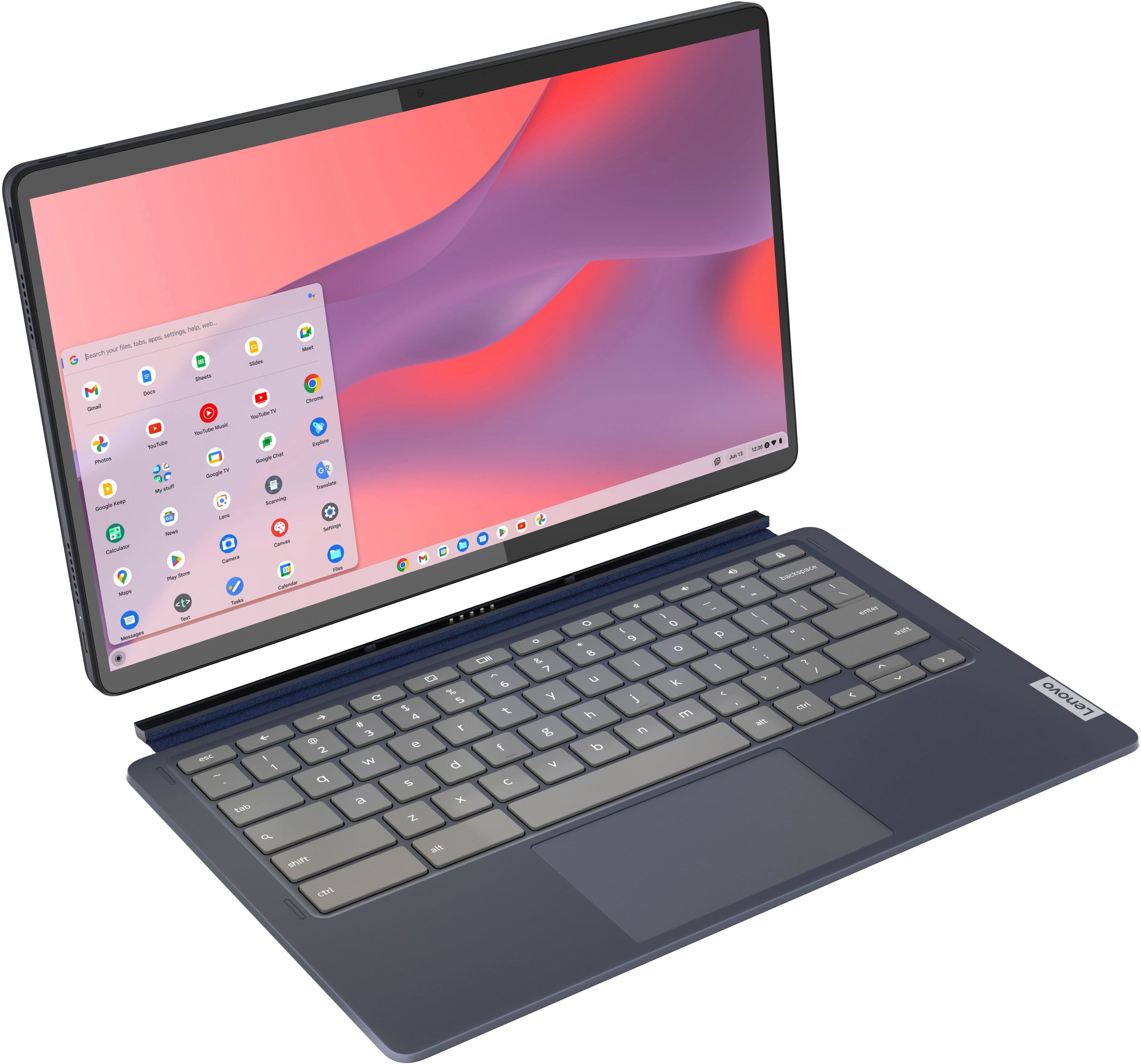
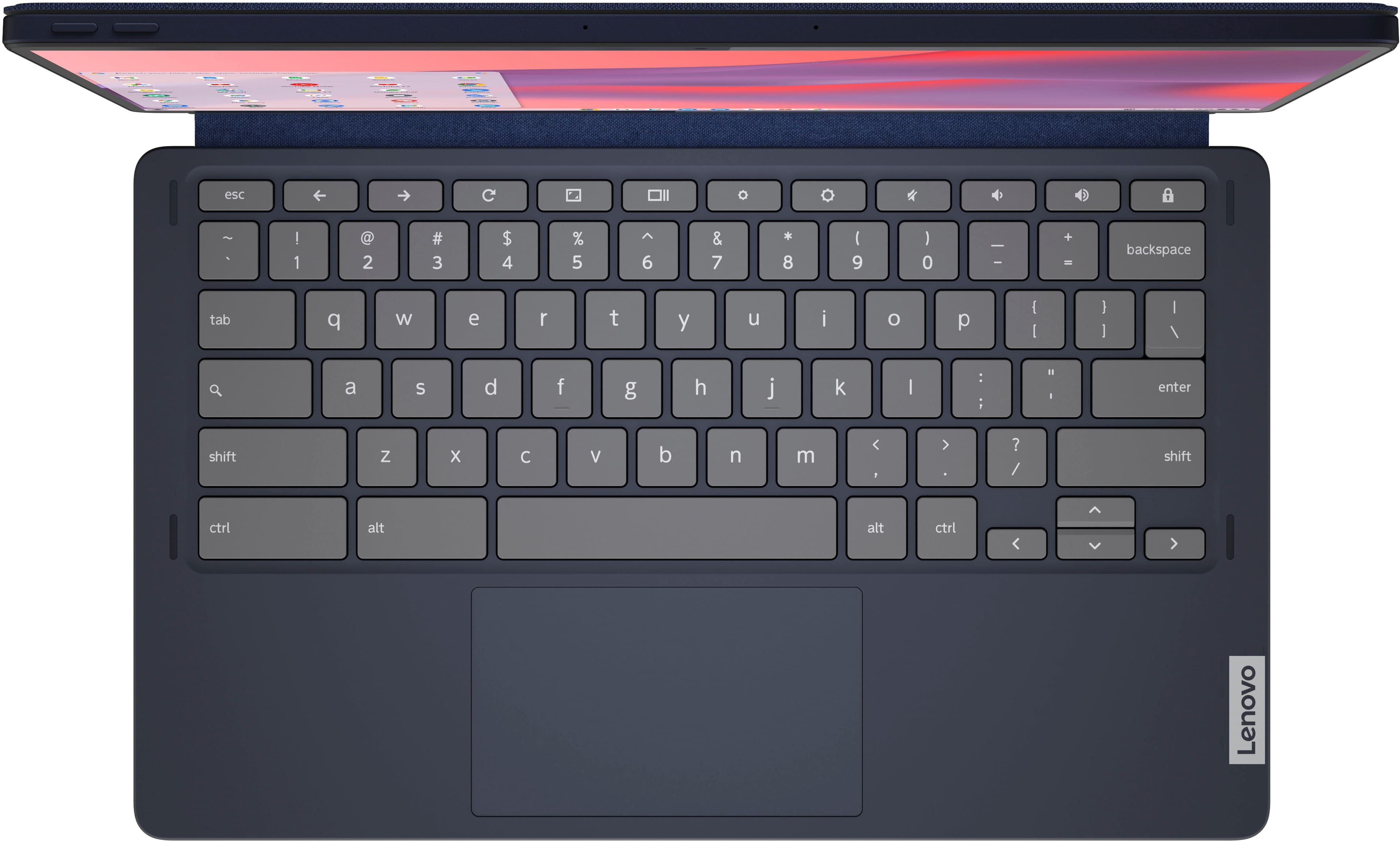
A:AnswerI just detached the keyboard and searched on its Bluetooth for it. No key board or random bluetooths were found. The keyboard doesnt have an on off button or anything. I pressed all the buttons while it was detached and nothing appeared on Bluetooth. I expect another keyboard thats made for that would work though.
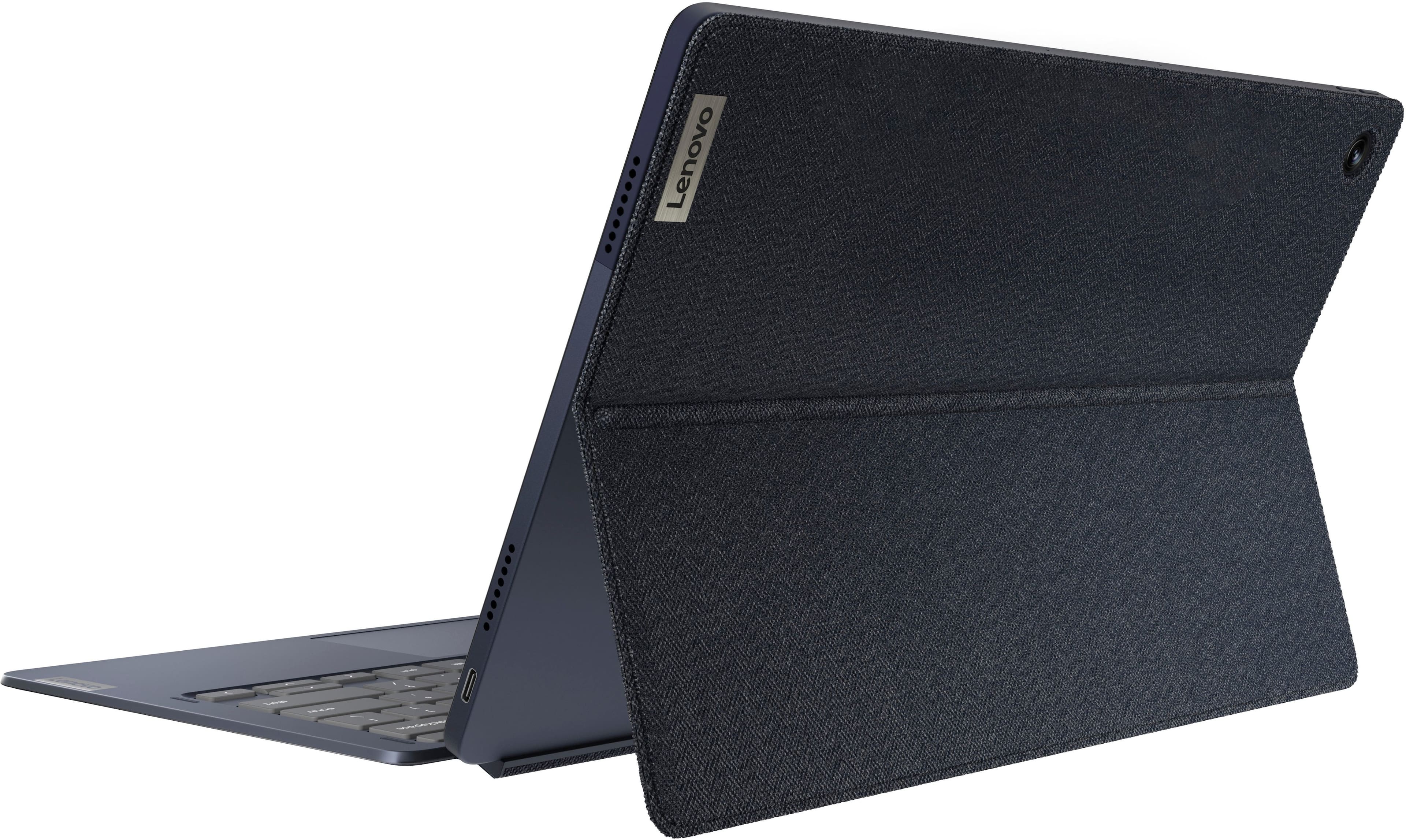
A:AnswerYes, I do this on a regular basis. I also use the USB C for a meeting Owl device that is an external camera/speaker/mic. You do need a USB C to HDMI adapter to do so.
A:AnswerIdk about the pressure stuff but my 10 stylus off amazon works well. I could see an artist enjoying this bright screen. Its comparable to an ipad for cheaper and comes with a keyboard. Thats great.
A:AnswerYes, it appers to stay "on" when the display is "closed" against the Lenovo keyboard. I am, however, charging through a USB-C hub at the same time and have the external HDMI display/keyboard/mouse connected to the hub.
A:AnswerIt is because you can connect to Sonos over Bluetooth. You can also download Android apps to the Chromebook so just download the Sonos app for Android.
A:AnswerIf your OneDrive is using less than 110 GB (or so), then you could set up a Google Drive on the device with enough space to match. After that you can download your entire OneDrive to the device using the web version of OneDrive by selecting all the folders and choosing download. If you use OneDrive's "Personal Vault" you'll have to unlock or un-select it.
A:AnswerNot sure what type office work you do but mine handles word and such fine. These are still chrome books so not very powerful. I am sure very light video editing would be fine.