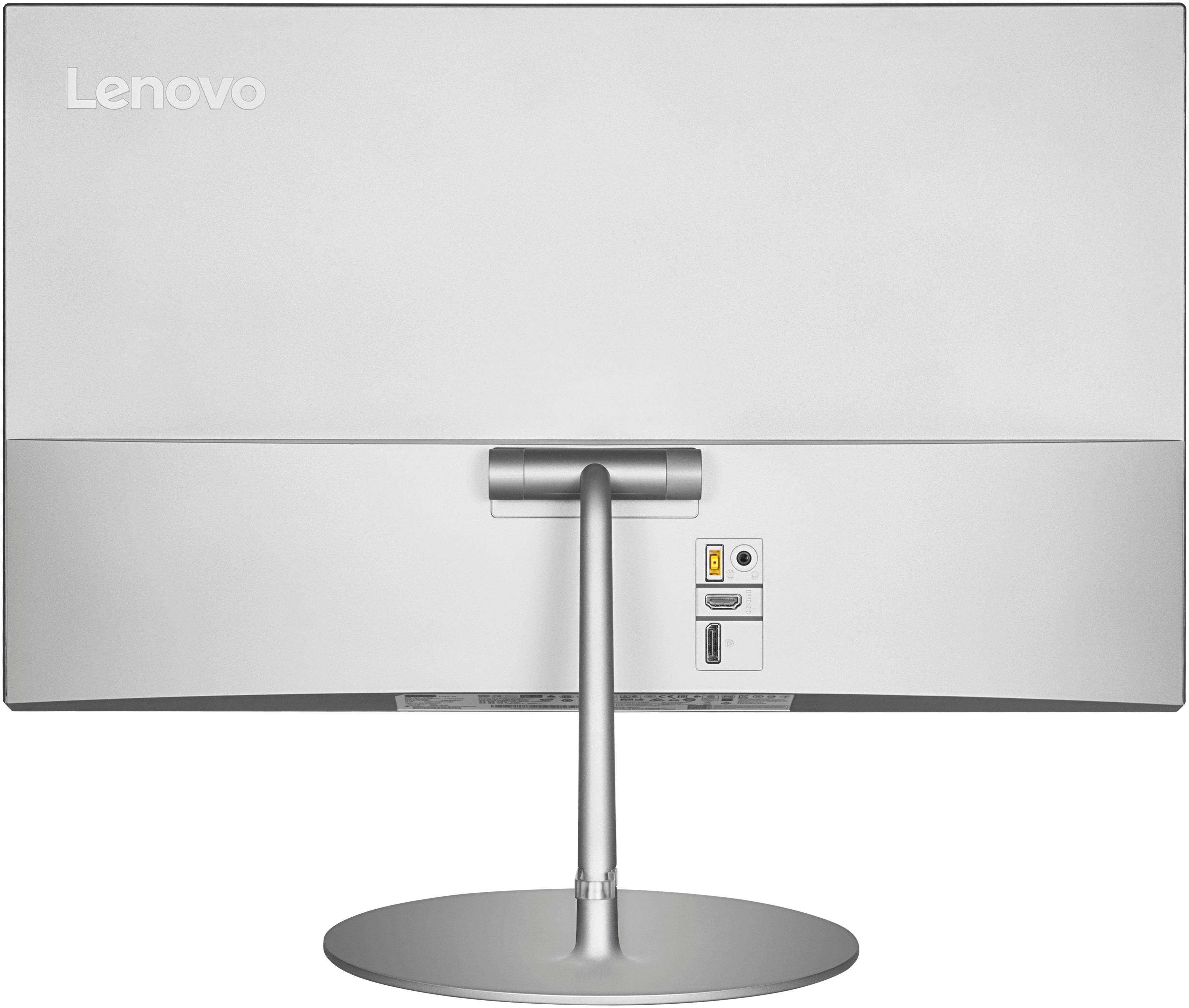
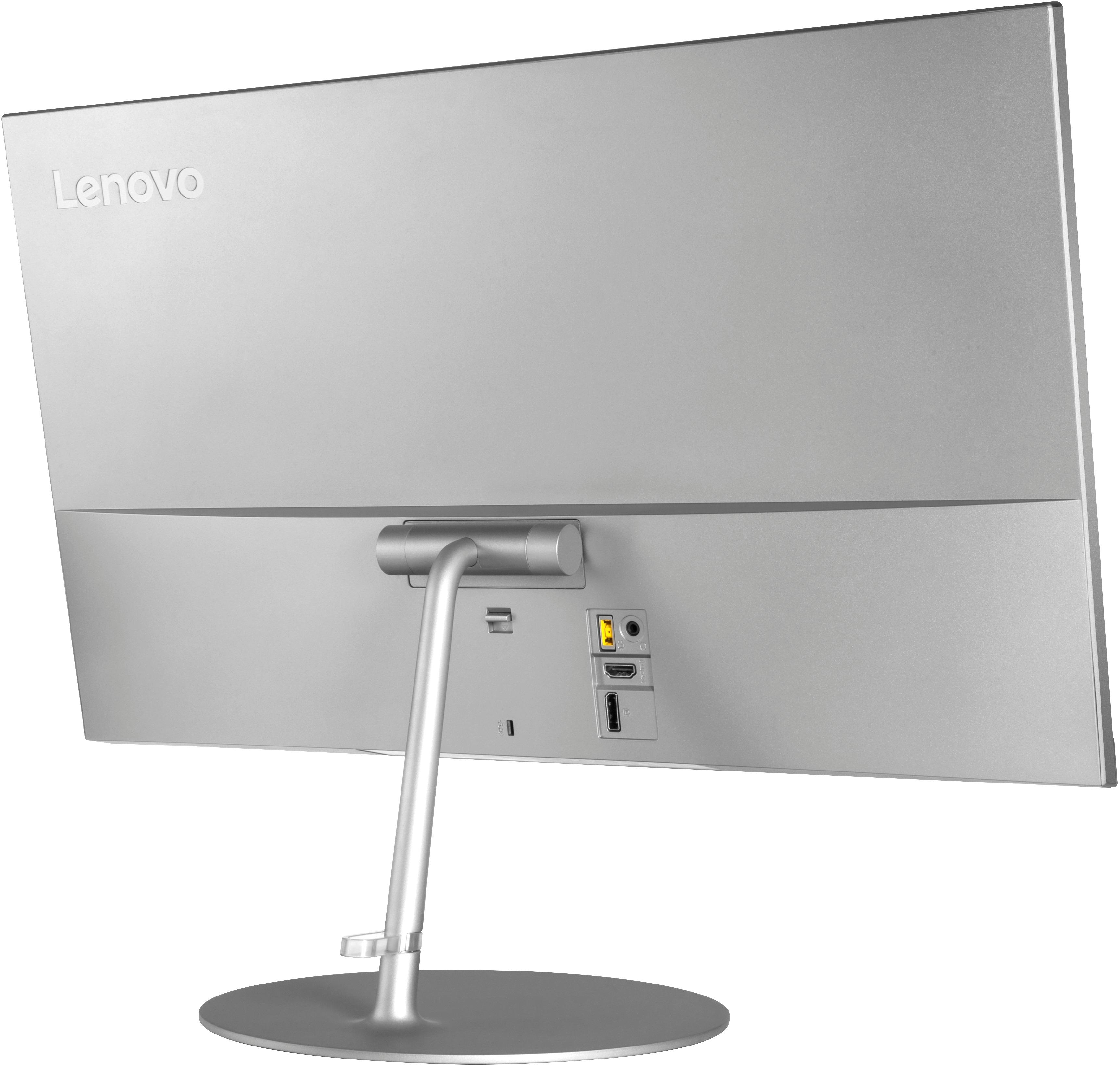
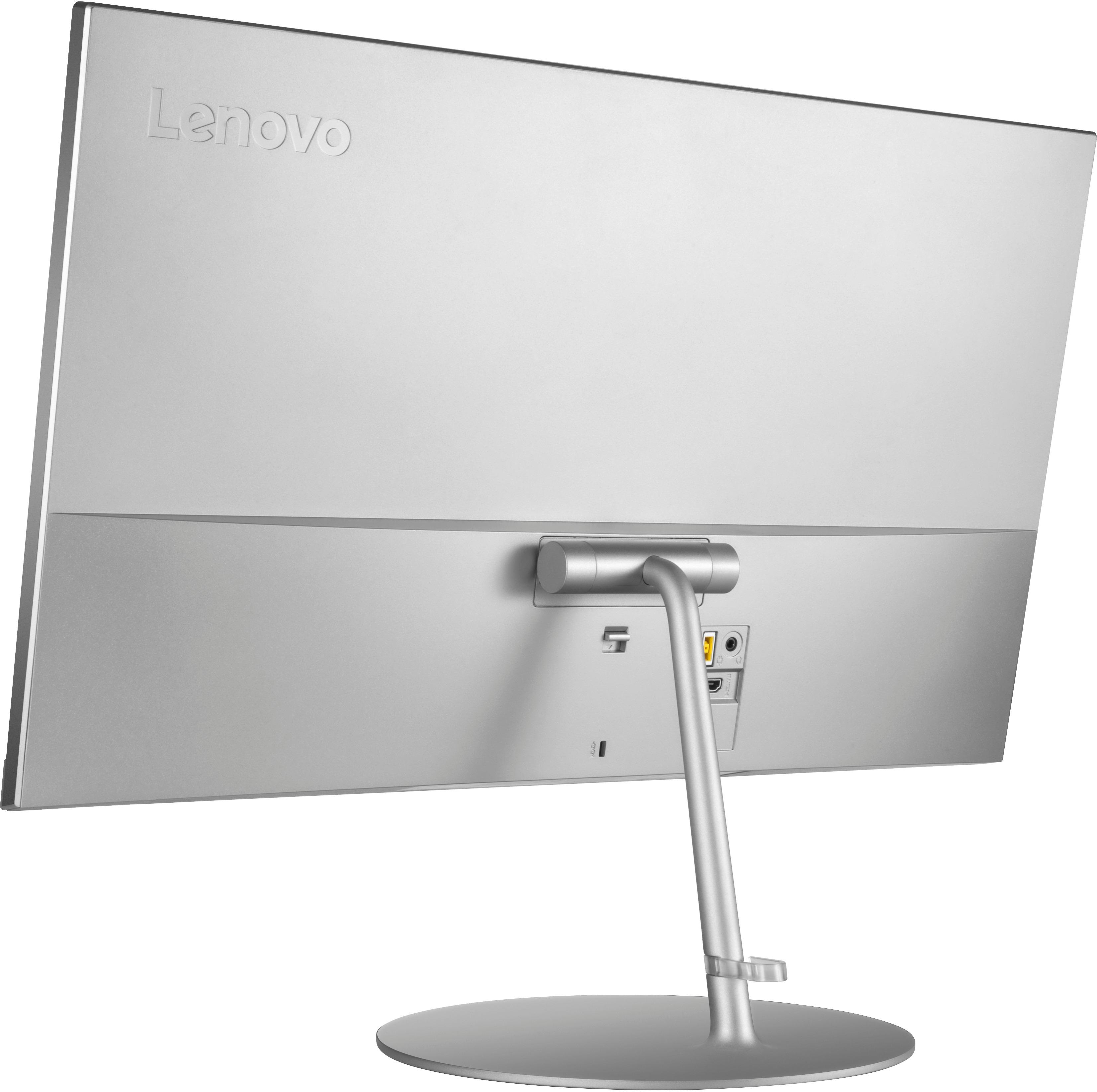
A:Answer To add to my previous post re VESA mount for L24q-20 - for those who prefer screws to hook & loop. Remove the "mount bar" from the stand (remove the stand from monitor; remove 2 outer-most screws on each side of the block.) Then screw the bock to the separate VESA plate (same desk mount that I mentioned.) Include two metal washers to add a bit of space between the block and plate, then install into the monitor. Now, instead of having a stand, you have a VESA plate attached. Mount the VESA plate onto the arm (already secured to the desk) and secure with the lock nut.
Materials - VESA desk mount with removable plate; 4 flat metal washers (use 2 on each side); 2 flat head screws; 2 lock washers, 2 nuts
Note - the washers add about 2mm (?) of space and must be completely behind the block - use the right sized washers! This is because when mounting the *stand*, the block goes in a little deeper before leveling off and "catching". As with the stand, be sure the locking mechanism "catches" for the plate, too. (The lock/release lever must be all the way UP to lock the block into the back of the monitor, otherwise it could easily pop out.)