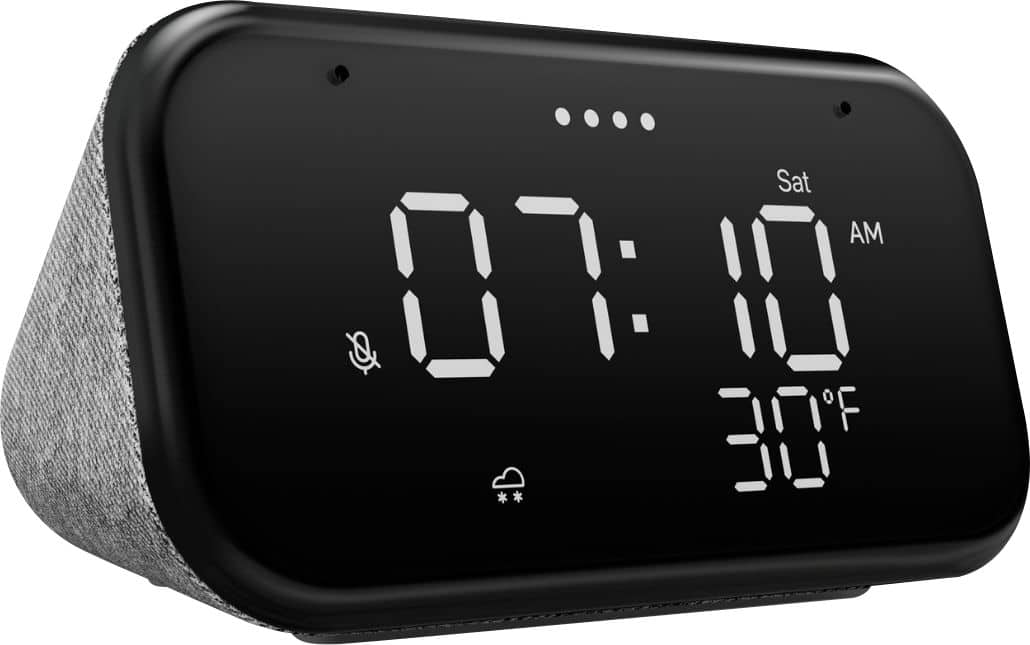
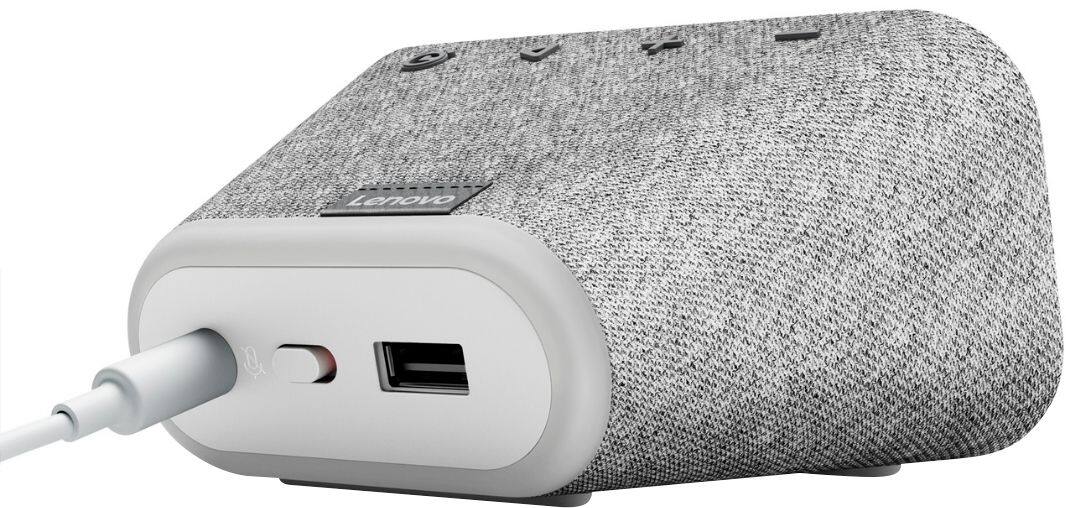
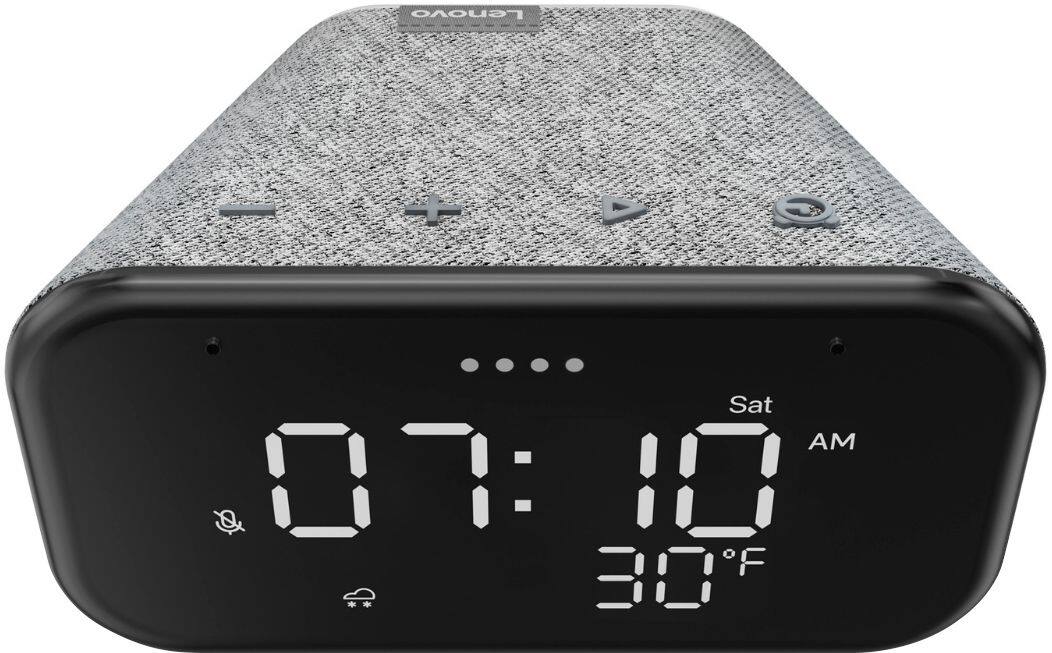
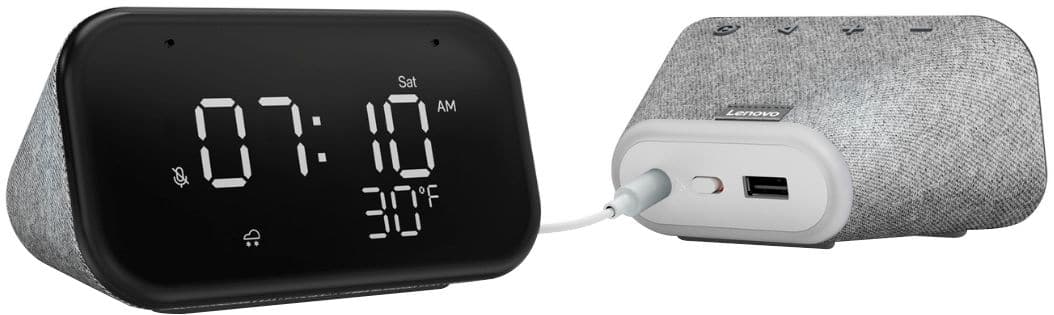
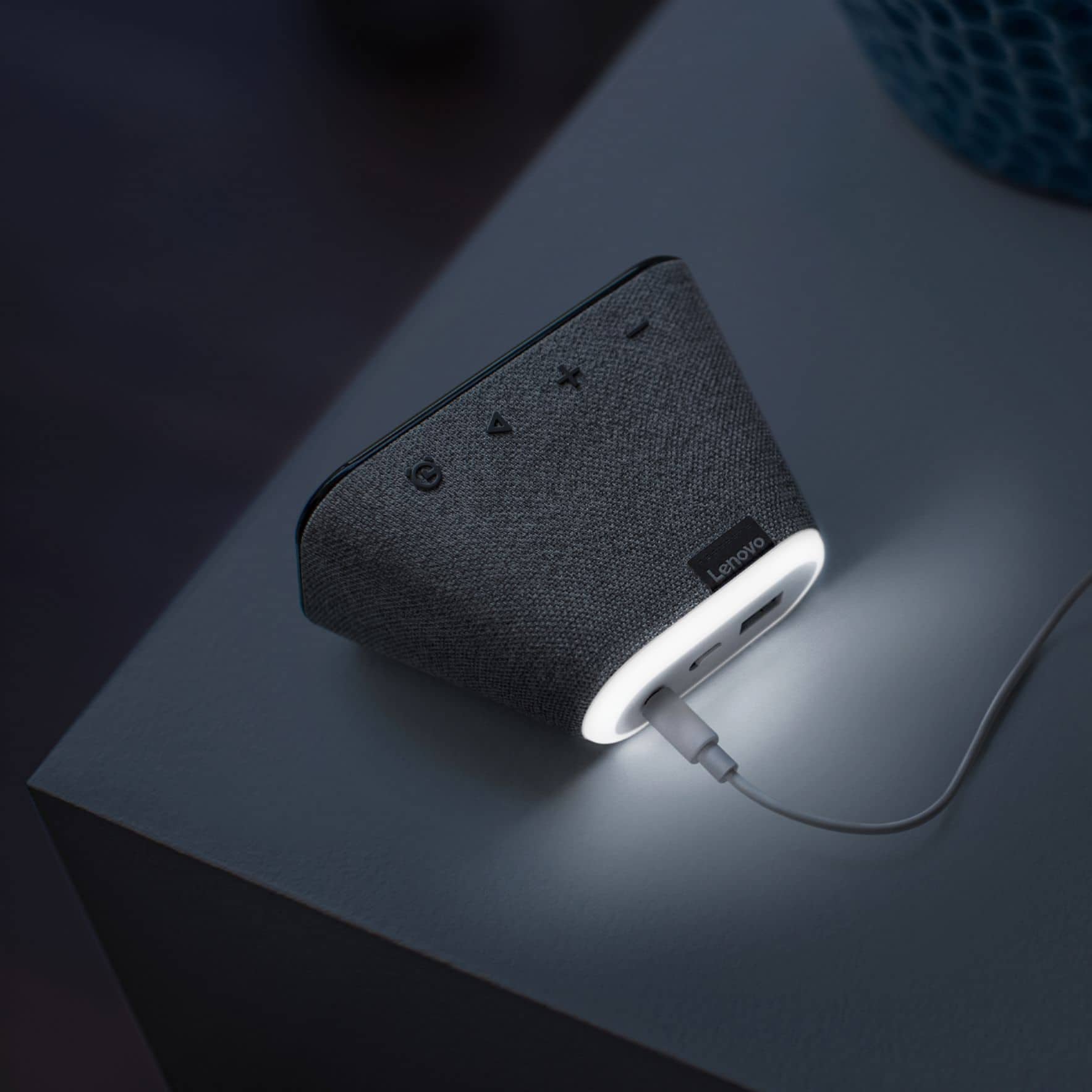
A:Answer The Lenovo Smart Clock Essential is fully equipped to let you listen to whatever music you want. You can ask Google Assistant to play from YouTube Music, Pandora, SiriusXM, and Spotify, for starters. If you are having issues with linking to one of these compatible services, we recommend first resetting your Smart Clock Essential. To rest your Smart Clock Essential, press and hold the Alarm button and the Volume Down button at the same time for 12 seconds. If you still can not stream one of the compatible music streaming services listed, we recommend you call Lenovo Tech Support for Smart Devices at: 866-426-0911.