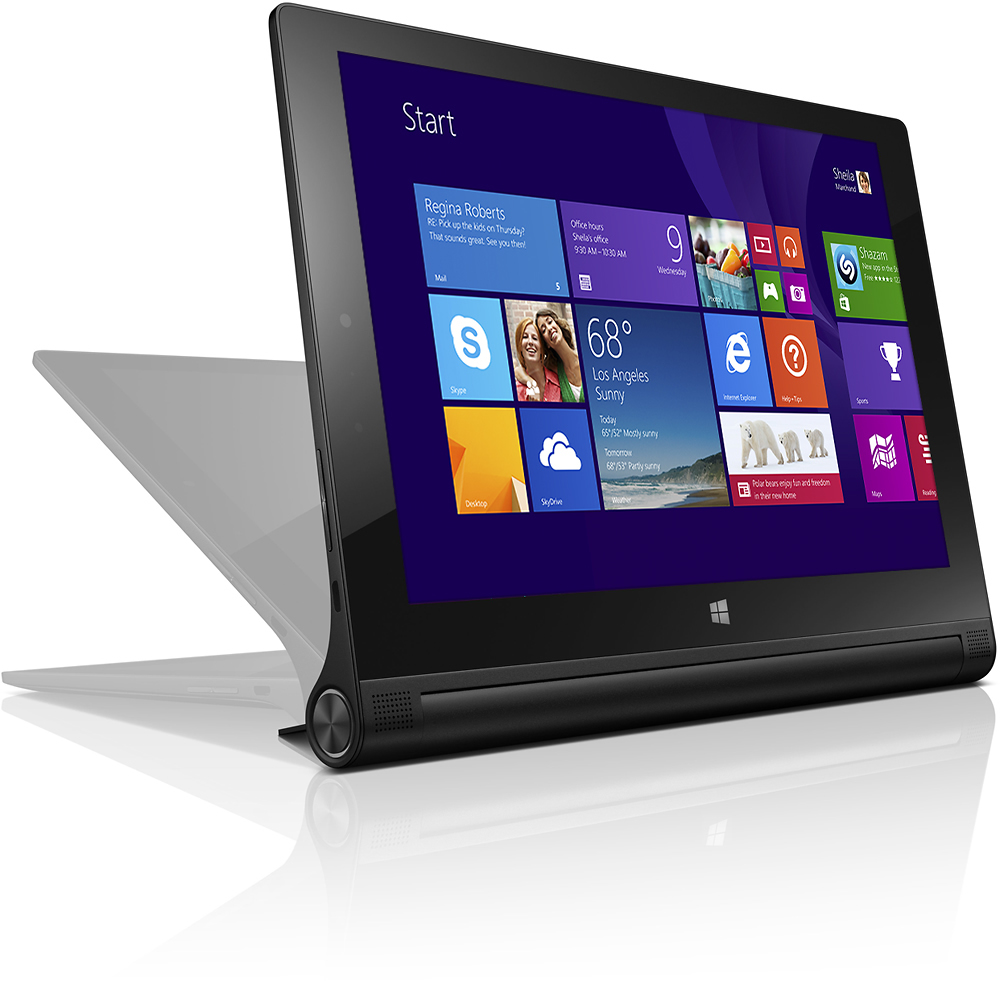
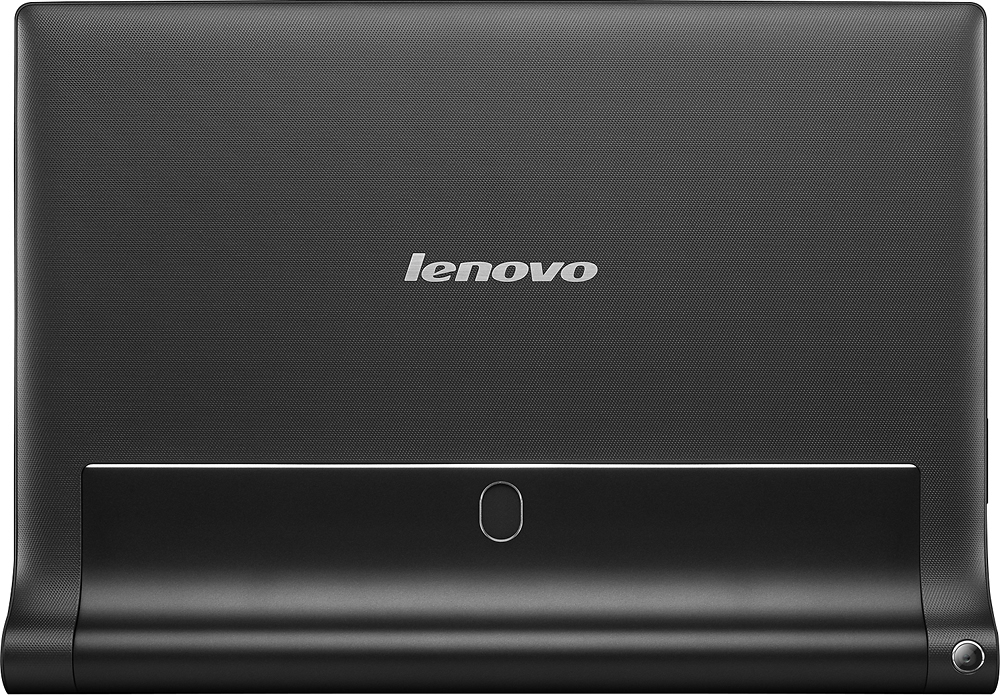
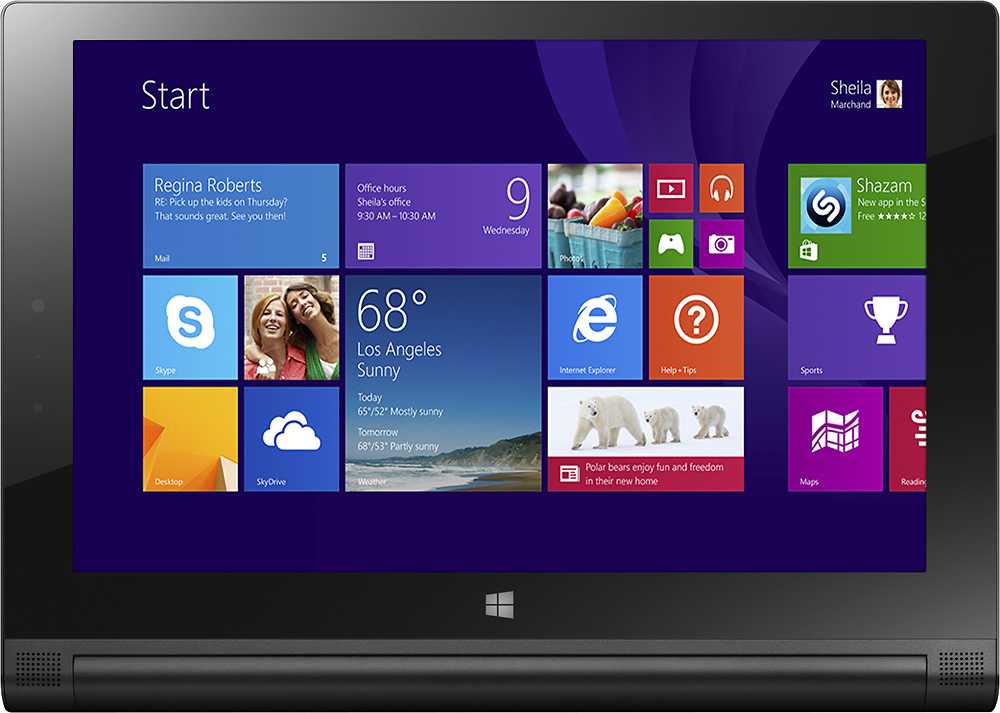
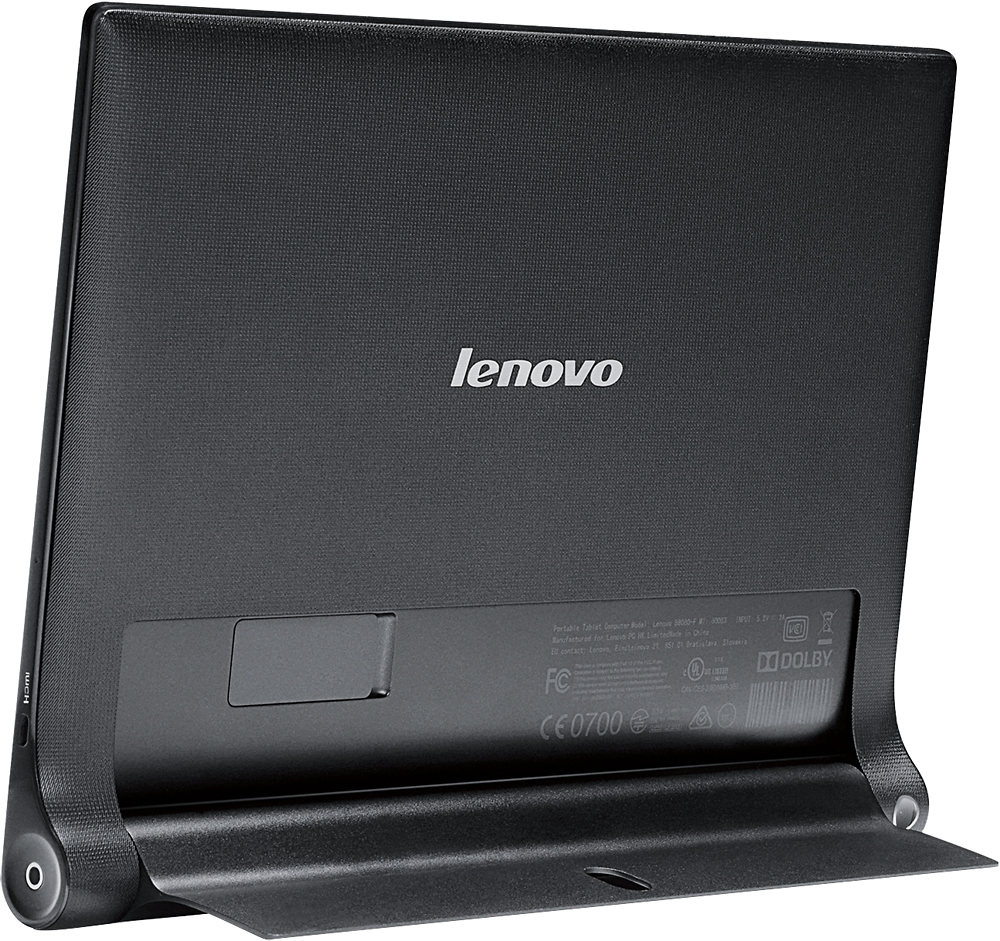
A:Answerthis is wifi-only tablet.
it has a sim card slot. but I did not try any carriers with the sims. I think this may not work with any network carriers in the US. I don't Know if it works on other country with sim card!!
A:AnswerRight click on Desktop background, click on Screen resolution and make sure Orientation is set correctly. If you're talking about the scrolling as if you were using a mouse whether you're using a mouse or your finger then just search Mouse and touchpad setting through your charms and make sure it's not inverted.
A:AnswerIt uses a standard micro USB cable to charge, but the power adapter it comes with puts out a higher amperage than most. I have been able to use other microUSB cables to charge the tablet, but not other bricks.
As for the stylus - it's a capacitive touch screen without active digitizer. You can probably use any stylus that would work on an ipad, for example.
A:AnswerMake sure you're using the correct cable. There's one for the tablet, and another for the keyboard, if you have that. We have no problem with ours.
A:Answerhi frz, if you dun like the win 10 OS, i suggest you to go to your local lenovo service station ,show them your tab,let them to help you change back the OS,.hope can help you