Questions & Answers
- Model:
- 83DM0003US
- |
- SKU:
- 10445837
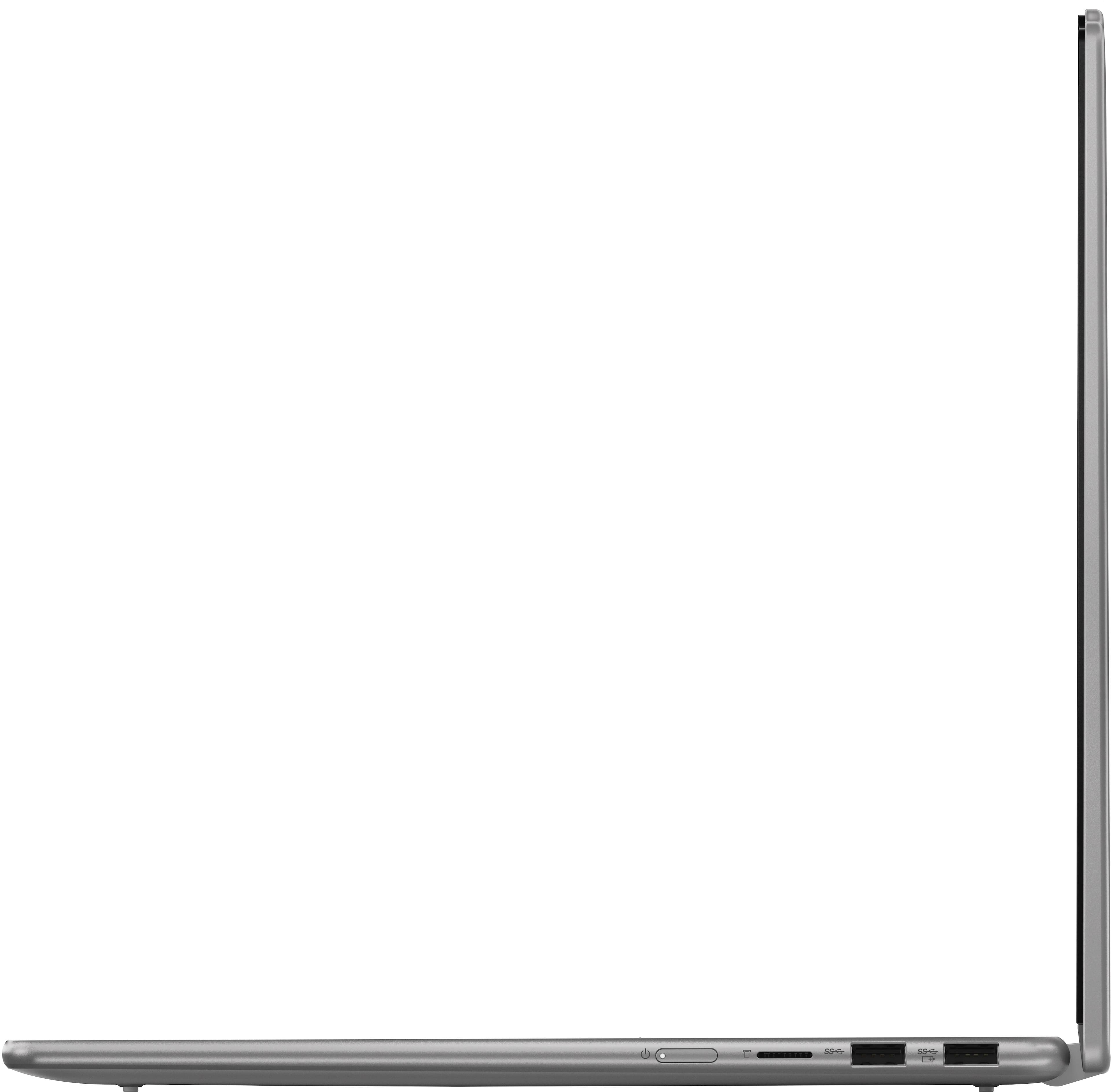
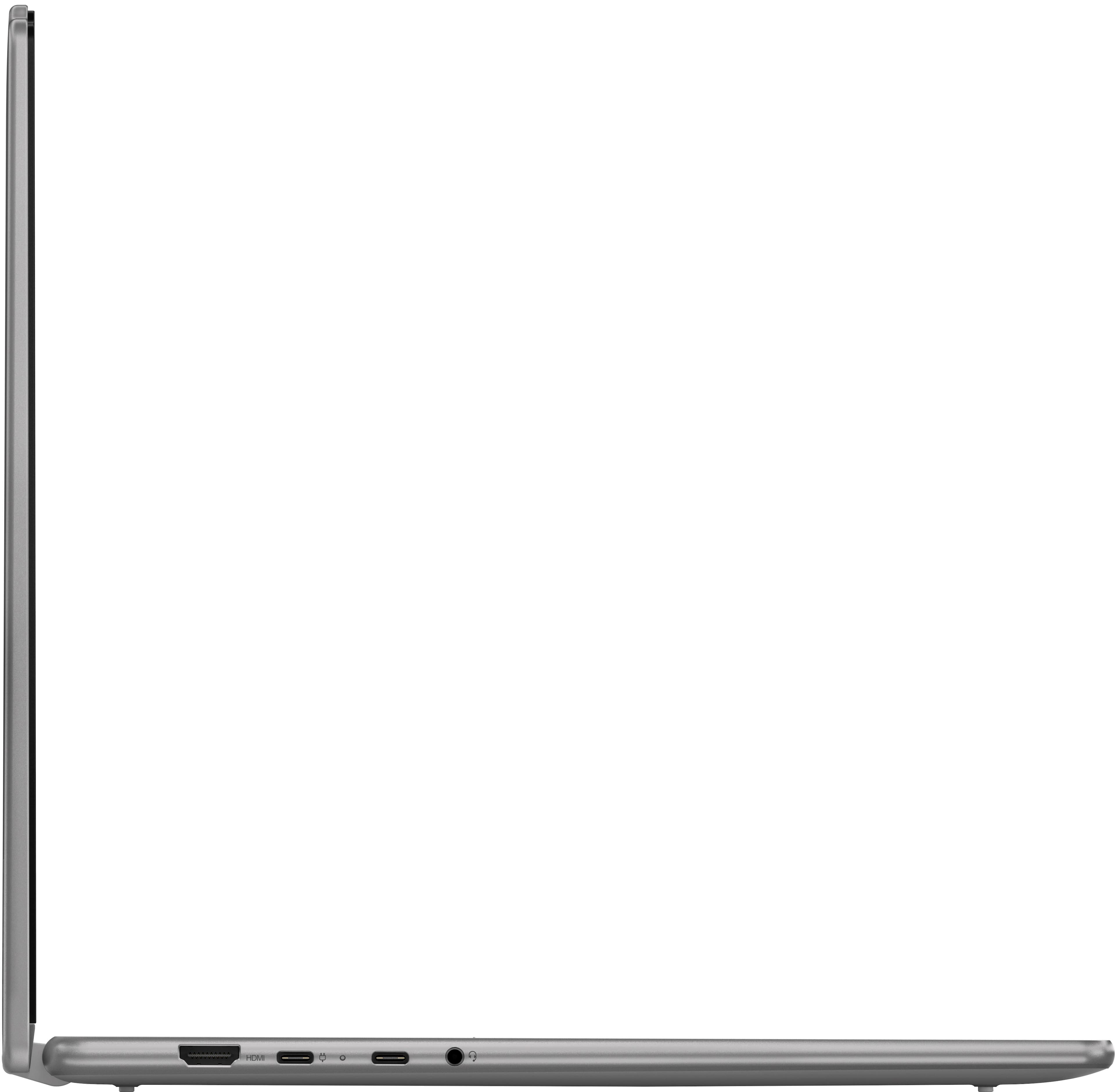
Q: QuestionDoes this laptop use USB C to charge?
Asked by Nickname32.
- A:Answer Yes
Answered by AravindM
Q: QuestionHow do you convert it to a tablet?
Asked by Elizabeth7.
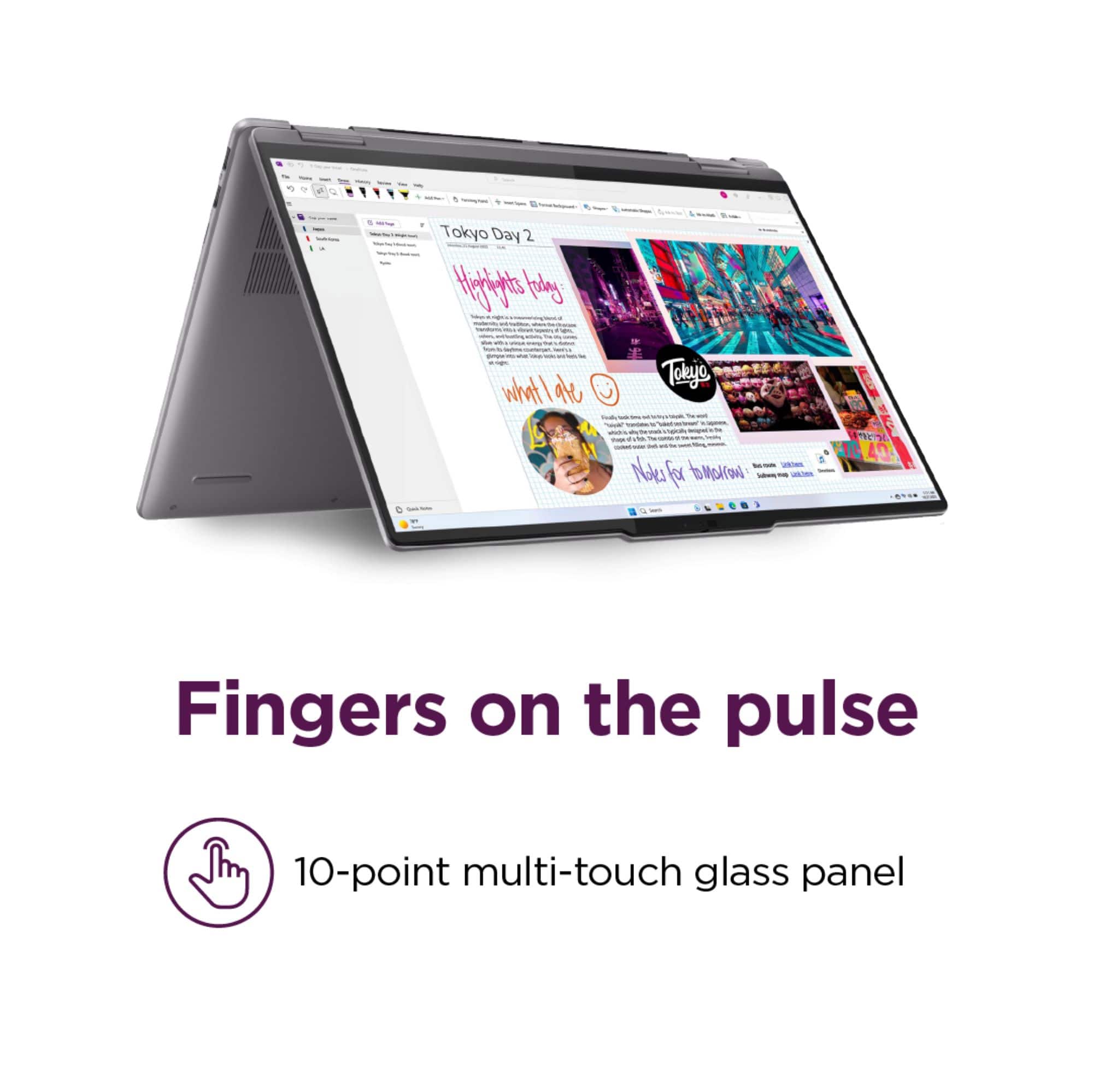
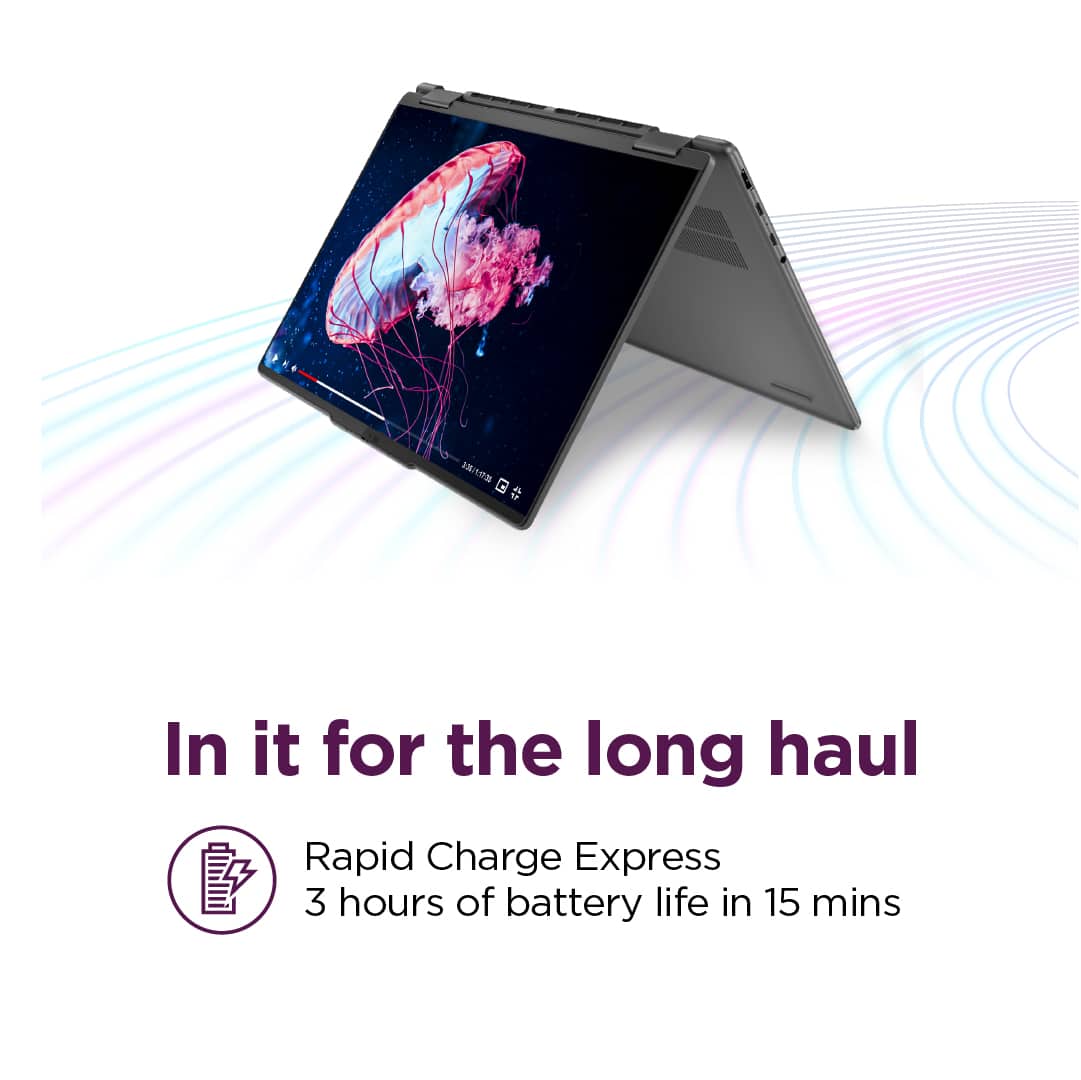
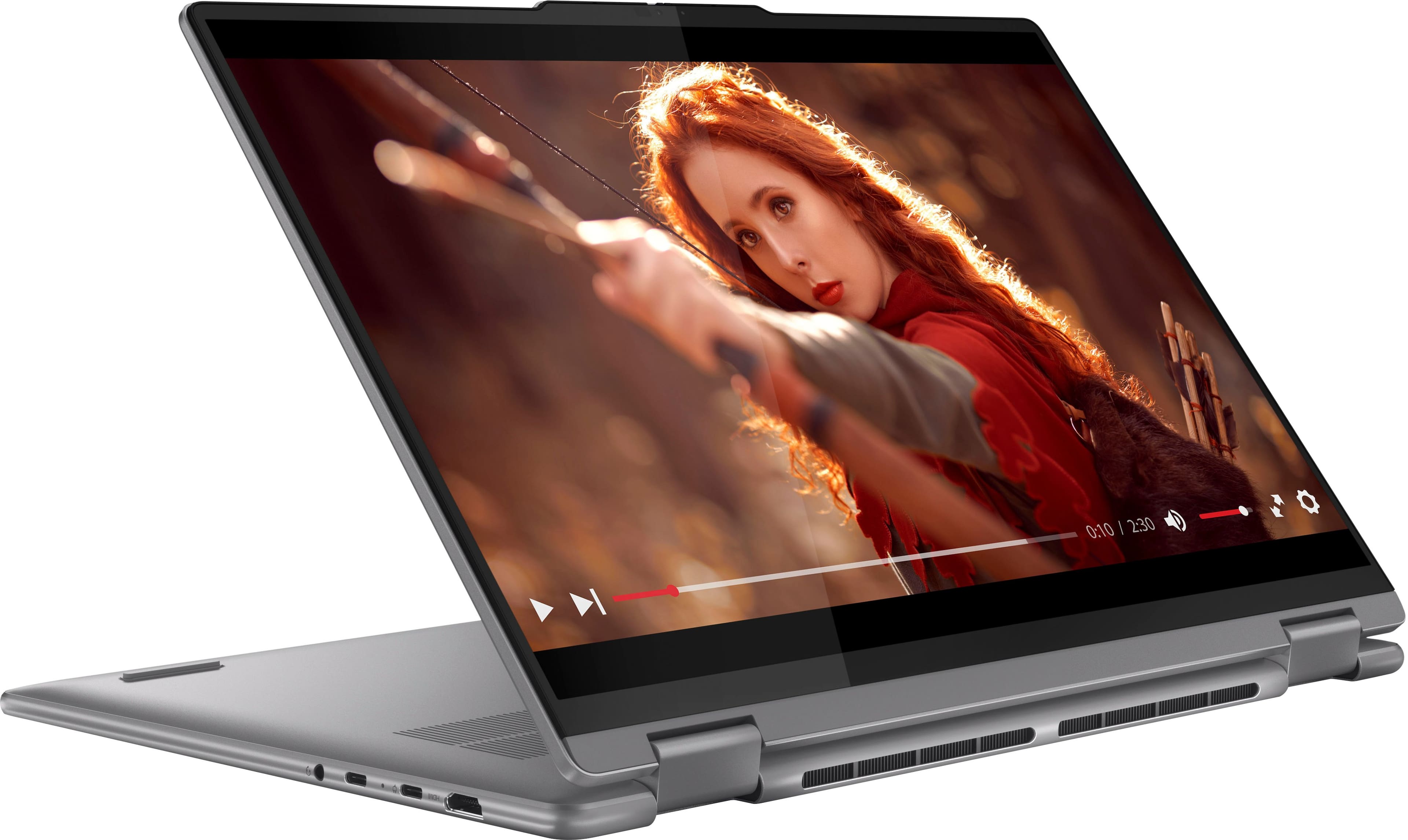
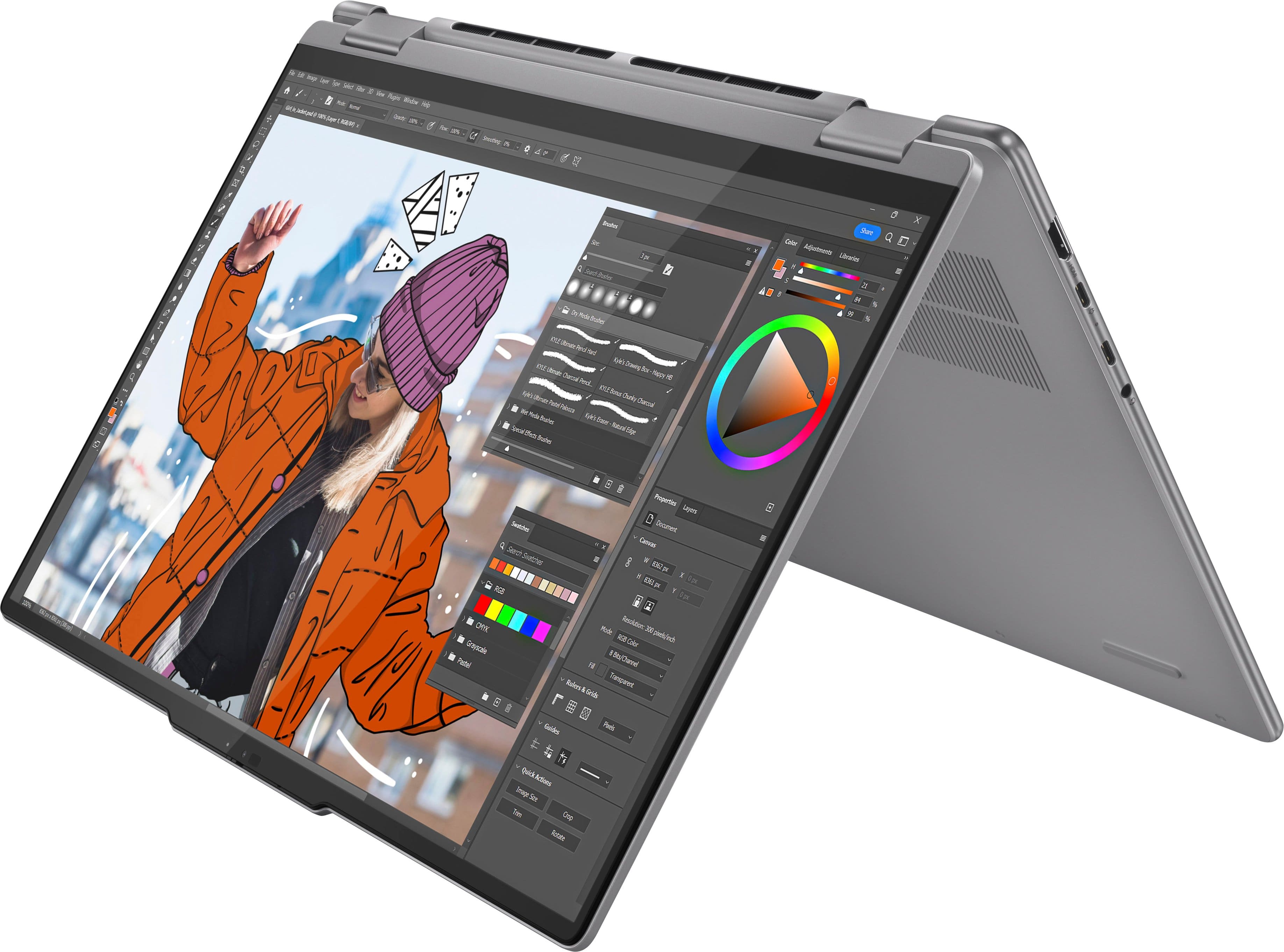
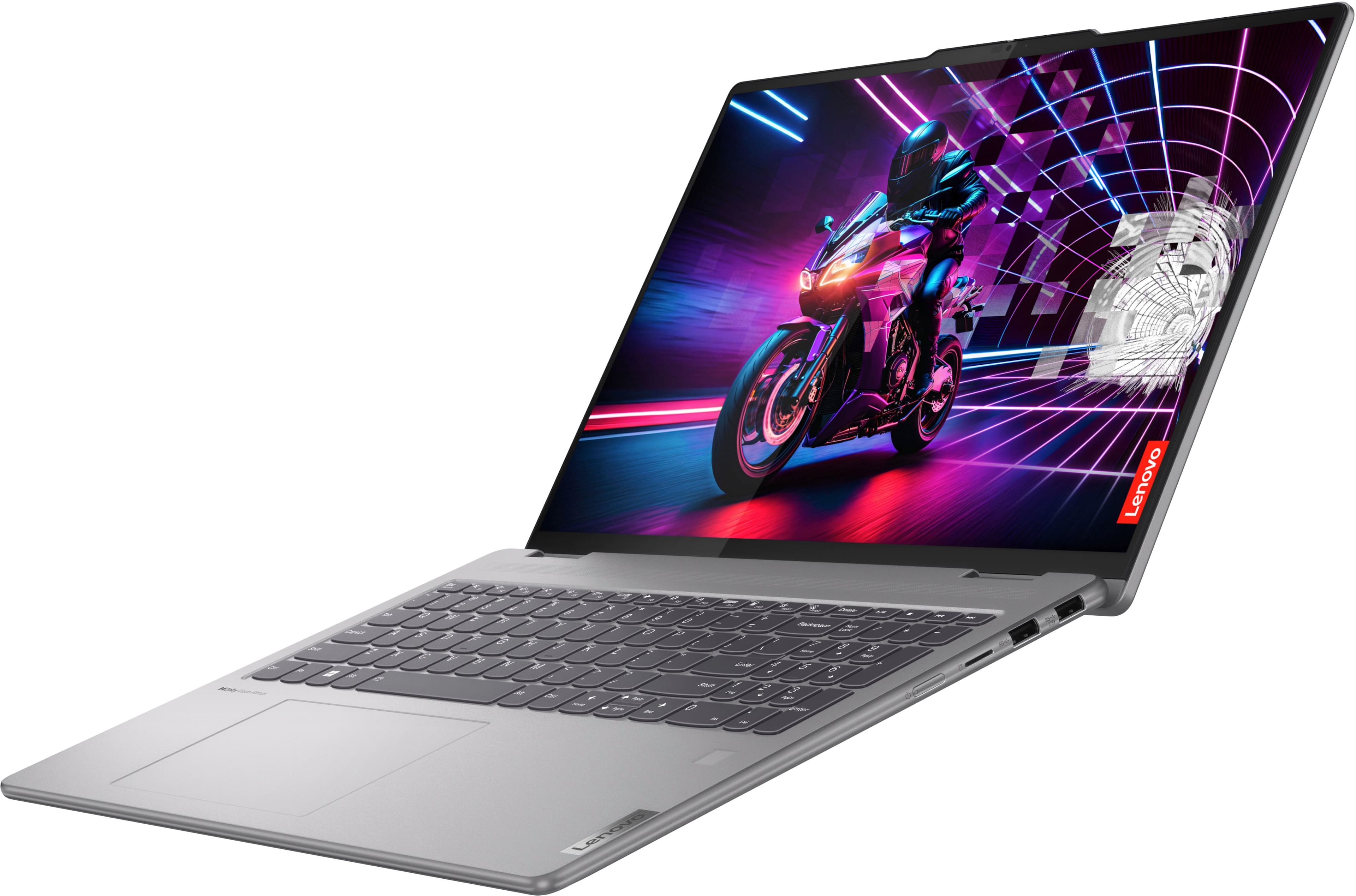
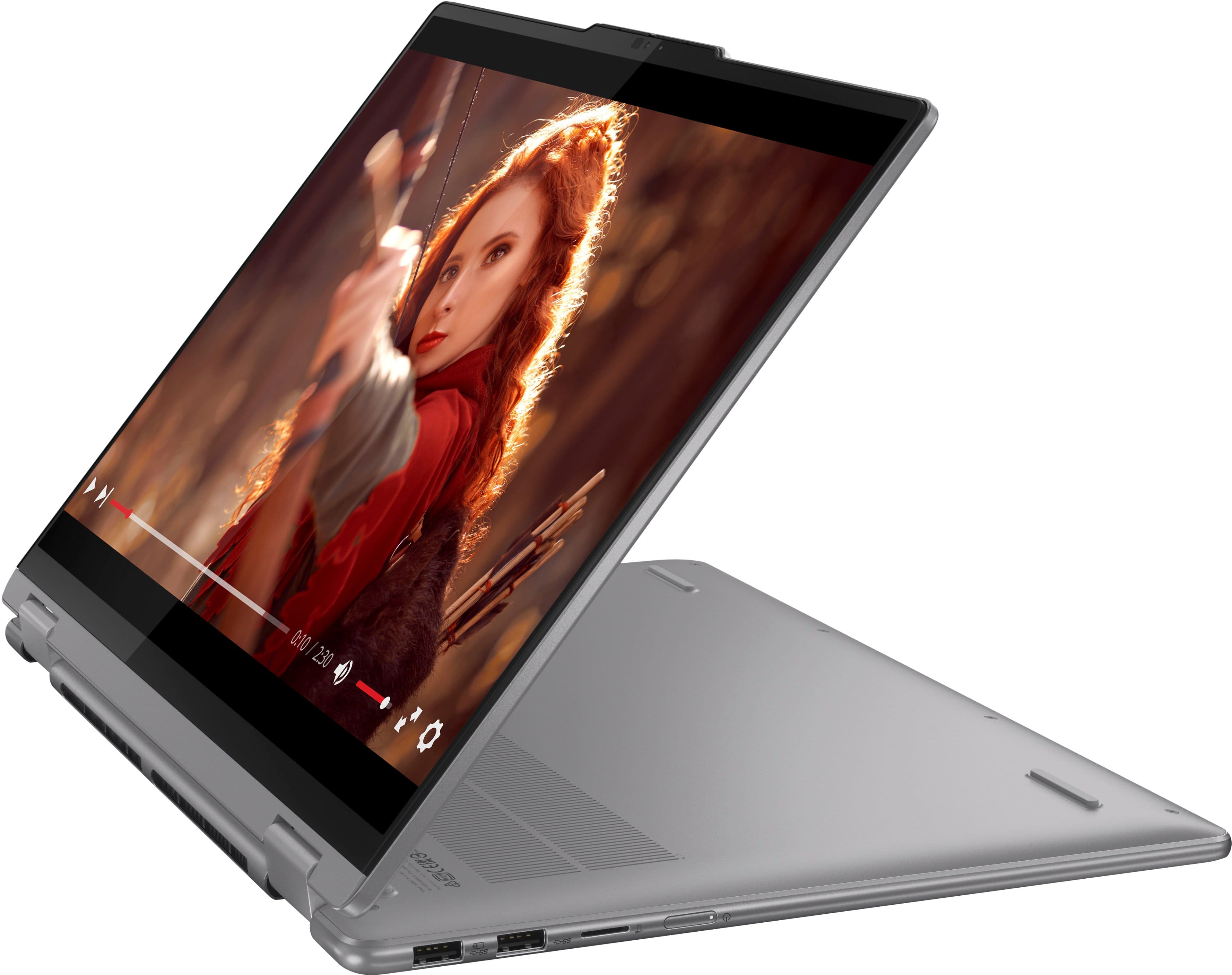
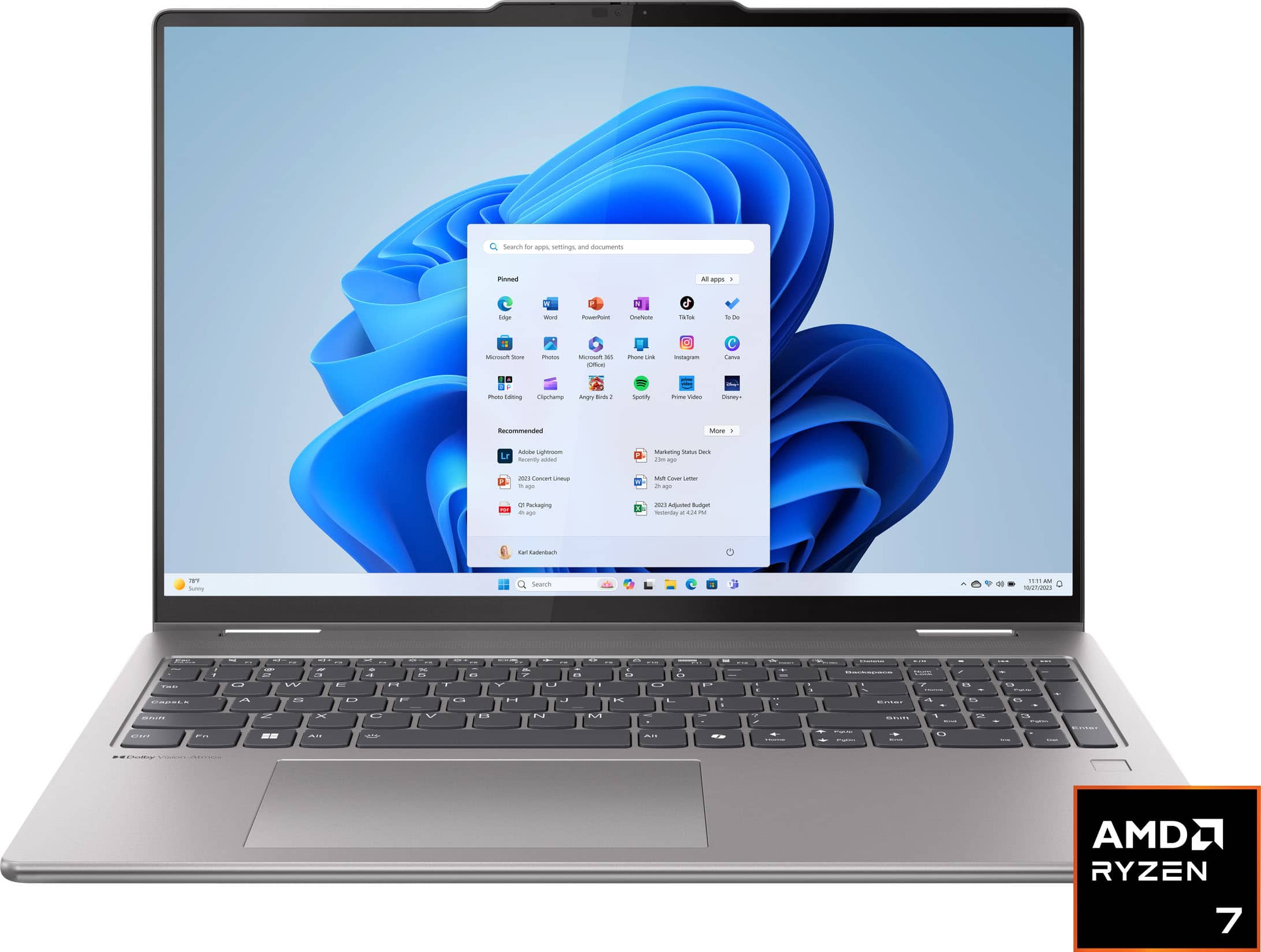
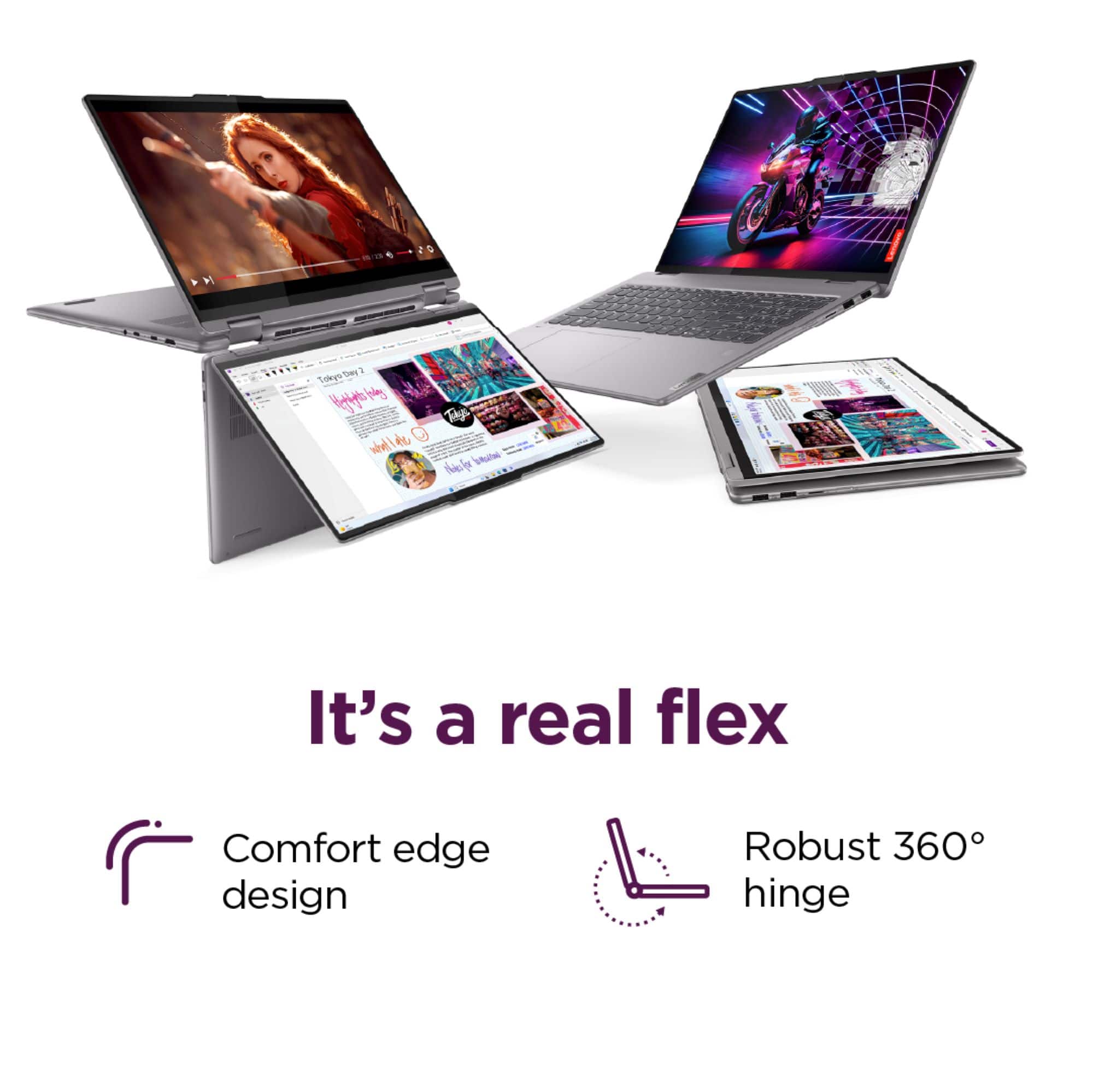
- A:Answer Hey, Elizabeth7. You can convert your Yoga 7 2-in-1 into tablet mode, along with tent and stand mode (depicted in the user guide linked later), by lifting the laptop, ensuring you have a firm grip on the bottom half of the laptop (we'll call this part sides C, inside, keyboard and D, bottom with air intake vents), then pushing the top of the laptop or screen (let's call this sides A, outside, top and B, inside/screen) backwards until it makes contact with the bottom of the laptop (sides A and D should touch), and now you're in tablet mode. Should you want a visual of the various modes, they're illustrated on pages 20 and 21 for your Yoga in the user guide linked here: https://download.lenovo.com/consumer/mobiles_pub/yoga_77i_2in1_ug_en.pdf
Answered by Lenovo Product Expert

Q: QuestionWhen you open the lid of this PC, it immediately starts up. So, what is the power button on the side for?
Asked by PeteM3.
- A:Answer This "Flip to Turn On" feature is actually an option in a BIOS/UEFI menu. The default setting was "on". I turned it off and now it acts like a conventional laptop, where you use the power button to turn it on.
Answered by PeteM3
Q: QuestionI dislike windows 11. Can i install windows 10 on this computer?
Asked by horsth.
- A:Answer Hey, horsth. There may be a way to do so; however, two things to disclose, first, new issued keys of Windows 10 are no longer sold by Microsoft. Second, during testing and certification, this system was using Windows 11 and not Windows 10, so functionality is uncertain.
Answered by Lenovo Product Expert

Q: QuestionIs the laptop compatible with Linux and the touchscreen will work?
Asked by George.
- A:Answer Hey, George. It is compatible with Linux and based off user reviews, the touchscreen should work automatically with most common Linux versions but could require some adjustments.
Answered by Lenovo Product Expert

Q: QuestionIs there an SD card slot on this?
Asked by NoraR.
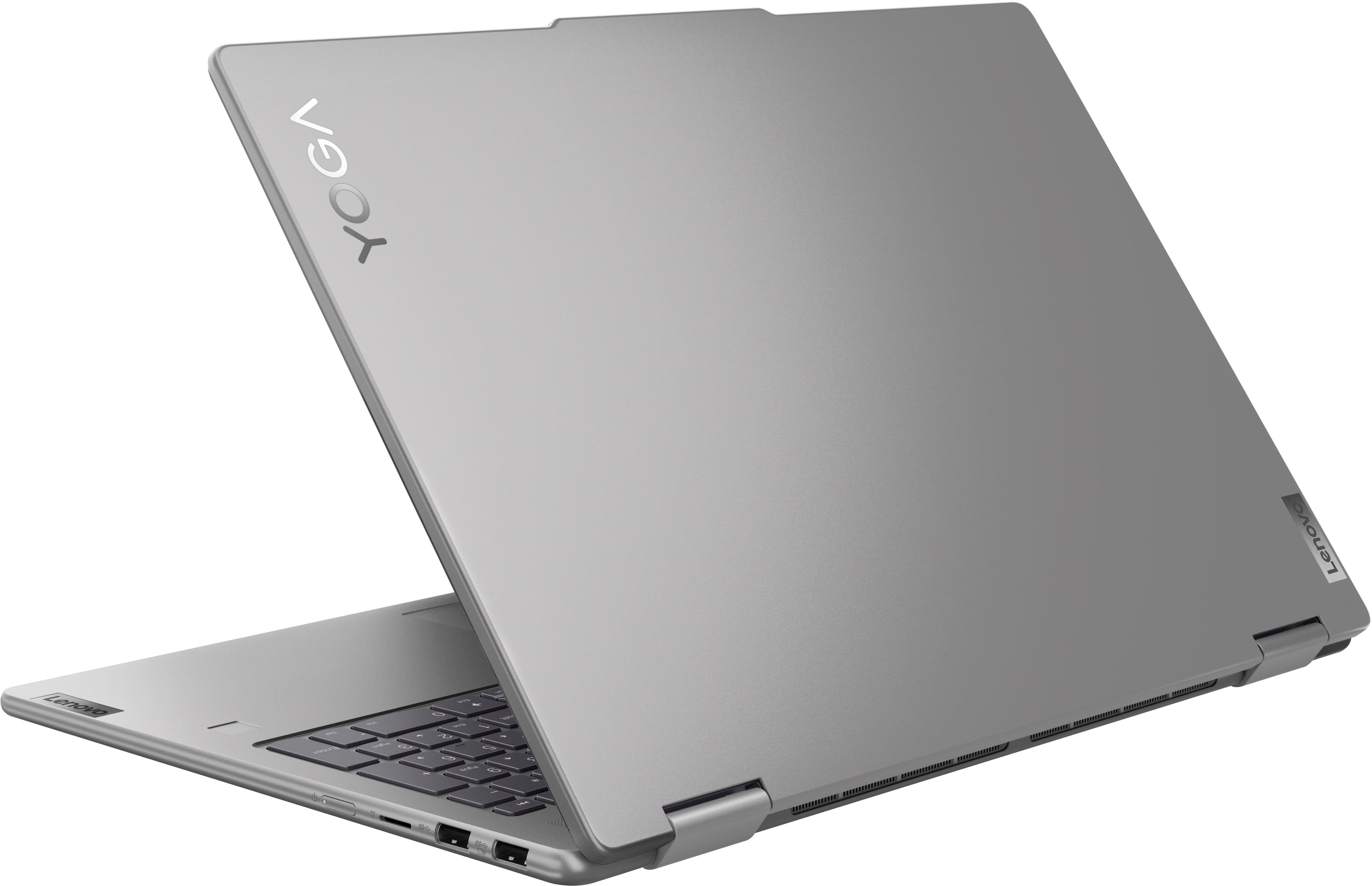
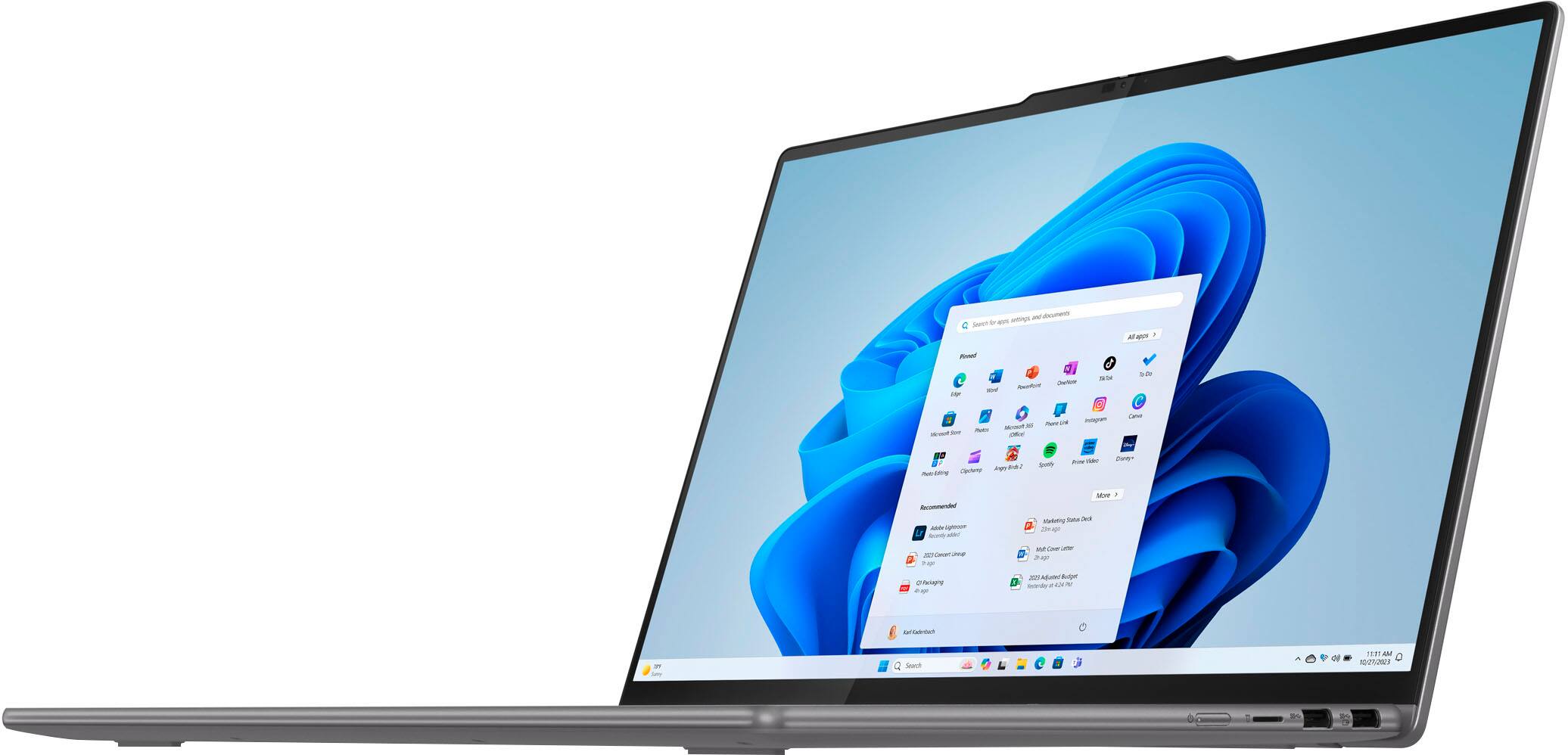
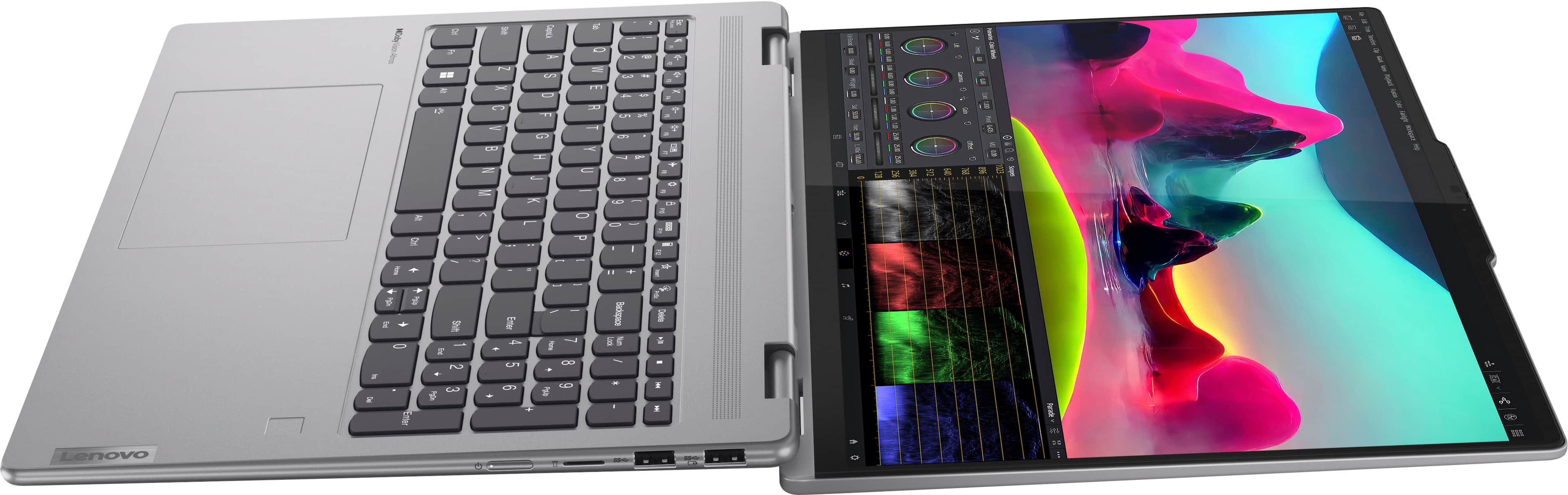
- A:Answer Hi, NoraR. This model Yoga features a microSD card slot. If you need a full-size SD card to be read, you can use a USB or USB-C to SD card reader.
Answered by Lenovo Product Expert

Q: QuestionCan you use google chrome on this?
Asked by Mary.
- A:Answer Yes, you just have to download the search engine and it works great.
Answered by NelindaB
Q: Questionwhich version of Windows 11 does this come with. what can you upgrade in the hardware can you remove any of the pre installed software if not being used like microsoft 365?
Asked by motown.
- A:Answer Hi, motown. Thank you for your question. It ships with Windows 11 Home preinstalled. Regarding upgrades, the memory is soldered to the systemboard and the system's single storage slot is filled with a 1TB SSD, the max storage size tested on this Yoga. Also, most preinstalled applications can be preinstalled, but some cannot as they are integral or built into the system.
Answered by Lenovo Product Expert

Q: QuestionDoes this support wacom AES 2.0 and does it come with a Lenovo Precision Pen?
Asked by Jimmy.
- A:Answer No idea about aes 2.0 but pen is a separate purchase.
Answered by Amanda
Q: QuestionDoes it have a camera
Asked by Quest1.
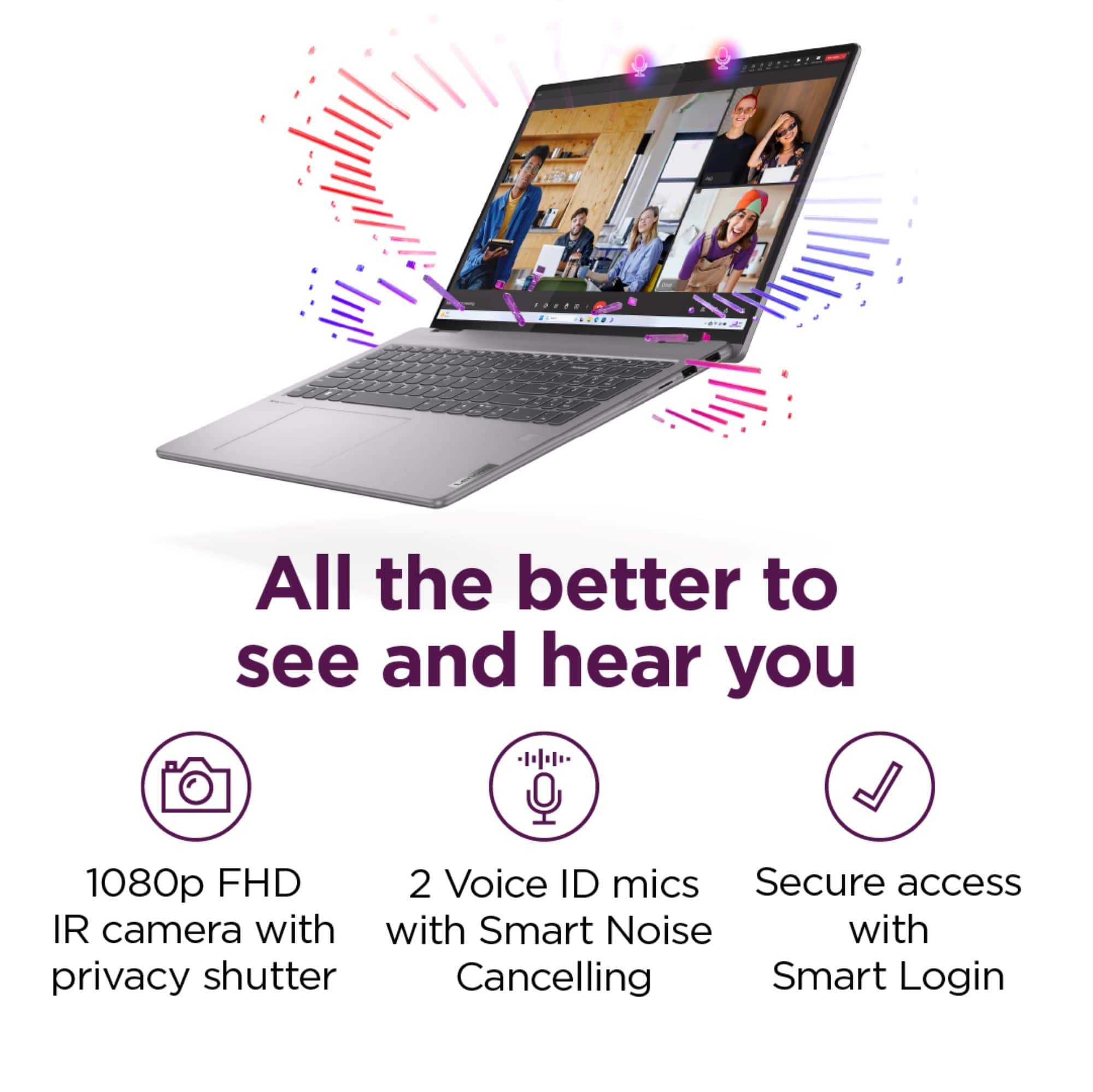
- A:Answer it does! it also has the option of face identification to unlock, pretty cool in my opinion!
Answered by RyleighH
Q: QuestionCan this (especially the video card) handle playing sims4?
Asked by Niiiccckkj.
- A:Answer Hi Niiiccckkj, Based on the feedback from many user reviews, you can play Sims 4 on the system just fine. The obstacles that may stand in your way would be with large, power hungry in-game add-ons that require higher graphics performance. Please let us know if you have any other questions!
Answered by Lenovo Product Expert

Q: Questionwhere is my serial nuimber
Asked by Anonymous.
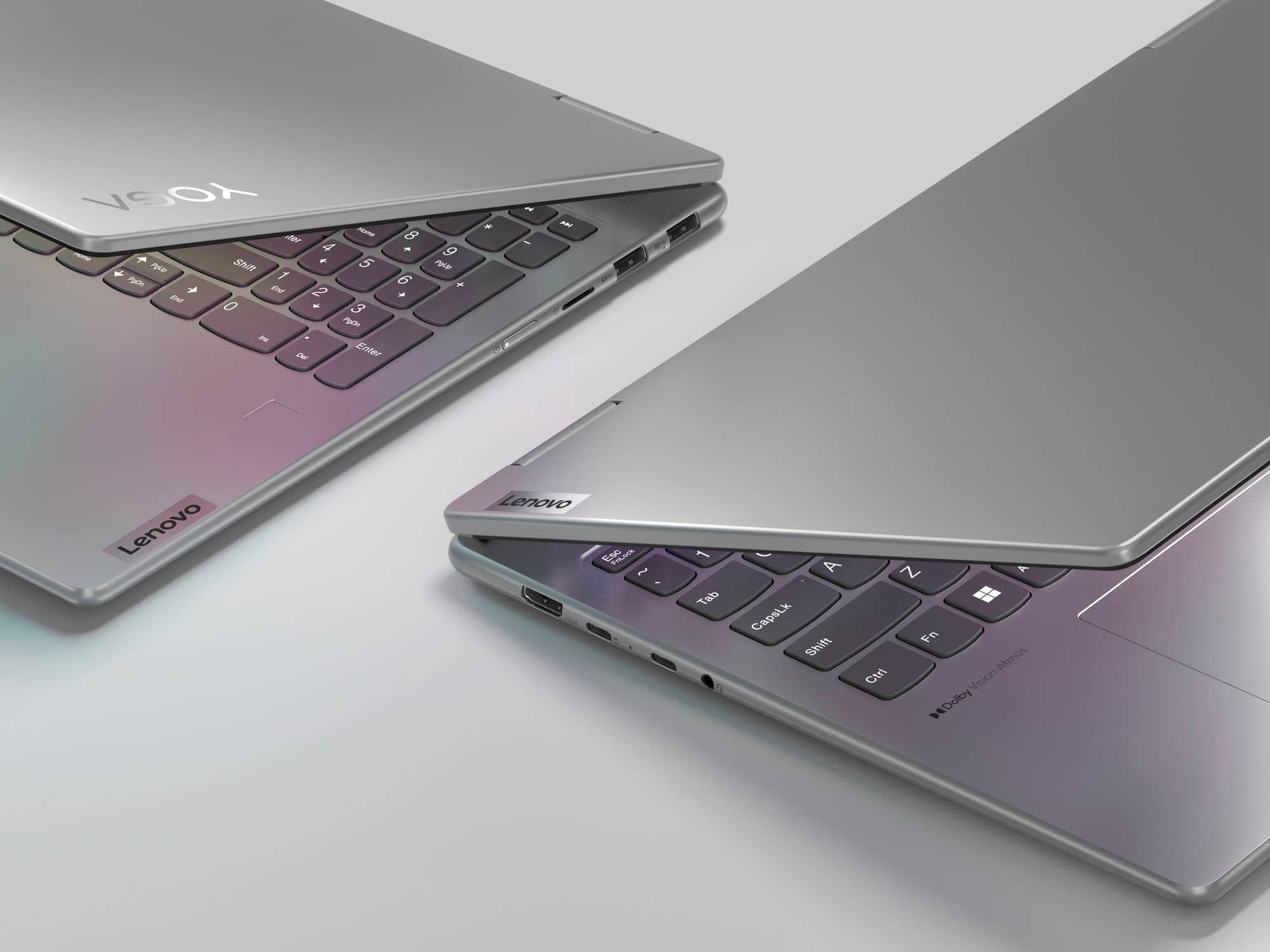
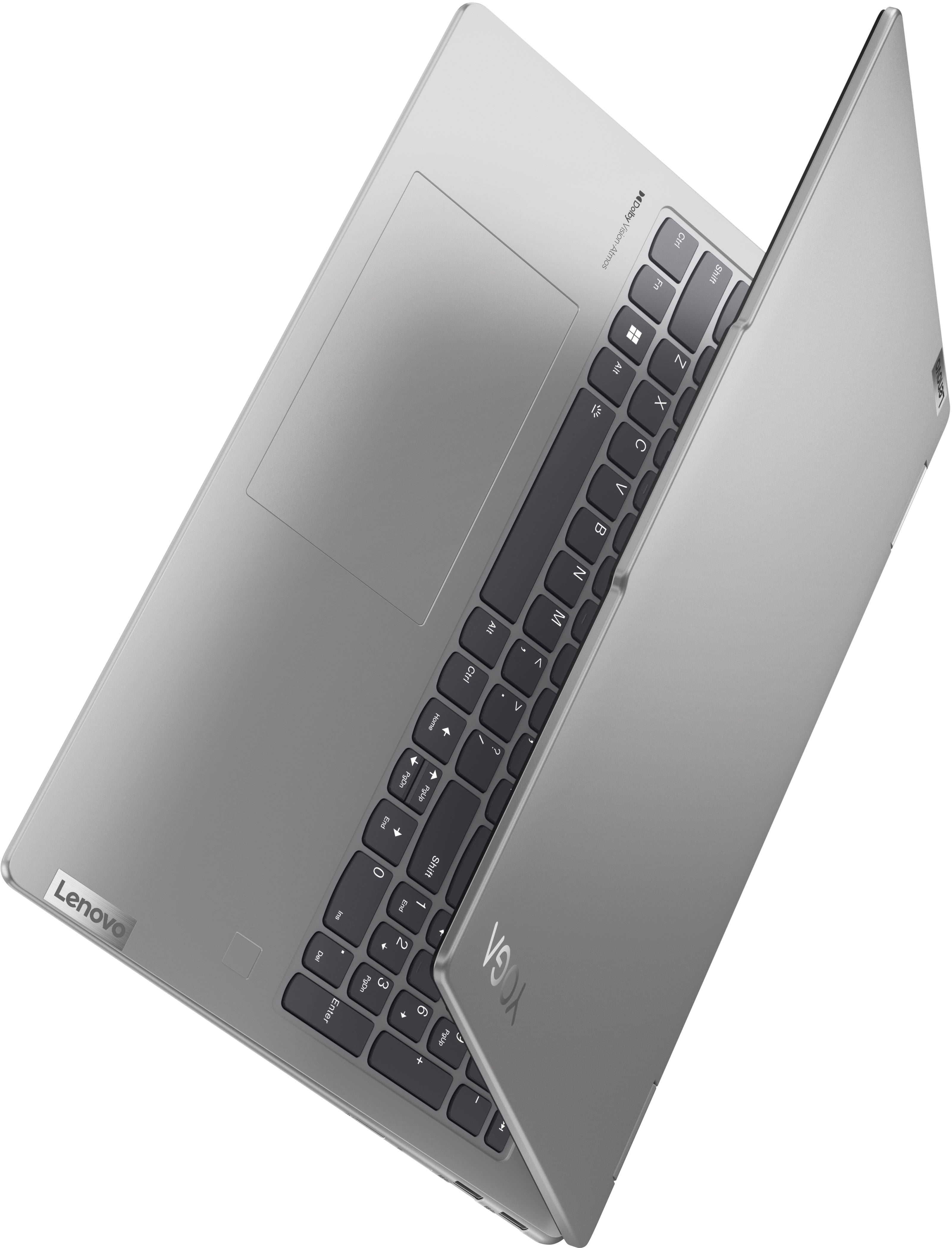
- A:Answer It is in the very lightly printed section on the top left corner on the back of the laptop. You need good lighting and a magnifying glass to read the small characters. This is a POOR design!
Answered by HalR
Q: QuestionIs this compatible with mpp pen technology? (I see answers that say a pen needs mpp AND aes. Does that mean that it works with both? Or just one or the other?)
Asked by MMMM.
- A:Answer Hi MMMM, This Yoga 7 will work with either MPP or AES pen protocols. One that has been tested to work with this system is currently available at Best Buy https://www.bestbuy.com/site/lenovo-digital-pen-2-gray/6580719.p?skuId=6580719, the Lenovo Digital Pen 2. Let us know if you have any other questions!
Answered by Lenovo Product Expert

Q: QuestionCan this laptop be used with a Lenovo ThinkPad Thunderbolt 3 Dock?
Asked by Gram.
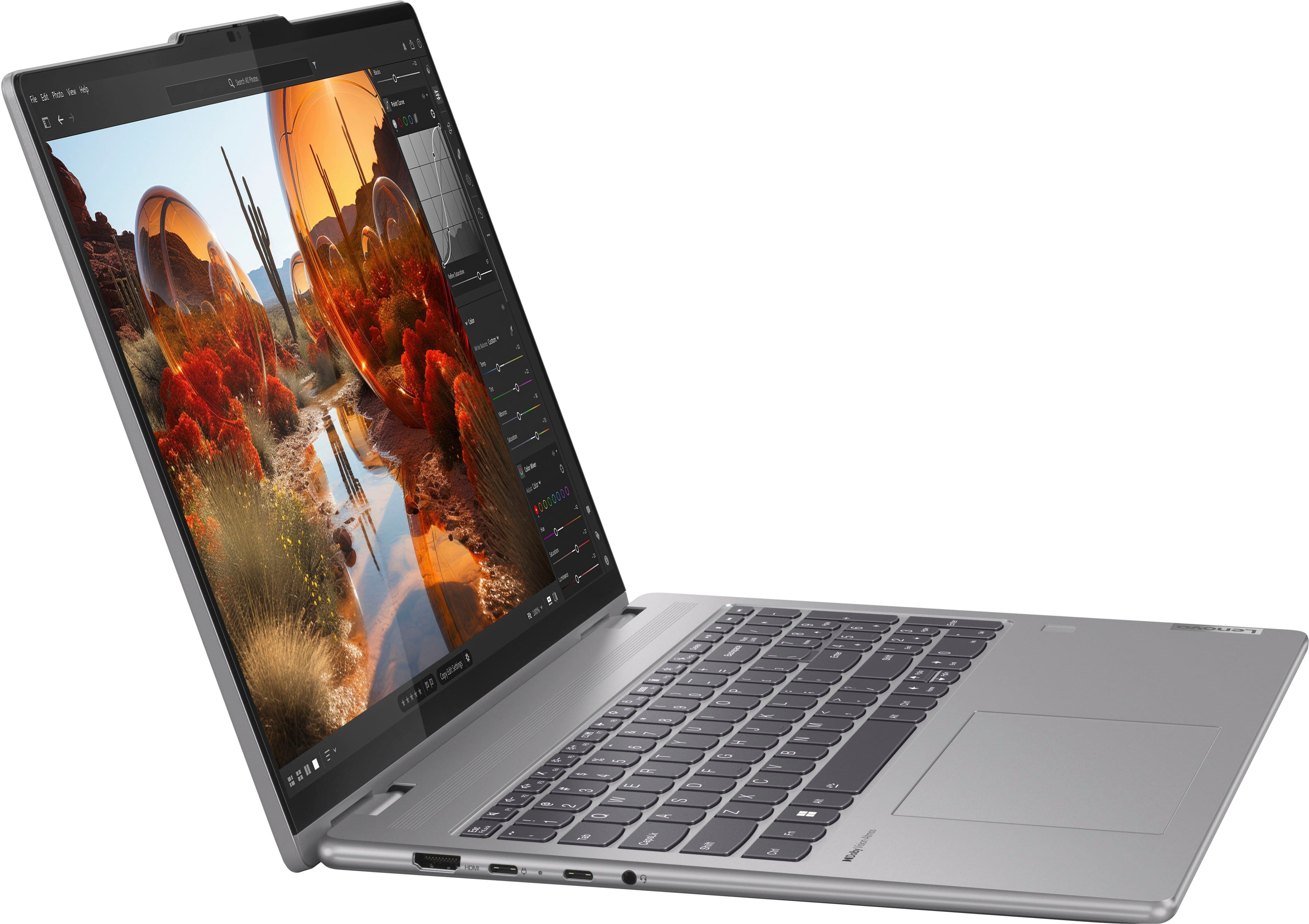
- A:Answer Hey Gram, It should work with your Thunderbolt 3 dock, but some specifications with the USB-C ports will not align since the two USB-C 3.2 port on the Yoga 7 do not feature the Thunderbolt 3 technology.
Answered by Lenovo Product Expert

Q: Question1. The left half portion is getting overheated while charging. Any particular reason? 2. Is it advisable to disable the touch screen? 3. Does this laptop remain on all the time even after shutting down?
Asked by Anonymous.
- A:Answer Hey there, Thank you for your inquiries! 1. This is an odd occurrence that you're describing. The reasoning is currently undeterminable without analysis of the machine itself. To try to resolve this, let's try a few things: Frist, perform a static discharge/power cycle. To do so, first remove all cables connected to the device (power adapter, HDMI, external mouse, external keyboard, etc.). Next, be sure device is powered off, then. press and hold the power button down for 60 seconds. When done, re-attach all cables and insert the power adapter, letting the laptop charge for a couple minutes, then power up the machine as usual. Try to update the system by opening the Settings app > Select the Windows update tab > Select the Check for updates button. Next, open the Lenovo Vantage app > on the homepage, select the Check for updates button. If after the available updates are applied and the system restarts, yet the issue persists, in-depth troubleshooting will be necessary to fix the problem. We then recommend contacting Lenovo Support here: 877-453-6686, for further assistance. 2. You can disable the touchscreen, but it can be a convenient input method for various use cases. 3. When you power off the system, it remains shut down until you open the lid of the laptop or power the system on. Let us know if you have any other questions!
Answered by Lenovo Product Expert

Q: Questionwhy lenovo yoga don't have in stock this model 83DM0003US?
Asked by john.
- A:Answer Hey john, The model or part number you shared matches what is listed for this model Yoga 7, and it is currently available for purchase at the time of this response. Let us know if you have any other questions!
Answered by Lenovo Product Expert

Q: QuestionWill the lenovo digital pen magnetically stick to the laptop?
Asked by JackMcFarland.
- A:Answer No pen or mouse provided.
Answered by SidH
Most-viewed items
- $429.99Your price for this item is $429.99$599.99The comparable value for this item is $599.99
- $529.99Your price for this item is $529.99$799.99The comparable value for this item is $799.99
- Doorbuster$219.99Your price for this item is $219.99
- $599.00Your price for this item is $599.00$799.99The comparable value for this item is $799.99
- Black Friday Deal$679.99Your price for this item is $679.99
- $519.99Your price for this item is $519.99$799.99The comparable value for this item is $799.99
- $699.99Your price for this item is $699.99$1,049.99The comparable value for this item is $1,049.99
- $399.99Your price for this item is $399.99$699.99The comparable value for this item is $699.99
- $599.99Your price for this item is $599.99$899.99The comparable value for this item is $899.99
- $429.99Your price for this item is $429.99$649.99The comparable value for this item is $649.99
- $279.99Your price for this item is $279.99$449.99The comparable value for this item is $449.99
- $349.99Your price for this item is $349.99$599.99The comparable value for this item is $599.99
- $449.99Your price for this item is $449.99$749.99The comparable value for this item is $749.99
- $599.99Your price for this item is $599.99$849.99The comparable value for this item is $849.99
- $449.99Your price for this item is $449.99$779.99The comparable value for this item is $779.99
- Clearance$1,499.99Your price for this item is $1,499.99
- $899.99Your price for this item is $899.99$1,299.99The comparable value for this item is $1,299.99
- $1,999.99Your price for this item is $1,999.99
- $349.99Your price for this item is $349.99$599.99The comparable value for this item is $599.99
- $1,149.99Your price for this item is $1,149.99$1,529.99The comparable value for this item is $1,529.99