Questions & Answers
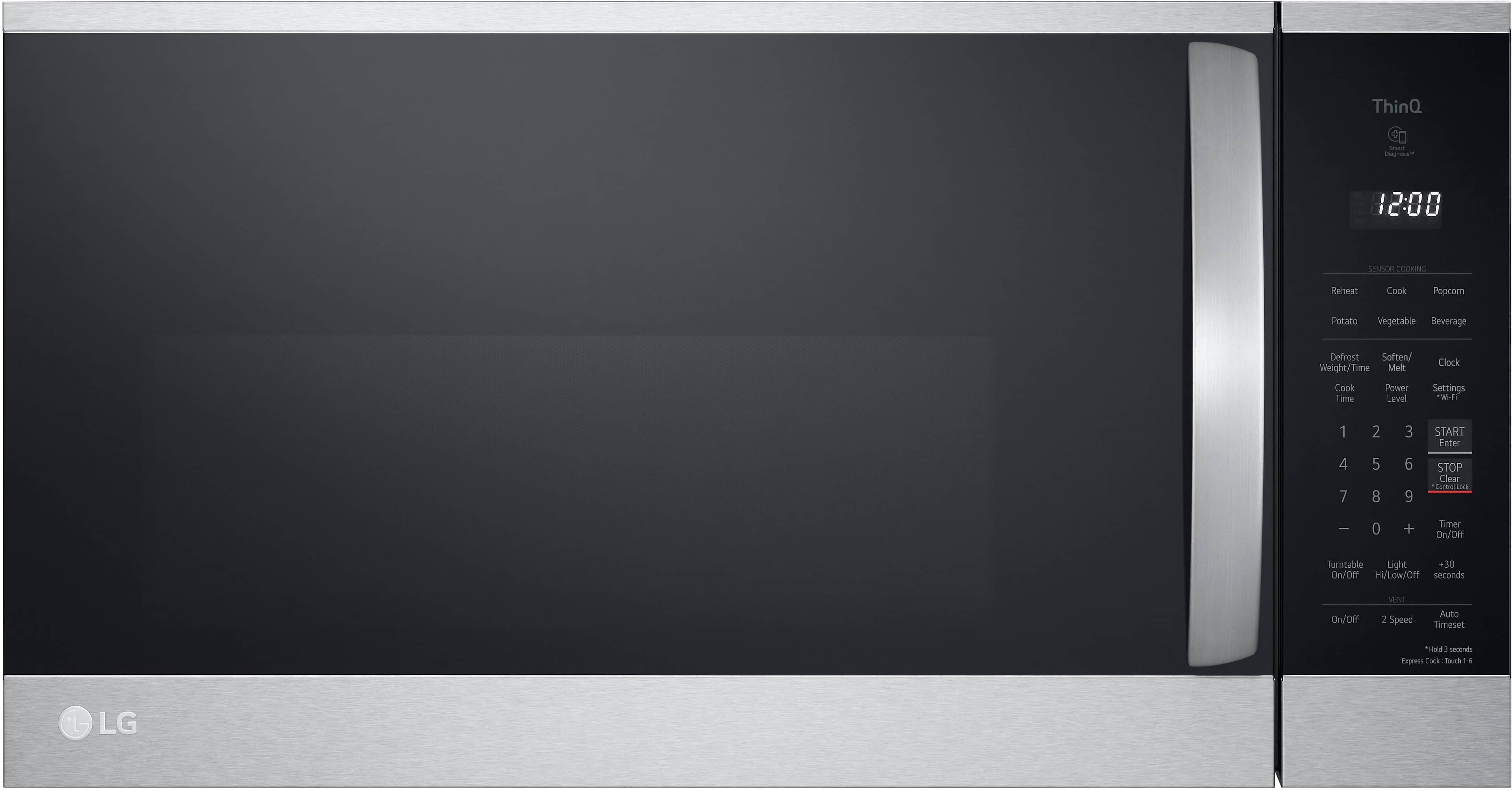



- Model:
- MVEM1825F
- |
- SKU:
- 6508562
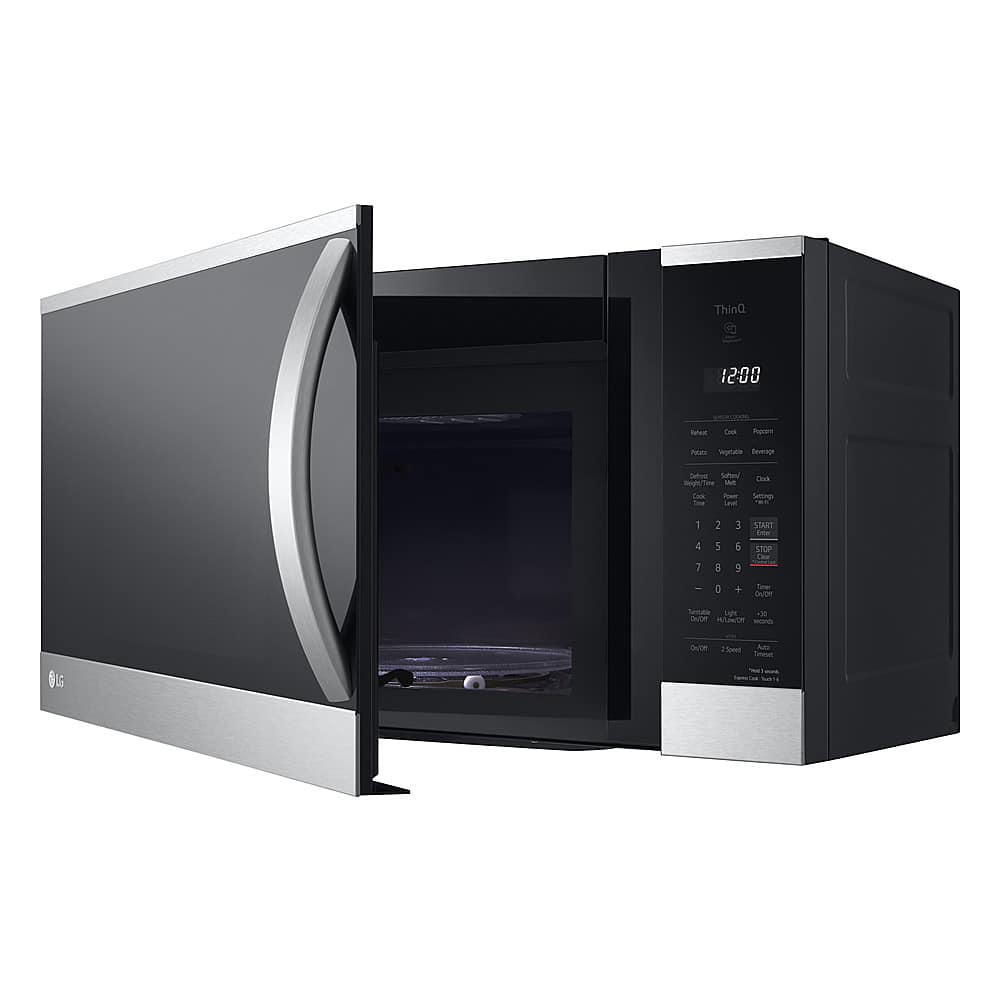
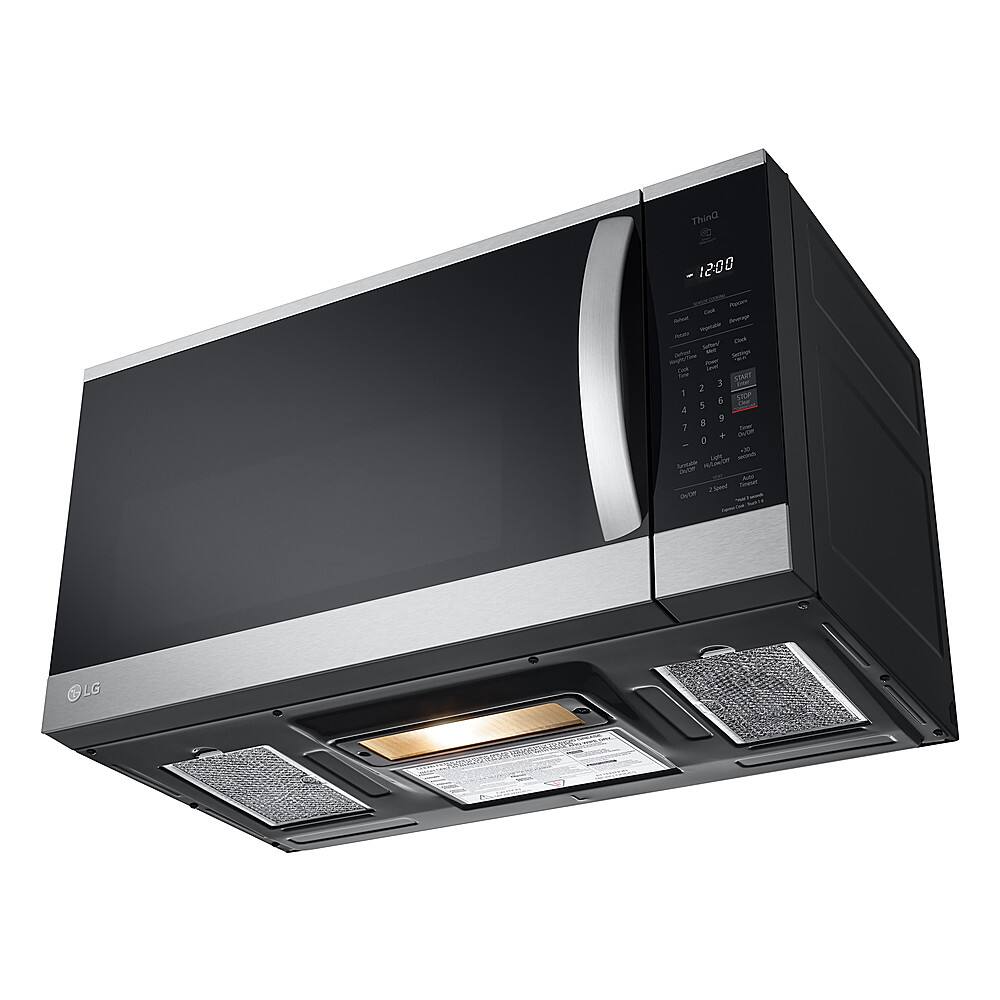
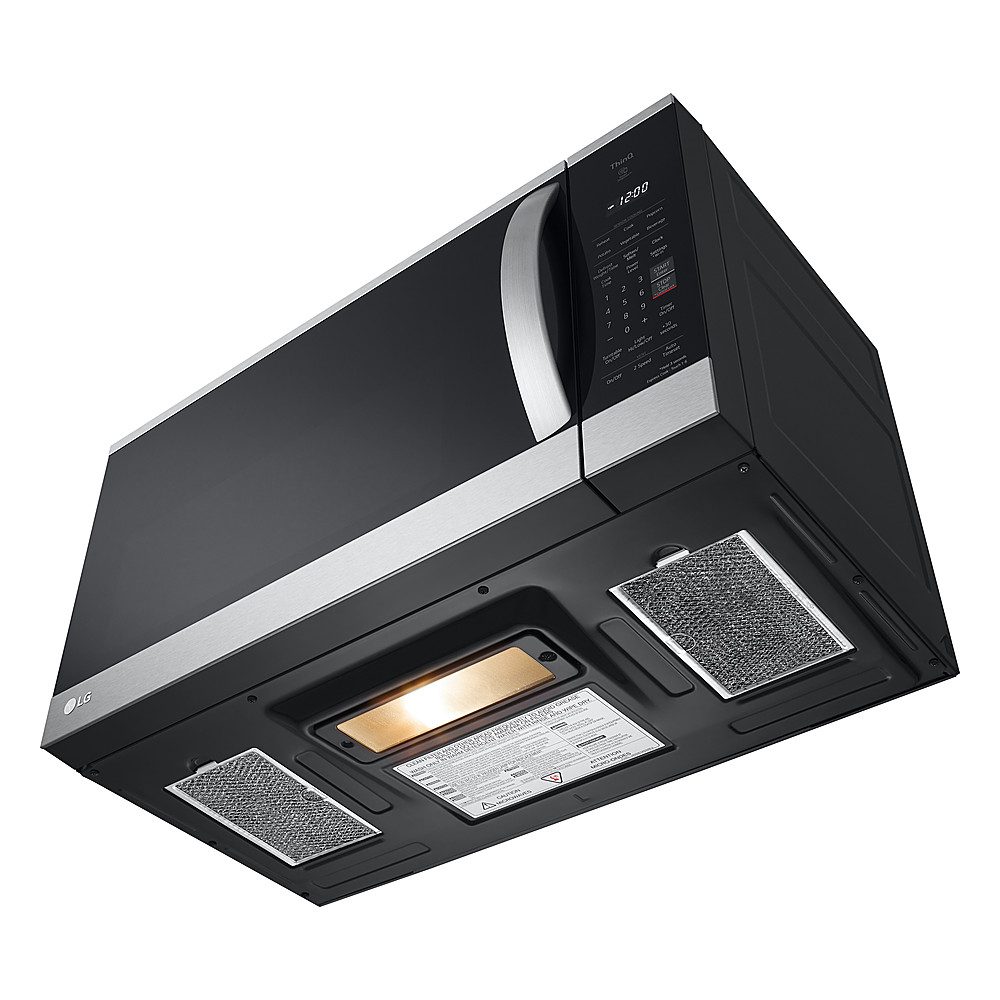
Q: QuestionLights only say "yes". Are they incandescent, halogen, or LED?
Asked by Anonymous.
- A:Answer Thank you for your interest in the LG 1.8 cu. ft. Smart Over-the-Range Microwave (MVEM1825F) model. Yes, the LG MVEM1825F over-the-range microwave are not LED. The downfacing surface stove light is not LED, and it gets quite hot. You can download its owner's manual through this link for more information: https://www.lg.com/us/support/product/lg-MVEM1825F.BRSELGA. ^Cris
Answered by LG Digital Customer Care

Q: QuestionFingerprint proof
Asked by Anonymous.
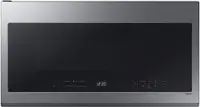
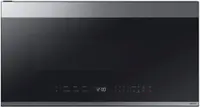
- A:Answer Only the black stainless is fingerprint proof. The glass and cooking panel are not.
Answered by Arby
Q: QuestionIf this microwave is vented outside will ANY air from the microwave vent inside?
Asked by Elle.
- A:Answer Not sure about the air coming in but You can set it up to go to the outside also you will need to do extra work and parts also the air circles inside and to the ceiling
Answered by AnthonyD
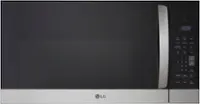
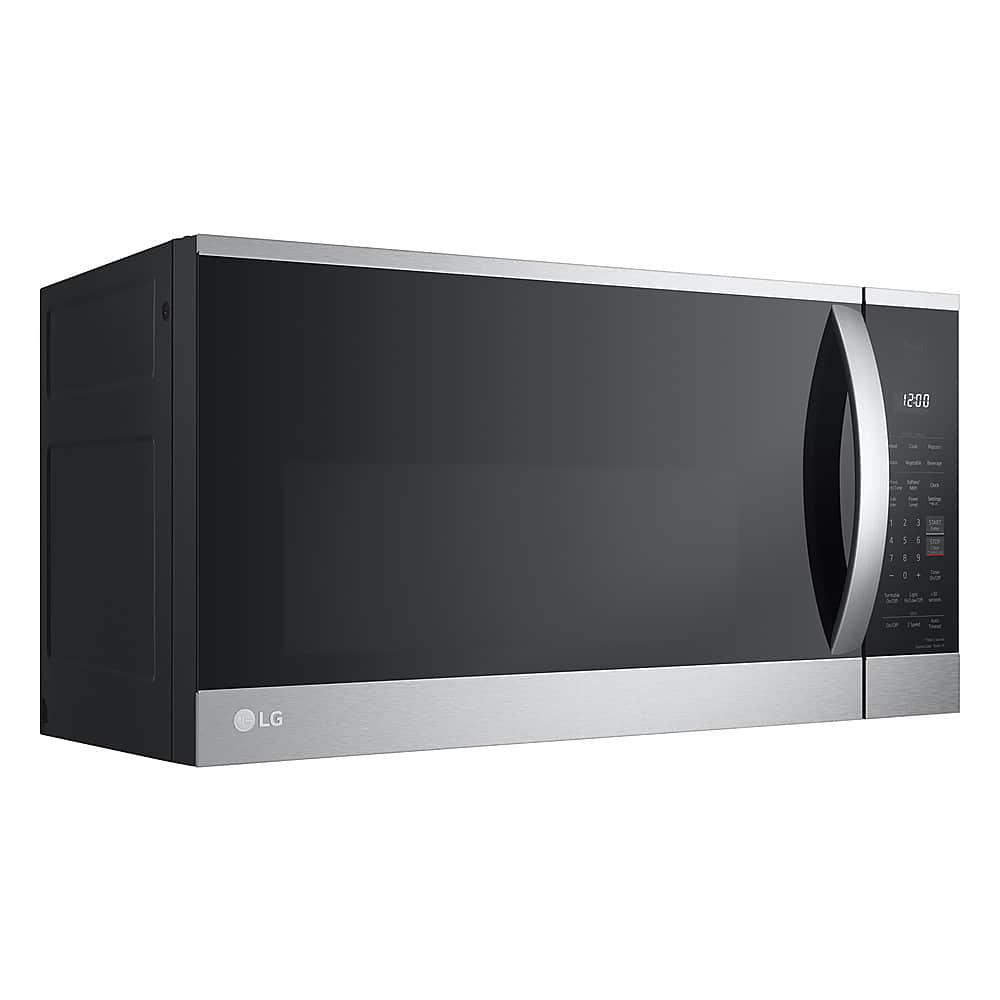
Q: QuestionAre the sides actually stainless steel or black? I've seen photos of both for this model.
Asked by Lygophilia.
- A:Answer Black
Answered by Anonymous
Q: QuestionChange for another microwave
Asked by Happy.
This question was asked about the related product: LG - 1.8 Cu. Ft. Over-The-Range Smart Microwave with Sensor Cooking and EasyClean - Stainless Steel
Q: QuestionHow easy is this to install ? Does it have a fan
Asked by Elbows.
This question was asked about the related product: LG - 1.8 Cu. Ft. Over-The-Range Smart Microwave with Sensor Cooking and EasyClean - Stainless Steel
- A:Answer Hello, there! Thank you for sharing your question with us about the LG Microwave (MVEM1825X). This model is designed for a straightforward over‑the‑range installation, especially if you’re replacing an existing microwave with standard 30‑inch spacing. The unit includes a mounting plate and hardware to help guide the setup. The MVEM1825X also features a built‑in ventilation system, so you can use the internal recirculating fan or choose external venting if your kitchen setup supports ductwork. Both options are supported, giving you flexibility during installation. You may access this link for guidelines and go to Page 13 for "Installation": https://www.lg.com/us/support/product/lg-MVEM1825X.BRSELGA?srsltid=AfmBOopvN7ZZQ8e8JBJl_FfHf8-os6xtEAI27-QRcIpuf5nVzCdR3ek2. You can explore the full feature list and support details here: https://www.bestbuy.com/product/lg-1-8-cu-ft-over-the-range-smart-microwave-with-sensor-cooking-and-easyclean-stainless-steel/J7G5658L4Y. If you’d like more guidance, feel free to reach us at lgdigitalcare@lg.sprinklrsupport.com. — Avril
Answered by LG Digital Customer Care
Q: QuestionHow does it vent?
Asked by KevinD.
This question was asked about the related product: LG - 1.8 Cu. Ft. Over-The-Range Smart Microwave with Sensor Cooking and EasyClean - Stainless Steel
- A:Answer Hello, KevinD! Thank you for sharing your question with us about the LG Over-The-Range Microwave (MVEM1825X). For this model, the ventilation style is convertible external, with the exhaust vent located at the top. This means the exhaust system can be installed to vent air outside your home through ductwork or recirculate it back into the kitchen using a filter, depending on your setup and preference. This flexibility ensures effective airflow and makes installation adaptable to different kitchen layouts. You can explore the full feature list and support details here: https://www.bestbuy.com/product/lg-1-8-cu-ft-over-the-range-smart-microwave-with-sensor-cooking-and-easyclean-stainless-steel/J7G5658L4Y. If you’d like more guidance on installation or compatible venting options, please email us at lgdigitalcare@lg.sprinklrsupport.com and we’ll be glad to assist further. — Avril
Answered by LG Digital Customer Care
Q: QuestionProduct advise....the review pictures are not the same as the product details. This is confusing
Asked by Boboritunerity.
This question was asked about the related product: LG - 1.8 Cu. Ft. Over-The-Range Smart Microwave with Sensor Cooking and EasyClean - Stainless Steel
- A:Answer Hello, Bab! Thanks for sharing your experience with us about the LG Over-The-Range Microwave (MVEM1825X). The LG Over-The-Range Microwave (MVEM1825X) is a reliable unit, but we understand how it can be confusing when review photos don’t match the official product details. Review images are often user‑submitted and may show older versions, damaged units, or even unrelated models. The official listing, however, always reflects the correct specifications, dimensions, and design for the LG Over-The-Range Microwave (MVEM1825X). We encourage you to focus on the manufacturer specifications and official product images, as these provide the most accurate representation of the unit. If you’d like extra reassurance, you can cross‑check the model number on LG’s official site or reach out to the retailer for confirmation. You may contact Best Buy's Customer service 1 (888) 237-8289. You can explore the full feature list and support details here: https://www.bestbuy.com/product/lg-1-8-cu-ft-over-the-range-smart-microwave-with-sensor-cooking-and-easyclean-stainless-steel/J7G5658L4Y. For further assistance with warranty or repair, we’re ready to help resolve it. Please email us at lgdigitalcare@lg.sprinklrsupport.com for additional support. — Avril
Answered by LG Digital Customer Care
Q: Questiondoes it have the capability to vent vertical into roof and what is the csm ?
Asked by volfanforever.
This question was asked about the related product: LG - 1.8 Cu. Ft. Over-The-Range Smart Microwave with Sensor Cooking and EasyClean - Stainless Steel
- A:Answer Hello, there! Thank you for sharing your question with us about the LG Over-The-Range Microwave (MVEM1825X). Yes, this model has the capability to vent vertically into a roof, and its ventilation rating is 300 CFM. This airflow capacity is suitable for clearing smoke, steam, and cooking odors from your kitchen. You can explore the full feature list and support details here: https://www.bestbuy.com/product/lg-1-8-cu-ft-over-the-range-smart-microwave-with-sensor-cooking-and-easyclean-stainless-steel/J7G5658L4Y. If you’d like help reviewing installation layouts or confirming ductwork requirements, feel free to email us at lgdigitalcare@lg.sprinklrsupport.com. — Avril
Answered by LG Digital Customer Care
Q: Questioncsm for roof venting ?
Asked by volfanforever.
This question was asked about the related product: LG - 1.8 Cu. Ft. Over-The-Range Smart Microwave with Sensor Cooking and EasyClean - Stainless Steel
- A:Answer Hello, there! Thank you for sharing your question with us about the LG Over-The-Range Microwave (MVEM1825X). Yes, this model supports vertical roof venting, and its ventilation rating is 300 CFM. That airflow capacity is consistent across venting configurations (roof or wall), ensuring effective removal of smoke, steam, and odors from your kitchen. You can explore the full feature list and support details here: https://www.bestbuy.com/product/lg-1-8-cu-ft-over-the-range-smart-microwave-with-sensor-cooking-and-easyclean-stainless-steel/J7G5658L4Y. If you’d like help reviewing ductwork requirements or installation layouts, feel free to email us at lgdigitalcare@lg.sprinklrsupport.com. — Avril
Answered by LG Digital Customer Care
Q: QuestionWhat accessories goes with with and does it have a kitchen timer on it
Asked by Anonymous.
This question was asked about the related product: LG - 1.8 Cu. Ft. Over-The-Range Smart Microwave with Sensor Cooking and EasyClean - Stainless Steel
- A:Answer A glass turntable, turntable rotating ring/roller guide, a pre-installed charcoal filter for recirculation venting, a metal mounting plate, and necessary installation hardware like bolts and screws are included accessories with the 1.8 Cu. Ft. Over-The-Range Smart Microwave with Sensor Cooking and EasyClean® - Stainless Steel, Model # MVEM1825X. The microwave oven has a Kitchen Timer that serves as an extra kitchen timer up to 99 minutes and 99 seconds. It chimes when the set time runs out. It does not start or stop cooking...^Ivan.
Answered by LG Digital Customer Care
Q: QuestionI don't have a vent for a microwave. Does this have to have a vent?
Asked by small.
This question was asked about the related product: LG - 1.8 Cu. Ft. Over-The-Range Smart Microwave with Sensor Cooking and EasyClean - Stainless Steel
- A:Answer The LG - 1.8 Cu. Ft. Over-The-Range Smart Microwave with Sensor Cooking and EasyClean® - Stainless Steel, Model # MVEM1825X, can be vented in one of three ways: Roof-venting, Wall-venting, or Room-venting (aka recirculating mode)...^Ivan.
Answered by LG Digital Customer Care
Q: QuestionDoes the microwave come with a warranty?
Asked by JJcats.
This question was asked about the related product: LG - 1.8 Cu. Ft. Over-The-Range Smart Microwave with Sensor Cooking and EasyClean - Stainless Steel
- A:Answer Hi, there! Thank you for sharing your question to us about the LG Over-The-Range Microwave (MVEM1825X), This model comes with a manufacturer’s limited warranty that includes 1 year of parts and labor from the original purchase date, along with extended coverage on the magnetron ranging 5 to 10 years for the magnetron part only. You can explore the full feature list and support details here: https://www.bestbuy.com/product/lg-1-8-cu-ft-over-the-range-smart-microwave-with-sensor-cooking-and-easyclean-stainless-steel/J7G5658L4Y. If you’d like help reviewing coverage details or installation tips, feel free to email us at lgdigitalcare@lg.sprinklrsupport.com. — Avril
Answered by LG Digital Customer Care
Q: QuestionDoes this unit mount to the wall or just over head to the cabinets above it? I have granite going up the wall between the stove and the microwave I only have 16 inches
Asked by Anonymous.
This question was asked about the related product: LG - 1.8 Cu. Ft. Over-The-Range Smart Microwave with Sensor Cooking and EasyClean - Stainless Steel
- A:Answer The LG 1.8 Cu. Ft. Over-The-Range Smart Microwave with Sensor Cooking and EasyClean® - Stainless Steel, Model # MVEM1825X, requires both an upper cabinet and a rear wall for installation. The top of the microwave attaches to the bottom of the upper cabinet using specialized bolts, which keep the unit from tipping forward and secure it in place, and the Mounting Bracket is secured to the wall studs and drywall, which supports the weight of the appliance. Both the rear wall and the upper cabinet must be able to support up to 150 lbs plus the weight of any items stored inside the oven or the cabinet. There must be a minimum installation height of 30" between your upper cabinet and the cooktop/countertop surface below BEFORE you install the microwave oven, which means after installation, the bottom of the microwave oven will be a minimum height of 13 9/16" above your cooktop/countertop surface. If you have brick or masonry walls, you will need special hardware and tools...^Ivan.
Answered by LG Digital Customer Care
Q: QuestionDoes this mount to the wall or the cabinets above the unit. My granite goes up the wall under my current unit and stops right under it. My unit is 16 inches and this one is 16 7/16. If it mounts to the wall it will not fit
Asked by Anonymous.
This question was asked about the related product: LG - 1.8 Cu. Ft. Over-The-Range Smart Microwave with Sensor Cooking and EasyClean - Stainless Steel
- A:Answer The LG 1.8 Cu. Ft. Over-The-Range Smart Microwave with Sensor Cooking and EasyClean® - Stainless Steel, Model # MVEM1825X, must be mounted against a flat, vertical wall, so it is supported by the wall, and the wall should be constructed of minimum 2" x 4" wood studding and 3/8" thick drywall or plaster/lath, and it must be secured under your upper cabinet. You will need to ensure that the upper cabinet and rear wall structures can support 150 lbs., plus the weight of any items you place inside the oven or upper cabinet. If you have brick or masonry walls, you will need special hardware and tools...^Ivan.
Answered by LG Digital Customer Care
Q: QuestionHi. My microwave stopped heating the food. Everything seems to be working - the light is on, the turntable is spinning, but the food will not heat up.
Asked by AndreM.
- A:Answer Hi, AndreM! Thank you for sharing your question to us about the LG Over-The-Range Microwave (MVEM1825D). When a microwave runs but doesn’t heat, it often points to a few factors, here are a couple of quick checks you can try: • A loose plug. • A weak outlet. • An open door. • Incorrect settings. For reference, you can check this link: https://www.lg.com/us/support/help-library/lg-microwave-why-is-my-microwave-not-heating-properly--20153229630502. Also, you can explore the full feature list and support details here: https://www.bestbuy.com/product/lg-1-8-cu-ft-over-the-range-microwave-with-sensor-cooking-and-easyclean-black-stainless-steel/J7G56535GZ. If the unit still won’t heat after these steps, the next best move is a professional evaluation so the right repair path can be taken. Feel free to email us at lgdigitalcare@lg.sprinklrsupport.com if you’d like help reviewing your options. — Avril
Answered by LG Digital Customer Care
Q: QuestionDOES INSTALL INCLUDE REMOVING CURRENT MICROWAVE?
Asked by DEEV.
This question was asked about the related product: LG - 1.8 Cu. Ft. Over-The-Range Smart Microwave with Sensor Cooking and EasyClean - Stainless Steel
- A:Answer Hi, Deev. Thank you for reaching out about the LG Microwave (MVEM1825X) model. Installation services can vary depending on the retailer, but many do offer removal of the existing microwave when installation is included. One helpful step is to confirm directly with the store or delivery provider, as each retailer may have different policies regarding haul‑away and removal. You may contact Best Buy customer service at 888-237-8289. For additional guidance, visit https://www.lg.com/us/support/product/lg-MVEM1825X.BRSELGA. If you have more questions or need further assistance, please email us at lgdigitalcare@lg.sprinklrsupport.com. We're here for you! ^Juvy
Answered by LG Digital Customer Care
Q: QuestionCan you turn off the child lock feature?
Asked by Chon.
This question was asked about the related product: LG - 1.8 Cu. Ft. Over-the-Range Smart Microwave with Sensor Cooking and EasyClean - Black Stainless Steel
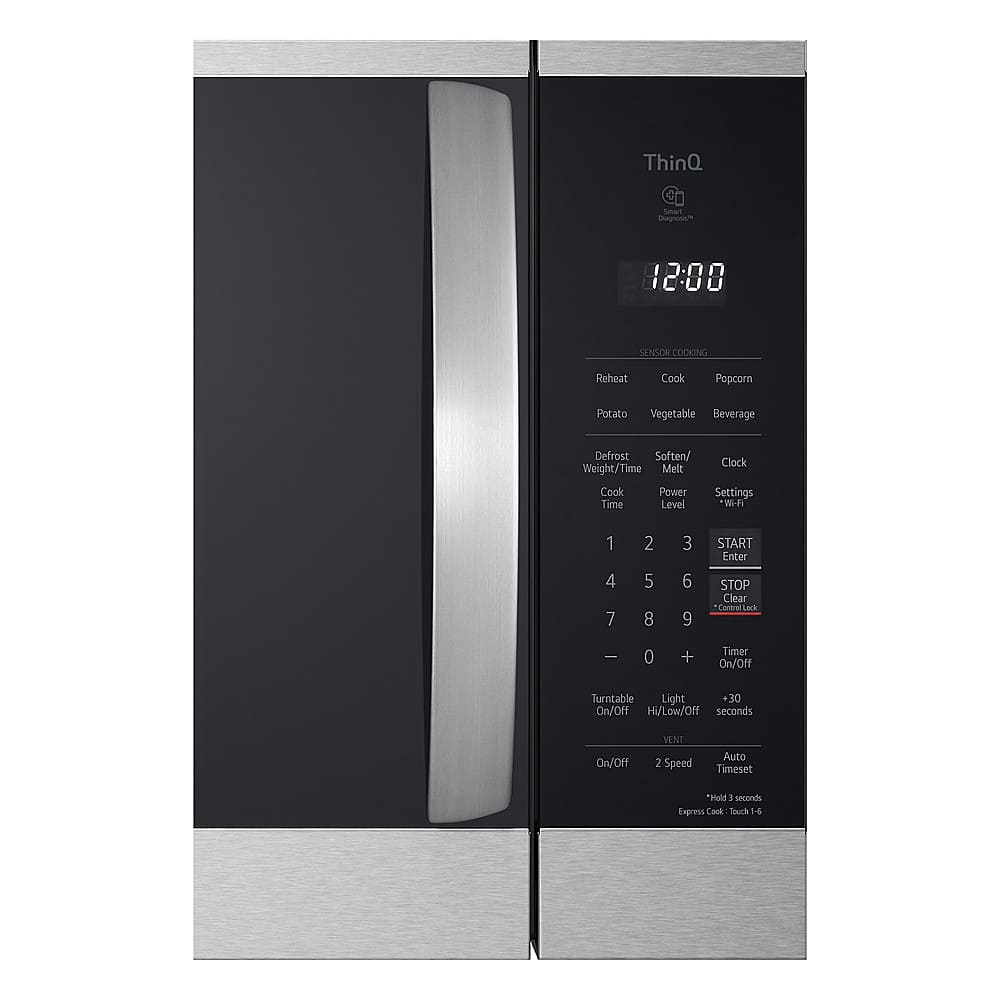
- A:Answer To cancel the Child Lock feature on the LG 1.8 Cu. Ft. Over-the-Range Smart Microwave with Sensor Cooking and EasyClean® - Black Stainless Steel, Model # MVEM1825Z, press and hold STOP/Clear until Loc disappears in the display (approximately 3 seconds)...^Ivan.
Answered by LG Digital Customer Care
Q: Questiondoes this unit operate with invertor
Asked by steve.
This question was asked about the related product: LG - 1.8 Cu. Ft. Over-the-Range Smart Microwave with Sensor Cooking and EasyClean - Black Stainless Steel
- A:Answer Hi there, Steve. Thank you for reaching out to us with your question. We understand your inquiry regarding the MVEM1825F over-the-range microwave and whether it utilizes inverter technology for its operation. The MVEM1825F is designed with a high-efficiency 1000-watt power system that provides consistent heating and reliable performance for all your cooking needs. This specific model uses a traditional power delivery system rather than the Smart Inverter technology found in some of our other microwave series. However, it features 10 distinct power levels and advanced sensor cooking technology that automatically adjusts time and power for optimal results, ensuring your food is prepared perfectly every time. https://www.bestbuy.com/product/lg-1-8-cu-ft-over-the-range-smart-microwave-with-sensor-cooking-and-easyclean-black-stainless-steel/J7G5658L4H If you have any further questions about the settings, power levels, or features of this microwave, please contact us on lgdigitalcare@lg.sprinklrsupport.com, and our team will be more than happy to assist you further through a private message. —Renzo
Answered by LG Digital Customer Care
Q: QuestionDoes it vent to front and can still be used as a stand alone in a cabinet with at least 3-4inches clearance all around?
Asked by Bramino.
This question was asked about the related product: LG - 1.8 Cu. Ft. Over-the-Range Smart Microwave with Sensor Cooking and EasyClean - Black Stainless Steel
- A:Answer Hello there, Bramino. Thank you for sharing your question with us. We understand your inquiry regarding the LG MVEM1825F and its installation requirements. The MVEM1825F is designed specifically as an Over-the-Range microwave, which means it is engineered to be mounted to a rear wall and attached to an upper cabinet above a cooking surface. This model is not intended to be used as a stand-alone or countertop unit, nor is it designed to be placed inside a cabinet cutout with clearance around it, as it lacks the necessary feet for stability and the proper airflow configuration for that type of placement. Regarding your question about venting, this unit features a hidden vent grille and is very versatile in its airflow options; it can be configured to vent out the front for room recirculation using its charcoal filter, or it can be adapted to vent through the top or the rear if you have external ducting in your home. https://www.bestbuy.com/product/lg-1-8-cu-ft-over-the-range-smart-microwave-with-sensor-cooking-and-easyclean-black-stainless-steel/J7G5658L4H If you have any further questions about its features or installation requirements, please contact us on lgdigitalcare@lg.sprinklrsupport.com, and our team will be more than happy to assist you. —Renzo
Answered by LG Digital Customer Care