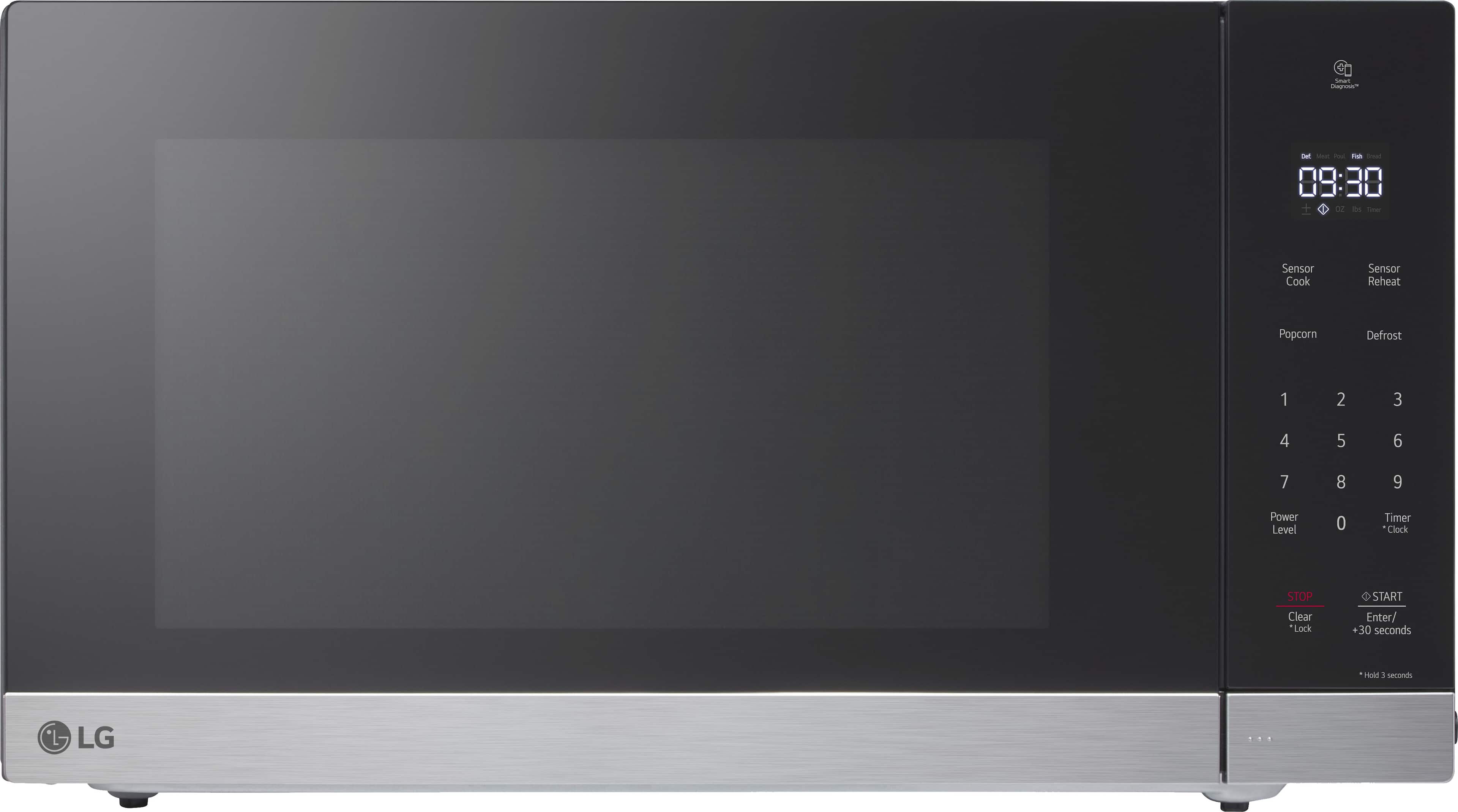
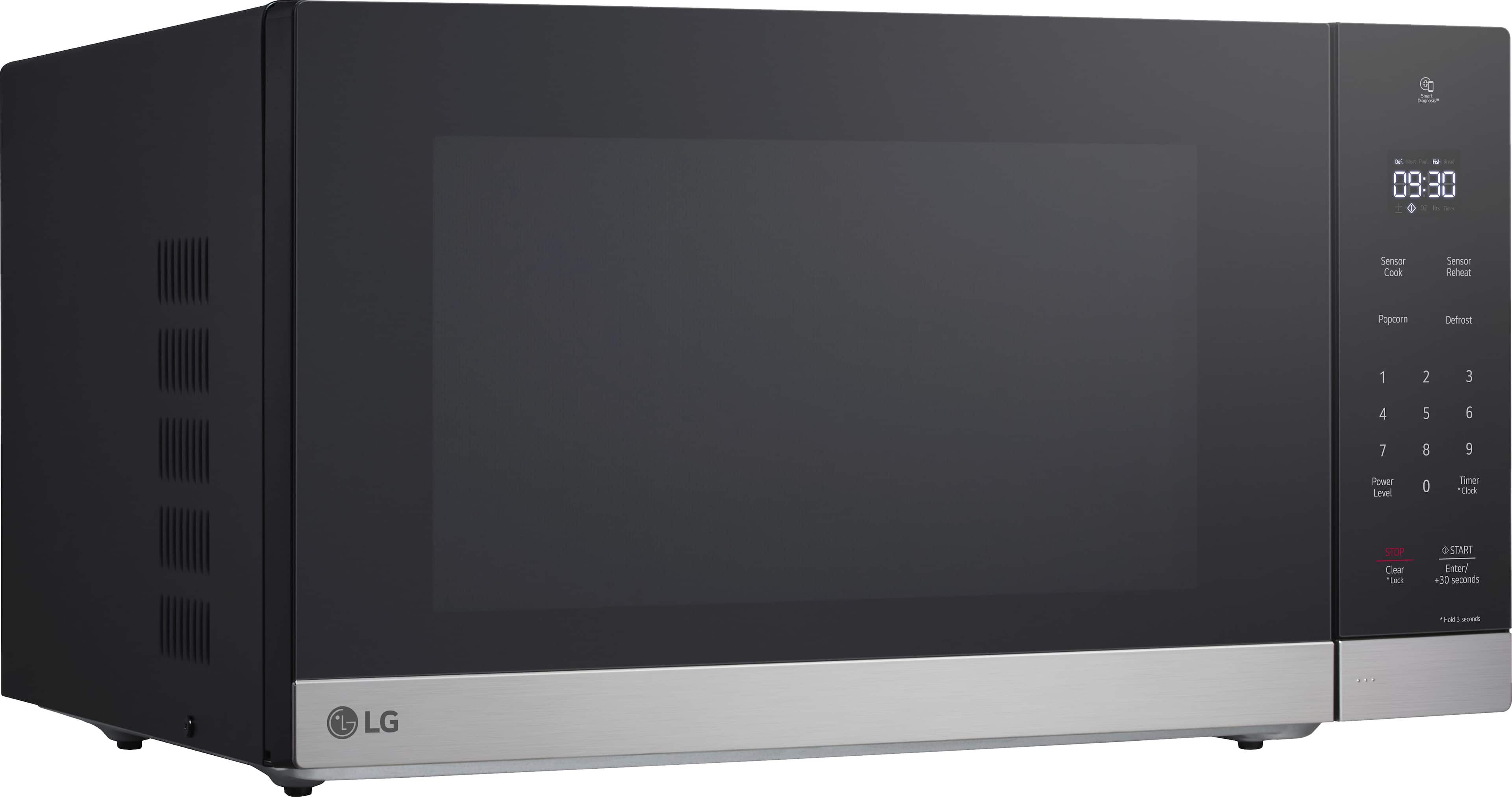
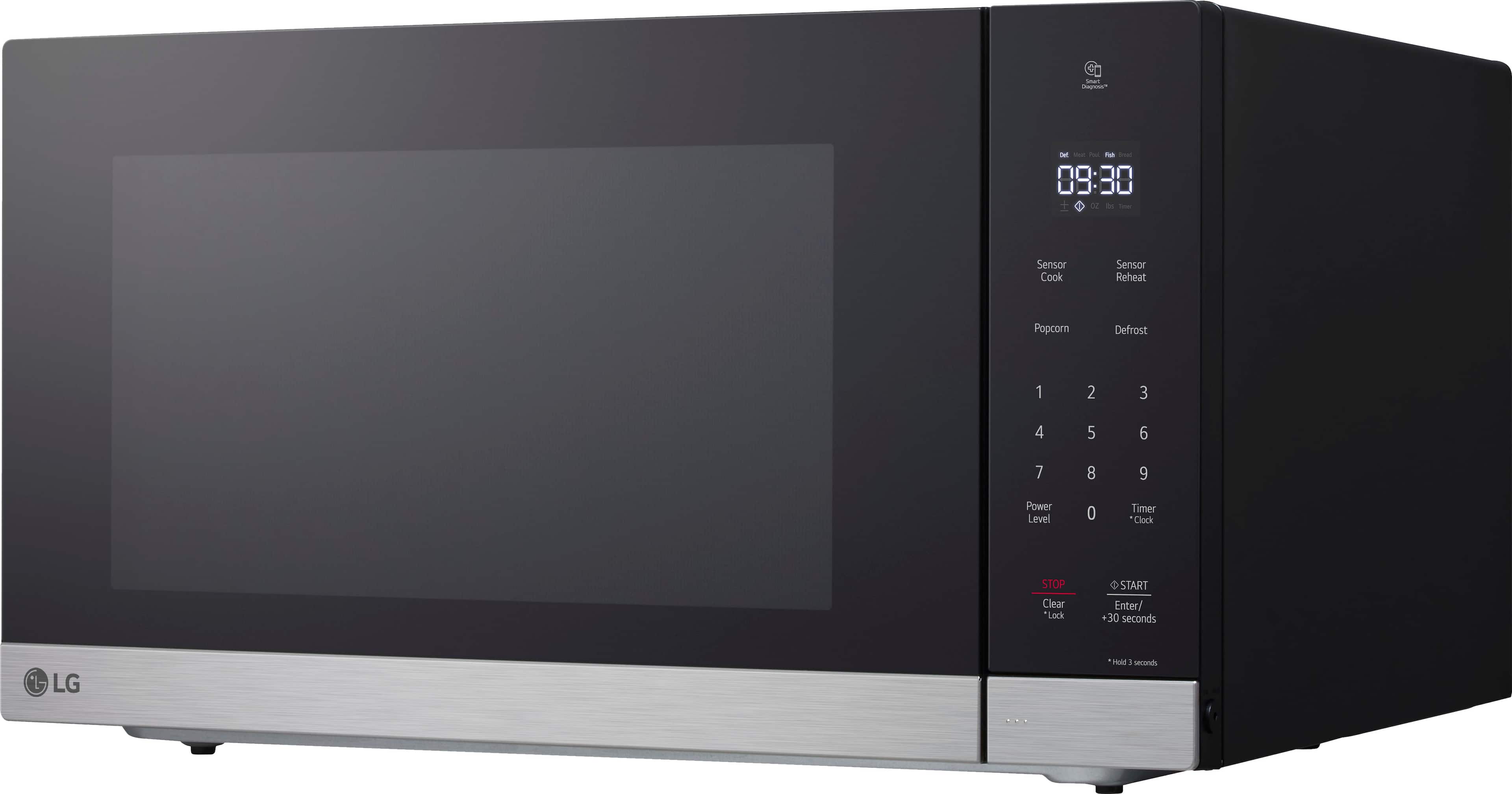
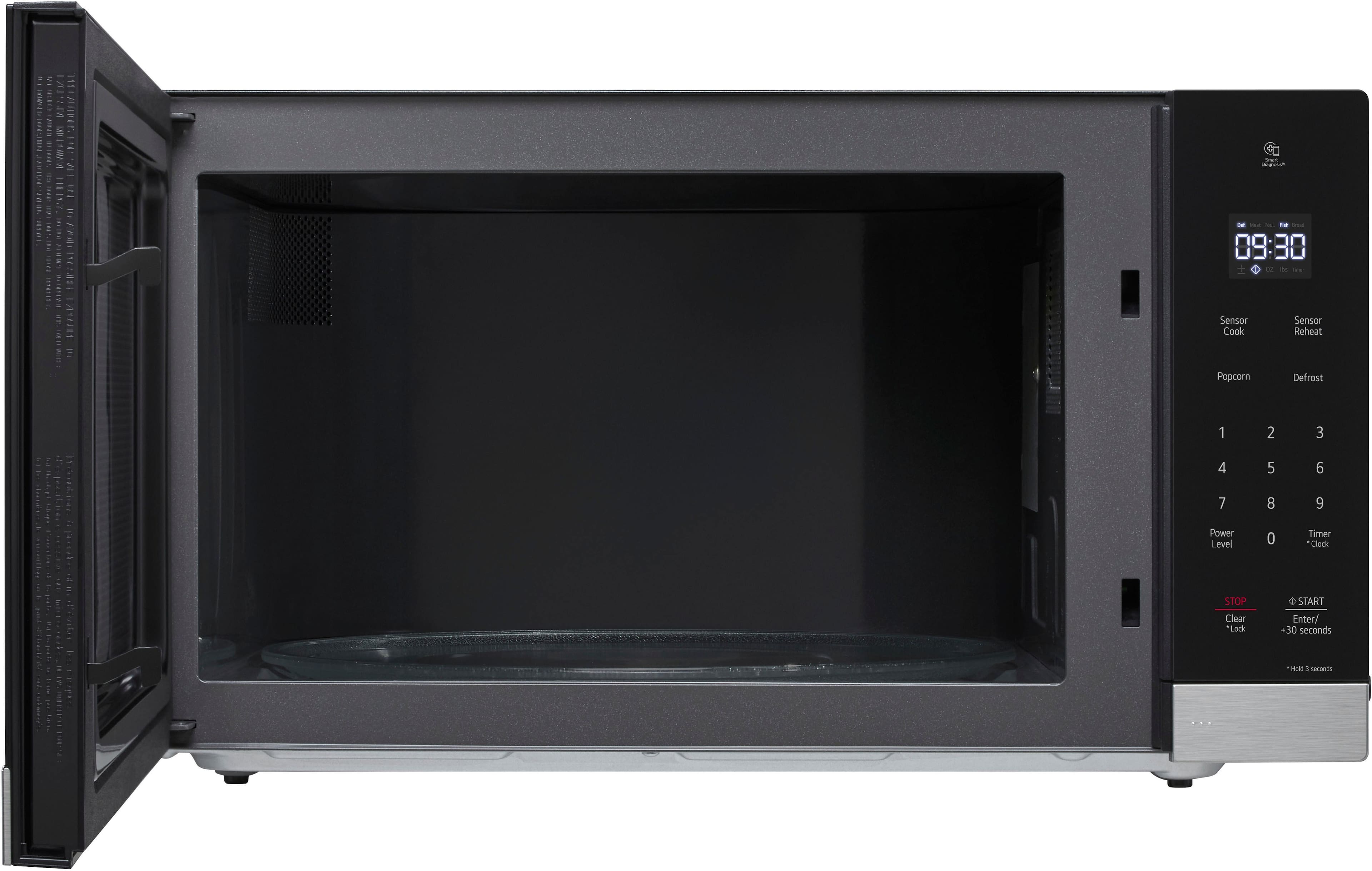
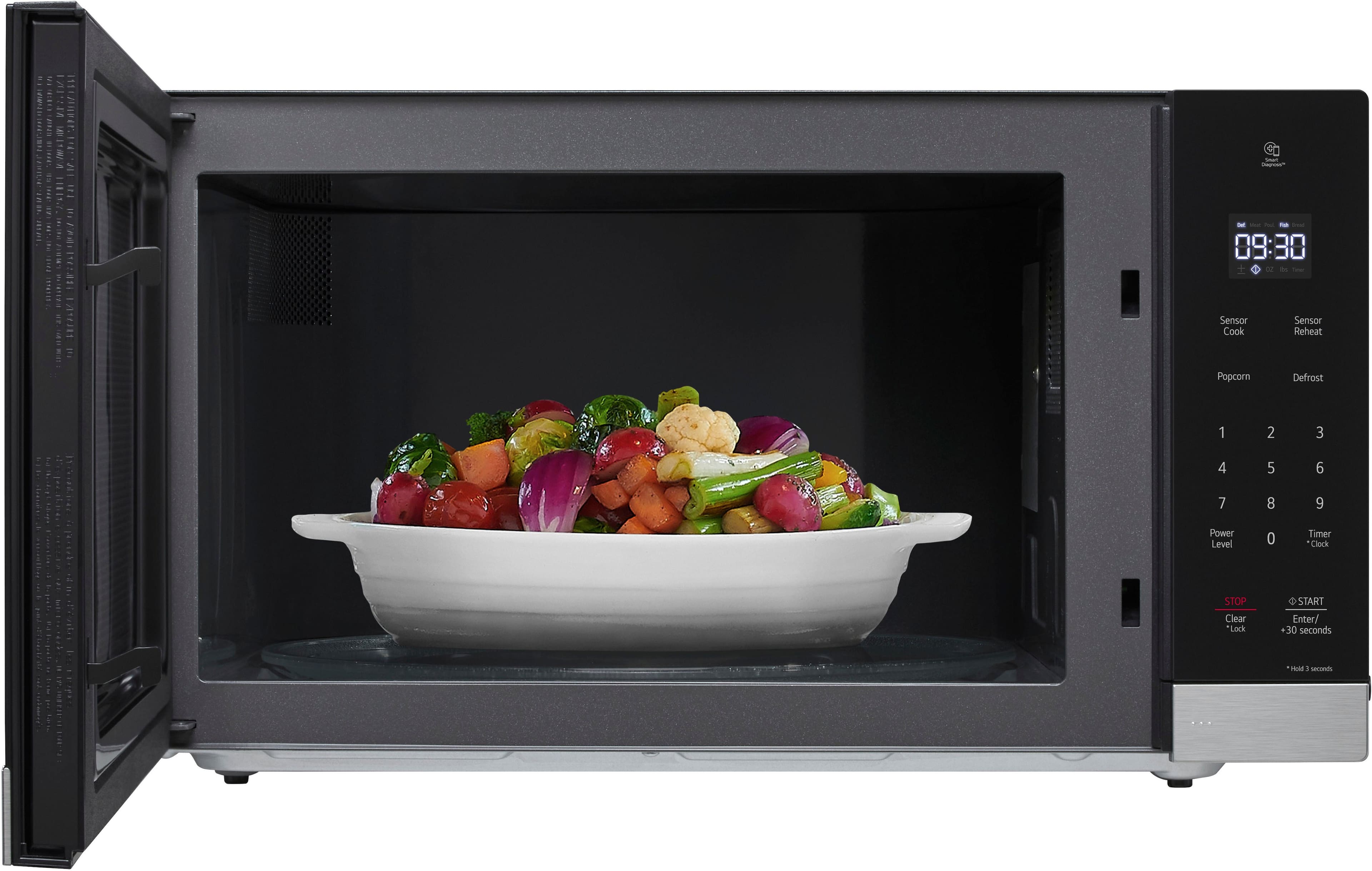
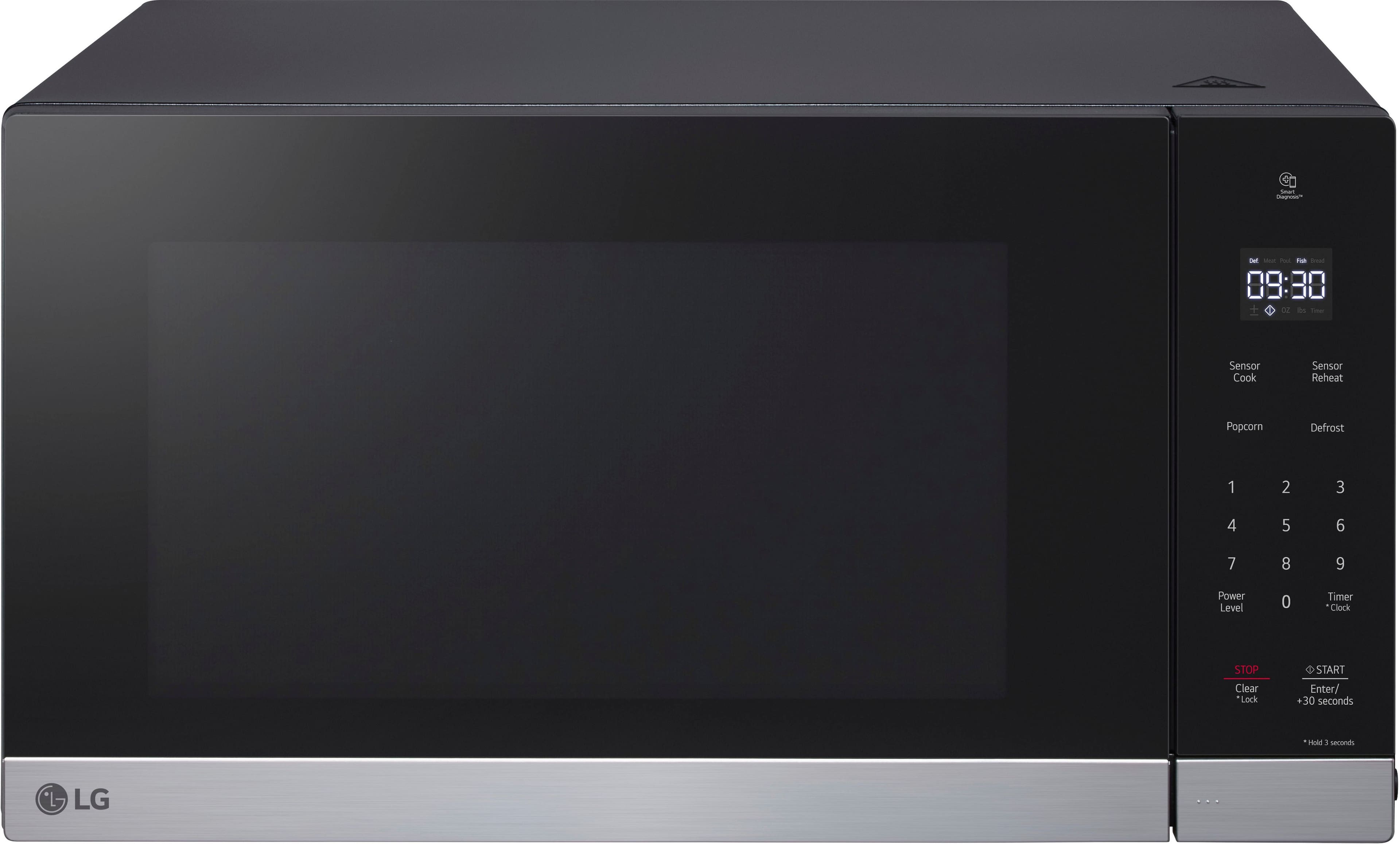
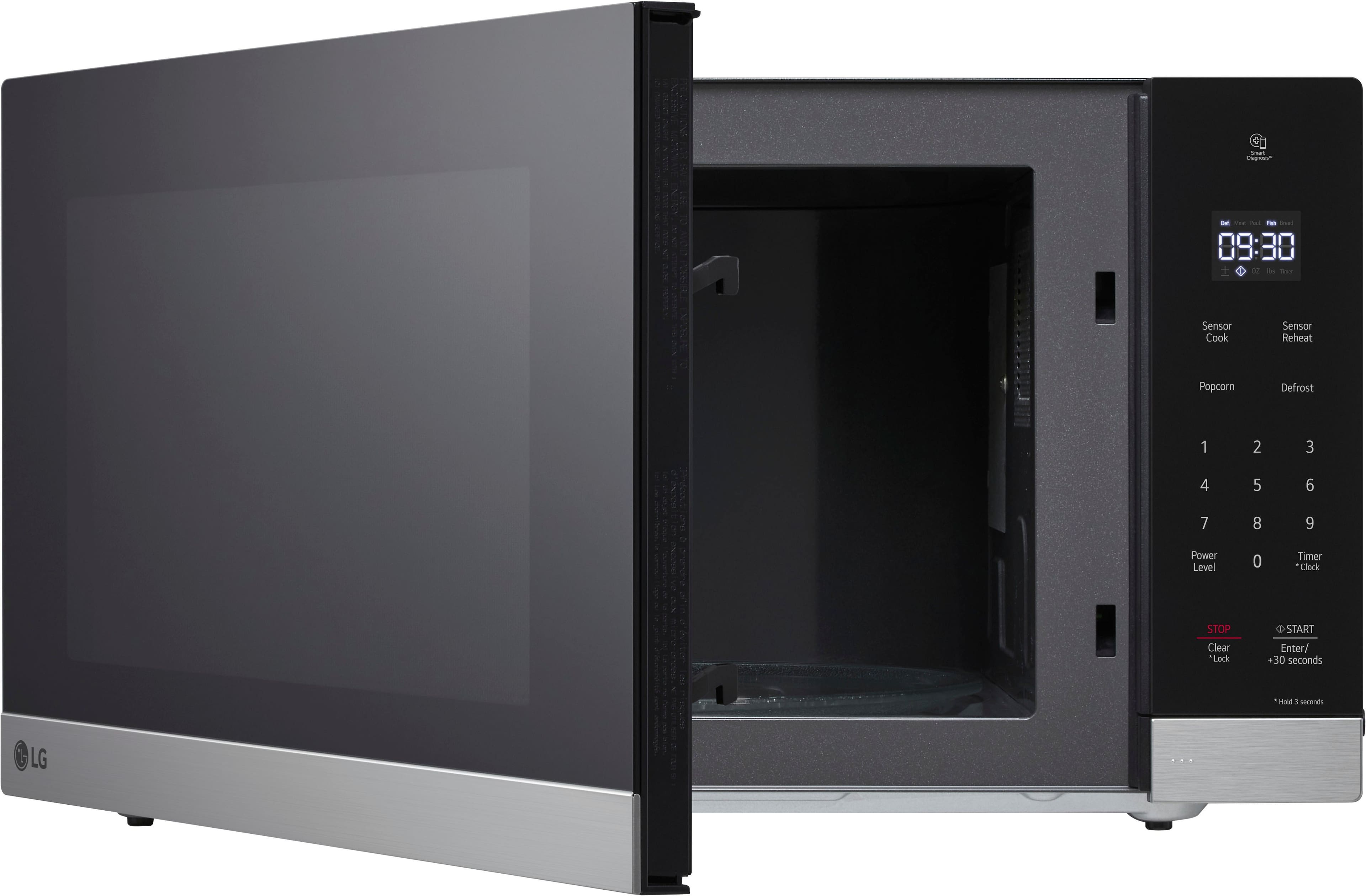
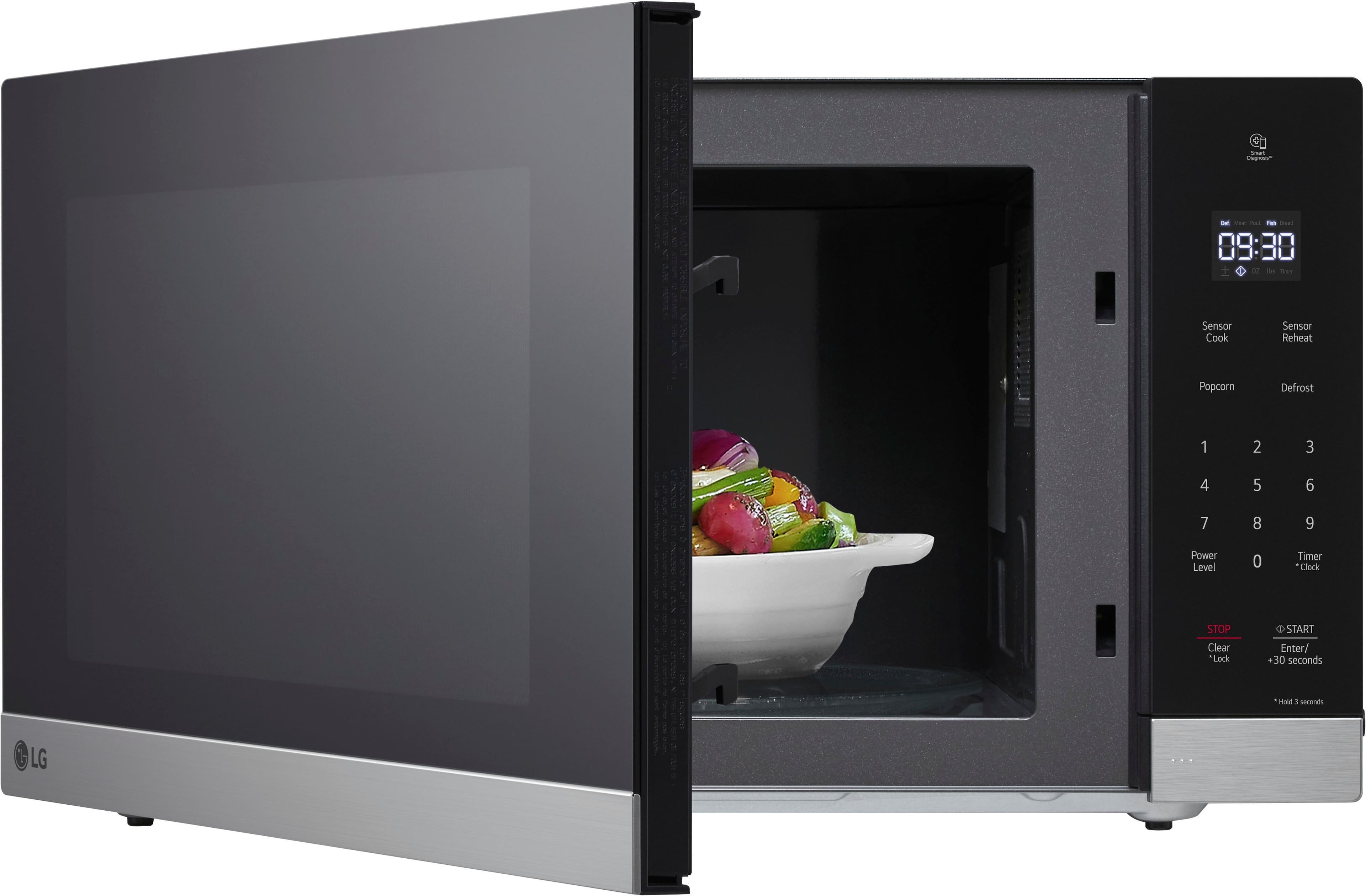
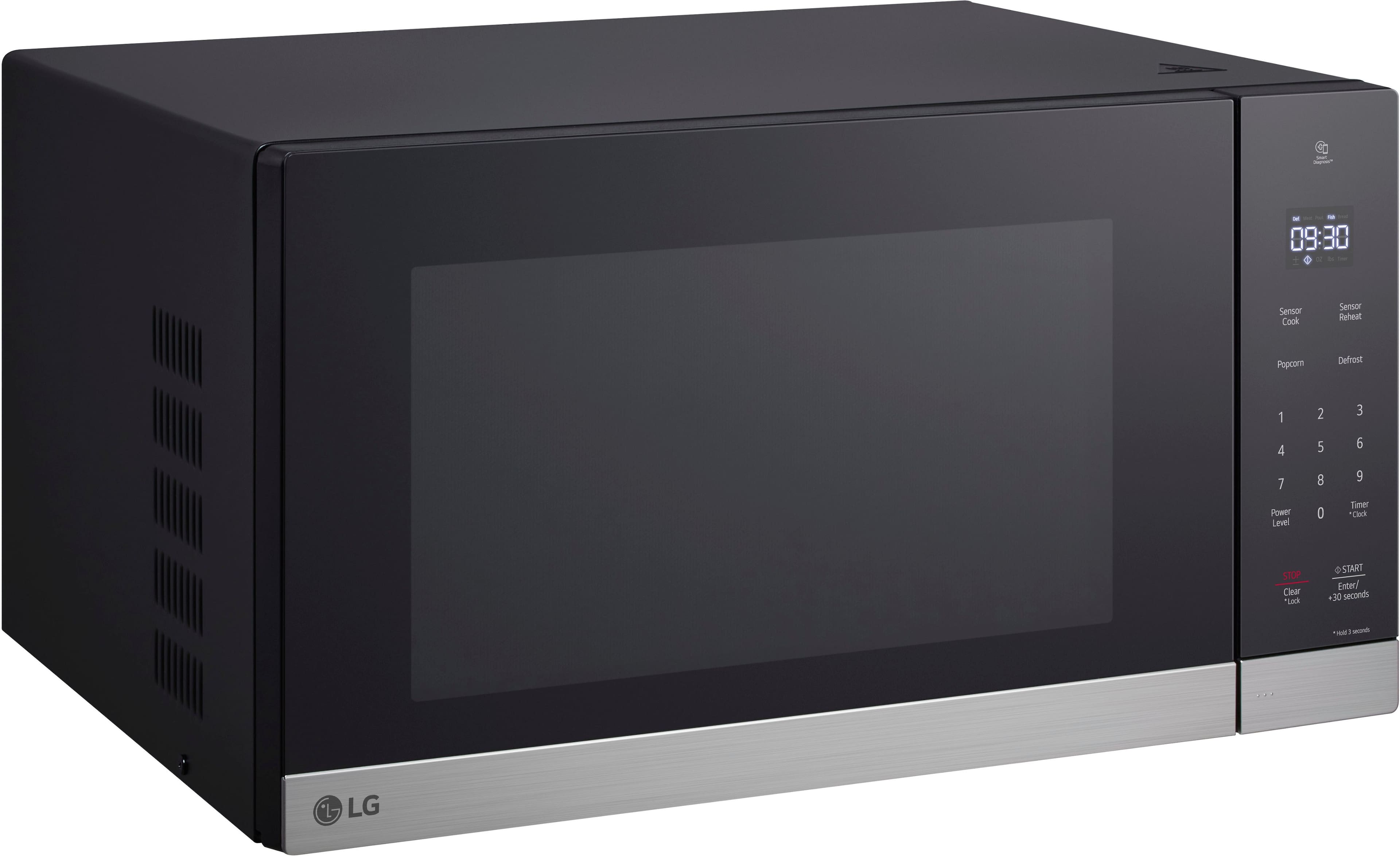
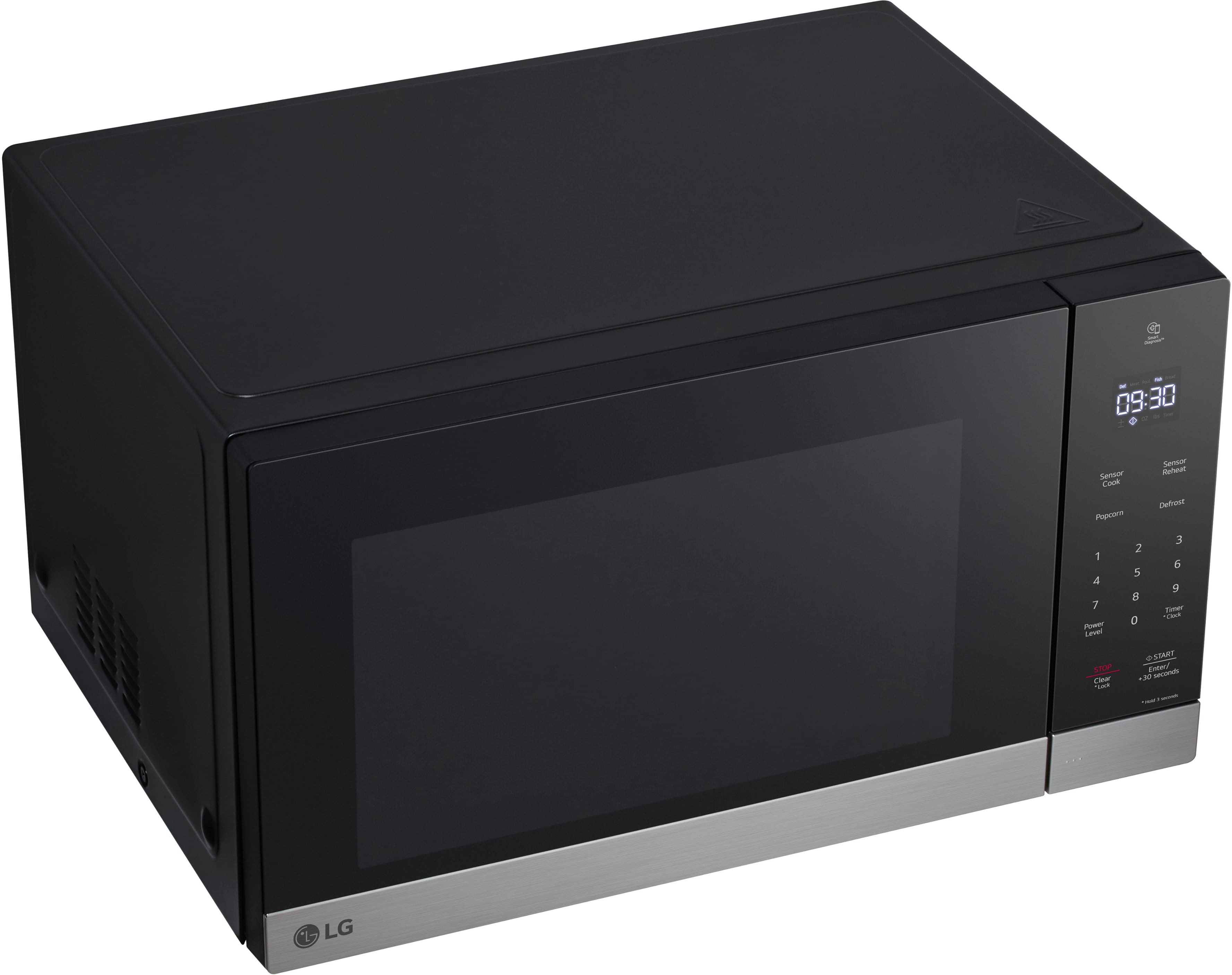
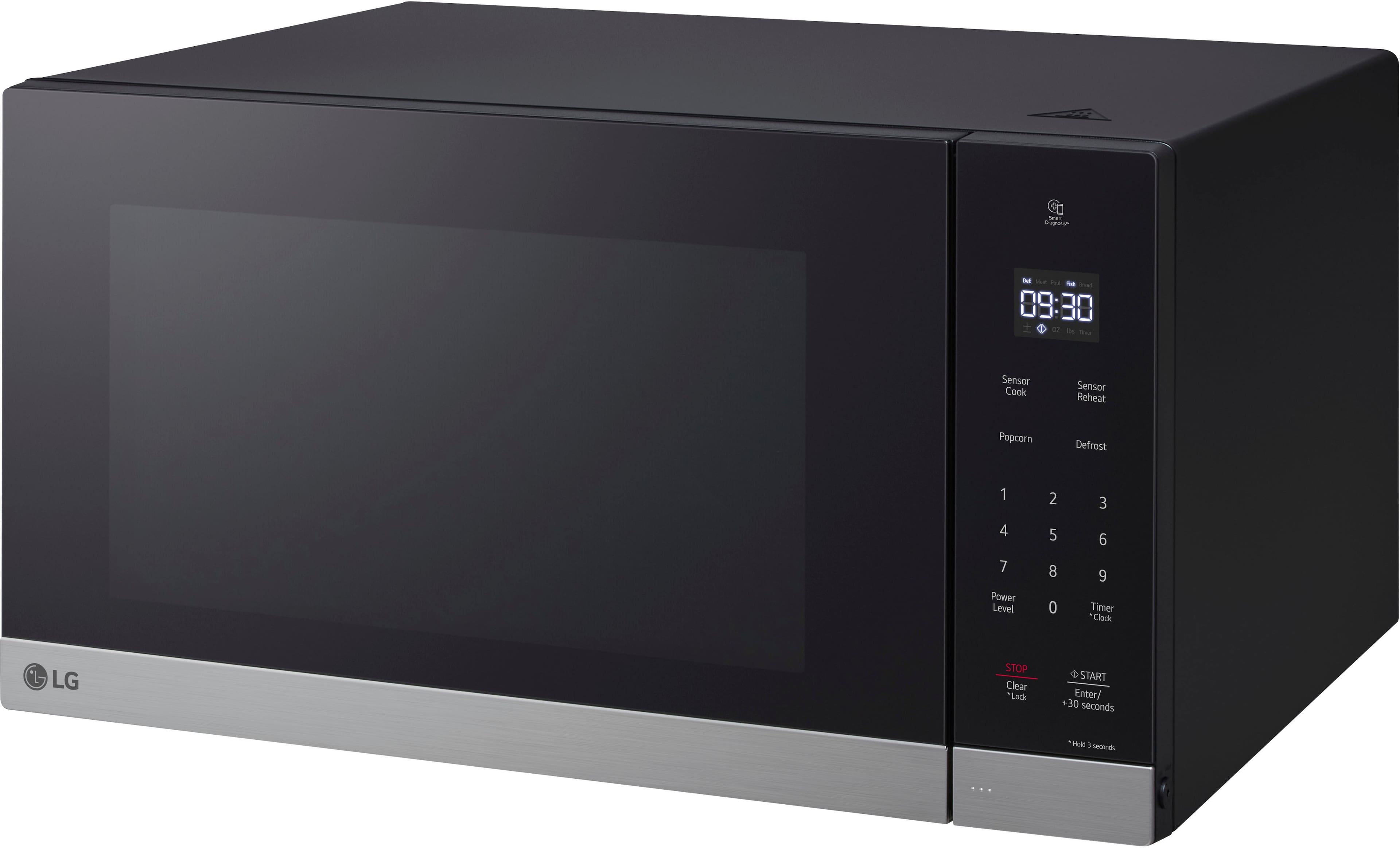
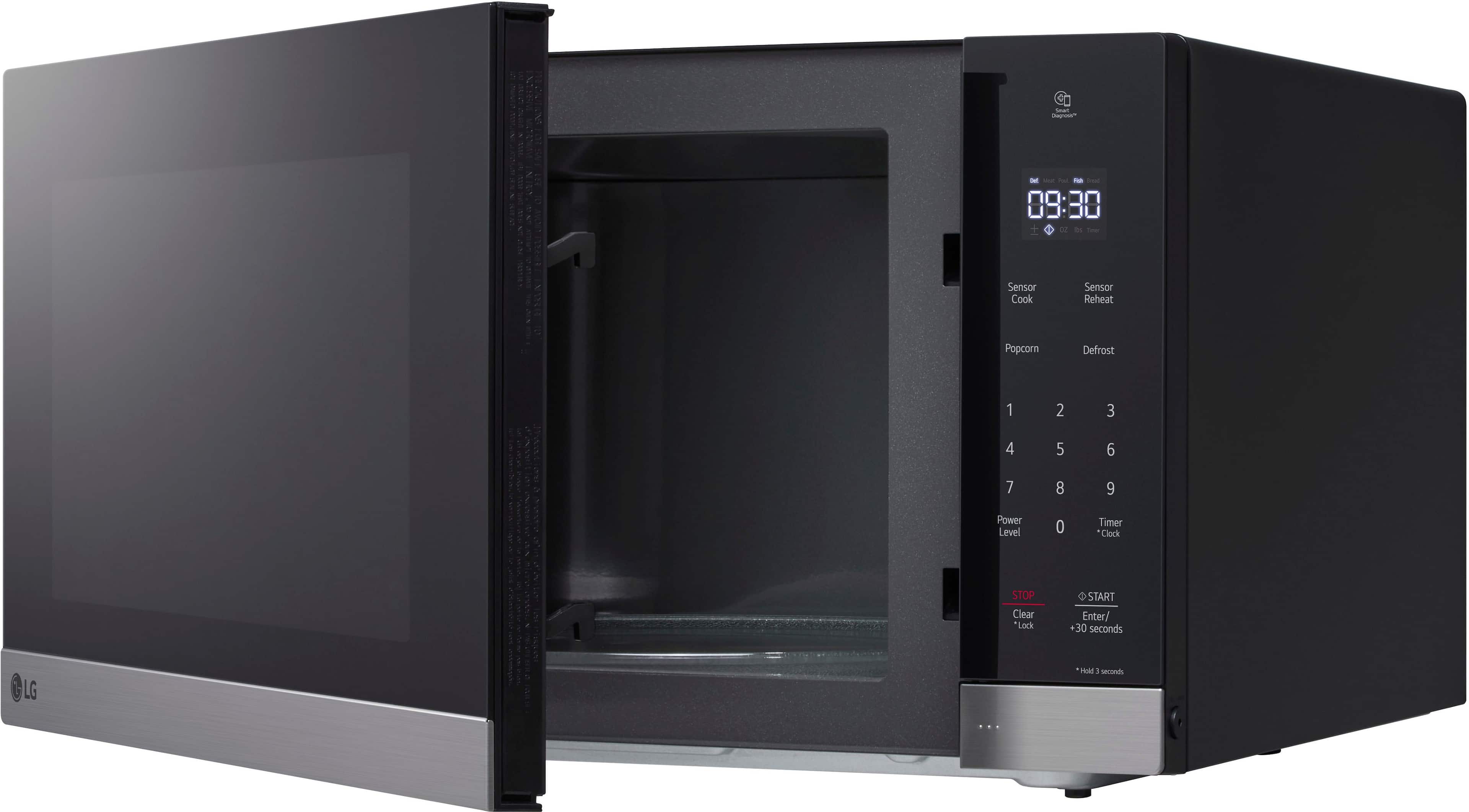
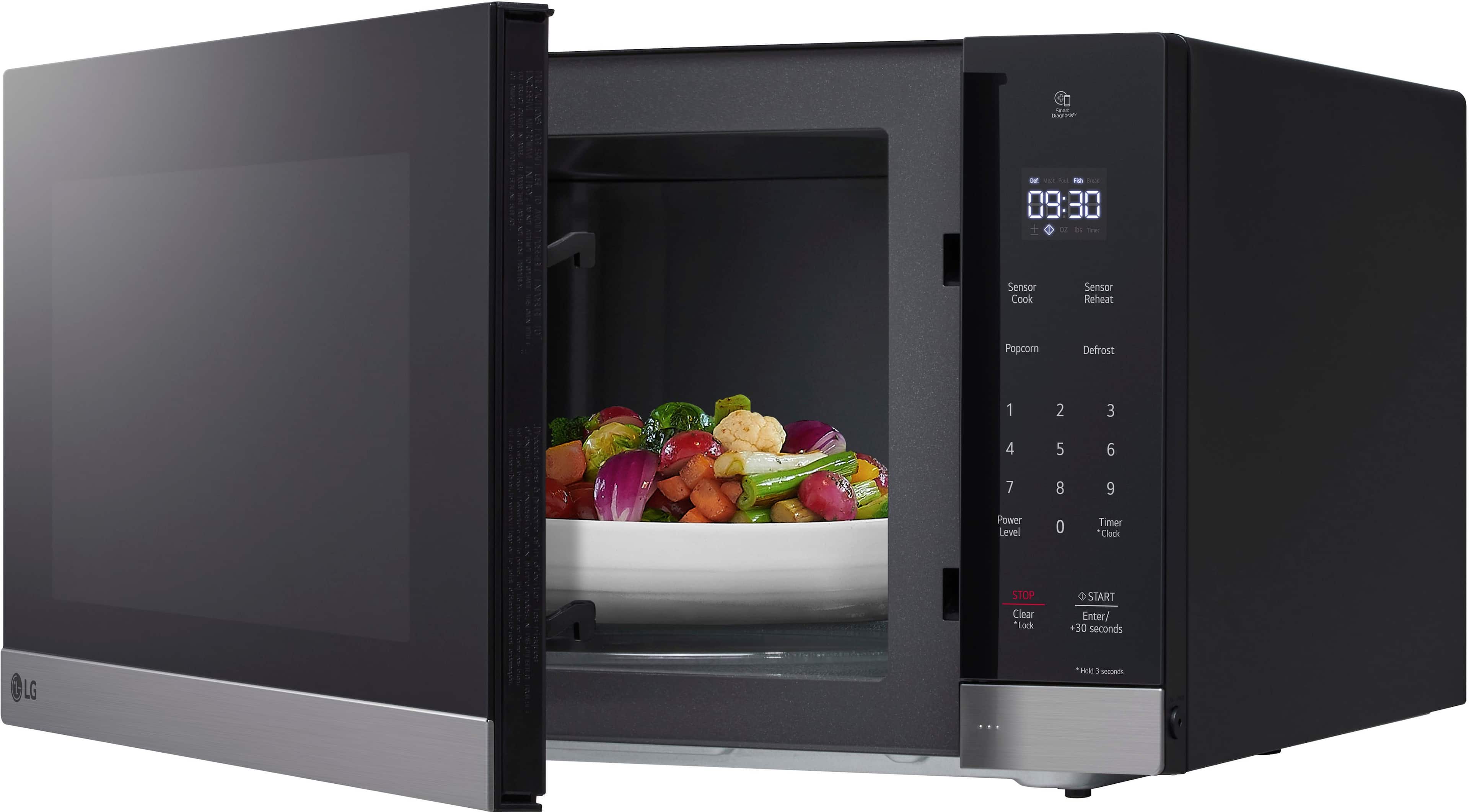
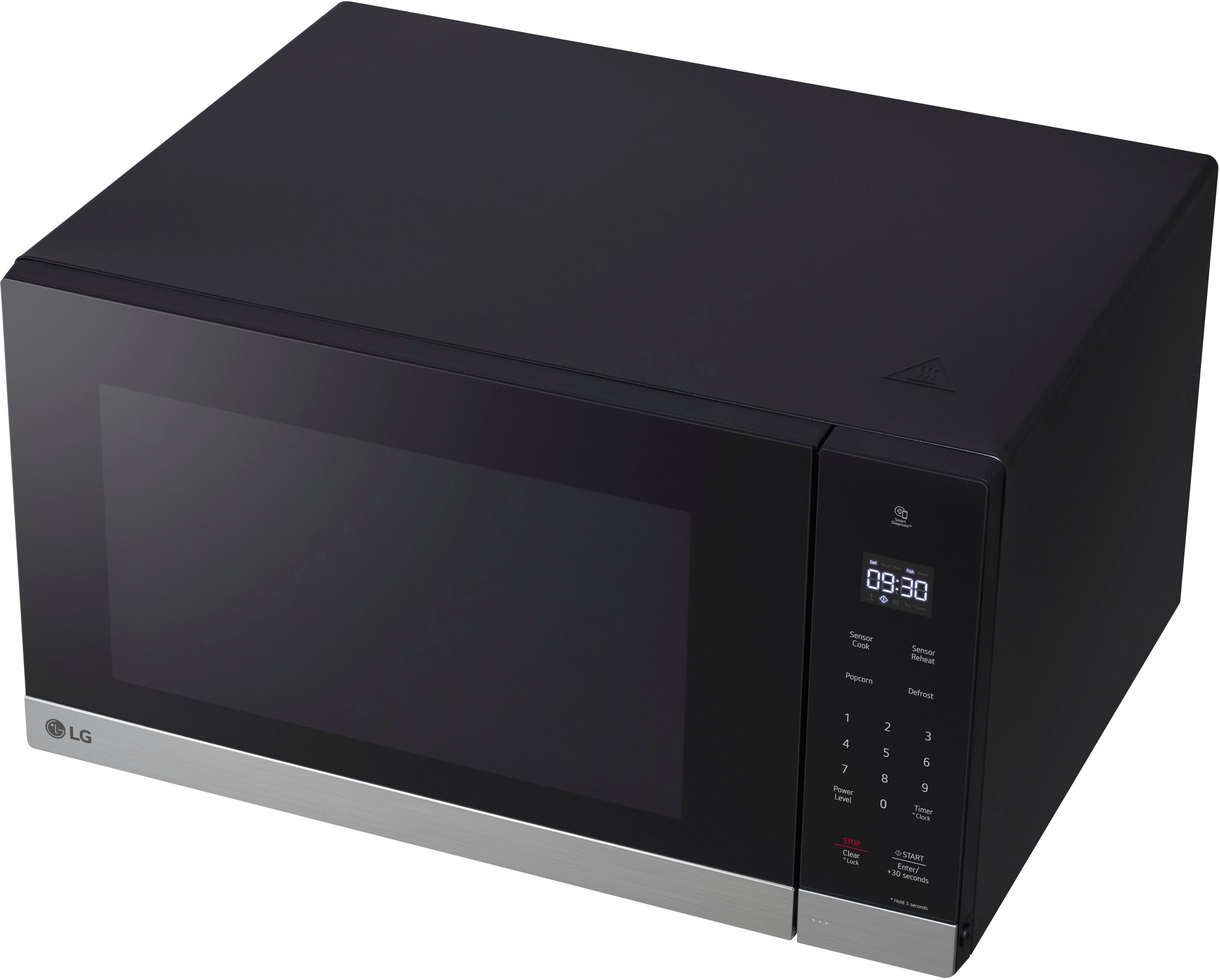
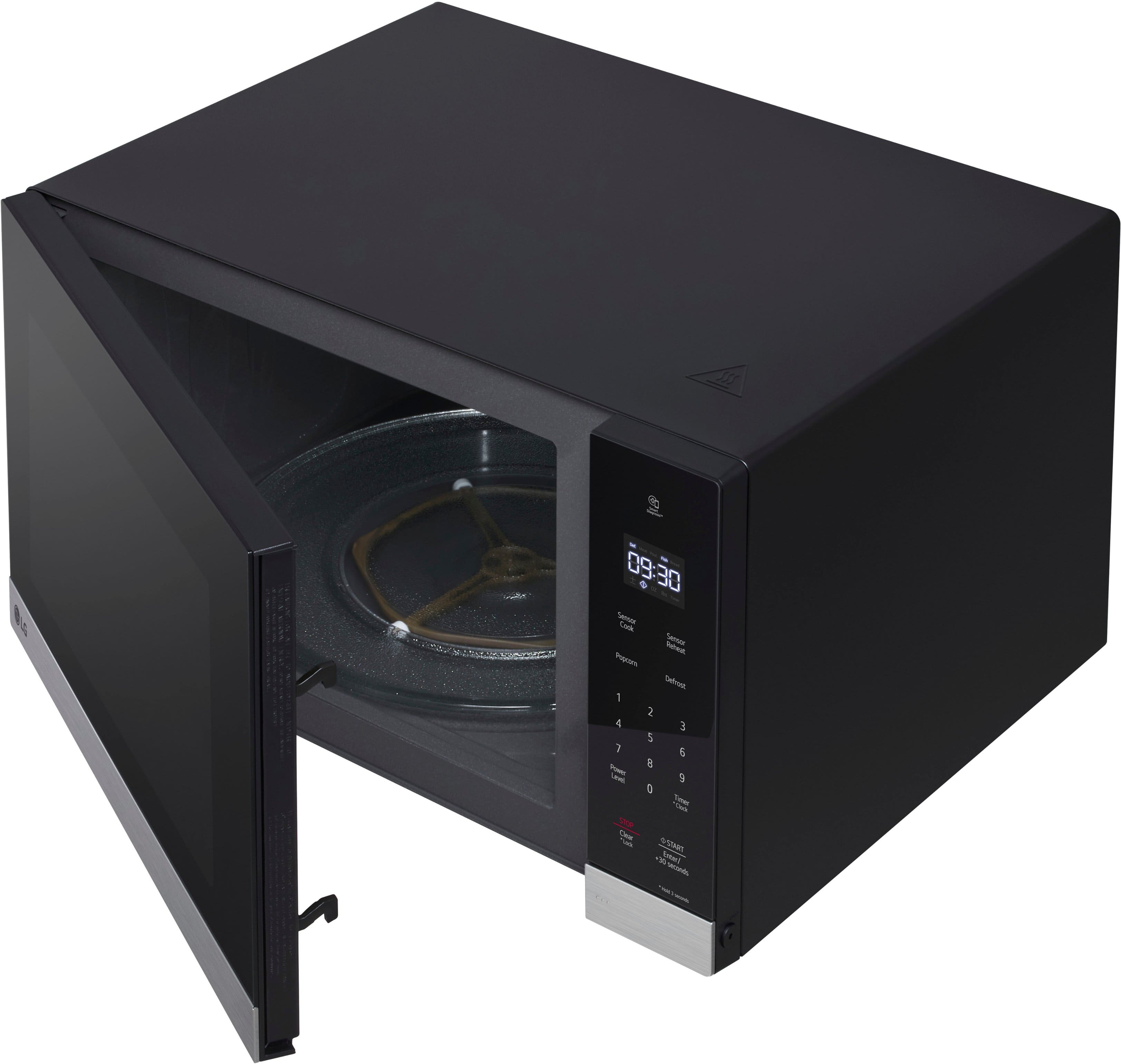
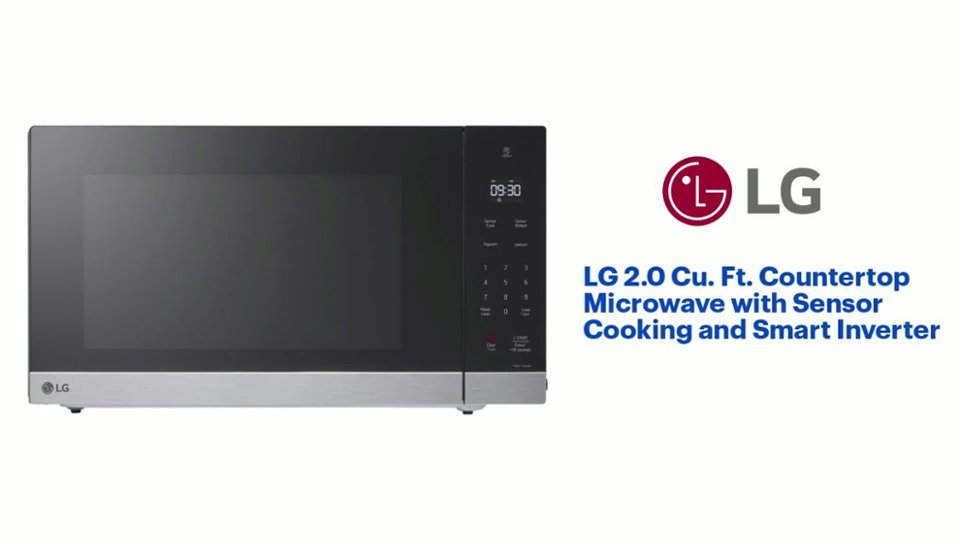
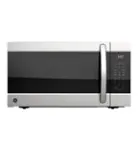
A:Answer Hello there. Thank you for sharing your experience with us regarding your MSER2090D Microwave. We understand your inquiry about finding an alternative trim kit to integrate your unit into your cabinetry.
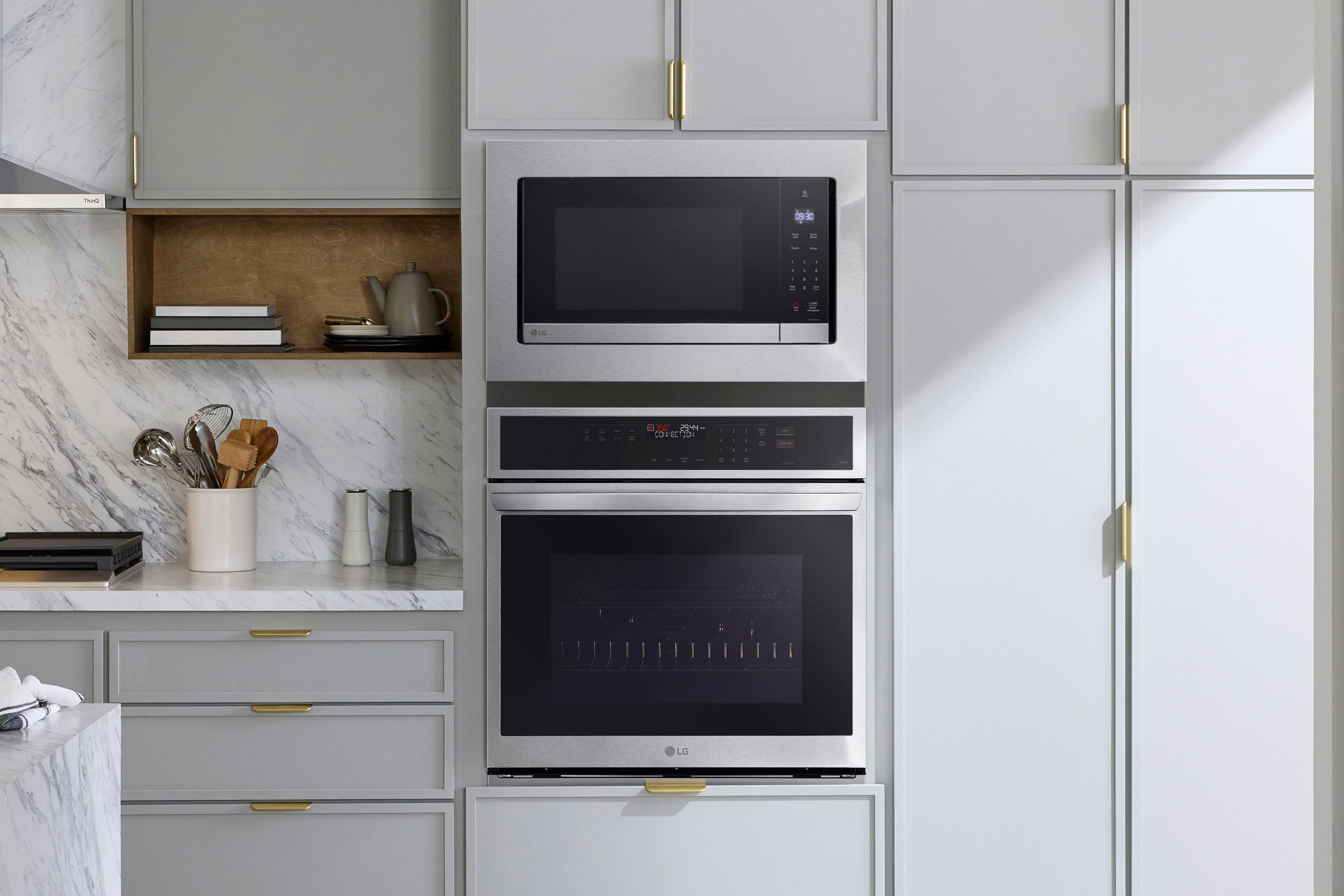
We want to share that LG Electronics produces a specific, custom trim kit designed to fit the exact dimensions and venting requirements of the MSER2090D model to ensure a seamless, built-in appearance and proper operation. This officially recommended trim kit is generally the only option we provide for this unit.
Since your inquiry is based on the price and availability from the authorized retailer, Best Buy, we recommend that you reach out to Best Buy directly. They can provide you with the most current information regarding pricing, alternative options (if available through their supply chain), and any potential bundle deals for the trim kit.
https://www.bestbuy.com/product/lg-2-0-cu-ft-countertop-microwave-with-sensor-cooking-and-smart-inverter-black-stainless-steel/J7G56583QH
If you have any further questions about the microwave's features or operation, please contact us on lgdigitalcare@lg.sprinklrsupport.com, and our team will be more than happy to assist you.
—Renzo