A:AnswerLikely depends on TV model and age but I would say yes. On a Fire TV enabled smart TV, (Omni, Insignia, LG, Samsung, Toshiba) you just have to add Equipment from the settings menu and add your model sound bar. The TV speakers will then be disabled. TV remote should work for power and volume on sound at.
A:AnswerI would contact LG then regarding your problem and see what they say. But first I suggest you talk to bestbuy before contacting LG unless bestbuy cannot help you.
A:AnswerWe placed ours besides the couch away from tv. This placement allows for better surround sound. It's wireless so you should be able to place it anywhere in your living room with no problem.
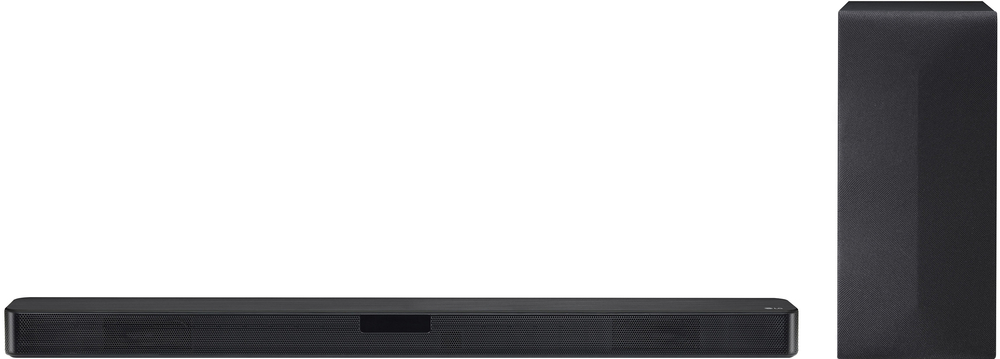
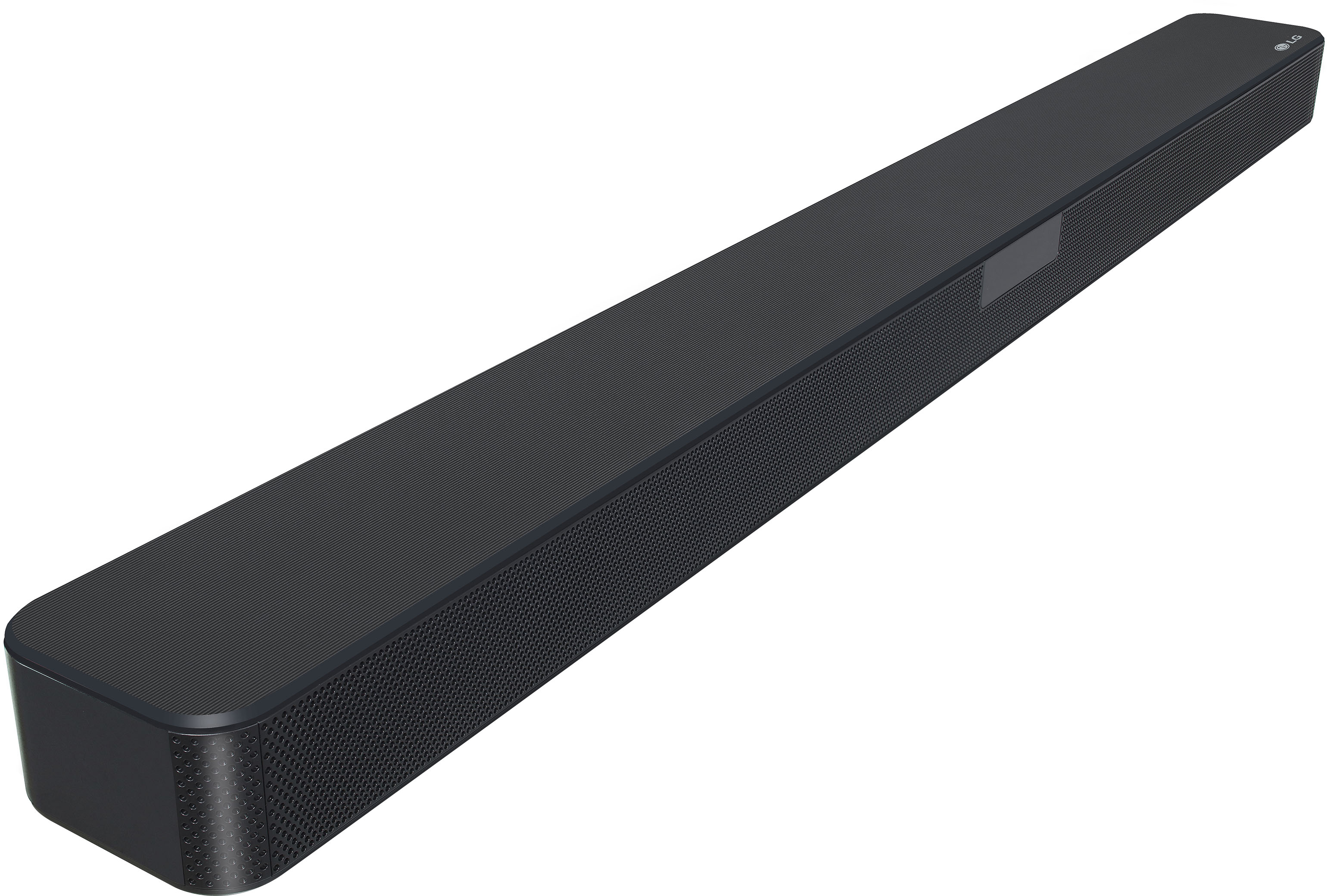
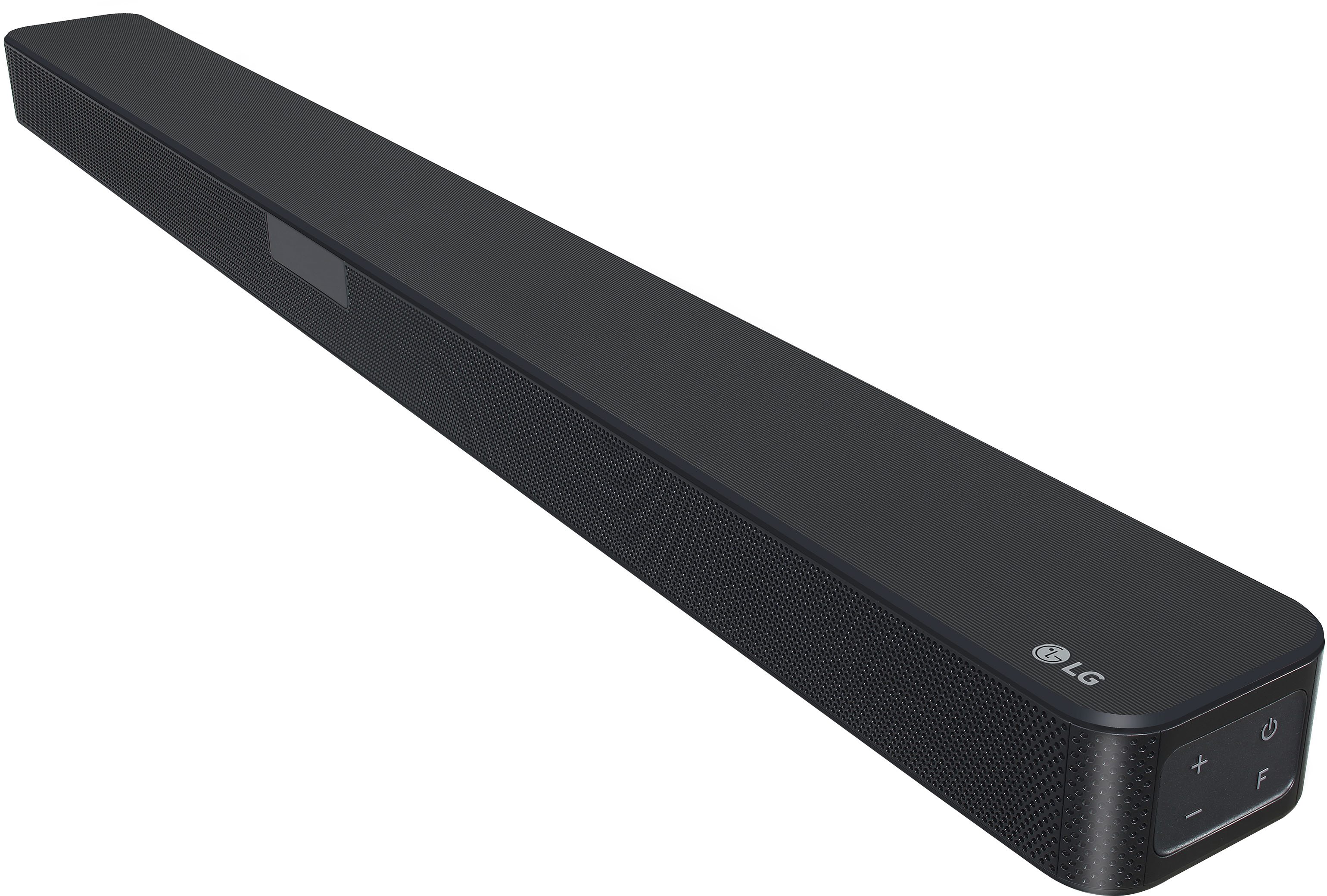
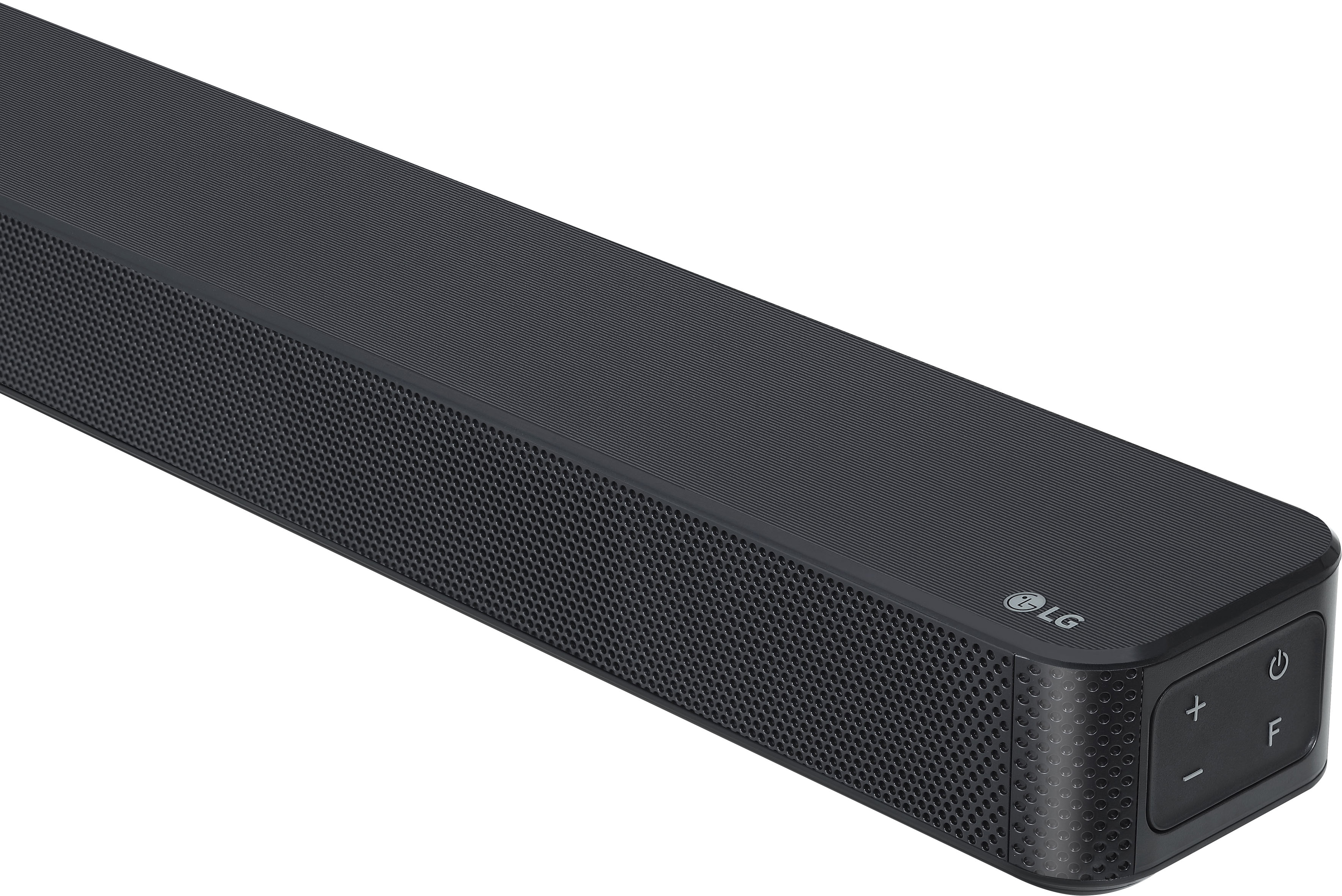
A:AnswerLG SN4A 2.1 Channel Sound Bar with DTS Virtual:X comes with a remote control. It features TV Remote Compatibility. It allows you to control the volume of this unit by your TV remote control even by other company’s product. ^Daphane
A:AnswerPlease reach out to our support team on Facebook at @LGUSSupport and use #VOC in your first message to our social media support team. Please be sure to provide your name, phone number, address, email, model/serial numbers, and date of purchase and we will be happy to assist you. There are policies and procedures in place to ensure resolutions are consistent and fair. I am confident that we will work to provide an agreeable resolution.^Venette
A:AnswerProbably not gonna find it. The only published specs on the amplifier are in the full manual which you download from the LG website.
Total: 300w RMS
Sound Bar: 50w rms/ch 10% THD @ 1kz
Sub: 200w rms 10% THD @ 80khz
Nowhere in the specs does it give dynamic range for the amp/system. This is not a true high fidelity setup ...not with 10% THD ...and I suspect it's dynamic range is commensurate with the THD spec ...better than the TV, ample for its intended purpose, but certainly not anything great.
A:AnswerLG Sound Bar SN4A be simply connected to your LG TV via Bluetooth® and optical Model 65UP7000PUAdoes not have Bluetooth connectivity nor feature LG TV Sound Sync (Bluetooth). It can be connected via Digital Audio Output (Optical). ^Daphane
A:AnswerThank you for your interest in the LG SN4A 2.1 Channel Sound Bar with DTS Virtual:X (SN4A) model. To troubleshoot the issue of the LG SN4A sound bar not reaching the desired volume level compared to the TV, several steps can be taken to ensure proper setup and operation. Here are some potential solutions:
Audio Output Settings: Ensure that the audio output settings on the TV are correctly configured to route the sound to the sound bar. This may involve selecting the appropriate audio output mode, such as HDMI ARC or optical, depending on the connection method used.
Volume Control: Check the volume control settings on both the sound bar and the TV. Adjust the volume levels on the sound bar using the remote control to increase the output. Additionally, verify that the TV volume is not set to a very high level, which may overpower the sound bar.
Connection Method: If using HDMI ARC or optical cable, confirm that the connections are secure and properly seated. It is important to use the correct input on the sound bar corresponding to the connection method used.
Sound Mode: Experiment with different sound modes available on the sound bar to find the setting that provides the desired volume and audio quality.
Firmware Update: Check if there are any firmware updates available for the sound bar. Updating the firmware may address any performance issues and improve functionality.
Distance and Interference: Ensure that there are no obstructions or interference between the sound bar and the TV. Additionally, keep the sound bar and subwoofer away from devices that may cause wireless interference, such as wireless routers or microwave ovens.
You can download its owner's manual through this link for more information: https://www.lg.com/us/support/product/lg-SN4A.DUSALLK. ^Cris