Questions & Answers
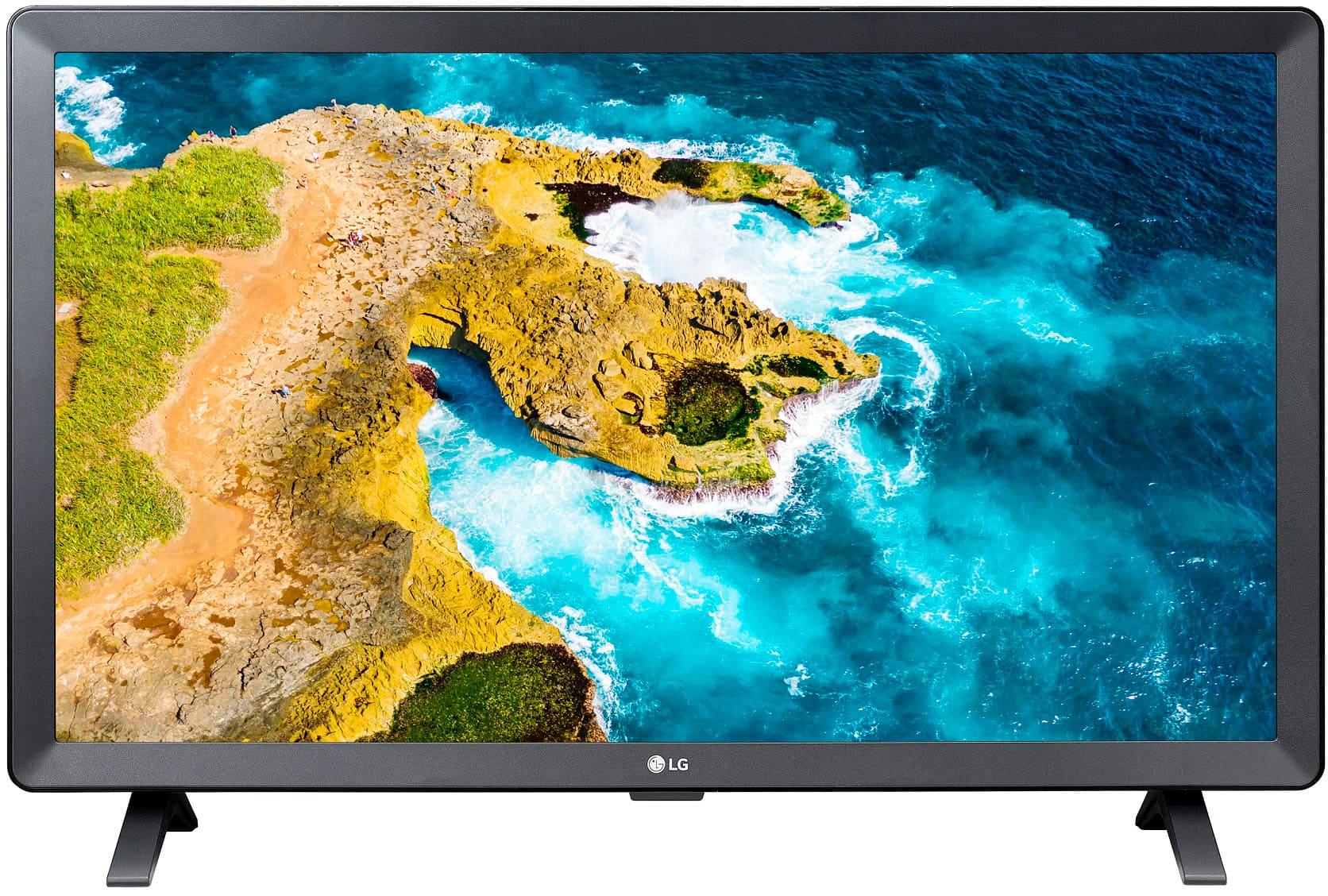
- Model:
- 24LQ520S-PU
- |
- SKU:
- 6506779
Highly rated by customers for: Picture Quality, Ease of use, Size
$169.99Your price for this item is $169.99
Page Showing 81-100 of 246 questions
Q: QuestionDoes LG tv have spectrum?
Asked by Shirka.
- A:Answer I use my LG TVs (a 24" and a 49") with the Spectrum app available through Roku. You can probably also use the Spectrum cable box.
Answered by KVLA
Q: Questionis this a standard smart tv? I don't like the sound of smart tv capable
Asked by Anonymous.
- A:Answer It is a smart TV. The sound is OK.
Answered by KVLA
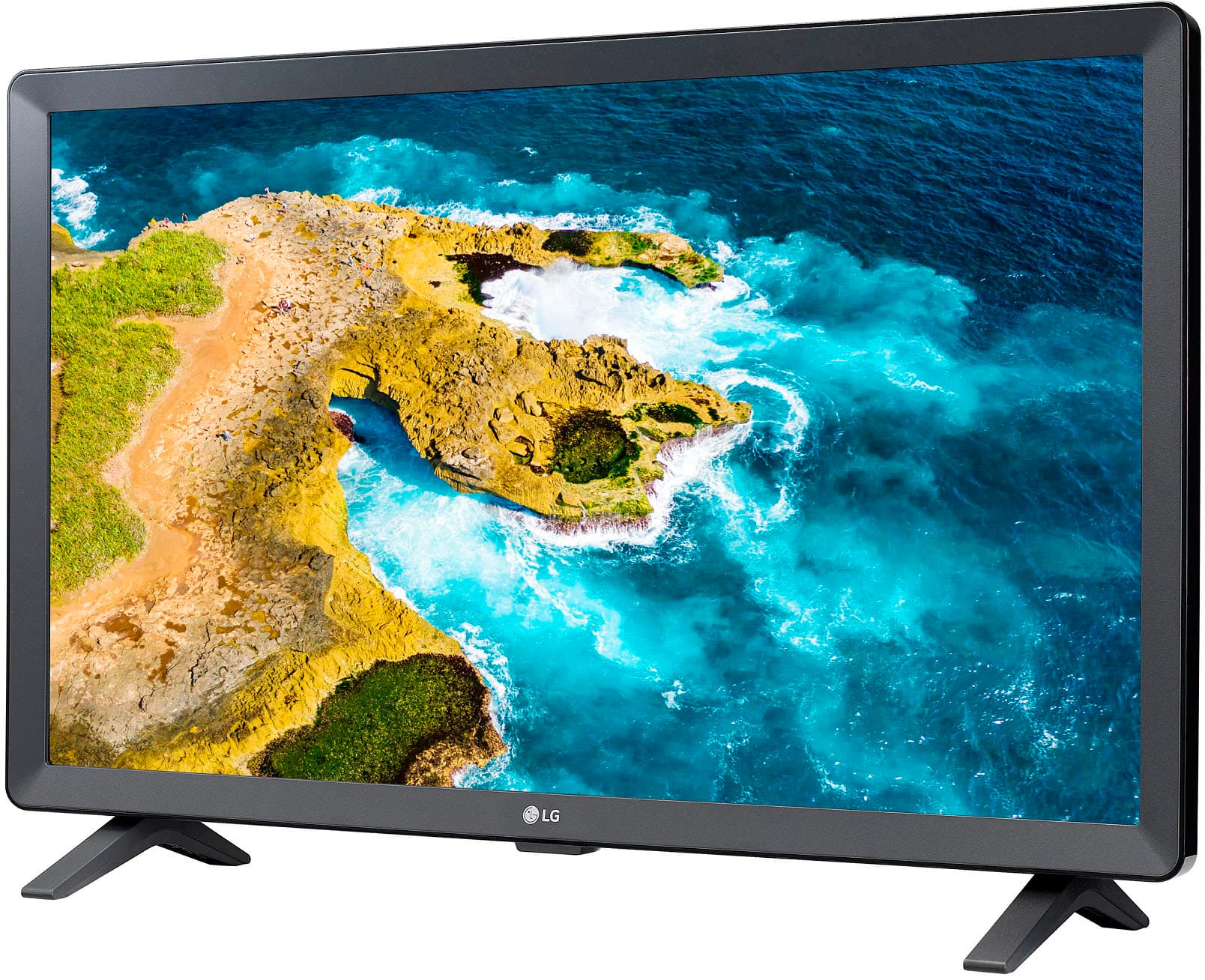
Q: QuestionDoes the tv stand/feet have to be used or can it sit flat on the base?
Asked by Anonymous.
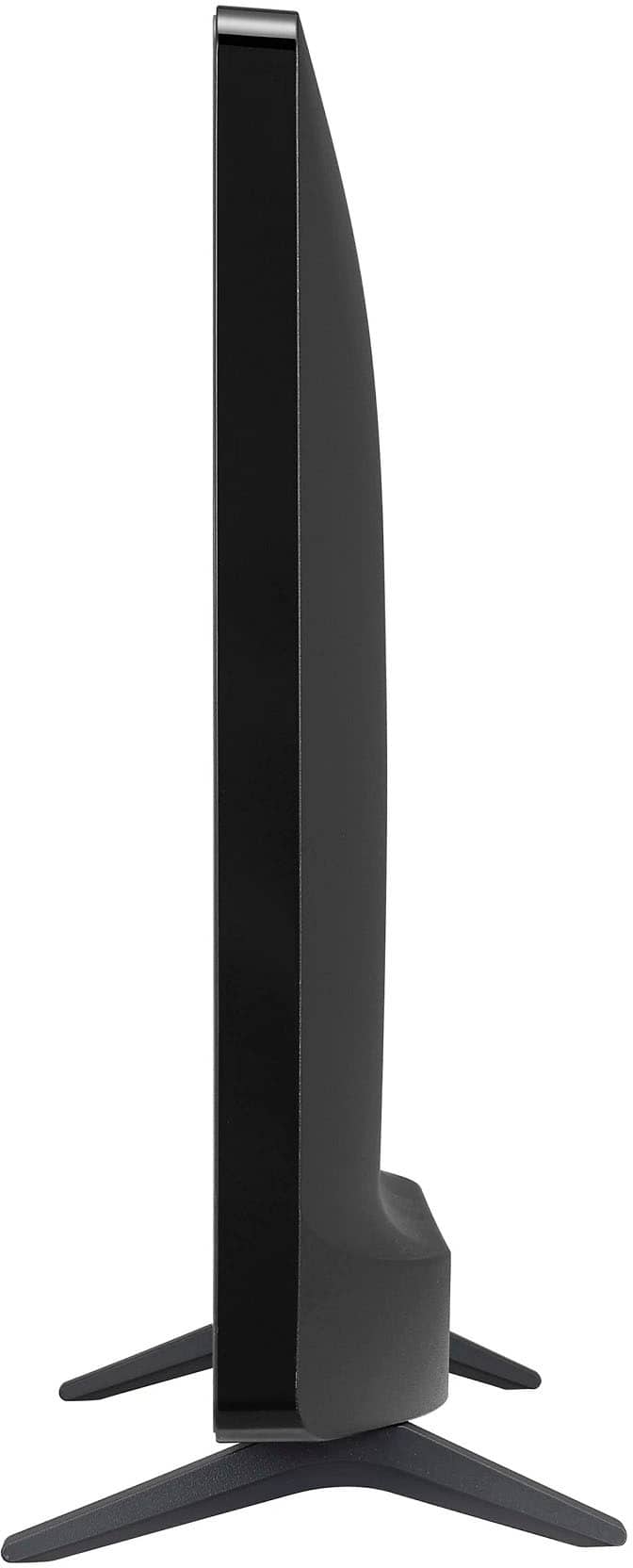
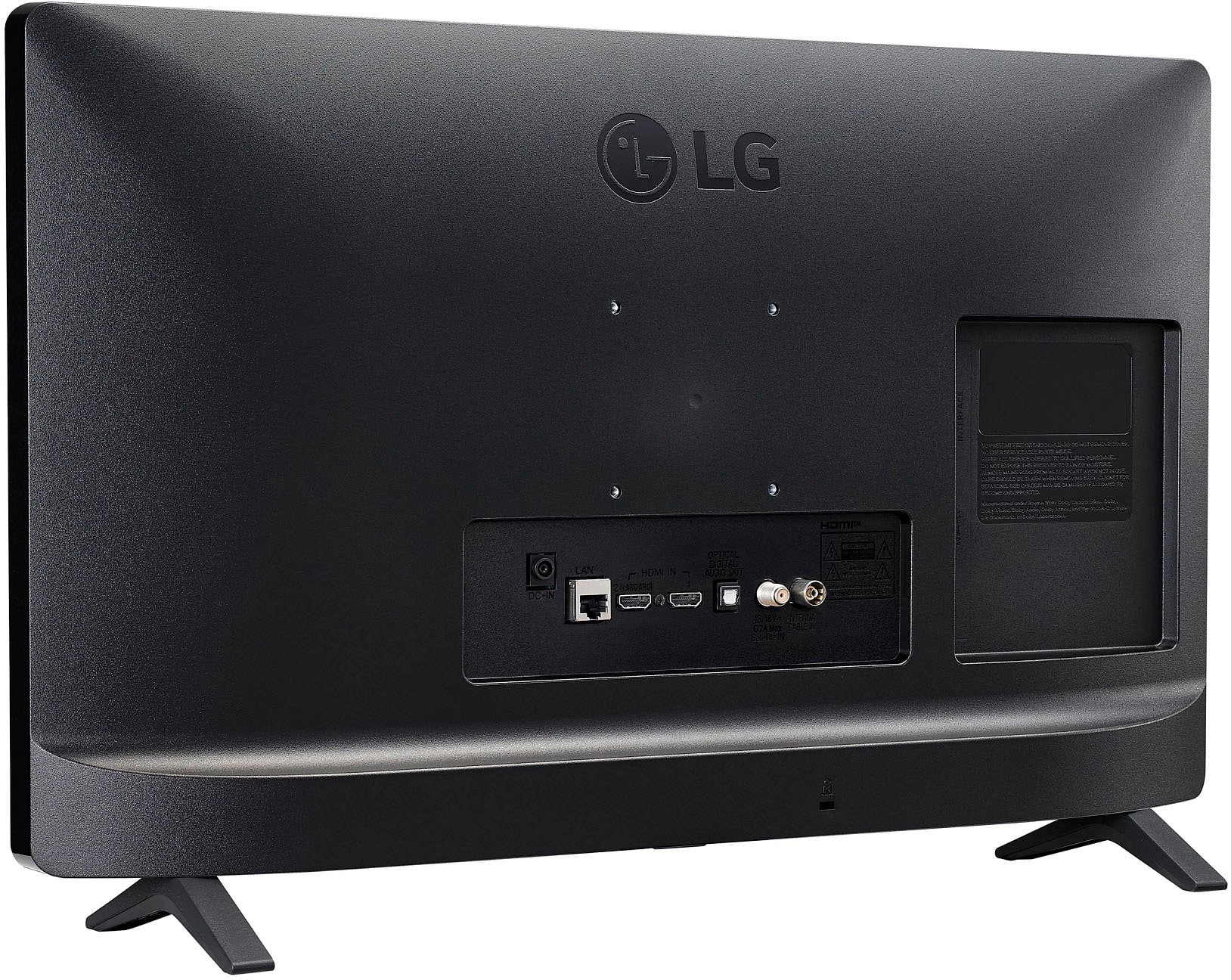
- A:Answer It comes with small legs that you can attach to the bottom frame of the TV. The TV is too narrow to be able to stand on the small frame.
Answered by KVLA
Q: Questioncan you connect external speakers to the tv
Asked by AJ.
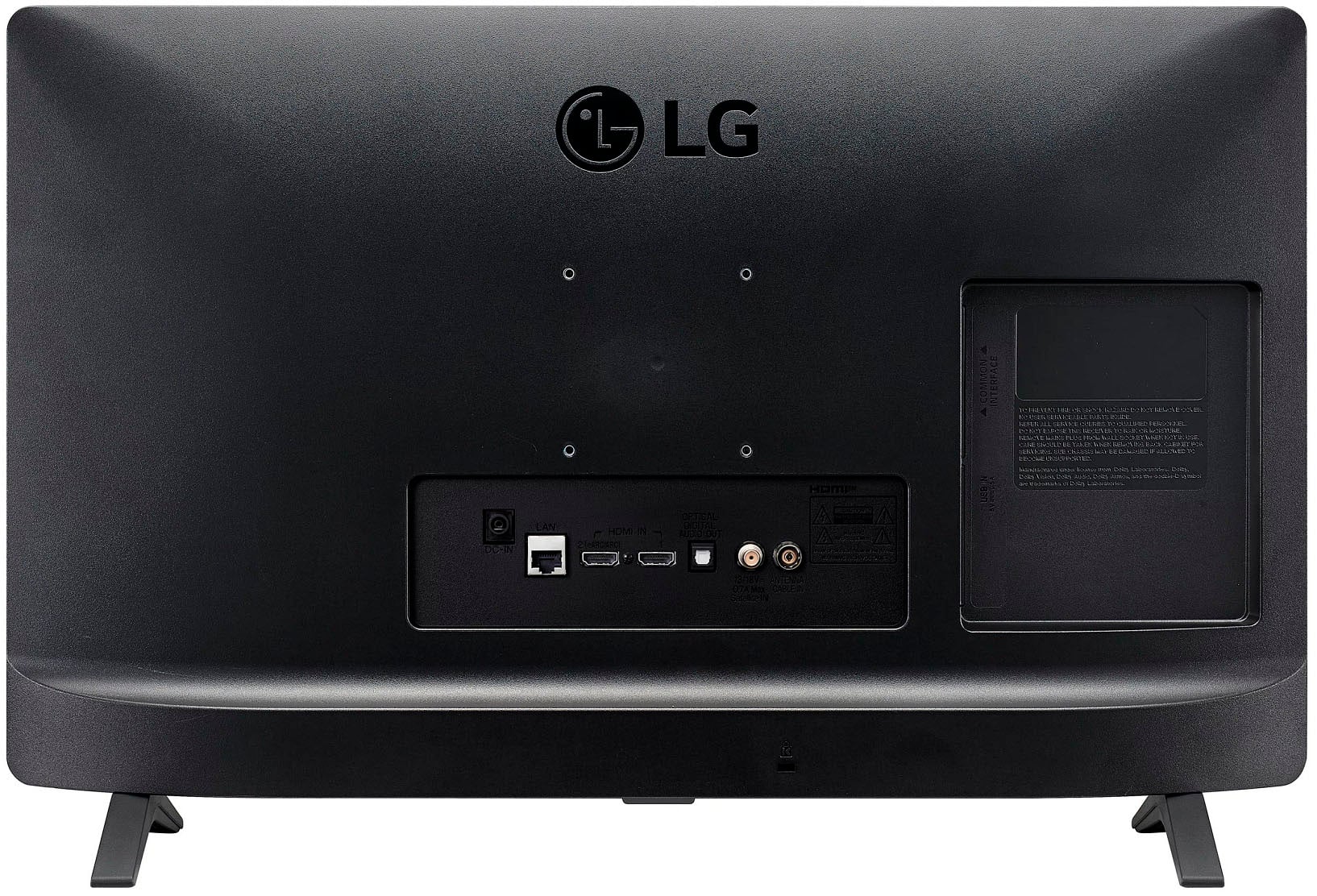
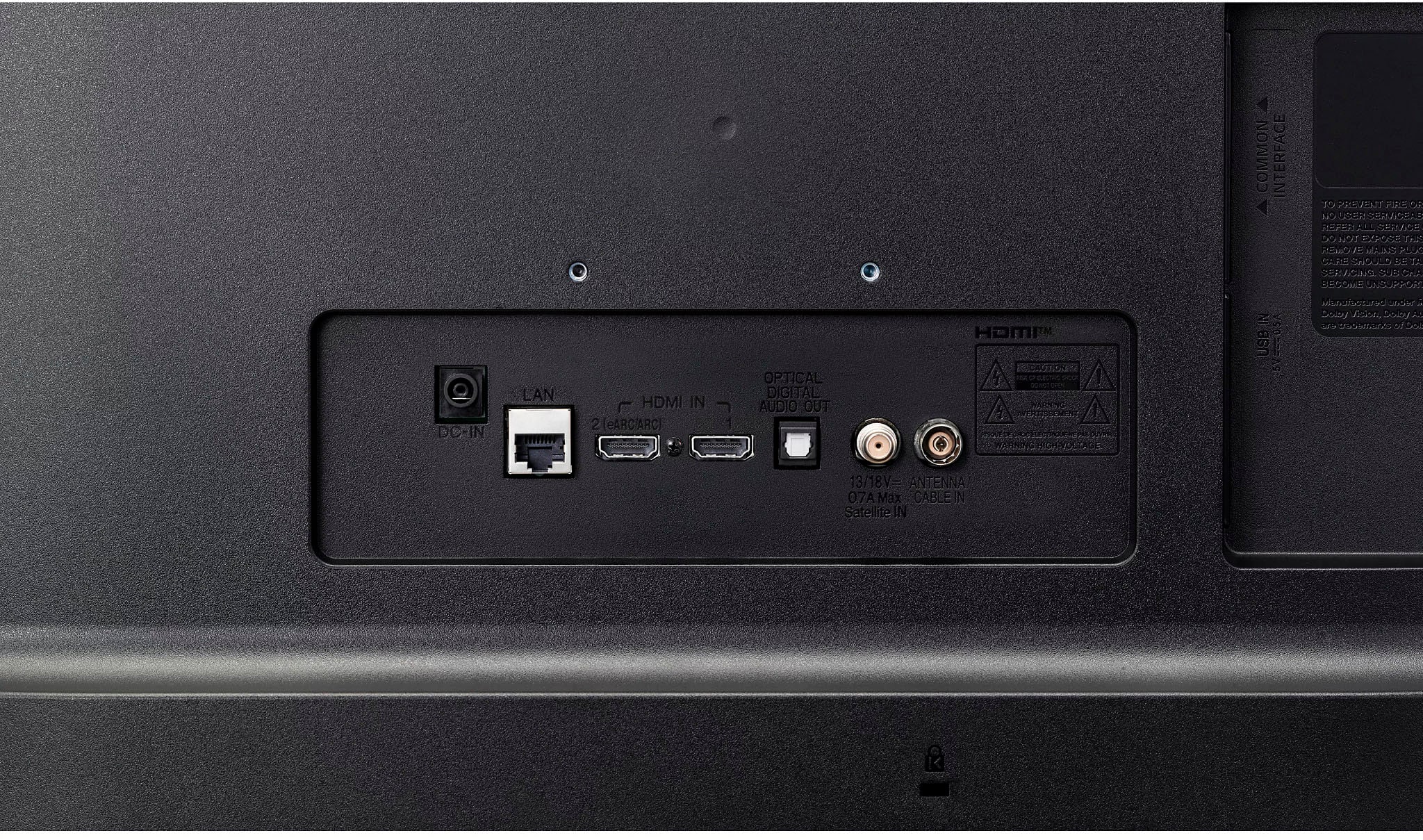
- A:Answer Hello there, Aj. We understand your inquiry about connecting external speakers to your LG 24LQ520S-PU TV. You can indeed enjoy enhanced audio by hooking up a soundbar or home theater system. First, locate the HDMI port labeled “ARC” (Audio Return Channel) on the back of your 24LQ520S-PU. Connect an HDMI cable from that ARC port to the ARC input on your soundbar or A/V receiver. Next, go into Settings > Sound > Sound Out on your TV and select HDMI ARC to ensure audio is being sent to your external device. This will allow your external speakers to play all audio from the TV. As a troubleshooting step, if you hear no sound after connecting, double-check that you’ve enabled HDMI ARC in both the TV’s audio settings and the soundbar’s input source. Also, verify that the HDMI cable is fully inserted into both the ARC port on the TV and the ARC-designated port on your external speaker system. Ensuring both devices are powered on and set to the correct input mode often resolves most connectivity hiccups. If you’re using a soundbar without HDMI ARC, you can also connect via an optical audio cable (Toslink) from the Optical Digital Out port on the TV to the Optical In on your speaker—then select Optical as the sound output in Settings > Sound > Sound Out. https://www.bestbuy.com/site/lg-24-class-led-hd-smart-tv-with-webos-2022/6506779.p?skuId=6506779 For any additional assistance—such as checking firmware versions or walking through advanced audio settings—please send us a private message on social media @LGUSSupport and our team will be more than happy to explore possible solutions. We appreciate your patience and look forward to helping you enjoy your LG TV experience. —Renzo
Answered by LG Digital Customer Care

Q: Questionwhere do I/find the serial number on my LG24 in tv?
Asked by peggy.
- A:Answer Should be on the tv somewhere…, I got it off the box it came in
Answered by jerstan
Q: QuestionWill this tv show subtitles?
Asked by Peewee.
- A:Answer You should be able to get SAP on the TV, though I haven't tried. There are lots of settings available through the remote.
Answered by KVLA
Q: QuestionCan you limit the volume?
Asked by Anonymous.
- A:Answer You can set the volume. Don't know about limiting the upper volume, if that's what you are asked about. You can check settings. The manual should be available online.
Answered by KVLA
Q: QuestionDoes this lg tv include lg channels and is it led and can I connect to an outside antenna thank you
Asked by Magic.
- A:Answer Yes to both quedtions
Answered by jerstan
Q: QuestionIs this tv 12v compatible
Asked by Barf.
- A:Answer The LG 24” Class LED HD Smart TV with webOS (2022), Model # 24LQ520S-PU is not 12 V compatible. It requires a 19V, 2.1 Amp DC Voltage and comes with an AC/DC Adapter that has a 100 ~ 240 V AC voltage input and outputs a 19 V 2.1 Amp DC voltage...^Ivan.
Answered by LG Digital Customer Care

Q: QuestionI have DirecTV in my house . Is the DirecTV app downloadable on this model which will avoid paying for an extra box or running any cables to it .? thanks.
Asked by Tim.
- A:Answer I use the DIRECTV Air Gemini….works great!
Answered by jerstan
Q: QuestionDoes this TV have a matte screen or a glossy, reflective screen?
Asked by BarryK.
- A:Answer It has a matte screen.
Answered by KVLA
Q: Questionhi, would you please let me know how to get this lg tv to go to hdmi 1 (or last input/channel) when i turn it on, vs having to select hdmi from the home screen?
Asked by david.
- A:Answer Took some research and tinkering but I was able to set the default to an HDMI port.
Answered by user506018
Q: QuestionDoes it work with Roku? Can I add the Mhz streaming app?
Asked by Mark.
- A:Answer Definitely works with Roku.
Answered by KVLA
Q: QuestionDoes this tv have a build in fire stick
Asked by 6111.
- A:Answer No built-in fire stick, but you should be able to install it, just like I installed a Roku stick.
Answered by KVLA
Q: Questioncan i add my apps like hulu,Peacock?
Asked by JKK.
- A:Answer It's a smart TV so you should be able to get any app.
Answered by KVLA
Q: QuestionCan I use a Roku with this TV?
Asked by Curious.
- A:Answer You can definitely use Roku. I installed it.
Answered by KVLA
Q: QuestionCan I add these apps for streaming? peacock? amazon? paramount plus? I dont have a streaming device and do not need or want one. i just want to hook up to wifi and download those apps like I have on my samsung?
Asked by piperrich.
- A:Answer Hello there, Piperrich. Thank you for sharing your inquiry with us. We understand your situation and appreciate your interest in using your LG 24LQ520S-PU monitor to stream your favorite content. This monitor is designed as an HD display with some smart features, including a web browser, a launcher for recent/home apps, and access to the LG Content Store for Premium Apps & Games. However, unlike LG Smart TVs that run full webOS software with a wide variety of streaming apps, the monitor’s smart capabilities are typically more limited and may not support the complete lineup you’re used to on your Samsung device. One troubleshooting step we recommend is to connect your monitor to Wi-Fi and navigate to the LG Content Store via the launcher. This will allow you to see the current selection of apps available for your region. Please note that availability of streaming services such as Peacock, Amazon Prime Video, or Paramount Plus depends on the app support provided by LG for this monitor model and may differ from what’s available on LG Smart TVs. If you don’t see your preferred apps, please check if there’s a firmware update available from the monitor’s settings—updating the software sometimes expands app options. As an alternative, you might also consider using the built-in web browser for streaming, although this may not deliver the same ease of use as dedicated apps. https://www.lg.com/us/monitors/lg-24lq520s-pu-hd-monitor#pdp_specs Please send us a private message on Social Media @LGUSSupport if you have further questions or need additional assistance. We’re here to help you get the most out of your LG experience. —Renzo
Answered by LG Digital Customer Care

Q: QuestionIs it wall mountable
Asked by JimmieM.
- A:Answer Hello there. Thank you for sharing your inquiry about the LG 24LQ520S-PU HD Monitor. We understand your situation and appreciate your interest in ensuring you have the proper installation options available. This monitor is indeed wall mountable—it comes with a VESA mounting pattern of 75 x 75. This specification allows it to be securely attached to a compatible wall mount bracket, providing a neat and functional setup. As a troubleshooting step, we recommend verifying that your chosen wall mount bracket supports a 75 x 75 VESA pattern and is rated for the monitor’s weight. https://www.lg.com/us/monitors/lg-24lq520s-pu-hd-monitor#pdp_specs For further guidance or personalized assistance, please send us a private message on Social Media @LGUSSupport, and our team will be more than happy to help. We appreciate your engagement and thank you for choosing LG. —Renzo
Answered by LG Digital Customer Care

Q: QuestionIs this tv compatible with Directtv streaming app?
Asked by Cyndi.
- A:Answer Yes with a dongle/ Gemini as you cannot download the app.
Answered by DJRS
Top Rated
- Doorbuster$169.99Your price for this item is $169.99
- Black Friday Deal$999.99Your price for this item is $999.99
- Black Friday Deal$99.99Your price for this item is $99.99
- Black Friday Deal$349.99Your price for this item is $349.99
- Black Friday Deal$189.99Your price for this item is $189.99
- Black Friday Deal$399.99Your price for this item is $399.99
- Black Friday Deal$329.99Your price for this item is $329.99
- Black Friday Deal$899.99Your price for this item is $899.99
- Black Friday Deal$549.99Your price for this item is $549.99
- Black Friday Deal$499.99Your price for this item is $499.99
- Black Friday Deal$1,399.99Your price for this item is $1,399.99
- $549.99Your price for this item is $549.99$1,299.99The comparable value for this item is $1,299.99
- Black Friday Deal$379.99Your price for this item is $379.99
- Black Friday Deal$999.99Your price for this item is $999.99
- $279.99Your price for this item is $279.99$399.99The comparable value for this item is $399.99
- Black Friday Deal$329.99Your price for this item is $329.99
- Black Friday Deal$229.99Your price for this item is $229.99
- Black Friday Deal$129.99Your price for this item is $129.99
- $249.99Your price for this item is $249.99$379.99The comparable value for this item is $379.99
- Black Friday Deal$499.99Your price for this item is $499.99