Questions & Answers
- Model:
- 24LQ520S-WU
- |
- SKU:
- 6506778
Q: QuestionIs this tv compatible with Xfinity cable?
Asked by Anonymous.
- A:Answer A. Yes.~ Tanisha
Answered by LG Digital Customer Care

Q: QuestionIt seems that I need a LG Web OS 3.5 or above to connect to PEACOCK TV. Does this model have it? Thank you!
Asked by Textilady.
- A:Answer Hey there. This model only has the Web OS 1.0 installed. ~Anthony
Answered by LG Digital Customer Care

Q: QuestionCan this tv remain on a 3-season porch year-round?
Asked by happyrepeater.
- A:Answer Hi Mary. Thanks for reaching out. With improved heatsinks and airflow, TV heat dissipation has come a long way over the years, but TVs still aren't designed with the heat of the sun or outdoor moisture in mind. ~Jai.
Answered by LG Digital Customer Care

Q: QuestionDo i need a a cable box to get cable stations?
Asked by angie.
- A:Answer No you don't. This TV comes with a free channel app included. LG channels offers so many live channels and a great movie library that you can watch anytime for free.
Answered by Anonymous
Q: Questiondoes the xbox x work with it?
Asked by jack.
- A:Answer A. Yes this TV is compatible to work with your Xbox. However, you must check the specifications to be sure. ~ Tanisha
Answered by LG Digital Customer Care

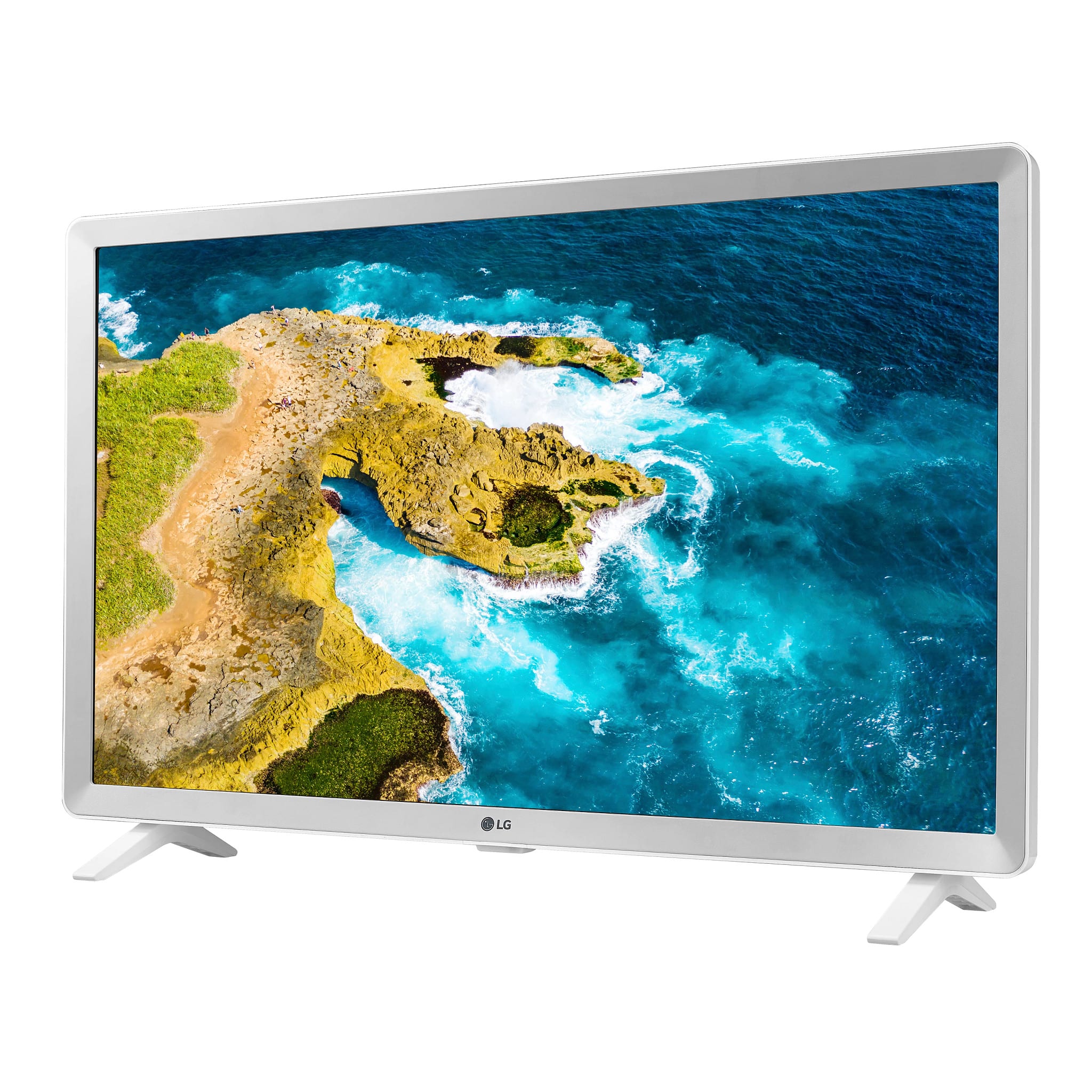
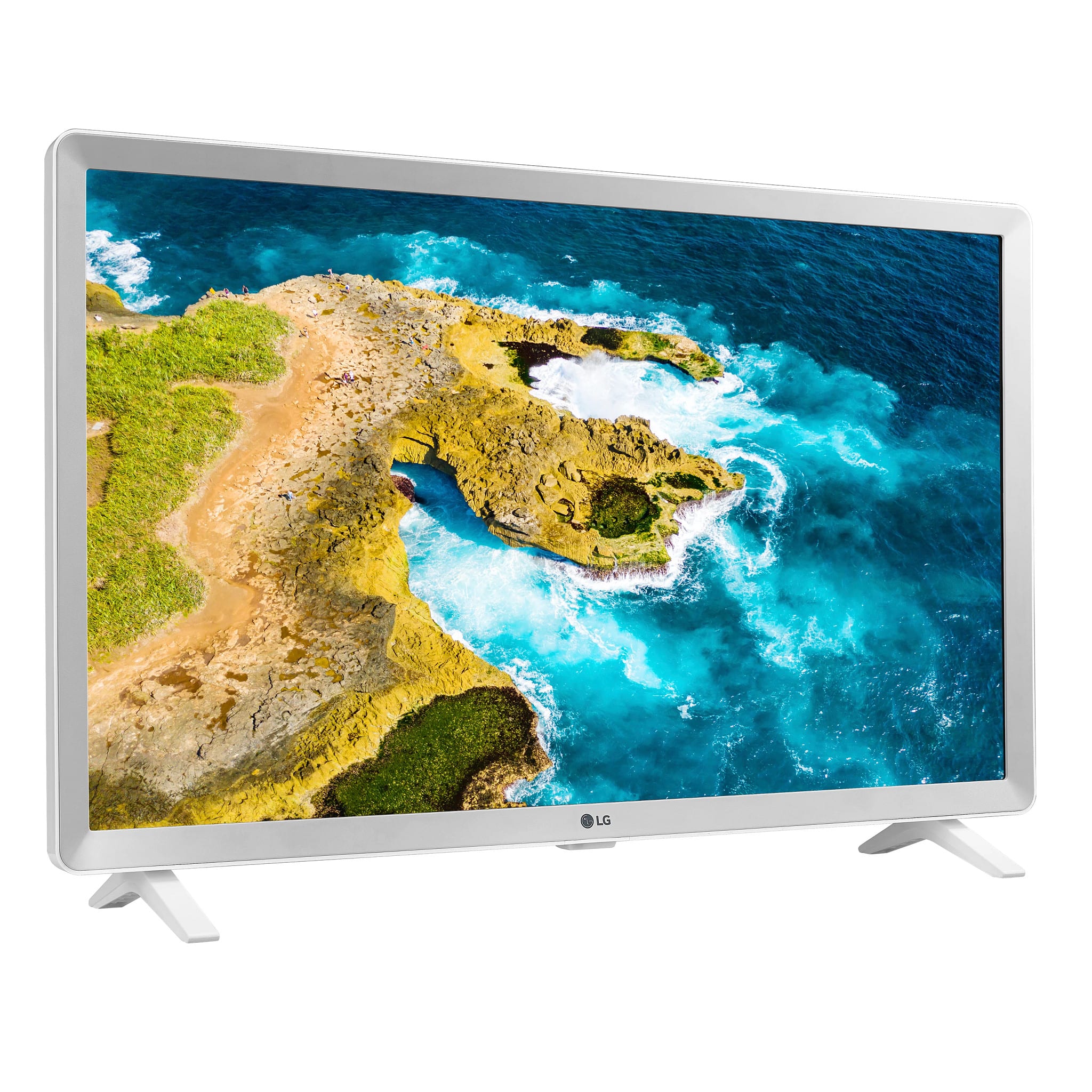
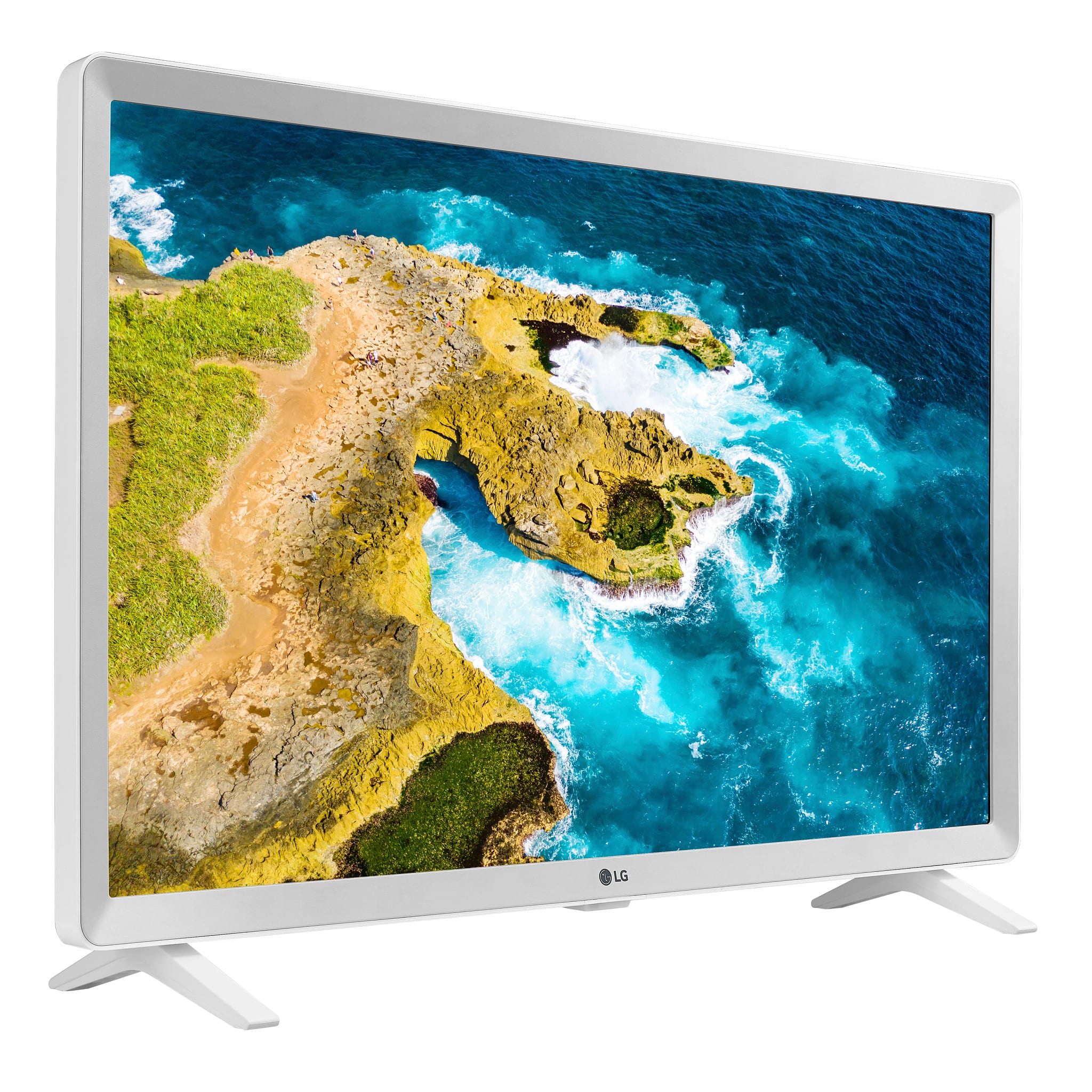
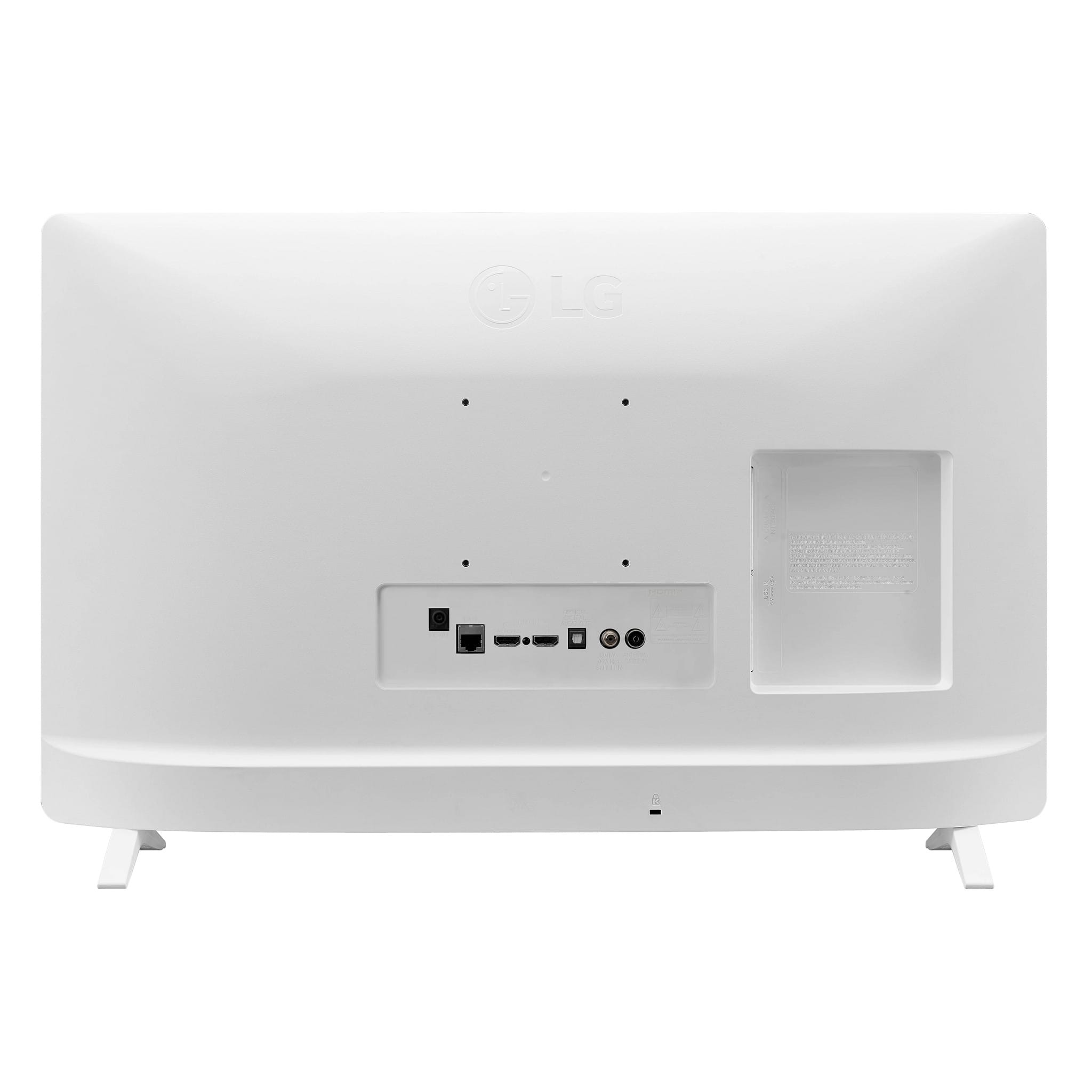
Q: QuestionWhat is the distance between the outsides of the stands?
Asked by Choose.
- A:Answer The distance between out of stand to outside of stand is 18 1/4".
Answered by Anonymous
Q: QuestionIs this TV compatible with Youtube TV?
Asked by Biff.
- A:Answer Hello there. Thanks for reaching out. For the LG - 24" Class LED HD SmartTV with webOS already comes pre-loaded with YouTUBE TV. `Jai.
Answered by LG Digital Customer Care

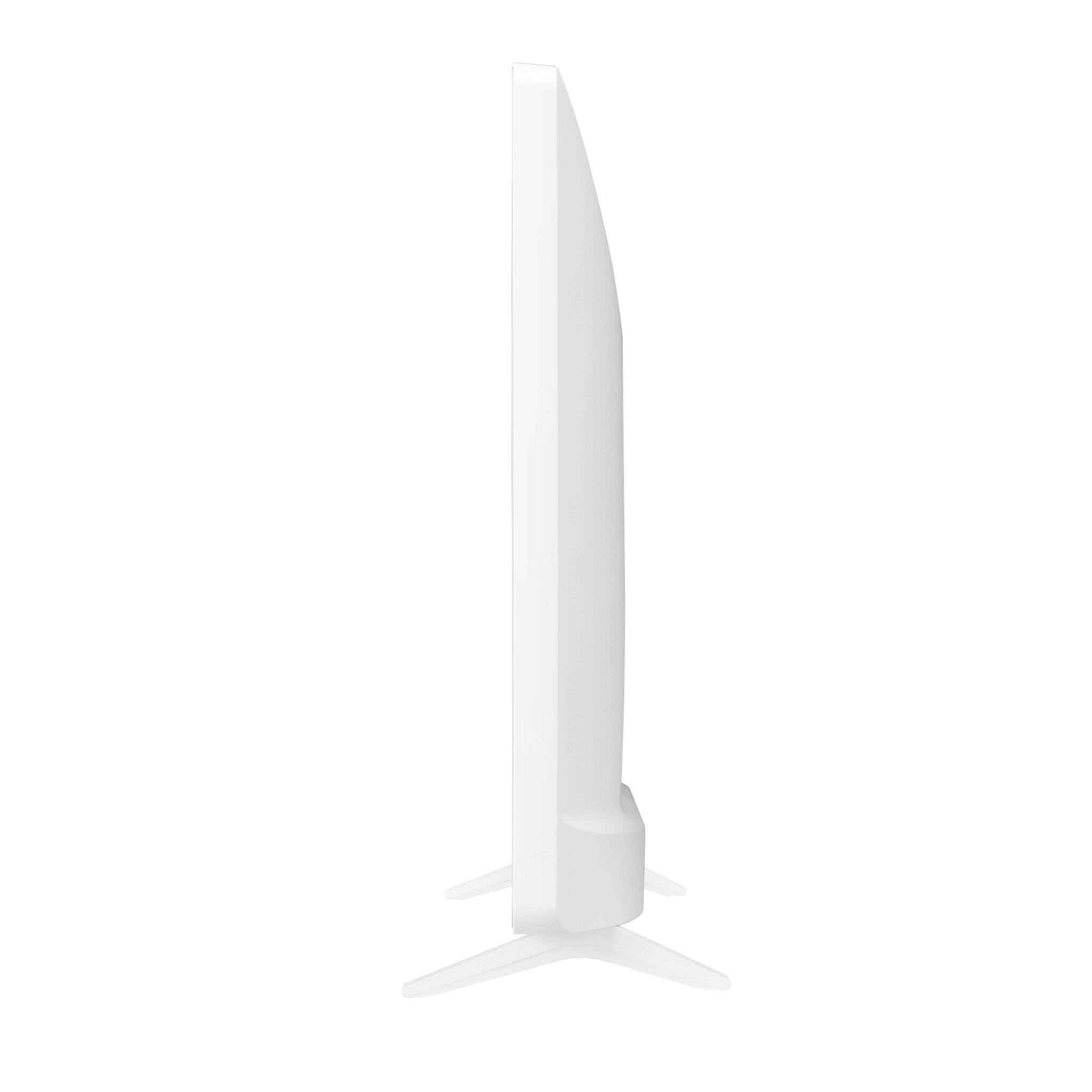
Q: QuestionCan you turn this tv to portrait mode?
Asked by Paige.
- A:Answer Hey there, Paige. This TV is not able to turn into portrait mode. ~Anthony
Answered by LG Digital Customer Care

Q: QuestionCan it work without connecting to WIFI?
Asked by Anonymous.
- A:Answer Yes, as long as you have it connected to cable or satellite. But you won't be able to use any of the smart features.
Answered by AlbertG
Q: QuestionI would like to use this tv to run a continuous shuffled slide show from a USB thumb drive when it is not being used for watching programs. Can the tv do this? If so, what is the shortest interval for the pictures to change? Five seconds is preferred.
Asked by Cattleya.
- A:Answer It will play back your created slide show from your flash drive or external hard drive but it will not created for you.
Answered by Anonymous
Q: QuestionWhat streaming apps come pre-installed?
Asked by Patricia.
- A:Answer Hi, Patricia! Thanks for the question! This LG - 24” Class LED HD Smart TV with webOS (24LQ520S-WU) only has Netflix and Youtube streaming apps. To know more about the specs of this TV, you may check out this link: https://www.lg.com/us/monitors/lg-24lq520s-wu ^Jolly
Answered by LG Digital Customer Care

Q: QuestionMust the TV be cabled for connection for best performance? Is it design more specifically for Wi-Fi connections and streaming? What is the approximate band with draw on a 5G Network?
Asked by Kate.
- A:Answer (If any of my 4K QLED televisions should fail, I have this as a backup to use until I can get a replacement in place. So, I haven't really used the LG yet.) But, I have tested the LG, and it performed well. Just how well it would perform with OTA signals depends on the quality of your OTA antenna and the signal quality of the particular channel that you are watching. No, it is not designed especially for streaming. I don't think that this TV is 5G capable, but if you have 5G it should be backward compatible to 4G or 3G devices.
Answered by VeritableVenerable
Q: QuestionCan I add a digital antenna for local broadcast stations?
Asked by MommaD.
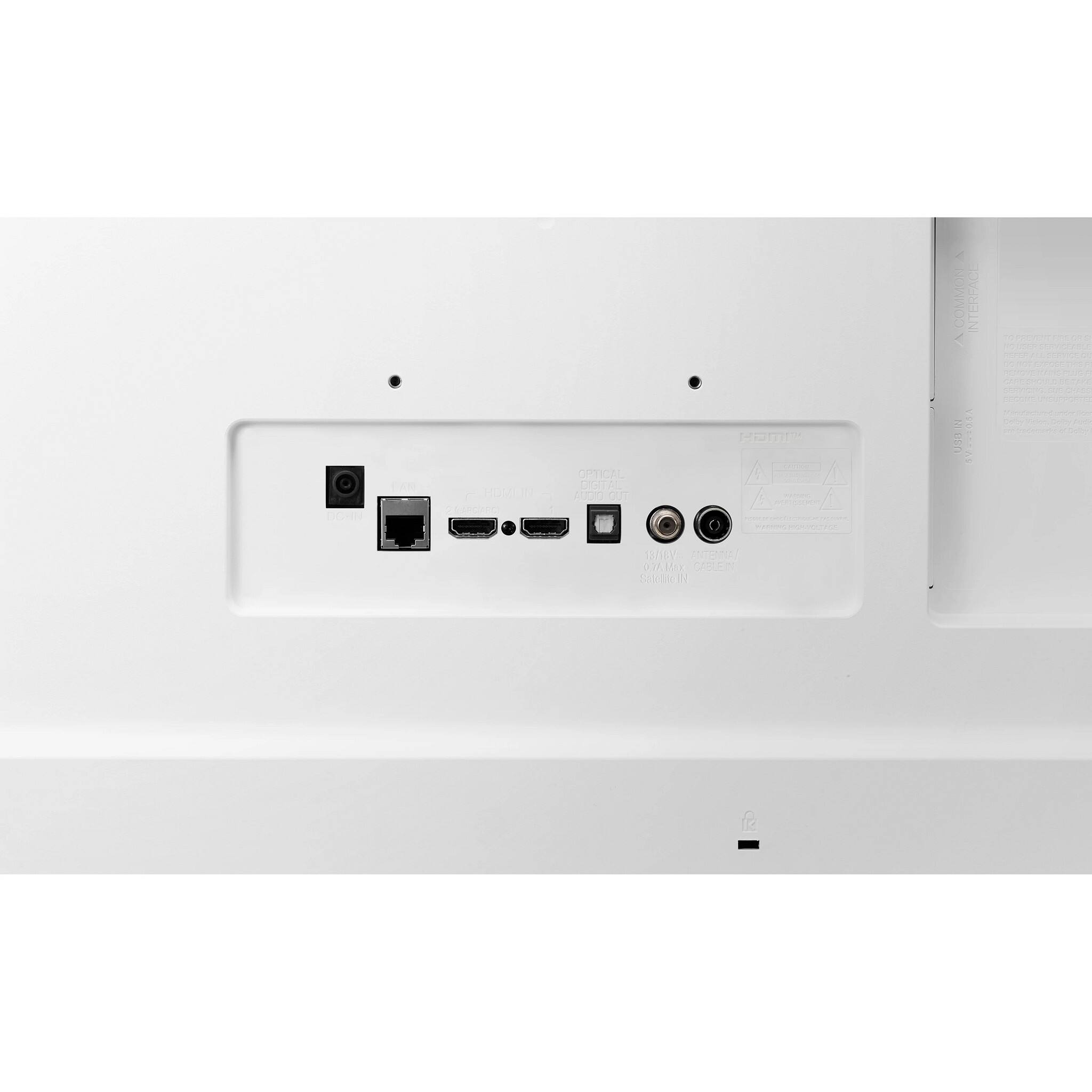
- A:Answer Hello there. Thanks for reaching out. Yes you sure can. If you want to watch free-to-air channels on your Smart TV, you would need to purchase an HD Digital TV antenna and attach it to your TV. You could use an analog antenna, but be prepared to have signal issues. `Jai.
Answered by LG Digital Customer Care

Q: QuestionIs this smart tv able to use Xfinity stream
Asked by Amy.
- A:Answer Hi, There! Yes, the 24” HD Smart TV with webOS (24LQ520S-WU) can support Xfinity stream. To install the app on your LG TV, Here are the steps: 1. Make sure your LG Smart TV is connected to the Internet. 2. Press the Home button on your remote to bring up the main menu. 3. Scroll right or left until you reach the LG Content Store. 4. Select Apps & Games at the top of the page. 5. Select the Xfinity Stream Beta app. 6. Click Install. ^James.
Answered by LG Digital Customer Care

Q: QuestionCan Roku be added as an app?
Asked by Anonymous.
- A:Answer Hello! Yes, you can stream Roku Channel on your LG - 24” Class LED HD Smart TV with webOS (24LQ520S-WU). Here's how to sign up: https://thestreamable.com/video-streaming/roku-channel/devices/lg-smart-tv ^James.
Answered by LG Digital Customer Care

Q: QuestionIs HULU preloaded?
Asked by Mama.
- A:Answer Hello there. Thanks for reaching out. For the LG - 24" Class LED HD Smart TV with webOS model: #24LQ520S-WU webOS TVs come pre-installed with many popular streaming apps such as YouTube, Netflix, Amazon Prime Video, Disney Plus, Google Play Movies and TV, and more. `Jai.
Answered by LG Digital Customer Care

Q: QuestionDoes this TV have a, 'on' timer to start at a specific time?
Asked by Pierre.
- A:Answer Hi Pierre.The LG 24” Class LED HD Smart TV with webOS, Model # 24LQ520S-WU does not have a Power On Timer/Power Off Timer function...^Ivan
Answered by LG Digital Customer Care

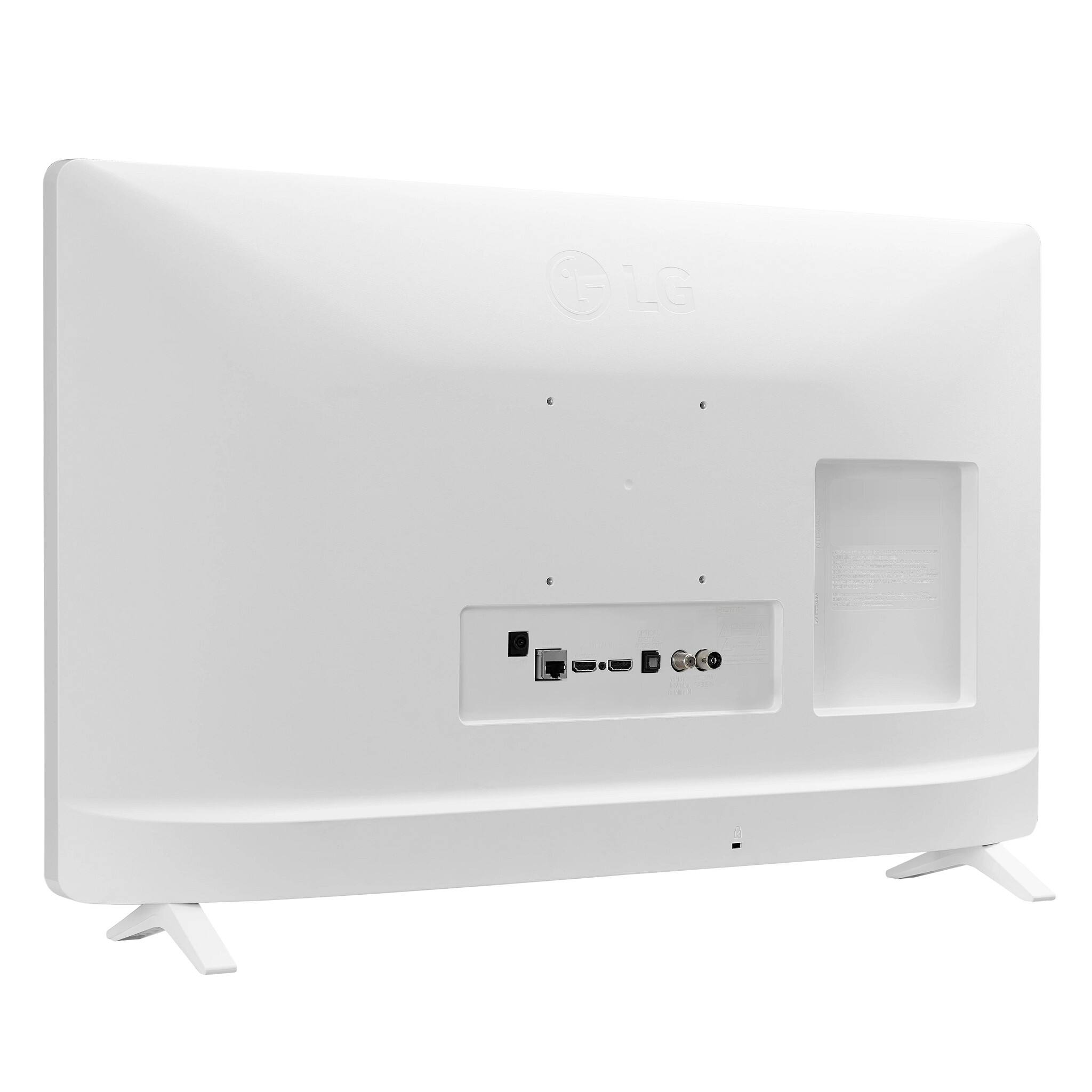
Q: QuestionDoes this tv has a usb port
Asked by Ginny.
- A:Answer Hello there. Thanks for reaching out. Yes this LG TV does indeed have a USB port. You can connect your computer to peripheral devices such as cameras, camcorders, printers, scanners and much more. ` Jai.
Answered by LG Digital Customer Care

Q: QuestionCan i watch tennis channel plus which i subscribe to?
Asked by Di.
- A:Answer Hi, Yes, you can watch this using stick or check here on the LG content store https://us.lgappstv.com/main/integrated/search?searchText=tennis. ^Vanessa
Answered by LG Digital Customer Care

Top Rated
- $329.99$329.99The price was $469.99
- $299.99$299.99The price was $349.99
- $122.00$122.00The price was $129.99
- $139.99$139.99The price was $149.99
- $449.99$449.99The price was $649.99
- $279.99$279.99The price was $329.99