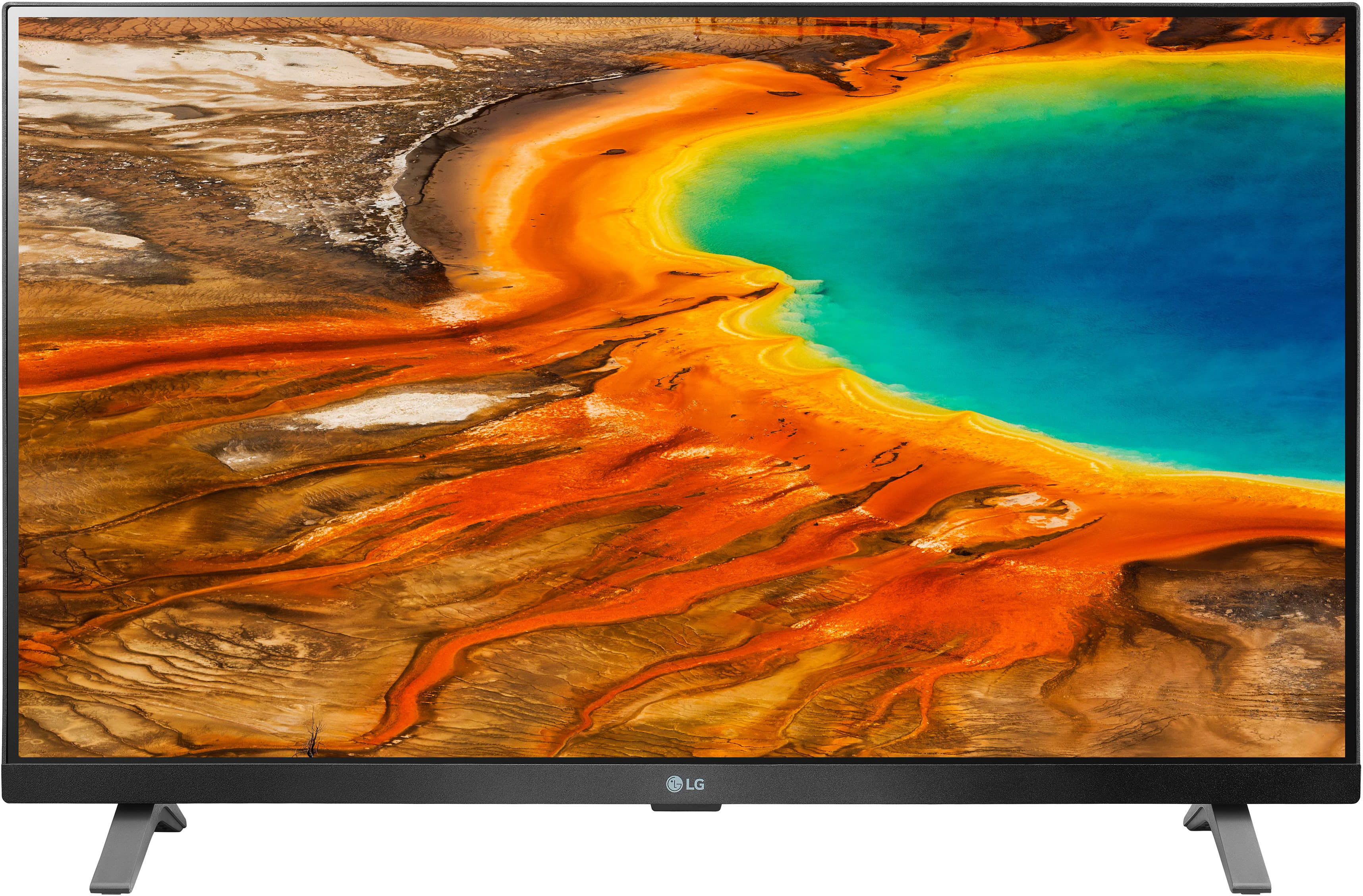
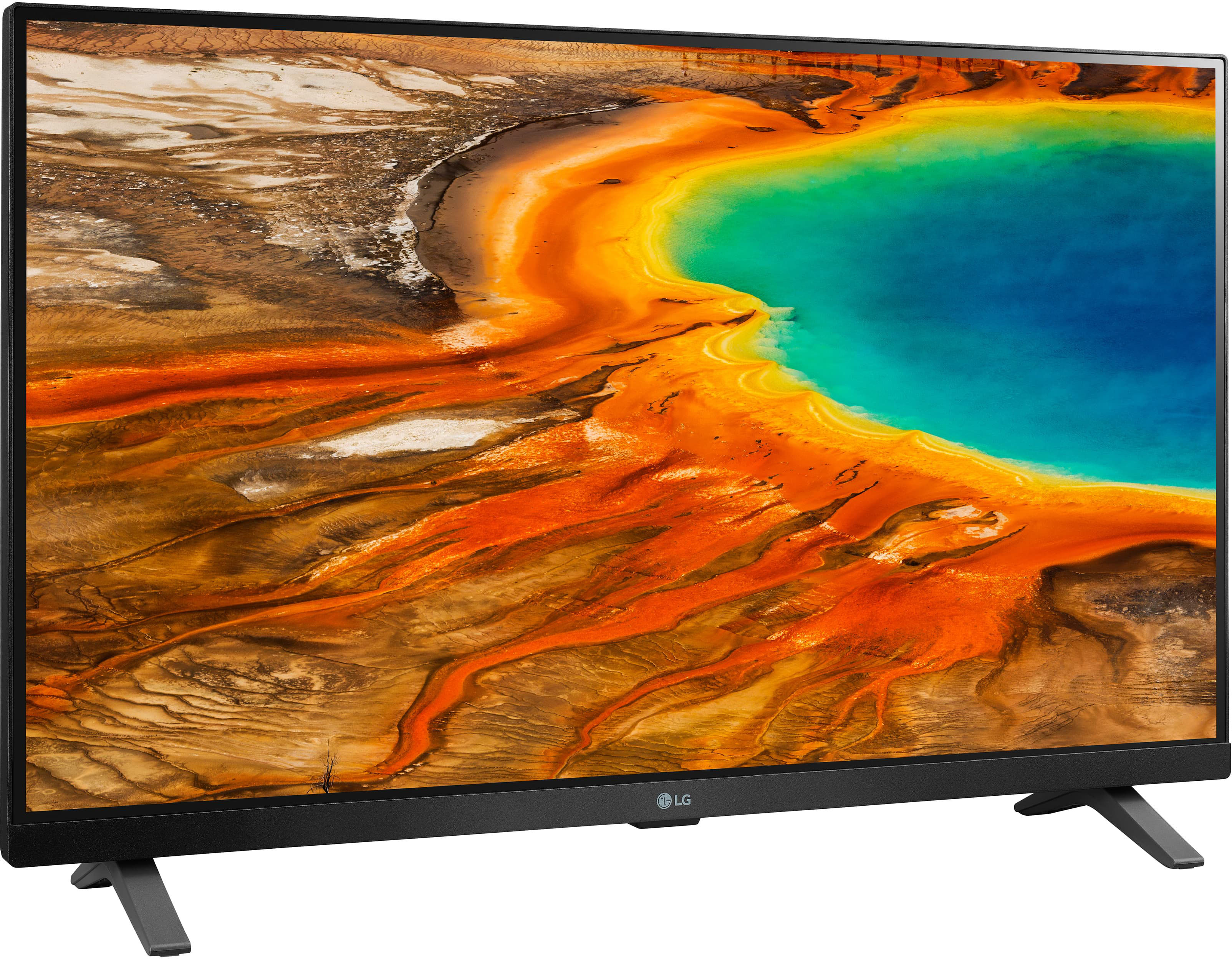
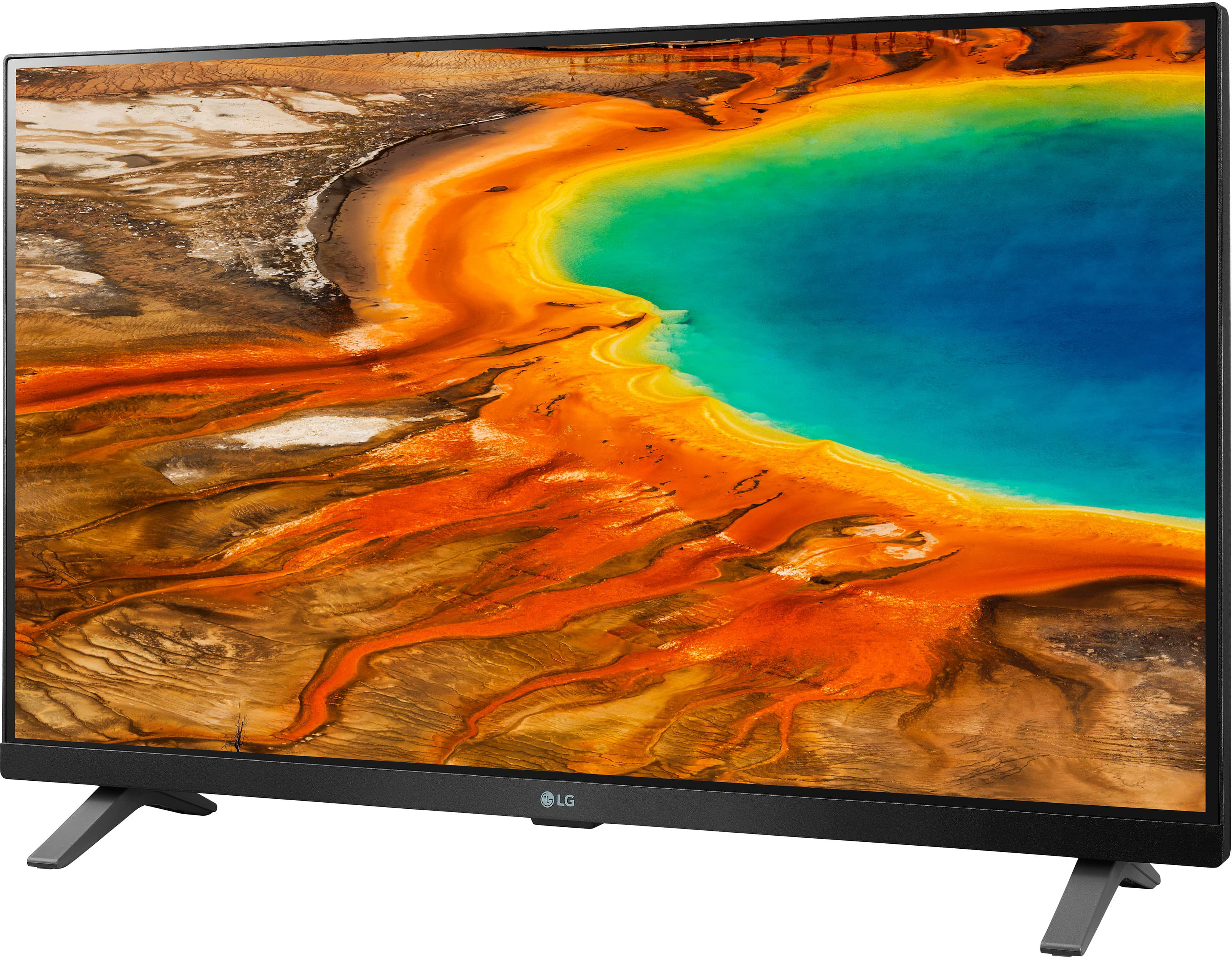
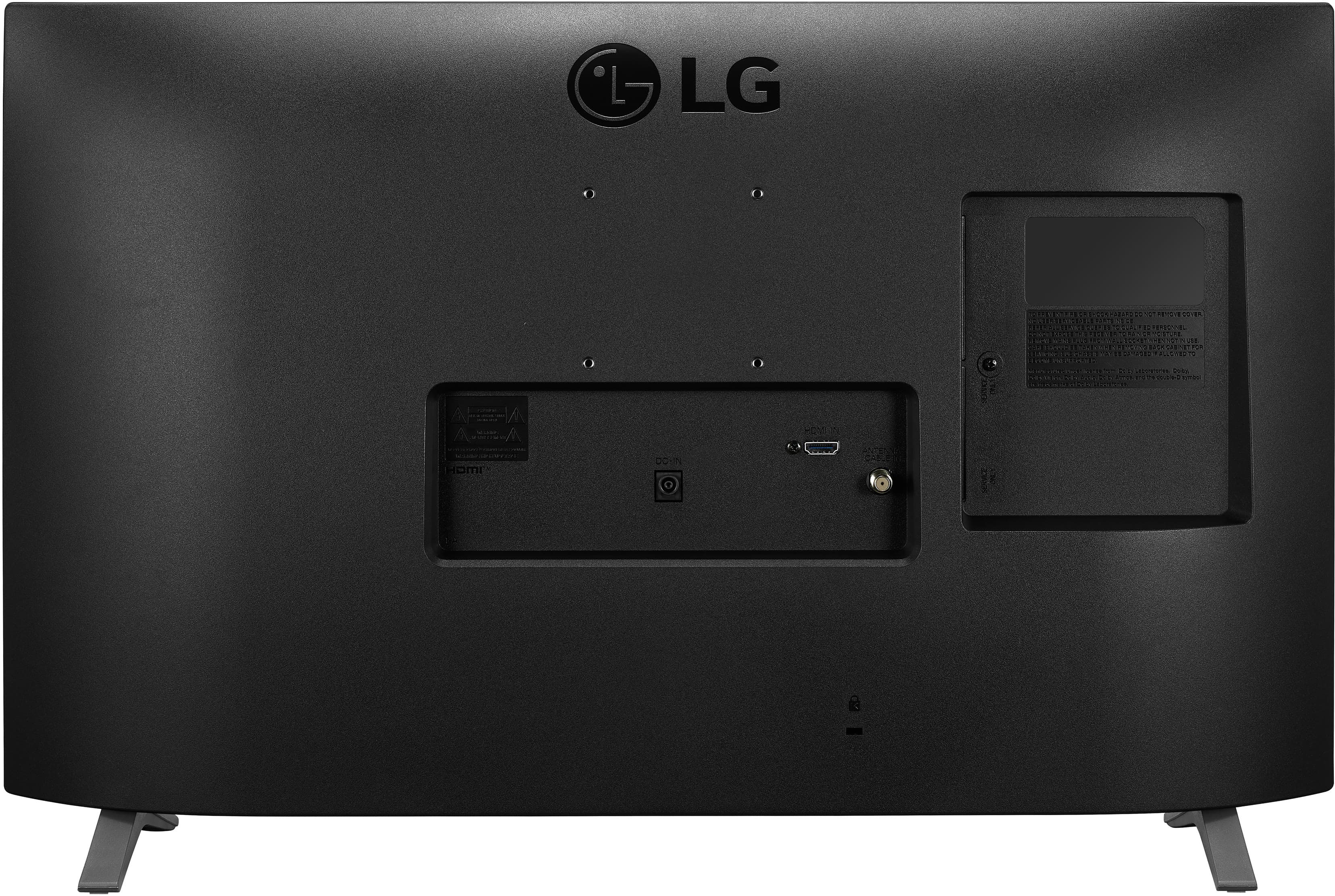
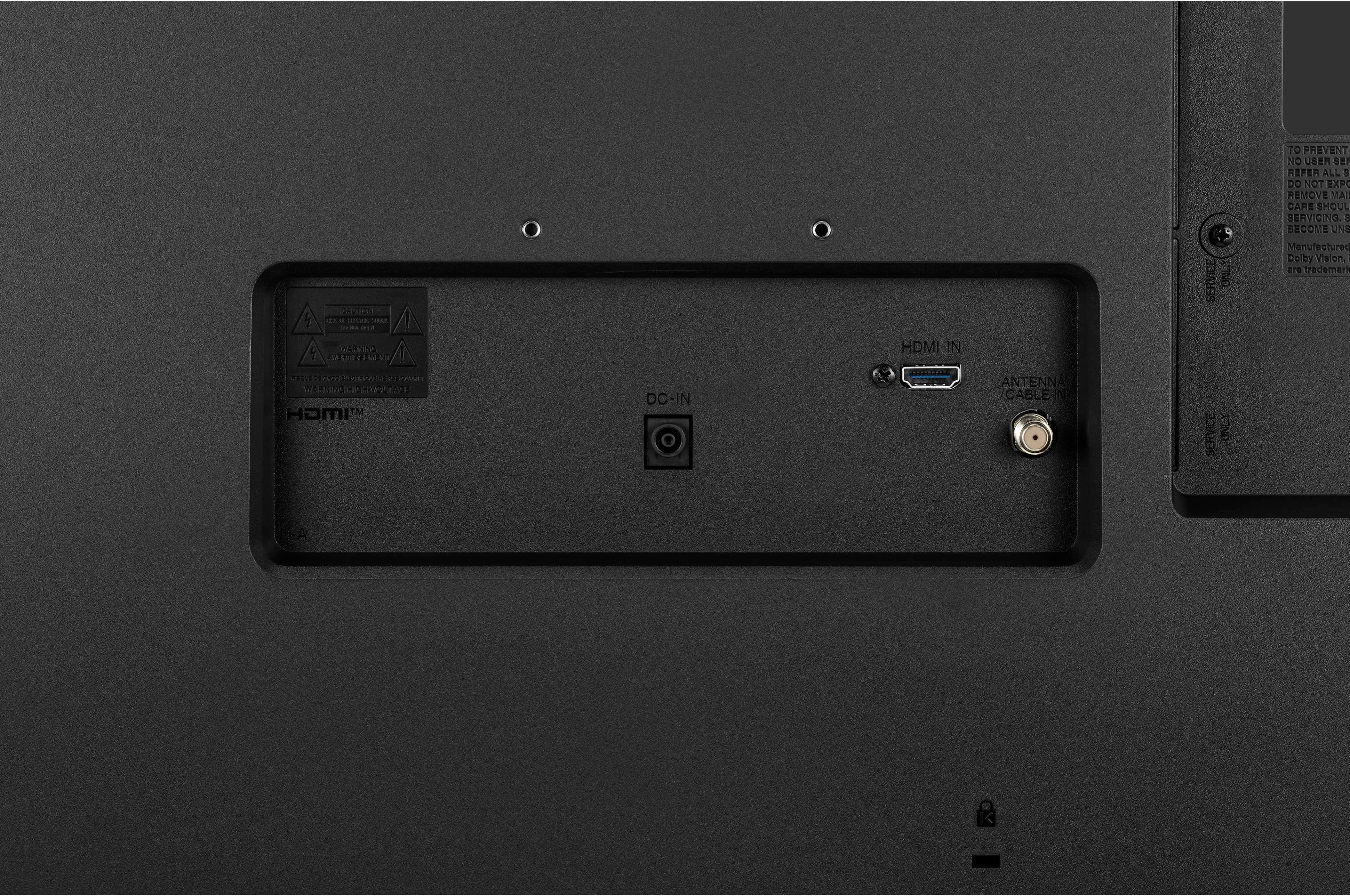
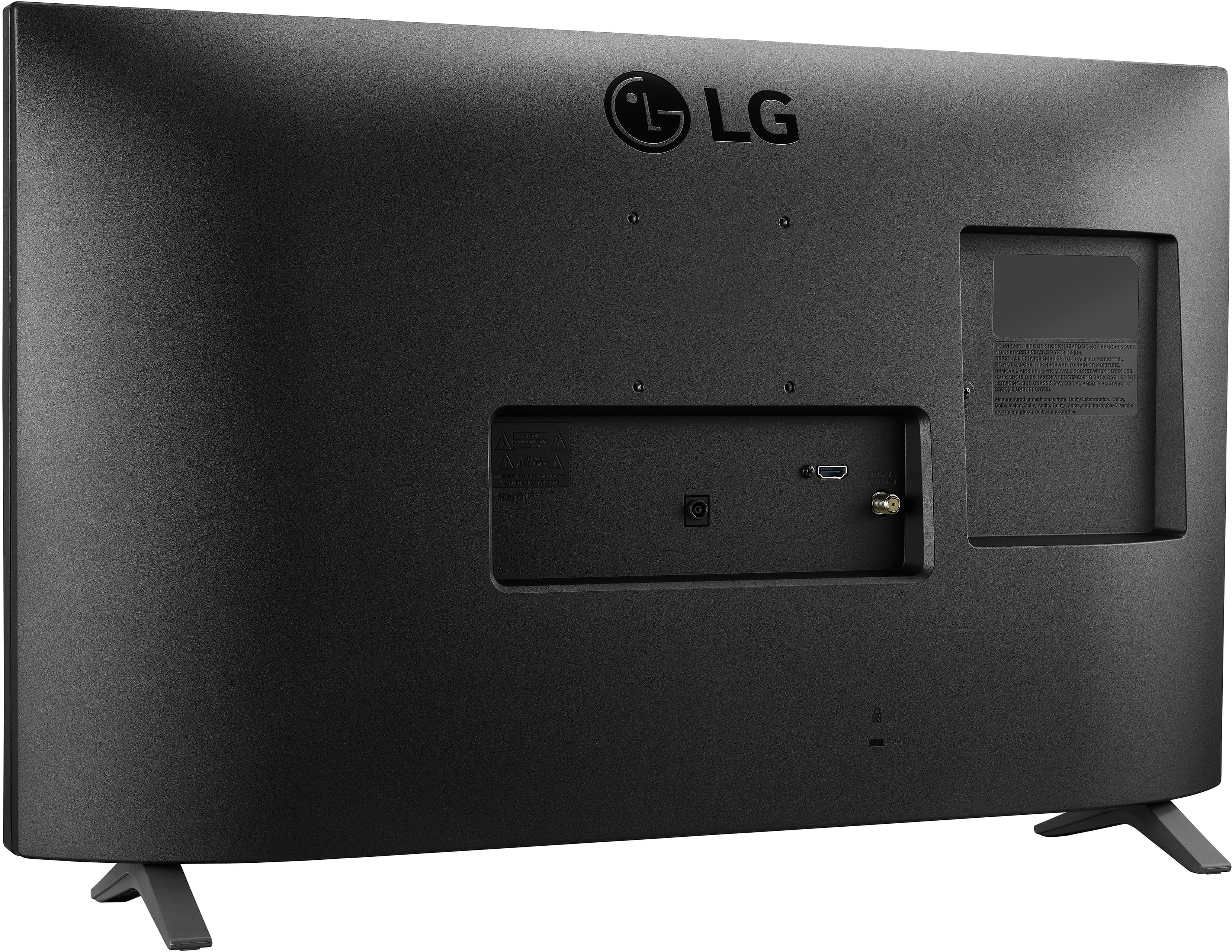
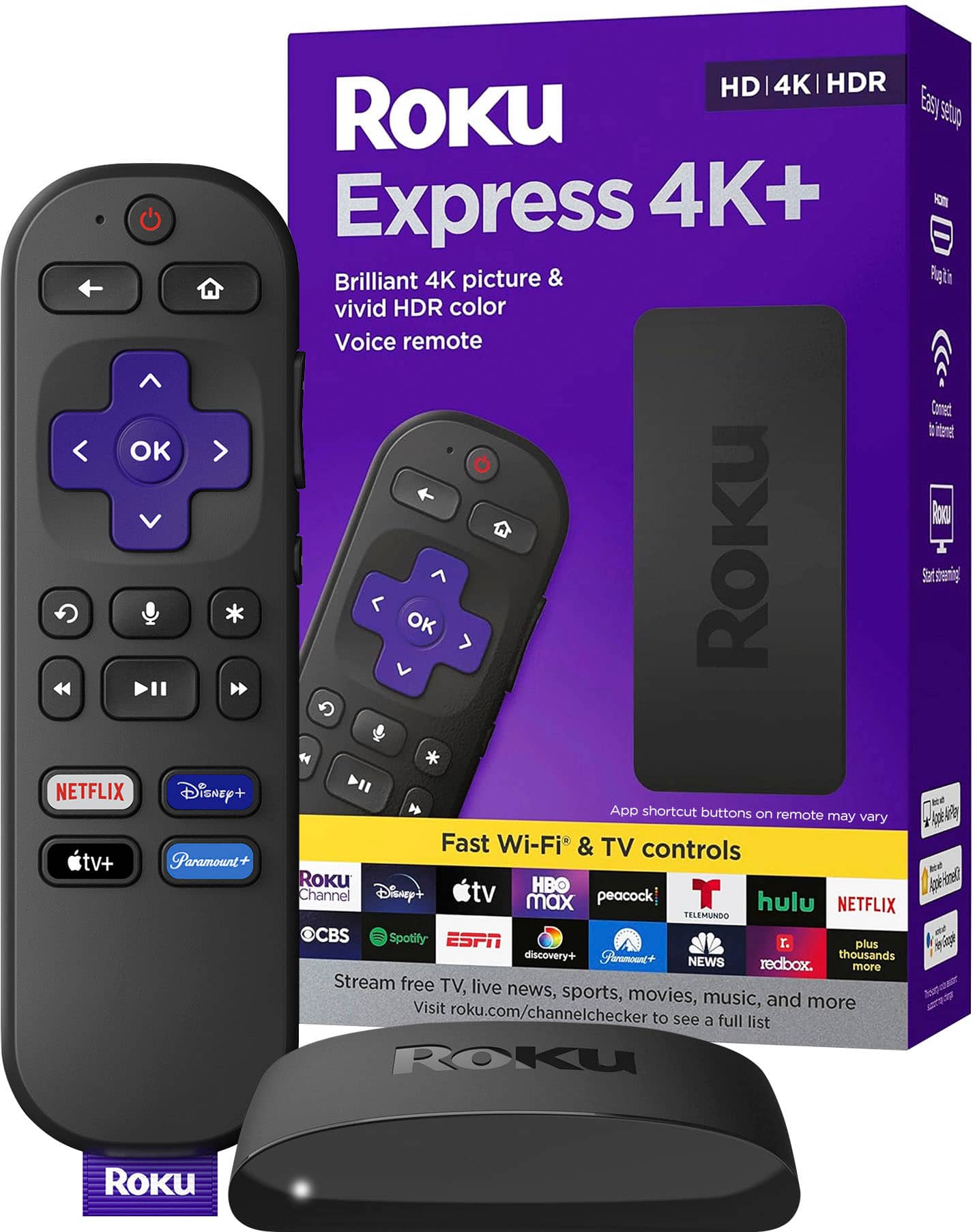
A:Answer No, it is not. If you have broadband Internet and a WiFi router, you can connect that way with a streaming player. I am using a Roku streaming player with mine, connecting to the HDMI port and an electrical outlet. This LG tv's remote has an input button labeled TV/PC. After plugging in the Roku, if you press that button you can select HDMI as the input, though on my TV that still shows a laptop PC for the image. Your Roku will need to be connected to your WiFi router using the router's password. Mine was a previously used Roku player already on the WiFi, and I had an account set up on the Roku site already, so it was easy. If you do go with a Roku instead of another streaming player, you do not have to use a credit card. When you get to that page, you already have an account. So write down your user name and password, then close your browser or browser tab. Then return to the Roku site and for me it let me log in and never again requested a credit card. So I can activate a Roku on my computer, and I have never entered a credit card.