Questions & Answers
- Model:
- 27SR5BF-P.AUS
- |
- SKU:
- 6585817
Q: QuestionHello, if I bought two of these or another LG monitor can I make them dual monitors?
Asked by Dualmonitorscompatibly.
- A:Answer Hello there. Thank you for your question about using dual monitors with the LG 27SR5BF-P. We understand you are considering connecting two of these monitors or another LG monitor for a dual display setup. Yes, you can absolutely set up dual monitors using this model or any other compatible LG monitor. To do so, you would need to connect the monitors to your computer via HDMI or other compatible inputs. Many computers support dual display functionality, allowing you to extend or duplicate your desktop across multiple screens. You may need to adjust the display settings in your computer’s display settings menu to configure the dual monitor setup properly. https://www.lg.com/us/monitors/lg-27sr5bf-p-smart-monitor#pdp_specs If you need help with the setup or have further questions, please don’t hesitate to send us a private message on social media @LGUSSupport, and our team will assist you further! —Renzo
Answered by LG Digital Customer Care

Q: QuestionHow many ports it have if need plug flash drive in, or we need to use a separate desktop for it? Also what type of power plug cable size is need for this device?
Asked by Mickele.
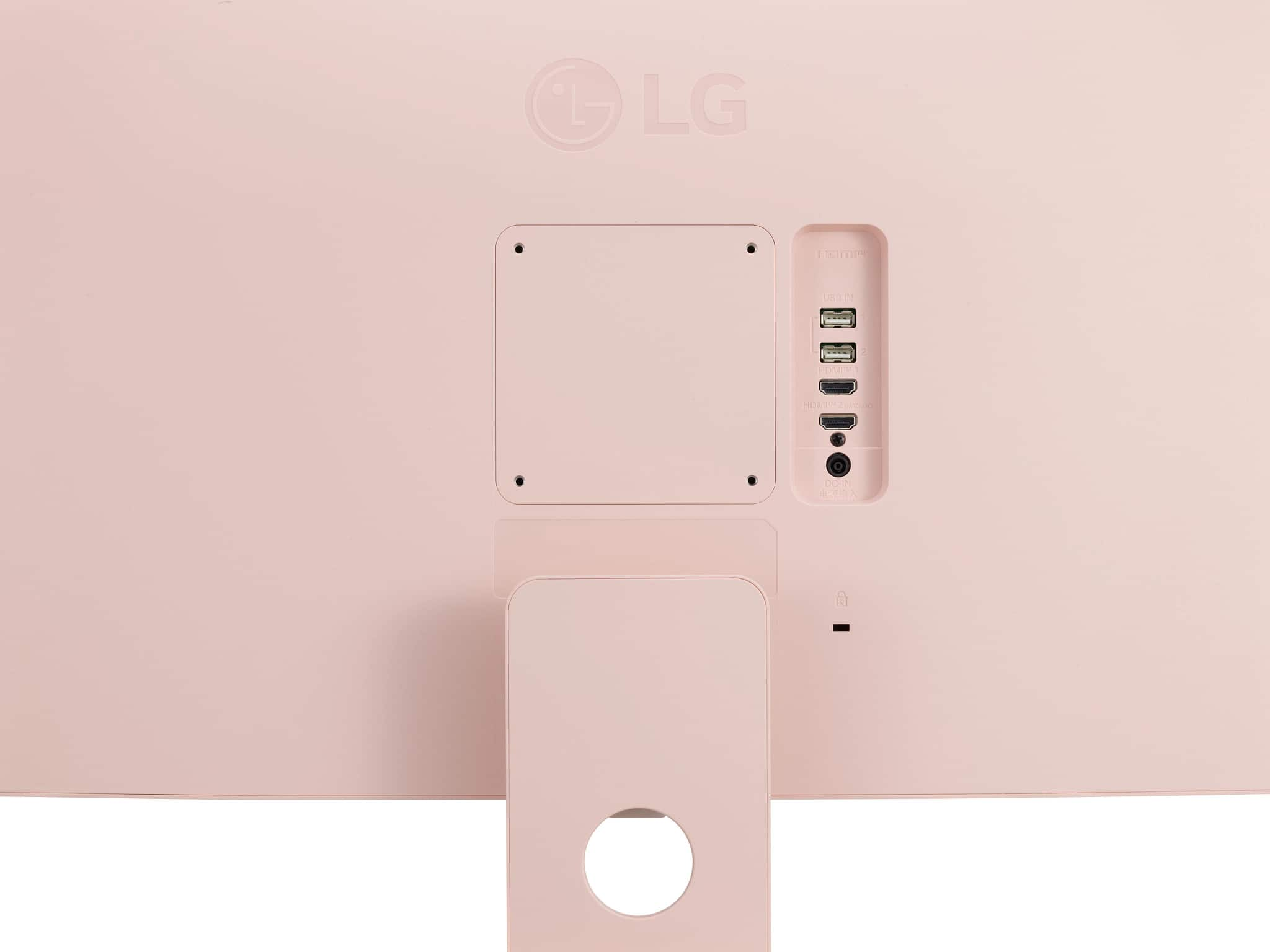
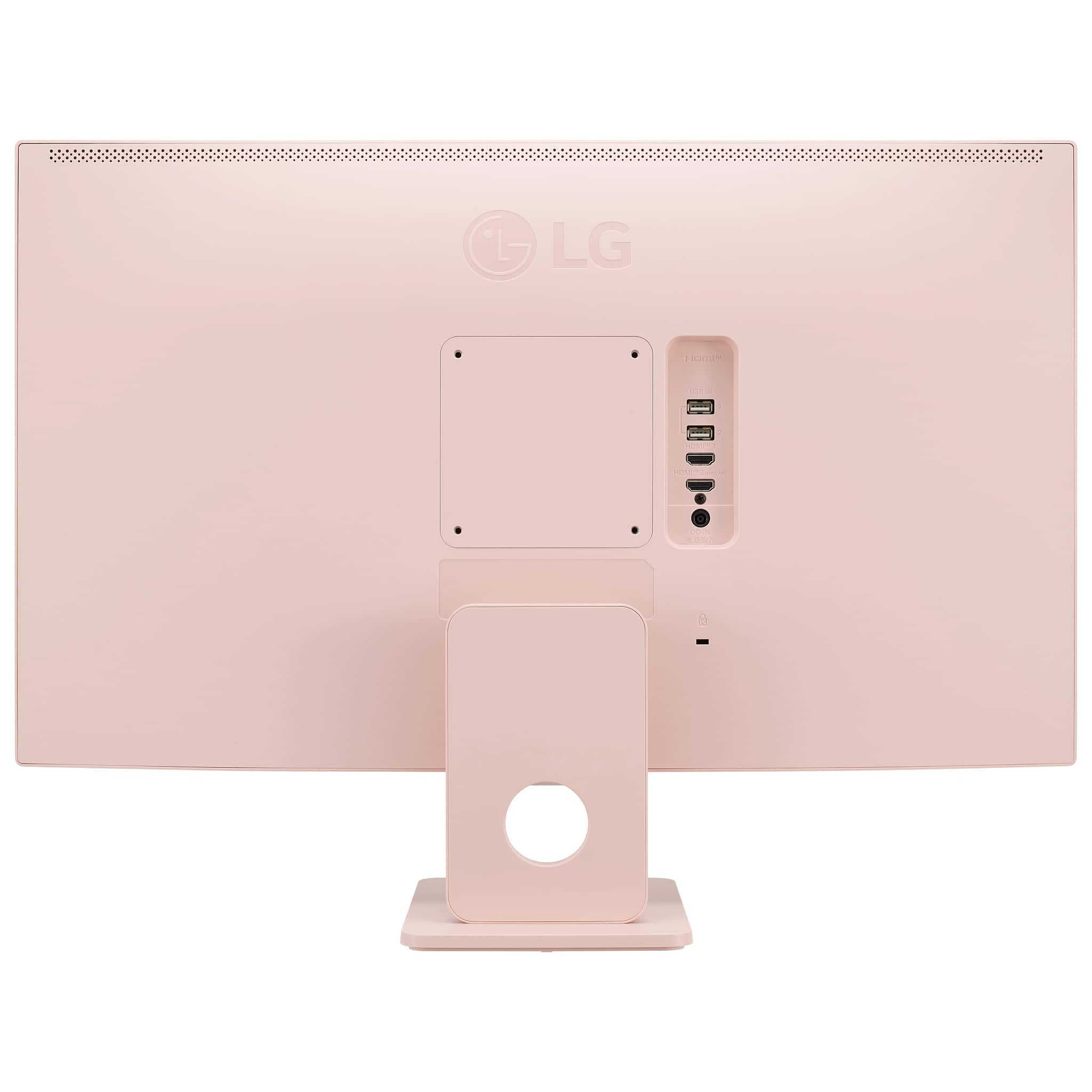
- A:Answer Hello there, Mickele. Thank you for your inquiry about the LG 27SR5BF-P Smart Monitor. We understand you're asking about the ports available for plugging in a flash drive and the power cable requirements. USB Ports: This monitor has 2 x USB-A ports, which should allow you to plug in a flash drive directly into the monitor. No need for a separate desktop unless you need more ports or specific functionalities. Power Cable: For the power plug, the monitor uses a standard IEC C7 (2-prong) power cable. This is a common cable used for many consumer electronics, including monitors. https://www.lg.com/us/monitors/lg-27sr5bf-p-smart-monitor#pdp_specs If you need any more information or assistance, feel free to send us a private message on social media @LGUSSupport, and we'll be happy to assist you further. We appreciate your inquiry! —Renzo
Answered by LG Digital Customer Care

Q: QuestionSo if we don't use it connect with another computer then it won't work itself?
Asked by Mickele.
- A:Answer It's a smart monitor. It can also be used to view tv shows or movies. if you would like to use it as a computer, you will need a desktop tower or you can mirror your laptop to the monitor.
Answered by JenniferC
Q: QuestionDoes the monitor have gb aka storage if so how much?
Asked by Lilith.
- A:Answer Hello there, Lilith. The LG 27SR5BF-P.AUS Smart Monitor does not have built-in storage (GB). It is primarily a display device and does not include onboard storage for files or apps. However, it does feature a web browser and HDMI/USB connectivity options for external devices. https://www.lg.com/us/monitors/lg-27sr5bf-p-smart-monitor#pdp_specs If you have any more questions or need further assistance, feel free to reach out to us on social media @LGUSSupport. —Renzo
Answered by LG Digital Customer Care

Q: QuestionHello! I ordered this monitor and have connected my macbook air to it with an hdmi to USB-c How am I able to use the wireless keyboard and mouse? because right now i can only type or use the mouse on my laptop... thank you
Asked by Anonymous.
- A:Answer Hello there! To use your wireless keyboard and mouse with your LG 27SR5BF-P Smart Monitor while connected to your MacBook Air, you’ll need to ensure that the monitor has the necessary USB connections for the keyboard and mouse. Here’s a simple way to set it up: Connect the Keyboard and Mouse: Plug the wireless receiver (USB dongle) for your keyboard and mouse into one of the USB downstream ports on the monitor. These ports allow the keyboard and mouse to communicate with your MacBook through the monitor. Switch Input Source: https://www.lg.com/us/monitors/lg-27sr5bf-p-smart-monitor#pdp_specs Make sure that your monitor is set to the correct HDMI input where your MacBook Air is connected. Once this is done, your keyboard and mouse should work with the MacBook Air via the monitor's USB downstream ports. If you still have trouble, feel free to contact @LGUSSupport on social media for additional support! Hope this helps! —Renzo
Answered by LG Digital Customer Care

Q: QuestionWhat year was this monitor made
Asked by LetaM.
- A:Answer Hi there! Thank you for your question about the LG 27SR5BF-P Smart Monitor. While the specific manufacturing year isn't listed in the product specifications, this model was introduced in 2021 as part of LG’s Smart Monitor lineup. https://www.lg.com/us/monitors/lg-27sr5bf-p-smart-monitor#pdp_specs If you need further details or assistance with the monitor, feel free to reach out. We’re here to help! —Renzo
Answered by LG Digital Customer Care

Q: QuestionDoes this come with Microsoft office or can it be downloaded like and app?
Asked by Liz.
- A:Answer Hello, Liz. As indicated in its title, the LG 27" Full HD IPS MyView Smart Monitor with webOS Desktop Setup Including Wireless Keyboard and Mouse, Model # 27SR5BF-P, is a "Smart Monitor." It is NOT an All-in-One computer, so as with any other monitor, you cannot install Microsoft Office on it...^Ivan.
Answered by LG Digital Customer Care

Q: QuestionWhat all comes with this? Or I can just purchase and it’s ready for use like to actually utilize connect to internet etc or are other parts needed
Asked by Interested.
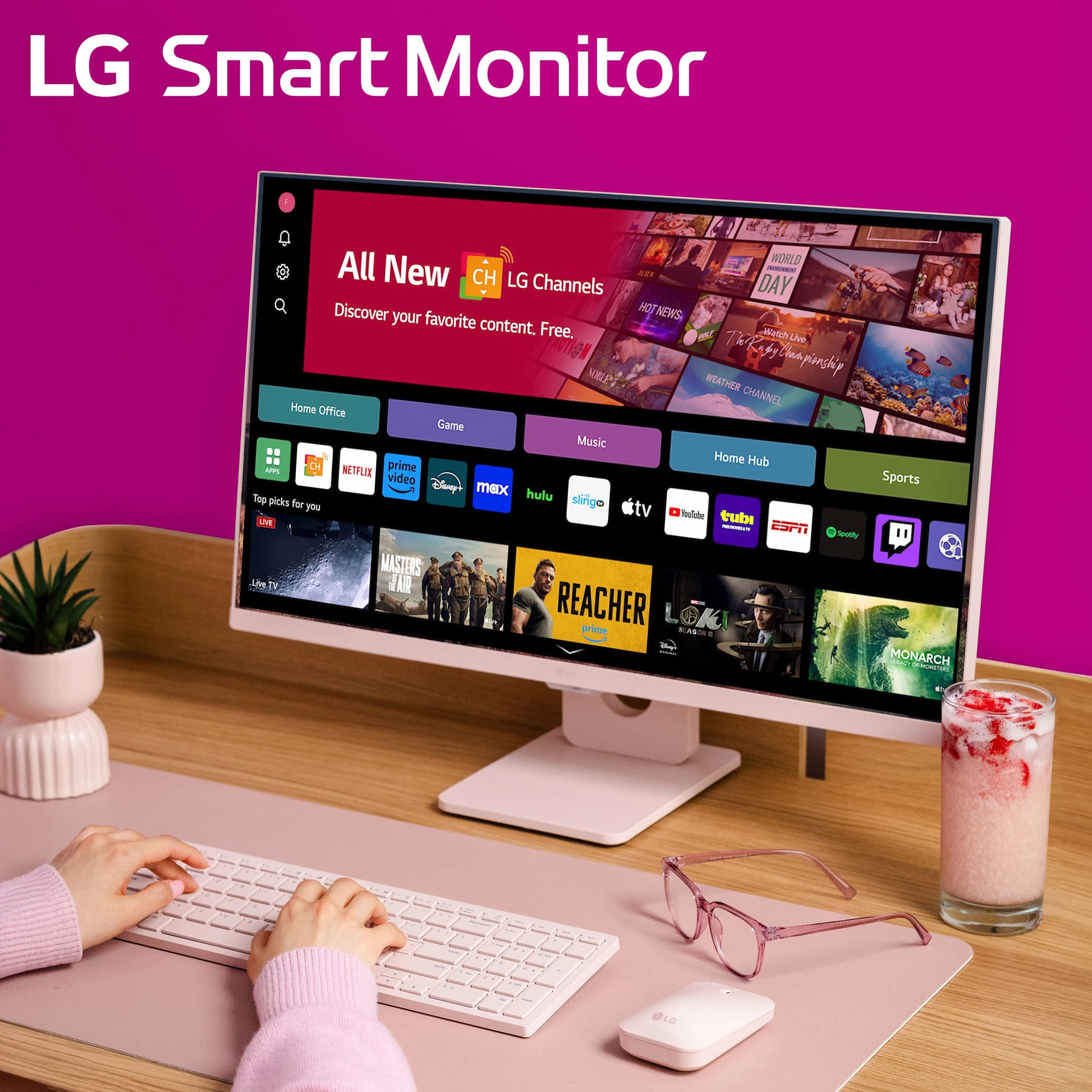
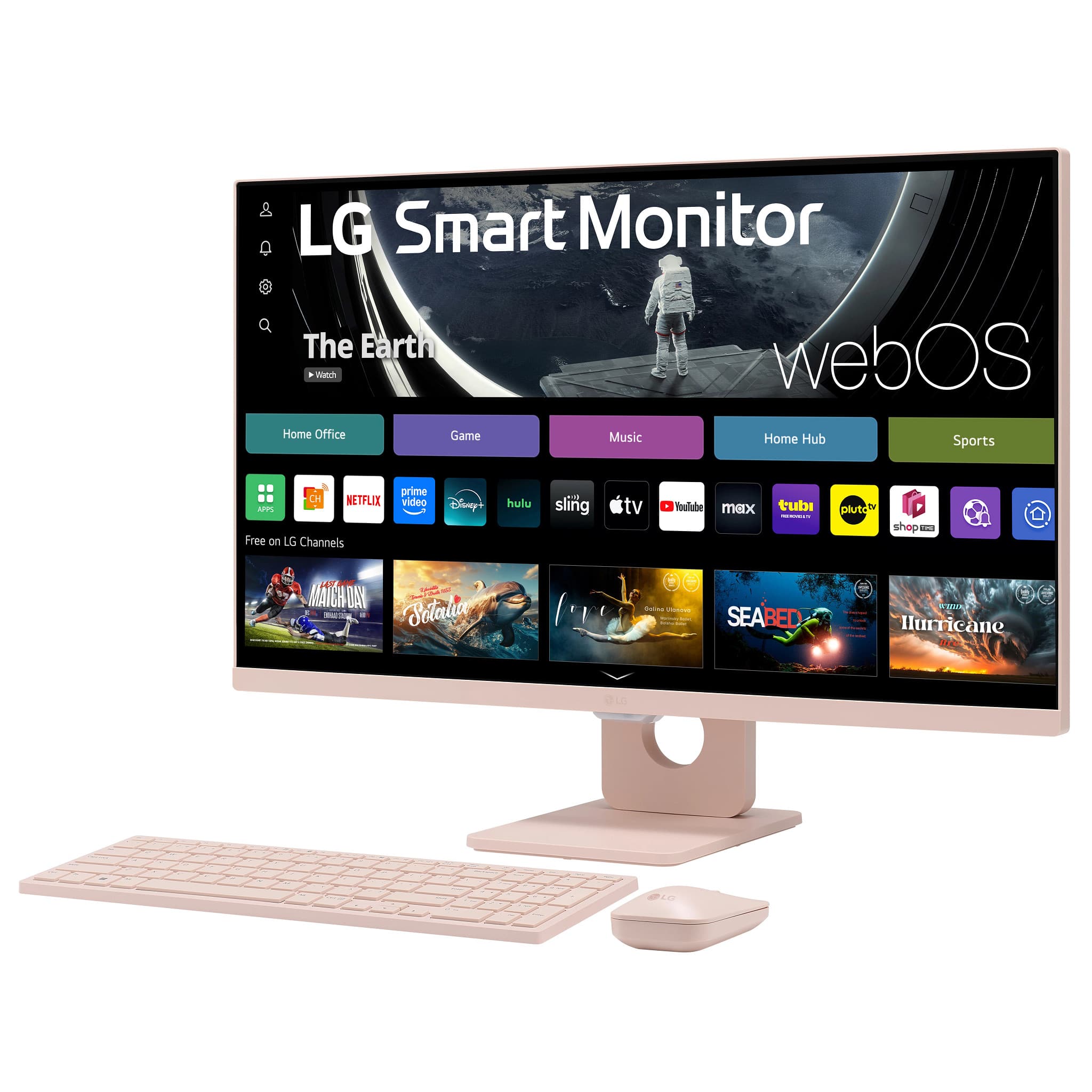
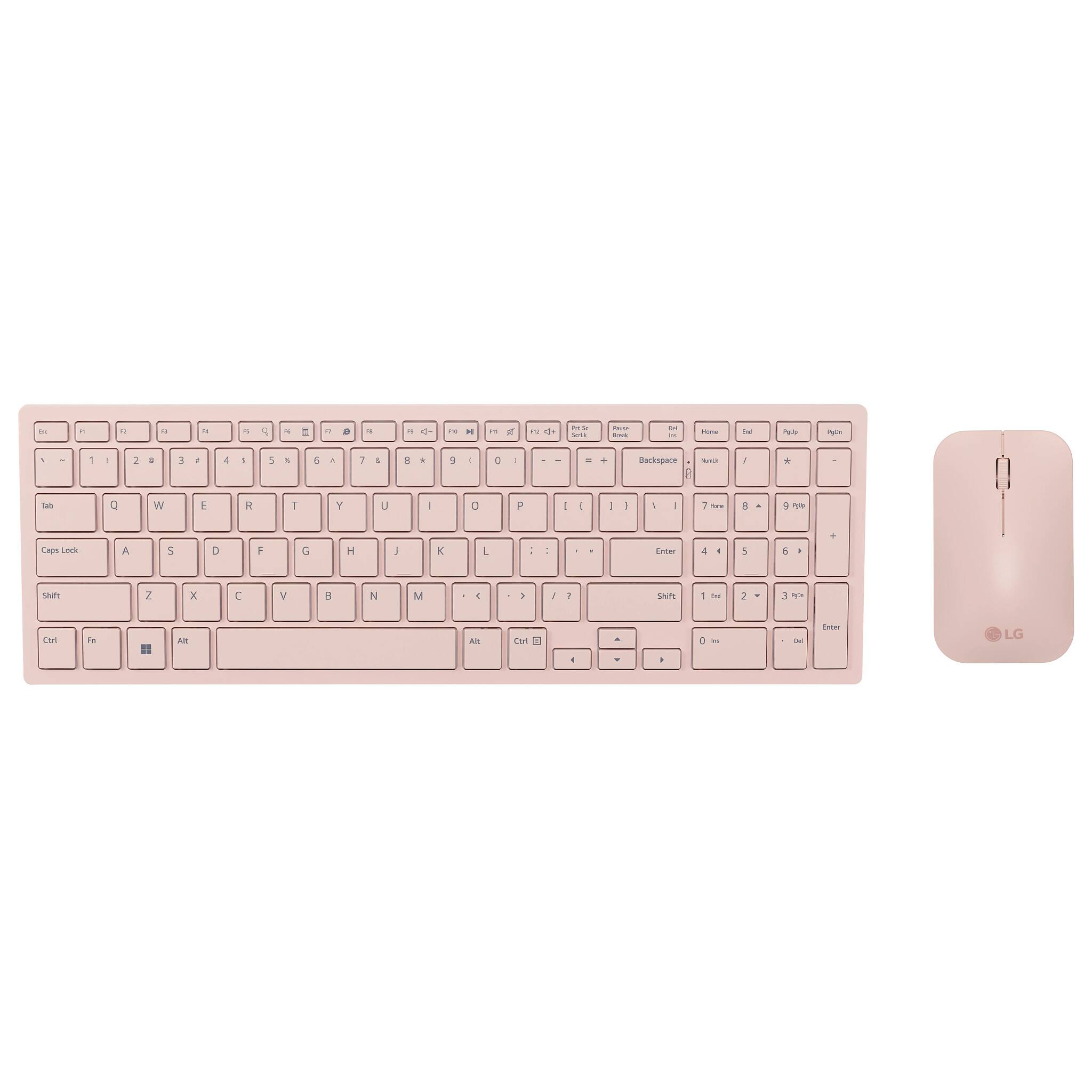
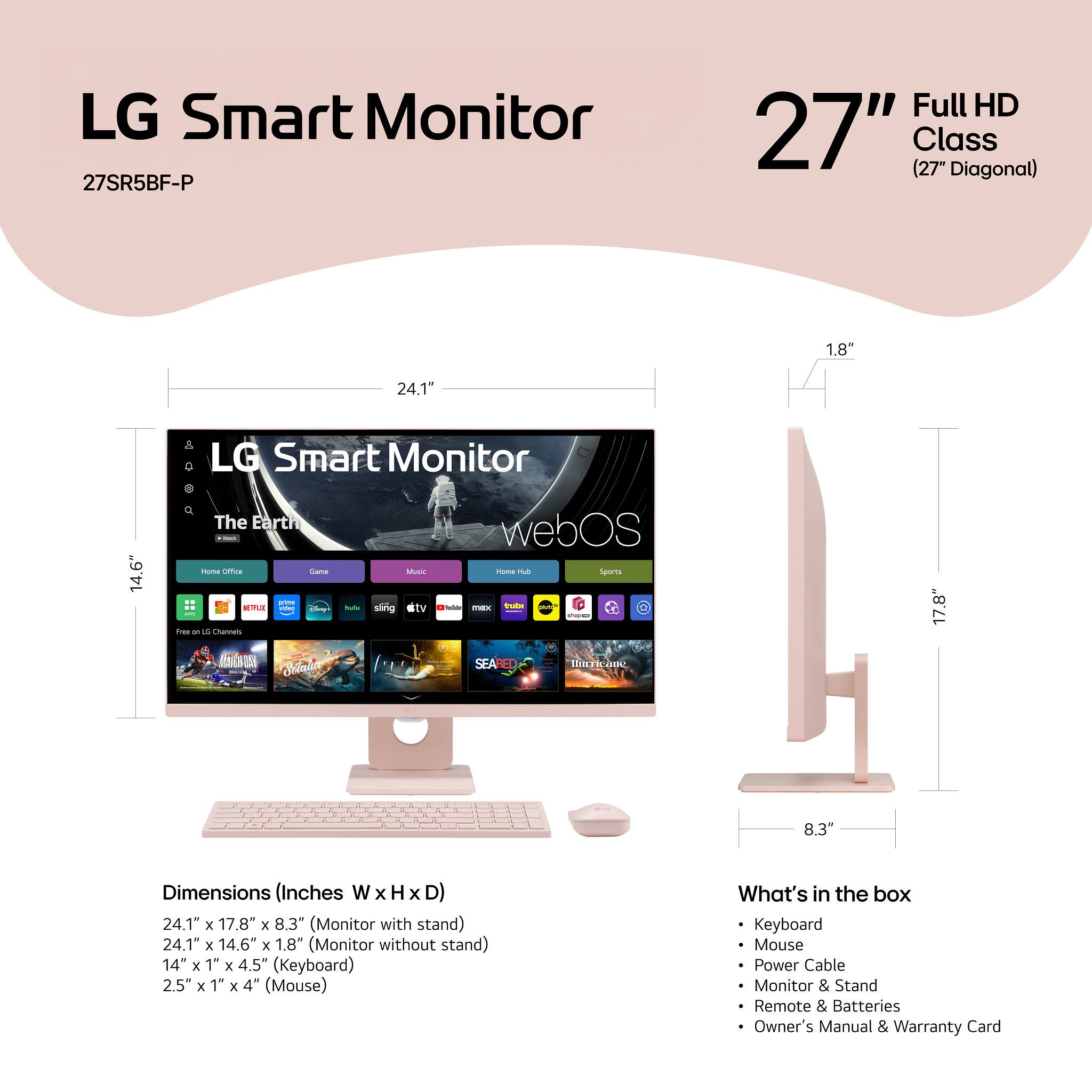
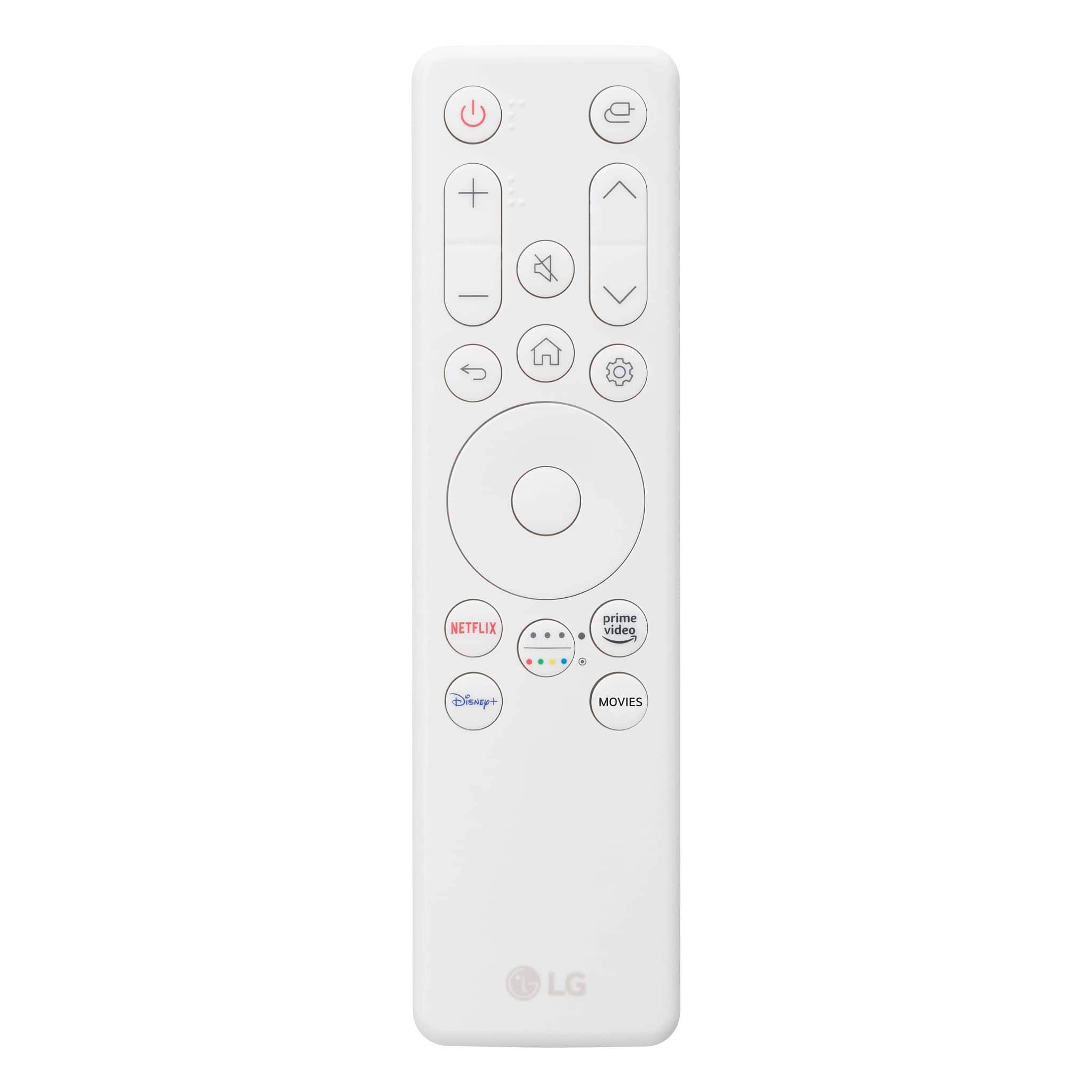
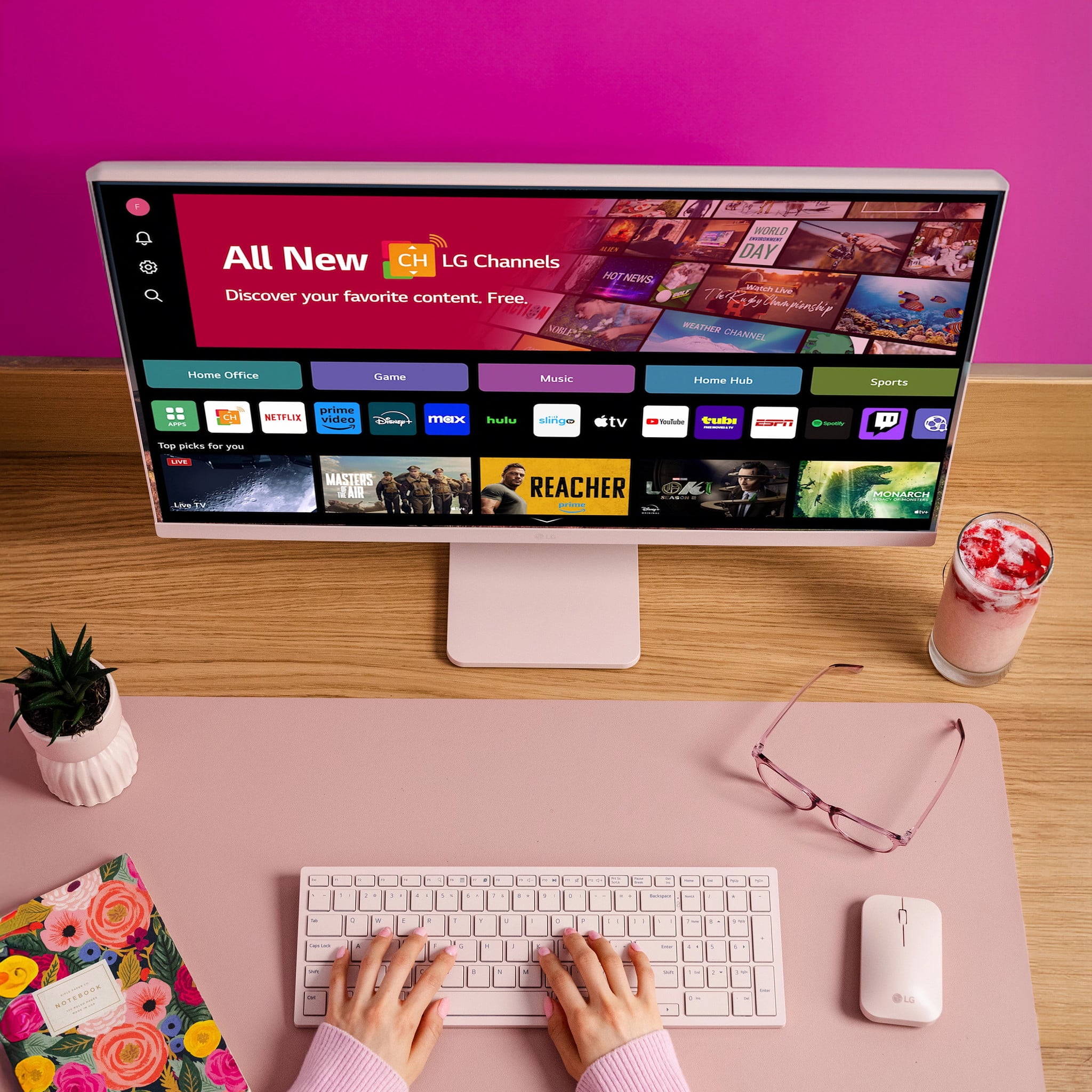
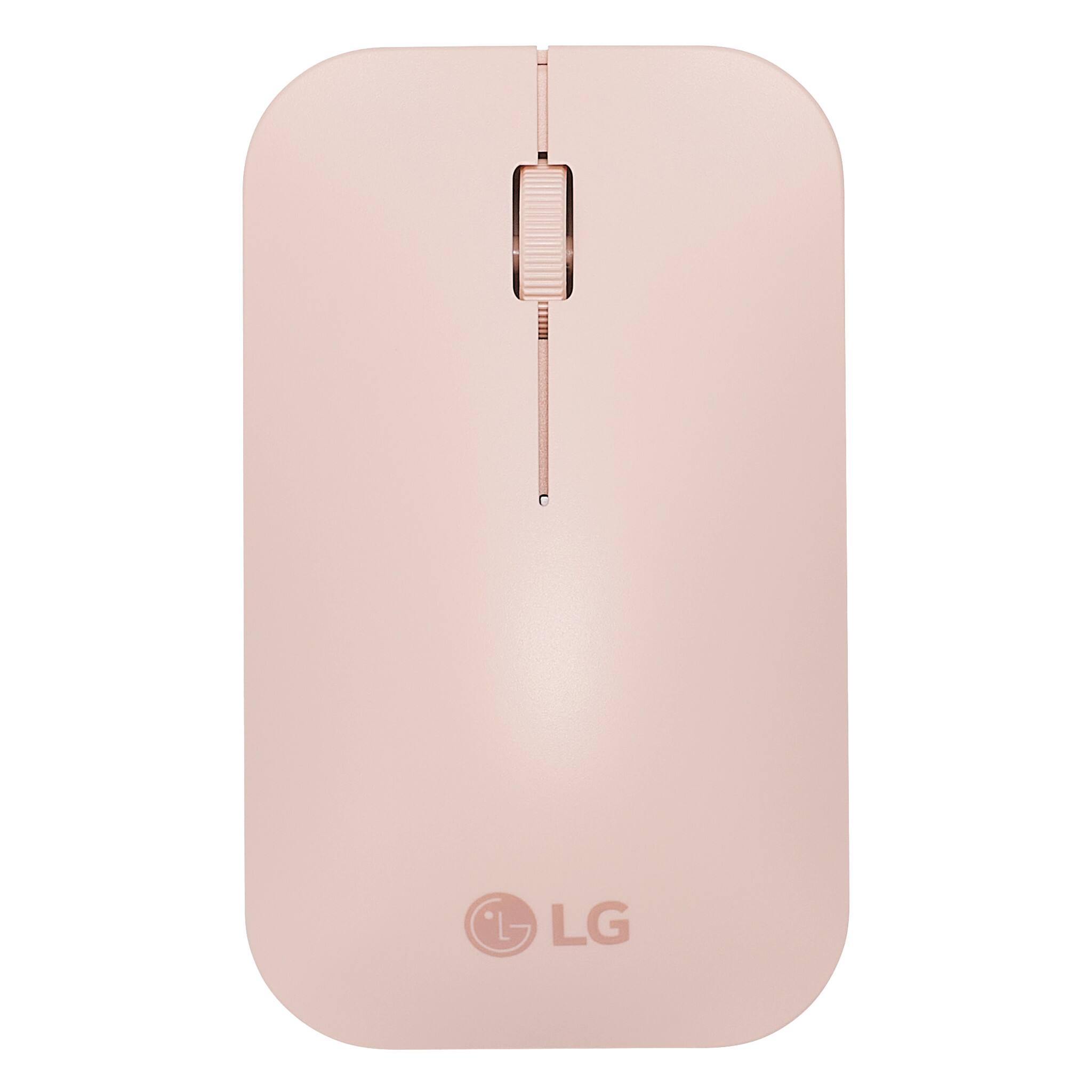
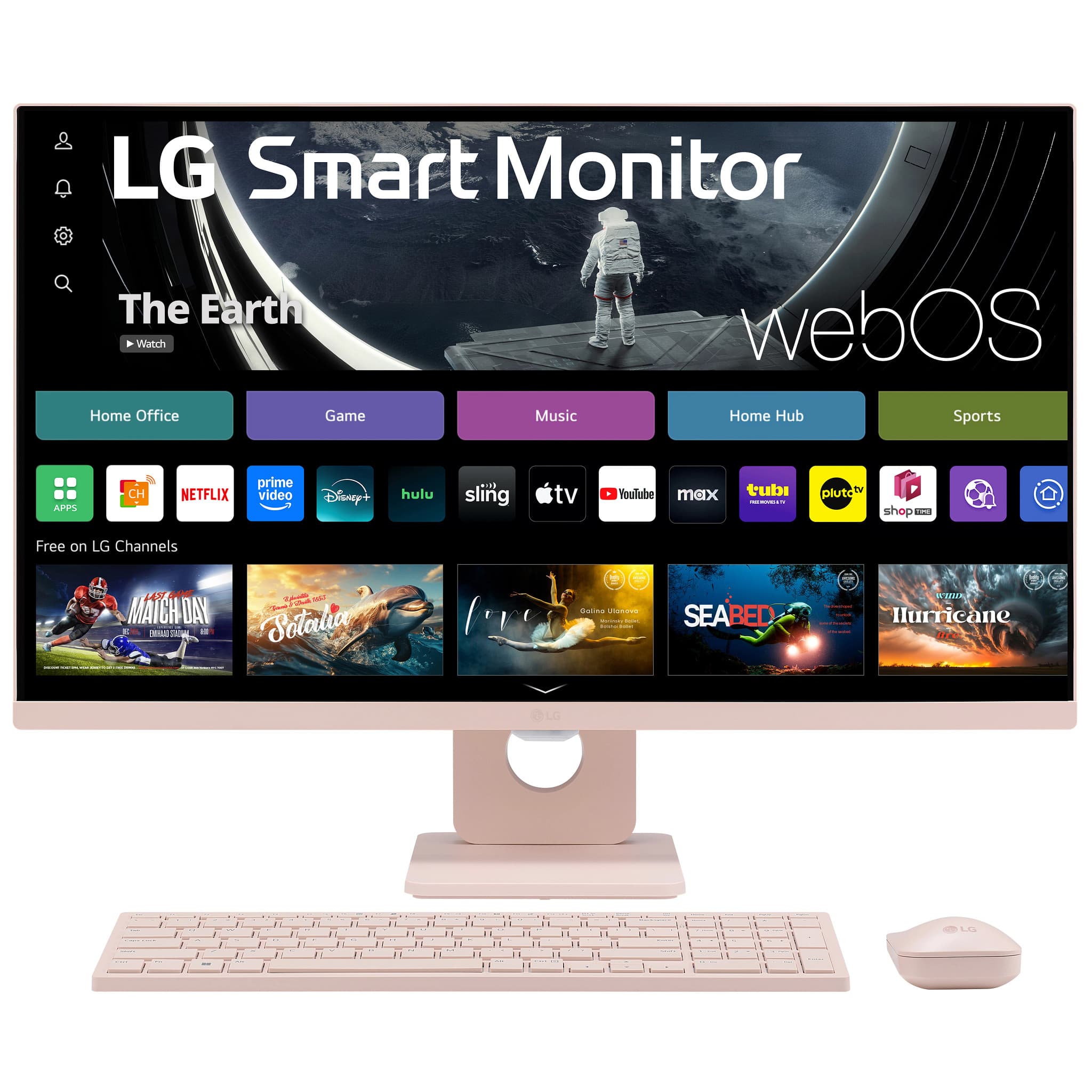
- A:Answer Hello there! We understand you're asking about what comes with the LG 27SR5BF-P Smart Monitor and if additional parts are needed for use. The monitor comes with the following accessories: HDMI Cable Wireless Keyboard (Pink) Wireless Mouse (Pink) Remote Control Stand With these accessories included, you can set up and start using the monitor right away, including connecting to the internet and using smart features. No additional parts are necessary for the basic functionality. https://www.lg.com/us/monitors/lg-27sr5bf-p-smart-monitor#pdp_specs If you need any more details or have specific questions, feel free to send a private message to @LGUSSupport! —Renzo
Answered by LG Digital Customer Care

Q: QuestionJust want to confirm if this unit comes with only one USB dongle for Keyboard and mouse?
Asked by Jhon.
- A:Answer Hi there, Jhon. Thank you for reaching out with your question about the LG Smart Monitor, model 27SR5BF-P. We understand that you’re looking for clarity on the accessories. This unit does include a wireless keyboard and mouse, along with a single USB dongle for connecting both devices to the monitor. This ensures a convenient setup, allowing you to use both accessories seamlessly with just one connection. https://www.lg.com/us/monitors/lg-27sr5bf-p-smart-monitor#pdp_specs If you have more questions or need further assistance, please send us a private message on social media @LGUSSupport, and we’ll be glad to help. —Renzo
Answered by LG Digital Customer Care

Q: QuestionIs this monitor compatible with a HP laptop?
Asked by KP.
- A:Answer Hello there! Thank you for your inquiry about the compatibility of the LG 27SR5BF-P Smart Monitor with your HP laptop. We understand how important it is to ensure your devices work well together! Yes, this monitor is compatible with HP laptops! It features two HDMI ports, allowing you to connect your laptop easily. Additionally, the monitor supports various functionalities, including built-in streaming apps like Netflix and Disney+, along with Apple AirPlay 2 for casting from iOS or MacOS devices. https://www.lg.com/us/monitors/lg-27sr5bf-p-smart-monitor#pdp_specs If you have any more questions or need further assistance with your setup, feel free to reach out to us on social media at @LGUSSupport. We're here to help! —Renzo
Answered by LG Digital Customer Care

Q: QuestionWill I be able to connect my iPad Pro 13inch to the monitor?
Asked by LGwizArd.
- A:Answer Hello there! Thank you for your inquiry about the LG 27SR5BF-P Smart Monitor. We understand that you want to connect your iPad Pro 13-inch to the monitor. You can indeed connect your iPad Pro to the LG 27SR5BF-P Smart Monitor. With Apple AirPlay 2 support, you can wirelessly cast and mirror content from your iPad directly to the monitor, making it easy to share your screen without any cables. Additionally, if you prefer a wired connection, you can use an appropriate adapter to connect via one of the monitor's HDMI ports. https://www.lg.com/us/monitors/lg-27sr5bf-p-smart-monitor#pdp_specs If you have any further questions or need additional assistance, please send us a private message on Social Media @LGUSSupport, and our team will be more than happy to help you. We appreciate your patience! —Renzo
Answered by LG Digital Customer Care

Q: QuestionWill this monitor work with an Apple MacBook Pro 16" Laptop - M2 Pro chip?
Asked by Grace101.
- A:Answer Great question, Grace! If your MacBook supports connectivity via HDMI, you should have no problems connecting up to this LG Smart Monitor. If you have any other questions, connect with us on social media @LGUSSupport. We'll be happy to help! *Joseph
Answered by LG Digital Customer Care

Q: QuestionCan you play roblox without connecting it to a different laptop or does it have to be connected to a laptop
Asked by Anonymous.
- A:Answer Hi there. Thank you for your question about the 27SR5BF-P.AUS monitor. We understand that you’re interested in playing Roblox directly on the monitor without connecting it to a laptop. The 27SR5BF-P.AUS is a monitor and does not have built-in capabilities to run games like Roblox independently. It needs to be connected to a computer or other compatible device that can run the game. The monitor will display the content from the connected device, but the game itself must be run on that device. To play Roblox, you’ll need to connect the monitor to a laptop or desktop computer that meets the game's system requirements. Once connected, you can run Roblox on the computer, and the monitor will serve as the display. If you have any more questions or need further assistance, please send us a private message on Social Media @LGUSSupport. We’re here to help! —Renzo
Answered by LG Digital Customer Care

Q: QuestionCan I connect my laptop to this monitor wireless?
Asked by AntRiley.
- A:Answer Hello there. The 27SR5BF-P monitor does not support wireless connectivity for laptops. To connect your laptop to this monitor, you will need to use a wired connection, such as an HDMI cable. If you have any more questions or need assistance with setup, please send us a private message on social media @LGUSSupport. We’re here to help! —Junel
Answered by LG Digital Customer Care

Q: QuestionDoes this monitor have Bluetooth?
Asked by Rizzy.
- A:Answer Yes, it has Bluetooth input and output capabilities. You can send audio from your phone to the monitor, and you can connect Bluetooth earbuds, headphones or a speaker to the monitor for audio output. The native speakers are poor so you’ll want to use some kind of external speakers.
Answered by K8eee
Q: QuestionIs this monitor compatible with a MacBook Air? Would I just use a USB-C to an HDMI chord to connect them? Will it charge my MacBook while in use?
Asked by Ehen03.
- A:Answer Hello there! Thank you for your question about the 27SR5BF-P.AUS monitor. This monitor is compatible with a MacBook Air, but you will need a USB-C to HDMI adapter or cable to connect them, as the monitor does not have a USB-C input. Please note that while the monitor will handle the display, it will not charge your MacBook Air during use. For charging, you will need to use the MacBook's power adapter. For more details, refer to the product specifications on the LG website. https://www.lg.com/us -Junel
Answered by LG Digital Customer Care

Q: QuestionIs this a windows. 11
Asked by Jo.
- A:Answer Thank you for reaching us regarding LG Monitor. Yes, the LG 27SR5BF-P is a smart monitor that is compatible with Windows 11. You can download its owner's manual through this link for more information: https://www.lg.com/us/support/product/lg-27SR5BF-P.AUS. For additional assistance, please reach out to us on social media @LGUSSupport so we can help you further. ^Cris
Answered by LG Digital Customer Care

Q: QuestionThank you Mr. or Mrs. LG. Is compatible with HP Newest Premium Desktop, AMD Ryzen 5 5600G Processor, 16 GB RAM, 1 TB SSD Storage, Windows 11 Home, High Speed Performance, Computer, 8 USB Ports, for Business, Study, Videos, and Gaming?
Asked by LostandConfused.
- A:Answer Hello, there. Thank you for your question about the compatibility of the LG 27SR5BF-P monitor with your HP Newest Premium Desktop. This monitor is designed to be compatible with a wide range of systems, including those with an AMD Ryzen 5 5600G processor, 16 GB RAM, and 1 TB SSD storage. For optimal performance, make sure your desktop has the necessary ports (HDMI, DisplayPort, etc.) to connect to the monitor. If you have any more questions or need further assistance, please send us a private message on our social media platform via @LGUSSupport, and our team will be happy to help. We appreciate your interest in LG products. ^Sam
Answered by LG Digital Customer Care

Q: QuestionIs this mean to be hooked up to a desktop tower???
Asked by LostandConfused.
- A:Answer Yes
Answered by Customer
Most-viewed items
- Black Friday Deal$209.99Your price for this item is $209.99
- Black Friday Deal$104.99Your price for this item is $104.99
- Black Friday Deal$86.99Your price for this item is $86.99
- Black Friday Deal$259.99Your price for this item is $259.99
- Black Friday Deal$99.99Your price for this item is $99.99
- Black Friday Deal$219.99Your price for this item is $219.99
- Black Friday Deal$279.99Your price for this item is $279.99
- Black Friday Deal$179.99Your price for this item is $179.99
- Black Friday Deal$79.99Your price for this item is $79.99
- Black Friday Deal$149.99Your price for this item is $149.99
- $279.99Your price for this item is $279.99$499.99The comparable value for this item is $499.99
- $1,599.99Your price for this item is $1,599.99
- Black Friday Deal$114.99Your price for this item is $114.99
- $69.99Your price for this item is $69.99$159.99The comparable value for this item is $159.99
- $169.99Your price for this item is $169.99$249.99The comparable value for this item is $249.99
- Black Friday Deal$89.99Your price for this item is $89.99
- Black Friday Deal$99.99Your price for this item is $99.99
- $139.99Your price for this item is $139.99$179.99The comparable value for this item is $179.99
- Black Friday Deal$129.99Your price for this item is $129.99
- Black Friday Deal$99.99Your price for this item is $99.99