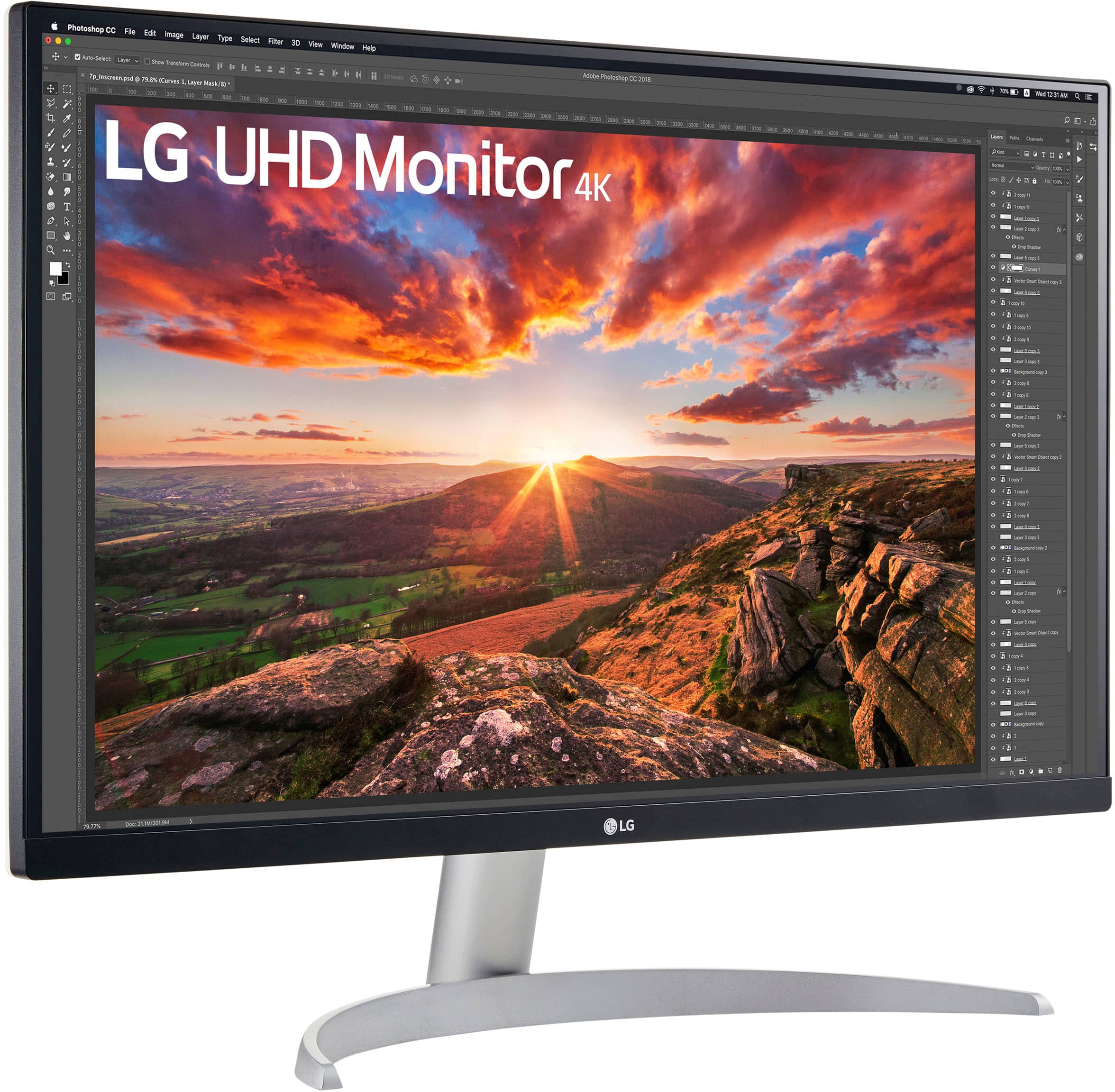
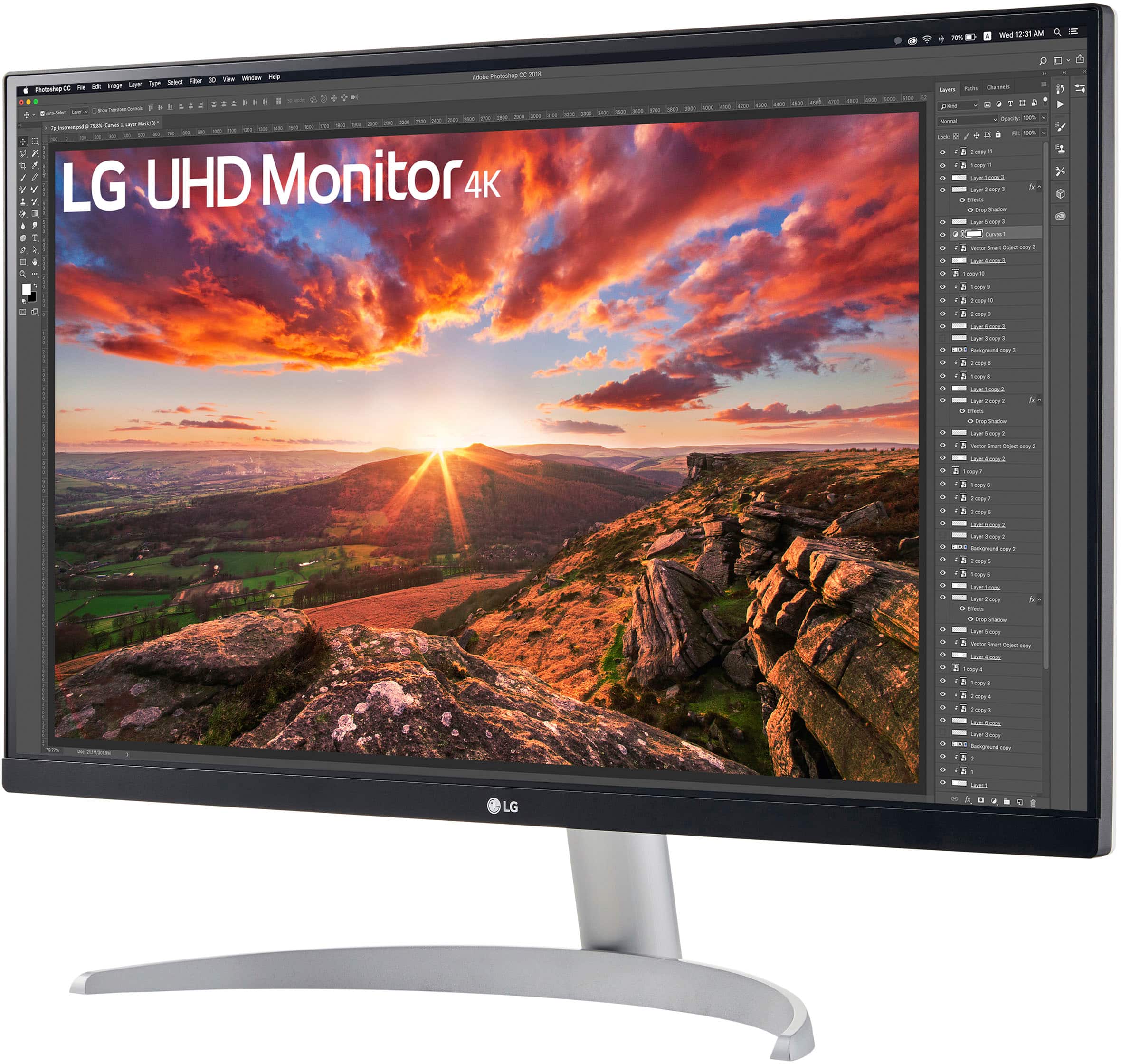
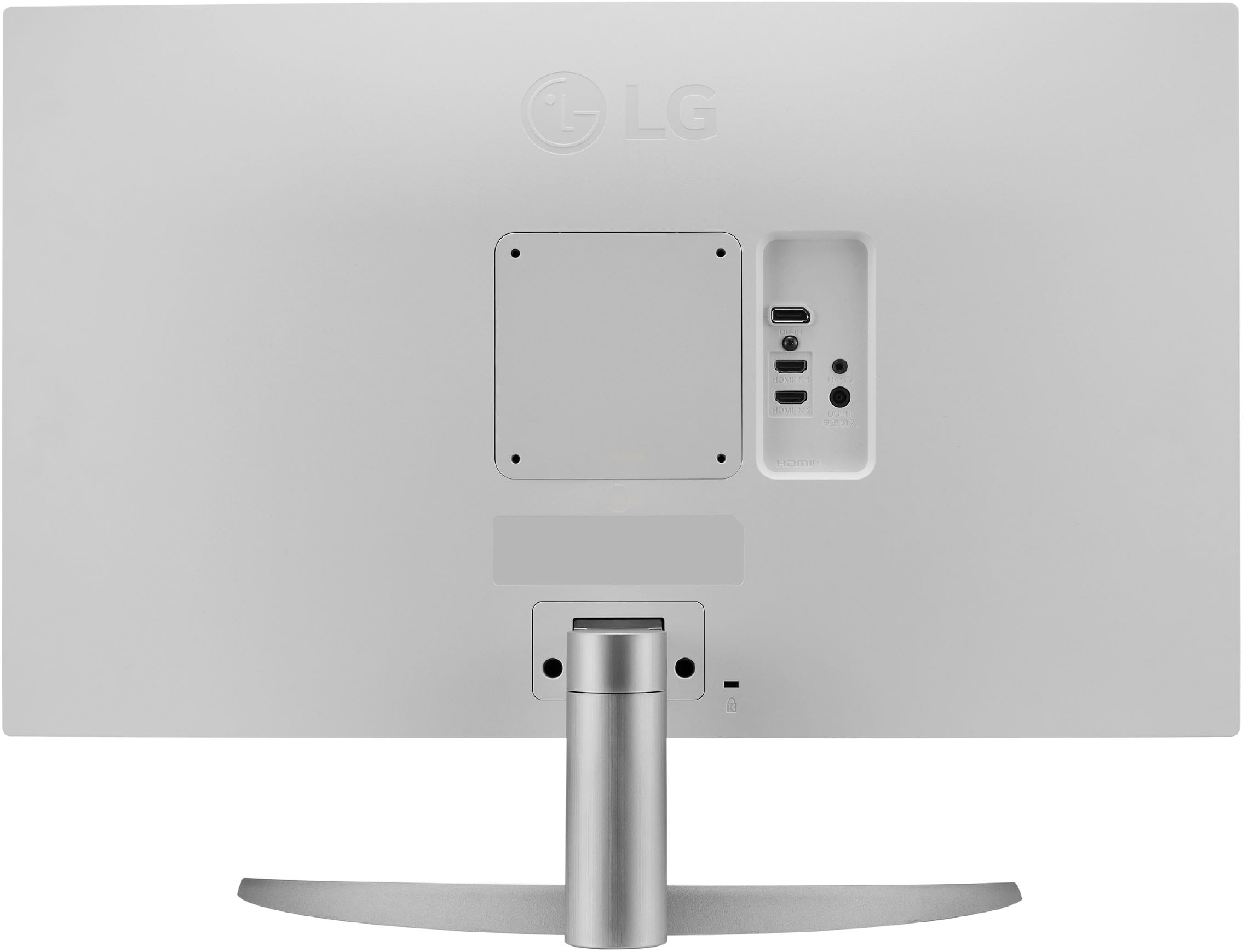
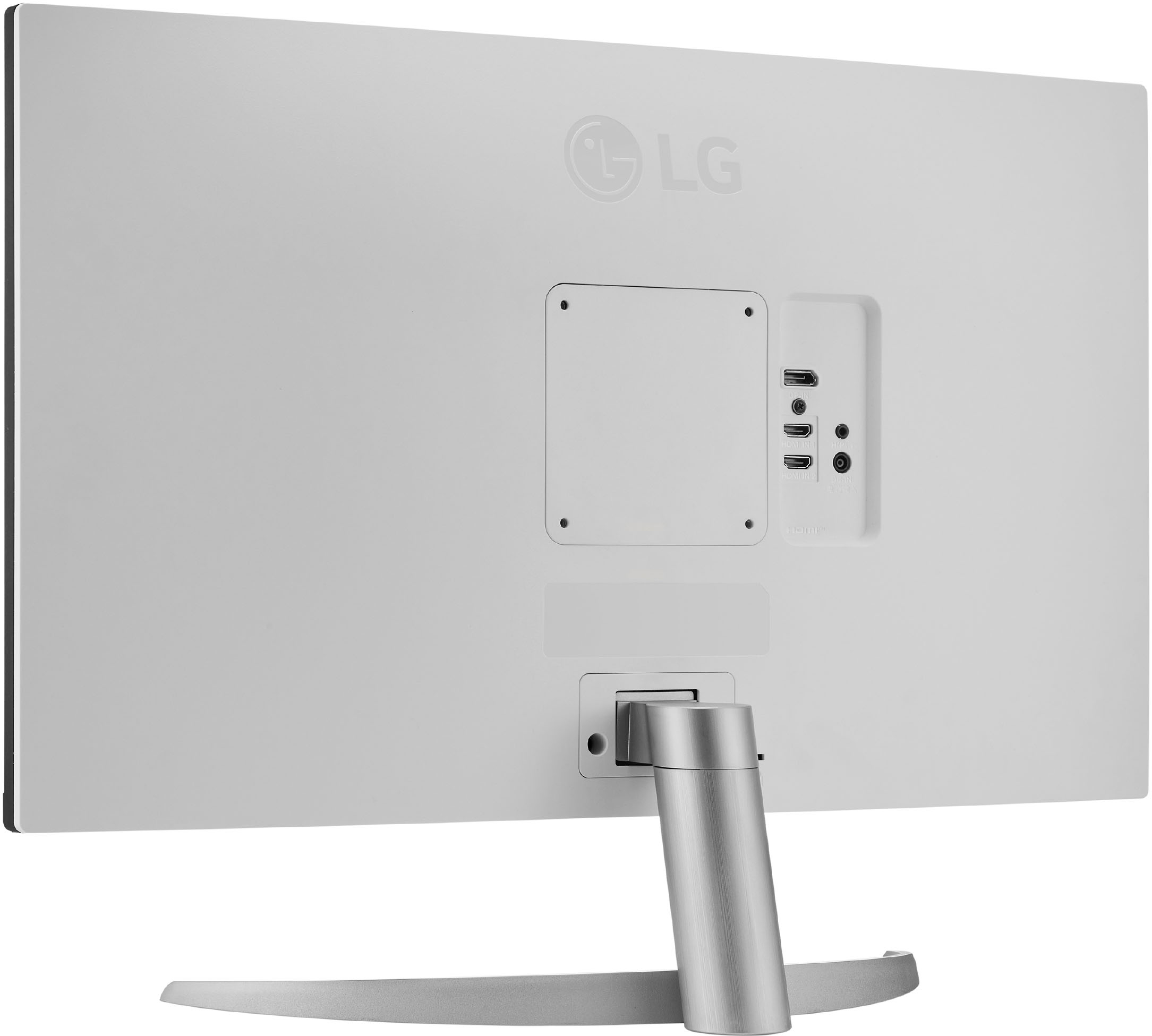
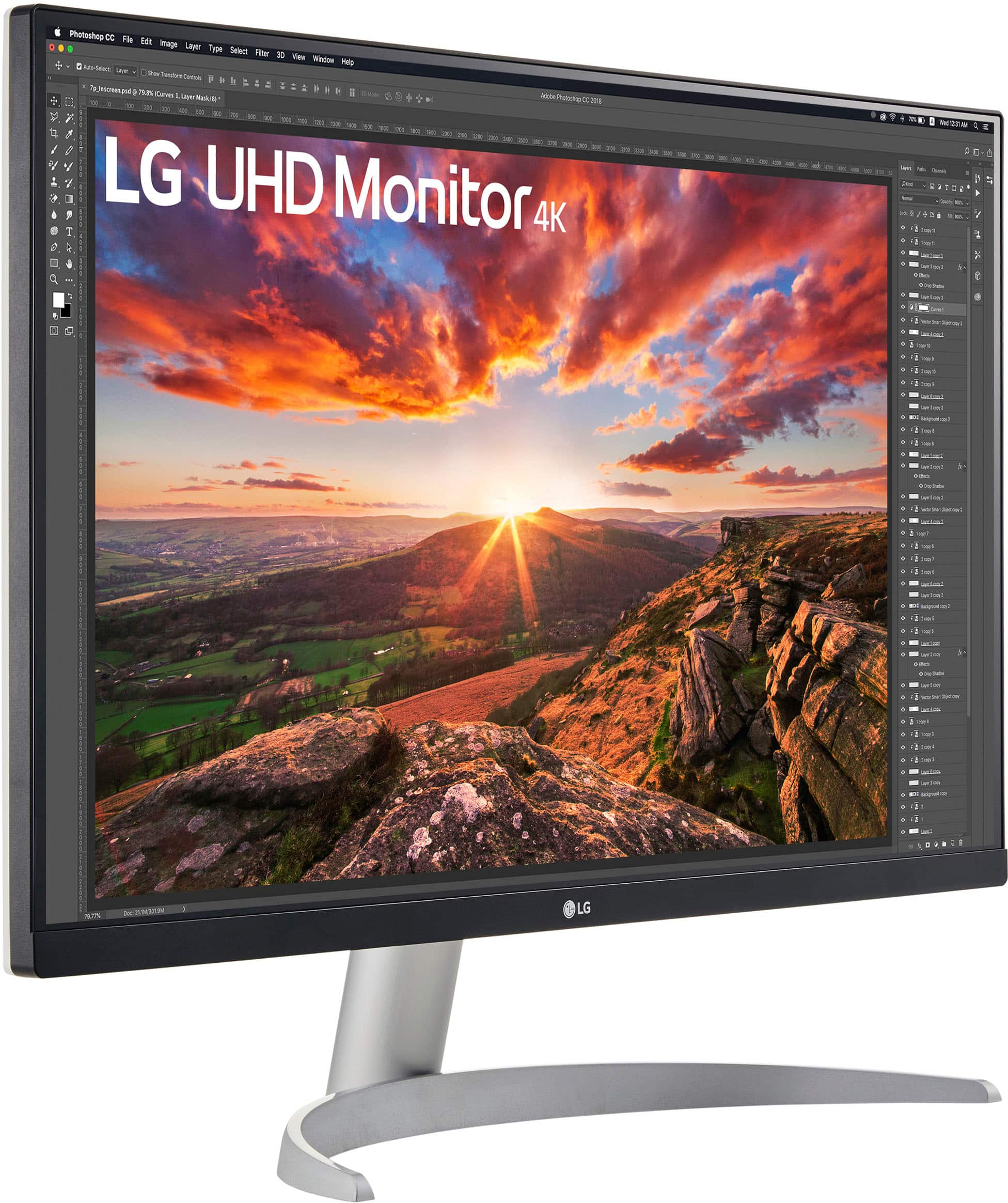
A:AnswerThank you for reaching us regarding LG Monitor. The LG 27UP600-W 27" 4K UHD IPS Monitor does have the Reader Mode feature. You can download its owner's manual through this link for more information: https://www.lg.com/us/support/product/lg-LRFXS2503D.ASBCNA0. For additional assistance, please reach out to us on social media @LGUSSupport so we can help you further. ^Cris
A:AnswerHi there. Thank you for reaching out about the LG 27UP600-W.AUM monitor. We understand your concerns regarding reliability and reviews.
As of now, there hasn't been an official recall for the 27UP600-W.AUM model. The variability in user reviews can stem from various factors, including individual experiences and specific usage conditions. If there are recurring issues reported by users, LG typically investigates and addresses these concerns through firmware updates or product improvements.
For any known issues or ongoing fixes, we recommend checking the LG support website or contacting LG directly for the latest information. If you’re experiencing problems with your monitor or have specific concerns, please send us a private message on social media @LGUSSupport. We’re here to help and provide the necessary support.
—Renzo
A:AnswerThank you for your interest in the LG Monitor. Yes, you can connect a Roku device to one of the HDMI ports on the LG 27UP600-W TV and stream using your home Wi-Fi. You can download its owner's manual through this link for more information: https://www.lg.com/us/support/product/lg-27UP600-W.AUS For additional assistance, please reach out to us on social media @LGUSSupport so we can help you further. ^Cris
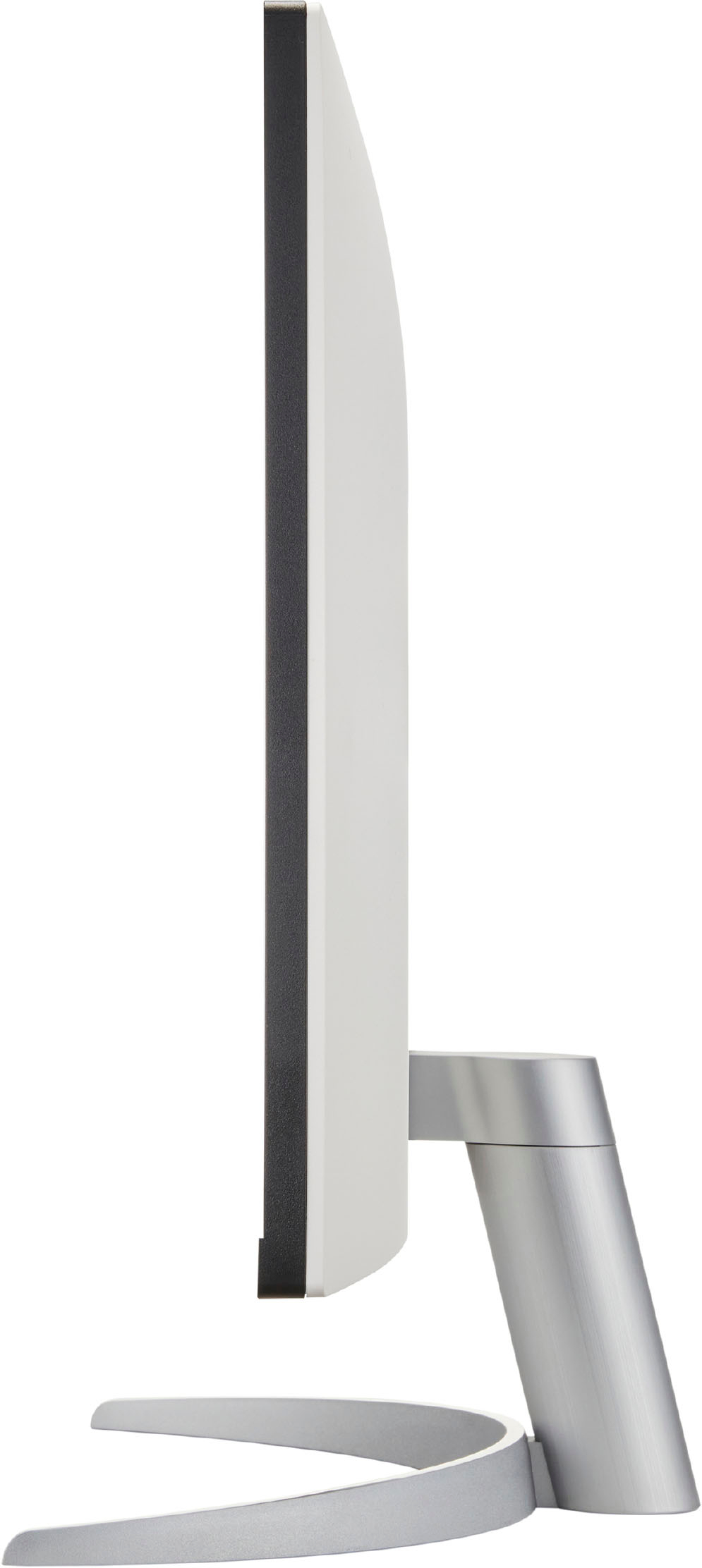
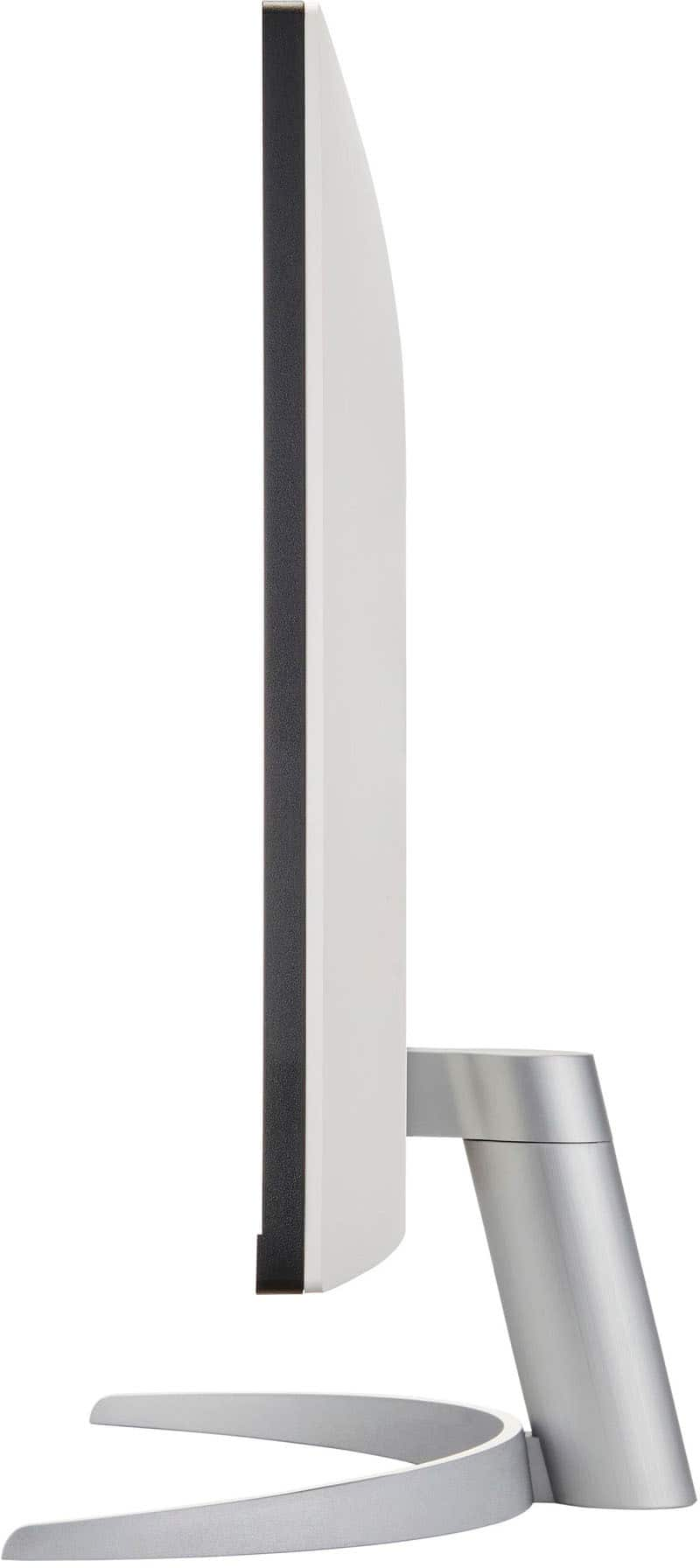
A:AnswerThank you for your interest in the LG Monitor (27UP600-W) model. The width of the LG 27UP600-W monitor with the stand is 613.5 mm, which is 24.15 inches. Therefore, it will not fit on a stand that holds a monitor up to 13.5 inches wide. You would need a stand that can accommodate a monitor over 24 inches wide. You can download its owner's manual through this link for more information: https://www.lg.com/us/support/product/lg-27UP600-W.AUS. ^Cris
A:AnswerHi there, Annie! Thank you for your question about connecting the 27UP600-W.AUM monitor to your Mac Mini for a dual-screen setup. Yes, you can absolutely connect two monitors to your Mac Mini to create a dual-screen configuration! To do this, you’ll need to ensure that your Mac Mini has the appropriate ports available for both monitors.
If your Mac Mini has multiple Thunderbolt or HDMI ports, you can directly connect each monitor using the respective cables. If you’re using a Mac Mini model with limited ports, you may need an adapter to connect the second monitor. It’s essential to verify that both monitors support the resolution and refresh rate you desire for optimal performance.
If you have any further questions or need assistance with the setup, please feel free to send us a private message on Social Media @LGUSSupport. We're here to help with any additional information you may need. Thank you for choosing LG!
—Avril
A:AnswerHello there, Jimm. Thank you for your question about the 27UP600-W.AUM monitor! Yes, you can use your wireless Dell keyboard and mouse with the Mac Mini M2. The monitor is compatible with various devices, and the Mac Mini will recognize your wireless peripherals as long as they are connected properly via Bluetooth or the appropriate USB receiver.
If you have any further questions or need assistance with anything else, please feel free to send us a private message on Social Media @LGUSSupport, and we’ll be happy to help.
We appreciate your patience and look forward to assisting you!
—Avril
A:AnswerThank you for your interest in the LG 27UP600-W.AUM model. The LG 27UP600-W.AUM monitor is compatible with the Surface Pro 7. The Surface Pro 7 is equipped with a USB-C port, which supports display output. The LG 27UP600-W.AUM monitor also features a USB-C port, which can be used to connect to the Surface Pro 7. You can download its owner's manual through this link for more information: https://www.lg.com/us/support/product/lg-27UP600-W.AUM. ^Cris